
















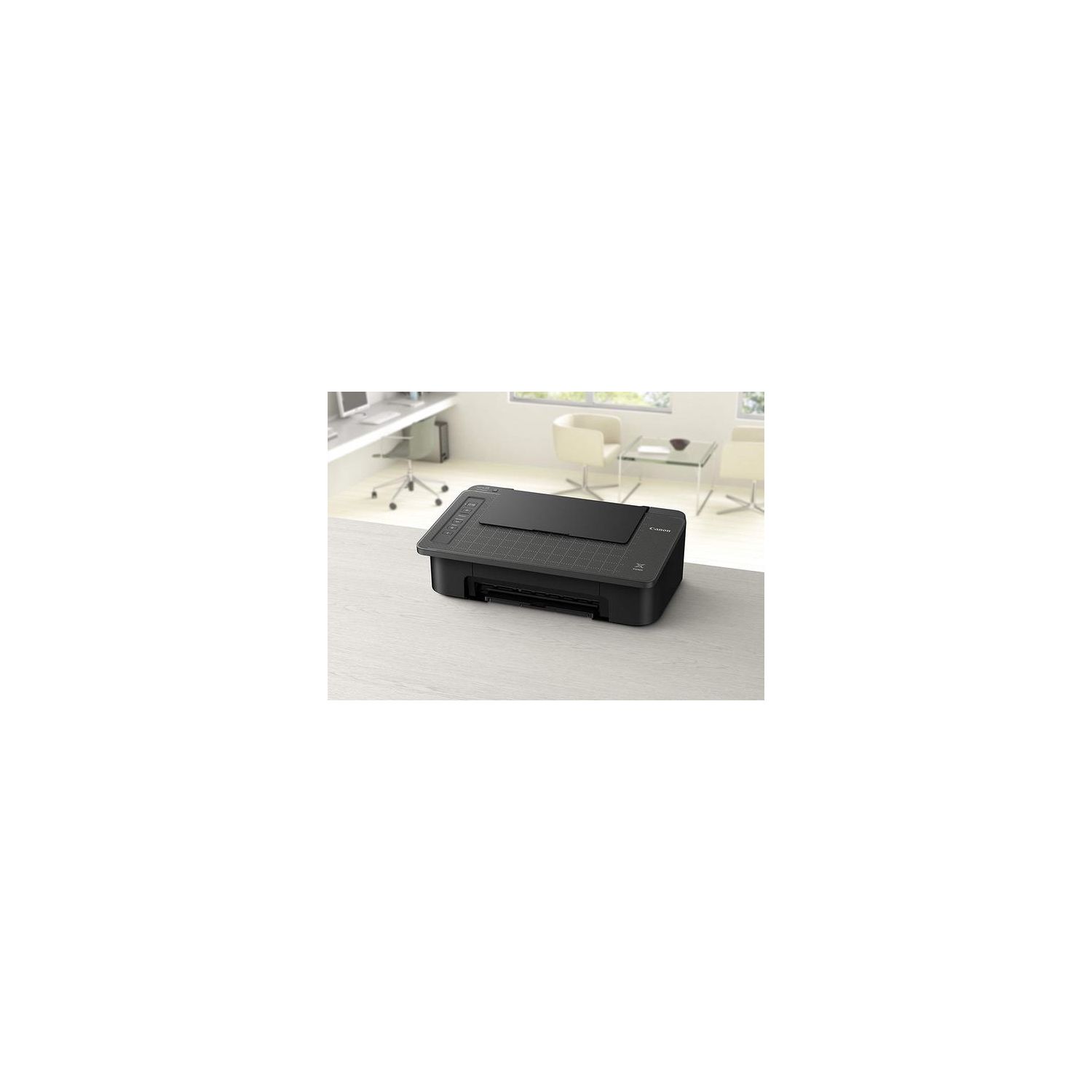
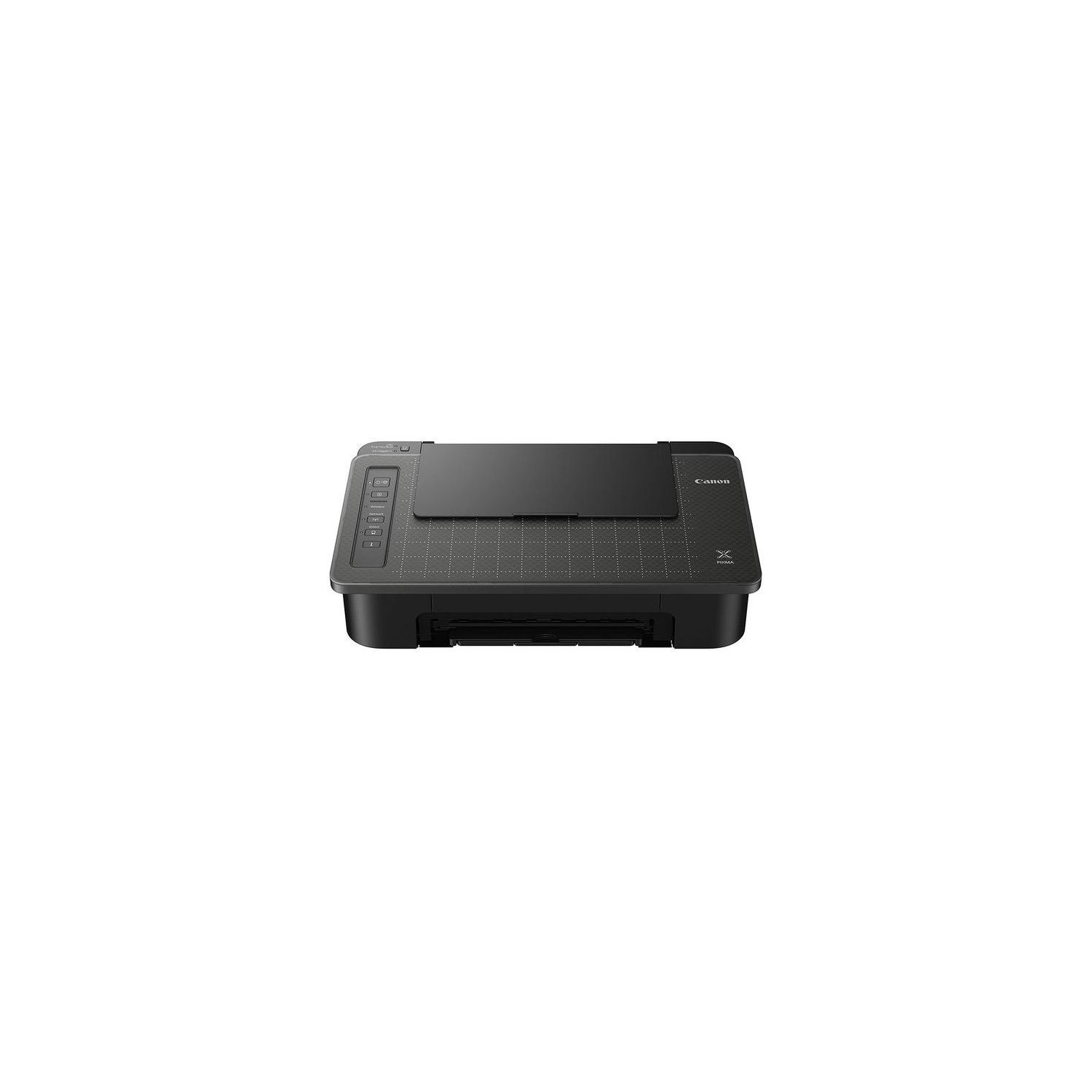
Canon TS302 Wireless Inkjet Printer, Black (2321C002)
Write a review
3047 3906

Canon TS302 Wireless Inkjet Printer, Black (2321C002)

Write a review
B078X1BD8C
+
Add to wish list
Target is a general merchandise retailer with stores in all 50 states and the District...

City: US, New York

Delivery
Pickup at your own expense
Tomorrow from 09:00 to 20:00, Store location
Free
Payment options
Apple Pay Google Pay Mastercard Visa
Cash, bank card, credit/installment payments, cashless payment for legal entities
Warranty and returns
Exchange/return of products of proper quality within 14 days Official manufacturer's warranty: 12 months
Features
Connectivity Technology
Wi-Fi
Item Dimensions
17 x 11.1 x 5.7 in
Item Weight
6.5 lbs
Operating System
  • Windows, Mac
Printer Output
Color
Printer Technology
Inkjet
Wireless Type
Description
  • Scan and copy documents with smartphone copy using the Canon Print app.
  • Scan and copy documents with smartphone copy using the Canon Print app.
  • With AIRPRINTTM, its easy to print right from your iPhone, iPad and Mac
Reviews
3.7
Reviews: 20
5 stars
45%
4 stars
20%
3 stars
5%
2 stars
15%
1 star
15%
Amazon Customer
4
If you are looking for an affordable printer to print every once in a while. It comes with one black and one color cardridge. It’s wireless, and I had almost no connectivity issues with Mac and Windows. However, if you are volume printing, I don’t recommend it at all. For ref, the black cardridge that came in the box lasted about 50-60 pages.
Pretty_Penny♡
4
Its a decent printer, but setup was a pain. I did like that it came with ink cartridges.
M Chandler
4
Great printer for the price. I do miss the copy/scan feature my old one had but you get what you pay for. Had trouble connecting wirelessly so just hooked up my old cord - still trying to get my phone to connect. And replacement ink cartridges are around $50 so figure that in if you print a lot.
InnocentBystander
4
There are some very mixed reviews here but thankfully I will be providing a positive one. I did not encounter nearly any of the problems others did, namely those with installation and connection. It came in a straight up Canon box, not an Amazon box which surprised me a little. So used to seeing that Amazon smirk on the side of a box but nope this was jsut a Canon printer box as if I’d gotten it from Best Buy or something. It was lightweight and the printer is lightweight.. super lightweight to me anyway. It had a bunch of little orange tape tabs to remove and whatnot. Installation: It comes w cd rom installation disk that I did not use as I have a MacBook Air and can’t use cds. I followed all the instructions for not using the cd. They give you a website to go to in order to connect computer to printer. No one else mentioned this but the website I went to was entirely in Japanese. Luckily the icons are generally universal and I was able to navigate the options regardless, but jsut in case it happens to you, don’t panic, it’s totally still doable. I followed each page of directions and went through the various setup screens with general ease. I put a WiFi password in wrong at one point but that was the only hiccup. It’s not the fastest setup on earth and things take time to load or search or connect but it was overall fairly uneventful and straightforward. After computer was connected, I did my phone and installed the canon selphy app. Also easy to do. I did test prints and everything worked. Printer comes with some low yield cartridges which is really nice. It also comes w some photo paper which is also nice but I’d have much rathered some printer paper instead, even if just 10 sheets. I am not in love w the top loader feature I prefer a bottom loader but beggars can’t be choosers and I was on a serious budget so a beggar I was. I’ll manage. The flat top portion is where you place a document you want to “scan”, although I would not call it scan. It is more like a copy feature. Clearly you can’t copy on this printer so if you’ve acquired a worksheet or something that you want to make several copies of, the “scan” feature using your phone will come in handy. I already use JotNot Pro app on my phone to scan docs and print them or email them to myself so this printer feature isn’t exactly novel to me, but I could see myself using it for one document that I want more copies of. I have included many pictures of setup, screenshots, etc; as well as a video of a good portion of the setup. I’d had more from the beginning but I got a telemarketing phone call from “Sri Lanka” in the middle of recording and it stopped my video. But the video I did get should be helpful. I am generally happy w the printer. I do prefer a white printer and very much wish this came in white. Cheap printers have horrible reviews so it was impossible finding one that people didn’t have a problem with. You have to weigh pros and cons and take the chance. This one had better reviews than other Pixmas. I had previously thought I didn’t need a desk area but realized I do and have since had fun creating a little office space for myself. It’s all still a work in progress. Update: The videos are not processing bc of their size and I can’t upload more than one. The desk in the pics is from Amazon, but is a Walmart product from Mainstays and was only $55, for those interested. I reviewed that product as well and I am right now the only review for it if you’re considering a cheap desk. Gold wire desktop document holders are from Walmart store. Hope this review was helpful, and that you too are someone who does not encounter any problems :)
Product variations
Column filling
Sort by Price Sort by Availability Sort by CODE
3047 3906
In stock
+
B078X1BD8C
You may be interested
  • Bestsellers
  • Recently Viewed
 
Fast and high quality delivery

Our company makes delivery all over the country

Quality assurance and service

We offer only those goods, in which quality we are sure

Returns within 30 days

You have 30 days to test your purchase