
















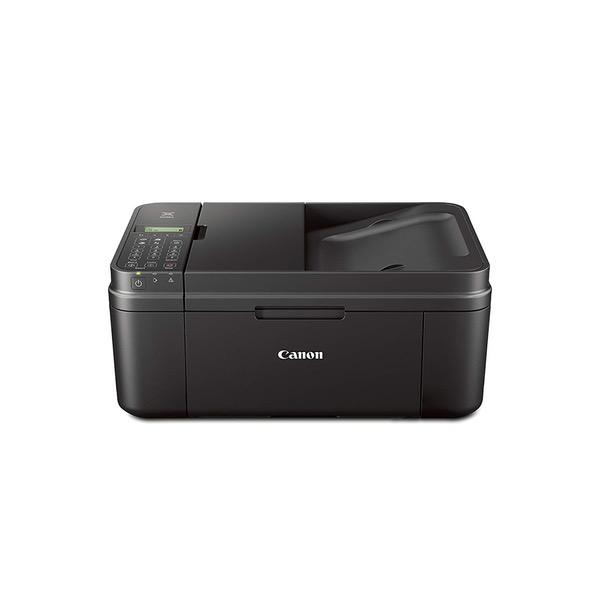
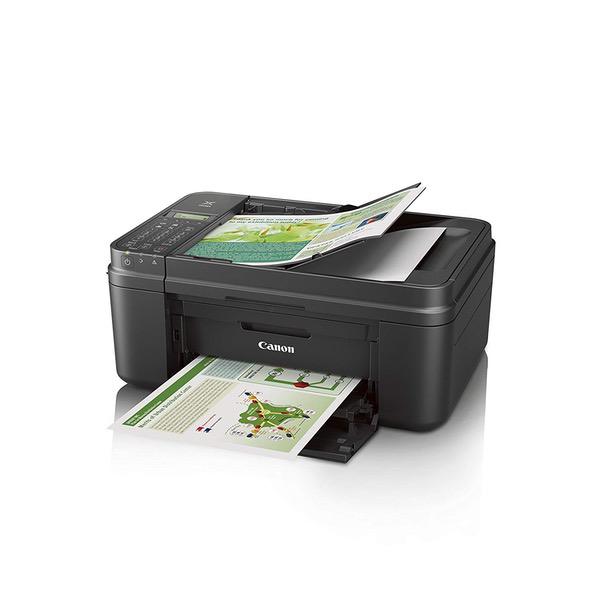
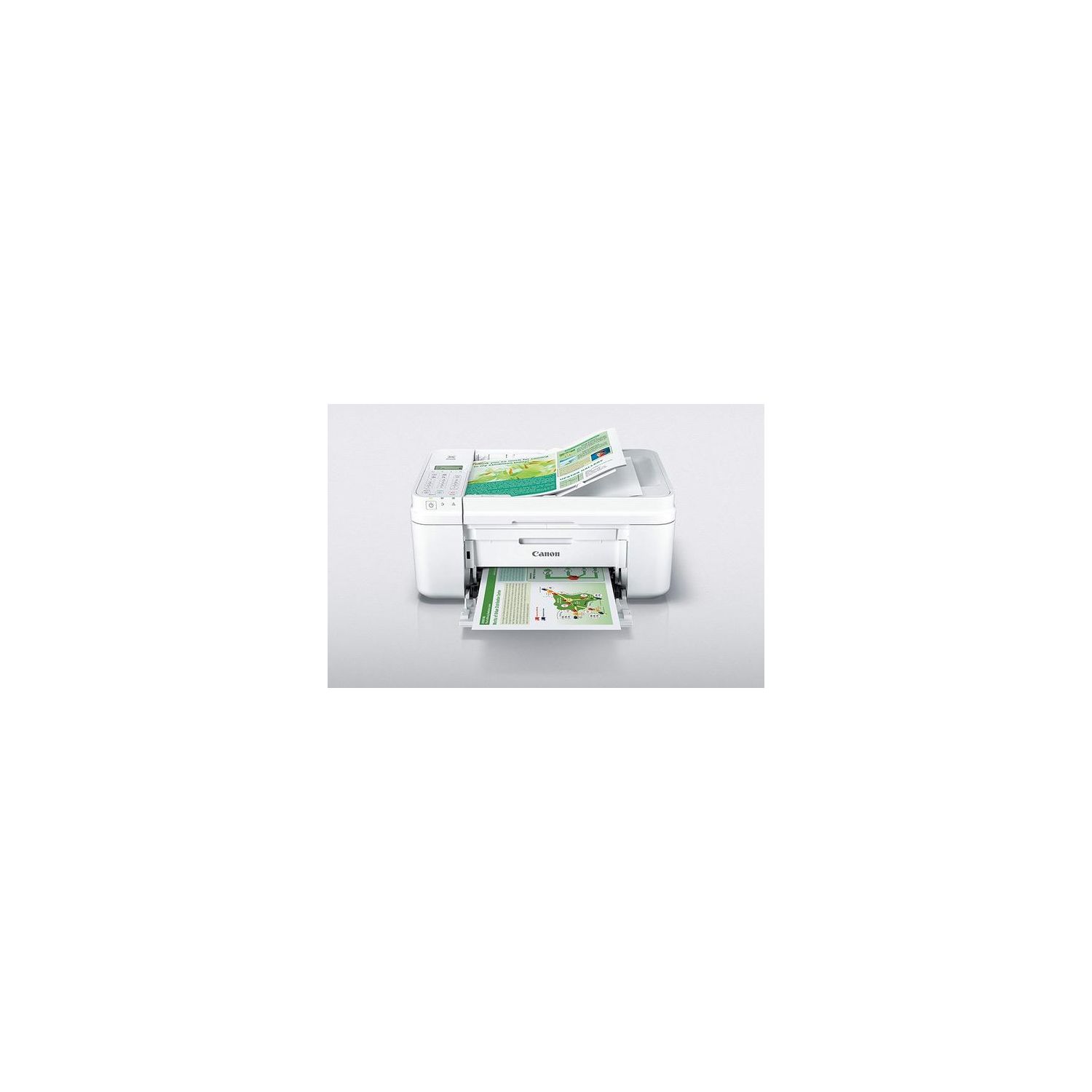
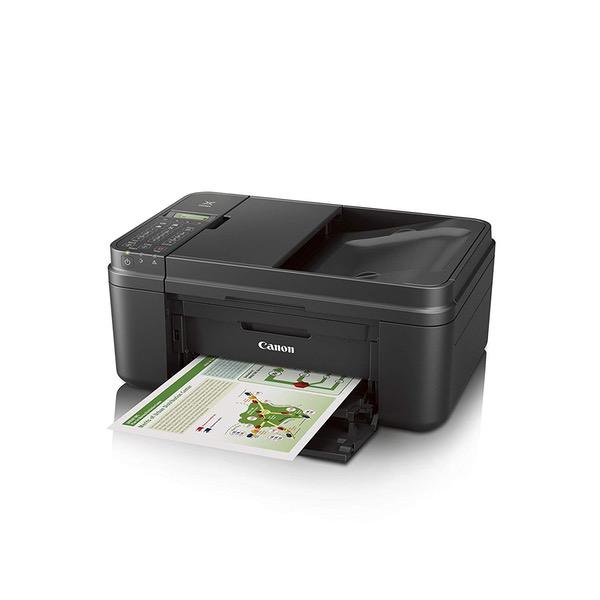
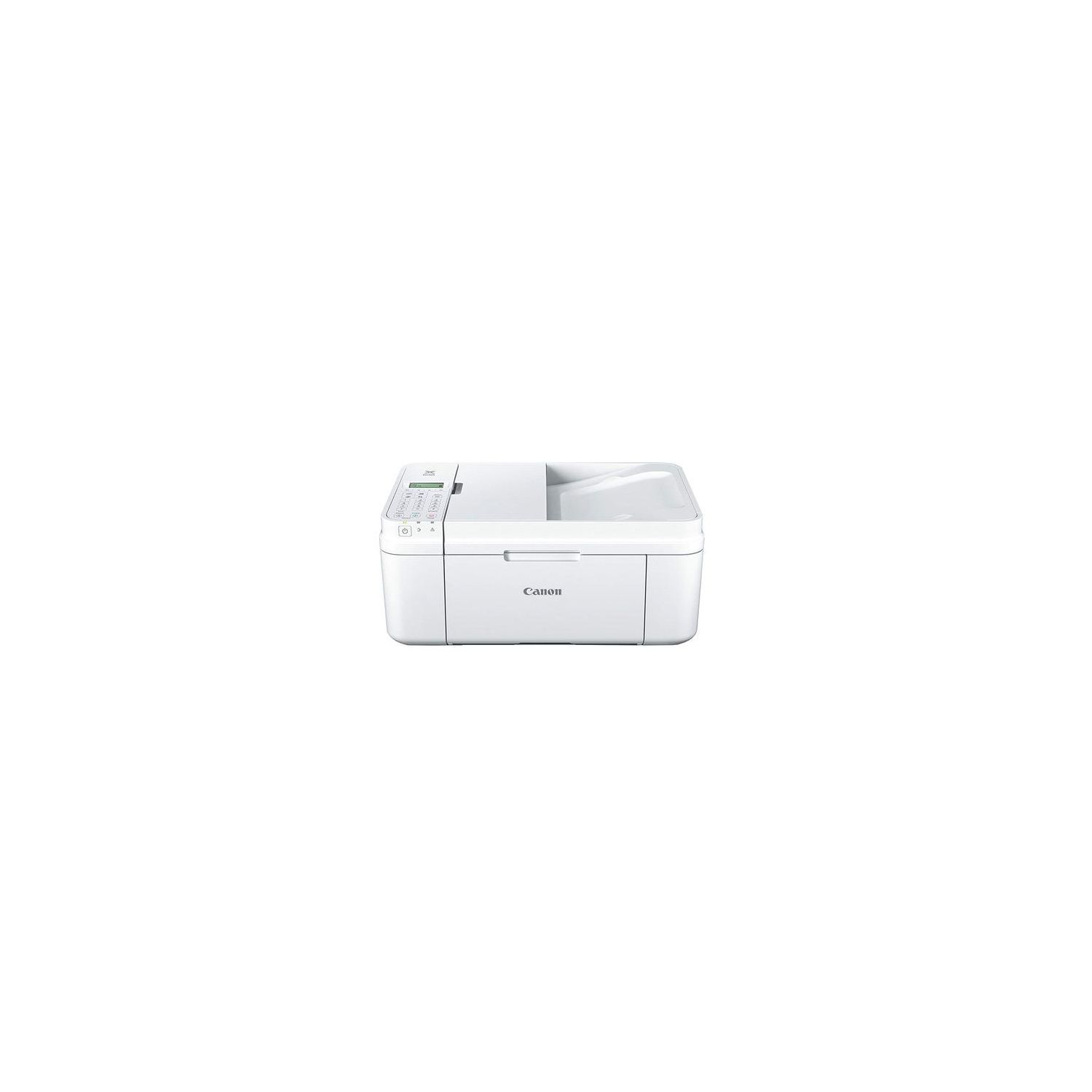
Canon PIXMA MX492, Wireless All-In-One Small Printer with Mobile or Tablet Printing, AirPrint and Google Cloud Print Compatible, White
اكتب تقييم
$‎ 9100 $‎ 14100

Canon PIXMA MX492, Wireless All-In-One Small Printer with Mobile or Tablet Printing, AirPrint and Google Cloud Print Compatible, White

اكتب تقييم
B00RN082CI
Printer
Target is a general merchandise retailer with stores in all 50 states and the District...

المدينة: US, New York

Delivery
Pickup at your own expense
Tomorrow from 09:00 to 20:00, Store location
Free
Payment options
Apple Pay Google Pay Mastercard Visa
Cash, bank card, credit/installment payments, cashless payment for legal entities
Warranty and returns
Exchange/return of products of proper quality within 14 days Official manufacturer's warranty: 12 months
Features
Connectivity Technology
Wi-Fi; USB
Item Dimensions
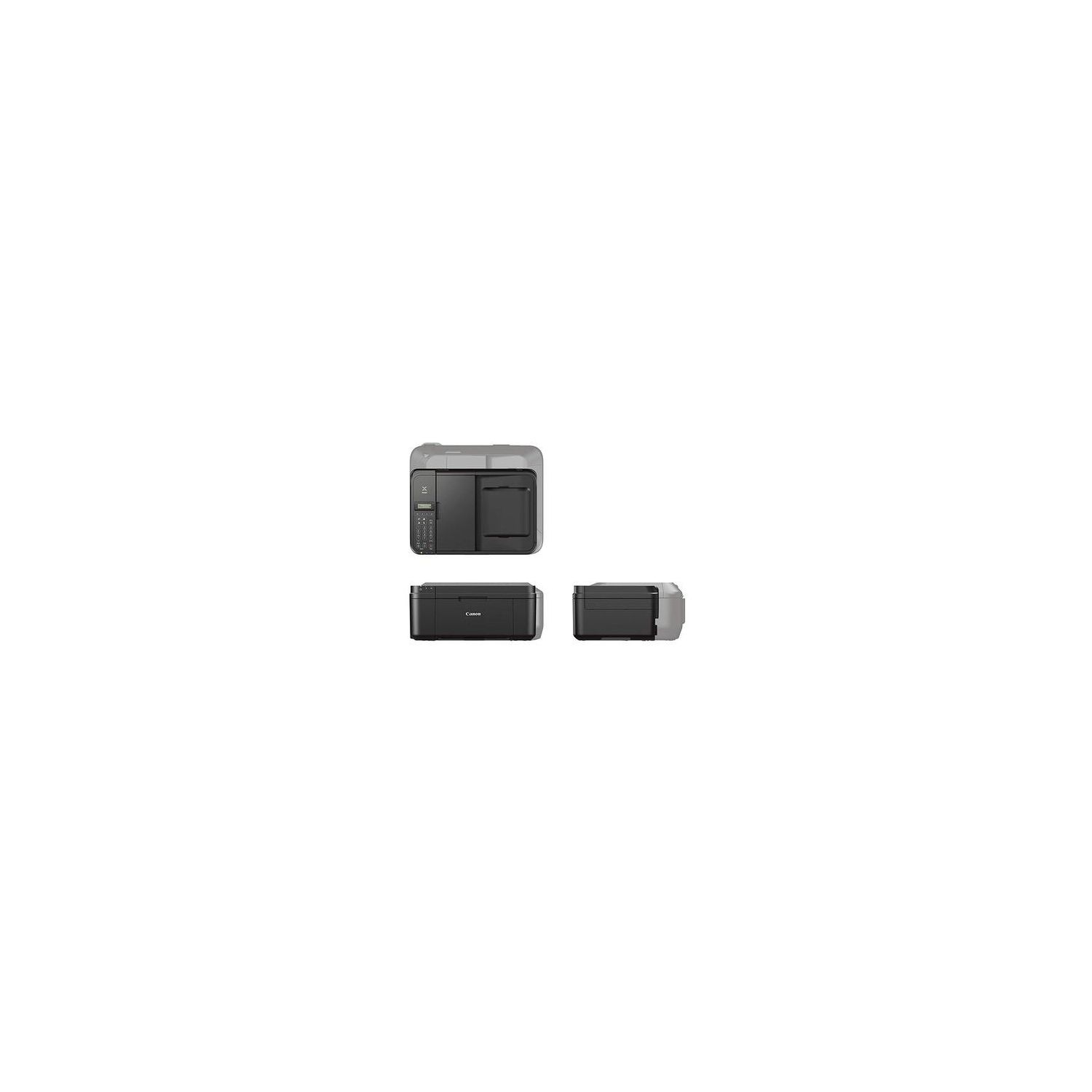
11.7 x 17.2 x 7.5 in
Item Weight
13 lbs
Operating System
  • Windows, Mac
Printer Output
Color
Printer Technology
Inkjet
Style
Printer
Wireless Type
802.11bgn
Description
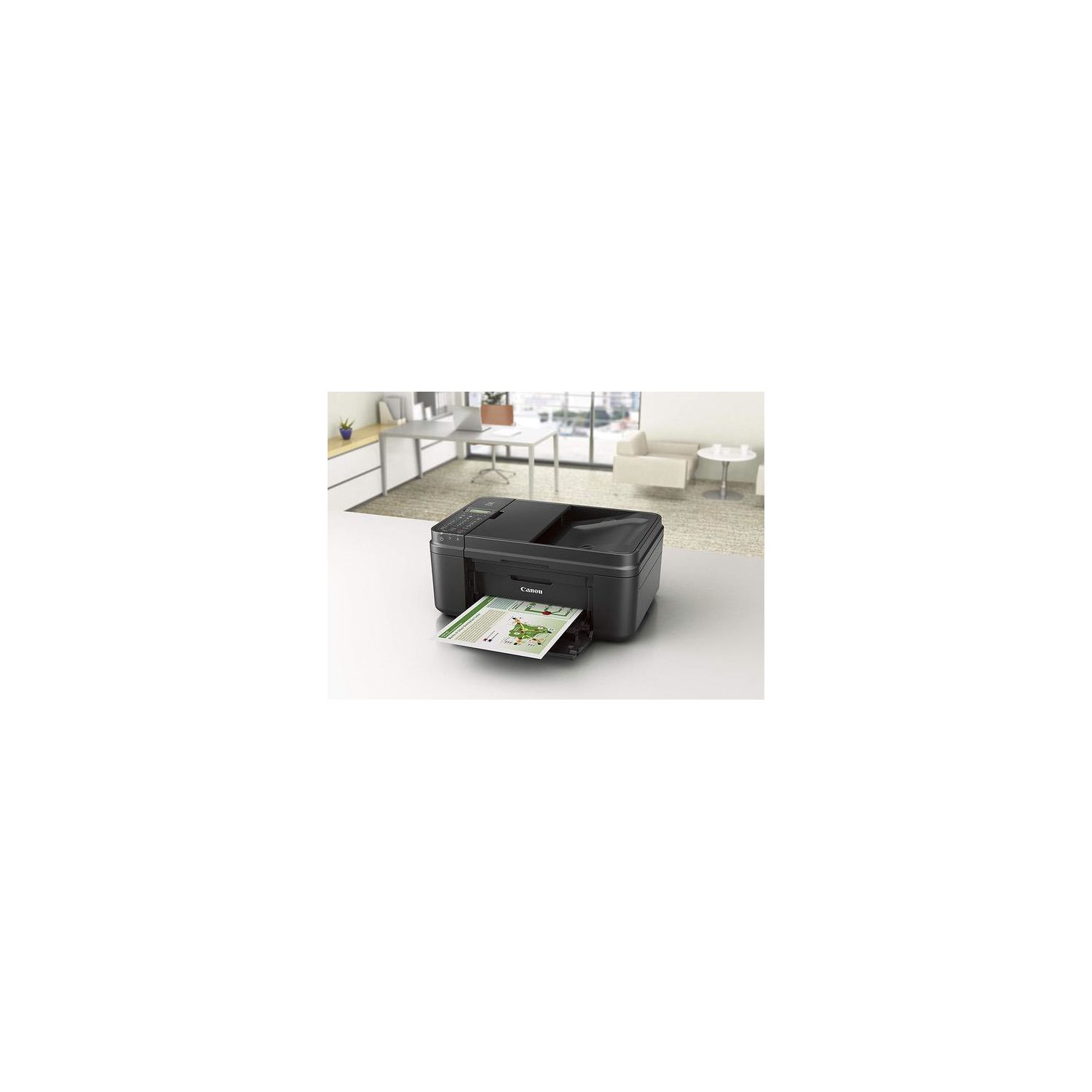
  • The space-saving small printer fits about anywhere in your home, office or dorm
  • Air Print: Print wirelessly and effortlessly from your compatible iPhone, iPad or iPod touch --no drivers needed
  • Print and scan photos or documents from your mobile device using the free Canon PRINT app
  • Save time with the fully integrated Auto Document Feeder
  • We are here for you with 100% US-based Service & Support
Reviews
3.3
التقييمات: 20
5 نجمة
40%
4 نجمة
15%
3 نجمة
10%
2 نجمة
5%
1 نجوم
30%
Ryan
4
For those of you who have complained this printer is really loud, it jams all the paper, and it doesnt work--I figured it out. At least for me, it was the ridge just behind the ink heads. See attached image. For me, they were slightly raised (Im guessing due to rough transportation). Just push it down firmly with your fingers, on both sides of the ink, and you should hear a click. After that, it works like a champ. I will agree with everyone else though, software isnt great, nor is the installation workflow. Id recommend to the developers that you just have the user connect to the wireless AP the printer gives off in the very beginning, and have them redirected to a webpage where you can select the wireless AP you want the printer to connect to and a more intuitive wizard on getting it set up/configured/tested/cleaned, etc. It took me a bit to figure out how to bypass WPS and manually set it up--and Ive got a number of special characters and upper/lower case letters... it took me a bit to figure out you had to hit * to change the keyboard between Upper/Lower/Number. Having a webpage for me to use my keyboard/smartphone would have alleviated this. Last minor thing that contributed to taking a star off was that in certain errors, there is no way to clear them but a power off/on, which was frustrating when I was troubleshooting the above issue. Other than all that, 4 solid stars from me. Its cheap and gets the job done.
David B
4
Normally I dont bother to write reviews until Ive used the product for a few months, but in this case Im making an exception. Ive actually had this printer kicking around for a week now, but took (what I thought would be) a few moments to set it up. I wanted a wireless printer so that I could print from both my desktop and laptop. Sadly, that isnt going to happen. The software will not recognize that the printer is connected to the network. Ive tried both the manual and WPS method and Canons software will not recognize that the printer exists. Ive restarted the PC after adding it to my wireless network and Windows recognizes the wireless printer, but requires the rest of the drivers to be installed. But Canons software will not recognize that the printer exists, despite that fact that I have the Network Connections screen open and I can see that the printer actually is connected to the wi-fi network Plug in the USB cable and its instantly recognized. So for all that hassle, it loses 2 stars right from the beginning. Pros: - Small foot print. This is ideal for me because the the printer will eventually get relocated and the new space is smaller than its current location. Yet it will fit nicely without any important bits and pieces hanging out and getting bumped into. - Inexpensive. Definitely a throw away printer. Especially and the current advertised price. It would be cheaper to replace the printer than to replace in the ink cartridges. Cons - Useless Software. See above about the wireless issues. Also comes packaged with the usual and often pointless bloatware. I installed the "full package" initially while trying to get things figured out. Later Ill learn what I need and dont need and reinstall only the absolute bare requirements. - Noisy when printing. Much noisier than the MX330 that it replaced. - LCD screen hard to read. It really could use some back lighting. But at this price point, I dont see that happening. Ive done all the test printing and it works fine so far. Will update if/when anything changes. 10/21/2017 Update It would appear that the printer did not like my old (ancient for an electronic device) router. Purchased a new router and the wireless side of things linked up and is working flawlessly. Added a star for that. But also learned that its a bit picky about the paper you feed it. It doesnt really like heavier stock paper.
L. Marruquin
4
Had to use the manual connection setup menu to connect to my Uverse router, but the whole process took less than 5 minutes. Two laptops, one notebook and three phones successfully connected and printing. The print quality is great and the replacement ink is affordable.
Product variations
Column filling
ترتيب بواسطة السعر ترتيب بواسطة الامكانية ترتيب بواسطة الكود ترتيب بواسطة Style
اتصل بنا لمعرفة السعر
متوفر بالمخزون
B076YS4SCN
Style:
Printer + Ink Bundle
$‎ 9100 $‎ 14100
متوفر بالمخزون
+
B00RN082CI
Style:
Printer
You may be interested
  • Bestsellers
  • Recently Viewed
 
Similar products
$‎ 9900
New York, US
Gold
Operating System Printer TechnologyLaser
$‎ 66900
New York, US
Gold
Operating System Windows, Mac Printer TechnologyInkjet
$‎ 64900 $‎ 69900 -7%
New York, US
Gold
Operating System Windows, Mac Printer TechnologyInkjet
$‎ 31900
New York, US
Gold
Operating System Windows, Mac Printer TechnologyInkjet
Show more
Fast and high quality delivery

Our company makes delivery all over the country

Quality assurance and service

We offer only those goods, in which quality we are sure

Returns within 30 days

You have 30 days to test your purchase