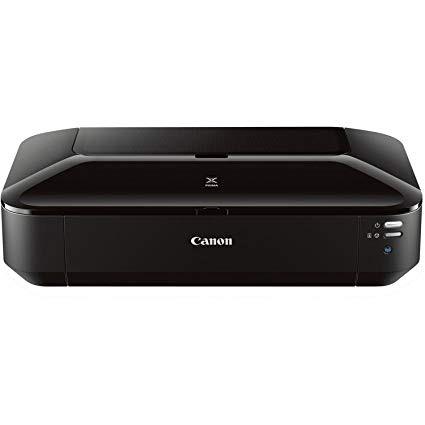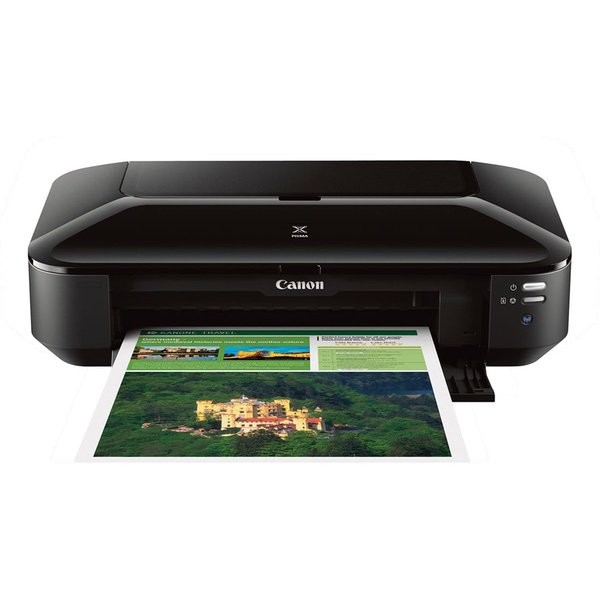
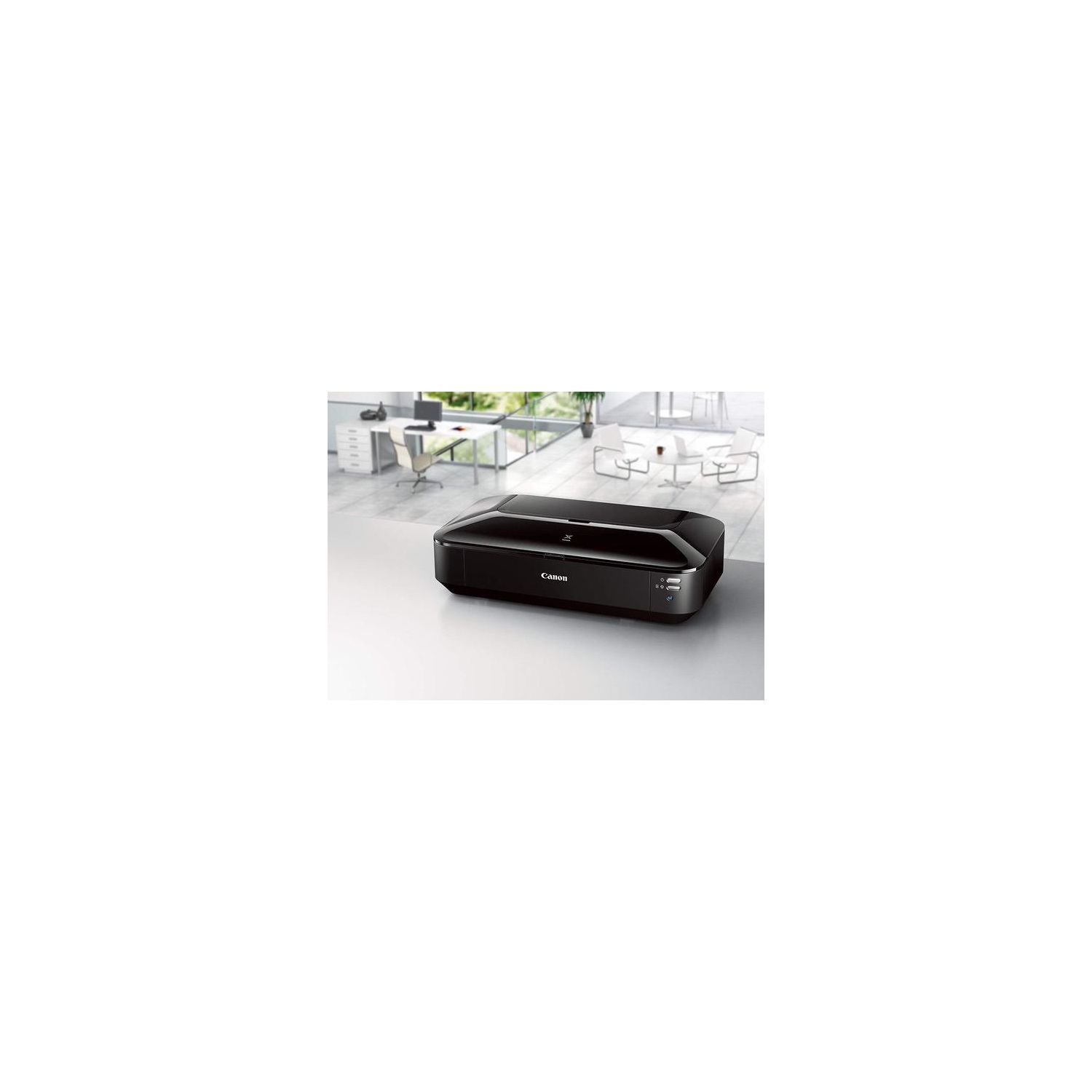
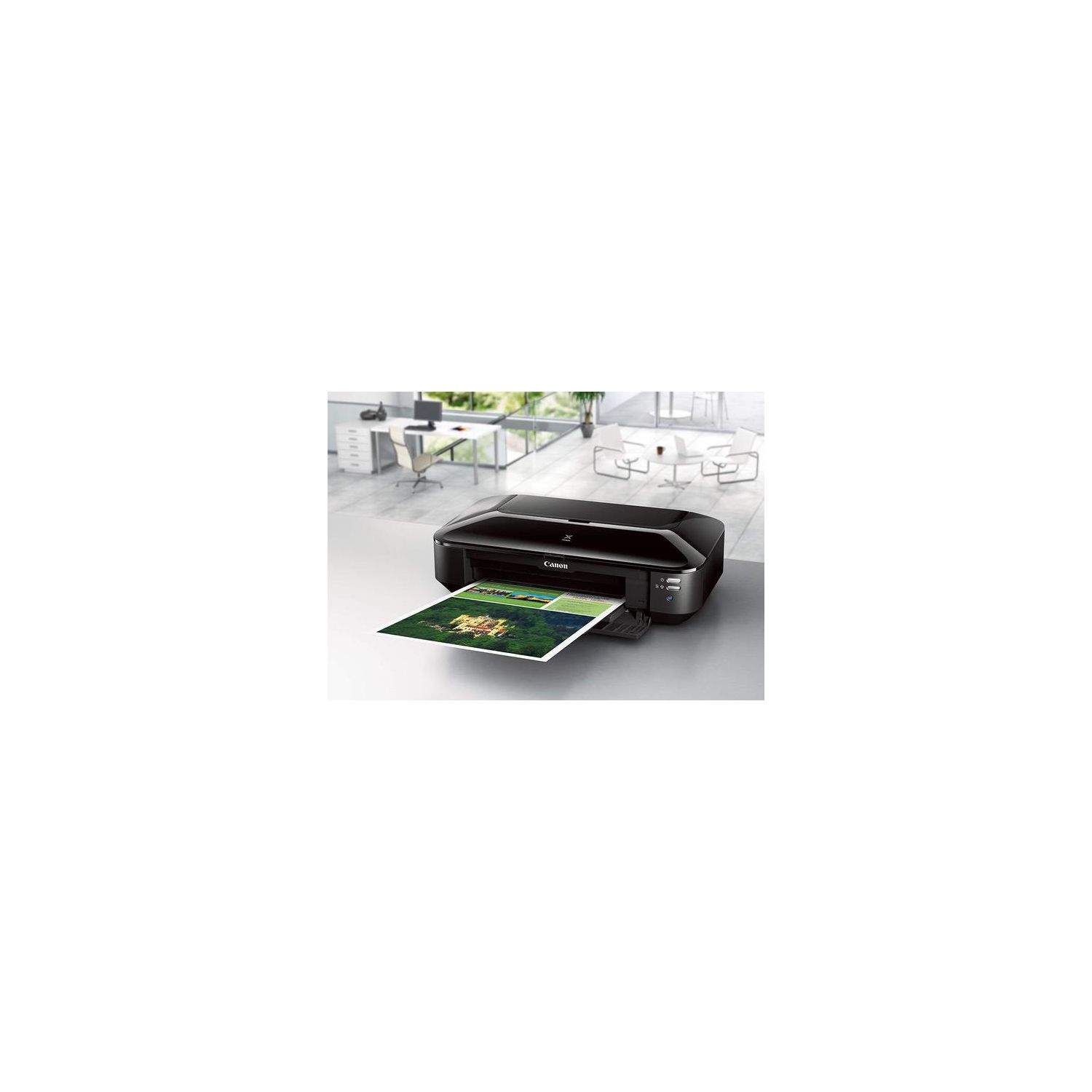
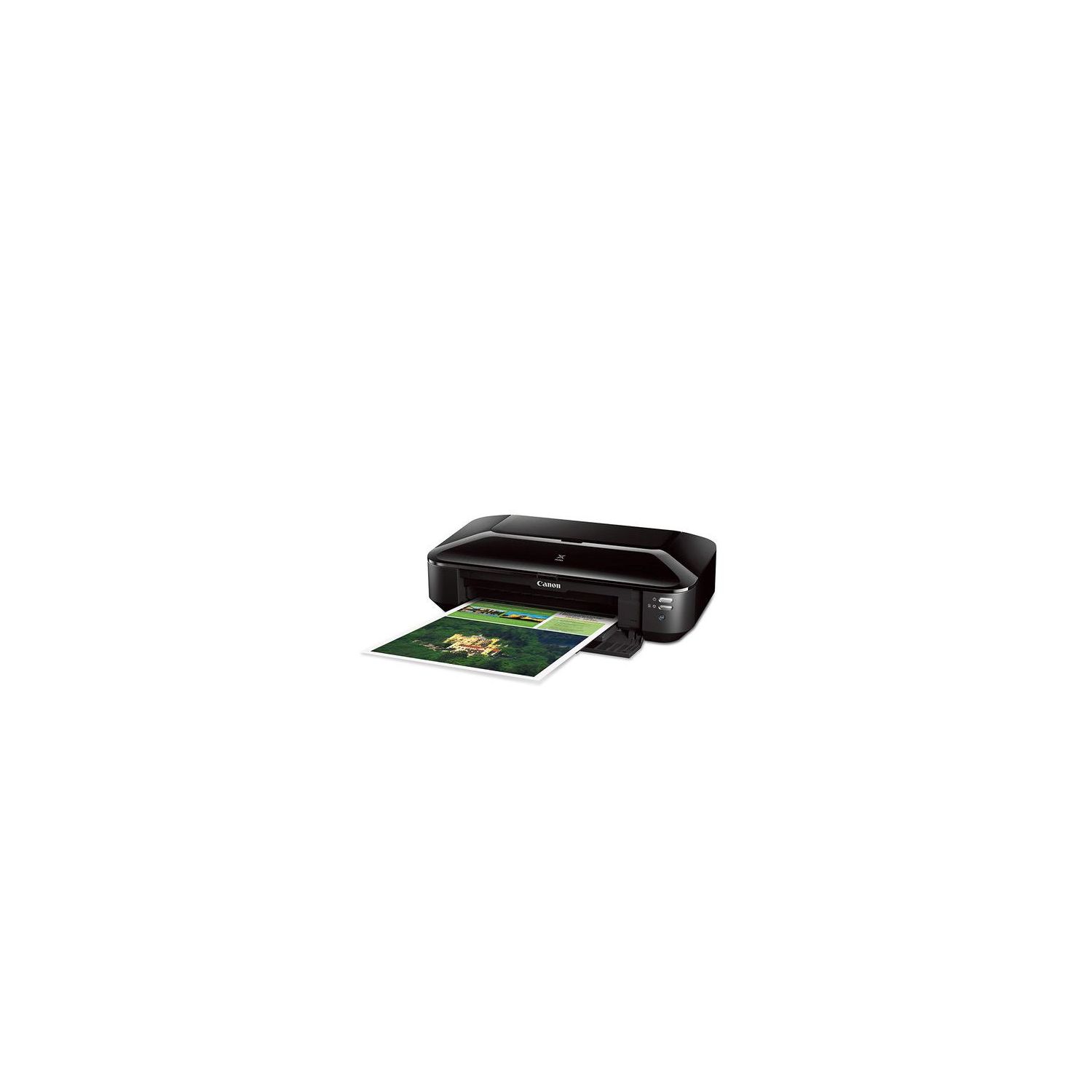
CANON PIXMA iX6820 Wireless Business Printer with AirPrint and Cloud Compatible, Black
Write a review
$11900

CANON PIXMA iX6820 Wireless Business Printer with AirPrint and Cloud Compatible, Black

Write a review
B00HM0IVDY
Printer
+
Add to wish list
Target is a general merchandise retailer with stores in all 50 states and the District...

City: US, New York

Delivery
Pickup at your own expense
Tomorrow from 09:00 to 20:00, Store location
Free
Payment options
Apple Pay Google Pay Mastercard Visa
Cash, bank card, credit/installment payments, cashless payment for legal entities
Warranty and returns
Exchange/return of products of proper quality within 14 days Official manufacturer's warranty: 12 months
Features
Connectivity Technology
Wireless;Ethernet; USB
Item Dimensions
23 x 12.3 x 6.3 in
Item Weight
17.9 lbs
Operating System
  • Windows, Mac
Printer Output
Color
Printer Technology
Inkjet
Style
Printer
Wireless Type
802.11bgn
Description
  • OS Compatibility :Windows 8, Windows 8.1, Windows 7 , Windows 7 SP1, Windows Vista SP1, Vista SP2, Windows XP SP3 32-bit13 . Mac compatibility : Mac OS X v10.6.8 - v10.913
  • Utilizes Air Print, Google Cloud Print and PIXMA Printing Solutions (PPS)
  • FINE print head technology (Full-photolithography Inkjet Nozzle Engineering)
  • High performance 5 individual ink-tank system
  • 9600 x 2400 dpi maximum print resolution. Print Resolution (Up to): black:600 x 600 dpi, number of nozzles: color: 4,096, black: 1,024, total: 5,120
Reviews
4.1
Reviews: 20
5 stars
55%
4 stars
25%
3 stars
5%
2 stars
0%
1 star
15%
Raeha
4
Buying my second one. I used this printer HEAVILY for about 14 months. It worked great. Beautiful, detailed prints of good enough quality for business selling my art. All of a sudden the blacks stopped printing properly. They looked faded, with banding. I spent about 3 days trying everything under the sun to get the thing working again. Head cleanings, alignment, roller cleaning. Reinstalling the driver. I even took the printer head out and cleaned it manually. Nothing would get the printer working again. I thought about upgrading to a fancier Canon, but man you cannot beat the quality for the price on this one. Although it expired a couple years earlier than I thought it should, it was excellent while it lasted. Gave me thousands of gorgeous prints. The knock off inks Amazon sells are very affordable and work well too. So Im buying another of these.
HikerMan
4
Wow -- this printer has changed my photo life. The 13x19" format prints are stunning and print out in about seven or eight minutes and the wireless set up was relatively hassle free (at least, the first time around.) Its a bit of a ink hog but I more or less expected that. Two small complaints -- in setup, just load the driver and the basic start my printer software. The rest of the package is bloatware. Also, after my cable/internet went down, the printer somehow got kicked off the network and it took a couple of hours to reestablish the wireless connection. Updating: I liked the first one so well that I bought a second and left it in our summer cabin in Maine where I have a small studio and do a lot of landscape photography. (It was also cheaper the second time around.) I also caved and finally connected it to my laptop with a USB cable. It simply prints faster and more reliably than with the wireless option (where, if the connection slowed somehow during the printing process, it would abort the print midway -- expensive when youre using 13x19 photo paper.). Also, I know several users have posted about it being an ink hog -- true. So I would direct you here -- https://www.amazon.com/Kingjet-CLI-251XL-Cartridge-Replacements-Printer/dp/B01IN107GO They are obviously a recycler/refiller but I so far have seen no denigration in quality of the prints and they cost about 15 percent of what the Canon replacement cartridges cost. One small issue: you need to be a bit careful about getting them seated properly. On a couple of occasions they kind of jammed when I tried to pop them in and I had to wriggle them out and re-seat them. But then they worked perfectly well.
Michael R. Florey
4
My Epson photo printer bit the dust last week. I had to have a working printer to meet shipping obligations so I started to shop for another. Did I really need to spend another $1000-plus on an Epson? In the future, but not right now. I read the reviews of this little Canon and they were right. Not a high-end photo printer but it does an acceptable proof. The Canon will see everyday utility printing. The ix6820 doesnt weigh a lot and the footprint is reasonable in comparison to the Epson (which is about the same size and weight as a Volkswagon). I was amazed at how easy it was to set up. It took me about 20 minutes to un-box, plug in, install the ink cartridges and get a connection to the wireless LAN. It automatically ran an alignment page and I printed a web page without any issues. All printers should be this easy to set up. The cave man comes to mind. Now for the so-so news: 1.The paper transport makes a snap-clack noise when it picks up a sheet. Never heard that from the Epson, so it kind of startled me. No harm, I guess its just the nature of the beast. 2.I ran a high-key photo image from one of my folders. It presented well enough but the Canons printer software enhanced colors that didnt need it. I suppose massaging the settings might make it better, but at this price point can I complain? Not really. All in all, a good experience.
Deb
4
After 15 years of use and 2 waste pad replacements my $1200 XXXX printer reached end of service. On an impulse I ordered this iX6820 Canon to test as a replacement. Of course technology has improved in that timeframe, but I didnt expect higher quality prints from a reasonably priced machine than I received from the pro grade machine. The majority of prints are large format for exhibition or framing. It handles inkjet photo papers including canvas without problems. The only negative is the online manuals and.formatting software as my graphics machine is a dedicated offline box. Luckily the 20+ years accumulation of programs on that computer fully supports this printer.
Lincoln County MT
4
Ok this replaced my DEAD R2000 but I needed a 19 inch printer and did not have the money to invest in 800 dollar printer again. My Epson R2000 was 8 years old...and I did like that printer..but with lots of love hate relationships too. Ok this newbie arrived in good shape...happy to start learning the learning curves...a lot of differences between the two printers. It came with OEM ink I thought it wouldnt..but it did. That allowed me to get going instantly. I had ordered more ink however choose a non oem ink with good reviews. All went great to begin with. Printer was doing a great job with photos. I was doing a large 53 book project with 12 full half page photos per book. Also a large standup accordian photo display with about 20 photos. And four special photo albums with over 40 photos half page size. So lots of photos and asking a lot of a brand new never used printer to do. Now for the one star off. It sensed the low ink tank and warned me..it also stopped dead in mid job of printing if it ran out of said ink. I then replaced empty cartridge for new. It stepped up and printed just fine no flaws in the mid stop photo it was printing. This went on until all but the large black text cartridge had run out. Then the trouble begins. Printer did not always give me warnings that the tanks were low and it would print right through not stopping. OK...not good I had to make little to spare photo paper stretch for the project without changing to another type. This paper has great cardstock qualities for this kind of work. Ok so this happened once...twice....three times. By then I was checking all the cartridges and if the back tanks were empty I replaced at the same time I had a warning for any other. So the question arises is this a bad cartridge problem from a Non Oem Ink product or is it the printer that isnt keeping good track. I have ordered new OEM cartridges to see how those work and new non oem cartridges from a different vendor. But Im afraid that the printer is not counting the non oem cartridges properly. Now having nothing at all to do with that was the star off. When I changed a cartridge no matter if it was OEM or not the machine recognized that it was now full. BUT about half the time it did not print. It may or may not print when I switched out the new cartridge with a second new one and it printed fine..or problem still happened. The way this ink cartridge works would suggest air locks should not be a big problem. However that is what it appears to be. So I found a way to out smart the printer. I first check with a small color block page I made just for this purpose as its a lot less wasteful and harmful to the printer than running head cleanings etc. If the color is not printing I close my program on computer. I turn off the printer then unplug the printer. This often is what is suggested to erase all previous connumications with printer. I wait about 20 minutes then turn printer back on and open program and resume printing but first of course running another color block check to be sure it is printing. It has worked every time this happened. It happened a lot. I went through a total of 25 cartridges todate during this project. And sure enough the very last cartridge it accepted but then did not print was a black and it was a new OEM ink cartridge...so that falls squarely on the printer itself. There is some debate if the non oem cartridges are short in ink or if the printer is just not operating its count. I can work around that. I am upset however that when I put in a new cartridge or two or three at a time the printer shows its full thus accepting them but then not printing as if its an air lock or ????? Makes no sense. This of course is all on a brandnew printer...my first experirence with it. I feel there is still a bit of a learning curve and shock it up to the fact I was spoiled rotten by the R2000 but it had its elements of dishing out misery too and that major one was airlocking which started with its own OEM ink. In fact I had never heard of off market inks until a year into the R2000 it began having airlocking fits. Using its only cartridges. I had it under extended warranty and both them and the Epson help was working with me when suddenly the warranty folk accused me of using non-oem inks. I asked what is that? I got my education quickly. Turned out I ordered a batch and was thrilled with it and the printer for years worked fine actually better than it had with the OEMs and no air locking. Until one day a year ago troubles began again. So that led to worse problems and no amount of things that had worked previously helped. And finally one day it literally just died. WHich may explain why nothing was working because it had some internal programing problems or what have you and it was 8 years old. So for less than 140 dollars I decided to give this printer a try and needed one immediately. No complaints and why its 4 stars overall with the exception of the refusal to print always after changing that color..but I explained how I get around this quirk. I can live with quirks within reason as long as I understand I need to do that. If I were a business however this wouldnt be acceptable..as a home office fun for the most part machine...Im fine. By the way I didnt have one issue with any of the inks leaking. I took all review warnings about such to heart and handled all the cartridges carefully but no problem. I am concerned with the inside of the printer it looks like ink was thrown all over and splashes up on the cover and the bar above the rollers. I am not sure I need to clean that off periodically or just ignore. Ill double check with the customer service folks on that. For the price Im more than happy with ink. Photos did not smudge and dried well using three different kinds of high gloss photo paper. They could be handled pretty quickly after printing though I usually gave them a few minutes to dry before cutting and glued some back to back for the books.
Product variations
Column filling
Sort by Price Sort by Availability Sort by CODE Sort by Style
$11900
In stock
+
B00HM0IVDY
Style:
Printer
$17400
In stock
+
B00IKTJ1HQ
Style:
Printer and Ink Bundle
You may be interested
  • Bestsellers
  • Recently Viewed
 
Fast and high quality delivery

Our company makes delivery all over the country

Quality assurance and service

We offer only those goods, in which quality we are sure

Returns within 30 days

You have 30 days to test your purchase