


























Wing
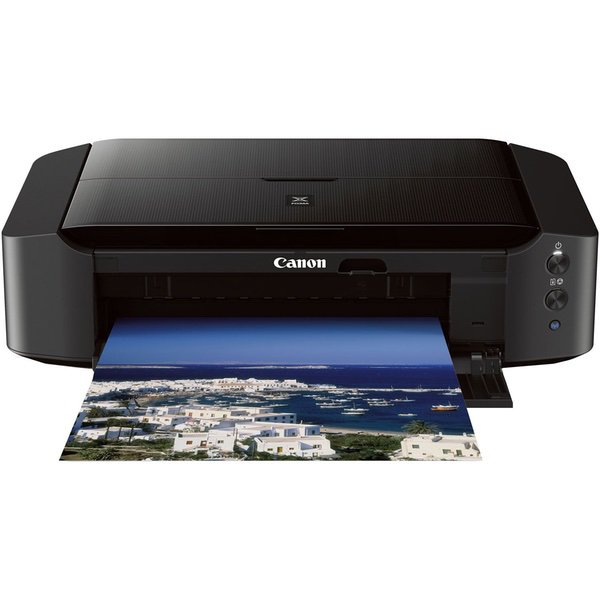
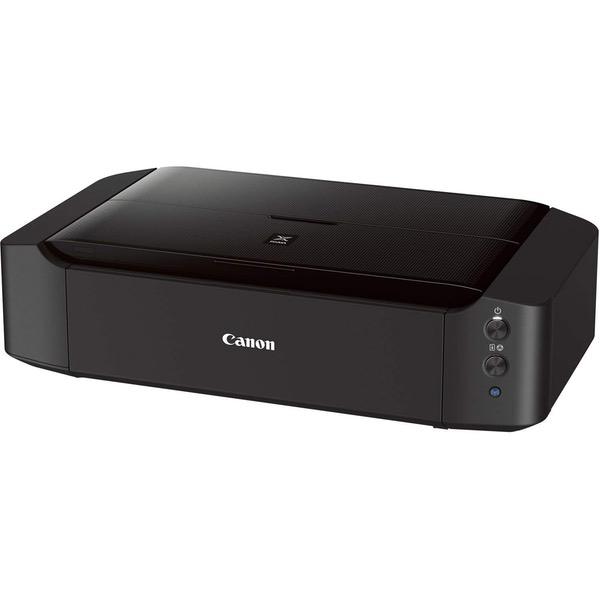
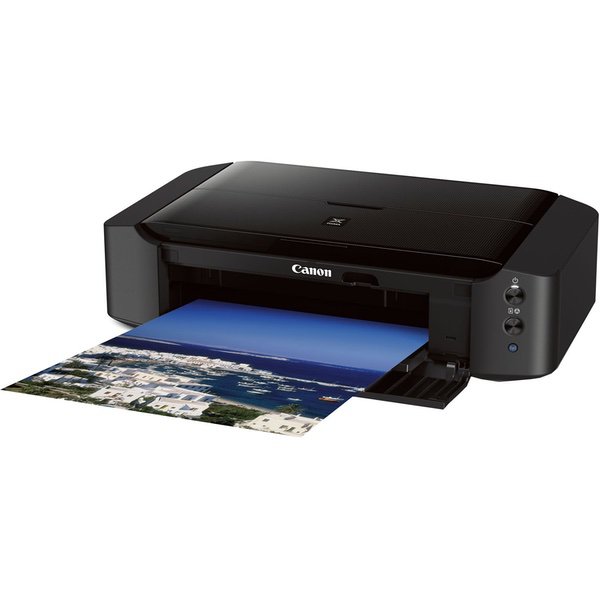
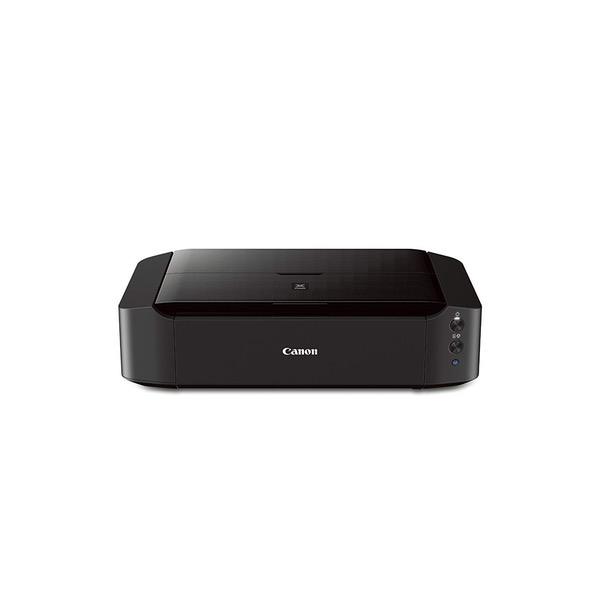
Ive tried a lot of wide-format printers over the last year trying to find one that I was happy with. Canon and Epson make high-end wide-format photo printers which are expensive, but I need one appropriate for general use in an office setting, which means printing lots of graphics and the occasional photo. Three Ive tested in the last few months are the Epson Artisan 1430, Canon IP8720, and HP Officejet 7110. SETUP I intended to use the printer via a wireless connection. All three are easy to set up via WPS (Wi-Fi Protected Setup); just press a button on your router, then press a button on the printer and the connection is automatic. The HP printer setup guide stated that I would need to connect the printer via USB cable first, but this was incorrect. All three preformed flawlessly via wireless. INK SYSTEM The HP is the winner here in terms of ease-of-use. It uses the fewest ink tanks (four, vs. six for both the Canon and Epson), and to install the cartridges you simply click them in and click them out, sort of like using a ballpoint pen. There were no tabs to pull or caps to remove, as there are with the Epson and Canon cartridges. OUTPUT QUALITY Both the Canon and Epson had excellent photo-quality output. Even when using the "standard" quality setting I was able to get beautiful, vibrant prints on photo paper. If you compare the output side-by-side, the Canon may have a very slight edge in quality, but I really needed to take time and examine the prints closely to make this determination. The HP however wasnt up to the level of the Canon or Epson, probably in large part because it uses four ink cartridges vs. six for the other two. The HPs output looked dull and a bit washed out, even on the "best" quality setting. PRINTING ON MATTE PAPER Since Im using this in an office I do most printing on matte photo paper. Here is where the Canon was the big looser. In printing graphics and images that covered large areas of a page, the paper that came out of the Canon was wavy like bacon, even after waiting for the ink to fully dry, and even when printing on thick (60 lb.) matte photo paper. I dont know if the Canon printer puts down more ink than the other printers thereby soaking the page, or if the ink is more watery in consistency, but the finished product was unacceptable. The HP was the best in this department with only slight wrinkling in areas of heavy graphics. The Epson was somewhere between the HP and Canon, with some wrinkling, but still very acceptable on 32 lb. matte photo paper. PAPER HANDLING Both the Canon and Epson have rear-loading paper slots, while the HP uses a slide-out tray on the front of the printer underneath the output area. Consequently, the HP has a smaller footprint when loaded with paper. The rear-loading method should theoretically allow for better handling of thicker paper, but I had no problem using 60 lb. matte photo paper in the HP. SOFTWARE Software installation was about the same for all three printers. (I always forgo using the included CD and instead download the latest software directly from the manufacturers website.) When printing, the Canon and Epson both have a good number of custom controls in terms of color adjustments and custom paper sizes that were more than adequate for my needs. The HP had by far the worst software, offering very few options for color control and custom paper sizes. The HP software would also pop up a message for "free offers" every time I changed an ink cartridge; these were nothing more than advertisements. The Canon did have one annoying trait in its software. There is a setting to "avoid paper abrasion"; this basically increases the distance between the print head and the paper to avoid the print head coming in contact with the paper and causing scrape marks. I had to use this setting because of the paper wrinkling as described above. However, when you print a page with this setting enabled, the Canon software throws up a warning message EVERY TIME a page is about to print, and you need to click "OK" to dismiss the message before the page starts printing. This made it impossible to print multiple pages and walk away from the computer, because you needed to click "OK" before the next page would print. The Epson printer also has the paper-abrasion setting, but it does not throw up a warning message and simply prints what you ask it to. CONCLUSION All three printers have their strengths and weaknesses. For me the Epson Artisan 1430 was the easy winner. The output quality is fantastic, it didnt saturate the page with ink like the Canon, and the settings you have in the software are more than adequate. If I was printing only graphics where vibrant photo output didnt matter, I would choose the HP. It has the smallest footprint and is certainly the most uncomplicated of the three printers. It is also the least expensive of the three by a good margin. If I was printing mainly photos on heavy gloss photo paper, the Canon would be an enticing choice. It had a very slight edge in output quality over the Epson. However, the Epson has great output quality and has performed flawlessly in the several months Ive had it, and if I had to buy another general-use wide-format printer today it would be the Epson.

