
















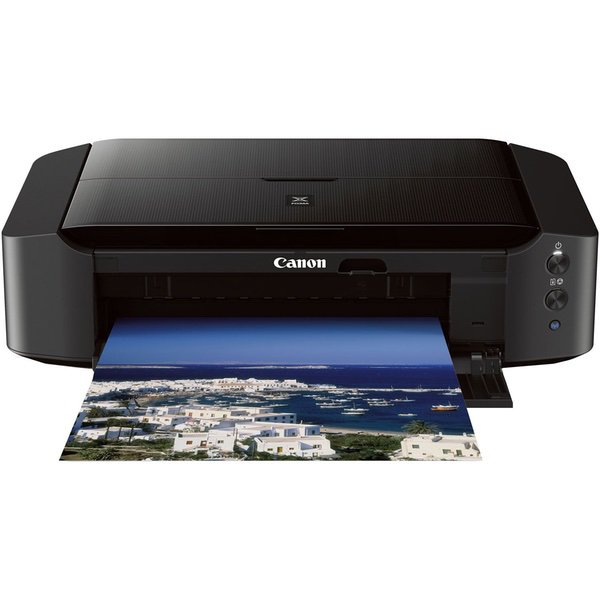
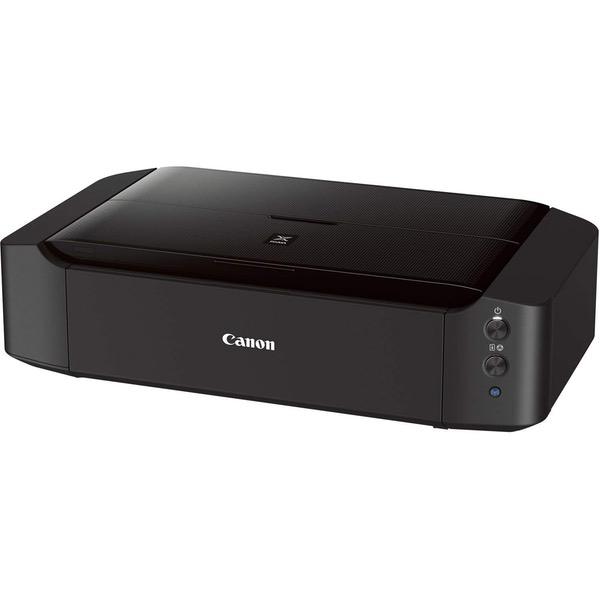
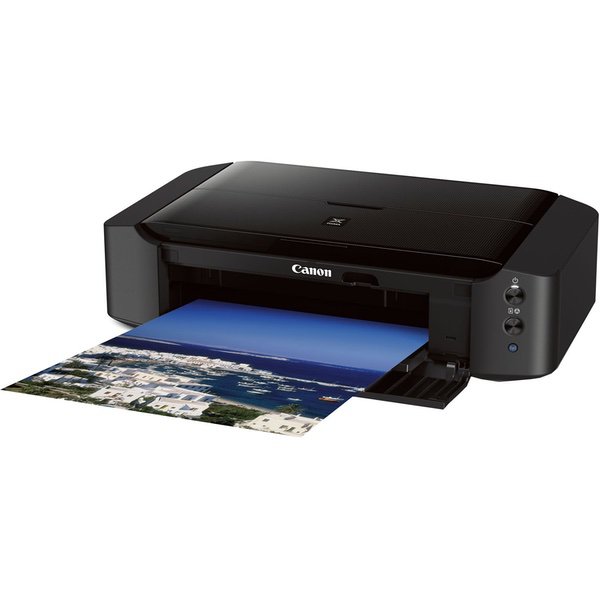
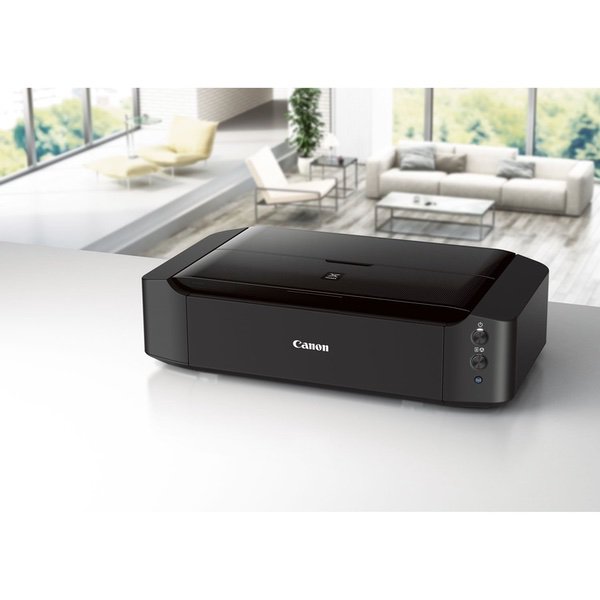
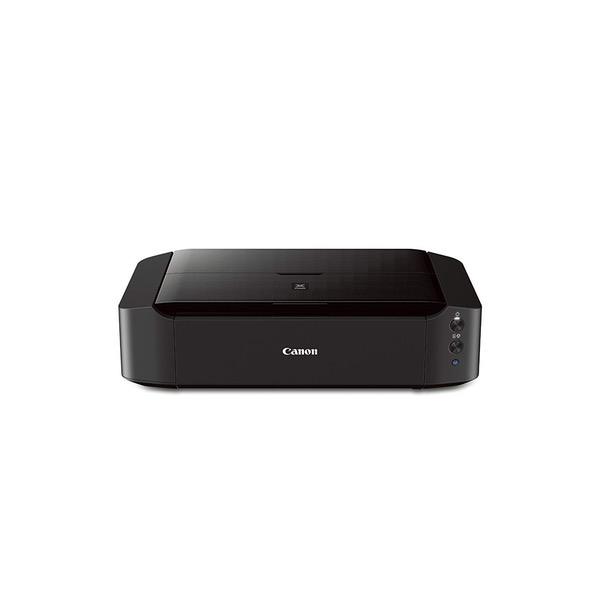
Canon PIXMA iP8720 + PGI-250 PGBK / CLI-251 CMY Combo Pack + 50 sheets Photo Paper Plus Glossy

Write a review
B00ZJRGX6O
Printer and Ink Bundle
Target is a general merchandise retailer with stores in all 50 states and the District...

City: US, New York

Delivery
Pickup at your own expense
Tomorrow from 09:00 to 20:00, Store location
Free
Payment options
Apple Pay Google Pay Mastercard Visa
Cash, bank card, credit/installment payments, cashless payment for legal entities
Warranty and returns
Exchange/return of products of proper quality within 14 days Official manufacturer's warranty: 12 months
Features
Style
Printer and Ink Bundle
Description
  • AirPrint: Print wirelessly and effortlessly from your compatible iPhone, iPad, or iPod touch - no drivers needed!
  • 9600 DPI produces exceptional printing detail for beautiful photos.
  • Showcase your memories in a big way by printing up to 13" x 19".
  • Get amazing color and detail with individual ink tanks.
  • Combo Pack includes black, cyan, magenta and yellow + 50 sheets of Photo Paper Plus Glossy
  • Easily print wirelessly from your Android, iPhone or tablet via PIXMA Printing Solutions and Google Cloud Print.
Reviews
3.7
Reviews: 20
5 stars
50%
4 stars
15%
3 stars
10%
2 stars
0%
1 star
25%
karinaecruz
1
If you’re a photographer or graphic designer, do not buy this. I’ve looked everywhere for canon paper icc profiles. Canon says they’re included with the driver but I can not find them anywhere on my computer. After some research, others have had the same problem. Canon does not let you download them from their site. I’ve tried contacting customer support and no response. Without icc profiles, you cannot print accurate color. This is ridiculous. Never buying a canon printer again.
Z
1
I have had this printer for 2 years and getting it to print anything is a constant struggle. When it decides to work it prints great but that is a rare occurrence. The most persistent problem it has is that it will not recognize the paper. Printing the most straightforward document turns into a 20 minute process when you have to constantly load and unload the paper, hoping against hope that it will finally work. The other problem Ive had with it is that it doesnt recognize the ink. Even after replacing low ink it still says that the ink is low. It refuses to print in black and white if any of the color ink is low. This printer is completely unreliable and I am dumping it ASAP.
TDK
1
I have been buying canon printers for years. This must be their worst printer ever made. Where do I start? The wireless connection is horribly unstable. My printer is located 1 foot from my wifi router. 70% of the time when I try to print the printer is not reachable, or it will print one page then become unreachable, or it can be reached from one device but not another. Net-net, it is near impossible to print something when you need it. What else? Oh, on most Canon printers, if the front panel is closed, when you print something, it gracefully opens the panel for you and prints. Not this one. You have to walk down to the printer and manually open the front panel for printing to commence. It has 5 ink colors (blue, cyan, yellow, black and grey). If you order a replacement ($47), it does not include the grey - that is a seperate order, and another $13! I have had mine for about 2 months and think we are going to have to throw in the garbage and start over once this ink pack runs out.
P Lewis
1
This printer was purchased to replace ANOTHER Pixma that had the print head die prematurely, were it refused to align and the values were maxed out. 7 months and about 150 pages later Im right back were the other model died, the print head, black will continue to print more and more blurry until its a complete mess, and the solution from Canon is to replace the print head, which is half the cost of the printer.
DPS
1
Do not buy. I am trying to print simple Avery labels and it will not print! What I have noticed with this printer is if you do not select the correct paper type it will not print at all and will just continue to feed the paper through. Apparently Canon printers only print on Canon specialty papers. Canon does not make labels and therefore I am unable to print labels. I have read the forums on the canon website and seems like this is a known and ongoing issue that canon does not seem keen on fixing. DO NOT BUY.
Product variations
Column filling
Sort by Price Sort by Availability Sort by CODE Sort by Style
$18900
In stock
+
B00HM0IV52
Style:
Printer
Contact us for a price
In stock
B00ZJRGX6O
Style:
Printer and Ink Bundle
You may be interested
  • Bestsellers
  • Recently Viewed
 
Fast and high quality delivery

Our company makes delivery all over the country

Quality assurance and service

We offer only those goods, in which quality we are sure

Returns within 30 days

You have 30 days to test your purchase