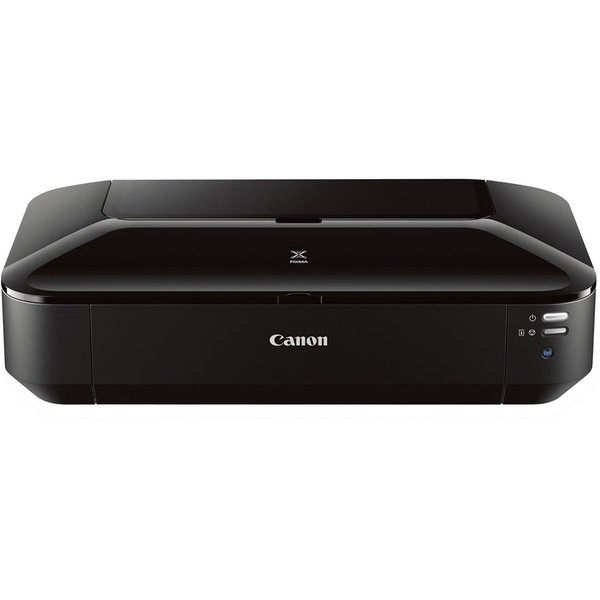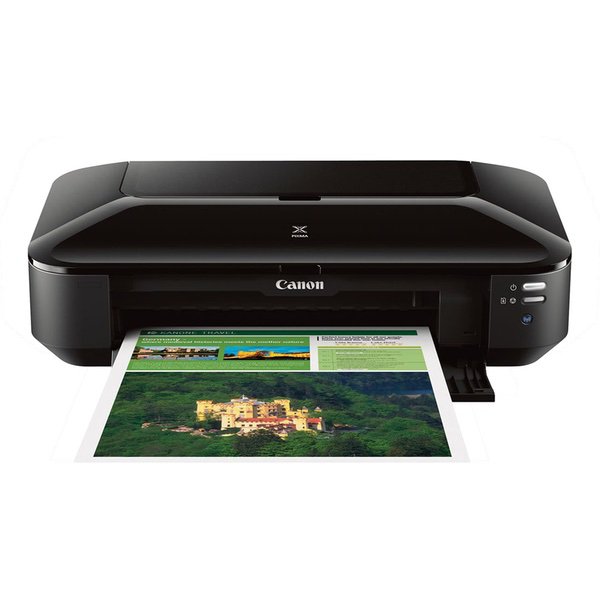
Canon Office Products IX6820 Wireless Inkjet Business Printer with Genuine Canon Ink Value Pack
Write a review
13594

Canon Office Products IX6820 Wireless Inkjet Business Printer with Genuine Canon Ink Value Pack

Write a review
B00IKTJ1HQ
Printer and Ink Bundle
+
Add to wish list
Target is a general merchandise retailer with stores in all 50 states and the District...

City: US, New York

Delivery
Pickup at your own expense
Tomorrow from 09:00 to 20:00, Store location
Free
Payment options
Apple Pay Google Pay Mastercard Visa
Cash, bank card, credit/installment payments, cashless payment for legal entities
Warranty and returns
Exchange/return of products of proper quality within 14 days Official manufacturer's warranty: 12 months
Features
Item Dimensions
Style
Printer and Ink Bundle
Reviews
4.1
Reviews: 20
5 stars
55%
4 stars
25%
3 stars
5%
2 stars
0%
1 star
15%
annebelle22
1
It was impossible to connect the printer to my wireless network and there was very little support on line for how to do it. I followed the Canon instructions over and over and none of the methods worked. It kept showing that my printer was undetectable and suggested I use a USB to connect the printer to my computer for a manual solution. Of course I dont have USB cables sitting around anymore and I think in this day and age there has to be an easier way to connect printers to wireless network. Dont buy this printer if you are looking for something quick and easy.
Cool Uncle
1
I would give this printer zero stars if I could. Ordered this one to replace a former Canon printer we had for years that worked just fine and printed great photos. Ordered this one thinking it would be a great change to have the air printing. Nothing with this printer ever works. The setup was next to impossible, it drops the network every time you try and use it and the photo printing quality is terrible. I wish I had not waited to see if it would get better with time and now am past the return date and have used it only a few times. Total waste of money.
Gireesh
1
It had problems detecting my wireless network through my 2016 MacBook Pro (which works fine with our B&W Brother printer sitting right next to it) even after downloading the latest drivers from Canons website, so I had to find the right cable (not included) to connect directly to set up. This was also not an easy process. I wanted to laminate some full color photographs on basic letter-sized office printer paper and they came out terrible. These exact same files were printed by an Epson printer more than 5 years ago on similar paper, and they look dramatically better than what this brand new Canon iX6820 gives me. The photos have lost their vibrance, contrast, and darker tones -- they look washed out. Also, there are tiny, nearly imperceptible lines running the short length of the paper every 1 cm on the images. Perhaps Im using the wrong software or not a high enough quality paper. I cannot find adequate documentation of any issues online, including instructions for some type of color test or adjustment. The head alignment I conducted only prints in black and blue to make sure it is printing straight. Im 33 with higher than average computer literacy, and Ive sunk close to 3 hours into this thing and the results are terrible. Ill be looking into returning it.
Product variations
Column filling
Sort by Price Sort by Availability Sort by CODE Sort by Style
9297
In stock
+
B00HM0IVDY
Style:
Printer
13594
In stock
+
B00IKTJ1HQ
Style:
Printer and Ink Bundle
You may be interested
  • Bestsellers
  • Recently Viewed
 
Fast and high quality delivery

Our company makes delivery all over the country

Quality assurance and service

We offer only those goods, in which quality we are sure

Returns within 30 days

You have 30 days to test your purchase