
















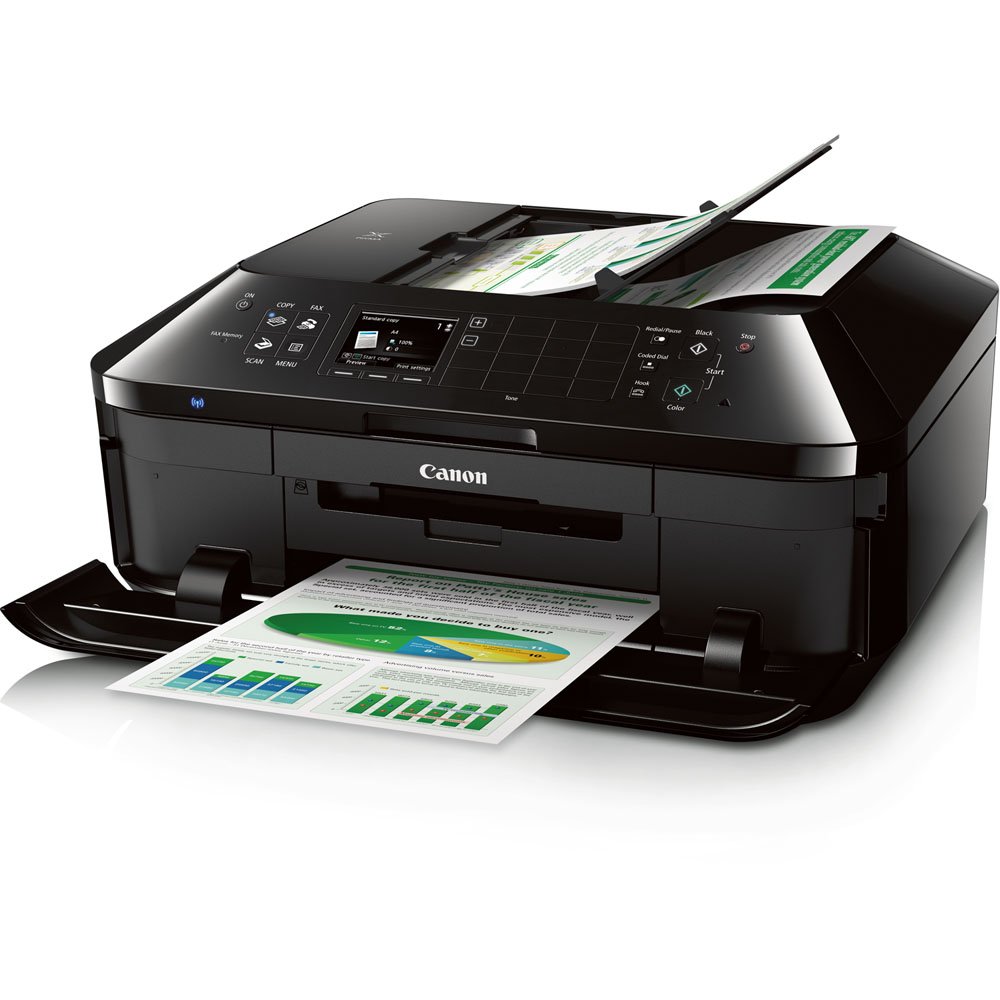
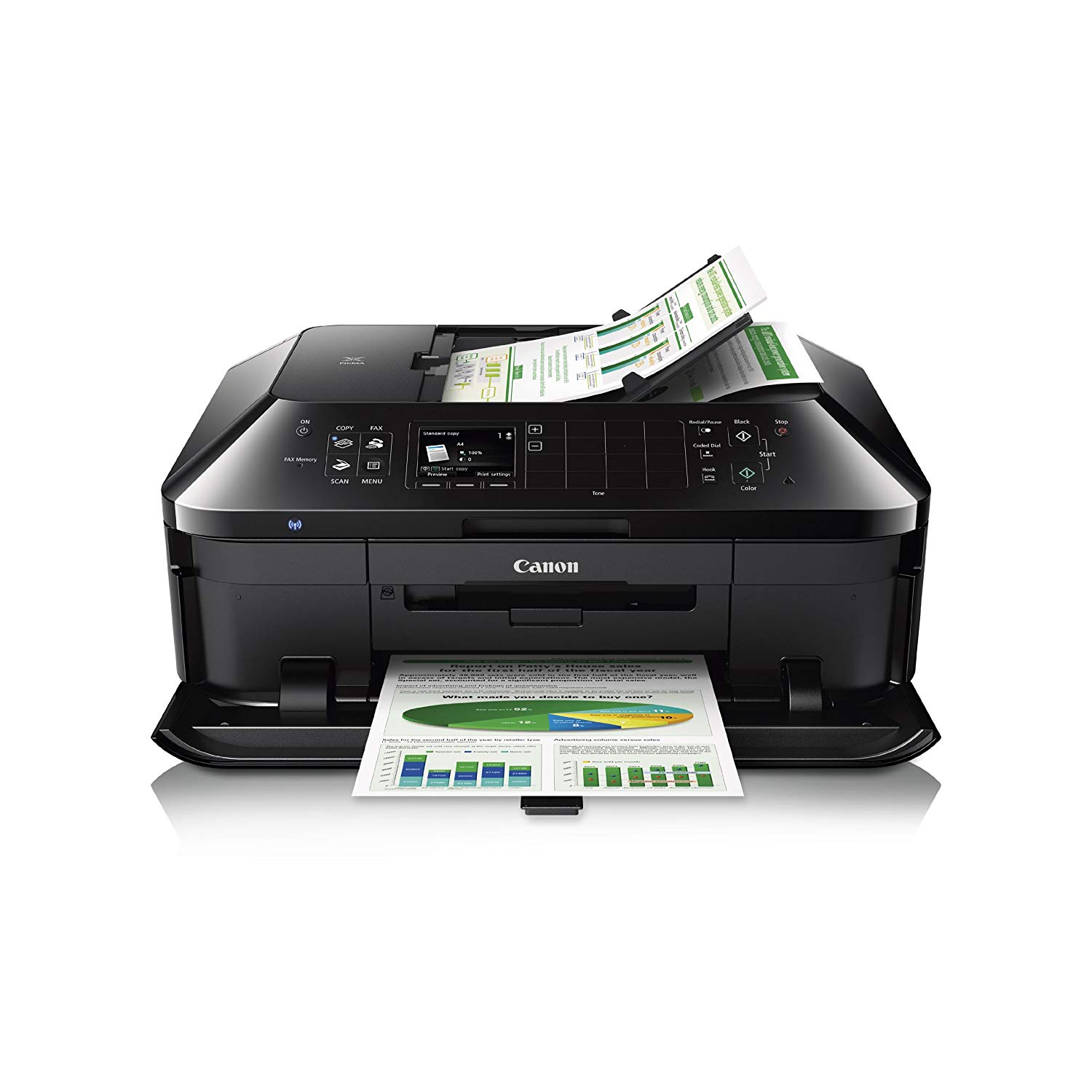
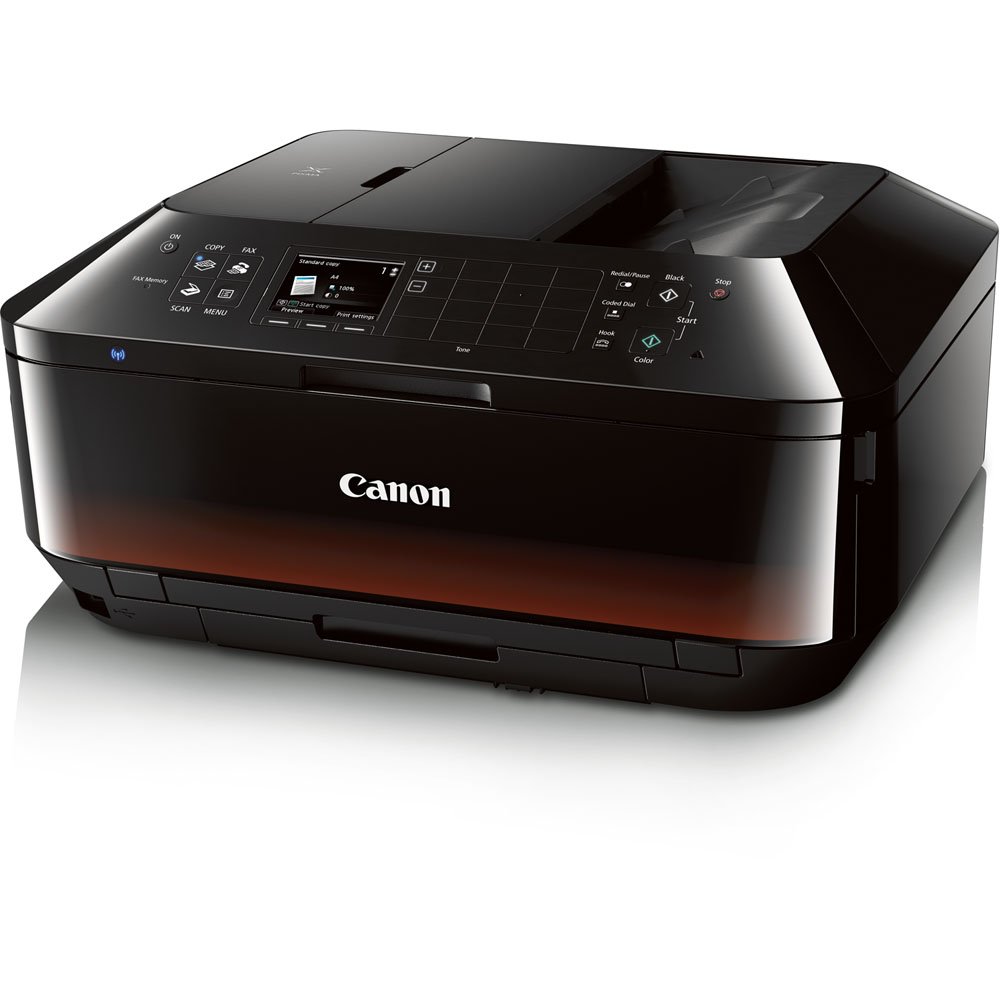
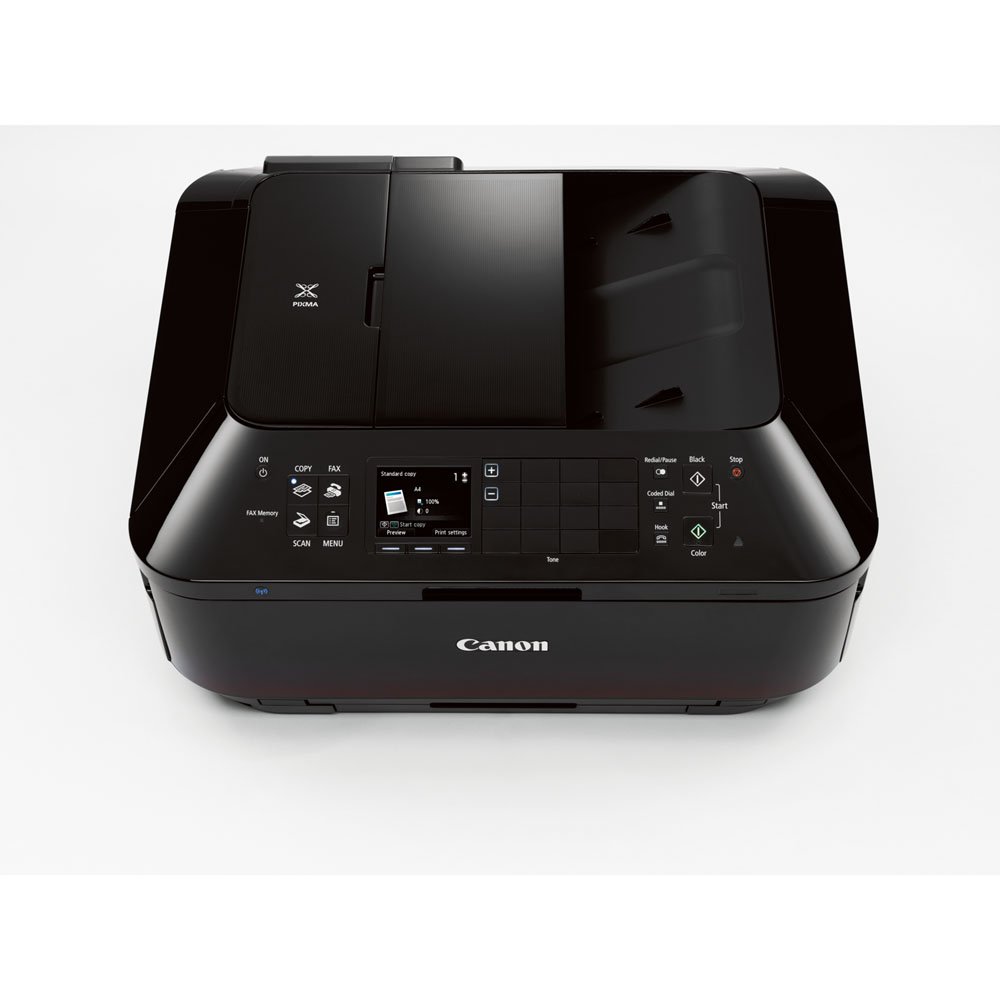
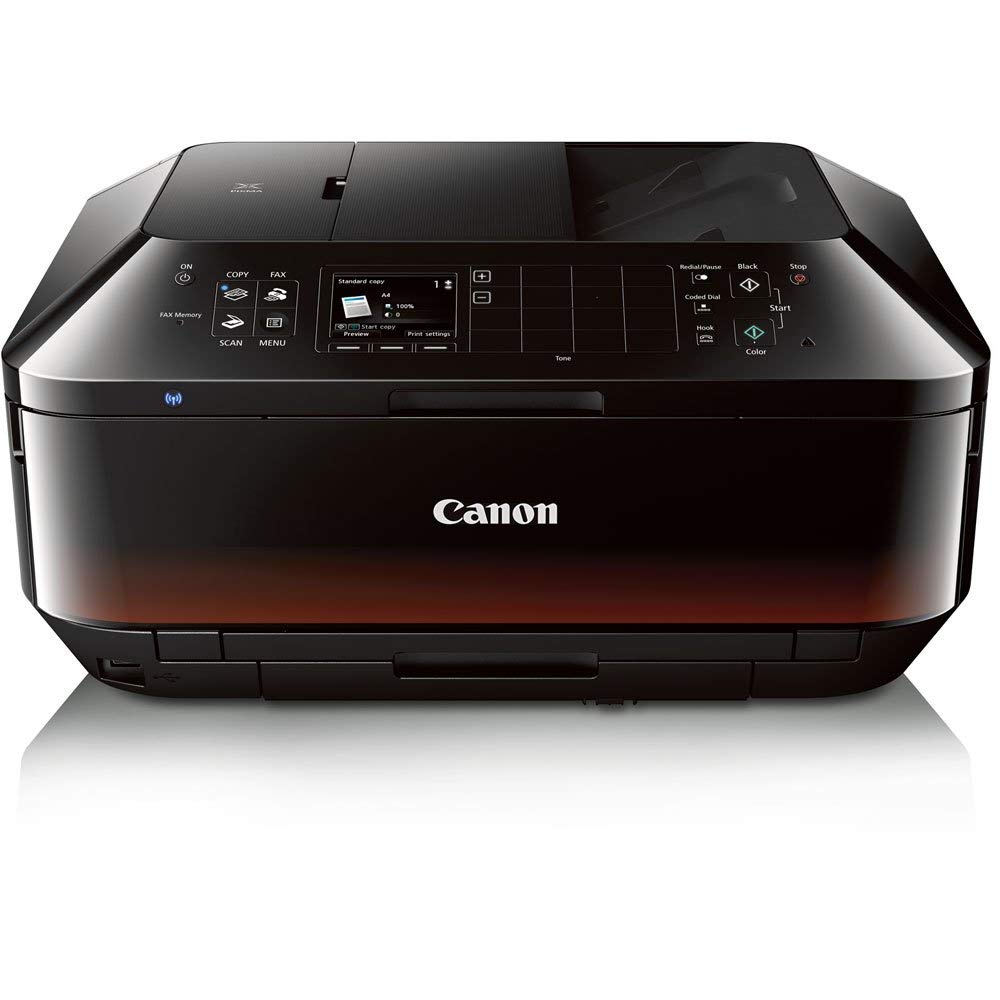
Canon Office and Business MX922 All-in-one Printer with PG-250/CLI-251 Combo Pack

اكتب تقييم
B075TP2YCM
All-in-one Printer with PG-250/CLI-251
Target is a general merchandise retailer with stores in all 50 states and the District...

المدينة: US, New York

Delivery
Pickup at your own expense
Tomorrow from 09:00 to 20:00, Store location
Free
Payment options
Apple Pay Google Pay Mastercard Visa
Cash, bank card, credit/installment payments, cashless payment for legal entities
Warranty and returns
Exchange/return of products of proper quality within 14 days Official manufacturer's warranty: 12 months
Features
Style
All-in-one Printer with PG-250/CLI-251
Description
This fits your .
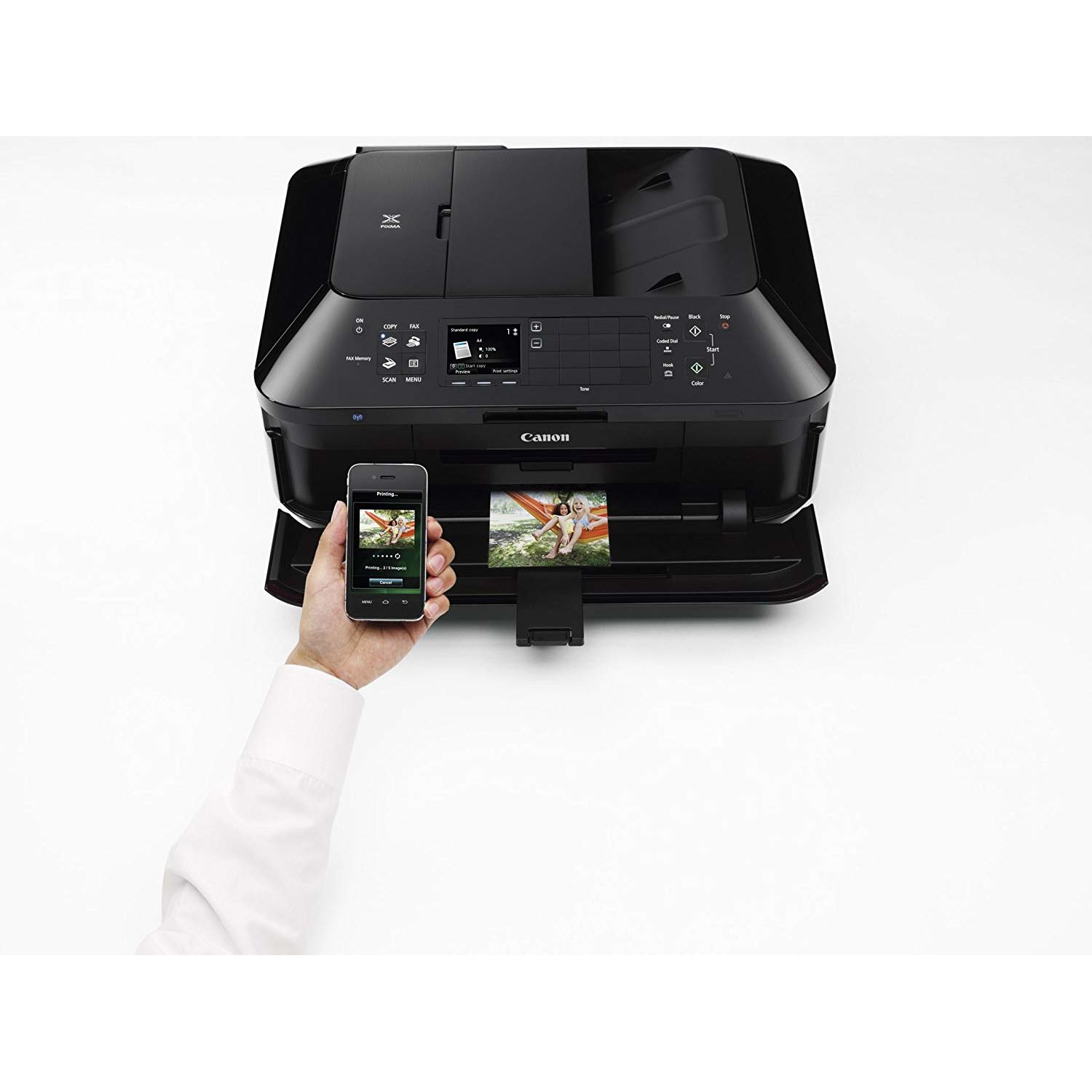
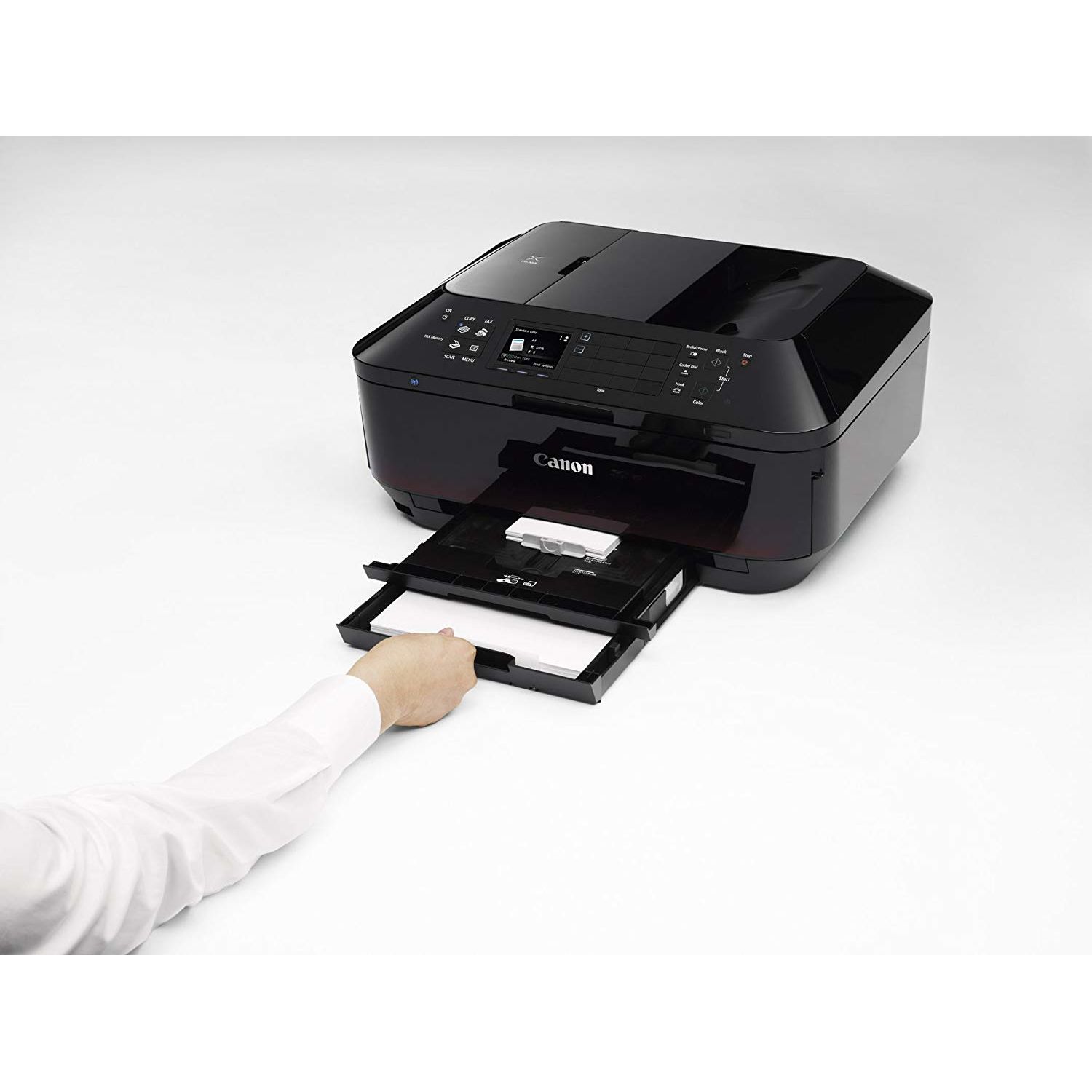
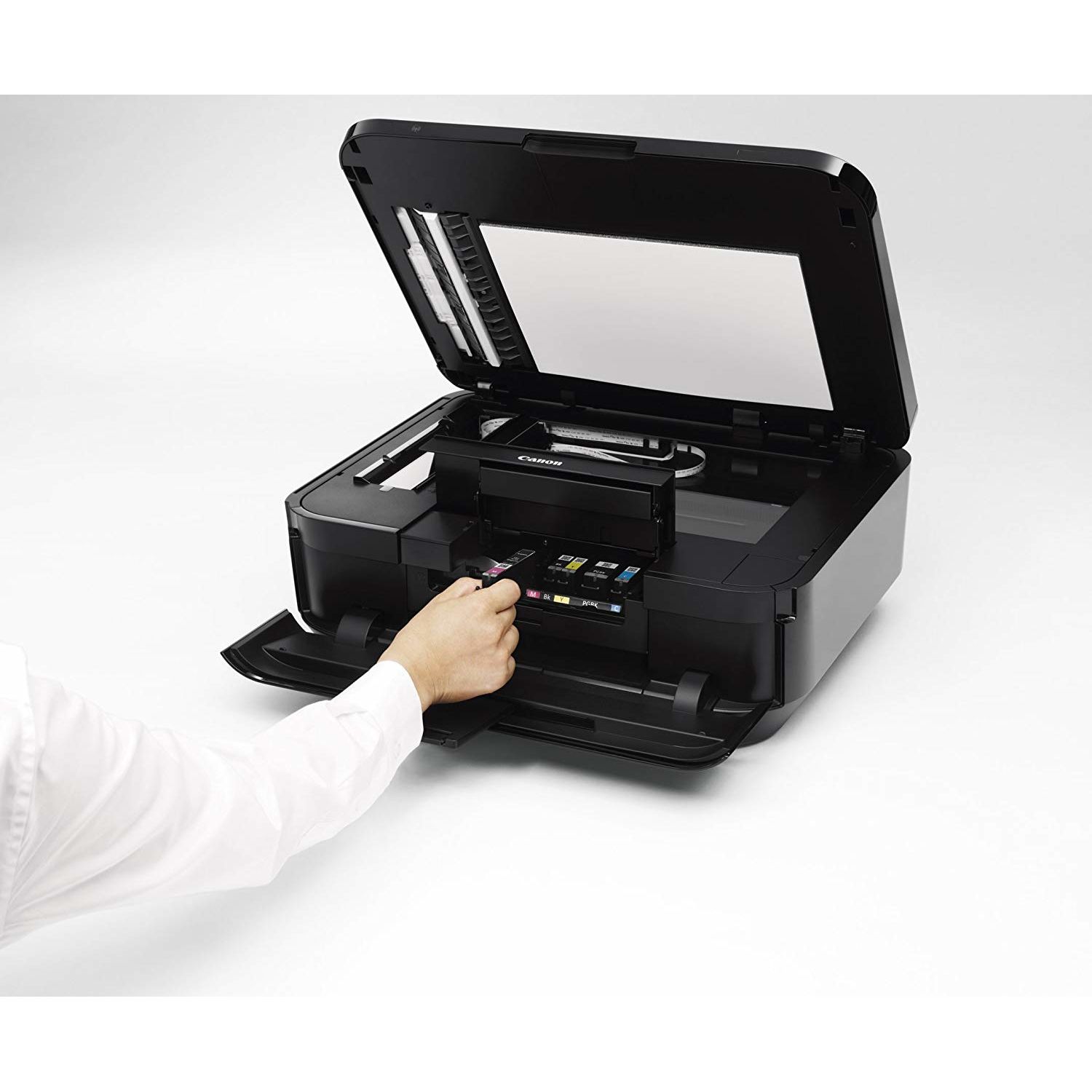
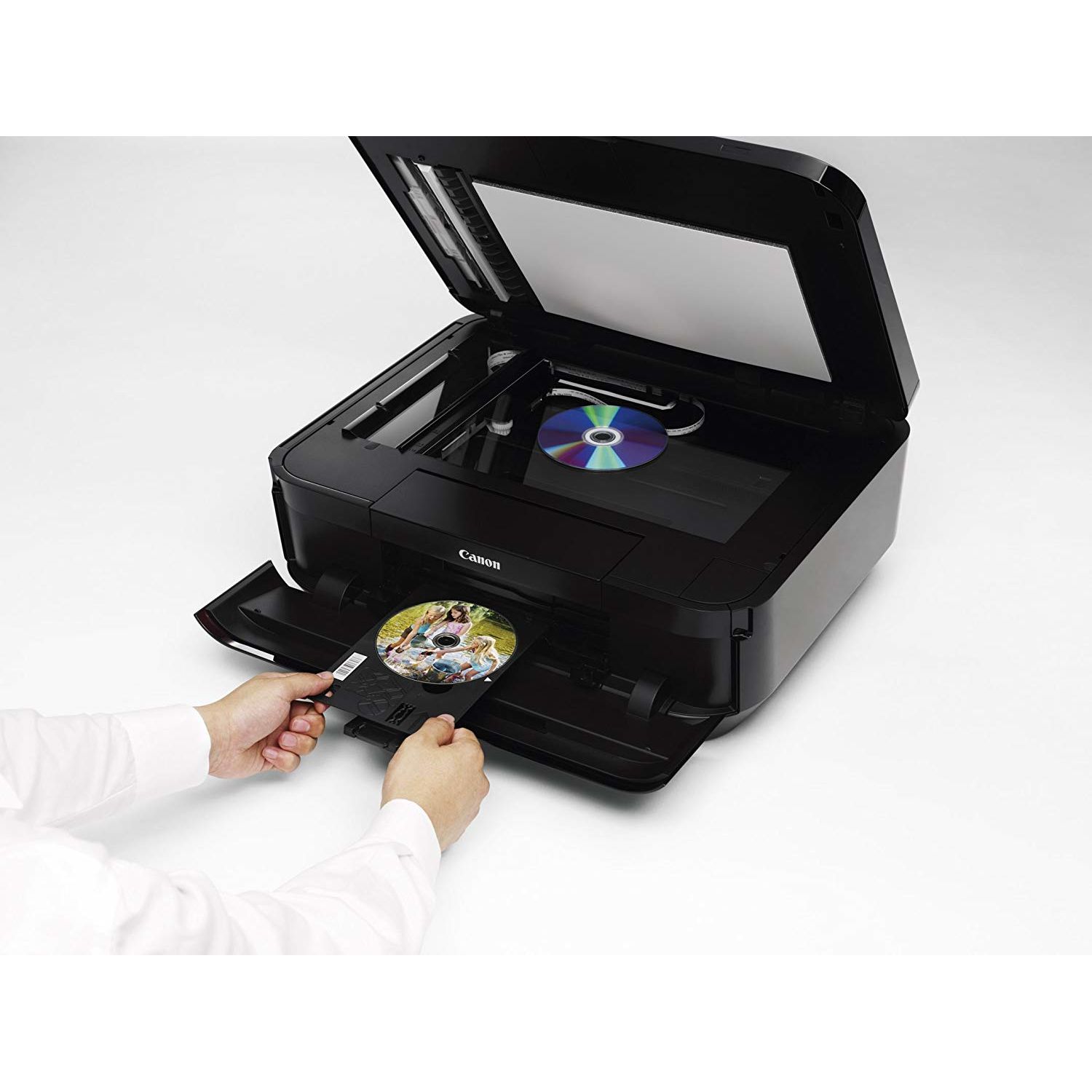
Make sure this fits by entering your model number. Features: Wireless LAN,AirPrint, Google Cloud Print, Wireless Printing, Mobile Device Printing Fully-Integrated, 35-sheet Duplex Auto Document Feeder: Easily copy, scan and fax multiple documents without having to load them one page at a time Built-In Auto Duplex Printing: Automatically print on both sides of the page without the hassle of turning it over manually Compatible with Individual/Combo CLI-251 XL Ink Tanks (Cyan, Magenta, Yellow, Black) & PGI-250 XL Or PGI-255 XXL Pigment Black Ink Tanks. Genuine Canon ink is recommended for the best experience with Canon 100% recycled paper board packaging Generation Green: Environmentally conscious products with the next generation in mind
Reviews
2.6
التقييمات: 20
5 نجمة
20%
4 نجمة
20%
3 نجمة
5%
2 نجمة
5%
1 نجوم
50%
Amazon Customer
5
I have run through two other multi-function machines in the last two years, an Epson and a Brother, both unacceptable. The Brother in particular, the model with the large ink cartridges, was terrible. Constant problems. Both of them gobbled ink and the Brother printed way less pages per cartridge than claimed by Brother. I junked both of them. So then I buy this Canon. $65? Seriously? With two-sided printing and scanning? Set it up and order Blake ink cartridges for pennies. It works perfectly. My wife prints tons of photos for her business with absolutely no problems. I have since bought two more for my kids. The non-oem ink works great and saves us a fortune. Complaints about longevity? Some reviews say it only lasts a couple of years? Who cares? At this price point its disposable! Look at what youll save on ink alone. This thing is a steal. Light years better than the competition. Buy it.
HeTiCu
5
That said, I dont try different brands so I can compare them, so I may be biased. My camera equipment is Canon (for many years) and so my last printer was a Canon IP6000, purchased in 2006, for printing 4x6 photos (and documents). It worked great until recently when it suddenly slowed way down, which is what prompted me to go shopping. Naturally I read the reviews for Canon printers (and some other brands) and it appeared that this one was the newest technology and already had favorable reviews, including from people with home businesses. Now, lets switch gears. My printing needs have diminished over the years as I have become increasingly more digital in document storage, online financial transactions, etc. Basically, if I can do it digitally, then that is the route I take. This includes my photo collection which is stored on my iPad for showing off. :-) I also bought a CanoScan 8600F (flatbed scanner) in 2006, which is still in use. So, imagine my very pleasant surprise when I discovered the awesome speed and stream-lined functionality of the multi-sheet scanning feature! If one sets up a directory (in the accompanying software utilities) ahead of time, then its as simple as loading your documents, hitting either start button (black or color) and very quickly a pdf file shows up in the pre-set directory. Did I mention it has an ethernet port and is quickly (and painlessly) recognized on the network once the drivers are installed? I dont like Wi-Fi for home networking, I prefer ethernet (gigabit speed) when ever I can get it, so this port was a big plus for me. All of my computers see and work with the Fax driver, Printer driver and Scanning driver. Now, lets mention some little things that make this machine great. I never turn it off as it has a low-power state (automatic after a few minutes of inactivity) where everything powers down with only one small, blue light glowing. If I send something to the printer it immediately comes to life, takes a few moments to warm up and (this is cool) the paper output tray *automatically* opens and the extension support flips out! Its the little things that make me smile. :-) Also, if I place one or more documents in the scanner slot (while in low power mode) then it instantly springs to life and takes a few moments to warm up. Having stated that I print less and less these days, I must say I was impressed with the ink cartridges. They all have small, red LED lights that confirm they are plugged in correctly and in working order! Another smile. :-) Now I dont FAX much these days, but its nice to know that it is hooked into the "clone" line through my PhonePower VOIP adapter (2 ports) and therefore is available upon demand. Oh, btw, the top lifts up like a flatbed scanner also, so I guess I will be donating the CanoScan 8600F soon. Final analysis: This machines capabilities pleasantly exceeded my expectations, even after reading the specs and reviews. It has proven to be fairly equal in functionality to the Xerox multi-function machine at work, but at a fraction of the cost. The only thing it cant do is print 11x17, but that isnt an issue at this time. I will try to get back in a year to report on its longevity prospects. UPDATE: I have knocked the rating down to 4 stars because there is no secondary sheet feeder. (My rating for this is actually 4.5 but that choice isnt available). Occasionally I have need to print on 8.5 x 14 (legal). With this unit one must remove the regular paper from the lower (main) paper tray, extend it out (at least they did build that into the unit) and load the 8.5 x 14 paper. I suppose I have been spoiled by top (secondary) sheet feeders on previous printers, so this is a small let-down. I guess I assumed the scanning feeder could be used as a secondary sheet feeder (for printing) but due to the design of the machine it cannot. UPDATE, 11-24-13: I had occasion to send my sister a letter today (she hates email) so I typed one up and hit the print button. I have not printed anything for several months, and the print cartridges are now 7 months old. My letterhead includes a small photo of a sunset over a local river at the bottom. After hitting the print button the machine woke up, flipped out the print tray, spent a minute doing a self-diagnostics, then printed out my one page in about 7 seconds. Apart from a slight smudge at the top (probably due to inactivity for several months) the letter printed out flawlessly, including the photo. I reprinted the letter and there were no smudges or flaws. Since I have not needed "legal" size paper anymore, I am changing my rating to 5 stars since this machine is doing everything I need it to do. UPDATE, 05-25-14: I lost my mother on Feb. 1 and inherited her estate. I was forced to move temporarily from WA to KY to liquidate the estate. My first priority was to set up my office so I could deal with the legal, financial and medical accounts and issues. I am also Trustee so there were many Will disbursements to deal with. I did not bring my MX922 from WA, instead I bought a new one once here. After 4 months of scanning, copying, and printing, I can now say I have given this machine a workout, including the printing function. It has performed most excellent. I also needed to buy more ink cartridges and discovered an alternate source (here on Amazon) for cartridges that are: (a) a fraction of the cost of Canon cartridges, (b) still have the same red LEDs on them that communicate with the printer and (c) are relatively CLEAR, so one can see how much ink is left. I still cannot comment on photo printing as I am all digital these days when it comes to photography. But I can give this unit 5 stars for being a workhorse in all other areas! I can also say that if one schedules their need for printing envelopes in batches, this unit does that professionally as well. UPDATE, 08-24-15: Earlier in the year I decided to start creating my own greeting cards (using CorelDraw) and printing out 5x7 photos for b-day gifts to relatives and friends (from PhotoShop). Both machines are still working great, and they produce exceptional photos. There are settings within the Canon print drivers that one can play with to improve the photo quality as well. I can also endorse the much cheaper ink cartridges that I buy from Blake Printing Supply on Amazon. I have gone through 2 sets (10 cartridges in a set) and they work great as well. For those wanting to find them, do a search on Amazon for "MX922 compatible ink cartridges" and look for Blake Printing Supply.
Hale
5
We bought this for my office a couple of years ago for a fax machine replacement, yes, people still fax. We have also been using it as a scanner, color copier, and color printer. It has been my go to printer at work, despite having a Brother Laser printer on the network as well. If I need a bunch of black and white prints of something, I will use the laser, however, 95% of the time I use MX922. It works well as a fax machine, prints black and white well, prints color well, copies black and white well, copies color well (although slower than black and white), and scans okay. The only thing I wish they could improve is the software for the scanner. It may be the owner/reviewers fault, but the scanning interface is not as intuitive as it could be. It would be nice if I could just let the program know, I want to make a pdf of the next few pages at 600dpi, and fire it off. Heck, it might even do that for all I know, but as a frequent user who does not rtfm, the correct way to do so hasnt leaped out at me. Also, in order to do everything it does, its big, and its heavy. Youll need to have a place for it. Now for the heck yeah, I just bought one for my house too, despite it being overkill... The price: cmon, it can be had for $100 delivered. This thing is a powerhouse and technical marvel for that price, and I do love and use the crap out of it. The output looks great. It is VERY easy to change paper and ink cartridges, etc. It is easy to set up and get on your network. It is easy to diagnose any problems that crop up, low ink, network being down, etc. It is extremely reliable, with no paper jams. (I think I had 2 easily resolved paper jams in over two years of heavy use.) It runs cheap copy paper and thick card stock without a hiccup. The printer software is great. You can adjust as needed, or ignore as needed. (scanner, not as much) It prints on both sides of the paper. It can print skinny time cards and envelopes very easily. It has a great document feeder that actually works. ...and most importantly to cheapskates like me: Canon printers are not ink nazis. You can use non-Canon ink. Hopefully, they can still make a living, but they wont make a killing off their ink. Factory Canon ink, however, is much more rainproof as I found out yesterday at the outdoor range. We got limp card stock to score, but I was amazed that the Canon ink (included with my newest printer) did not run at all. I was impressed. So my bottom line is that if you need a b&w and color printer, and scanner, and fax machine, and are printing anything from envelopes to regular 8.5x11, and have a hundred bucks and somewhere to put it...buy it. I was NOT given this product or even a discount, or coerced, or given a cool hat or anything, for my highly opinionated though amazingly accurate opinion on this bad boy. (I paid real after tax money for it and still liked it.) So there.
Mr max
5
Yes, I called this printer a beast ... because its big, and it does everything. I had neglected to read the dimensions (my bad) so did not realize how large it is. If you are looking for a compact printer, this isnt the one. However, if size isnt an issue, and you want a printer that does everything, and does it well, this Canon MC922 is perfect. For home use, and low-quantity business use, this printer is excellent. The one negative is that it is slow by todays standards. One of the selling points on this printer for me is that it uses five separate ink cartridges - pigment ink in black for b/w document printing and dye ink in black, cyan, magenta and yellow. With individual ink cartridges, you just replace each as they empty. I set the printer up so that it uses the large pigment black ink for all documents, and the fast draft printing uses less ink but still prints sufficiently for most of my home needs. Easy to change the setting for documents that need to be best quality. I printed some vacation photos in 4 x 6 to send to an elderly relative, and while I used photo paper, I used standard quality, which prints faster, uses less ink, and for snapshot purposes, works very well. For a larger photo and/or one that is to be displayed or otherwise needs photo quality, its slower, but turns out great results. I love being able to easily print from mobile devices. It is possible to print a photo or document from facebook or website without downloading, etc. My son needed to print an application that was ten pages and two-sided. He used his iphone to print it, and with just a few taps on his phone, out came the entire application, printed on both sides! I was amazed -- I guess I am behind the times on what printers are capable of these days. He also needed a copy of a document that was two sided, a few clicks on the control, feed it in, and out comes copy, two sided. Ive mentioned "slow" a few times. It takes as much as two minutes at times before the printer starts printing. Print speed is relatively fast in fast mode and standard mode for photos; but higher quality is slow. For home use, low printing demand, this is not an issue, but if you need to do production printing, or need a printer that fires up and prints NOW, then look elsewhere. Overall, I highly recommend this printer for general home use, and for photo printing. The print quality is excellent, the features make it the right printer for whatever you need to print. I did not realize how handy duplex printing would be! Or mobile printing! Very happy that I selected this printer beast.
Product variations
Column filling
ترتيب بواسطة السعر ترتيب بواسطة الامكانية ترتيب بواسطة الكود ترتيب بواسطة Style
$‎ 11900
متوفر بالمخزون
+
B07QNS8HMB
Style:
Wireless All in One Printer
$‎ 19700
متوفر بالمخزون
+
B00AVWKUJS
Style:
All in One Printer
اتصل بنا لمعرفة السعر
متوفر بالمخزون
B075TP2YCM
Style:
All-in-one Printer with PG-250/CLI-251
You may be interested
  • Bestsellers
  • Recently Viewed
 
Similar products
$‎ 9900
New York, US
Gold
Operating System Printer TechnologyLaser
$‎ 66900
New York, US
Gold
Operating System Windows, Mac Printer TechnologyInkjet
$‎ 64900 $‎ 69900 -7%
New York, US
Gold
Operating System Windows, Mac Printer TechnologyInkjet
$‎ 31900
New York, US
Gold
Operating System Windows, Mac Printer TechnologyInkjet
Show more
Fast and high quality delivery

Our company makes delivery all over the country

Quality assurance and service

We offer only those goods, in which quality we are sure

Returns within 30 days

You have 30 days to test your purchase