
















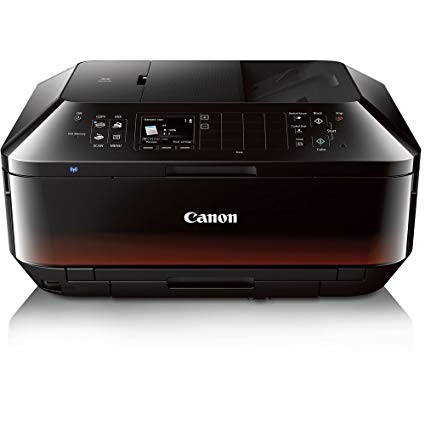
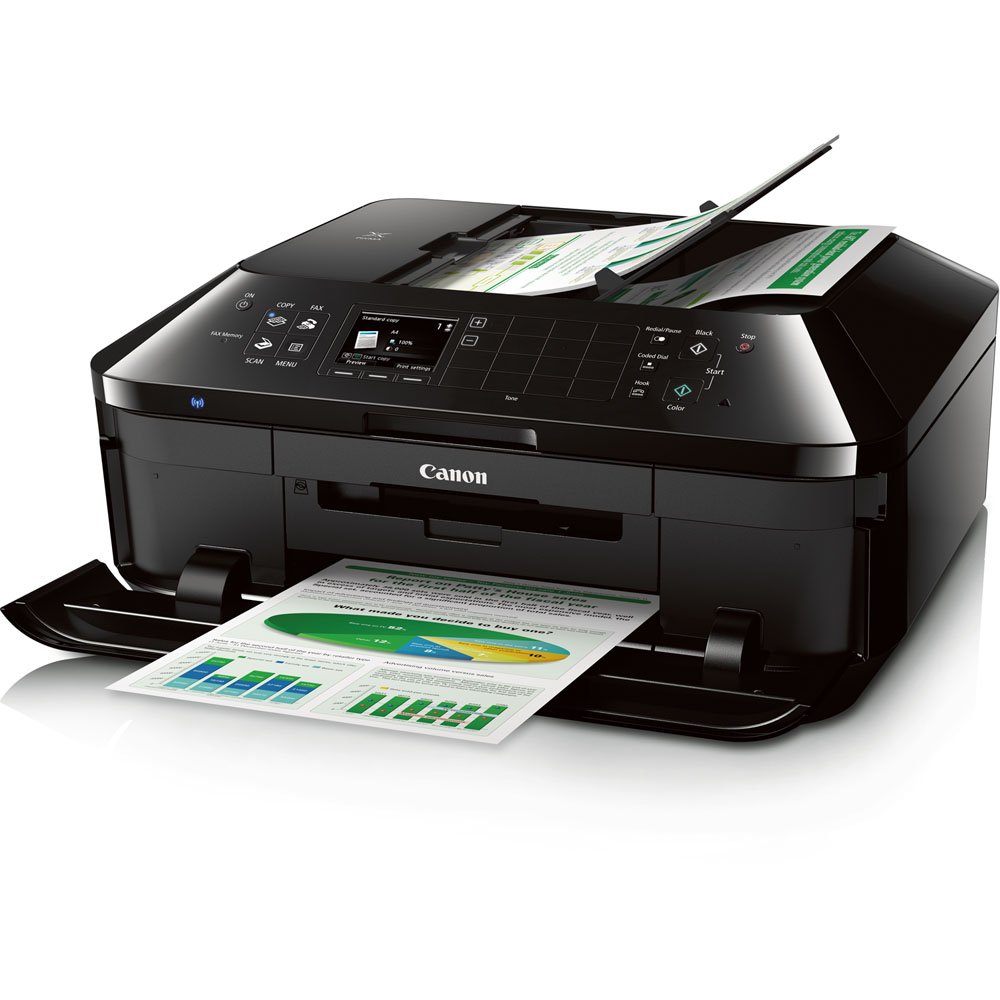
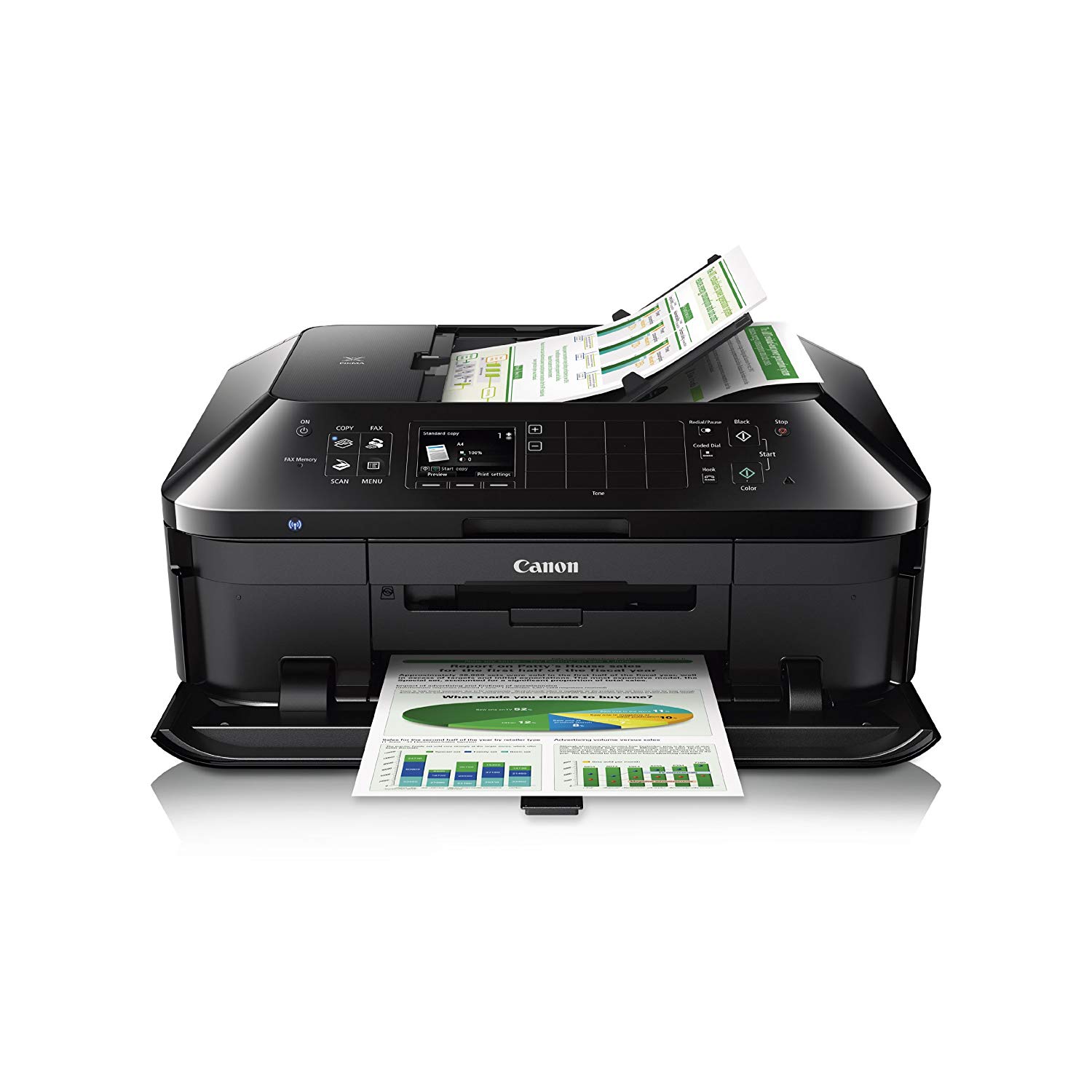
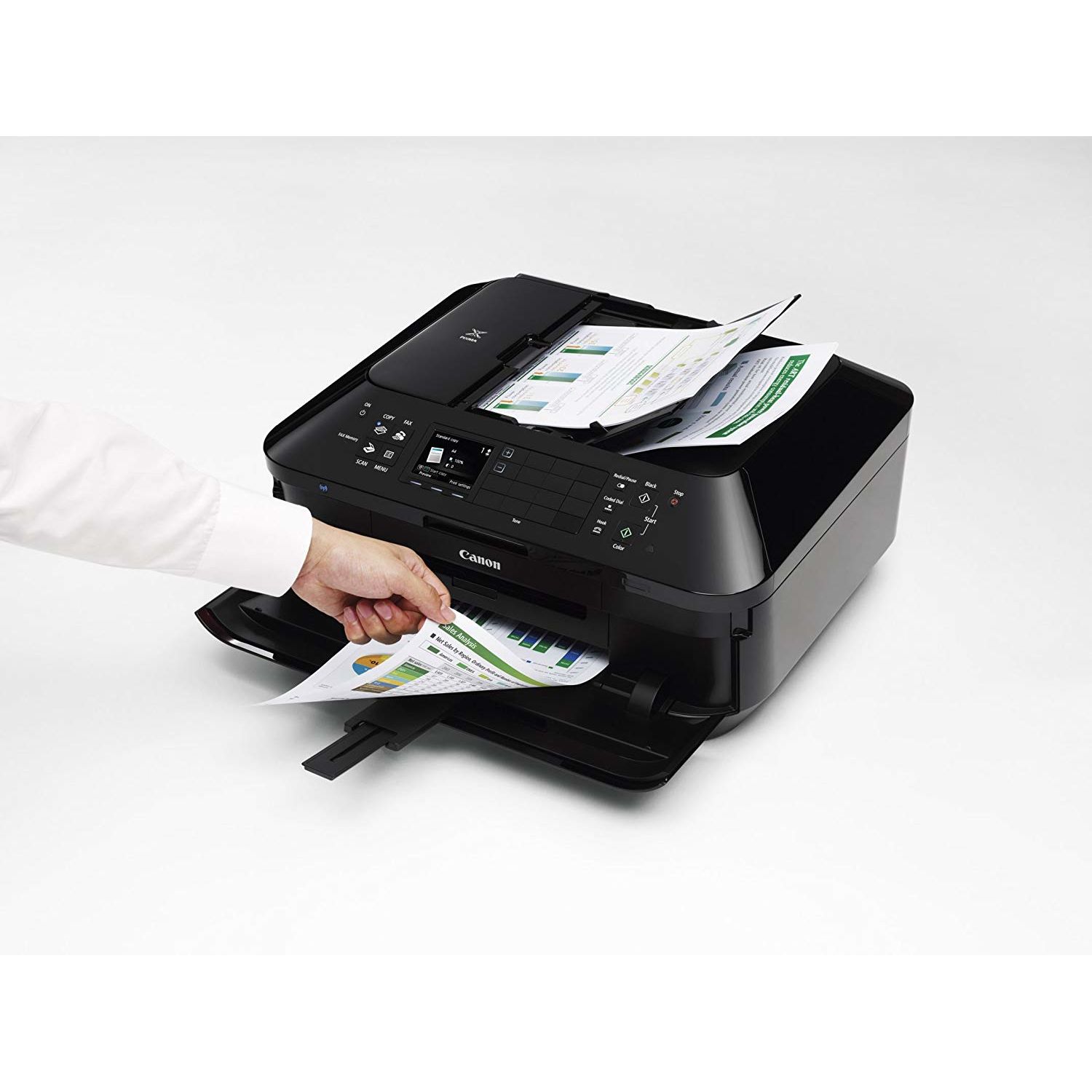
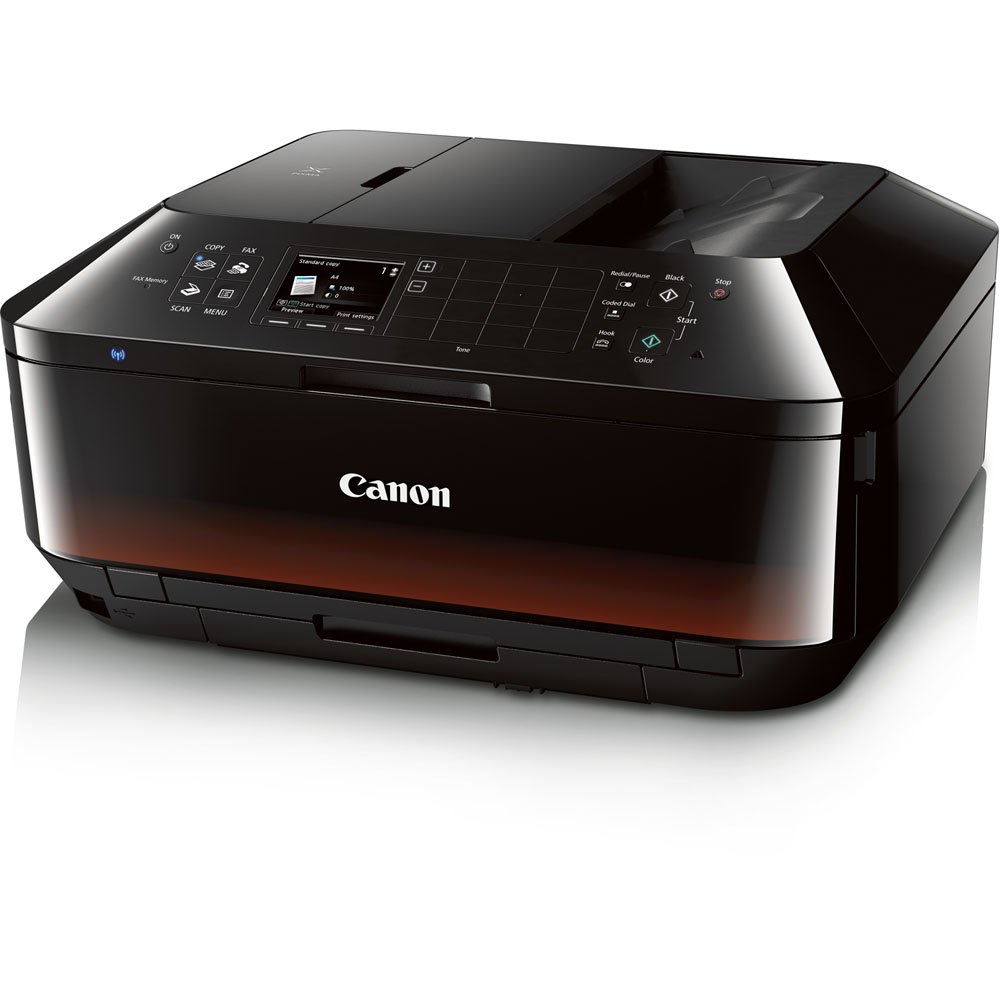
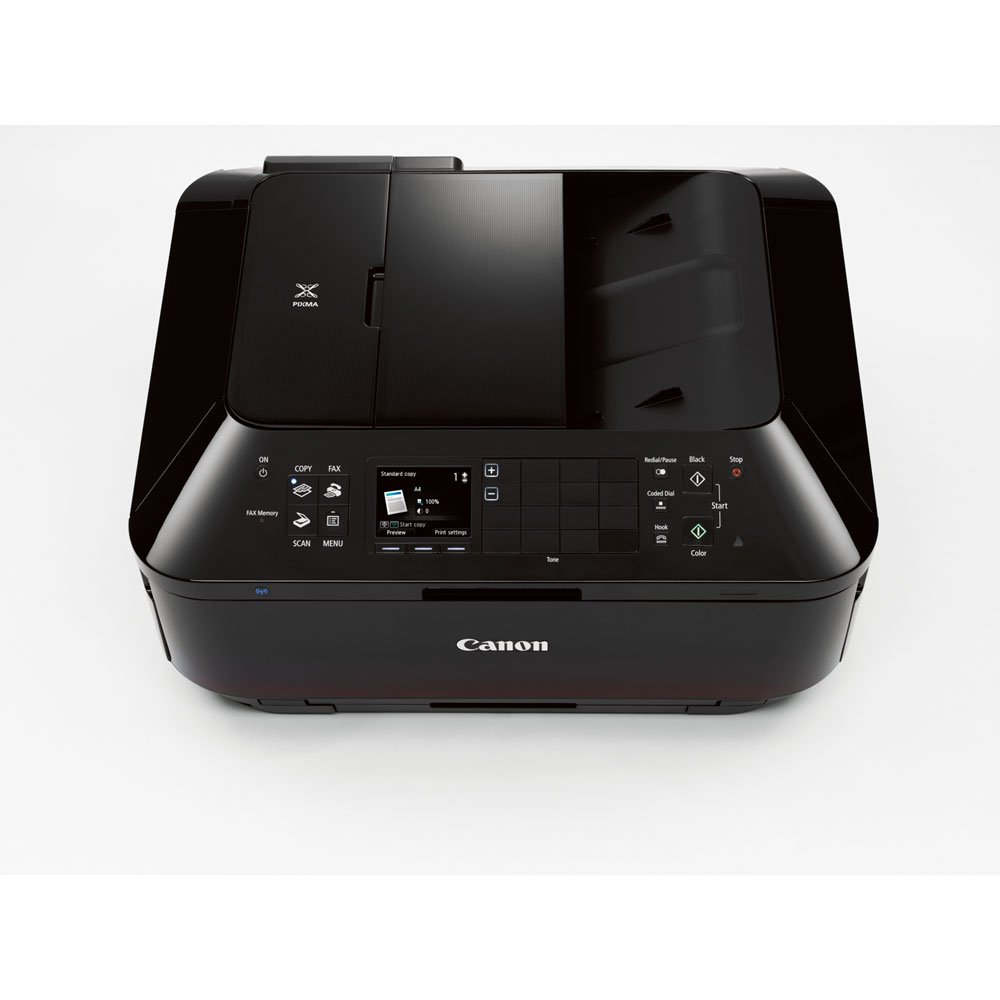
Canon Office and Business MX922 All-In-One Printer, Wireless and mobile printing
Write a review
$19700

Canon Office and Business MX922 All-In-One Printer, Wireless and mobile printing

Write a review
B00AVWKUJS
All in One Printer
+
Add to wish list
Target is a general merchandise retailer with stores in all 50 states and the District...

City: US, New York

Delivery
Pickup at your own expense
Tomorrow from 09:00 to 20:00, Store location
Free
Payment options
Apple Pay Google Pay Mastercard Visa
Cash, bank card, credit/installment payments, cashless payment for legal entities
Warranty and returns
Exchange/return of products of proper quality within 14 days Official manufacturer's warranty: 12 months
Features
Connectivity Technology
USB; Wireless
Item Dimensions
19.4 x 9.1 x 15.6 in
Item Weight
25.7 lbs
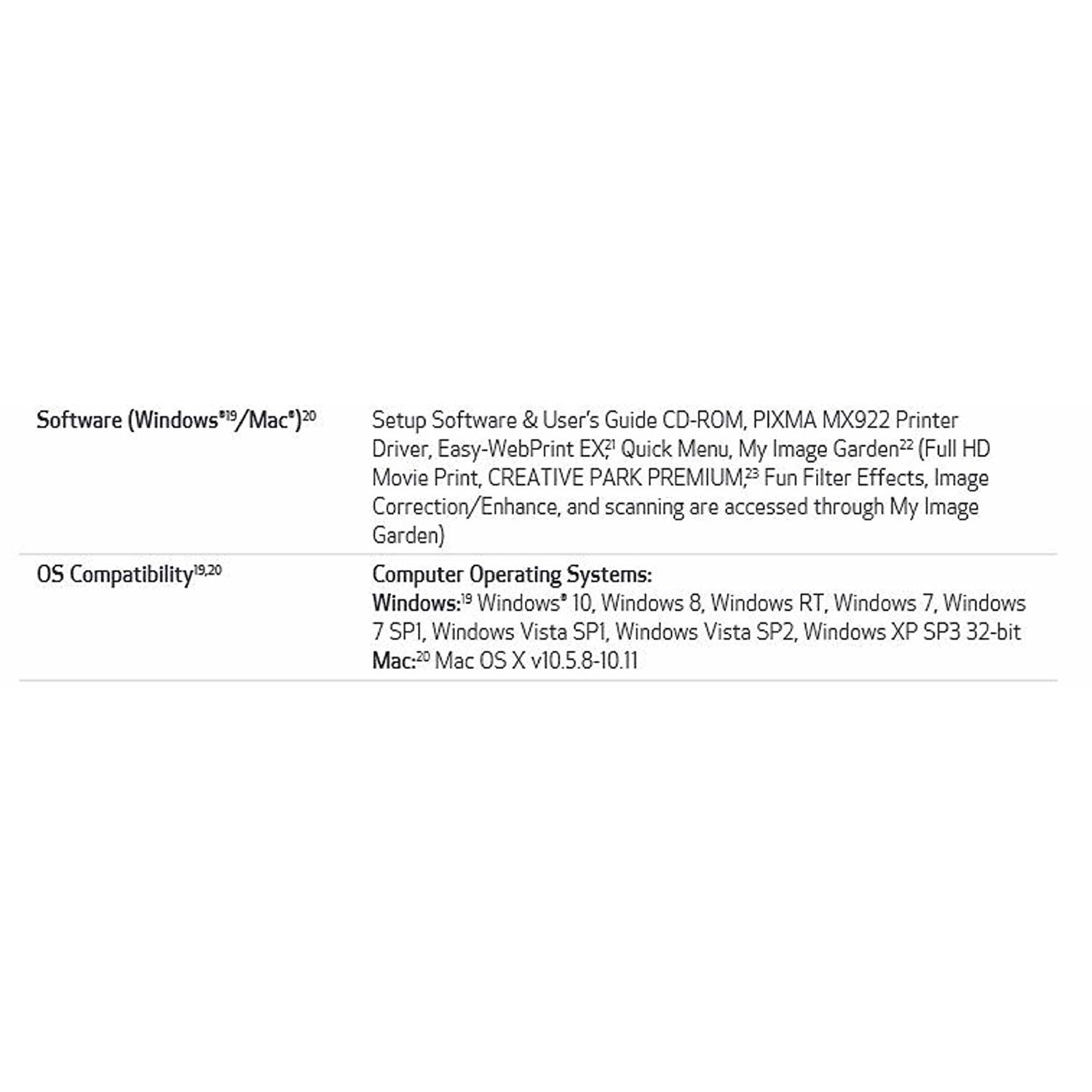
Operating System
  • Windows, Mac
Printer Output
Color
Printer Technology
Inkjet
Style
All in One Printer
Wireless Type
802.11bgn
Description
This fits your .
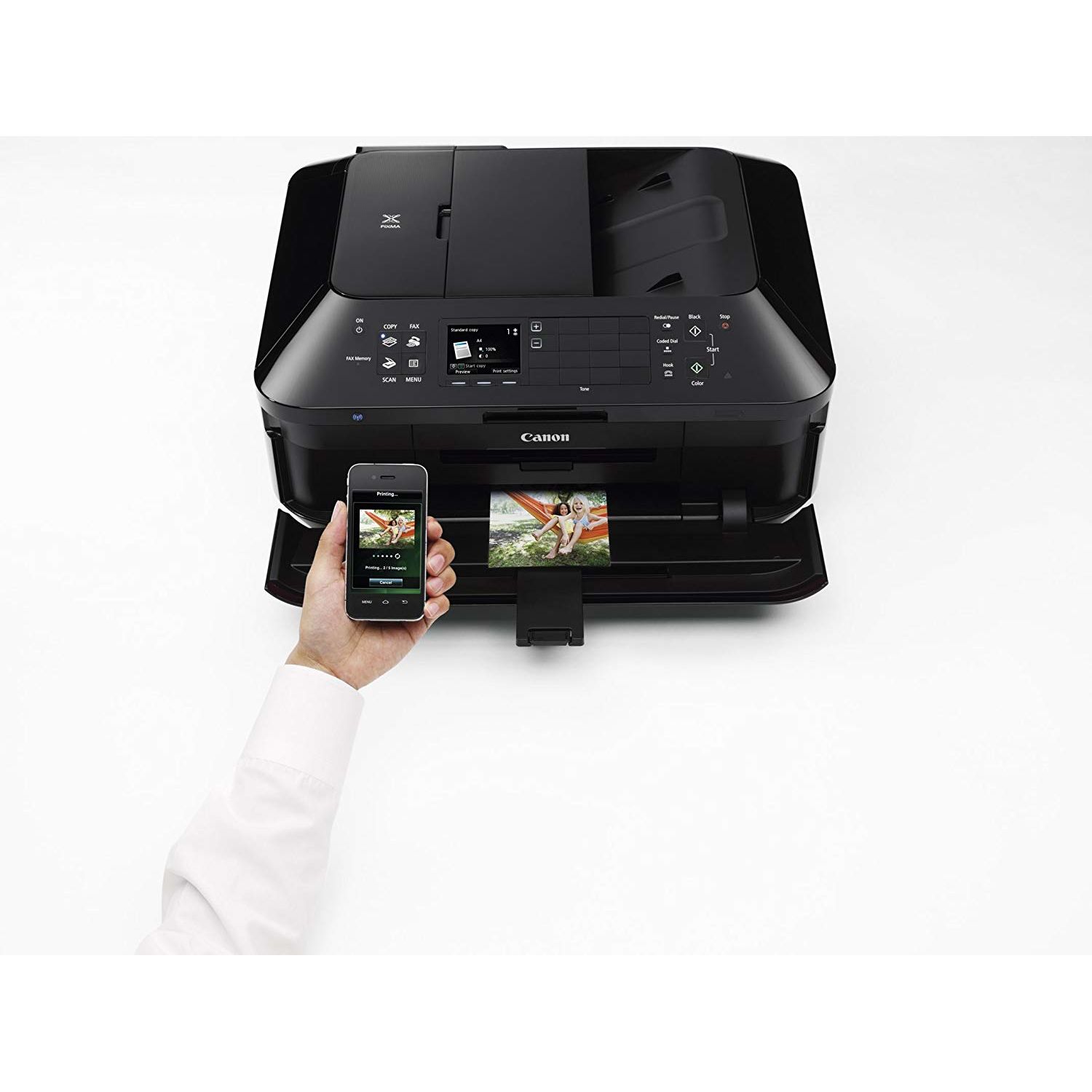
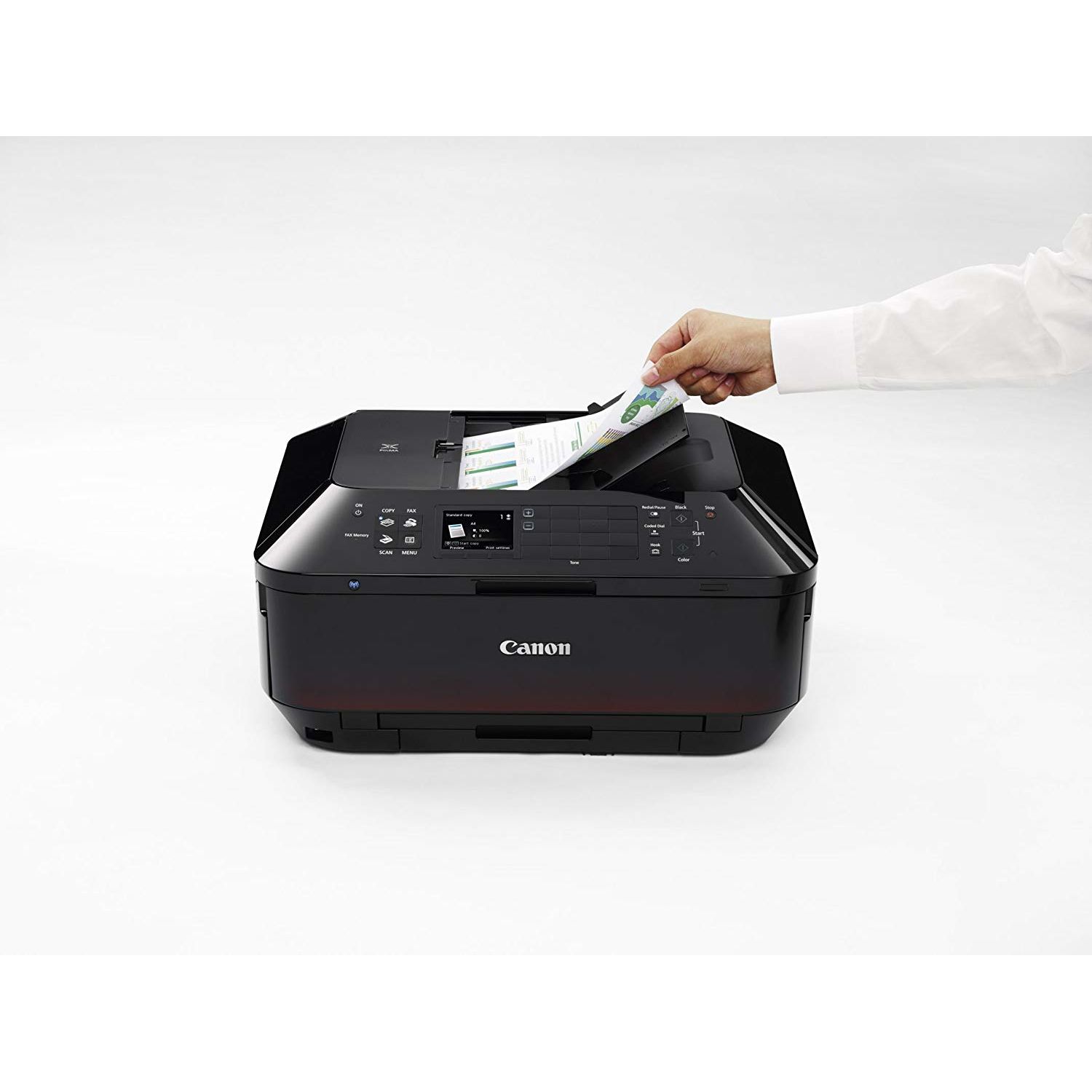
Make sure this fits by entering your model number. Features: Wireless LAN,AirPrint, Google Cloud Print, Wireless Printing, Mobile Device Printing,USB 2.0 Hi-Speed: Plug the cable into your PC for a super-fast connection for your data transfers Fully-Integrated, 35-sheet Duplex Auto Document Feeder: Easily copy, scan and fax multiple documents without having to load them one page at a time Built-In Auto Duplex Printing: Automatically print on both sides of the page without the hassle of turning it over manually Compatible with Individual/Combo CLI-251 XL Ink Tanks (Cyan, Magenta, Yellow, Black) & PGI-250 XL Or PGI-255 XXL Pigment Black Ink Tanks 20-Foot cord.OS Compatibility:Windows 8, Windows RT, Windows 7, Windows 7 SP1, Windows Vista SP1, Vista SP2, Windows XP SP3 32-bit and Mac OSX 10.6.8 - 10.9.x Dimension (W x D x H) : 19.4 (W) x 15.6 (D) x 9.1 (H). Weight : 25.7lbs
Reviews
2.6
Reviews: 20
5 stars
20%
4 stars
20%
3 stars
5%
2 stars
5%
1 star
50%
Sherrie White
4
This is my first review on any product on Amazon, this review will be on the Canon PIXMA MX922 Wireless Color Photo Printer with Scanner, Copier and Fax . After reading almost 75 reviews this will be focusing on the reviews with 1-2 stars. First to the complaints on the wireless air-print from Ios or Android, if you setup the printer using WPS your phone will never pick up the printer or will appear offline. You have to select WLAN Setup from Menu on the printer then select other setup options on the LCD screen then select standard setup and find your router then select and type in your password then connect. Also you have to make sure your phone is on the same channel, so especially if you have a dual-band router and your phone is on the 5ghz channel and the printer is on the 2.4ghz channel you will also run into problems. So every thing has to be on same channel, phone on 2.4ghz then the printer has to be on 2.4ghz channel then you will have absolutely no problems printing from your phone. Then with the complaints about noise there is a Quit mode selection in the menu when turned on it reduced all printer noise by at least 75%. Now to the ink consumption this printer is one of the best in the simple fact that if one of your cartridges runs out it will continue to print. Also the printer by default will print even all Black and White documents in the color setting because it brings a better quality this can simply be changed in your printer settings in your control panel to Black and White so most regular text documents will use the XXL cartridge which lasts for ever. With this setting changed if the page has color it stills prints in color.Compared to other printers when one cartridge runs out the printer will not continue to print until the ink cartridge is changed. The Canon PIXMA MX922 is one of the best printers Ive used regarding ink, as a plus you can buy a color and XXL Black cartridge set from Amazon for a total of $60. As far as the scanner and copier gos it is one of the best Ive used on a printer under $200. Have not had a chance to use the Fax so I cant reply in this review on that subject. One of the few downfalls of this printer is the size it really is a rather large printer compared to other all in one printers in its class so take that into consideration. Photos are absolutely beautiful when used with Cannon Pro Platinum photo paper at 4x6 100 sheets for $20 on Amazon. As far as setup and install program wise its pretty much standard procedure. Ive had the printer for about two weeks now and really I am so impressed for only $99. To those saying about break downs well with the SquareTrade 3-Year Electronics Protection Plan ($75-100) for only $14.20 how can you go wrong? There is another slight downside if you dont have a router or wireless access the printer doesnt come with the USB cable to direct connect, but one can be purchased on Amazon for $5.49 the Mediabridge USB 2.0 - A Male to B Male Cable (10 Feet) - High-Speed with Gold-Plated Connectors - Black. For those people giving this printer 1-2 stars it really is not their fault they are just ignorant to technology. Throwing off people into second guessing in purchasing this amazing piece of home all in one equipment. The auto 35 page duplex is also so time saving and conserves so much on paper consumption. I really hope this review finds people who are interested in purchasing this machine. The VERY few downsides like the USB and shear size is the only reason I didnt give this product a 5 star rating. I hope this review was helpful in letting you disregard the people giving this product 1-2 stars. Thanks for taking the time to read a real review!
Patrick Mains
4
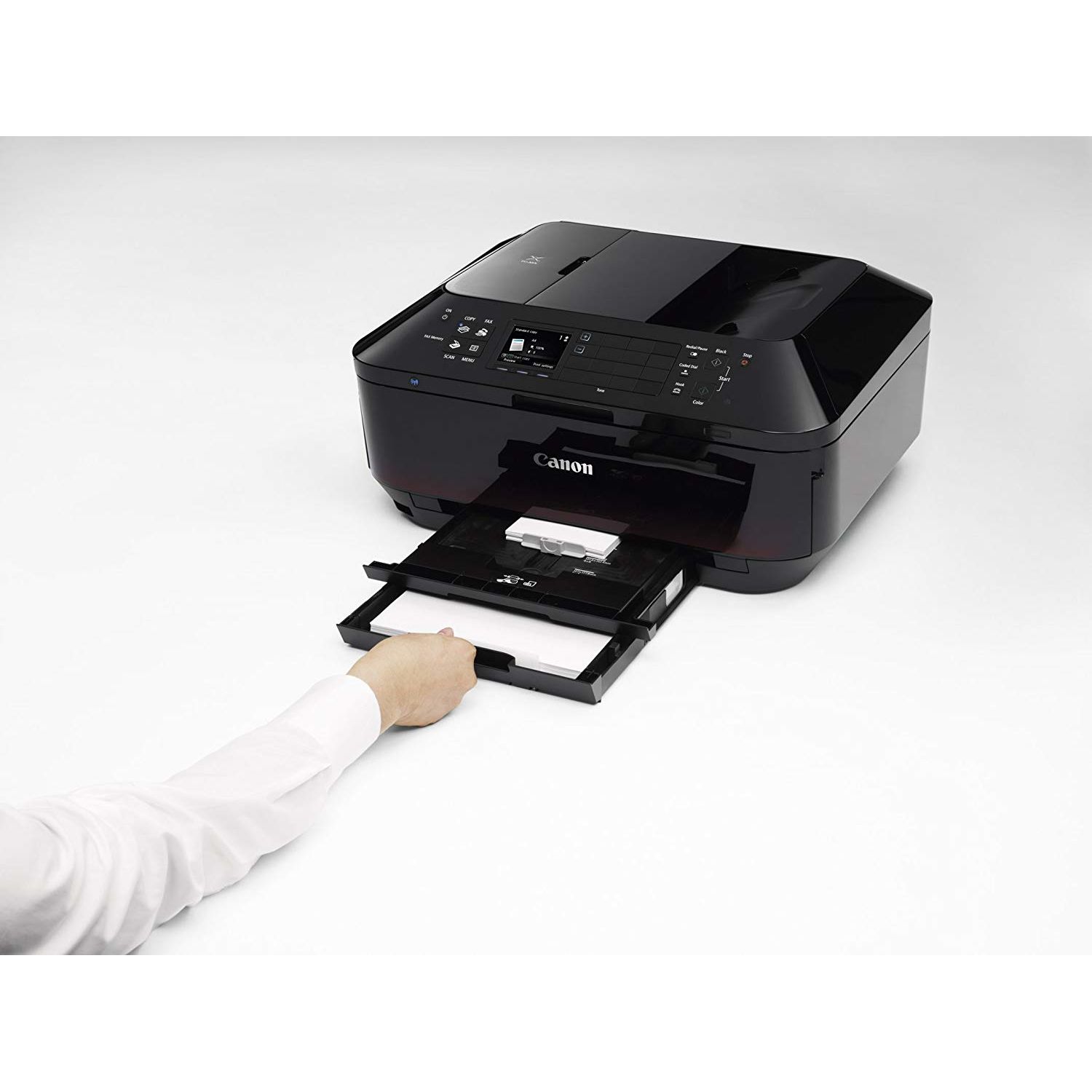
The Canon Pixma MX922 printer is truly one of the best values for the money. I bought this printer for around $70 I would have a very hard time finding another printer just as good for under $150. Below I will go over the different aspects of the printer as well as the pros and cons. Build Quality - The MX922 is a beast of a printer measuring in at 19.4 in wide, 15.6 in deep, and 9.1 in high and weighing 25.7 lbs. This definitely is not a compact printer by any means. The printer is made out of plastic all around, but for the insanely low price I cant complain. Display Interface - The Canon printing interface is very well designed and is well suited for the 3 in color display. The menus are easy to navigate as well as feature packed with options such as template print which allows you to print your own notebook paper or graph paper without having to go to the store. My only complaint about the user interface is that typing things such as the Wi-FI password is painfully slow. Ease of Use - The Canon Mx922 is very easy to use either wirelessly or connected to your computer via a cable. The printer features two paper trays, one for photo paper and one for printer paper, a feature that is usually found on commercial printers. The main paper tray holds up to 250 sheets of paper which eliminates the need to refill paper every week. Another great feature of the MX922 is the automatic double sided printing. This is one of my favorite features of the MX922 since you dont have to manually flip the paper. The printer does that all on its own. The scanner also has automatic double sided scanning and scans both sides of the paper without you having to. Ink Usage - This is one of the printers biggest flaws. The MX922 goes through its ink cartridges very quickly. However, unlike other printers, the Canon will print a black and white document even if the colored ink cartridges are depleted. One good thing about the ink is that you can buy XXL pigment black ink cartridges so that you can print many black and white documents using the pigment black ink. Print Quality - The print quality of the MX922 is incredible. The printer can print at resolutions of up to 9600x2400 DPI for color and 600x600 DPI for black and white documents. Printing photos on photo paper yields incredible results. Pictures are sharp and colors are vivid, even when printing on regular photo paper. Photos look amazing, almost to the point where they look professionally printed. Because of the Canon, I now make personalized holiday cards on Microsoft Word and print them with the MX922 to create special cards that you just cant buy at the store. One of the biggest flaws about the Canon is that the print speed is slower than average. The Canon can print black and white at 15 ipm and color at 10 ipm which is slower than average. The Canon also prints 4x6 inch borderless photos in 21 seconds which is just average. The MX922 makes up for its slow print speeds with its automatic double sided printing which saves a lot of time and effort. Scan and Copy Quality - The MX922 scans documents very quickly with its 35-sheet Duplex Auto Document Feeder which automatically feeds in sheets of paper to be scanned. An added bonus to the scanner is the automatic double sided scanning feature which saves time and hassle. The scanning quality is pretty good, and you can barely tell the difference between an original copy and the printed copy. Also, you can either scan to an email address or scan directly to a computer with a cable connection. Other Features - The MX922 can also print directly from a USB flash drive which I found very useful. You can also print images directly from an online photo album straight from the printers color display. There is also a quiet setting which can be set to activate during specific hours which significantly reduces the printing noise since normally the printer is quite loud. Template print is another useful feature which allows you to print things like notebook paper and graph paper directly from your printer. The MX922 can also print directly onto CDs, a feature you dont see on most printer. Also the printer can automatically open the front flap right before it prints so you dont have to. Conclusion - The Canon MX922 printer is a great printer which can do just about everything. Its print quality makes up for its slow speed and for the price you wont find a printer that even comes close when it comes to print quality and the number of useful features. The MX922 also has features that you would usually only find on commercial printers such as automatic double sided printing and an automatic document feeder for scanning. Pros: Print quality, value, many useful features Cons: Very large printer, slow print speed.
Jerald T.
4
The Cannon MX922 All-in-one Fax/Printer/Scanner is an excellent product for the price one has to pay for it. I have owned and used one for well over a year now and have had absolutely no troubles with it whatsoever. I read these reviews and see many owners who do apparently have problems - such as the following: "Uses too much ink" - Basically this printer uses about the same amount of ink-per-page as any other ink-jet printer PRINTING THE SAME DOCUMENT - and THAT is the criteria by which it should be measured. Printing a color photograph uses a different amount of ink than does printing a page completely full of size 11 Times New Roman font. "The ink is too expensive - $55 at Wal-Mart to replace all the cartridges" - Yes, but I buy my replacement cartridges right here on Amazon - $35 for SEVERAL complete sets of replacement cartridges. Exact same cartridges, exact same ink no problems with the printer saying "Non-standard ink cartridge" or anything like that. "It makes lots of noise before it starts printing" - Read the instructions on how to set the printer up. It tells you in there how you can resolve that issue. If it wasnt originally set up correctly you can fix that - without having to re-install the printer. "It takes a long time to start printing once I issue the command for it to do so" - Lets go back to the ink-usage scenario: The length of time it takes for the printer to start printing depends MOSTLY on WHAT you are printing - is it a text document without graphics or photos embedded in it? If it is the printer should start spraying ink on page in about 5 to 10 seconds after you issue the print command from your computer. Is it a text document with graphics and/or photographs in it? This will take longer, sometimes MUCH longer (depending on how many graphics / photographs there are, how big they will be printed on the page, and even their placement on the page. The printers electronics have to figure out when (and where) to spray millions of tiny, tiny dots of ink onto the page to accurately represent what you saw on your computer screen, and it has to know how to do it for YOUR computer application program AND for YOUR computer type/brand/operating system/network. Any one of those last written elements can make a WORLD of difference as to printout speed. "It doesnt do #10 envelopes" - Yes it does. There is a bit of a process the operator has to do BEFORE trying to print this size of envelope, but it DOES print them, like removing the paper from the lower tray, putting the envelopes in, then telling your application to that the paper is a #10 envelope, etc. Time-consuming - yes. Does it work? - Yes. Will the printer shine your shoes at the same time? No. If your printer does not work with your computer or your router or your network like you want it to, you might have one of those situations where a computer tech might be your best resource to fix the problem. If it doesnt work when your better half sits down to print something out but it works just fine for you - please let me know how you have resolved that problem. Im like you... Im still learning how to do things with this printer!
MC
4
10/10 PRINTING QUALITY: Photos, art, brochures, invitations, vellum, clear sticker photo paper (folder covers), CD covers, high quality prints...+ all regular printing. If you like the quality of Epson for photo printing, you will like this: nearly as good + it can do 100 more things. 10/10 SCANNER QUALITY 1/10 Lasting quality - See below. WILL DIE after 2 YEARs GUARANTEED. - BUY the 4 year PROTECTION PLAN! 100% WORTH IT. 1/10 Canon: Environmentally responsible - See below. Absolutely love this printer BUT I have beef with the people who designed this thing because, just like so many reviews say and just like Apple forces you to buy a new iPhone when your phone cant handle new updates, Canon has built this printer to die for no other reason than greed after 2 years. After 2 years, ON THE DIME, my 1st printer died. Its as if they insert a "self-destruct" chip that on its 2nd birthday, like a reverse Sleeping Beauty, this thing kicks the bucket, and for no reason. Like 0 reason. It was working fine on one page, and on the next, the whole printer just turned off silently and couldnt be turned back on. No spark, no noise, no nothing. Just done. I was in the middle of a major project and needed my home printer immediately and highly functionning, no time to research a new one. So I reordered a 2nd printer and I got the 4 year protection plan. The new printer arrived (printer #2). It too had some internal defect in it, and I couldnt do any of the initial set up install functions required. I had to send it back. I now had 2 printers sitting in my living room, 3 when the 3rd arrived a day later. It looked like they were breeding. Thankfully, Amazon, sent me a 3rd printer immediately, so i could have a working one right away. Amazons customer service was great! TLDR: This is an AMAZING printer/scanner that can probably print your car in Hi DEF, but BUT BUY THE PROTECTION PLAN because it WILL DIE AFTER 2 YEARS (which is criminal). Canon should be sued for the horrible fraud thats going on with this thing and how they make it die after 2 years on the dime. Prior to this printer (or set of), I had my last Epson printer for 10-12 years. Canon, save the environment, be ethically responsible and dont just think about your greedy shareholders, build these things to last and not to take up more space in a landfill.
Product variations
Column filling
Sort by Price Sort by Availability Sort by CODE Sort by Style
$11900
In stock
+
B07QNS8HMB
Style:
Wireless All in One Printer
$19700
In stock
+
B00AVWKUJS
Style:
All in One Printer
Contact us for a price
In stock
B075TP2YCM
Style:
All-in-one Printer with PG-250/CLI-251
You may be interested
  • Bestsellers
  • Recently Viewed
 
Fast and high quality delivery

Our company makes delivery all over the country

Quality assurance and service

We offer only those goods, in which quality we are sure

Returns within 30 days

You have 30 days to test your purchase