
















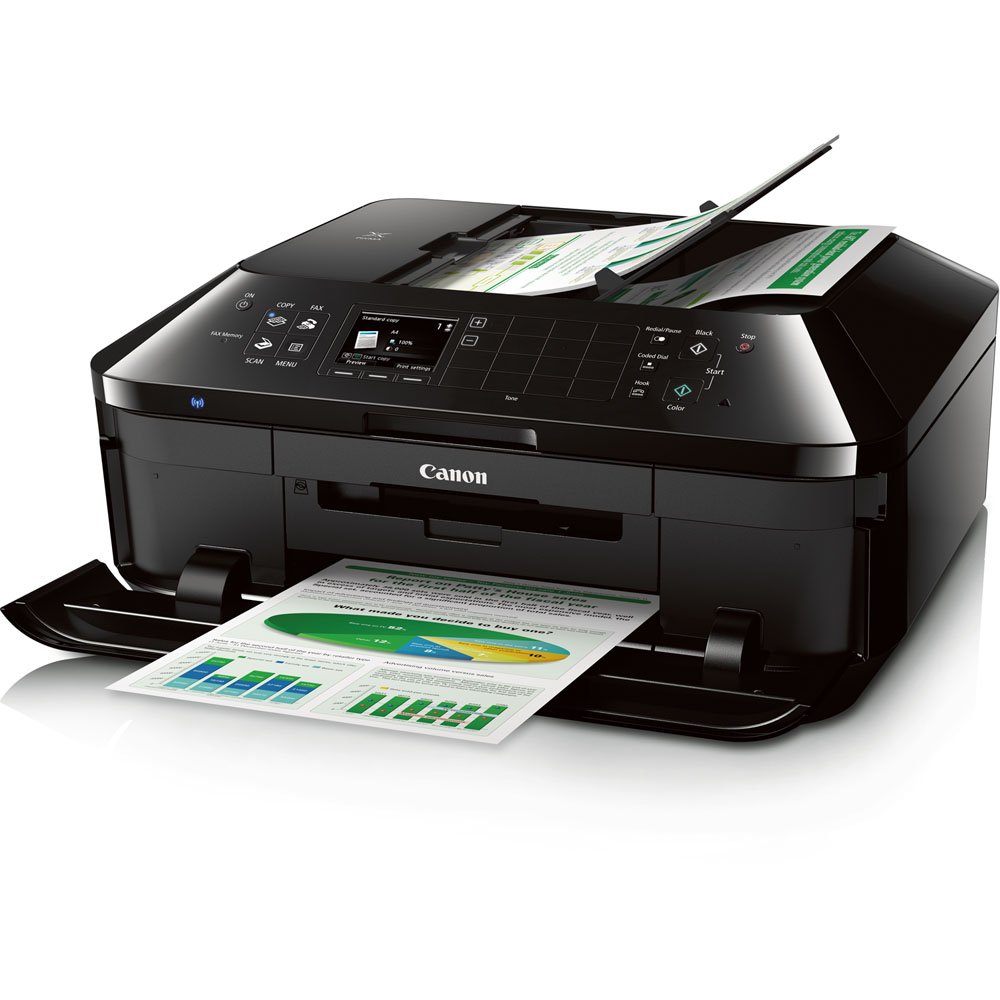
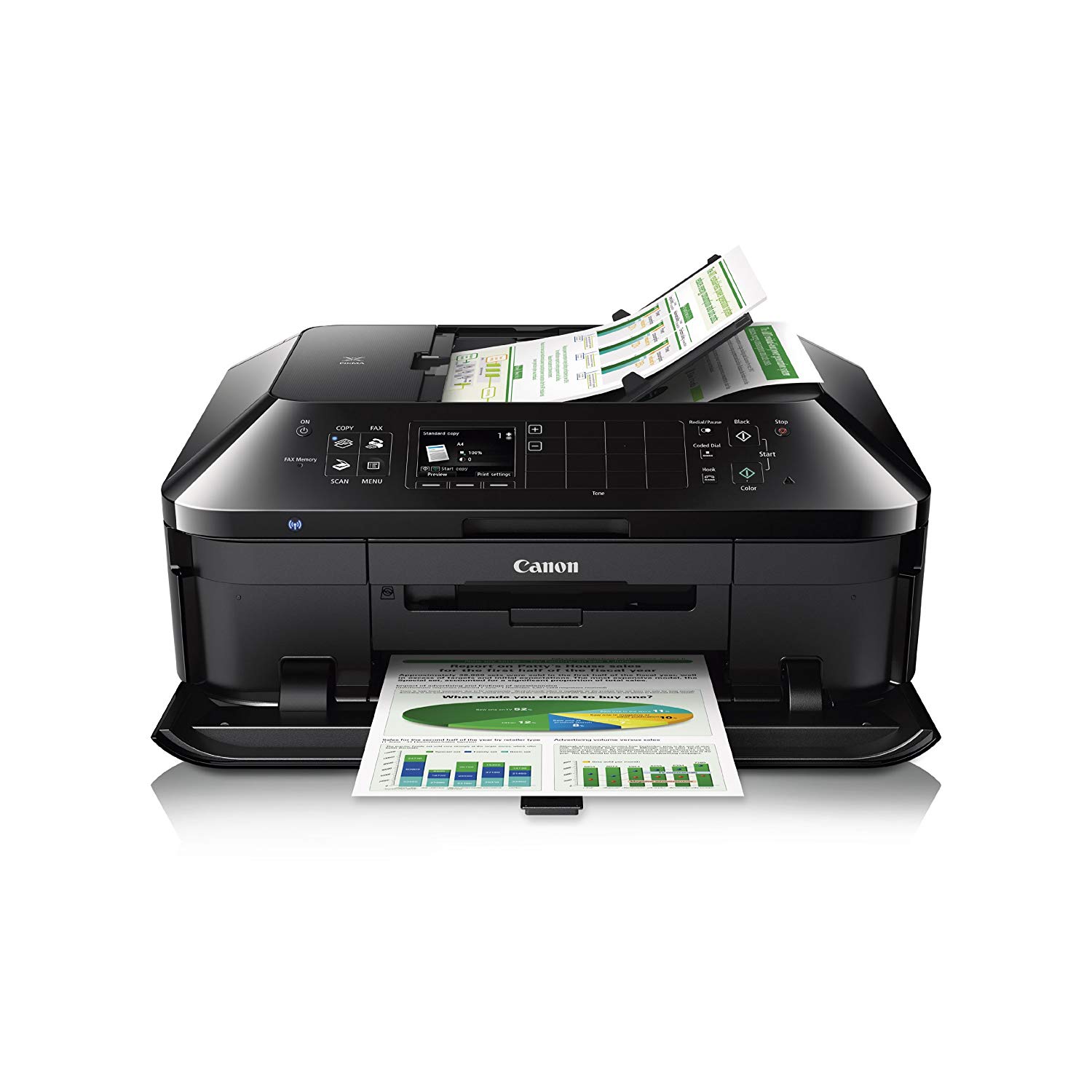
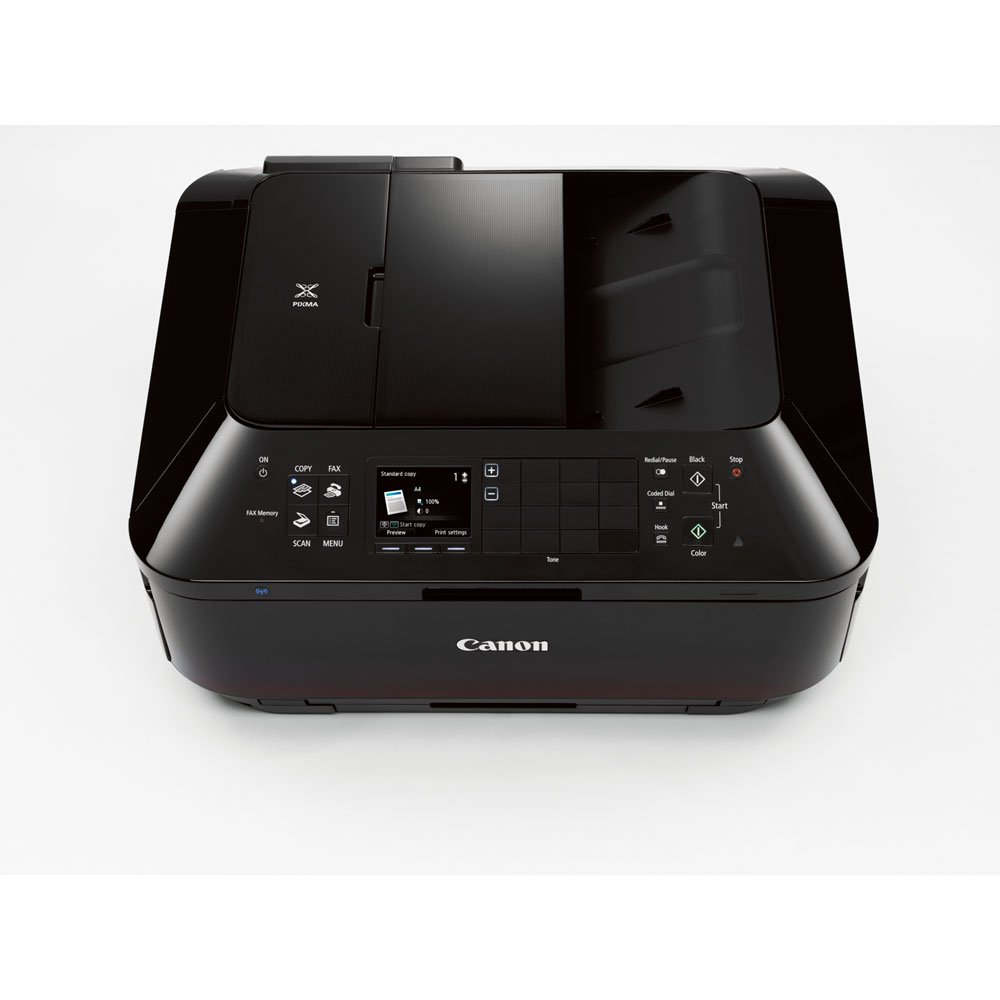
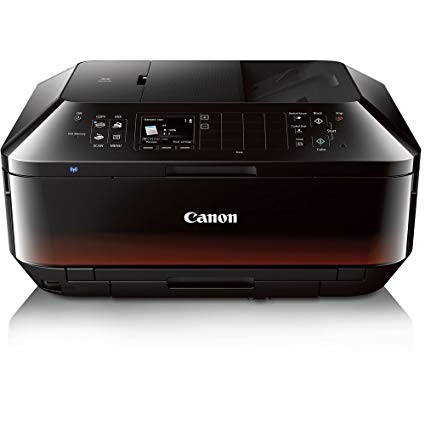
Canon Office and Business MX922 All-In-One Printer, Wireless and mobile printing
Write a review
15391

Canon Office and Business MX922 All-In-One Printer, Wireless and mobile printing

Write a review
B00AVWKUJS
All in One Printer
+
Add to wish list
Target is a general merchandise retailer with stores in all 50 states and the District...

City: US, New York

Delivery
Pickup at your own expense
Tomorrow from 09:00 to 20:00, Store location
Free
Payment options
Apple Pay Google Pay Mastercard Visa
Cash, bank card, credit/installment payments, cashless payment for legal entities
Warranty and returns
Exchange/return of products of proper quality within 14 days Official manufacturer's warranty: 12 months
Features
Connectivity Technology
USB; Wireless
Item Dimensions
19.4 x 9.1 x 15.6 in
Item Weight
25.7 lbs
Operating System
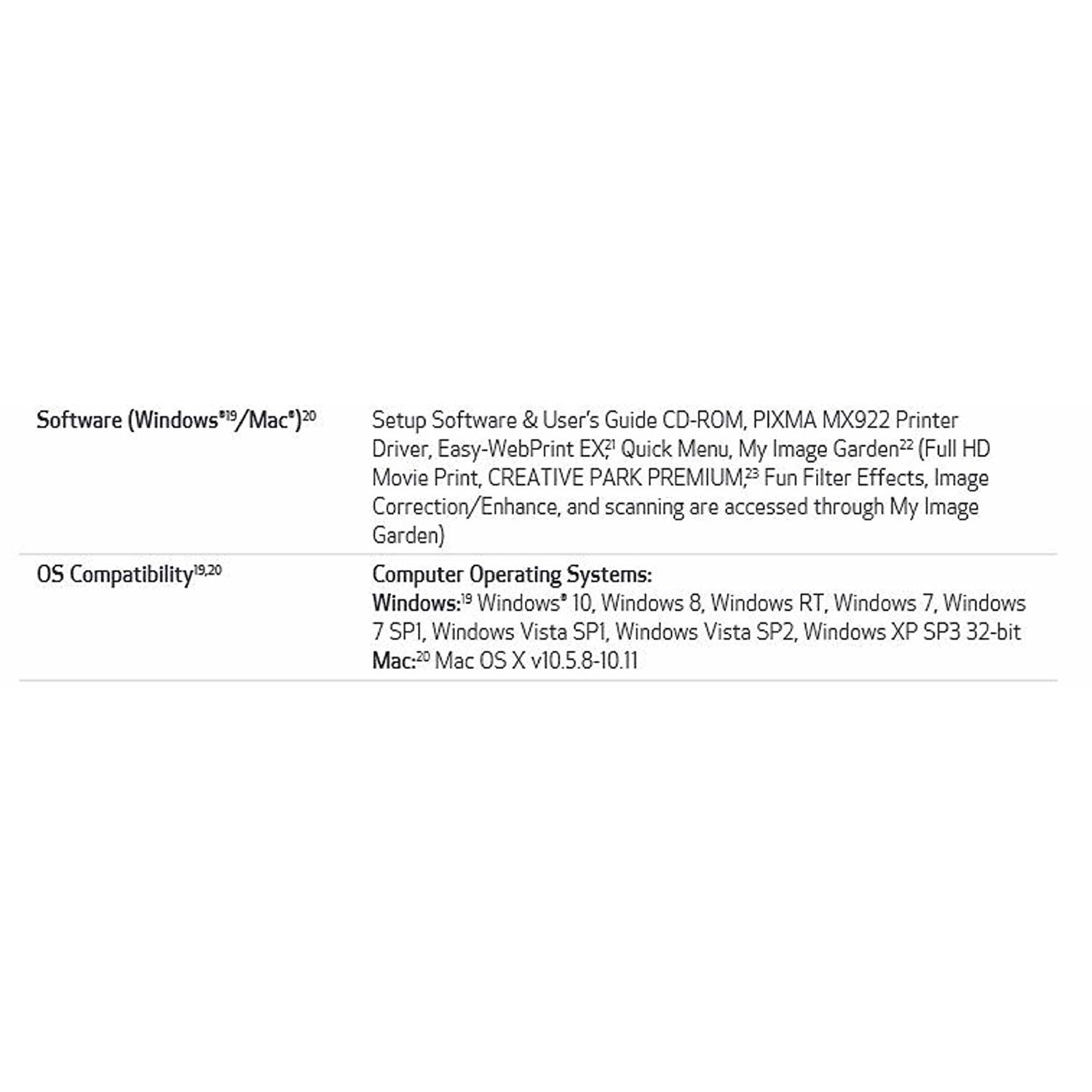
  • Windows, Mac
Printer Output
Color
Printer Technology
Inkjet
Style
All in One Printer
Wireless Type
802.11bgn
Description
This fits your .
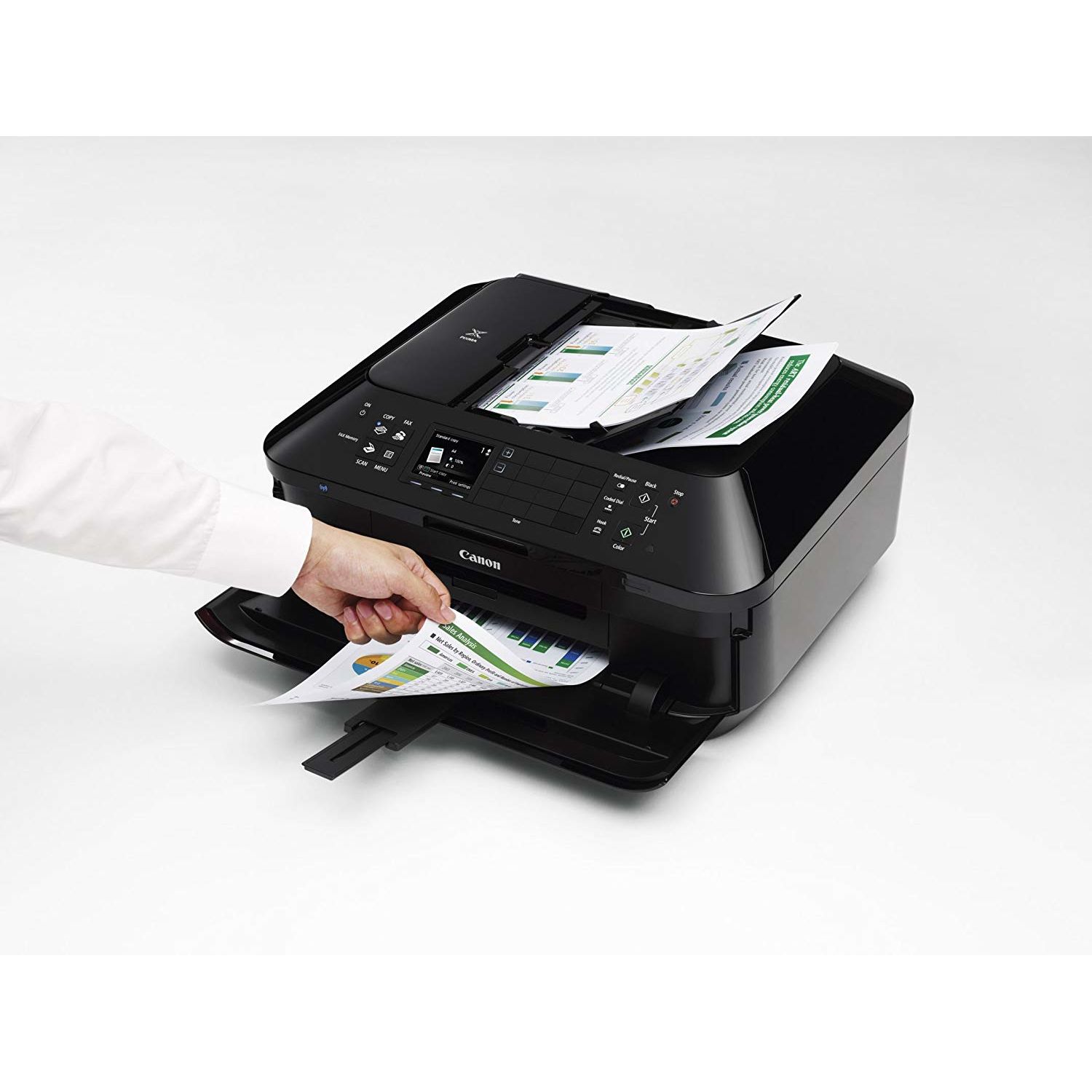
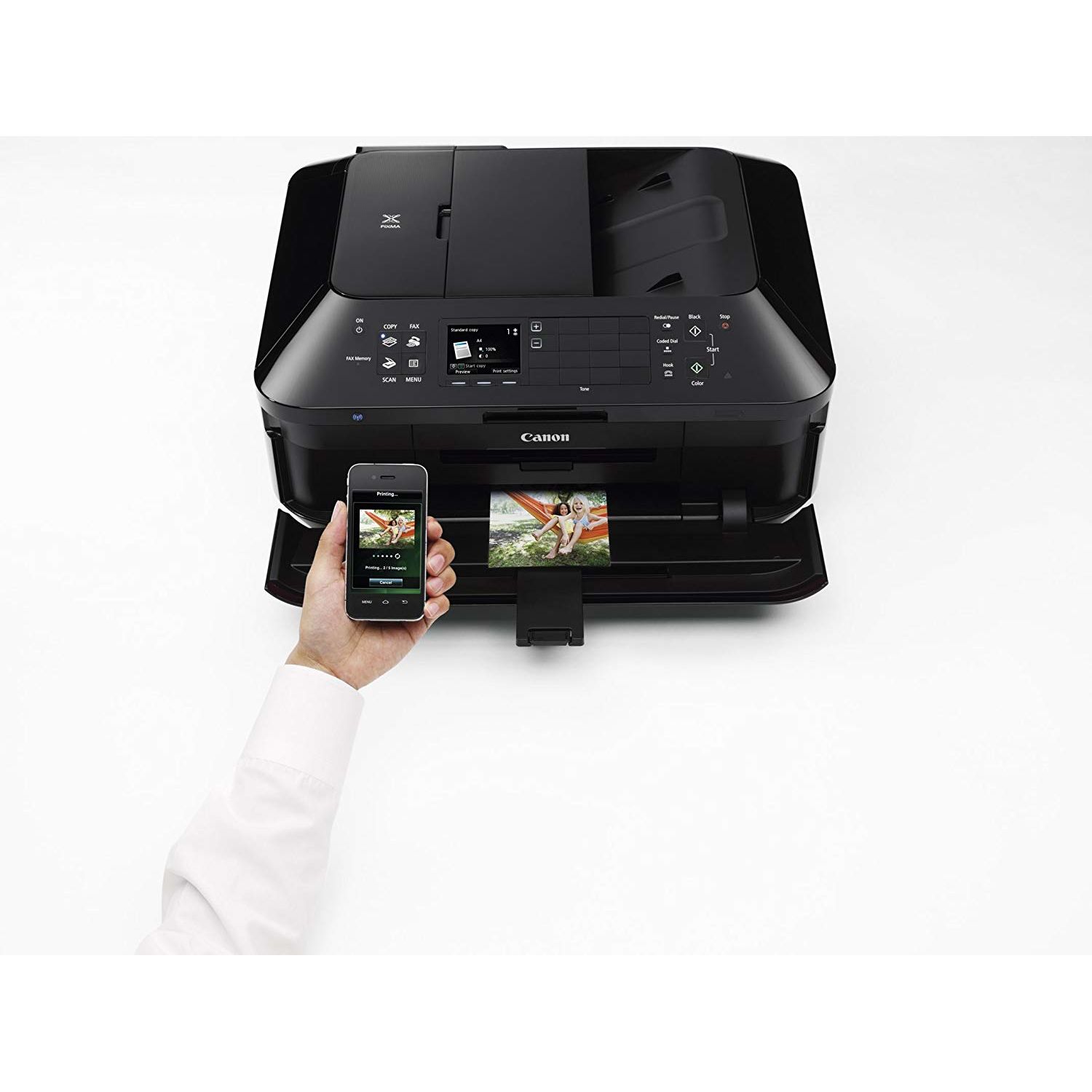
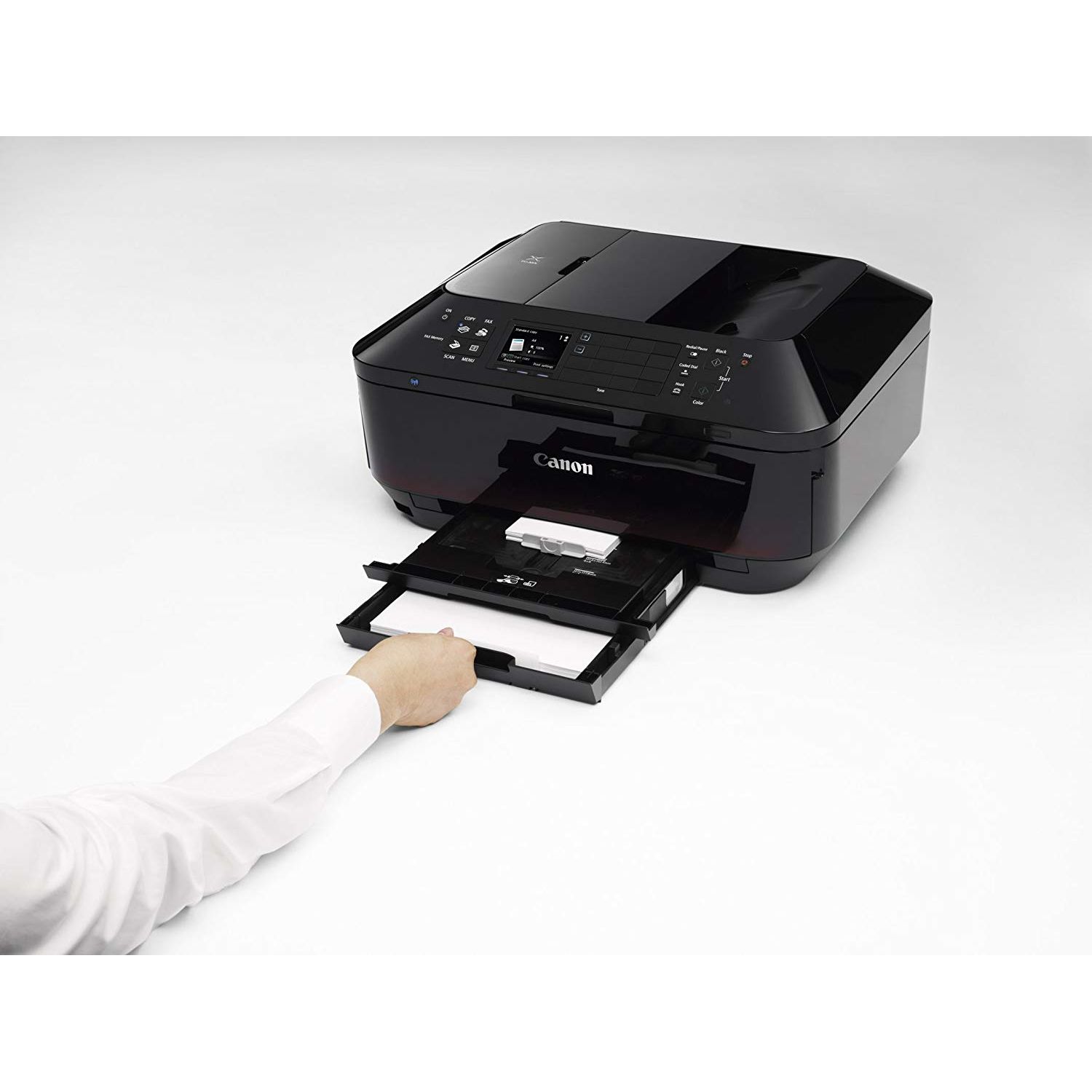
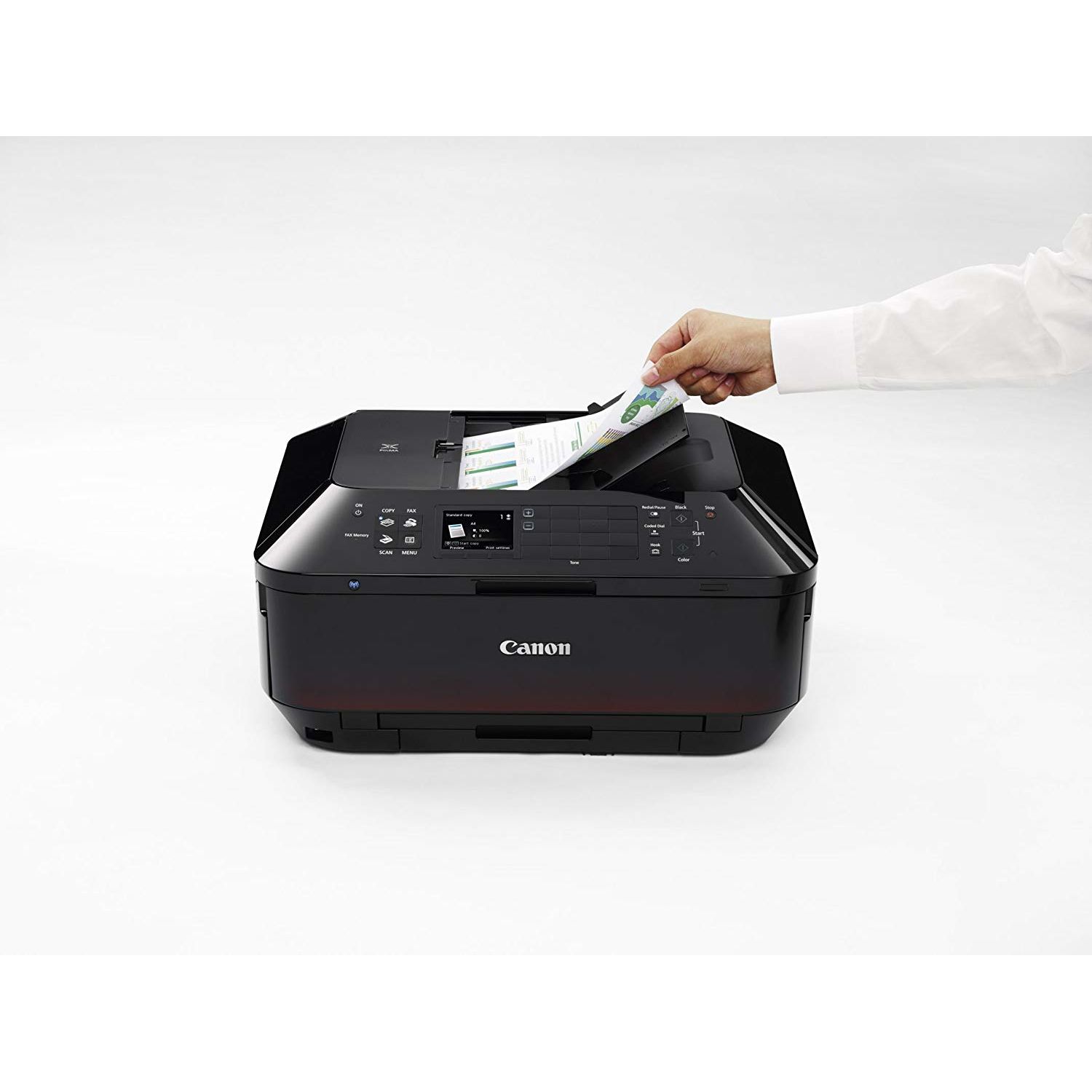
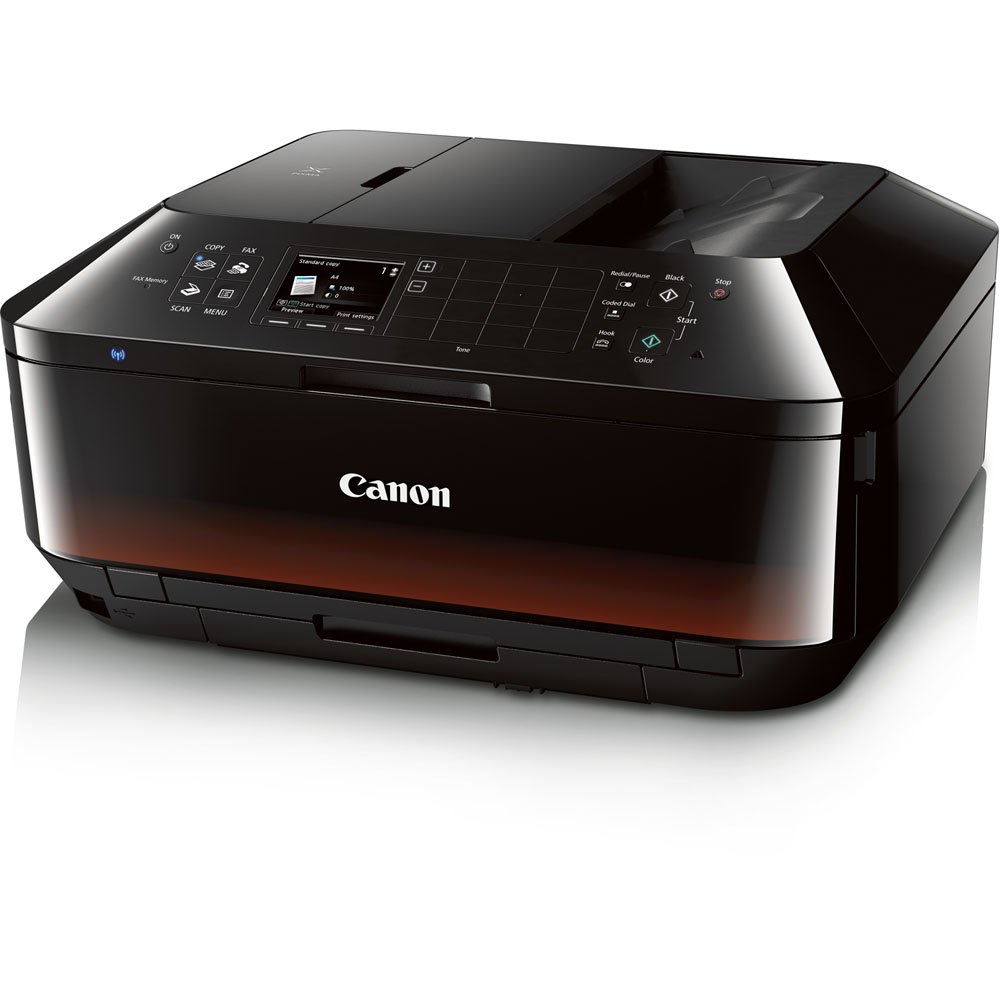
Make sure this fits by entering your model number. Features: Wireless LAN,AirPrint, Google Cloud Print, Wireless Printing, Mobile Device Printing,USB 2.0 Hi-Speed: Plug the cable into your PC for a super-fast connection for your data transfers Fully-Integrated, 35-sheet Duplex Auto Document Feeder: Easily copy, scan and fax multiple documents without having to load them one page at a time Built-In Auto Duplex Printing: Automatically print on both sides of the page without the hassle of turning it over manually Compatible with Individual/Combo CLI-251 XL Ink Tanks (Cyan, Magenta, Yellow, Black) & PGI-250 XL Or PGI-255 XXL Pigment Black Ink Tanks 20-Foot cord.OS Compatibility:Windows 8, Windows RT, Windows 7, Windows 7 SP1, Windows Vista SP1, Vista SP2, Windows XP SP3 32-bit and Mac OSX 10.6.8 - 10.9.x Dimension (W x D x H) : 19.4 (W) x 15.6 (D) x 9.1 (H). Weight : 25.7lbs
Reviews
2.6
Reviews: 20
5 stars
20%
4 stars
20%
3 stars
5%
2 stars
5%
1 star
50%
R. Leon
1
My MX922 just died without warning. Printed fine one day then it threw a B200 error the next. I tried cleaning the print heads with warm water and unplugging the machine for 5 five minutes as instructed by tech support. When that didn’t work I was told that I would need to ship, or deliver the printer to a service facility and pay them to troubleshoot it. Also, I was informed that the B200 error is a generic hardware error that locks up the whole machine so scanning, faxing, making PDFs… etc, all are not accessible until the error is fixed. Apparently this is a common error for all Canon printers.
BioChemGirl
1
I wish I could give this atrocity of a printer 0 stars. Ive had my share of run-ins with printers over the last couple of decades or so, and plenty of paper jams along the way. Most resolved within minutes. One especially tricky jam took me 30 minutes, a pair of tweezers, and loads of patience, but I got it working again. What Ive never had is a printer that completely stops working because of a simple paper jam! Ive owned this printer for about 4 months when I had a paper jam last week. I turned off the printer, removed the stuck piece of paper, canceled the print job, and turned the printer back on . . . and got the Support Code of Death: 6000. Since then I have literally spent hours, HOURS, of my life trying to fix this issue. I have read all the detailed instructions on the canon support website, followed them, with a flashlight I might add, all to no avail. Ive combed numerous websites, repeatedly done a hard reset while also restarting my computer, and nothing, NOTHING has worked. This seems to be, in part, because theres no easy way to access the feed rollers from above. Every other printer Ive ever owned has allowed you to pop it open so that you have complete access to the feed rollers. This almost always allows easy removal of any stuck pieces of paper. This printer does not allow for that. You can access the feed rollers from the bottom by removal of the paper trays (just make sure you dont accidentally cause a spring to fall out cause getting it back in is a nightmare) which is of limited usefulness, or, you have to try to cram your hand into a small opening in the front of the printer. Utter stupidity in design. This may be one of the reasons why this brand of printer has been plagued by just such problems for many years. Its a fact of life that everything has to break down eventually, I mean, entropy, its not just a buzzword! But I think we can all agree that a printer should last for more than four months and that a simple, routine paper jam should not be enough to cause its untimely death. Also, for those of you who might be inclined to think Im too simple to understand how to fix such a basic problem, my husband, who is a lead software engineer with almost 20 years of experience in industry (and I know, software is not the same as hardware, but its a printer, and hes very familiar with those) ended up being "What the %#%*$#%&&!!!!" because he couldnt figure it out either. What Im saying is this: if two reasonably intelligent mammals who know how to properly frame their internet queries and follow instructions cant, after many hours, get this thing working again, its probably not worth the time, effort, or your hard earned money.
BonP
1
I am really surprised at how quickly this printer started failing on me. To begin with it is slow, I can live with that but its disappointing. Second, its not compatible with my husbands MAC because of the age of the computer. But most importantly, 8 months after buying it I am having major problems with it. Often times it just wont print, no error messages, it just doesnt seem to want to work. Other times it will print half or a third of a page and send it out as though it were complete. Every time I print more than one page at a time it sends out several blank pages in between other pages and again, some of them are only half-prints so I have to go back and re-print specific pages. Overall Im totally disappointed with it and certainly do not recommend it.
Mary Ann Rocco
1
my MX882 broke yesterday. I use it for my small business scanning. I have raved about the scanning software (MP Navigator EX) to anyone who will listen. I can scan and view large images of the doucments before saving. I can check and uncheck which pages to save and can also change the order they save. I assumed when I bought this machine it would at the least have decent scanning with similar software. WRONG,. It took me hours to figure out how to pick a folder to save into and other settings, another hour to figure out how to view the scans. This are these TINY thumbnails that I cant see, and no options to check or uncheck. This is unacceptable for my business needs. I going to return it tomorrow. and see if I can repair the MX882. Im so frustratred as this is a busy time of year and I just wasted 3 hours on this. Of course the price was so cheap ($65) that I should have known this wasnt gonig to work out.
chloegirl
1
Run do not walk away from this one. Horrible experience. Wireless worked for about a minute and a half and it died completely and mysteriously 14 months later. The printer ink is crazy expensive because you need five different inks and it seems to go through ink crazy fast on normal printing. If you look on the canon website it has horrible reviews and similar complaints with only 2 and 1/2 stars out of five. Still cant fathom how this printer got 4 stars on Amazon. So grumpy with this purchase.
patm
1
I hate this printer. I bought it because it was rated one of the better low-end three-in-one machines. It is horrible. It is not user friendly at all. I consider myself pretty tech savvy, but I find operating this device difficult. I have already called Cannon three times in the past two weeks to ask a question about the operation. The worst part of this printer is how long it takes to prepare itself before printing. When you tell it to print, you get a "processing...please wait" message, and it sits there forever preparing the heads. I called Cannon and the customer support guy told me to leave the power on at all times. He said that the long preparation was due to the power being off. So I did what he suggested. Just printed something and the exact same thing happened again - had to wait close to four minutes before the stupid machine warmed up and printed even though I have had the power on since I made that call last week! Also, I have been googling the model to see if I could find any solutions on my own and came across an article that stated this model uses THE MOST ink of any model. Do not buy!
Amazon Customer
1
Worthless. Received, unpacked, and turned on. Error code 6000 appeared on screen and that was as far as I got. From posts on Cannon site, this is a problem with this model. (Wish I had read their posts before I bought.) Cannon support is non existant. Support said If the warranty was still in effect, (I had it less than 24 hrs.) maybe they would take a return and issue me a reconditioned model. If I opted to have it picked up at my home I would hae to pay extra. I advise not buying Canon, this product is bad but there support is worse. Canon should take a page out of Amazons problem and return policy.
Miss Miaunow
1
I THOUGHT I did my research before I bought another printer to replace my HP but apparently not enough! I had my HP for YEARS. Almost zero problems. When I was ready for another one I thought I would try a Canon. I grew up with them and felt they had quality products. This printer.....ehhhh not so much. Got weird message but finally got that fixed by calling their support and almost an hour on the phone. This time I have this B200 issue. After googling it, apparently its a common problem. This printer is RARELY used compared to my HP I had in college. I mean its practically brand new. I have had it for a couple years now but using it once every two months it should be like brand new. Its so annoying. And there are like FIVE different color cartridges. I was lucky to find an Amazon dealer that sold them very cheap but if I hadnt it would have been MUCH more expensive. Feels like it runs out very quickly for barely using it. Looks like Im going back to HP if they dont fix this over the phone. Last time it broke they said it was going to be the same price to buy a new one so diagnosis may be similar. What a WASTE. Hope Salvation Army can fix it..... UPDATE: Just spoke with Canon tech support. She had me go through these motions and didnt work. Heres where it gets WEIRD. She goes on to say to me MAAM IM GOING TO TELL YOU SOMETHING AND I NEED YOU TO AGREE WITH ME. Me: What? Her: MAAM IM GOING TO TELL YOU SOMETHING AND I NEED YOU TO AGREE WITH ME. Me: Well thats a weird statement but go ahead. She then proceeds to tell me that basically to fix it will cost more, blahblahblah. SO BASICALLY BUY A NEW ONE. IM SO DONE WITH CANON PRINTERS. STICK TO MAKING CAMERAS THANKS.
Darcie B
1
I have had it with this printer for 3 reasons: 1. Grabs multiple pieces of paper so prints half on one sheet and half on another. I have tried cheap paper and expensive paper, makes no difference and this happens OFTEN. 2. When your ink is out, ITS OUT. You cannot even choose to print all black if one of the colored ones is out. I print mostly in black, I find this quite annoying. It will STOP and will not let you continue at all until you replace it. 3. Sometimes it decides to "do its thing" in between printing. It seems like it has to reboot or something, goes thru a process that takes several minutes and when you just want your one copy, it seems like forever. I have really liked Canon before, but this one bites, had this one for about 5 months. Copies are good, just have to go through too much.
Piper Smith
1
I had a Canon MX870 that died after a long and successful relationship and I wanted something that would work with PCs, Macs and Linux systems. This meets the absolute minimum criteria and then it falls off a cliff. - Wifi doesnt work. Google it - most people say to just give up and hardwire it to a router. - You cant program it to NOT go into sleep mode. This means when I go to print the printer is offline. I have to go push a button on the printer control panel to get it to wake up. Heres how that works: I get ready to print from the first floor. Go up to the second floor to wake the printer up. Go down to the first floor to print. Go up to the second floor to get the printed pages. Come on - its 2017. - Cant scan with Canon drivers. CAN NOT. After days of working with customer support I was able to use Vuescan software from Hamrick to get it to scan, but only when hardwired to the PC. - Photo color is dull, even on maximum resolution, with new ink and high-quality photo paper. - Canon didnt come out with drivers for OS X Sierra for months after Sierra was available and the printer would not work in the meantime. Dont expect it to work with new OS upgrades for a while. No more Canons. Something happened to their quality control that has created a plastic pile of junk.
Product variations
Column filling
Sort by Price Sort by Availability Sort by CODE Sort by Style
9297
In stock
+
B07QNS8HMB
Style:
Wireless All in One Printer
15391
In stock
+
B00AVWKUJS
Style:
All in One Printer
Contact us for a price
In stock
B075TP2YCM
Style:
All-in-one Printer with PG-250/CLI-251
You may be interested
  • Bestsellers
  • Recently Viewed
 
Fast and high quality delivery

Our company makes delivery all over the country

Quality assurance and service

We offer only those goods, in which quality we are sure

Returns within 30 days

You have 30 days to test your purchase