
















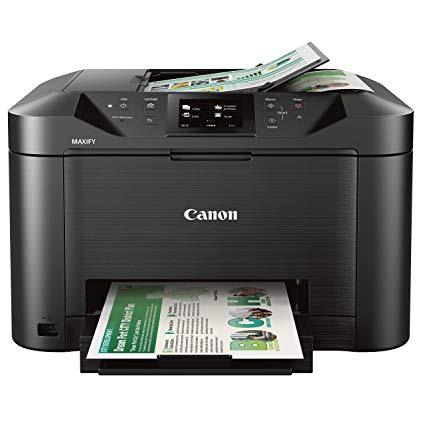
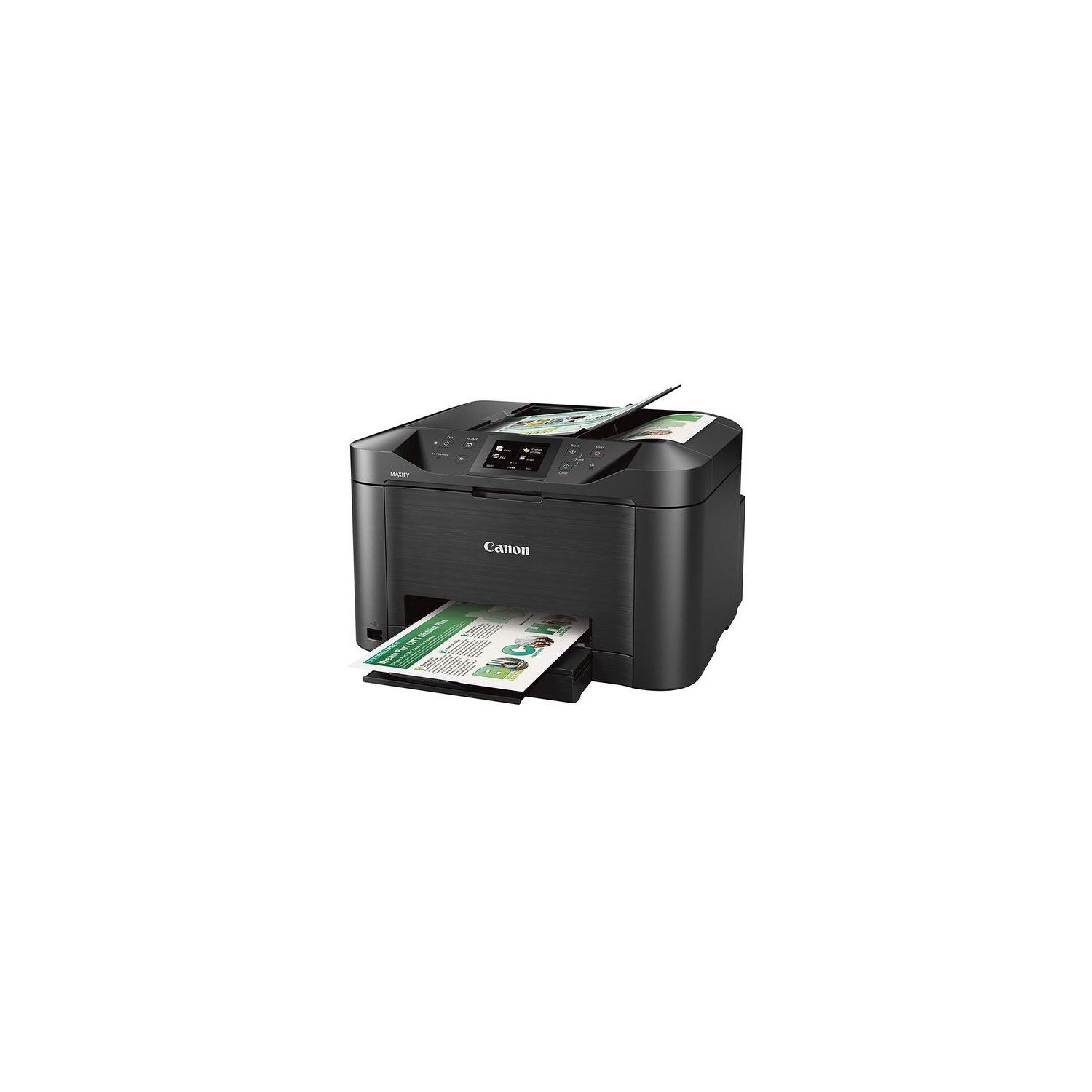
Canon Office and Business MB5120 All-in-One Printer, Scanner, Copier and Fax, with Mobile and Duplex Printing

Write a review
B01IIOMMGE
MB5120 Wireless Printer
Target is a general merchandise retailer with stores in all 50 states and the District...

City: US, New York

Delivery
Pickup at your own expense
Tomorrow from 09:00 to 20:00, Store location
Free
Payment options
Apple Pay Google Pay Mastercard Visa
Cash, bank card, credit/installment payments, cashless payment for legal entities
Warranty and returns
Exchange/return of products of proper quality within 14 days Official manufacturer's warranty: 12 months
Features
Connectivity Technology
USB
Item Dimensions
18.3 x 18.1 x 11.5 in
Item Weight
25 lbs
Operating System
  • Windows, Mac
Printer Output
Color
Printer Technology
Inkjet
Style
MB5120 Wireless Printer
Wireless Type
802.11bgn
Description
  • Print Features: AirPrint, Auto Duple Printing, Canon Print App, Google Cloud Printing, Microsoft Mobile Print, and Moria Device Printing, 250 Sheet Paper Capacity
  • Copy Features: Single Pass 2-sided Copying and ID card copying
  • Scan Features: Single Pass 2-sided Scanning, Push Scan, Scan to Memory(USB Flash Memory), Network Scan, Scan to Cloud, Scan to Concur, and Scan to Network Folder
  • WHAT'S IN THE BOX: MB5120 Printer, Setup CD-ROM, Full Set of Ink Tanks and Power Cord, Telephone Line Cable
Reviews
3.9
Reviews: 20
5 stars
50%
4 stars
20%
3 stars
5%
2 stars
15%
1 star
10%
Donald G Whittaker
4
I set up the new MB5120 printer yesterday and so far I like it pretty well. There were a couple things I had to unravel a bit, but all is pretty good now. I also spent a couple hours experimenting to find the sweet spots for all the settings, especially for ADF scanning. That was my primary reason for buying a new all-in-one. I don’t have a CD/DVD drive on my laptop, so I had to download the driver stuff. The IP address noted in the instructions didn’t work. Grrrr. So I went to canon.com and just looked around for the downloads. Eventually I was able to do it that way. Then it was a matter getting everything configured the way I wanted. That took a little time to sort out. It connected no problem to my Wi-Fi and laptop. I expected that to be a bit of a hassle, but it wasn’t even a tiny bit. The print quality is pretty good. I’m really happy with it. I printed generic black docs, some color docs, duplex docs, and even a photo on matte photo paper. The speed is more than acceptable for a low volume home office printer. Zero complaints on the printing function. Once I run out of ink, I will be able to test the cheap refill cartridges I bought. But I don’t really print or copy much, so I suspect that might be a while.  I also spent too much time trying figure out the Canon Quick Utility Toolbox on my computer. It’s a lot different than my previous Canon. There was a bit of a learning curve there. But the sorting out the Toolbox is necessary for the initial setup stuff, especially for scanning. So in the long run, it was worth the effort. Once it’s all setup, the printer’s on-screen scan and copy functions work really well for documents. Much easier and quicker to use than the Toolbox on the computer. I doubt I will even use the Toolbox much anymore. On the printer’s screen, I suggest setting up custom profiles. It took me some playing around to figure out that the custom profiles are the way to go. I suspect that will be my go-to method for nearly everything. I have four custom profiles set up so far: two for scans (simplex and duplex) and two for copies (simplex and duplex). Once those profiles are setup, it is really easy to scan or copy. Basically, I only press three buttons from the Home screen: (1) Custom Profiles, (2) chose one of my four profiles, then (3) press Black or Color. And the scan speed is pretty fast, even in duplex. Much faster than the other two printers I have. I have not tried to scan a photo on the platen yet. I suspect I will set profiles for photo scans too. And I have zero use for the fax function since I have no land line in the house. I can’t tell you how that is. And I don’t care. Bottom line, I’m quite pleased with it. Overall I’d give it four stars. Mainly due to the effort I spent trying to understand and use the Toolbox. There was some trial and error involved. Not well explained anywhere that I found. But, to be honest, going forward now it is going to work really well for my needs, which will be predominantly simplex and duplex ADF scanning. For that, I’ll give it five stars. Really easy and fast to do now. Ding ding ding we have a winner.
Seth Green
4
Im pretty sure that I just hate all inkjet printers, but all things considered, this one isnt awful. I like the look of the unit, and it really does a nice job of printing fine details. My reason for giving 4 stars is that printing on envelopes is a nightmare and I spent around 3 hours with your product support team getting it to work. Also, even though its plugged in to my computer via network cable, it takes about a minute to start printing a job.
Grover Smittle
4
Weve had this printer for a couple of weeks now. Things I like: 250 sheet paper tray, print quality, ease of setup. Things I dont like: you cannot remove an ink tank until it is empty; the manual says this may damage the printer, installing tanks takes practice. Overall a very nice printer. Its much taller than the printer it replaced (MX 922). It was easy to add to the network, and it prints quickly with good quality. The sheet feeder works well for copying/scanning, and the controls are pretty intuitive.
Stoneadventures
4
This would be the third model of this printer series. The lifespan seems to be about two years or slightly less. The weak link seems to be the paper feed due to the very poor plastic quality of the tray and roller mechanisms. The print quality is excellent which has made it worth replacing.
Product variations
Column filling
Sort by Price Sort by Availability Sort by CODE Sort by Style
Contact us for a price
In stock
B01IIOMMGE
Style:
MB5120 Wireless Printer
You may be interested
  • Bestsellers
  • Recently Viewed
 
Fast and high quality delivery

Our company makes delivery all over the country

Quality assurance and service

We offer only those goods, in which quality we are sure

Returns within 30 days

You have 30 days to test your purchase