
















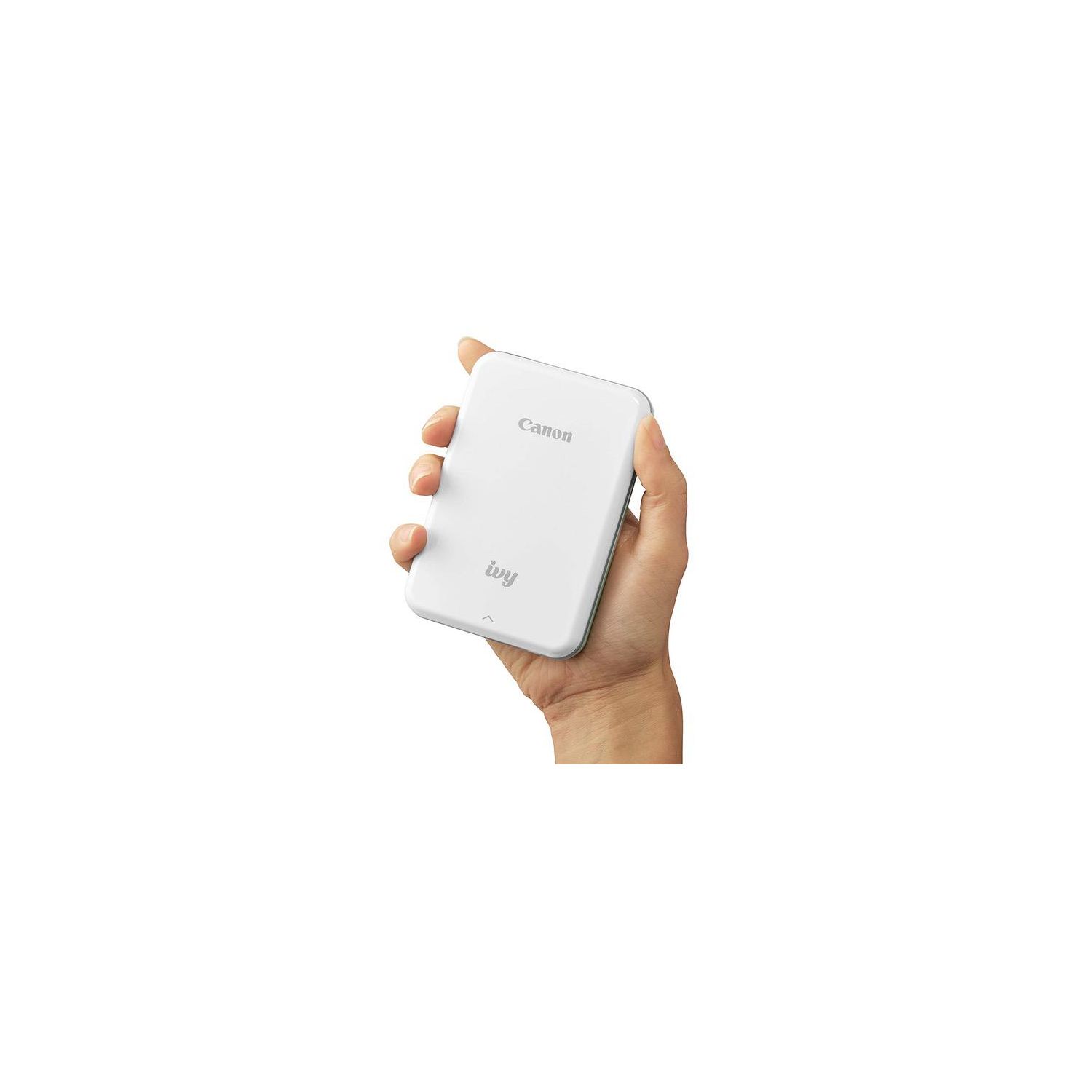
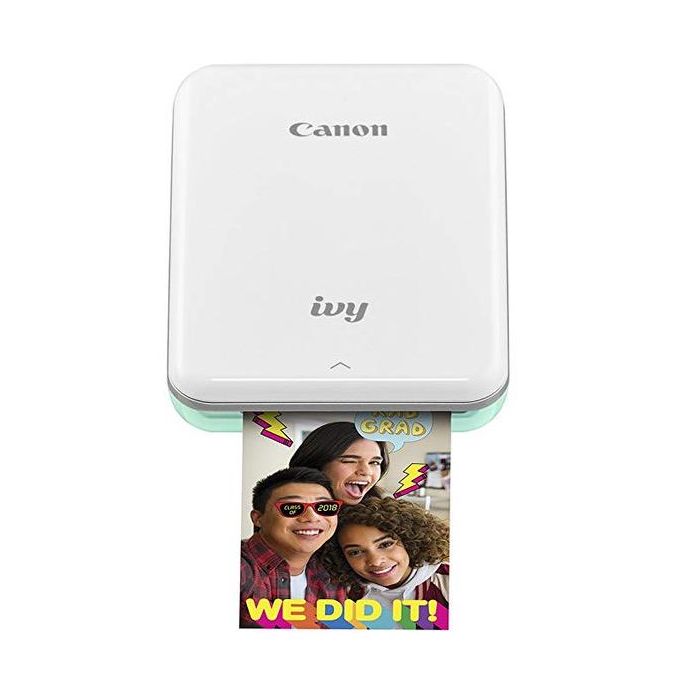
Canon IVY Mobile Mini Photo Printer through Bluetooth(R), Mint Green

اكتب تقييم
B07C68MS2H
Printer Only
Target is a general merchandise retailer with stores in all 50 states and the District...

المدينة: US, New York

Delivery
Pickup at your own expense
Tomorrow from 09:00 to 20:00, Store location
Free
Payment options
Apple Pay Google Pay Mastercard Visa
Cash, bank card, credit/installment payments, cashless payment for legal entities
Warranty and returns
Exchange/return of products of proper quality within 14 days Official manufacturer's warranty: 12 months
Features
Style
Printer Only
Description
This fits your .
Make sure this fits by entering your model number. Print from Bluetooth and social media Print 2"x3" photos with peel and stick backing Super portable Disclaimer: Requires mobile device to be connected to the Canon IVY Mini Photo Printer via Bluetooth and the Canon Mini Print App, available for free on the App Store and at Google Play. Compatible with mobile devices running iOS 9.0 or later, and Android devices running Android 4.4 or later
Reviews
4.6
التقييمات: 20
5 نجمة
75%
4 نجمة
20%
3 نجمة
0%
2 نجمة
0%
1 نجوم
5%
M. Hill
4
A creative photo printer that allows an image to be sent directly to a piece of photo paper loaded in a 3 1/4 by 4 1/2 by 3/4 inch printer. It is instantly gratifying but also produces photos for use in various craft projects and other human exchanges. An included instruction card has three easy steps--charge the unit with the included micro USB to USB cable, then load the enclosed ten pack of photo paper and scan the Q R code to download the app. To fully charge the printer took 2 hours. I am using an iPhone so I went to the Apple App Store but it also works with on Google Play for Android. Detailed instructions are part of the App including information on how to pair the printer to a Bluetooth device. At this point the printer is ready to print photos. I printed photos stored on my iPhone customizing them with a variety of options including brightening, filtering, framing, expanding and turning from portrait to landscape. The process was reasonably intuitive and easy to navigate. Actual printing of a photo takes approximately 15 seconds. The pictures look surprisingly good but colors are a bit duller than the stored image. After the first photo printed I incorporated the brightening function which helped. There are a lot of fun options for captions that would make the printer a fun addition to a graduation or birthday party along with other special events. There are other customizing features that encourage additional creative touches to the photos like printing in black and white. The paper is adhesive backed, waterproof along with tear and smudge resistant. Fun and easy to use. Specifics. The app offers options to print photos from, in this case, the iPhone camera, previously stored photos or from a variety of apps like Facebook, Instagram, iCloud, DropBox and Google Drive. There is a menu that has notifications, printer settings, print queue, settings, User Guide, About and buy paper. Printer settings have add printer, Settings has instant print on or off, receive push notifications, on-line albums stored log-ins, a Wi-Fi only switch to connect to the albums to save phone time, and language—English or Spanish. The User Guide provides detailed instructions and a FAQ.
JAG
4
Fun gadget to use. People love it when I send a card...mothers, fathers day or birthday with a photo sticker attached. I will say that the color will be little different from your original. I would recommend for entertainment.
zoe
4
Overall, I like this mini printer quite a lot. Its small and easy for packing and travel, even for short trips. Print quality isnt the absolute best but it is a mini printer and you get what you pay for. I love using this for pictures bc Im too lazy to carry my fujifilm instax around. As for the app, its really easy to use as well. Theres a bunch of stickers, filters, etc you can add on. Tip: save the blue smart sheet !!!!! I buy HP zinc paper refills instead of the canon ones bc theyre sooo much cheaper, just make sure that you save the sheet so it works with the printer!!
Kindle Customer
4
Ok, so this can only be connected to one item at a time. All your other devices need to disable the Bluetooth capability to get it to work...at least that’s what happens with apple products. We have to turn off the Bluetooth of the phone not printing. The printer is loud, the color is good,, but definitely not as good as the Instax. The peel and stick is a cute option for kiddos and that glue is serious. Photos will not move once they’ve been stuck onto something! This is great for a scrapbook person. It’s a cute little printer. Ours has been dropped from table high on a tile floor and didn’t miss a beat so it is durable! Worth the purchase.
Product variations
Column filling
ترتيب بواسطة السعر ترتيب بواسطة الامكانية ترتيب بواسطة الكود ترتيب بواسطة Style
اتصل بنا لمعرفة السعر
متوفر بالمخزون
B07C68MS2H
Style:
Printer Only
اتصل بنا لمعرفة السعر
متوفر بالمخزون
B07CJM5BYY
Style:
w/ 20 sheet photo paper pack
اتصل بنا لمعرفة السعر
متوفر بالمخزون
B07CJLKRB9
Style:
w/ 50 sheet photo paper pack
You may be interested
  • Bestsellers
  • Recently Viewed
 
Similar products
$‎ 9900
New York, US
Gold
Operating System Printer TechnologyLaser
$‎ 66900
New York, US
Gold
Operating System Windows, Mac Printer TechnologyInkjet
$‎ 64900 $‎ 69900 -7%
New York, US
Gold
Operating System Windows, Mac Printer TechnologyInkjet
$‎ 31900
New York, US
Gold
Operating System Windows, Mac Printer TechnologyInkjet
Show more
Fast and high quality delivery

Our company makes delivery all over the country

Quality assurance and service

We offer only those goods, in which quality we are sure

Returns within 30 days

You have 30 days to test your purchase