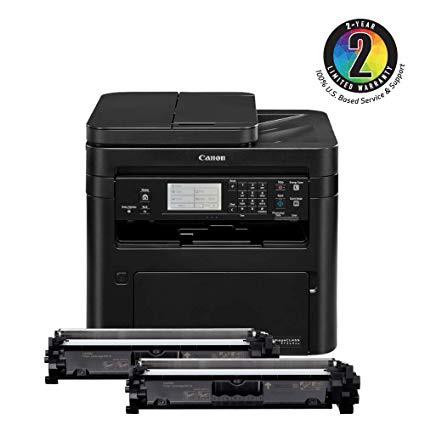
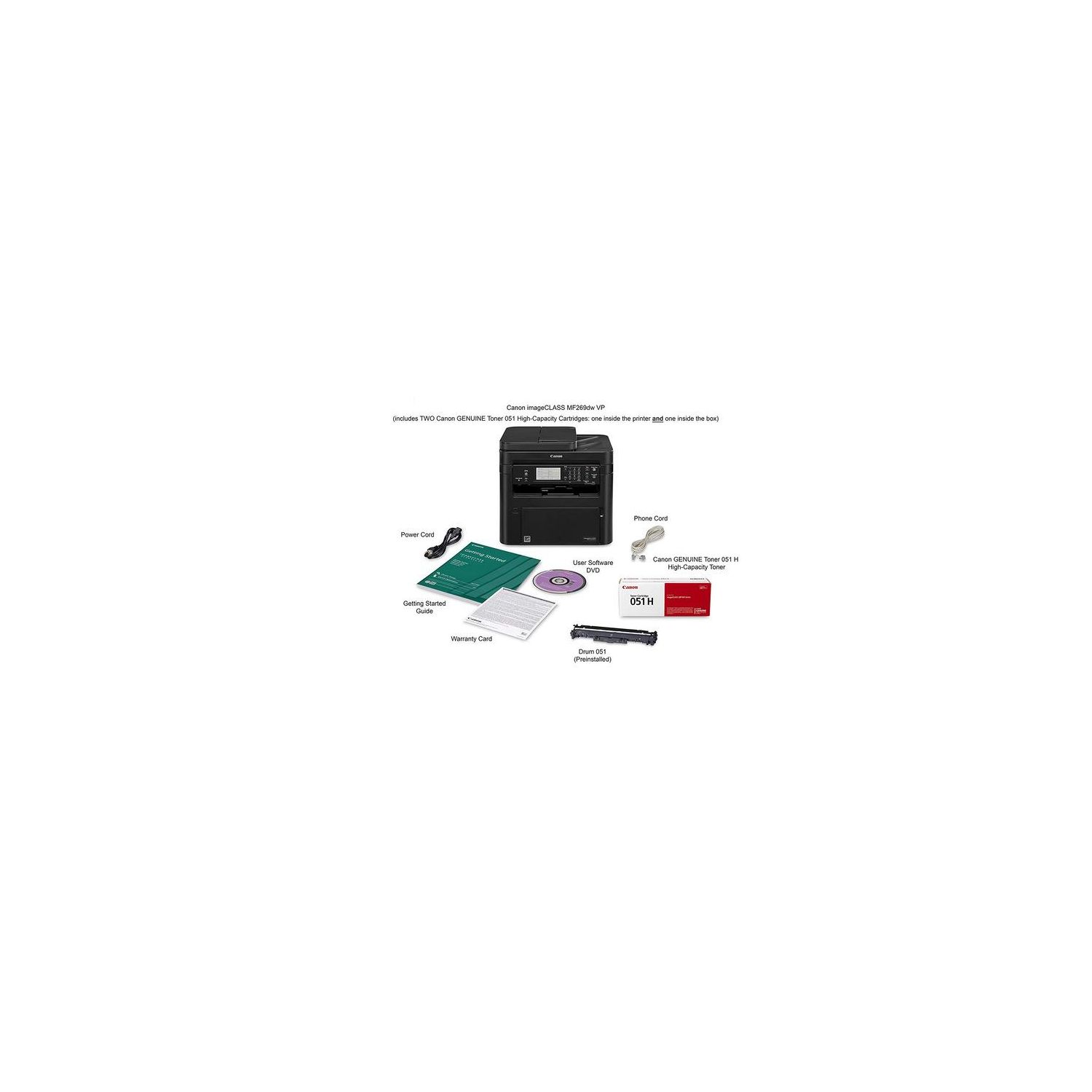
Canon imageCLASS MF269dw VP - All in One, Wireless, Mobile Ready, Duplex Laser Printer (Comes with 2 Year Limited Warranty)
Write a review
$32900

Canon imageCLASS MF269dw VP - All in One, Wireless, Mobile Ready, Duplex Laser Printer (Comes with 2 Year Limited Warranty)

Write a review
B07QH7MRFF
MF269dw Laser Printer Value Pack
+
Add to wish list
Target is a general merchandise retailer with stores in all 50 states and the District...

City: US, New York

Delivery
Pickup at your own expense
Tomorrow from 09:00 to 20:00, Store location
Free
Payment options
Apple Pay Google Pay Mastercard Visa
Cash, bank card, credit/installment payments, cashless payment for legal entities
Warranty and returns
Exchange/return of products of proper quality within 14 days Official manufacturer's warranty: 12 months
Features
Connectivity Technology
Wi-Fi, Wireless
Item Dimensions
16.2 x 15.6 x 15 in
Item Weight
Operating System
  • Windows, Mac
Printer Output
Monochrome
Printer Technology
Laser
Style
MF269dw Laser Printer Value Pack
Description
This fits your .
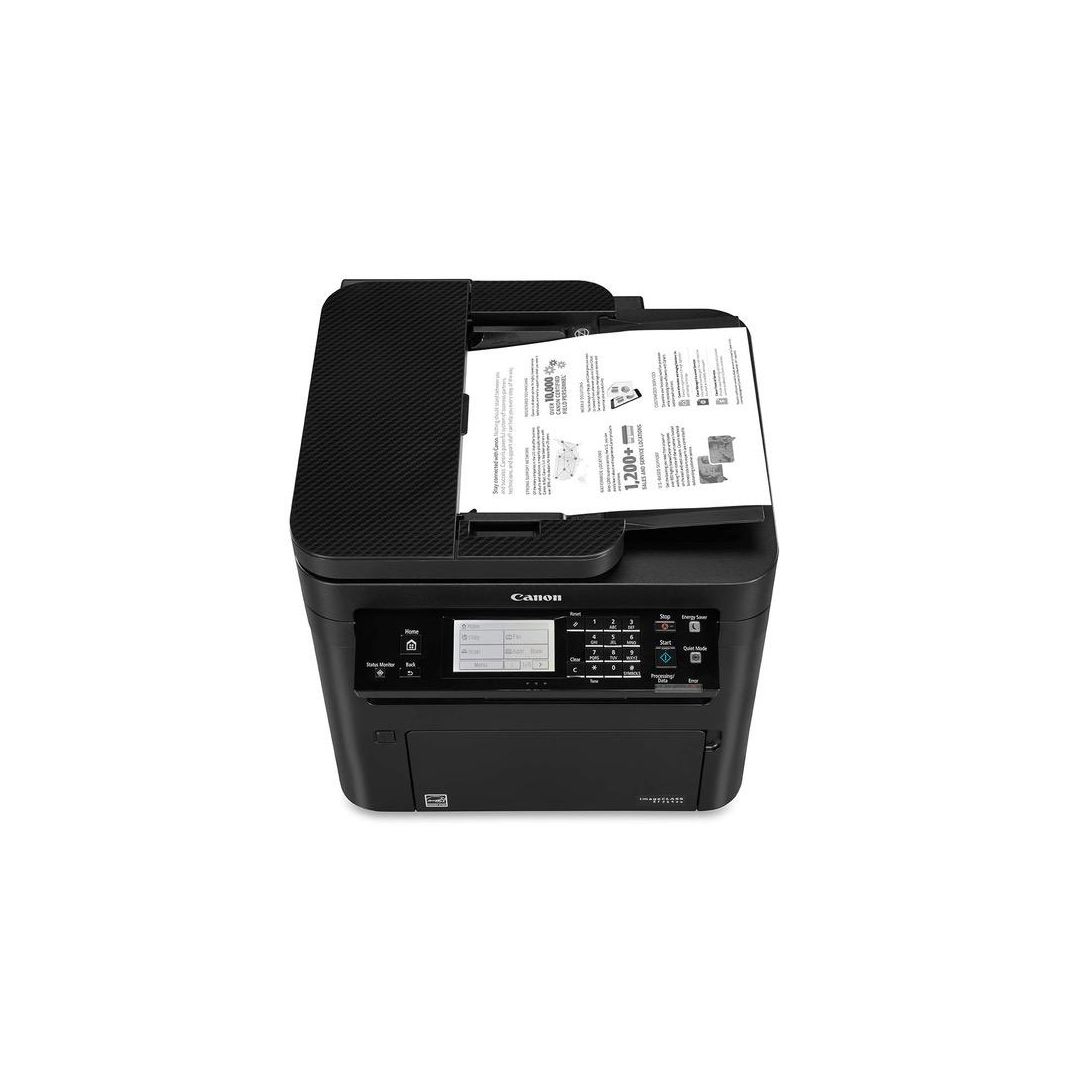
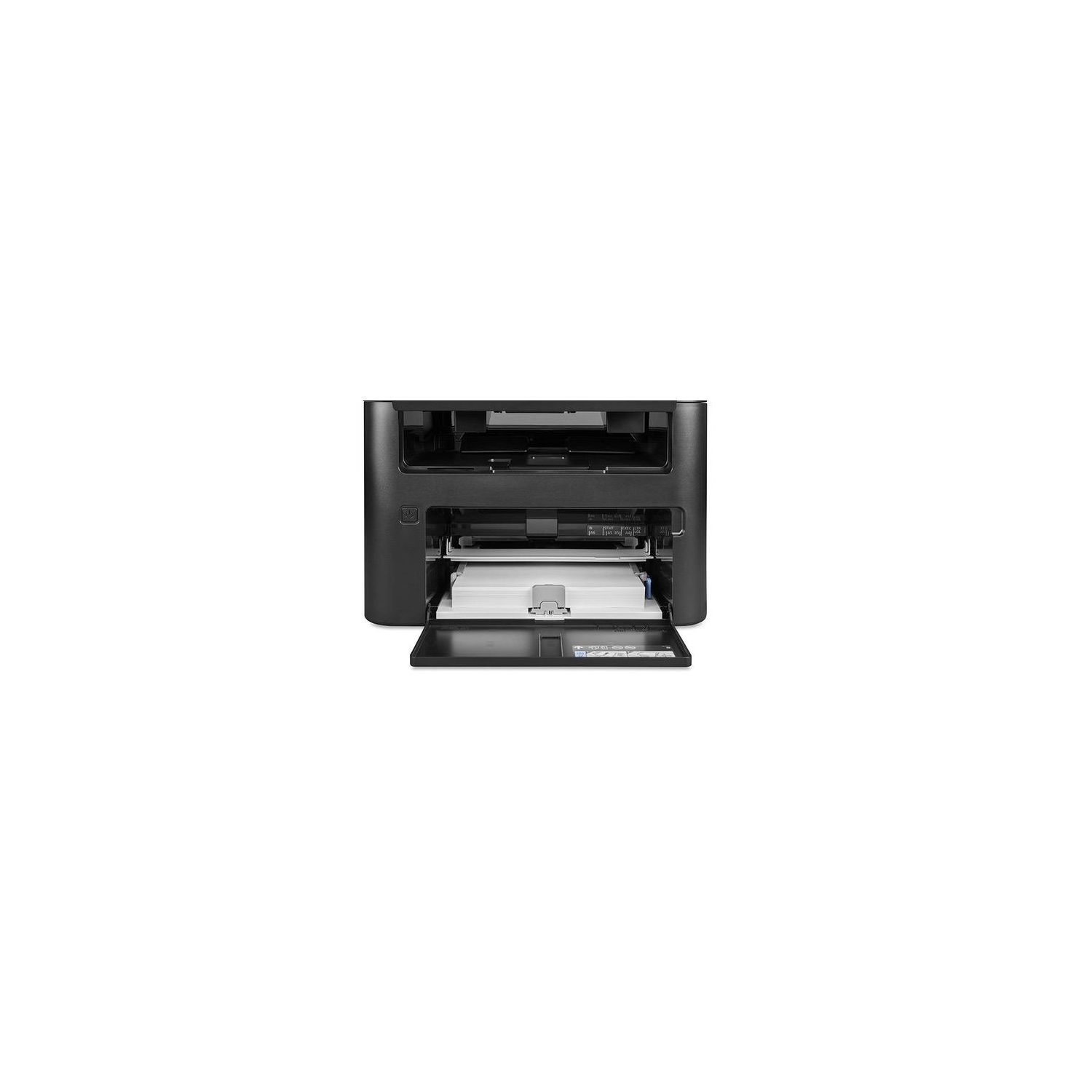
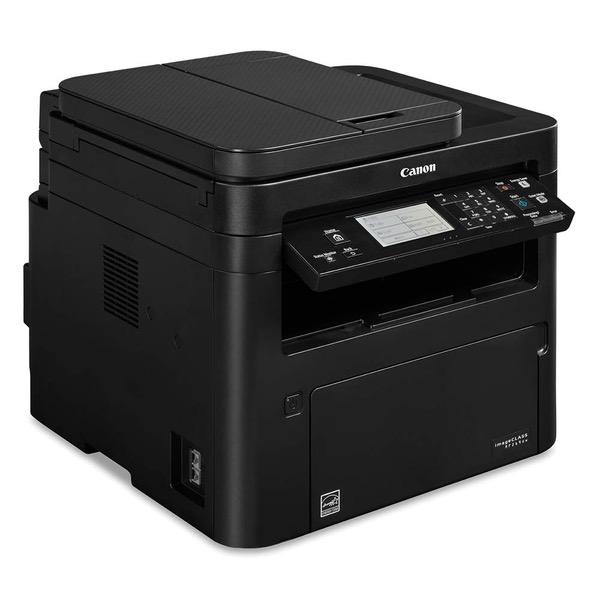
Make sure this fits by entering your model number. Up to 2 years of High-Yield toner included and a 2-year limited included. With 2 high-yield cartridges, you can print approximately 8, 200 pages USABILITY: Six-line touch LCD for easy navigation. Create Wi-Fi Direct hotspot from the printer to establish direct connection to mobile device(s) without the need for an external router QUALITY AND RELIABILITY: Canon's signature reliability and engine technologies help keep productivity high and help minimize the impact on support resources. Canon GENUINE supplies help ensure enhanced quality, performance, and life cycle of your Canon equipment WORKFLOW EFFICIENCY: Supports mobile solutions3 for printing and scanning. Scan and convert documents to searchable digital files. Designed for smaller print jobs with first-print time as fast as 5. 1 seconds COST EFFICIENCY: Out-of-the-box, standard two-sided printing plus the ability to print multiple pages onto one page helps to reduce paper consumption. Available high-capacity cartridge helps reduce overall supply costs MOBILE-FRIENDLY DEVICE ACCESS: From application-based to cloud-based to device native, the image CLASS MF269dw model offers a variety of methods for printing from a mobile phone or tablet across iOS and Android devices. The Canon PRINT Business application, which supports both platforms, offers access to additional device settings as well as the ability to scan from the printer to a mobile phone or tablet
Reviews
3.9
Reviews: 20
5 stars
45%
4 stars
15%
3 stars
25%
2 stars
10%
1 star
5%
History Buff
3
I love the printer; I just wish I could use it. I had a canon MFC prior to this which was a nice printer. It was about 6 years old so I decided to replace it. I would expect the newer printer to be better and in some respects it is better. For instance, it has support for Airpint, which is the ability to print directly from an iPhone or iPad, but damn Apple for having to have a seperate protocol that requires an AirPrint in the first place. However, the network setup, which I would have expected to improve in 6 years, has not only not improved, it has gotten worse. I am mad about it and if a Canon representative sees this by chance, they should do something to fix the problem because its absurd. I have been able to print from it on three occasions after spending over an hour each time trying to get the wireless to work. Today, I spent 2 or more hours working on it, only to get it to print, and then when I went to use AirPrint it isn’t working. I can’t think of any rational excuse for a printer having this much difficulty with connections. I finally set it up in the router configuration as a static IP, so now the printer is workign from windows, but now airprint won’t work. I am very angry about it as I’m a graduate student who wants to spend my day studying and not learning to be a systems administrator for a network because of a printer that doesn’t easily configure its own setup, and the instructions when you seek help from the manufacturerer are absurd. If you go to the wireless help section it gives you the exact same instructions as the installation program that you download (or for some copy from CD). Are you joking? Network printing problems—Try the default setup instructions? That isn’t problem solving for if the damn program worked, I wouldn’t be looking for network printing support. Fix it Canon so I can change this review to a positive one. I’m a very unhappy customer right now. Update: It’s a month later and I’m still having trouble with the networking, Windows and AirPrint. I’ve never had so much trouble with a network printer before. I am mystified and still looking for a solution. Ultimately, I may have to return it otherwise. I will update if I ever find a solution. Another update: I raised my review by one star. I still think that the network problems that I faced were absurd in this day and age , but for now, I think it is working. May 6 2019
Mumsers
3
Got tired of ink jet printer monthly ransom cost for toner, so tried laser. Prints ok, graphics are as CR noted, not great. But when replacing the toner the first time, the cover wouldnt close. Spent hours on hold trying to talk to a technician, no online chat support for tech problems. Routed to wrong number twice.
OC Man
3
It is a very good printer, set up is very simple if you download and install drivers. It takes 5-10 minutes. Scan function works smooth. You can scan multiple pages, unlike other comments. 2 additional cartridge is misleading. I was expecting the startup cartridge plus two additional cartridges. There were only two catridges, one installed, one in a box. I am not sure they are high capacity or they can achieve 8200 pages as claimed. I have to see that in a year or so.
Only-A-Child
3
Out of the box the Canon MF269dw All-in-One, Wireless Laser Printer, 2018 Model AirPrint looks like a winner. As mine gets some use I may come back and update this review. For now I can say that the wireless set-up was a disaster as the manuals step-by-step process asked for multiple codes and designations, none of which I had or had ever heard of; in nomenclature more appropriate to an electrical engineering course. Finally giving up the struggle I attempted to access Canons wireless help video at the internet address provided by the manual. My browser immediately flagged the site as improperly set up and dangerously insecure, and refused to allow a connection. So I was left to try the wired connection by USB cable (not supplied with the printer), where I found that the software installation DVD is only for Windows users. Mac users are told to see the "drivers manual" which is neither included or defined, nor is its likely location disclosed. So I was left with the fallback position of doing what the instructions explicitly told me not to do, I connected a USB cable without having installed any software. There was nothing to lose. Mysteriously and against Canons representations my Mac identified the printer and I was able to utilize the print function. Go figure. I have not FAXed anything for years so I did not try that function. Given its many purposes the unit has a small footprint, the design seems to be intended to minimized the counter space by stacking things higher - so dont expect to put it on a surface with cabinets above it. I like having an all-in-one unit as a back-up should my stand alone printer or scanner go down at a time crunch moment. This way you are covered at a reasonable cost. This Canon Laser occupies less work area than a second set of individual devices and having it deployed is better than pulling the back-up out of a box when needed. It your printing is entirely non-color a laser printer is the way to go. It is faster and uses significantly less toner/ink, and you are not left pondering why your ink jet printer is drawing down the color tank(s) even though nothing you print is in color. This Canon is a nice utilitarian workhorse for basic scanning, copying, and printing with a lot of flavor of the day wireless capabilities.
L.C
3
I got this printer to replace my HP Laser Jet printer that I didnt have long and was complete junk right out of the box. It took me longer to get this printer up and running than previous printers in the past. I have never had any issues with setting up printers and getting all of my devices to connect to them. This printer took more time than I felt it should have. Once I got it up and running, everything else ran smoothly. Im not using the fax feature on this printer because its not near a phone jack and I have another printer that Im using to fax with. The copy feature worked fine but I mostly use the top feeder when copying and the minimum width is 5.5. I thought that was kind of odd because on my HP laser, I could use the feeder to copy smaller items but Im have to lift the lid to make copies. I also scan a lot pictures and documents for my sons wrestling booster club because Im the president and this printer doesnt come with scanner software? Im baffle by this. I thought all printers came with their own scanner software. Thats what Im used to. Ill be using another printer to scan. Ill be strictly using this printer for high capacity printing. Its excellent for that!
Product variations
Column filling
Sort by Price Sort by Availability Sort by CODE Sort by Style
Contact us for a price
In stock
B07H66VDRV
Style:
MF269dw Laser Printer
$32900
In stock
+
B07QH7MRFF
Style:
MF269dw Laser Printer Value Pack
You may be interested
  • Bestsellers
  • Recently Viewed
 
Fast and high quality delivery

Our company makes delivery all over the country

Quality assurance and service

We offer only those goods, in which quality we are sure

Returns within 30 days

You have 30 days to test your purchase