
















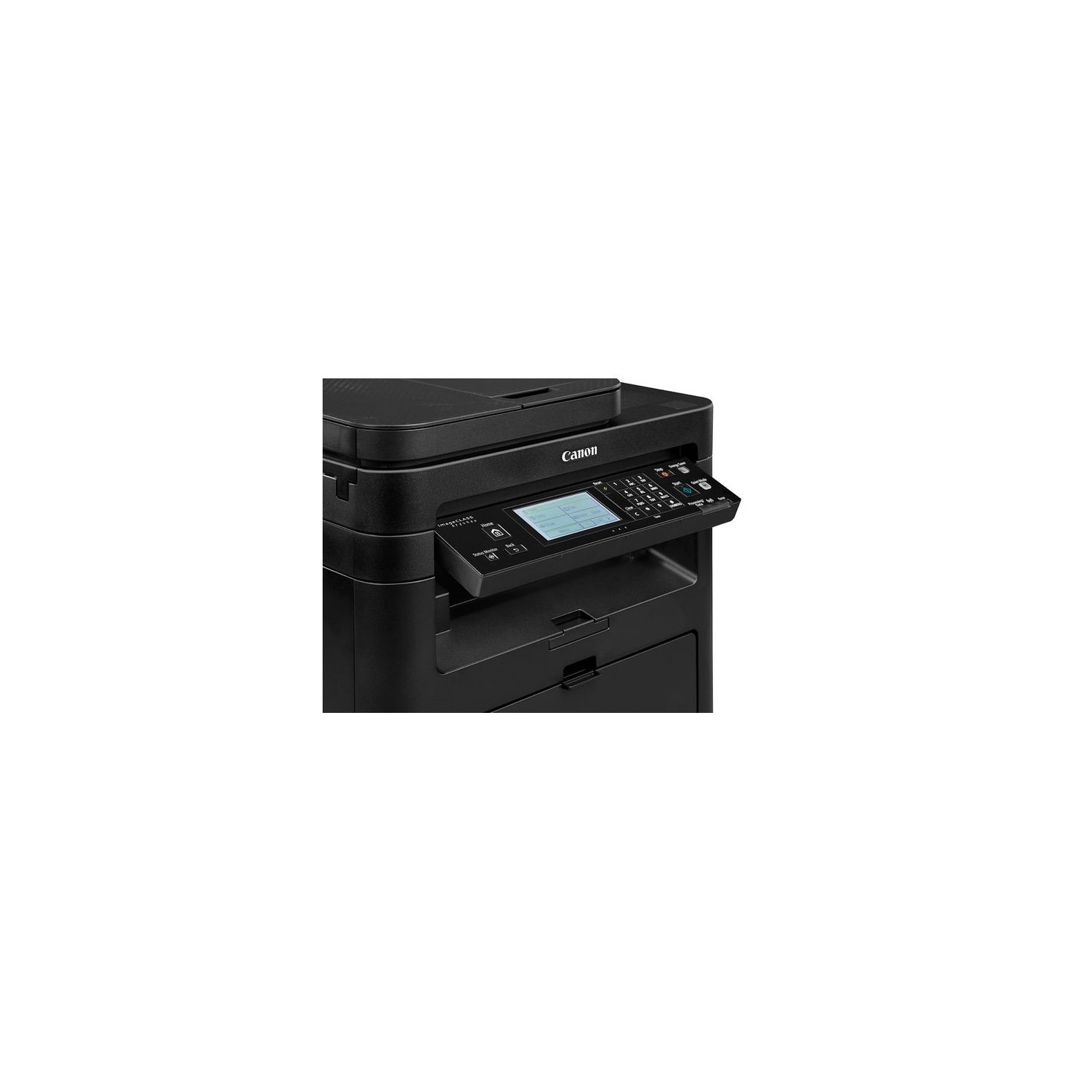
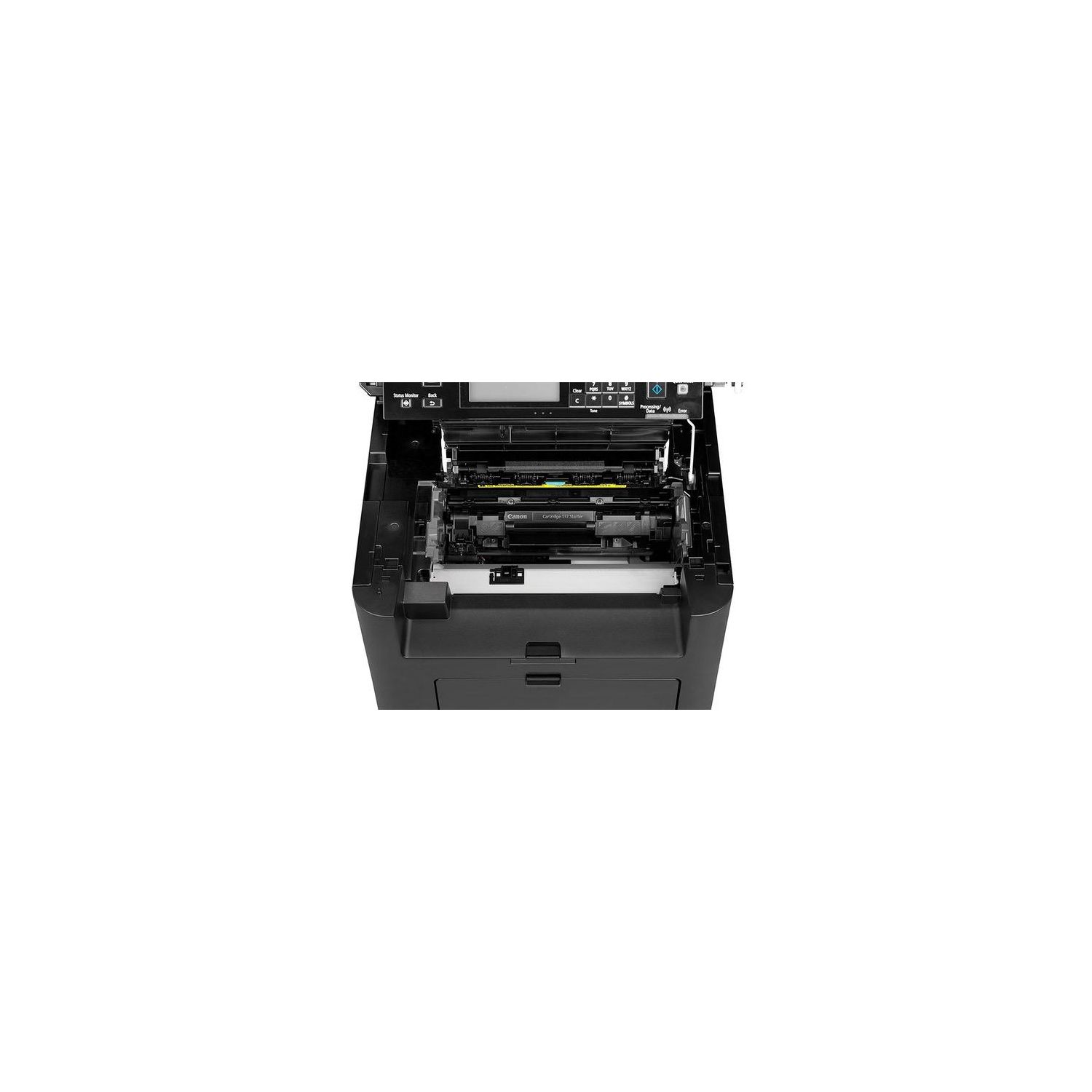
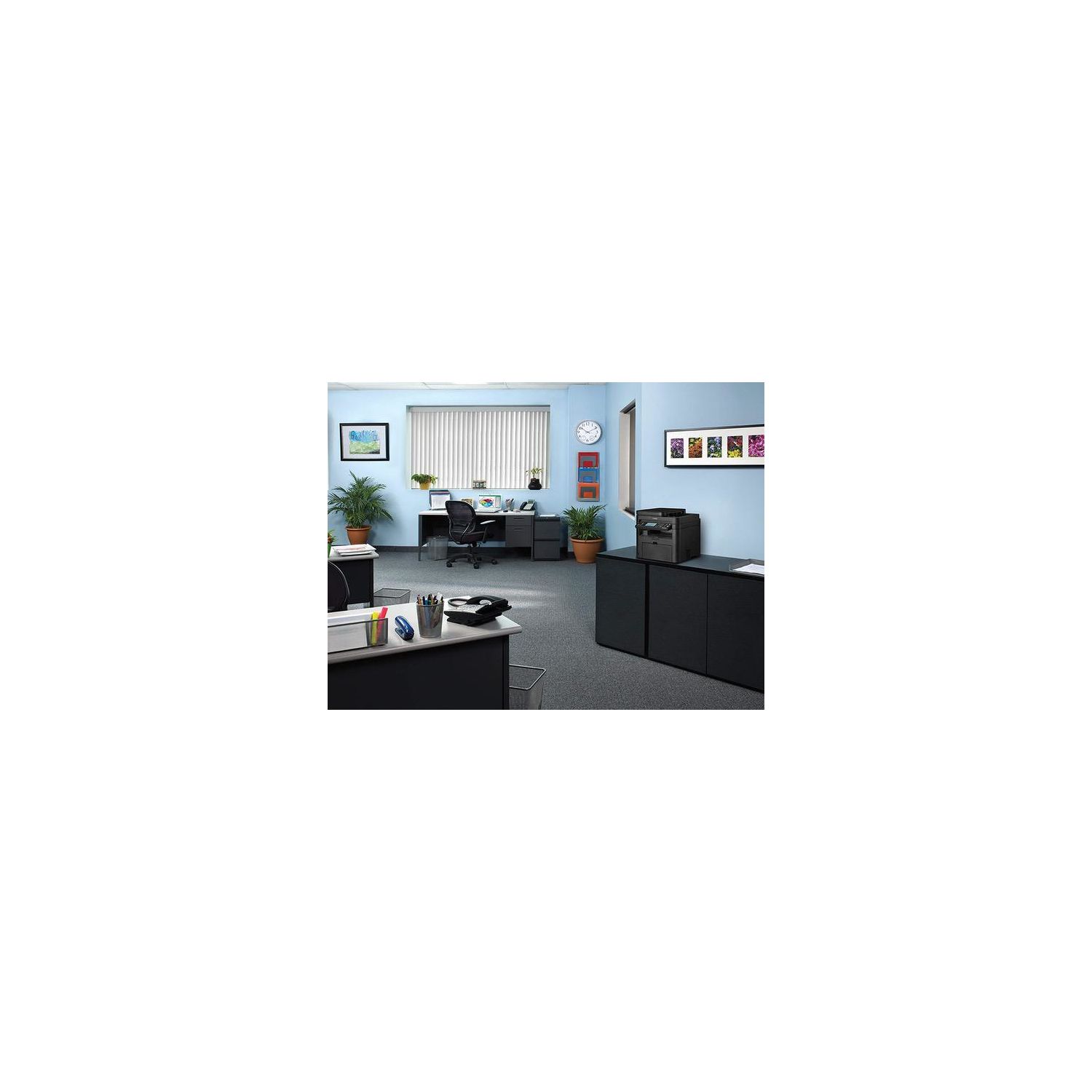
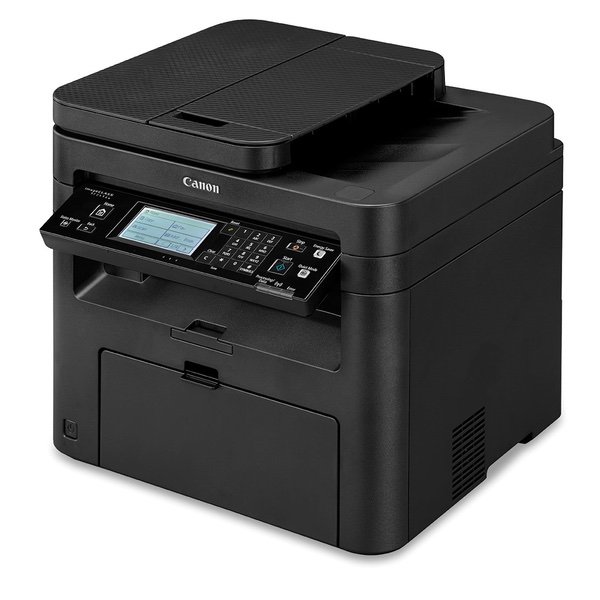
Canon imageCLASS MF249dw Wireless, Multifunction, Duplex Laser Printer with Original Black Toner Cartridge

Write a review
B01N97KW7Z
Printer and Black Toner Cartridge
Target is a general merchandise retailer with stores in all 50 states and the District...

City: US, New York

Delivery
Pickup at your own expense
Tomorrow from 09:00 to 20:00, Store location
Free
Payment options
Apple Pay Google Pay Mastercard Visa
Cash, bank card, credit/installment payments, cashless payment for legal entities
Warranty and returns
Exchange/return of products of proper quality within 14 days Official manufacturer's warranty: 12 months
Features
Item Dimensions
Item Weight
Style
Printer and Black Toner Cartridge
Description
This fits your .
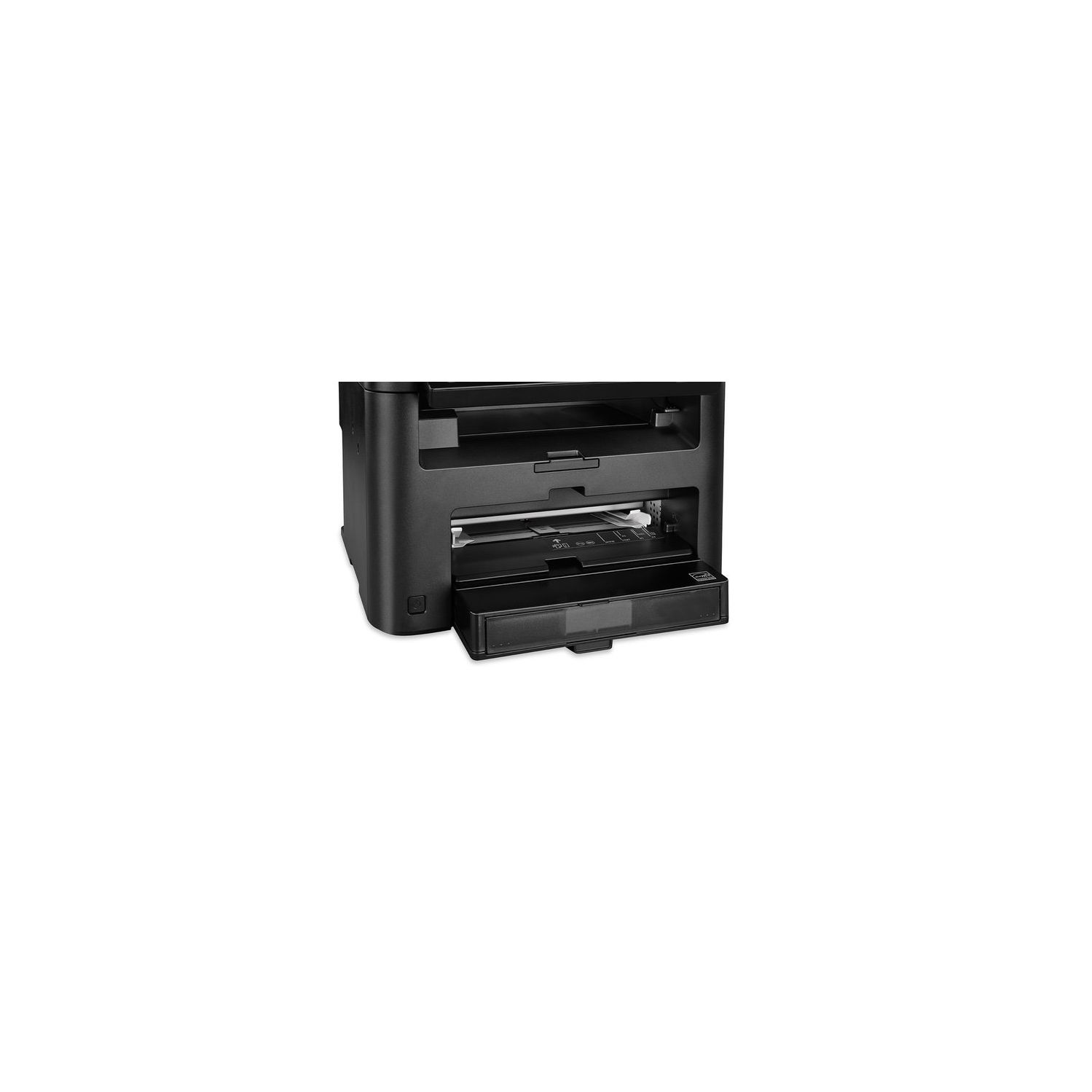
Make sure this fits by entering your model number. All in One functionality allows you to print, scan, copy and fax with ease. Easily Connect your mobile devices without a router using Wi-Fi Direct connection. Print at speeds of up to 28 pages per minute with your first Print in your hands in 6 seconds or less. Print on-the-go with Canon PRINT Business, Apple AirPrint, Mopria Print Service, and Google Cloud Print. Paper capacity allows for 250-sheets in the standard cassette and 1-sheet in the multipurpose tray.
Reviews
4.1
Reviews: 20
5 stars
55%
4 stars
25%
3 stars
5%
2 stars
5%
1 star
10%
Gordon Reynolds
4
Warning: Ive only owned this printer for a few days so Im not able to provide information about its long term reliability. Frequently you only begin to find issues with a product after having owned it for some time. That said, ... I was in the market for a multi-function wireless printer to replace two existing wired printers (a multi-function color inkjet and a laser), both dependable but showing their age. I briefly considered getting a color printer but finally decided against it owing to both the cost of the printer itself and the total cost of ownership (colored inks for both inkjet and laser are expensive). I knew I wanted laser because theyre generally faster but mainly because, again, long term costs seem better. After considering a bewildering number of reviews on both the internet and on Amazon specifically I finally chose this printer; it edged out other printers in Amazon reviews, but not by much. Surprisingly, just about every printer I looked at had only mediocre reviews, often with high disappointment scores. Maybe thats just part and parcel of the territory. I was able to unbox the printer and have it operating in less than an hour, perhaps closer to half an hour. I ignored the instructions (Im a guy, thats what we do), never installed the CD (another guy foible), but was able to get it connected to my router painlessly - if you ignore the tedium of typing mixed case letters, numbers, and special characters on the control pad. Since then, Ive tried single-sided printing, double-siding (aka, duplex) printing, single and double-sided scanning, single and double-sided copying, but not faxing (I have VOIP, which faxing machines treat like an unknown foreign language). I have also successfully printed from my iPad (single and double sided). All these functions worked without a hitch. Honestly, Im so accustomed to things failing to work as advertised I find myself still holding my breath for the moment when something finally goes wrong. Fingers crossed, it wont. The printer is a bit bulky, but I have a decent place for it. Its a lot easier to find a place when youre not tethered to the device by a USB cord. Its in the same room where my computer and router live, so the connection is pretty strong; not sure if there would be any issue with a weaker connection. It comes with a half capacity toner cartridge, good for about 1700 pages as I recall. Before running tests I first upgraded the firmware from the control panel, which is fairly painless. Nice feature, that. There are a few things Im not crazy about. It feels a bit plastic-y. The control panel, especially the touch screen, is not the best around. Getting the printer to print single-sided requires diligence - its not HARD to do, but the printer seems like it prefers double-sided printing by default so you have to be certain when printing that you select single-sided in whatever print dialog confronts you. Im not crazy about the way you load paper, by stuffing it into an open mouth. Im used to pulling out a tray, loading paper, then reinserting the tray. Stuffing paper just feels prone to causing problems with dog ears, skews, and possible jams. Also, I wish the mouth held more sheets of paper than it does. In general, the printed pages look good to me. This is for home use, so Im not looking for fancy graphic capability or high resolution printing, though I do recall stumbling across a configuration page that provides a setting for higher resolution. Overall, Im pretty happy with my choice so far. I rarely, if ever, give a product 5 stars. It really has to hit a home run with bases loaded for me to grant 5 stars. But I doubt that Id find a better printer at the price. Note that there are a couple of Canon imageCLASS printers in the MF24x line. I think theyre all fairly similar, only a feature or two is missing from the 244 and 247, like duplex printing, and/or faxing capability, so Id expect those printers to work about as well as this one with their respective feature set.
Mark
4
I opened this up yesterday and was messing with it for quite awhile getting all my machines hooked up and learning how to use it properly. Im mostly pleased with this printer so far, without a caveat about the duplex scanning. Two things about me: I havent owned an all-in-one laser printer like this before and I am a computer networking guy, so that part was easy for me. On the networking, I plugged it into the network, downloaded install software from the canon website for this model (all-in-one software AND scanner utility), installed, it found the printer, good to go. My iPhone also found it, but it took two tries for it to find on both my iPhone and my wifes, hardly worth mentioning because it worked so quick. I installed on my PC and my wifes mac (without scanner utility at this point, looks like scanning works a bit different on the mac) and tested all machines successfully. It is very finicky with the duplex scanning - some papers it can do it, others that arent perfectly flat, straight, not wrinkled etc its just not going to happen and will jam every time. Also, in order to enable duplex scanning, you need the scanner utility installed on your machine, go into settings, and Document Scan (to the left) check "Scan both sides when scanning from the feeder." I havent played with many other settings, but there appear to be lots of options here. With documents that you dont want to send through the ADF, you can use the tray and that is quick as well. The scanner utility makes this easy to scan multiple pages for because at the end it asks you if there are more documents to scan (and it will keep going as needed) or if its done. Scanning from both the auto document feeder and the tray are very fast and Im exceedingly pleased with this! Ill be clearing out a cabinet of files that I dont need hard copies of anymore and this looks like it will do it pretty quickly. I will say that some of the files have come out a little crooked, but Im not sure if thats a problem with how Im placing them or with the scanner itself. Printing is also quick and looks good; I am quite pleased with that. Duplex printing tested with no problems and was quick. I was looking for an all-in-one laser printer with Auto Document Feeder, duplex printing AND duplex scanning, networked with a wired connection (this does have wireless also) and this has fit the bill nicely so far!
Amazon Customer
4
I got this laser printer because my inkjet used so much ink. It was a color printer, but wasted a lot of ink. This is not color. Prints clearly. I suggest you use laser paper, or it jams when double-siding. It always prints one side crooked when it double-sides, the other side is straight. Therefore I did not give it 5 stars v
Amazon Customer
4
Excellent printer. I had to return the first one because the lid would stick. However the second one works fine and I subsequently bought a second one. The only thing I cant figure out on both printers is how to turn off duplex printing even after being selected off on the menu screen. That has been a bone of contention. Other than that I am happy with the printer.
Jim of Oz
4
Ive been using this for a couple of months and it works as described. Setting up the wireless was pretty easy following the directions. I moved it once since the initial set up and it worked well after replugging it in. The output is good and the scanner works fine. I scan directly to my PC using the wireless option and theres been no problem. One drawback that I cant seem to find a fix for is that the document counter tracks from the very first print. There doesnt seem to be a way to reset it after changing cartridges. It would be nice to be able to reset after a cartridge change. Im on my second cartridge with 1100 prints. Ive been printing a lot of black & white comics, so my document count is much less than claimed. But in defense, the comic pages do have a lot more printed (black) than an ordinary text page. The cartridges are easy to find locally.
Product variations
Column filling
Sort by Price Sort by Availability Sort by CODE Sort by Style
$23800
In stock
+
B01K9OM9NW
Style:
Printer
Contact us for a price
In stock
B01N97KW7Z
Style:
Printer and Black Toner Cartridge
You may be interested
  • Bestsellers
  • Recently Viewed
 
Fast and high quality delivery

Our company makes delivery all over the country

Quality assurance and service

We offer only those goods, in which quality we are sure

Returns within 30 days

You have 30 days to test your purchase