
















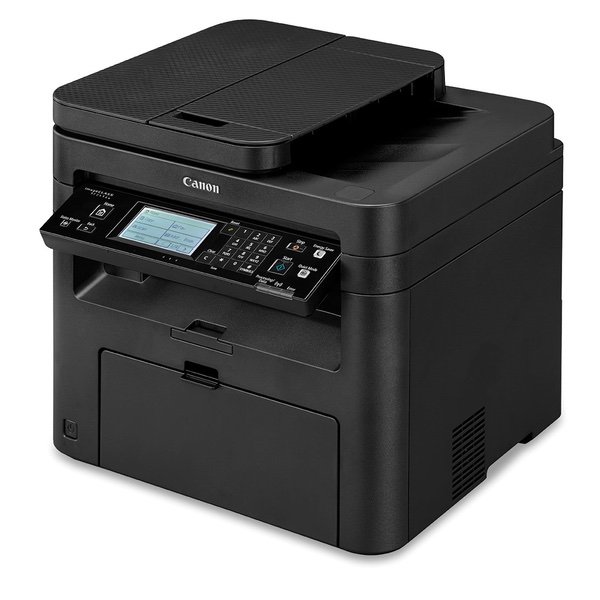
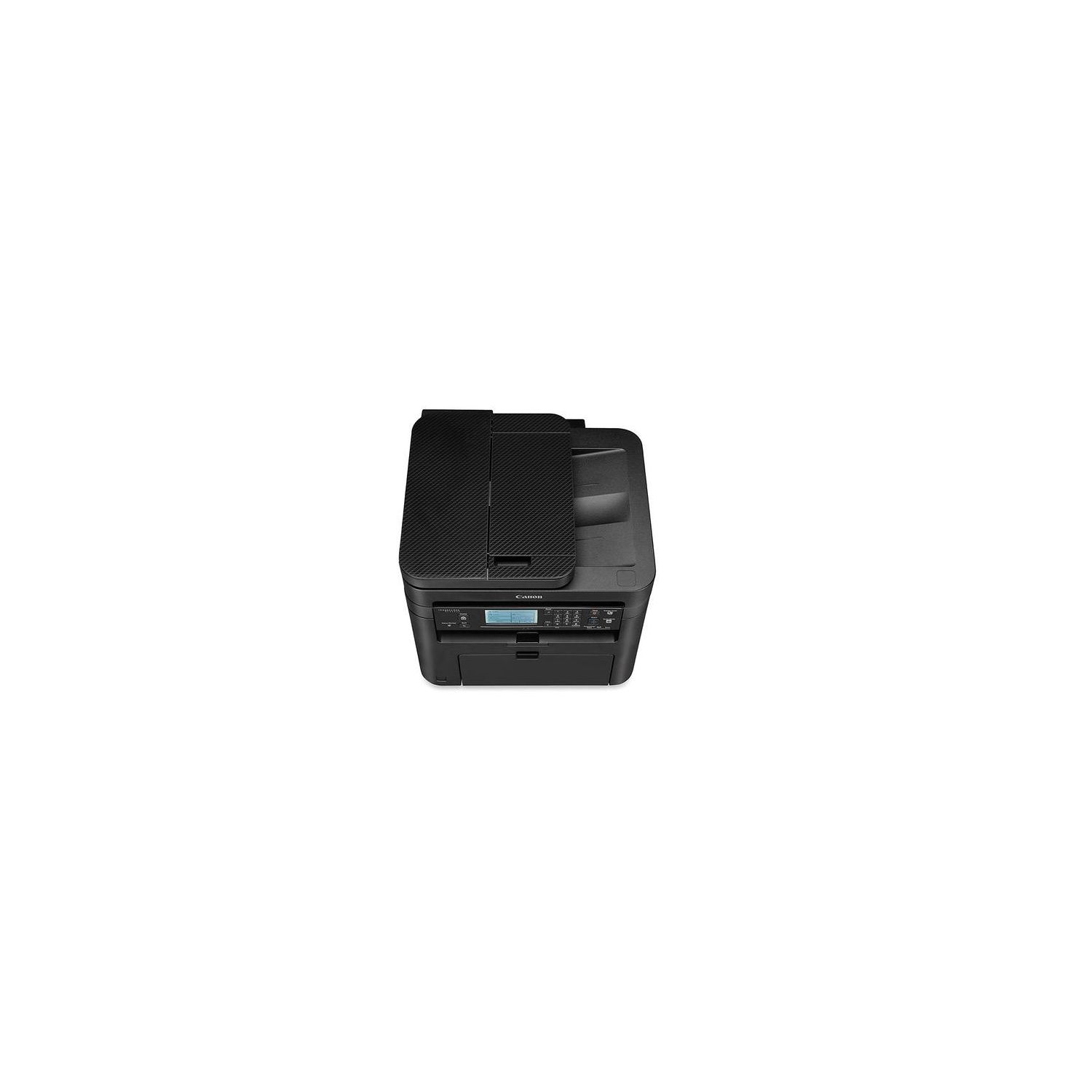
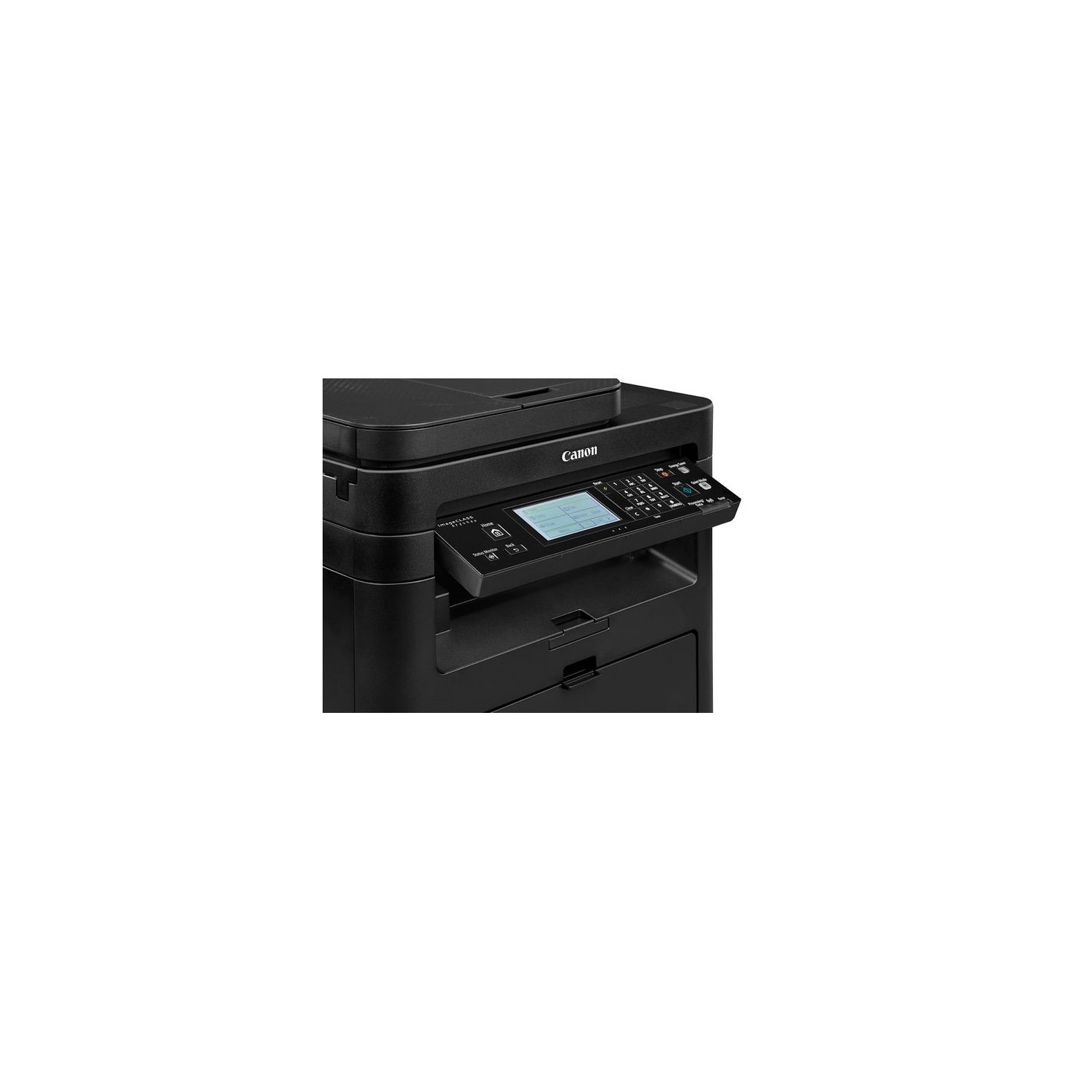
Canon imageCLASS MF249dw Wireless, Multifunction, Duplex Laser Printer with Original Black Toner Cartridge

Write a review
B01N97KW7Z
Printer and Black Toner Cartridge
Target is a general merchandise retailer with stores in all 50 states and the District...

City: US, New York

Delivery
Pickup at your own expense
Tomorrow from 09:00 to 20:00, Store location
Free
Payment options
Apple Pay Google Pay Mastercard Visa
Cash, bank card, credit/installment payments, cashless payment for legal entities
Warranty and returns
Exchange/return of products of proper quality within 14 days Official manufacturer's warranty: 12 months
Features
Item Dimensions
Item Weight
Style
Printer and Black Toner Cartridge
Description
This fits your .
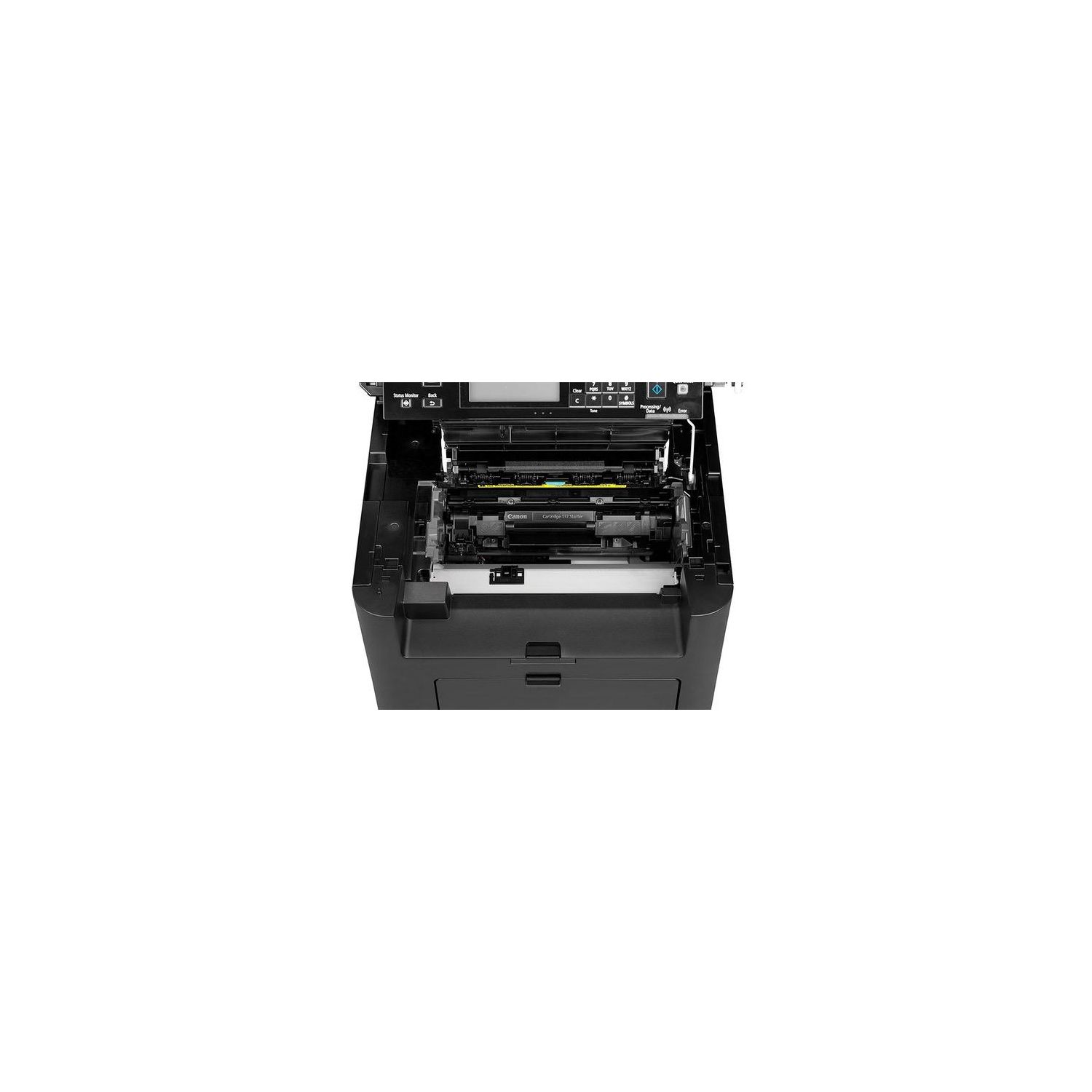
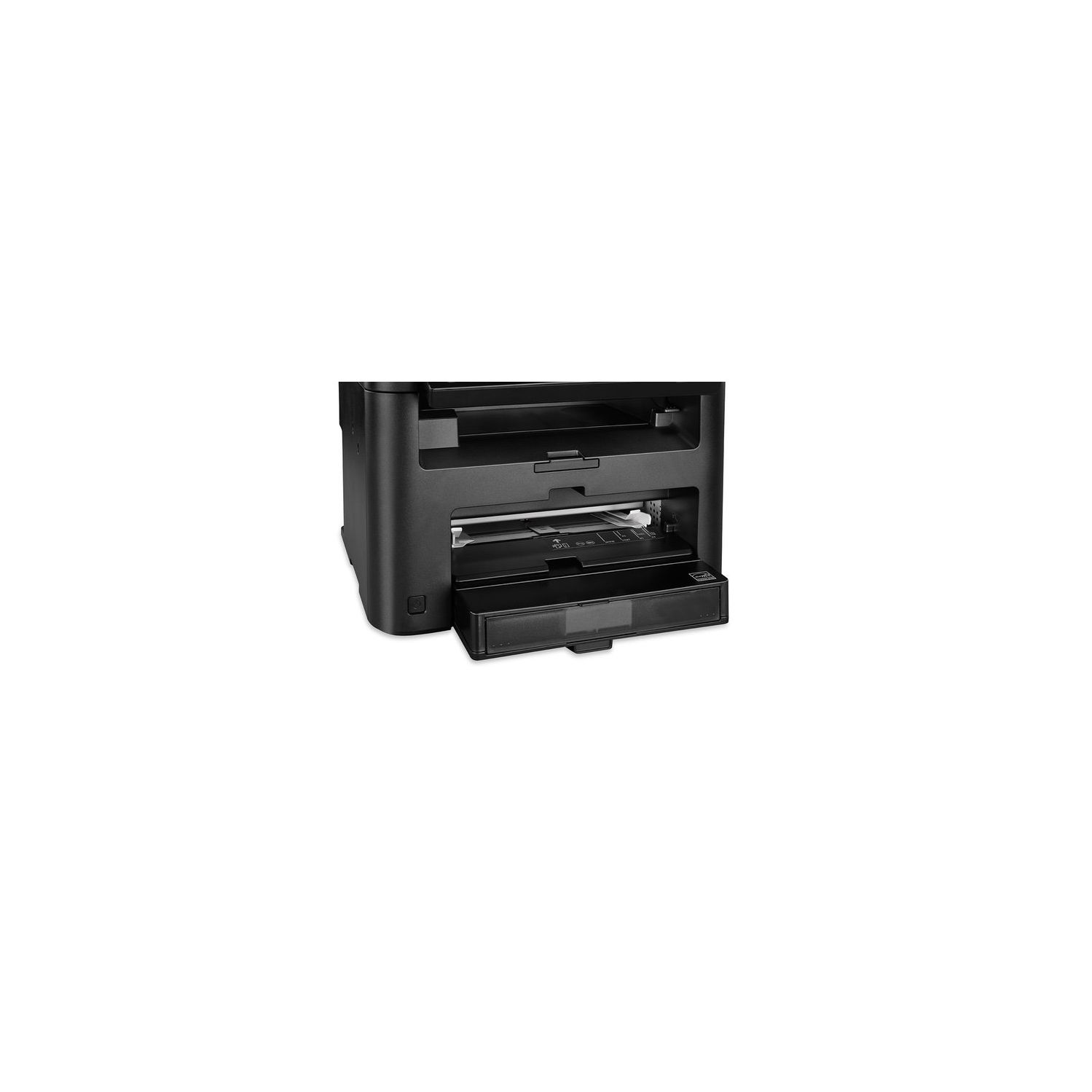
Make sure this fits by entering your model number. All in One functionality allows you to print, scan, copy and fax with ease. Easily Connect your mobile devices without a router using Wi-Fi Direct connection. Print at speeds of up to 28 pages per minute with your first Print in your hands in 6 seconds or less. Print on-the-go with Canon PRINT Business, Apple AirPrint, Mopria Print Service, and Google Cloud Print. Paper capacity allows for 250-sheets in the standard cassette and 1-sheet in the multipurpose tray.
Reviews
4.1
Reviews: 20
5 stars
55%
4 stars
25%
3 stars
5%
2 stars
5%
1 star
10%
jeb
2
I have set up many printers in my time. Most recently I set up an HP monochromatic laser printer. Set up was a breeze for multiple macs and pcs in our household. The only problem with the HP is the display as so dim I need a flashlight to read it. So when my mom needed a new printer, I knew the HP would not work for her. I researched laser printers for a couple of months and settled on this one especially after reading PCmag.com called it " our Editors Choice shared home office/micro office mono laser all-in-one". I found the setup to be a nightmare. I spent 9 hours yesterday getting it set up for both windows and mac. I had to uninstall and reinstall the drivers over and over. Of course, tech support has Eastern time bankers’ hours and so I missed them. Finally, at 10 pm I got a test page to print off the pc but not the mac. Got up today and found it would not print from the pc. Finally got it to print and printed out a bank statement. I can hardly read the print. I adjusted the print quality, density, etc. and still got faded grey print. I took out the cartridge and shook it up again - still got faded print. Some pages came out with illegible spots instead of text. It was manufactured in June 2018, so the cartridge should work and its 100% full. UPDATE: I was able to reach tech support the Monday after Thanksgiving. It took us over 1.5 hours to set up the printer so that it would print a decent looking page. The test pages look great, but when you print your own stuff it washes out. Again had to uninstall and reinstall 3-4 times and go through all sorts of steps to get a decent print. The nice woman at tech support commented that it was very challenging. There are many steps not in the manual and not obvious. If you already own it, call tech support for those connectivity and print quality issues. There are many tweaks needed. If you havent purchased it, maybe give it a pass unless you like spending hours on the phone with tech support.
Product variations
Column filling
Sort by Price Sort by Availability Sort by CODE Sort by Style
$23800
In stock
+
B01K9OM9NW
Style:
Printer
Contact us for a price
In stock
B01N97KW7Z
Style:
Printer and Black Toner Cartridge
You may be interested
  • Bestsellers
  • Recently Viewed
 
Fast and high quality delivery

Our company makes delivery all over the country

Quality assurance and service

We offer only those goods, in which quality we are sure

Returns within 30 days

You have 30 days to test your purchase