
















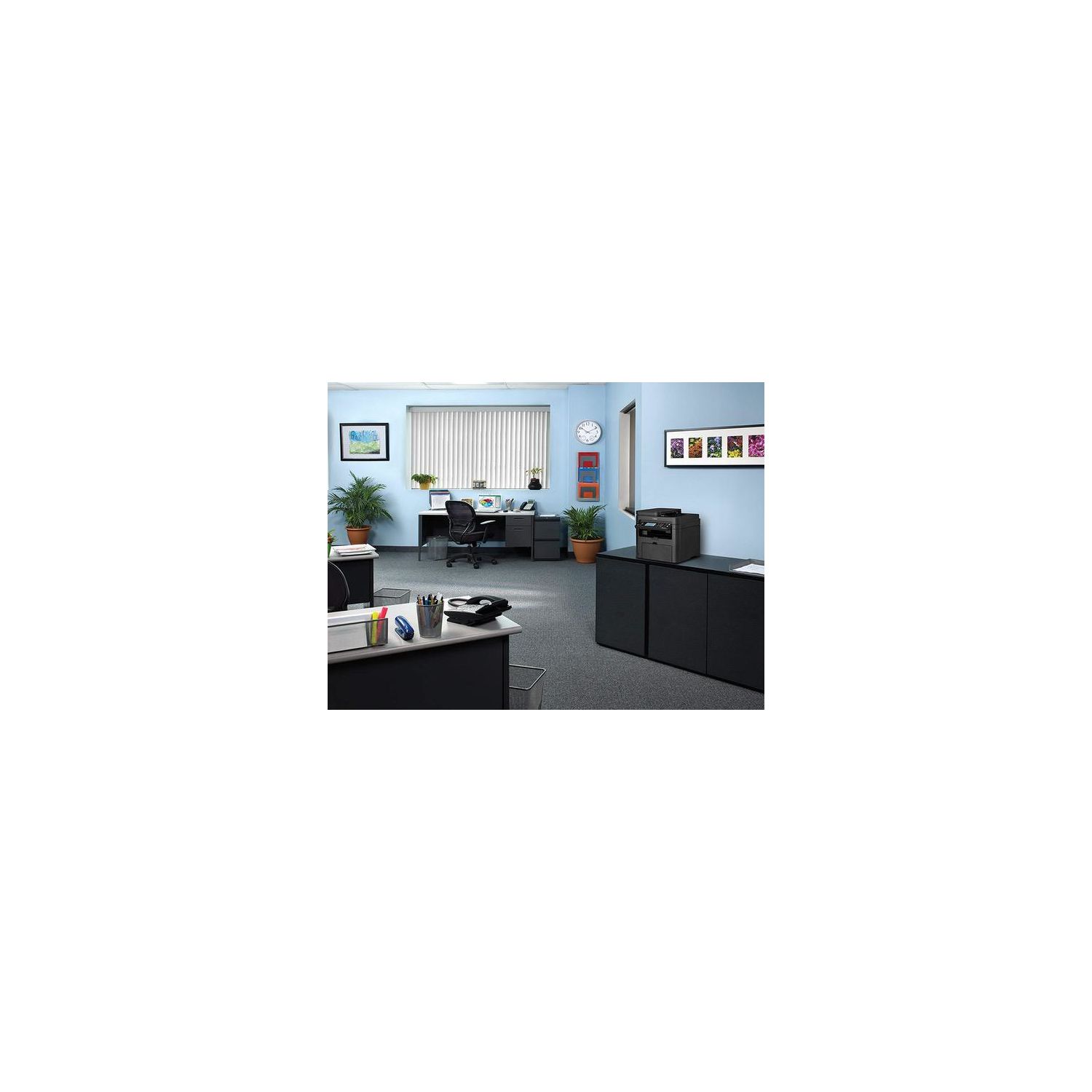
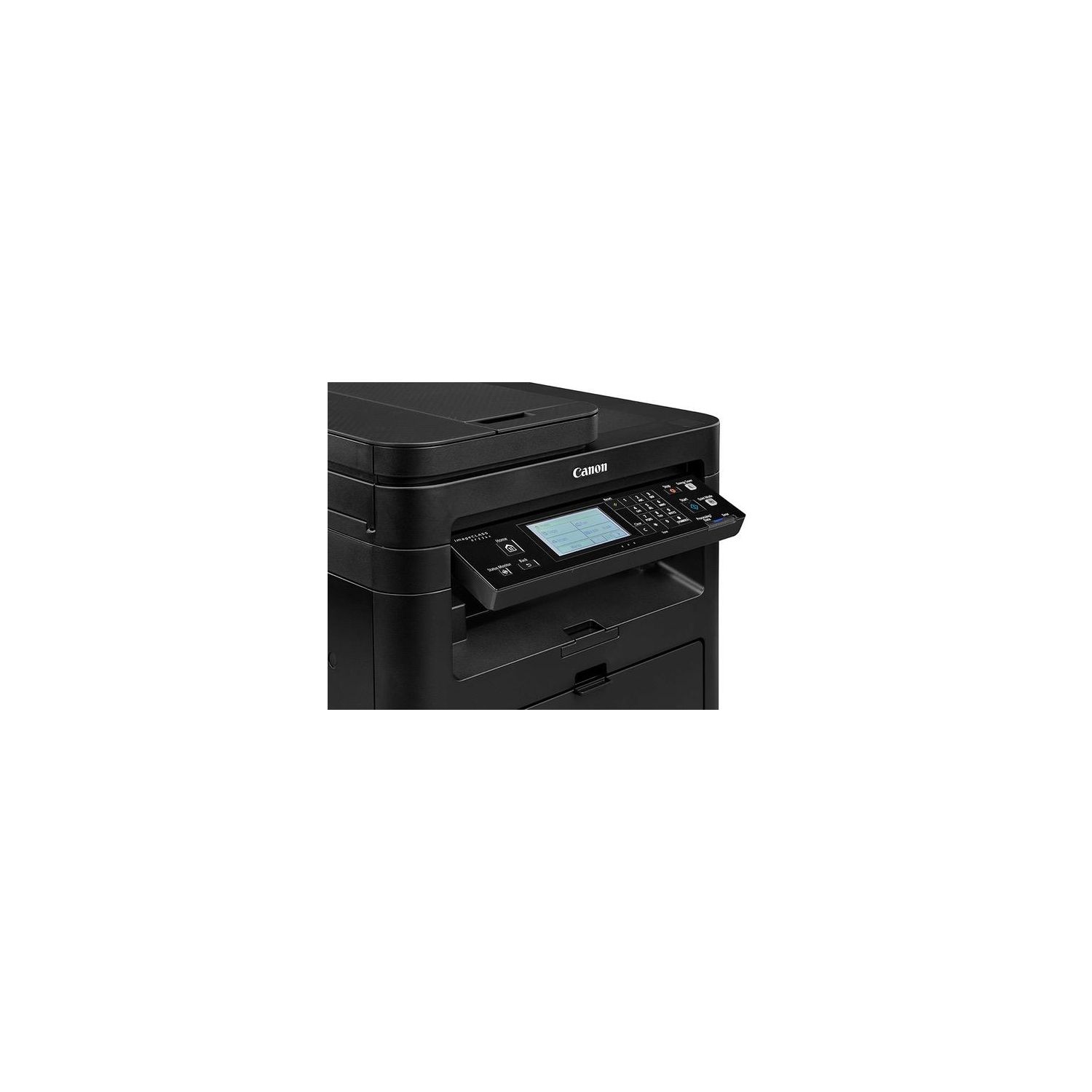
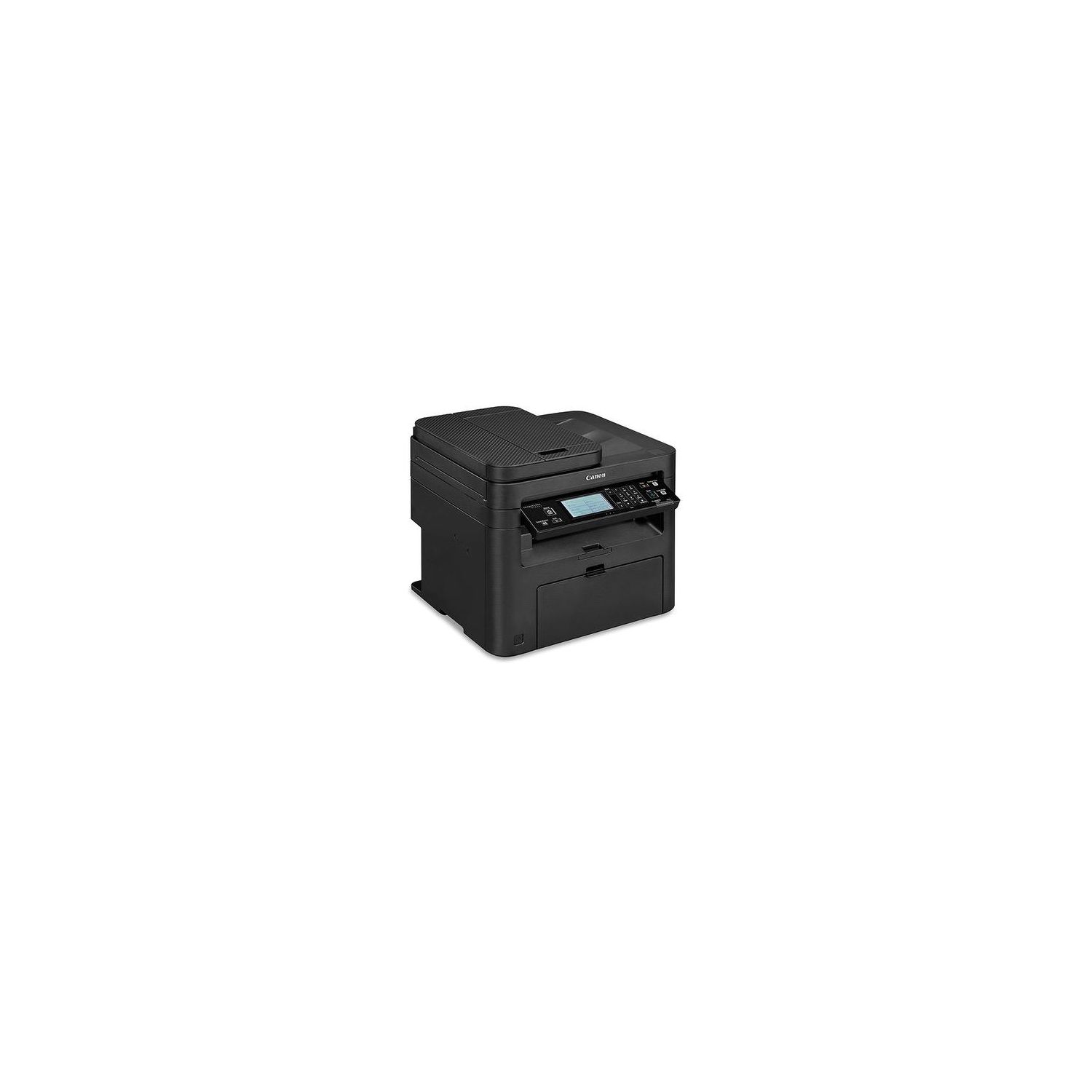
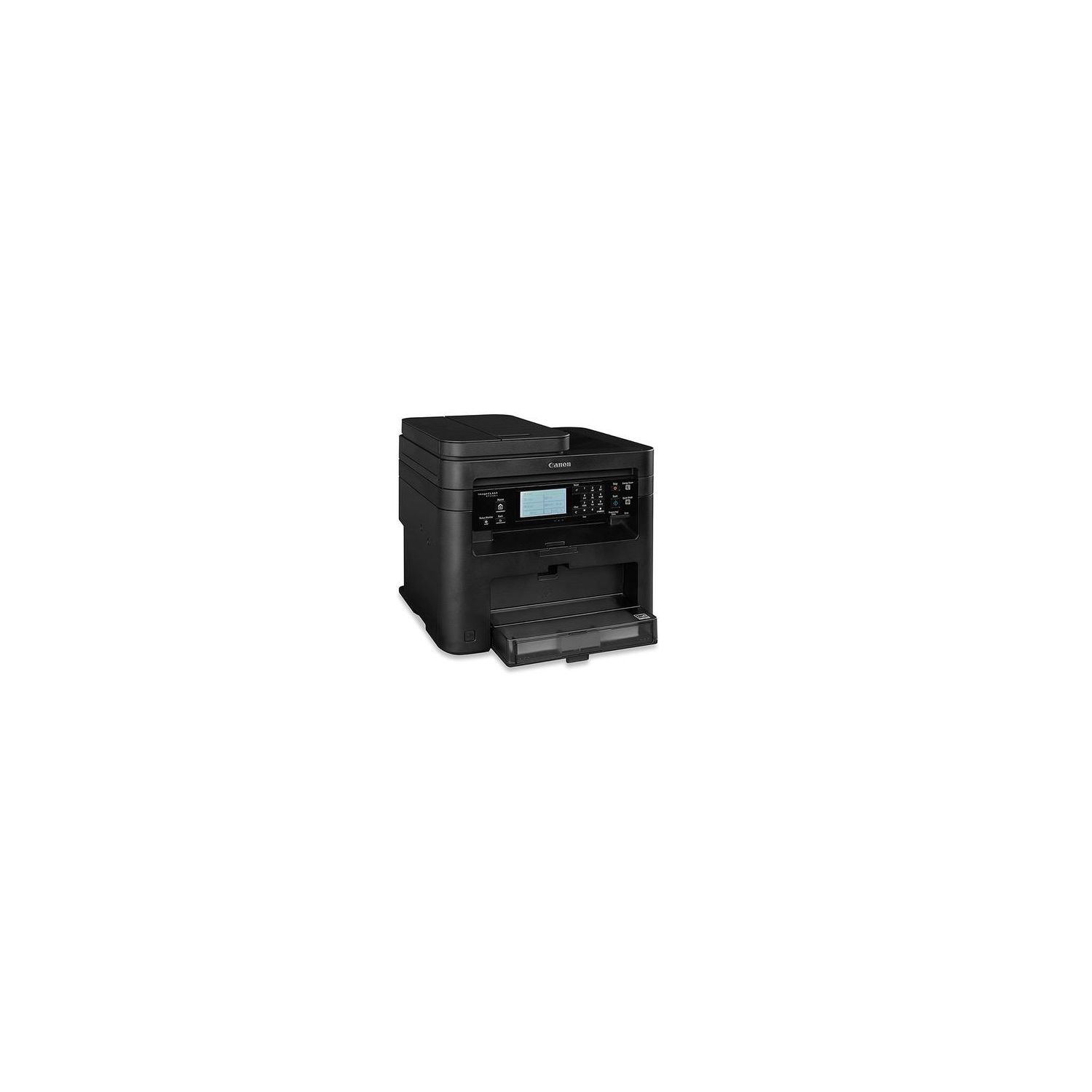
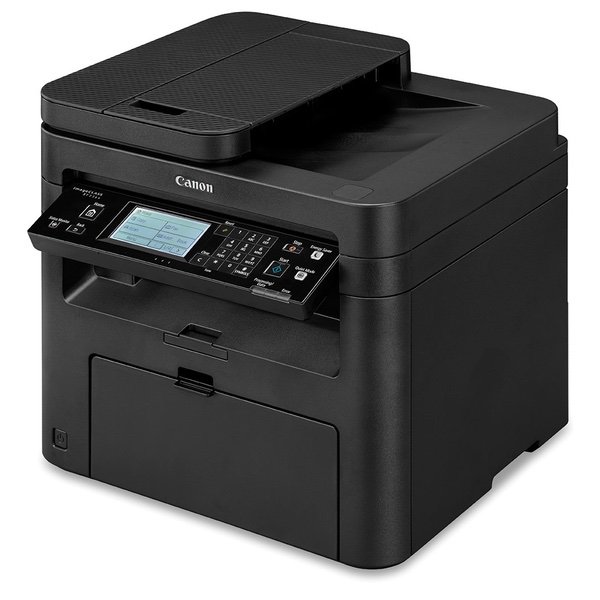
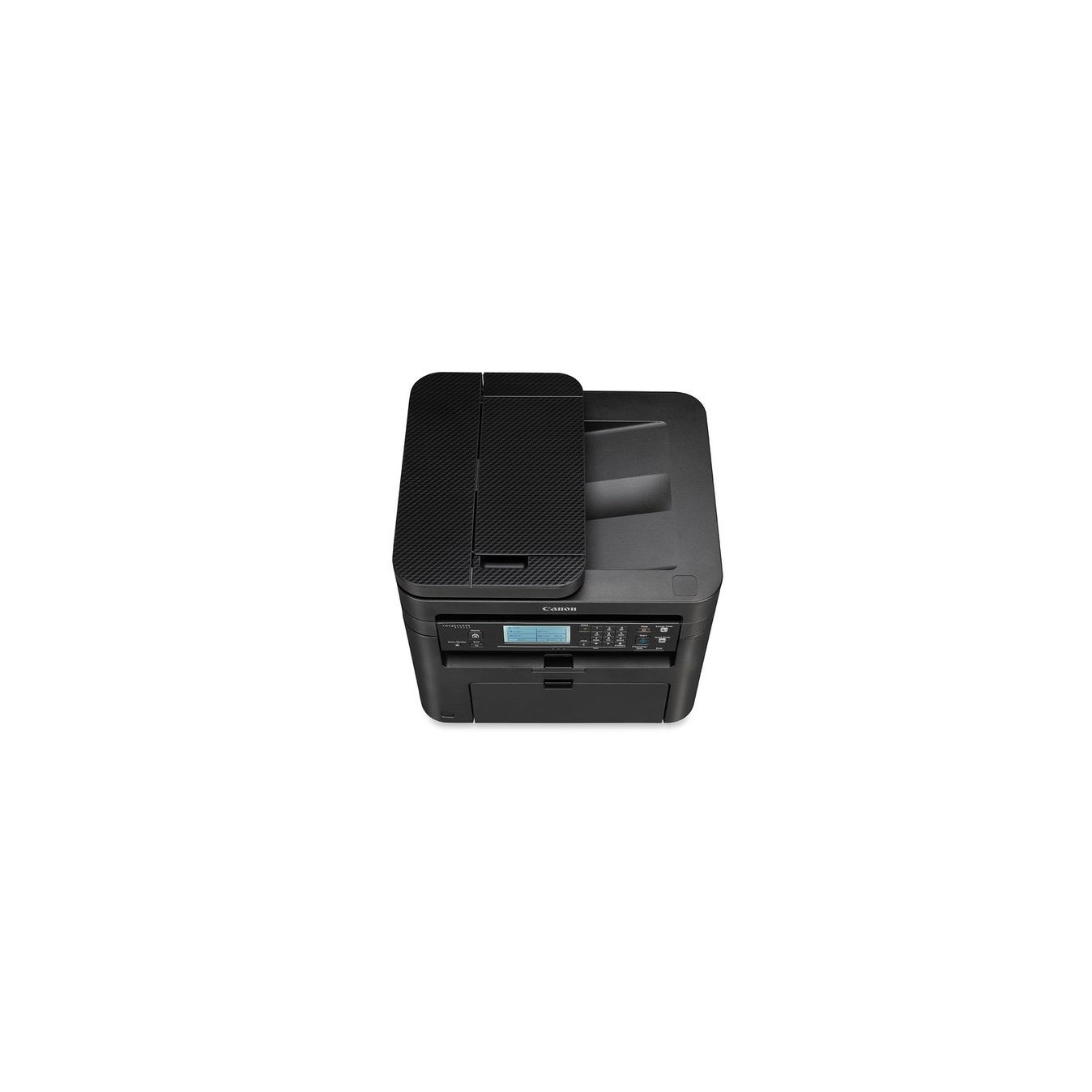
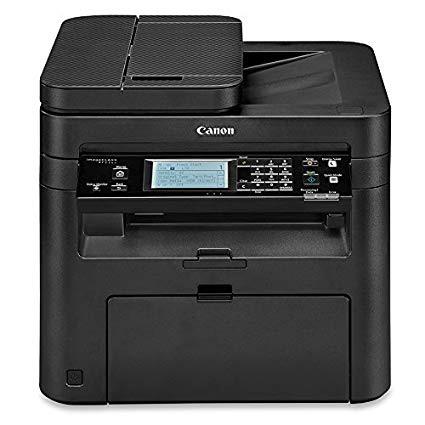
Canon imageCLASS MF236n All in One, Mobile Ready Printer, Black
Write a review
$13700

Canon imageCLASS MF236n All in One, Mobile Ready Printer, Black

Write a review
B01K1KUQHK
Printer
+
Add to wish list
Target is a general merchandise retailer with stores in all 50 states and the District...

City: US, New York

Delivery
Pickup at your own expense
Tomorrow from 09:00 to 20:00, Store location
Free
Payment options
Apple Pay Google Pay Mastercard Visa
Cash, bank card, credit/installment payments, cashless payment for legal entities
Warranty and returns
Exchange/return of products of proper quality within 14 days Official manufacturer's warranty: 12 months
Features
Connectivity Technology
Ethernet
Item Dimensions
14.7 x 15.4 x 14.2 in
Item Weight
25.4 lbs
Operating System
  • Windows, Mac
Printer Output
Monochrome
Printer Technology
Laser
Style
Printer
Description
This fits your .
Make sure this fits by entering your model number. All in One functionality allows you to print, scan, copy and fax with ease Seamlessly navigate through all the features with the user-friendly 6-line, tilt able, black/white touch LCD panel Print at speeds of up to 24 pages per minute, with your first Print in your hands in 6 seconds or less Print on-the-go with Canon PRINT Business, Apple AirPrint, Mopria Print Service, and Google Cloud Print Low energy consumption; uses 2 W or less in energy saver mode,Cable Included Power Cord, Phone Cable (USB not included) Note: This model does not have wireless connection, printer is a hardwired model only
Reviews
4
Reviews: 20
5 stars
55%
4 stars
20%
3 stars
5%
2 stars
5%
1 star
15%
Revontuli
4
It works, but I had to call tech support to get it working (had to re-install the driver software and make a few tweaks). Also, I had wrongly assumed this printer was wireless and it is not. Ill keep it, but it was maddening to find that out. The printer works great now that its hooked up, but lordy, lordy, the documentation is AWFUL. 1980s style, and obviously translated from another language. I consider myself mildly technically adept, but I couldnt even figure where to start. I finally just gave up on the manual, plugged the darn printer in, and winged it (with help from tech support). I think Ill be happy with this printer, though: it prints great, and with the cost savings by not having to buy any more HP ink, it will pay for itself within 6 months.
seahut
4
Works great. Unpacking the thing was frustrating---instructions for removing the shipping blocks inside the printer were confusing. You must lift parts of the printer out in order to remove the orange shipping blocks and crap. I knew when I ordered it that you had to provide one of the cables yourself, not a big deal. Owners manual leaves out quite a bit of instructions on doing normal things, so you have to commit some time to playing with it. For example: the screen icons for document, scan etc. have a learning curve to them. I recommend it despite the manual. No more ink drying out when not used for long periods of time. Loading the paper is crisp and easy, and it works well with address labels too. Scanner works flawlessly and easily despite the lack of instruction in the book(you must select the photo icon instead of "Document" icon). When I first tried to scan a document, I kept getting an install error---by chance I hit "photo" and it works every time. Go figure! If it wasnt for the manual, Id give this 5 stars.
M
4
My Pixma was a dutiful friend for the last few years but eventually, it gave out and it was time to buy another printer. I gave up on replacing it after reading all of the terrible reviews on Amazon for many of their inkjet models. I decided to go with this laser printer for basic home office use and do color printing at my local shop. I was very concerned I might experience several of the issues listed by reviewers about this model. Im happy I read those reviews because it saved me time and stress! Installation Installation took me under an hour, including unboxing the item and removing the tape. I connected my printer via USB to my Windows desktop. I chose a custom installation for the drivers and excluded everything but the basic app. Printing Prints quickly and beautifully. No issues with waking up from sleep mode (wakes up immediately). No issues with paper registration because I opted out of the additional software that bloats your computer. Display No issues with the display panel. Very easy to see and use. Scanning and Faxing I have not tried these features yet. Weve abandoned using scanning via the printer and prefer to use Adobe Scan from our phones instead. I find it quicker and just as good as a typical scanner for imaging basic documents and bills. I will, however, try these features in the next few weeks and update my review! Size and Weight This is a tall unit, around 14", and has some weight to it. Not surprising since its a laser printer. Toner Pricing Oh boy, I was not prepared for how expensive the Canon toner is! Its about $72 on Amazon. I realize this is normal for laser printers but I havent used one in so long I had a moment of sticker shock. There are non-Canon cartridges for this printer for a third of the price; however, Im all about peace of mind. There are bad reviews about using non-Canon cartridges and equally bad reviews about the Canon cartridges as well. After a bit of research, watching out for expired toner is important in terms of ink yield and error messages for Canon toners. My recommendation is to read the latest reviews and buy from a vendor that has good stats. That may increase your chances of getting a fresh cartridge! Beware! The bottom of this printer will scratch your table or shelf! If youre concerned about scratches, attach felt pads to the bottom of the printer prior to placing it on your furniture. Overall, this was a great buy. Im very happy with it and will update my review as we move along. Its a good price and works well. Be sure to read the reviews before you buy and dont bloat your computer with the add-ons!
DST
4
I bought this to replace an earlier ImageClass model. After like 15 years of that machine being my home office copier, I was glad to see that Canon was still making them. I dont use it as a printer, so cant comment on that, but the copies are nice and crisp. I do have 2 complaints: 1) I couldnt figure out how to load multiple sheets in it to copy a stack of paper, and had to go to Canon site to find out. 2) Copies now come out toward the user rather than to the right, and they exit onto a pretty skimpy collection thingy. So if youre copying a bunch of papers, you do have to pull them off of there very few sheets or you will get a stack of paper that is too big for the thing.
Product variations
Column filling
Sort by Price Sort by Availability Sort by CODE Sort by Style
$13700
In stock
+
B01K1KUQHK
Style:
Printer
Contact us for a price
In stock
B01N1IAGBX
Style:
Printer and Black Toner Cartridge
You may be interested
  • Bestsellers
  • Recently Viewed
 
Fast and high quality delivery

Our company makes delivery all over the country

Quality assurance and service

We offer only those goods, in which quality we are sure

Returns within 30 days

You have 30 days to test your purchase