
















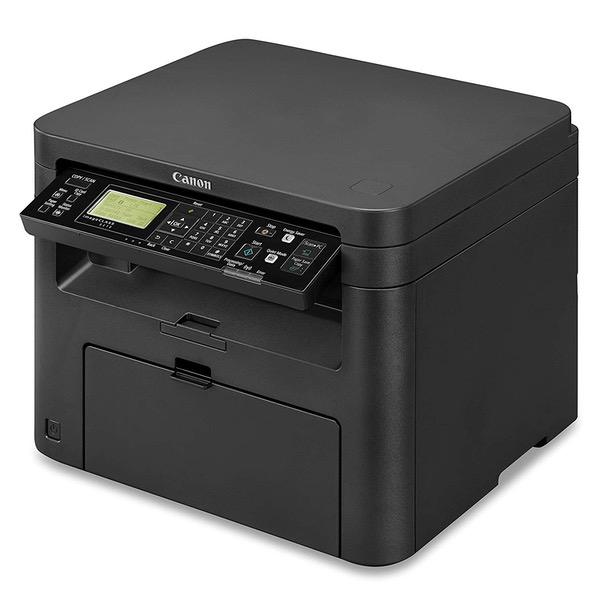
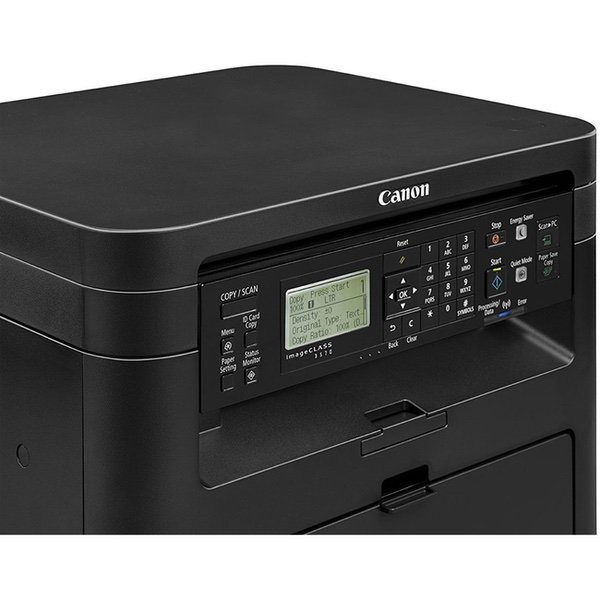
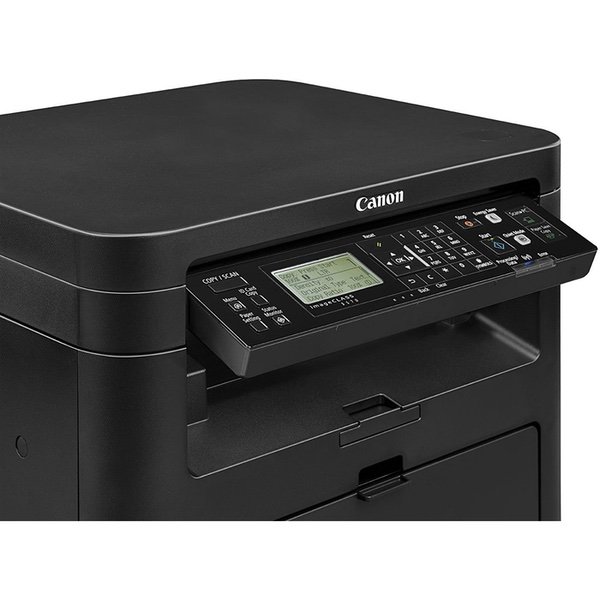
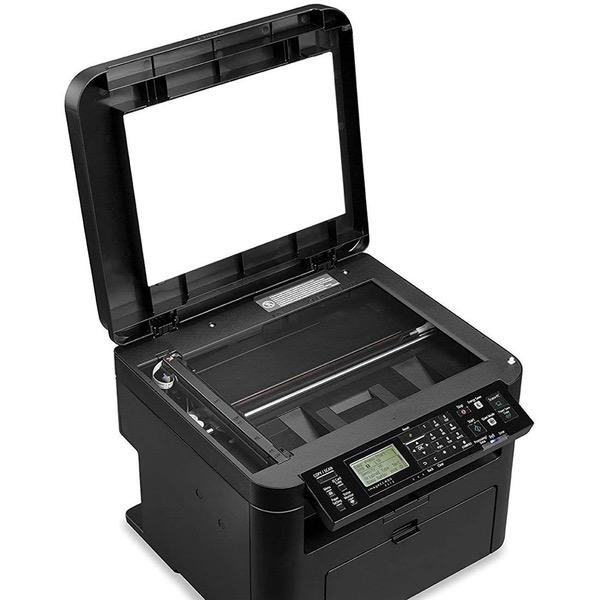
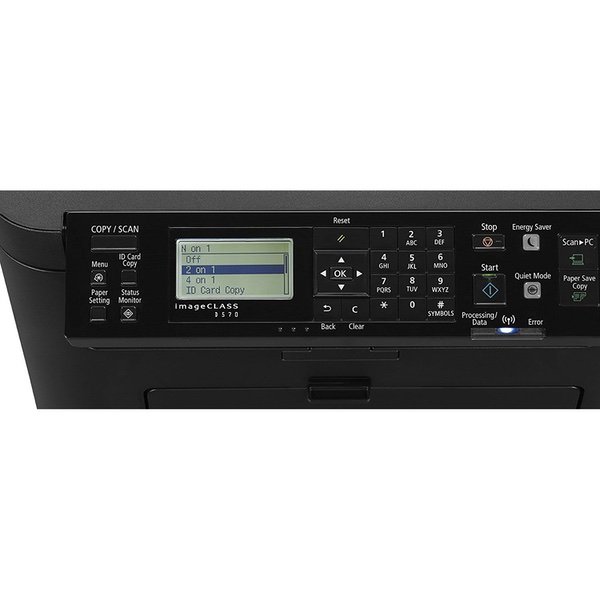
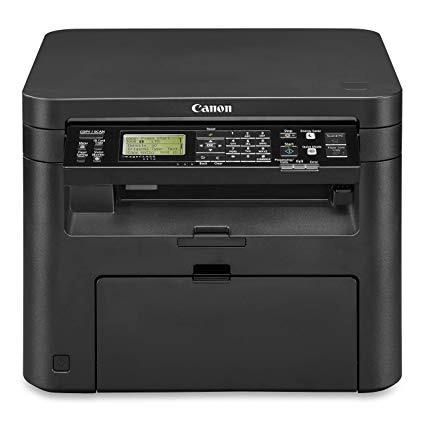
Canon imageCLASS D570 Monochrome Laser Printer with Scanner and Copier
Write a review
$14400

Canon imageCLASS D570 Monochrome Laser Printer with Scanner and Copier

Write a review
B06XY4B179
Printer
+
Add to wish list
Target is a general merchandise retailer with stores in all 50 states and the District...

City: US, New York

Delivery
Pickup at your own expense
Tomorrow from 09:00 to 20:00, Store location
Free
Payment options
Apple Pay Google Pay Mastercard Visa
Cash, bank card, credit/installment payments, cashless payment for legal entities
Warranty and returns
Exchange/return of products of proper quality within 14 days Official manufacturer's warranty: 12 months
Features
Connectivity Technology
Wi-Fi
Item Dimensions
14.6 x 15.4 x 12.3 in
Item Weight
25.2 lbs
Operating System
  • Windows, Mac
Style
Printer
Description
  • Wi-Fi Direct Connection allows you to connect your compatible mobile devices without a router
  • Print at speeds of up to 28 pages per minute
  • Print on-the-go with Canon Print Business, Apple AirPrint, Morea Print Service and Google Cloud Print
  • Paper capacity allows for 250-sheets in the standard cassette and one-sheet in the multipurpose tray
Reviews
3.4
Reviews: 20
5 stars
35%
4 stars
30%
3 stars
0%
2 stars
5%
1 star
30%
The Makatok
4
When its working, I like it a lot. But when it loses the wireless connection, for example, I get discouraged trying to get it to reconnect because there are several options and terms that render me clueless. And then I must call Canon to walk me through the process once again. Frustrating at times. But like any new equipment that I buy, there is a learning curve. I just wish Canon would make things simpler. The instructions simply dont register with my brain so I need their excellent service representatives to walk me through the process. Thank goodness for Canons service representatives. Spoiler: Im in my 70s.
RdgJr near NYC
4
I bought this WiFi-enabled ImageCLASS D570 to replace my trusty, reliable but old, non-Wifi Cannon MF3010. The D570 connected perfectly to 2 iPhones, 2 MACs running two different generations of MAC OS, 2 Win 10 64 bit PCs (one under Apple Boot Camp, one native), and a Chromebook. This D570 looks great and seems sturdy and well-designed (for light use at home). I appreciate the convenience of being able to make a paper copy manually (without using a computer) by simply pressing the "start" button on the printer. This D570 black/white laser printer scans in full color. The color scanning worked correctly, and the scans look great on both the native Win 10 PC and on the MAC laptop (I tested scanning on the MAC that had the latest version of MAC OS). The only small glitch I had was in not realizing that after I downloaded onto Win 10 the "[Windows 32bit & 64bit] MF Scan Utility Ver.1.5.0.0" from the Cannon website, it created a sub-directory named "MFScanUtility_V1500_EN". I had to manually open that sub-folder myself and double click on file "SETUP.exe". I recommend this D570 highly. In the accompanying picture, the black block underneath the table is an uninterruptible power supply with battery backup that I purchased separately and use with both my Verizon router and this D570. UPDATE (March 19, 2019: Almost exactly one year after I bought the Canon D570. it stopped working with WiFi. I have a Brother Wireless printer in the same room that continues to work perfectly, so I conclude the Canon D570 is physically broken at the chip level. The standalone copy function continues to work okay, so I know its not a mechanical problem. I dont think its a WiFi configuration problem because I know how to set up a WiFi enabled printer and tried everything possible to get it to work again with WiFi after it mysteriously stopped working. Its disappointing because for a year it was a great, dependable WiFi printer.
Jina Varis
4
It is working so far. Fundamentally, I am very satisfied. However, I have had it only a couple of months. I had one day that the printer would not print but with a little understanding of the printer system on my MacPro, it started to work again. I have cable and WiFi installed. I tried to reach Cannon Customer Service to find out what the problem was. I waited 15 minutes and finally gave up. Cannon Customer Service is not the best.
Pat + Karen
4
Scan driver doesnt work with Windows 10. Searched all over the Internet this evening and this is a common problem. Will try to call Canon next week. If I cant fix this, back ti goes. Useless without scanning capabilities. Print is very light. Tried max dpi, still faint. Have to put everything bold to have it look like a normal printed page. Phone app prints everything enlarged and landscaped. A five-page document was going to be 32 printed through the phone app! Wish I had kept the packaging so I could have returned this!
Patrick78
4
The instructions could have been better written. Once I got the printer on line it worked great, but getting it on line was difficult for me. Finally did a search and found lots of folks over the years have difficulty figuring out how to use key pay to enter numbers. After that, it was easy. Printer seems fine. Does all I need. Would have given it a 5 star rating except for the difficulty with the instructions.
Alan Stein
4
The more I use it, the more I like it. My previous printer was a Brother HL 2300D. I bought a new computer (an Acer 1080. which Im getting to know as well.) It could not print on my old Brother. My research led to my having to upgrade to a cloud ready printer. I looked on Amazon and reviewed several candidates and selected Canon Image Class D570. I was way over my head. It does things I never imagined! The Amazon Tech who set it up for me was wonderful and showed me some bells and whistles. I have immersed my in learning both which has gotten easier with practice and recovering from my mistakes. Im at the point of appreciating what it is and how to interact with it. Increasingly, I believe it was a good choice. For me the learning curve was steep, but it was no fault with the unit that continues to amaze me. I would do it all again. Bravo Canon (and Acer). If I knew what I was doing in the first place, I would have rated ot 5 stars.
Product variations
Column filling
Sort by Price Sort by Availability Sort by CODE Sort by Style
$14400
In stock
+
B06XY4B179
Style:
Printer
$22400
In stock
+
B0775ZM6TM
Style:
Printer + Toner Cartridge
You may be interested
  • Bestsellers
  • Recently Viewed
 
Fast and high quality delivery

Our company makes delivery all over the country

Quality assurance and service

We offer only those goods, in which quality we are sure

Returns within 30 days

You have 30 days to test your purchase