


























Amazon Customer
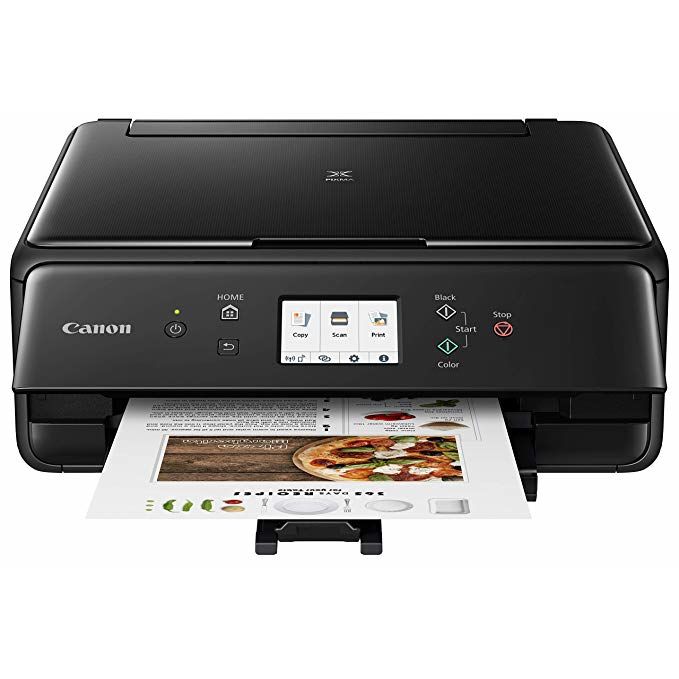
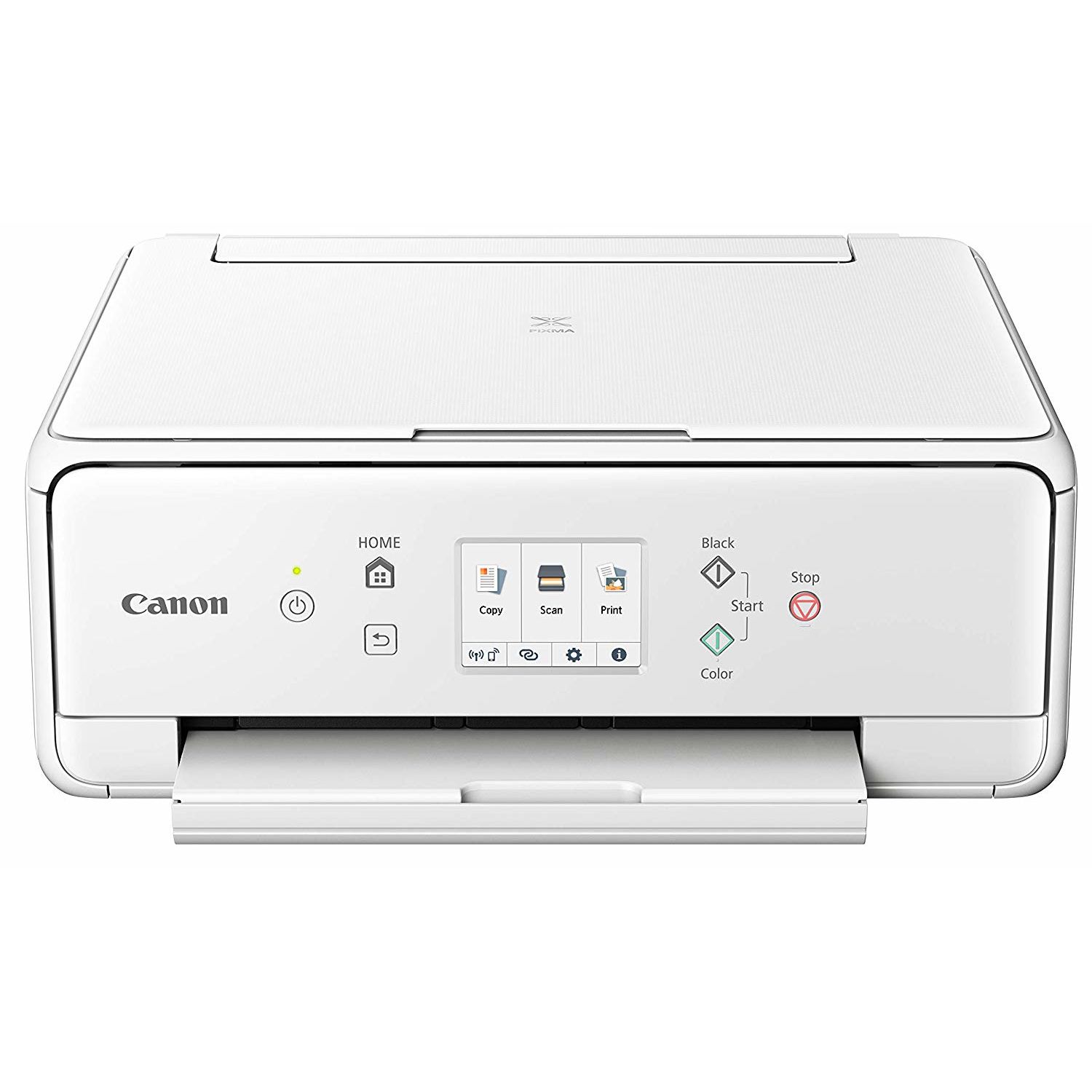
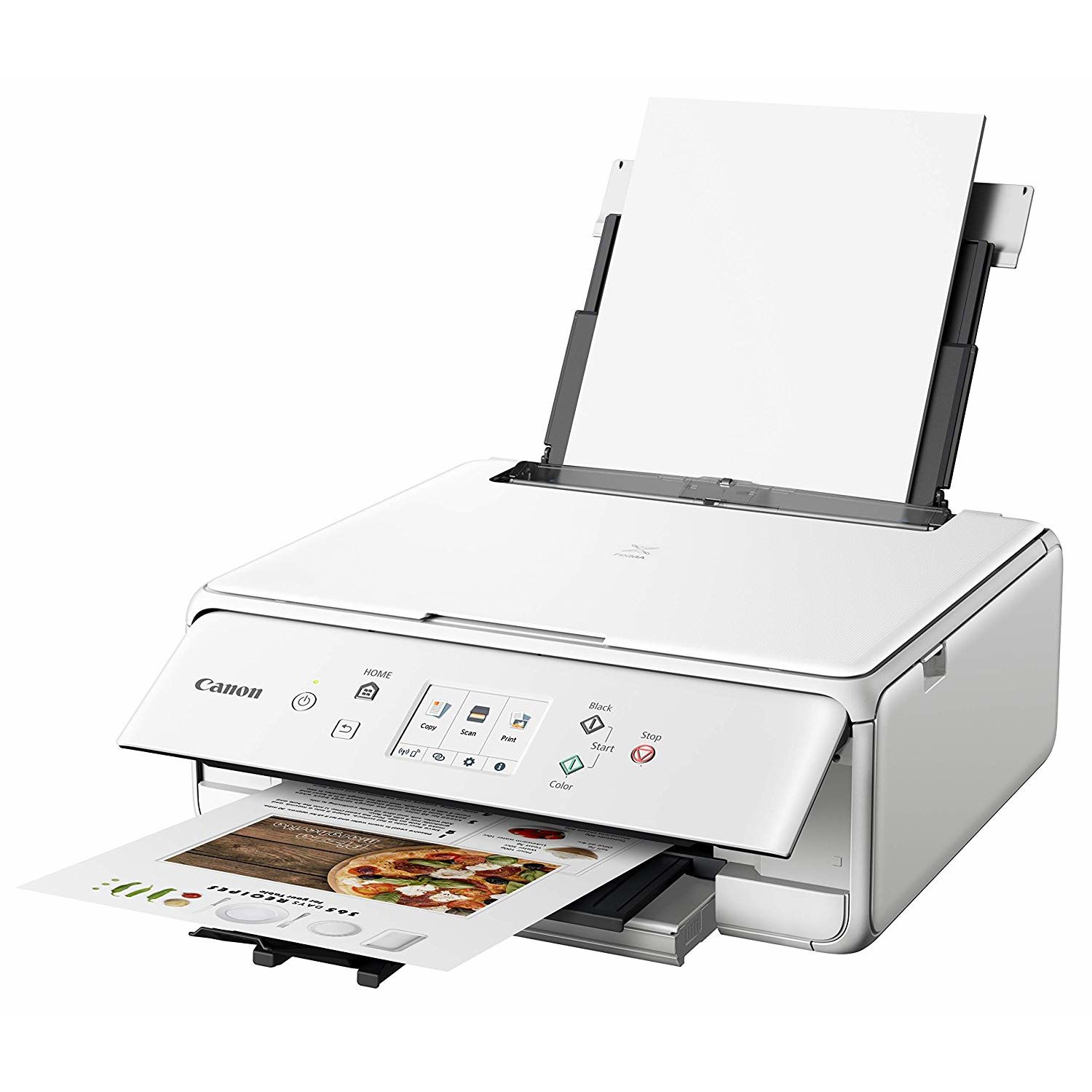
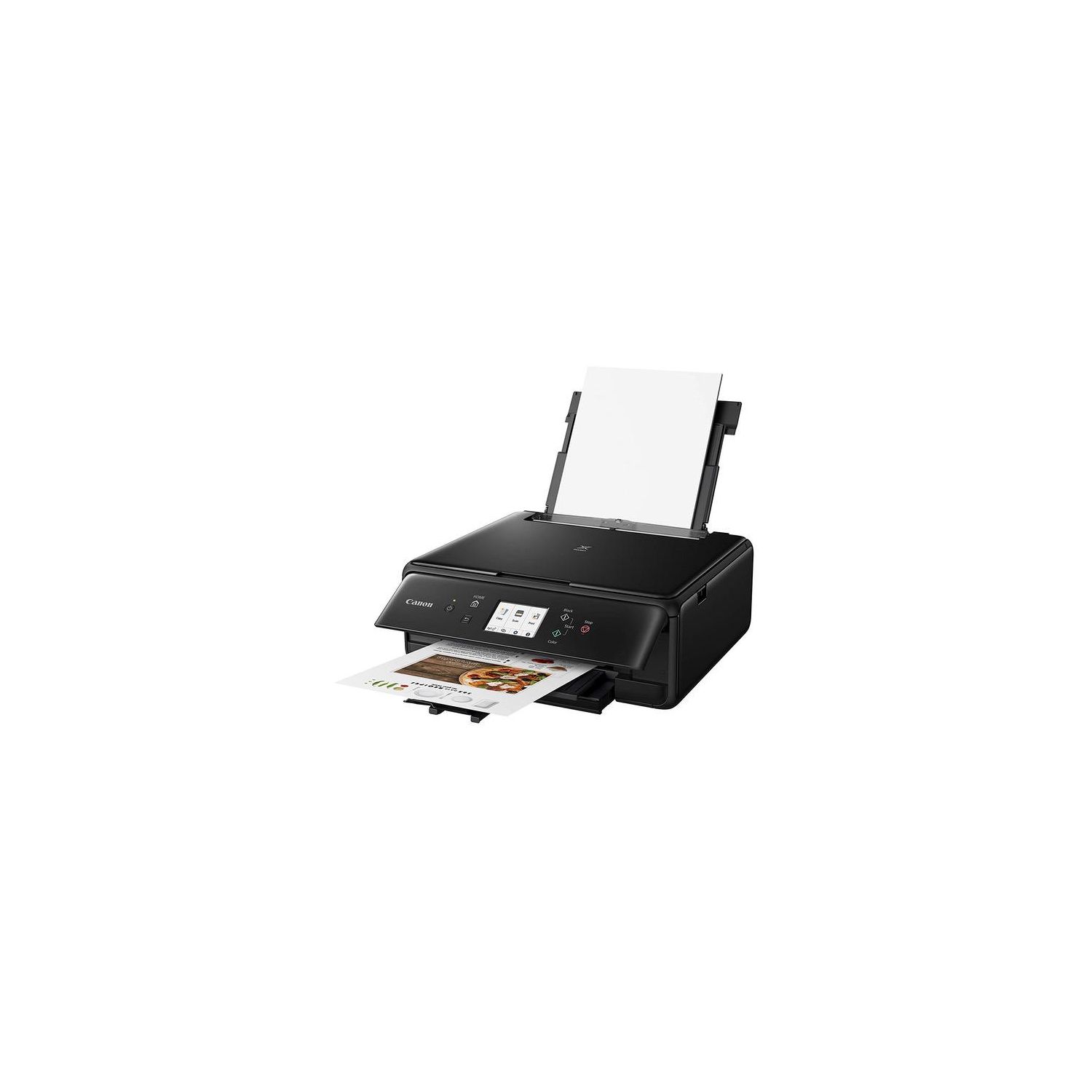
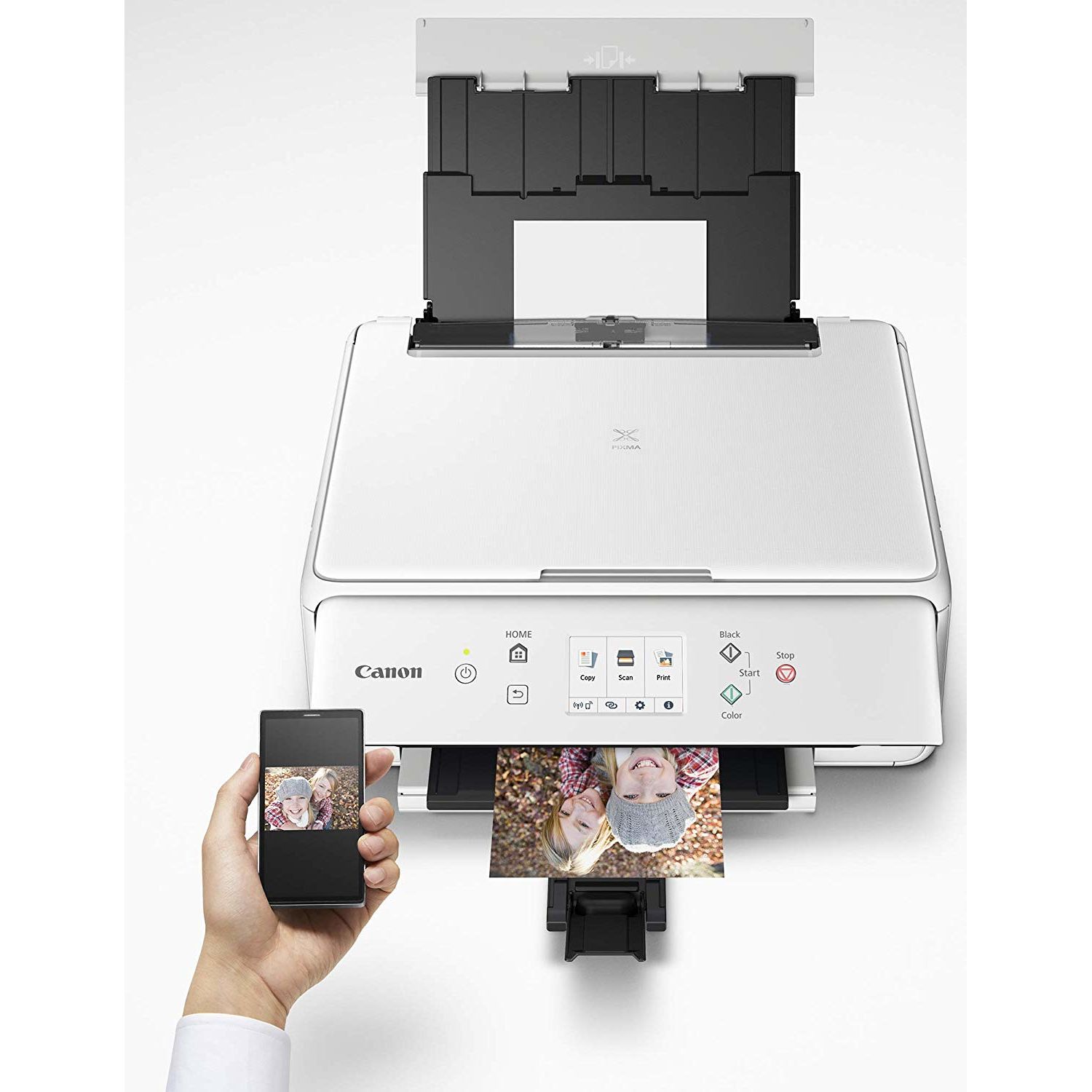
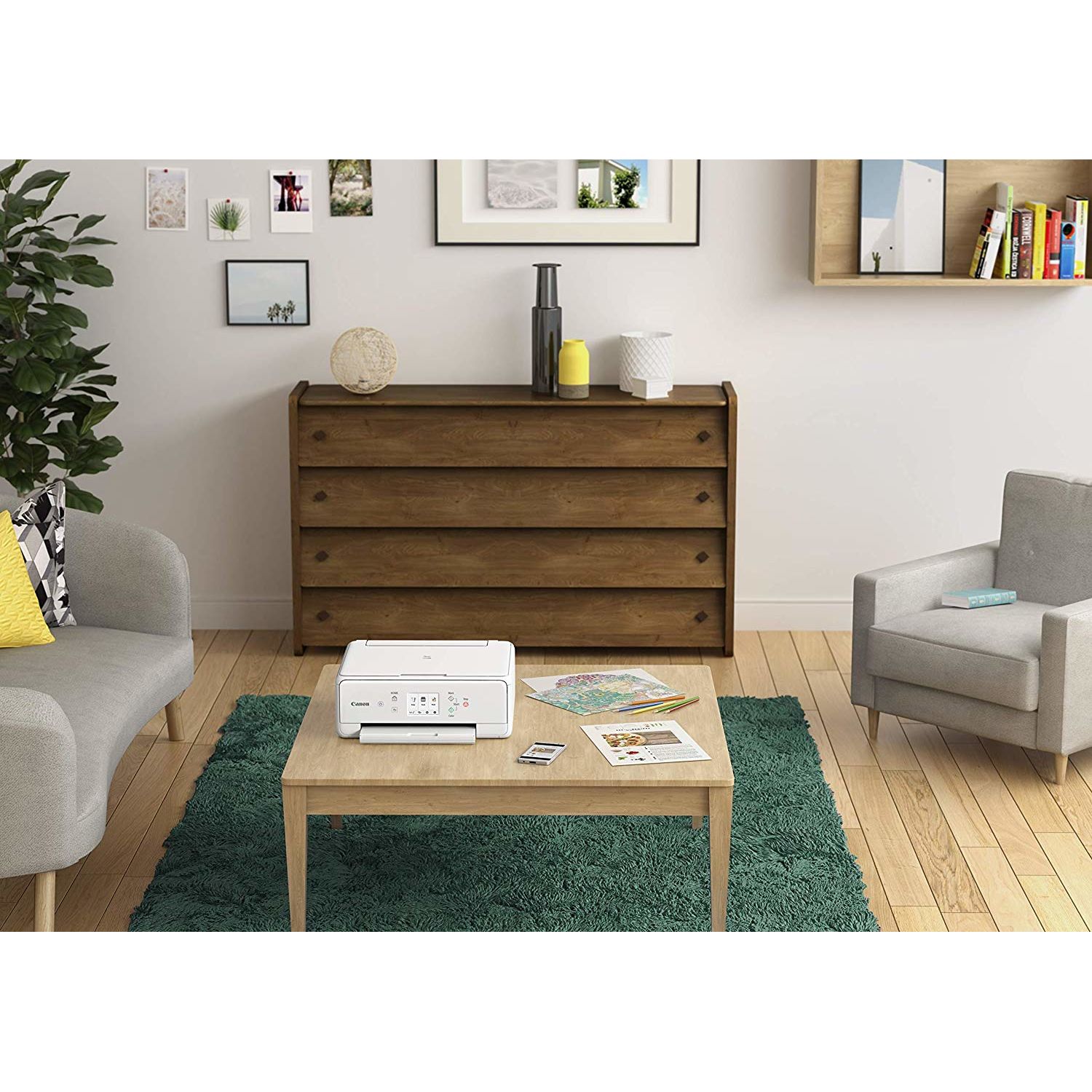
This is an all-in-one printer/scanner device for home use/light duty. The printer has a footprint of 14.5”x12”, and stands 6” high; scanning glass is 9”x12”. Controls are with a 3” touch screen. Inks come in 5 individual ink tanks, all available in XL and XXL. It has both front and rear paper feed, each of which has a capacity of 100 sheets of regular paper or 20 sheets of photo paper. It can print on 3.5x3.5” 4x4”, 4x6”, 5x5”, 5x7”, 8 x 10”, 8.5x11”, 8.5x14” paper and US No 10 (4.1x 9.5”) envelopes. It will print on cards, glossy photo paper, high resolution paper, iron-on transfers, luster paper, matte photo paper, plain paper, and semi-gloss photo paper. It is completely wireless, and will print with Apple AirPrint, Canon Print, Google Cloud Print, Mopria Print Service, and Wireless PictBridge. It will work with Windows (Windows 10, Windows 8.1, Windows 7 SP1), Mac: (Mac OS X v10.10.5 - macOS v10.13, iOS, Android, Windows 10 Mobile, and Amazon Fire, but not Windows XP. It is rated for 15 pages per minute black and white, 10 color, and 26 seconds per image for photos. It has a resolution of 1200 x 2400 dpi with 8 bit color. It ships with a set of 5 ink tanks, a sample pack of 3 sheets of glossy photo paper, a CD with drivers and My Image Garden software, a power cord, and a paper quickstart manual with 8 pages of instructions in English and Spanish. I was impressed with how easy this printer was to set up. From my Windows 7 desktop computer, I just inserted the included CD ROM, and the setup utility came on and guided the process from there. On the other computers in my house, I was able to download the drivers from the Canon website. I was also able to connect my Android phone and print using the Canon Print Inkjet/SELPHY app. Unlike many printers that I have installed, the setup process was simple and straightforward, and after setup I could actually print from all devices. Like the other PIXMA printers that I have used, this printer makes excellent photo prints. What I really like about this one is that it also does square prints natively. Before, in order to make square prints, I had to cut the paper after the prints, which wasted paper and didn’t always come out looking professional. The ink costs are about average for similar inkjet printers, about 12.7 cents per color print. Compared to the costs of sending photo prints out, that’s pretty good, considering that you get the prints immediately and don’t have to pay for shipping. I’ve tried this printer with both 8x10” glossy photo paper and T-shirt transfers, and I have been very pleased with the print quality. The printer also performs well as a black-and-white printer or photocopier. Ink costs for black-and-white printing are about 4.1 cents/page, which is quite a bit more than the costs on my laser printer. So I mostly use this printer for photo prints, which it excels at. Still, the instant copy button on this printer is extremely handy for making quick photocopies, color or black and white, even when there is no computer around. Just lay your original on the glass, press copy, and bingo—there’s your copy. You can choose to enlarge or reduce the prints using the touchscreen commands. Built-in copy functions include auto exposure, borderless copy, frame erase copy, ID Card, and fit to page. One feature that this printer lacks is SD card reading, so you can’t print or scan direct to/from SD cards—too bad since I use that feature a lot on my laser printer. All in all, this is a quick printer that prints great photos at a very reasonable price.
