
















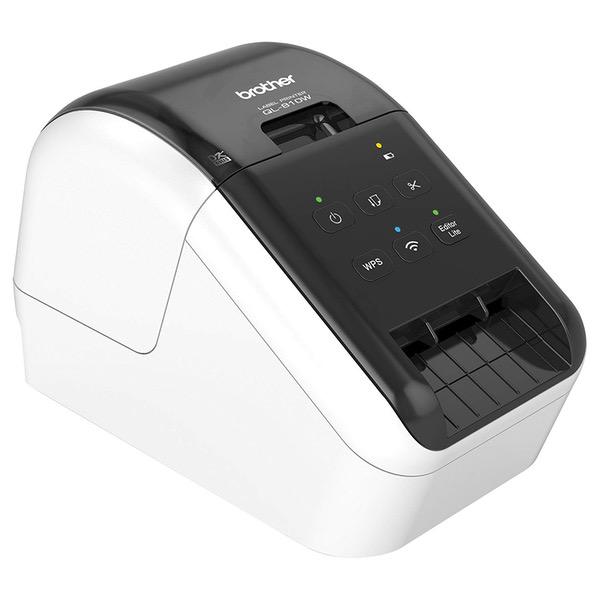
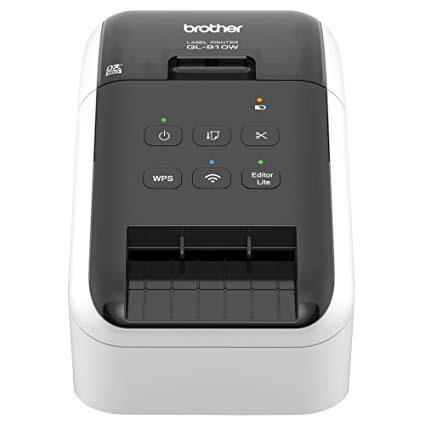
Brother QL-810W Ultra-Fast Label Printer with Wireless Networking
Write a review
$12400

Brother QL-810W Ultra-Fast Label Printer with Wireless Networking

Write a review
B01MTWGMRR
QL810W
+
Add to wish list
Target is a general merchandise retailer with stores in all 50 states and the District...

City: US, New York

Delivery
Pickup at your own expense
Tomorrow from 09:00 to 20:00, Store location
Free
Payment options
Apple Pay Google Pay Mastercard Visa
Cash, bank card, credit/installment payments, cashless payment for legal entities
Warranty and returns
Exchange/return of products of proper quality within 14 days Official manufacturer's warranty: 12 months
Features
Connectivity Technology
Wireless
Item Dimensions
9.2 x 5 x 5.7 in
Printer Technology
Thermal
Style
QL810W
Description
This fits your .
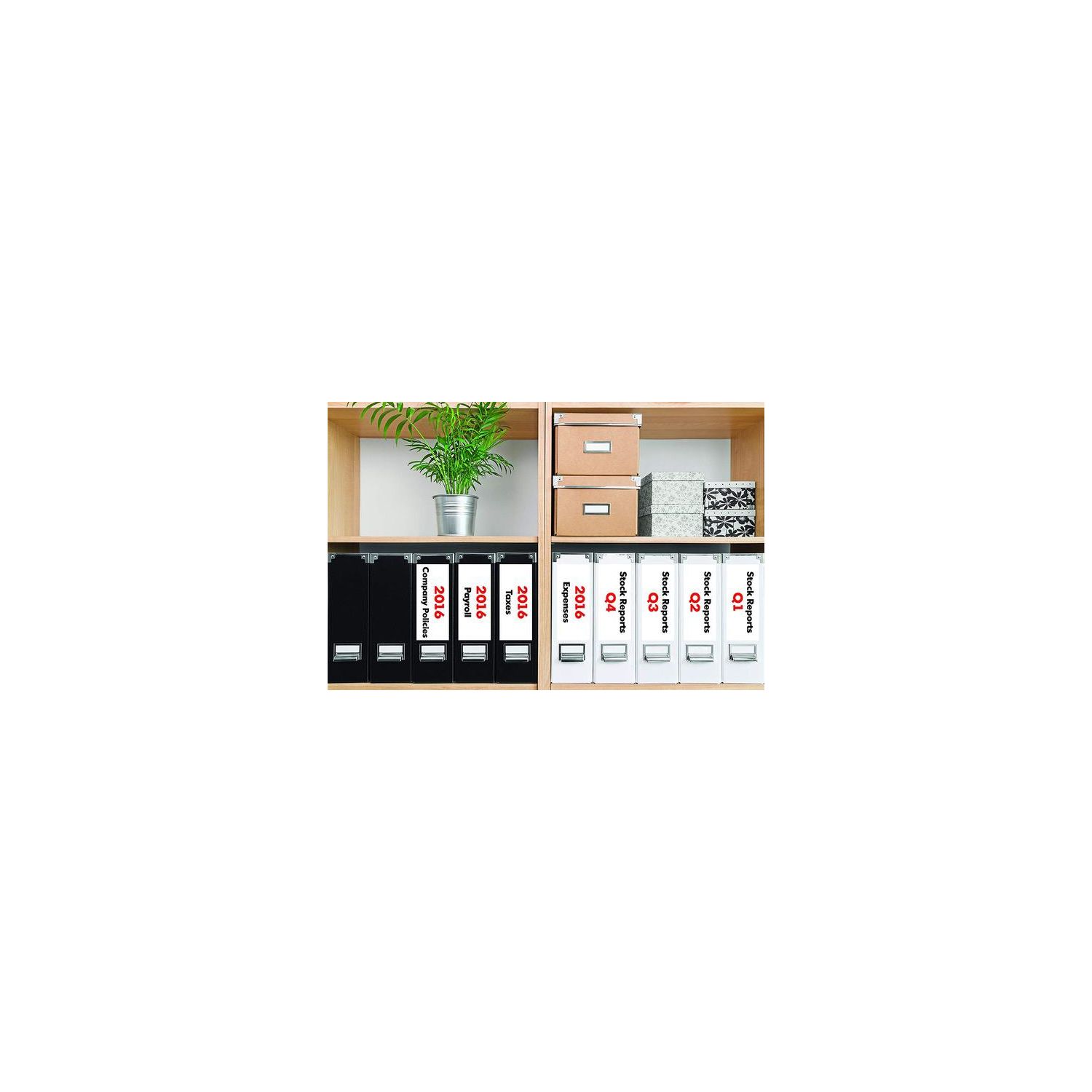
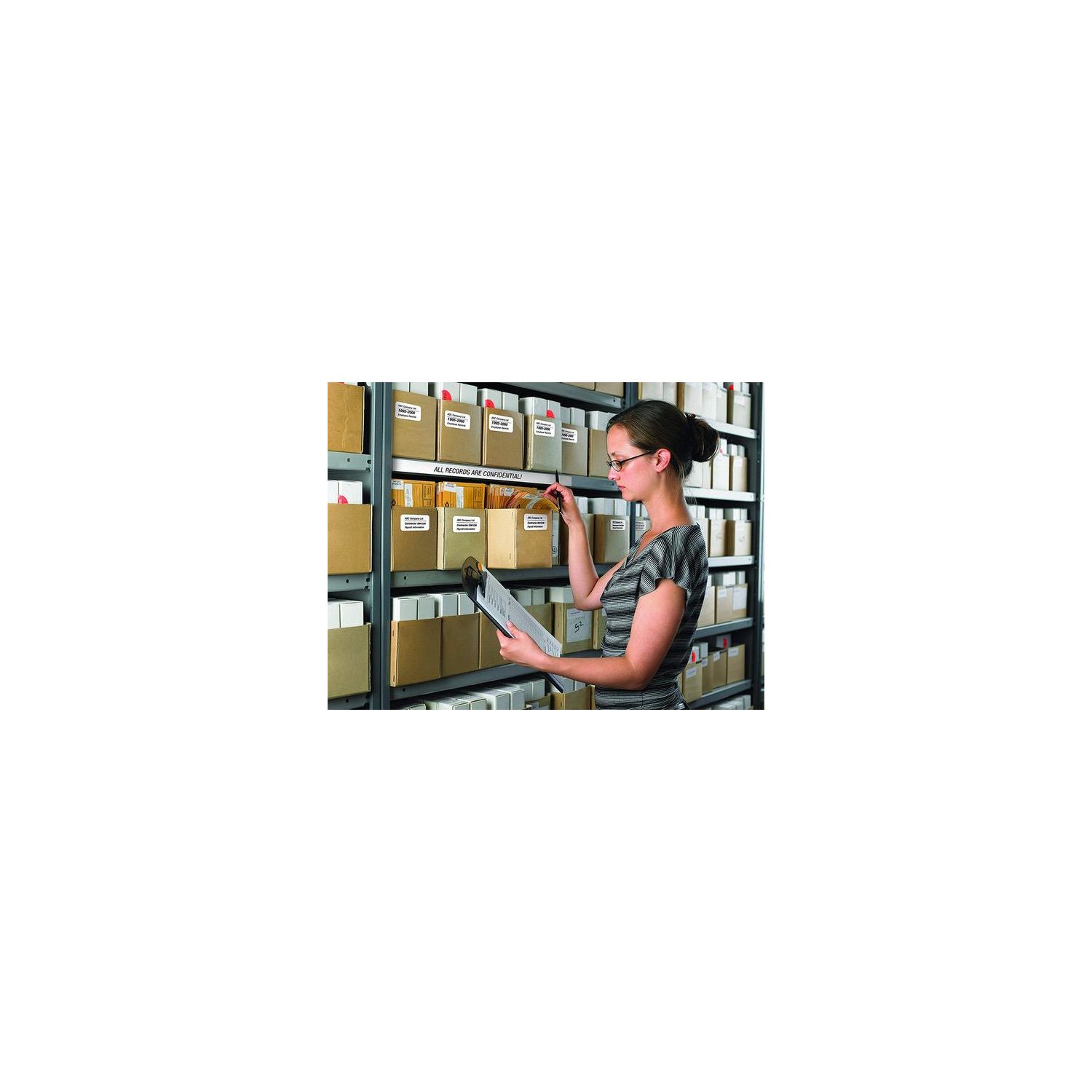
Make sure this fits by entering your model number. Easy connectivity - Print from virtually anywhere or share on a network Print amazing black/red labels using DK-2251; Cutter Life: up to 300,000 (die-cut labels) 150,000 (continuous labels) Create cost-effective paper labels for packages, envelopes, file folders, Name badges, postage* and more Ultra-fast, up to 110 standard address labels per minute with black text at 300dpi.Create and Print labels from your mobile device when connected to a Wireless network Windows and Mac compatible.Mobile Device Compatibility:AirPrint, Brother iPrint&Label
Reviews
3.6
Reviews: 20
5 stars
20%
4 stars
40%
3 stars
25%
2 stars
10%
1 star
5%
Vivek Hurry
5
Superb, snappy piece of work. Installation was a snap (Im using this on Mavericks on an iMac) - I downloaded the drivers and the editor software from the Brother site and didnt use the bundled CD. I like the ability to vary the label length (using the P-touch Editor), so Im not restricted to the standard address size (when using a continuous roll, naturally). So, I can use it for addresses, or to print out instructions, or lists and so on. Ive also embedded my logo using a jpg so when I send something to a customer using this, I get some brand reinforcement. Also nice is the ability to print vertically or horizontally and the auto-cut feature and because its wireless I only have the power cord to deal with and not an additional USB. (BTW, Im using this on a 220W power connection so its plugged into a step-down converter that I bought at the same time off Amazon - no issues so far and its been a month or so.) The only (minor) fly in the ointment is the P-touch Editor on the Mac - its not a bad piece of work, just idiosyncratic. You need to get used to its somewhat weird interface and the fact that you cant use Command-Shift-V to paste and match style, and selecting text to edit is not exactly user-friendly and... but these are relatively minor quibbles. It works on my Mac wirelessly and its fast and clean. Cant ask for much more.
Ragle...
5
This device gave me conniption fits trying to make it function with a wireless connection. The so-called "User Guide" is useless, and the procedures given there do not match the devices functions. After a couple of hours fooling around, I now have the wireless aspect working just fine. The key was to use the utility on the DVD called "BRAdmin Light" instead of trying to follow the verbose tomfoolery in the User Guide. A minor surprise was that it managed to disconnect my Brother color laser printer. Re-installing the latter from its own DVD cured this. The accompanying P-touch Editor has been improved over the years and now is only slightly crazy. One annoyance...the device MUST BE turned on manually...it wont wake up when a file is sent to it for printing. It takes about 20 seconds to find the LAN/router.
doodinvegas
5
I am a big, big fan of Brother products. You call for tech support and they pick up the phone in 3 rings and really work hard to resolve the issue. I have owned to previous versions of their label makers and this was my first wireless on. I currently have 5 printers on my wireless home network. Anyway, for some reason I could not get the driver to work correctly and with a quick call to tech support we were able to get this printer working flawlessly. The wireless aspect allows me to not have to clump all my printers in one area around my one PC. I would highly recommend this printer.
naivi8907
5
I bought this label printer almost a year ago, and I FREAKING LOVE IT!! It does have its shortcomings, i.e. monotone graphics, but youre not going to get a dream machine in this price range (I did buy this refurbished. I see no reason to pay for it new, based on my experience). I use my QL-710W several times a week, if not daily, and for a wide variety of applications. Its probably one of the most utilized devices in my home office, and I cant reiterate enough how much I value it and would buy it again.
Product variations
Column filling
Sort by Price Sort by Availability Sort by CODE Sort by Style
$12400
In stock
+
B01MTWGMRR
Style:
QL810W
Contact us for a price
In stock
B00814JRJM
Style:
QL710W
You may be interested
  • Bestsellers
  • Recently Viewed
 
Fast and high quality delivery

Our company makes delivery all over the country

Quality assurance and service

We offer only those goods, in which quality we are sure

Returns within 30 days

You have 30 days to test your purchase