
















Brother QL-810W Ultra-Fast Label Printer with Wireless Networking
Write a review
$12400

Brother QL-810W Ultra-Fast Label Printer with Wireless Networking

Write a review
B01MTWGMRR
QL810W
+
Add to wish list
Target is a general merchandise retailer with stores in all 50 states and the District...

City: US, New York

Delivery
Pickup at your own expense
Tomorrow from 09:00 to 20:00, Store location
Free
Payment options
Apple Pay Google Pay Mastercard Visa
Cash, bank card, credit/installment payments, cashless payment for legal entities
Warranty and returns
Exchange/return of products of proper quality within 14 days Official manufacturer's warranty: 12 months
Features
Connectivity Technology
Wireless
Item Dimensions
9.2 x 5 x 5.7 in
Printer Technology
Thermal
Style
QL810W
Description
This fits your .
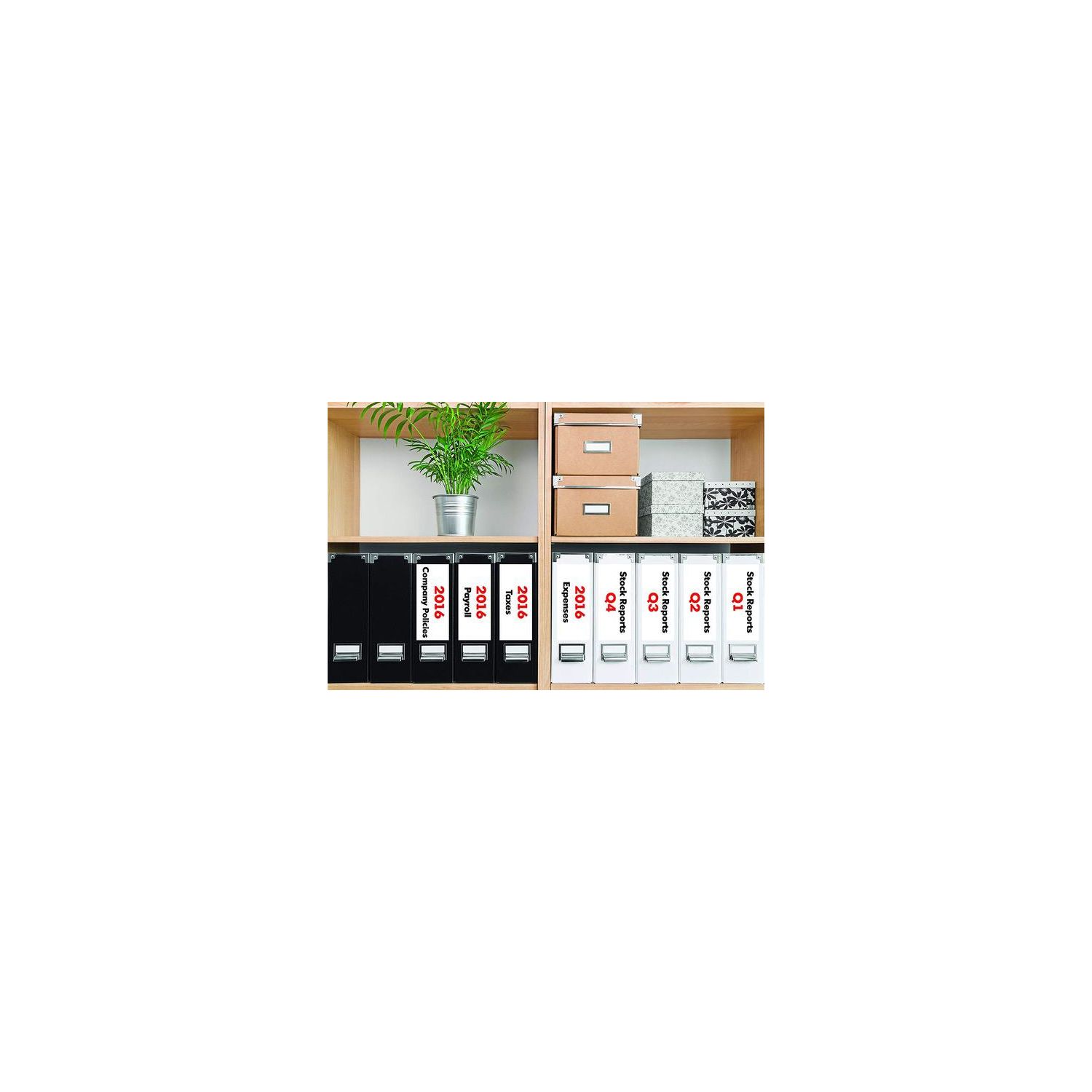
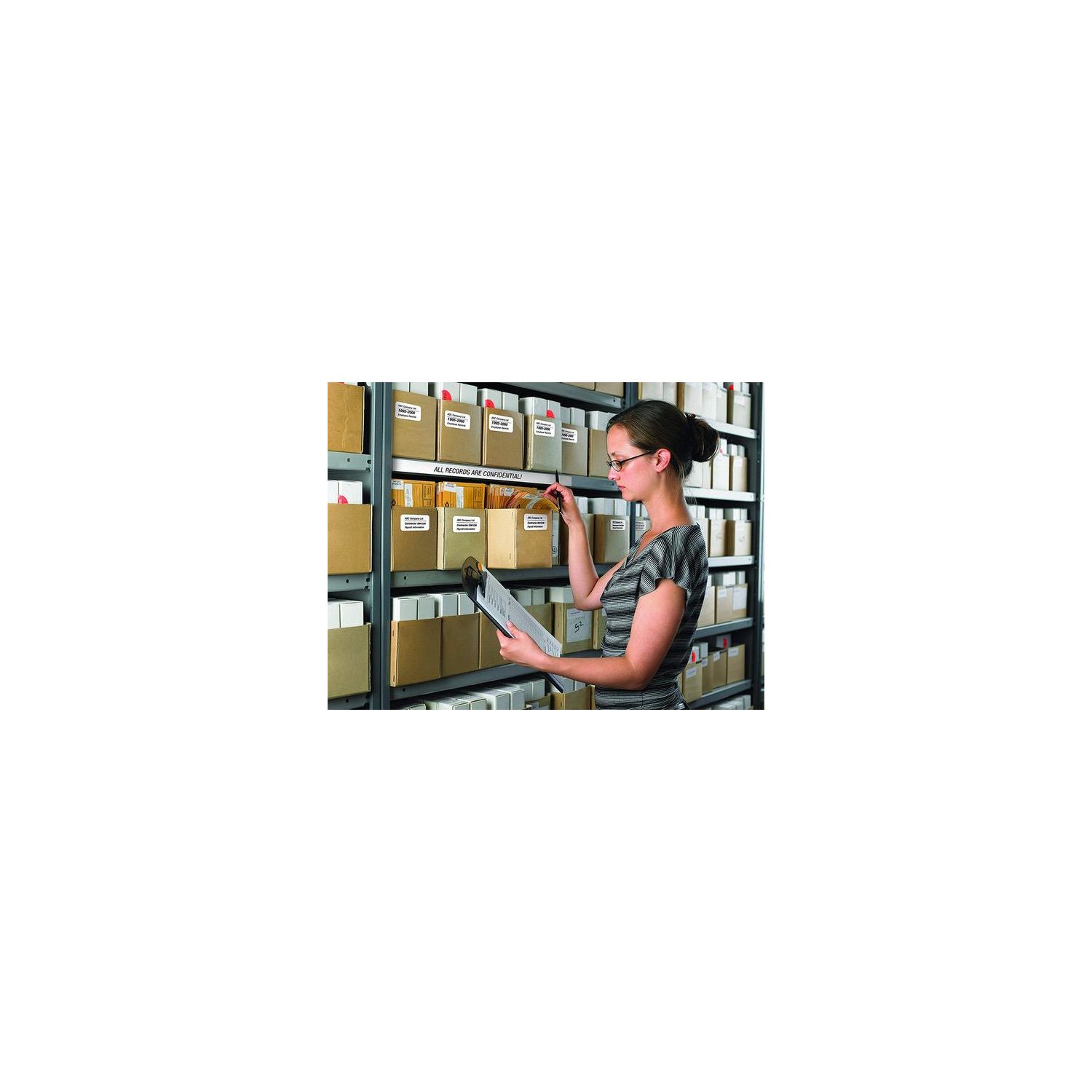
Make sure this fits by entering your model number. Easy connectivity - Print from virtually anywhere or share on a network Print amazing black/red labels using DK-2251; Cutter Life: up to 300,000 (die-cut labels) 150,000 (continuous labels) Create cost-effective paper labels for packages, envelopes, file folders, Name badges, postage* and more Ultra-fast, up to 110 standard address labels per minute with black text at 300dpi.Create and Print labels from your mobile device when connected to a Wireless network Windows and Mac compatible.Mobile Device Compatibility:AirPrint, Brother iPrint&Label
Reviews
3.6
Reviews: 20
5 stars
20%
4 stars
40%
3 stars
25%
2 stars
10%
1 star
5%
Don T
4
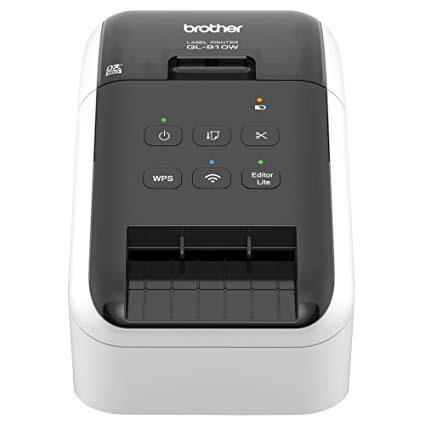
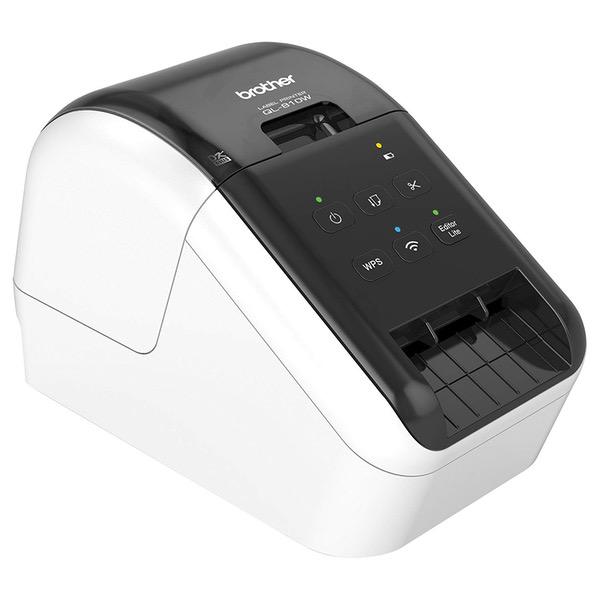
This was a rushed replacement for my old Brother Smart Label Printer 440, which died halfway through printing a shipping label. Partly for a mild case of brand loyalty and partly because of users reviews in Amazon and elsewhere, I chose this, the middle of this line. The lower model was not wireless, and the higher model had wireless but it also had an added serial port which I stopped needing years ago when Apple switched to its own connection and eventually settled on USB. This label printer made my stock of old label rolls obsolete, since the new printers require printed symbols on the backs of the tapes, particularly when using the very convenient continuous rolls of tape. Ive been using only one of the two supplied sample rolls--the wide, continuous tape. This printer can be set to produce labels of any length, as long as the width of the label does not exceed the width of the paper tape. Id think, since rolls of shipping label widths can come in 50-foot rolls, the length of the tape might only be limited by the printing software (which does not have to be Brothers proprietary software). Tape rolls must be mounted in plastic holders which, depending on manufacturer, might be replaceable/reusable or permanently attached. Compared to the previous model I owned, however, tape replacement is quite straightforward. The new feature I like is that this thermal printer can print on continuous labels that are clear, which I use for return address labels and shipping labels that dont need to be placed on printed envelopes with instructions to "Place Label Here" which would show through the clear label. One annoyance, though, despite the overall excellence of the product, is that another electronics manufacturing company with loyalties to the "other operating system" has not expended the effort and resources to make this "plug and play" with Mac OS X and iOS. This is odd, since the Brother MFC (multi-function printer) we own was quick and easy to get running on our home WiFi network. Not that WiFi-ing this label printer was laborious...it was fairly uncomplicated, though instructions had to be followed, unlike many Mac-attached devices. My guess is that this is the result of software engineers who were trying to adapt software from "other" systems to the Mac. Still, I glanced through the instructions for WiFi-ing the printer using the "other" operating system, and I felt sympathy (and pity, a bit) for how much more complicated it was to be networked on non-Macs. I like the printer very much for being highly technologically advanced compared to my old Brother label printer, but I didnt like how excitedly enthusiastic this printer is when finishing a label. After cutting it off, it does some projectile vomiting of the completed label causing it to fly (not drift) onto the floor or take wing like a glider. (Its still slightly curled from coming off a tight roll, so its the perfect aerofoil.) Maybe theyre planning a new accessory, such as an output bin shaped like a bird cage. The finished label does NOT sit like a tongue sticking out, as shown in the photo displaying the device. Its spit out.
Pcal
4
I spent way too much time setting this up. Once it is done, I am quite happy with it. It would have gotten a 5 star if I didnt run into issue with printing the first label. The printer comes with 2 sample rolls (2.4 in and 1.1 in). *** The 2.4 is a black/Red label, so make sure you have it set correctly or it is complain about incompatible label. To ease some of pain I experienced, do the following: Install all the software from the installer. (default) Make sure you can print from the USB connection first using P-Touch Editor 5.2. The Lite that comes with printer is pretty useless, so you want press the LITE button to turn that off on the printer. Once you have the USB printing working, you can set up the wireless using the Printer Setting Tool. It is pretty straight forward. Once set up, you should be able remove USB and print wireless. For Mobile printer, install Brother Iprint&Label app. The templates available is adequate for address labels. I was able to print a photo from that as well, dont expect photo quality :)
Doc
4
I had the non-wireless, QL700, hooked to my system, and once set up, it worked flawlessly. When I added this printer (in order to be able to print labels in another room) after I loaded the drivers, I found that some of my saved label formats had shifted position, and were then getting text chopped off at the top. I went back into their files, made some modifications to their settings, re-saved the files, and now they work just as well as before. Did lose a batch of 75 before I caught it though. Oh well, tuition of the learning curve... In fairness to me, however, preliminarily, I DID call the company help line, and had a young fellow, (whos REAL name definitely wasnt "Wes," as stated, I am certain.) tell me that I should just install the new printer with the included disk, and that it would NOT change of delete any of my saved label files. By accident or design; he LIED. So, the printer works even better than our old one, but be aware, that under the same circumstances, this change in your saved label settings might become an issue.
J Wolf
4
Works well for what I need. Image is sharp and printing is quick from my phone. Cons are that you need an laptop or pc to install the software and get it connected to your network. Experienced the typical pains of installing a network printer...long waits, errors, me cursing, etc. Also, the app has a bit of a learning curve to know the steps. You have to backtrack every time to change the print count. Ex - my previous job was 8 labels. My new job I only one, but didnt go back to change the settings, so I ended up w 7 copies I didnt need. You cannot stop a print job once you hit the button. Has some work to make it more user friendly.
Scott F.
4
I use this printer for personal use at home. It was pretty straight forward setting up the printer and connecting it to my Wi-fi network. I did have to initially connect it to my computer using the included USB cable, but once untethered the wireless features work flawlessly. The labels are easy to load and no paper is wasted when loaded correctly. The printer is very fast and the print quality is excellent. The automatic cutter is fast, however, the label is ejected out with some “force”, so placing the printer to close to the edge of a desk or stand will have you picking the labels up off the floor. I like the P-touch programs that can be downloaded from Brother and used with the printer. Although I haven’t used it yet, I do like the feature of being able to print Red and Black print on supported labels. I don’t like that I have to remove the labels when not using the printer and making sure to reinsert the protective sheet back in the printer when not in use. I wonder how many people have thrown the protective sheet away because they didn’t read the instruction sheets? Maybe Brother should print on the protective sheet not to discard or throw it away! Trying to determine which labels to use with the printer can be confusing since Brother has several label printers and the label rolls look alike. So far I have purchased a box of Brother address labels which work fine with the QL-810W. While this has nothing to do with the quality of the QL-810W printer, the iPrint&Label app for the iPad is pretty lame for printing address labels. I would give the printer five stars if I didn’t have to remove the labels and reinsert the protective sheet when not using the printer.
K. Kekuewa
4
Great little unit! Ive got this directly connected (USB) to my Mac, and Im using the P-touch software from their website. I created a mailing label template, incorporating my company logo. The software appears to offer integration with the Mac OS X address book, but I havent spent much time figuring out how to make that work yet. For now, Im just printing individual mailing labels as needed, which is the main reason I purchased this printer. Until now, Ive been putting an envelope into my Epson Artisan multi-function printer any time I needed to mail something out. It was a minor hassle - doing so required replacing the paper in the tray with an envelope and then putting the paper back in the tray once I was done printing the envelope. With the label printer, I can now print ad-hoc labels w/o messing with my larger printer. Plus, I can use the labels on larger envelopes. Creating a label with an Avery template then swapping out the paper with address labels was an even bigger pain, especially for a one-off label. Having a stand-alone label printer has made the drudgery of admin/office work a little easier. Ive been considering one of these for a long time. Should have pulled the trigger a while ago, though there are more options on the market now. This version, the QL710W, is an AirPrint capable unit that will work with iOS devices. I dont know that Ill ever use in that mode, as all my paperwork processing happens at my desk, but its nice to have the feature if I do choose to take advantage of it. The only negative I can think of in these early days of use is the print quality. The printer will "blob" parts of images and text. Not enough to make the labels unusable, but clearly enough to notice. Its obvious the labels Im printing come from a label printer.
DJ
4
I have wasted easily 10 ++ours in this love hate relationship when it works..its so convenient to tag my merchandise. I am specifically having issues making Barcodes. The bars are sometimes GREAT ..but about 50% of time randomly the bars are thick and too close together...making it impossible to SCAN! I spent 3 hours on phone with Brother team trying to resolve..they are all IN Dominican Republic? They did help some...but still this machine has barcode printing issues
SoCalHome
4
A well-designed and functionally adequate label printer. Setup, if the directions are carefully followed, is relatively straightforward. However, I have two issues: one with the firmware update process, and one with the available Android application. 1) Firmware updates must be done with a USB cable connection. This is difficult if the printer is normally positioned in a place away from the host computer. Repositioning the unit just for firmware updating is a pain. Wireless firmware update should be enabled. Another silly aspect of the firmware update process is the small window displayed while the updating is taking place. The small window shown says "the unit is operating". What the heck is THAT supposed to mean? It should definitely be reworded, since if the unit or its connection is disturbed during the firmware update process, the unit may become scrambled and useless. Beware! (Maybe it would be good for Brother to hire a native English speaker to review such prompts, ya think?) 2) The Android software functions well, except that only ONE entry from the Contact List can be selected and printed at a time. The Android contact lists "groups" is not accessible to select an entire group of contacts, and/or the ability to select multiple contacts for a batch print is lacking. The Android software should be upgraded to enable selecting (checking) multiple contacts at one time in order to easily print a "batch" of address labels. Other than those complaints, its a good unit.
Product variations
Column filling
Sort by Price Sort by Availability Sort by CODE Sort by Style
$12400
In stock
+
B01MTWGMRR
Style:
QL810W
Contact us for a price
In stock
B00814JRJM
Style:
QL710W
You may be interested
  • Bestsellers
  • Recently Viewed
 
Fast and high quality delivery

Our company makes delivery all over the country

Quality assurance and service

We offer only those goods, in which quality we are sure

Returns within 30 days

You have 30 days to test your purchase