
















Brother QL-810W Ultra-Fast Label Printer with Wireless Networking
Write a review
$12400

Brother QL-810W Ultra-Fast Label Printer with Wireless Networking

Write a review
B01MTWGMRR
QL810W
+
Add to wish list
Target is a general merchandise retailer with stores in all 50 states and the District...

City: US, New York

Delivery
Pickup at your own expense
Tomorrow from 09:00 to 20:00, Store location
Free
Payment options
Apple Pay Google Pay Mastercard Visa
Cash, bank card, credit/installment payments, cashless payment for legal entities
Warranty and returns
Exchange/return of products of proper quality within 14 days Official manufacturer's warranty: 12 months
Features
Connectivity Technology
Wireless
Item Dimensions
9.2 x 5 x 5.7 in
Printer Technology
Thermal
Style
QL810W
Description
This fits your .
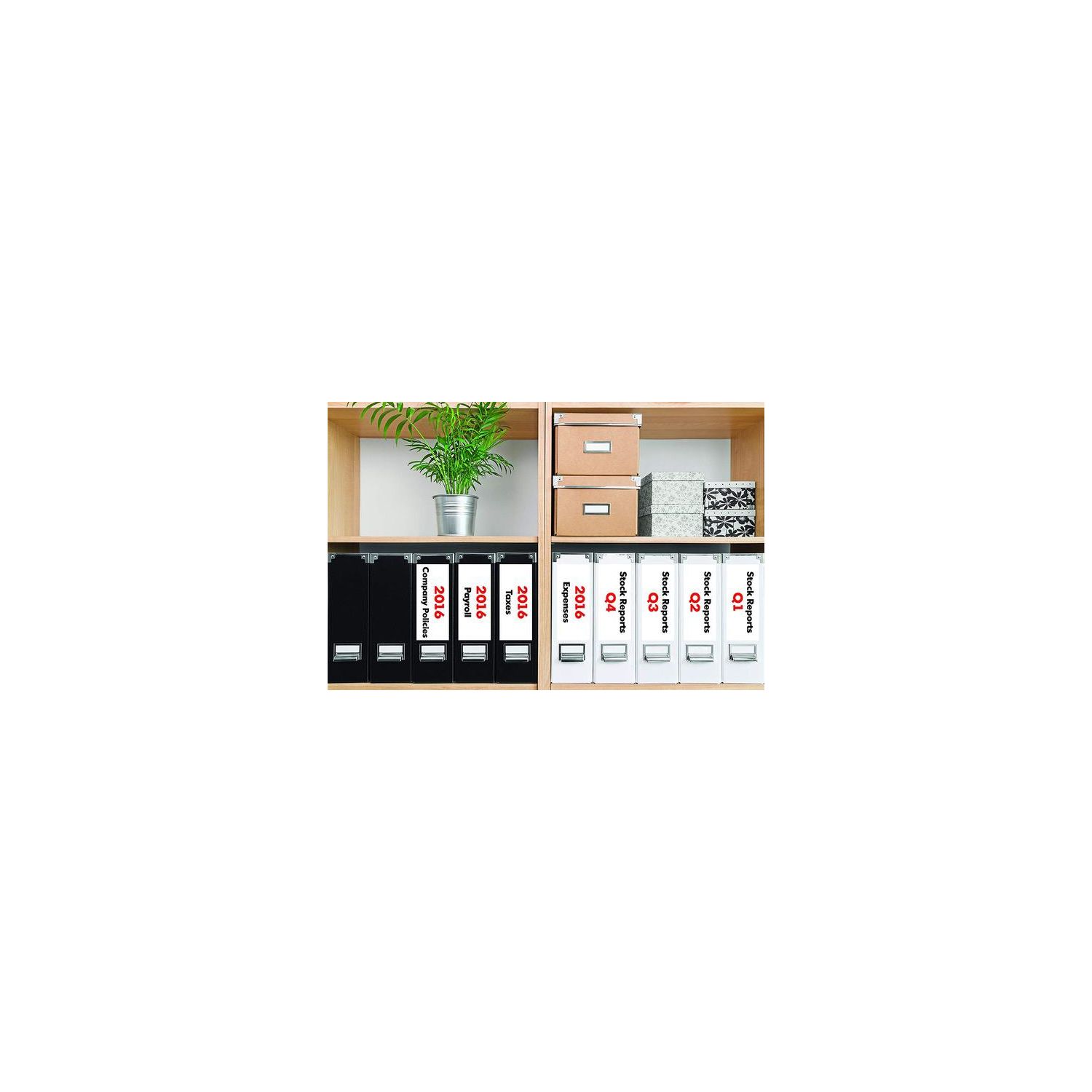
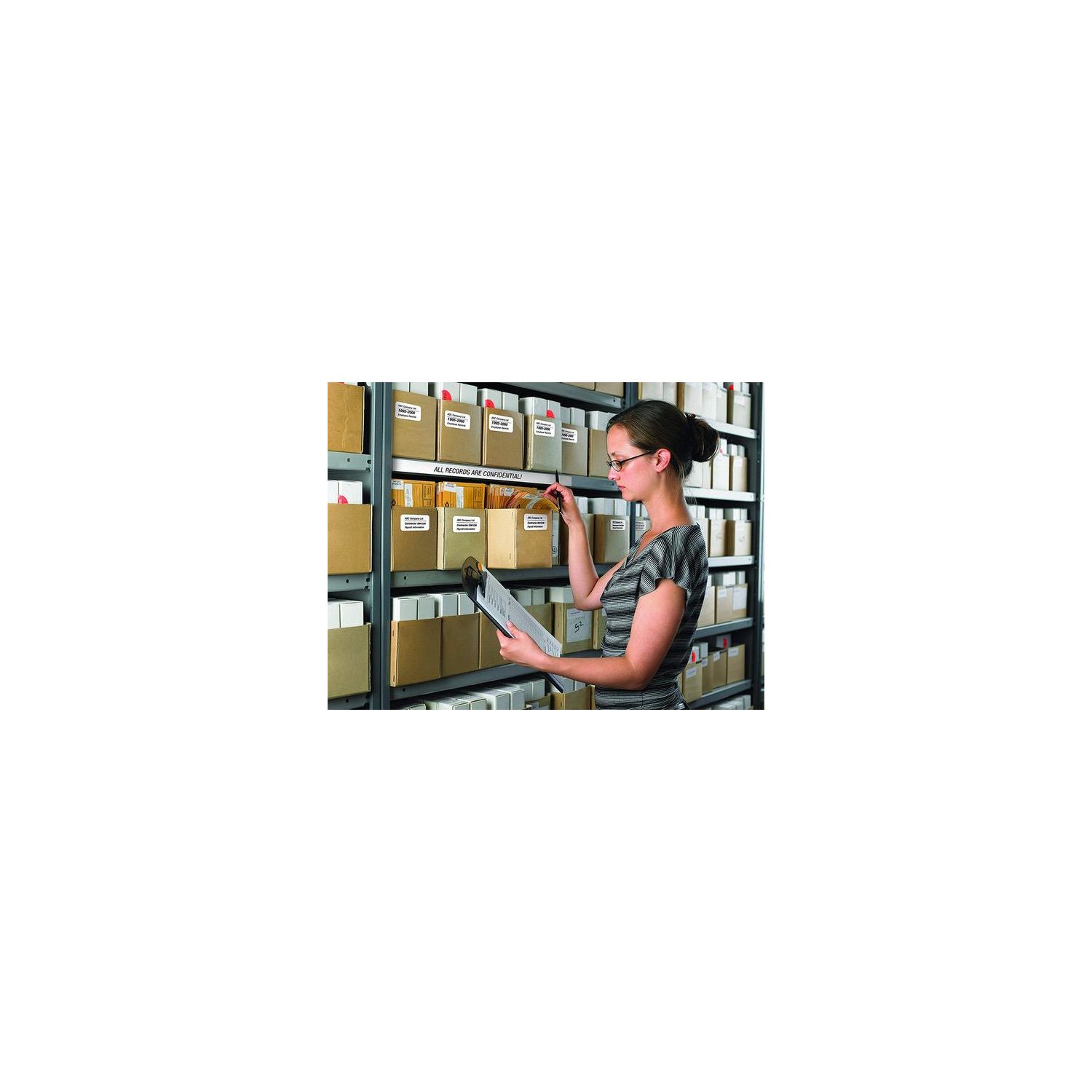
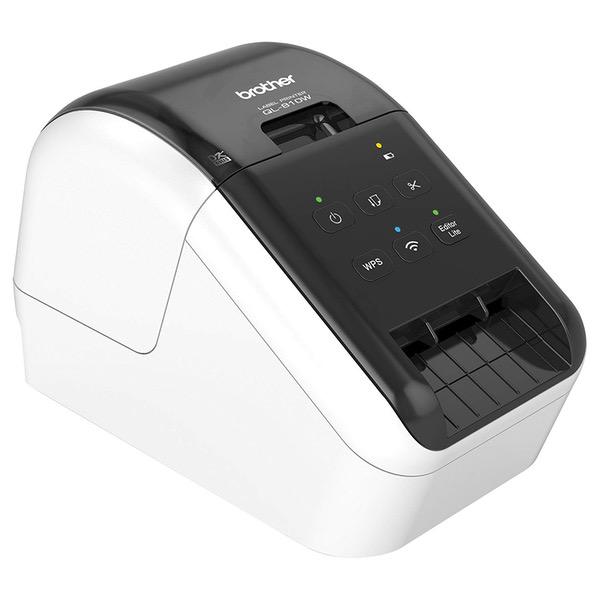
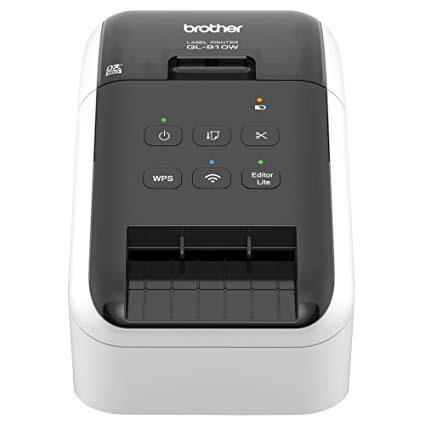
Make sure this fits by entering your model number. Easy connectivity - Print from virtually anywhere or share on a network Print amazing black/red labels using DK-2251; Cutter Life: up to 300,000 (die-cut labels) 150,000 (continuous labels) Create cost-effective paper labels for packages, envelopes, file folders, Name badges, postage* and more Ultra-fast, up to 110 standard address labels per minute with black text at 300dpi.Create and Print labels from your mobile device when connected to a Wireless network Windows and Mac compatible.Mobile Device Compatibility:AirPrint, Brother iPrint&Label
Reviews
3.6
Reviews: 20
5 stars
20%
4 stars
40%
3 stars
25%
2 stars
10%
1 star
5%
Shefarmer
3
The printer works. Yay. I was hoping to use it out in my barn (away from my computer and internet service) with my iphone to make personalized business labels for produce boxes. Well, you cant do that. The app is awful. You can NOT create a custom label on your computer and send it to the app on your phone or ipad. If you try to create a custom label through the app, well, its nearly impossible. All the templates on the app are extremely limited and some have silly things like cupcakes or black bars that you cannot remove. If they simply had a blank template with the ability to add more than one text box Id probably be happy. But, they dont even have that. Ideally, I would think it would be possible to use the P-touch editor software on my computer to create templates and then send them to the app to print custom labels. Nope. I called Brother and they were of no assistance, aside from keeping me on hold for 20 minutes to later explain what I had already figured out: you cant do that with the app. If you are planning to use the app to print from your phone or ipad - download the app first and try it out. If you are wanting to use your own logo, more than one text box, more than one font size or desire any sort of creativity.... I dont think youll find it there. You do have more control using their P-touch editor on the computer, albeit clunky and annoying, but it works. But, you cant use any label other than what you create in the app and you cant import anything to the app. You need wifi to print with your phone and you need to be on that same network to set up the printer in the first place. I turned my phone into a hotspot and connected my computer to it when I set up the printer originally and I am able to print from my phone to the printer when my hotspot is enabled.
Silas
3
This should be really easy to use, and it is once you do a LOT of trial and error.... this is necessary because the documentation is terrible. Theres lots of it, but its poorly written, painfully laid out, does not contain very basic information, and defines objects by repeating the name. For example, the hardware itself has two buttons: Feed & Cut. But nowhere do the docs say what these buttons *do*. Searches indicate troubleshooting uses for these buttons such as orange light is lit : The roll cover is opened. Close the roll cover correctly. Starting reset or CUT button pressed while resetting. This is an actual quote. There is online help as well, which no more useful. I honestly cant remember having encountered a worse set of user documentation. Its so bad that next time I need this kind of machine I’ll buy another brand.
J. Babbington
3
The print quality and speed is just what I need. I dont want to spend a lot on labels, this device does the trick. Its small, and I can keep it on the floor, hiding underneath my desk in a dark corner. Printers should always fit in a some dark corner, and this device fits there perfectly. The problem with the WI-FI is that it only supports 2.4Ghz networks, my network is 5GHz. In order to print over WiFi I have to switch my tablet connection from my 5Ghz network to the 2.4GHz network - which is noisy, as I live in a condo with lots of 2.4Ghz interference. Thee stars, but I would have easily given this 5 stars if it had Cloud Print support. Oh, and setup is a pain, but, I wont deduct from that because all printer setup is a pain. Budget a half day for unboxing to setup.
CapeCod
3
The wireless is good. Setup was a little weird but it worked out. The demo labels printing does not come out dark black. The software is kind of useless. I dont know why linking with your address book should be a cluster, or even having a separate address book within the app. Hmmmmm. Maybe its great for an eBay seller or some third party app that creates the label design and inserts the address. Maybe if I spend more time watching videos, but it gets to a point where the mount of work to create the label defeats the purpose of convenience .
Goochy Puppy
3
Ah the joys of Amazon dynamic pricing. Price is "50%" today, though I only paid $10 more a week ago. The WiFi setup is not hard if you understand how these things work, and know what security protocols your router is set to, the SSID, WEP/WPA password, and so on. Even with this information, it is pretty essential to connect via USB to configure the printer. The configuration setup wizards on the setup disk will probably work, though they could make the documentation a heck of a lot easier to understand. The Windows P-Touch Editor software is overkill ... but not too difficult to use. Then again, it may be essential to make barcodes or cable wrap labels, etc.. The Android (and iOS) Apps, however, are really pathetic -- reason enough to lose 2 Stars. The basic framework is there, and if you have WiFi working from your PC to the printer, then connecting via the same WiFi LAN from your phone or tablet is not likely to be a problem. The Apps seem to have very few templates, cannot import templates from P-Touch Editor PC or Mac, and, despite the release notes, cannot generate QR (2-D) barcodes. Importing a photo into a template is flaky (the photo displayed upside down for cropping, and then printed sideways). There is a "Hammermill" branded free App in the Play store which can print to many brands of WiFi printers. It fround my QL710W and works! Similarly, the basic Windows driver lets you print from "any" windows program that is able to accept the "tiny" page definition (2.4" wide by quite a long "height" (length)). I doubt you can do variable length. Brother USA Website help pages FAQ have no helpful information on the Apps, so I hope new versions are released soon that fix the most obvious missing features. It is possible to download the developer specifications document PDF from the Brother website which explains the Raster binary codes used to print. This means that custom Apps can be written which will be completely independent of any Brother drivers or Apps. Anybody have ideas to co-develop? Im tempted to remove yet another Star due to the limited selection of label tapes available (there should be more samples included, especially to compare the removable and the "film" type labels). Ive just ordered full rolls of these (~$30 each), and hope they are worth the money. Most photos show the label printed face-up -- thats sadly false. The print head is down in the machine, so the output is always face down. Doh!
Product variations
Column filling
Sort by Price Sort by Availability Sort by CODE Sort by Style
$12400
In stock
+
B01MTWGMRR
Style:
QL810W
Contact us for a price
In stock
B00814JRJM
Style:
QL710W
You may be interested
  • Bestsellers
  • Recently Viewed
 
Fast and high quality delivery

Our company makes delivery all over the country

Quality assurance and service

We offer only those goods, in which quality we are sure

Returns within 30 days

You have 30 days to test your purchase