
















Brother QL-720NW Professional, High-speed Label Printer with Built-in Ethernet and Wireless Networking (QL720NW)

Write a review
B0081TZD54
QL720NW
Target is a general merchandise retailer with stores in all 50 states and the District...

City: US, New York

Delivery
Pickup at your own expense
Tomorrow from 09:00 to 20:00, Store location
Free
Payment options
Apple Pay Google Pay Mastercard Visa
Cash, bank card, credit/installment payments, cashless payment for legal entities
Warranty and returns
Exchange/return of products of proper quality within 14 days Official manufacturer's warranty: 12 months
Features
Connectivity Technology
Wi-Fi
Item Dimensions
9.3 x 5 x 6 in
Printer Technology
Thermal
Style
QL720NW
Description
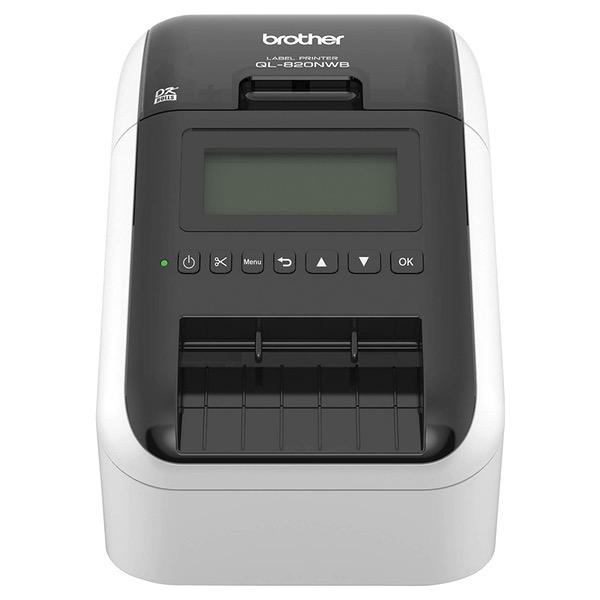
  • Flexible connectivity - The QL-720NW network label printer features both Ethernet and Wireless (802.11b/g/n) interfaces
  • Also offers a Serial interface – for printing, downloading label templates into memory or using it with a peripheral such as a scanner
  • Ultra-fast, printing up to 93 labels per minute
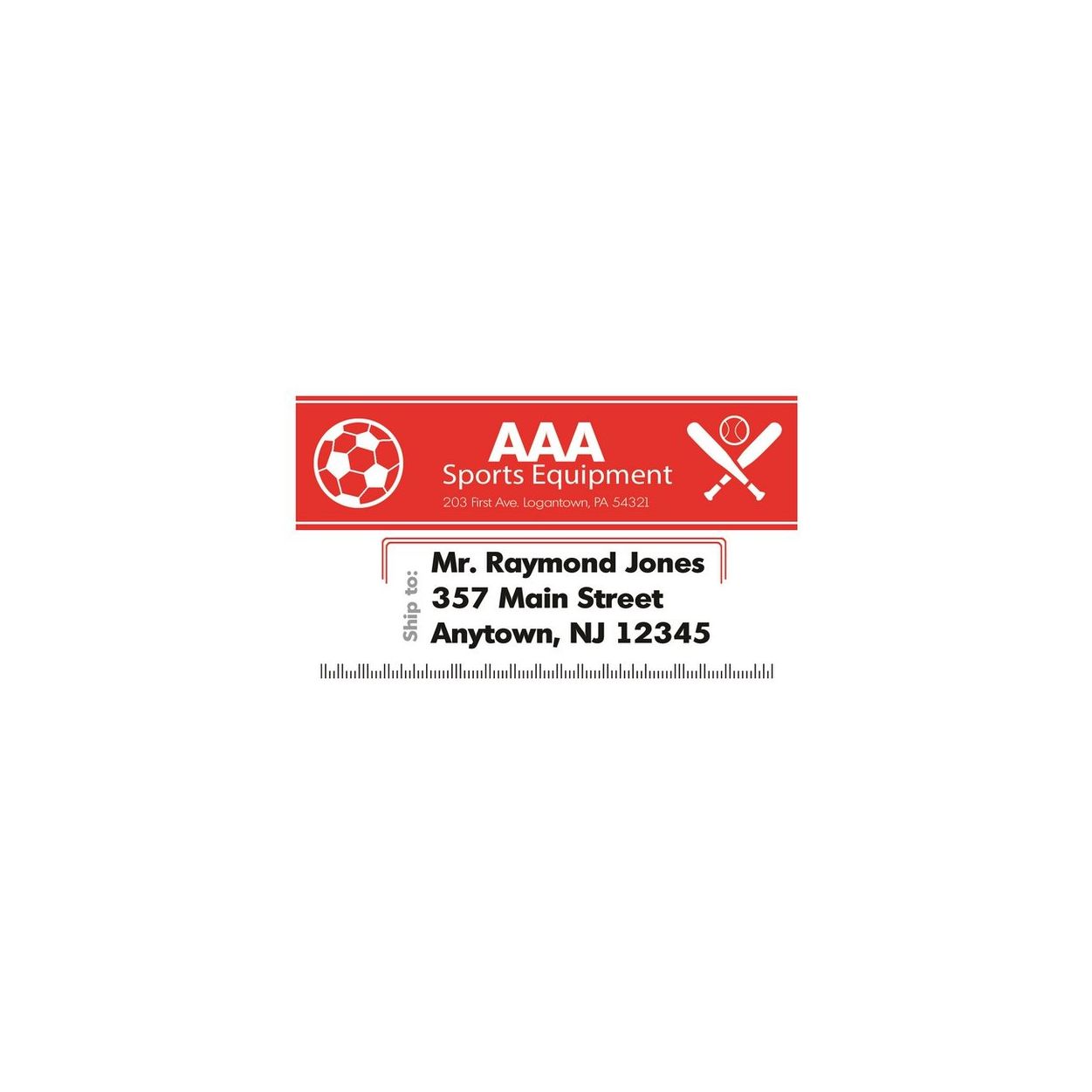
  • High-resolution (up to 300 x 600 dpi) printing, for crisp text, graphics and barcodes
  • Use the automatic cutter for precise cuts after each label is printed or to create custom-sized labels. Please refer the User Manual & Network User's Guide before use.
Reviews
4.1
Reviews: 20
5 stars
45%
4 stars
40%
3 stars
5%
2 stars
0%
1 star
10%
Samuel Bennett
5
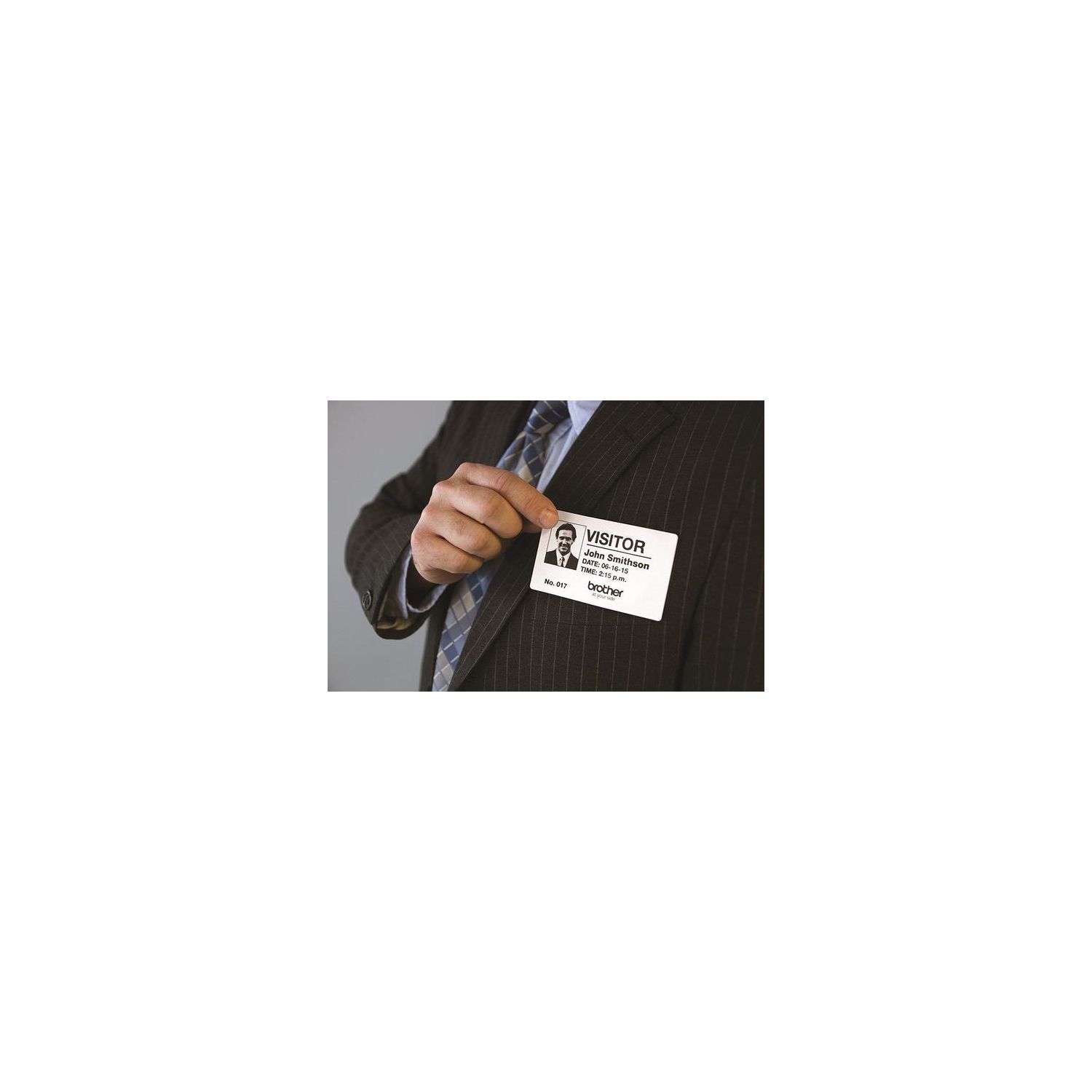
Works very well for our church check-in stations using iPads. They are very easy to setup and work great. The printing is less bold than on Dymo. DO NOT use the sample labels on something you want to remove the label from or damage will occur. For name tags, use these labels: 6 Rolls Brother-Compatible DK-4205 Removable Continuous Labels Black on White 62mm x 30.48M(2-3/7" x 100) With Refillable Cartridge
J. Y.
5
I own the Brother QL-720NW, decided to try the new QL-820NWB. Very glad I did. This new label printer is a great upgrade. It is easy to setup and use. The on screen LCD and menu system makes connections to various devices a snap. No hitch connecting my android smartphone or my apple ipad using bluetooth. Reading some earlier comments, I was prepared for some troubles. I found none, none whatesoever. I also purchased the optional battery, which makes labeling boxes down in the basement a breeze.
Al C.
5
I bought it for home use after owning two previous cheaper label printers. I love it. Its easily the best of the label printers Ive used. Worth the price. I share it with several Windows computers on my network. It works as either a network printer or single computer. I havent tried to get it to work on Linux nor the iMac. I have not looked to see if drivers are available. As I tend to use one Win7 computer the most. Label size/types change easily and quickly, it prints blazingly fast. The printing is so fast I dont bother with "3 across" labels any more. Id suggest buying a variety of label sizes/types up front. Youll use them! I also suggest something to catch the labels as they print and eject faster than a man in his 60s can turn around! Ive used it for things that I previously didnt use other cheaper label printers for. Like labeling tool drawers, labeling filing cabinet folders, etc. It is great for one offs, or your Christmas list. Negatives, I have been having some trouble getting it to wake up after not using it for awhile. I think the editor is quirky and took a few days to master. I usually open up existing labels and edit them as being faster than starting from scratch with the editor. The only bulk labels I do are Christmas Card labels. I dont like their database and wished they had used something more open source like the address book in email programs, so that the info can be shared. However once set up, the list can be easily edited and I havent printed any label on my Laser printer since I got this.
EHMartinez
5
So far this is working well for my small business office. I set it up on our network, and am happy to say it was pretty straightforward as long as you have some experience with setting up static ip adresses and installing drivers and programs on multiple computers. For some reason all of the label makers i have used are more difficult to set up on a network than regular printers, but this one was much easier than the zebra printer, and stays connected, unlike the dymo printer. Yes, I am on my 3rd label printer due to network connection issues... If i ever need to purchase another one i am hoping that they come up with a plug and play model. That said, I am using it for prescription labels. Although the labels that I needed to use with my office software are a little big for prescription labels, they work just fine, and the label maker has so far been very reliable to use from any computer in our office. I also like that this machine gives you the option of using several different size labels, which you have to set up on each computer with the p touch program (or it will not let you print anything), so it has more potential uses than the other label makers I have used. Overall happy with this label maker.
Tallboy
5
After much research, I was about to buy one of the QL-700 series label printers and saw Brother just released this model — so I took a chance. Wireless & Ethernet for shared network, check! Mac/Win for mixed use, check! Can use any generic DK series labels, check! This also prints red along with black using labels that support it. Wireless to your Router/WiFi Setup (Brother does not win points here): 1. Menu > WLAN > OK 2. WLAN On/Off = OK 3. Network Mode = Infrastructure Mode 4. Infra Manual Setting = choose your SSID and enter your password. 5. WLAN Status displays your network IP which you can enter into a browser tab to fine tune your printer settings via web interface. There are other numerous ways to connect via Ethernet, Wireless direct, USB and Bluetooth. The ability to add a battery pack for portability is odd but could be useful to those that need it. The iOS iPrint&Label app is surprisingly decent for its abilities to knock off a few quick labels of all sorts. The test labels I printed were perfect and everything that I expected. The P-Touch 5.1 software is not my fave, but most of your normal desktop apps will recognize the printer after you have installed the driver. Definitely plan how you intend to connect & use it first, then download only the drivers and tools you will need. Great printer, oodles of options, can use generic labels... setup is geared towards advanced end users. I only wish it didnt look like a head from the iRobot movie. Update 03/12/17 I have successfully used DK-1202, DK-1204, DK-1208 & DK Continuous labels with this unit. However, I have tried 2 different DK-1209 rolls from different sources that would not work with this printer? Unable to feed and would not recognize when shutting the cover correctly. I am not sure why the new model does not recognize this label size? Everything else is correctly detected.
Far
5
The Brother QL-820NWB is a great little printer. The most important feature to me was the ethernet port. The printer can be used through WIFI but not many manufacturers make a printer that can be wired. The printer was easy to configure on the network. The printer offers quick printing and boy does it print clearly! The printer will only use label stock made by Brother. However, there is continuous roll stock available. Again, hard to find continuous roll stock for these types of printers. The printer also offers 2 color printer, red and black. That is pretty sweet! This is a very economical printer, no ribbon to replace, no messy ink or toner. The supplied software can be a little confusing, particularly if you have change from one color to two color stock. I had to contact Brother technical support for assistance. However, support was great and got me up and running! We use this printer to label tools, bins, and shelves. Perfect for business/industrial use!
David Roberts
5
Just got the label printer to replace my older QL-720 which was very hard to setup. The new 820 is a welcome addition. I setup the WiFi manually with no issues. I even turned on the Bluetooth which my phone could connect. No documentation was needed! I loaded Brothers iPrint/label app for both my iPad and my android phone from the app stores. I was able to print labels via wifi network and Bluetooth with no issues. I haven’t tried my computer yet but I expect it the work without a hitch using the P-touch editor software. My next purchase will be a battery and I will be totally wireless to print welcome labels at church. This is a great product over the 700 series!! Great job brother.
Andrew Dorsett
5
When I ordered I thought being able to print labels from my iPhone would be a gimmicky feature. But let me tell you, thats practically the only way I print labels now! Within a few clicks of the phone I can print a custom address label. The hardest part is making sure I put the right size label material in the printer. Which they had a better way to change labels in and out like my little handheld labeler with the P-Touch tapes.
LisaB
5
I love this networked printer so much that I purchased a USB version too. My boss and I share the networked version for printing address labels, and the USB version is attached to my PC only so I can print file folder labels. I bought two because swapping the tapes is a little bit of a PITA if you switch label sizes frequently.
Product variations
Column filling
Sort by Price Sort by Availability Sort by CODE Sort by Style
$17400 $22400
In stock
+
B01MTYE0X6
Style:
QL820NWB
Contact us for a price
In stock
B0081TZD54
Style:
QL720NW
You may be interested
  • Bestsellers
  • Recently Viewed
 
Fast and high quality delivery

Our company makes delivery all over the country

Quality assurance and service

We offer only those goods, in which quality we are sure

Returns within 30 days

You have 30 days to test your purchase