
















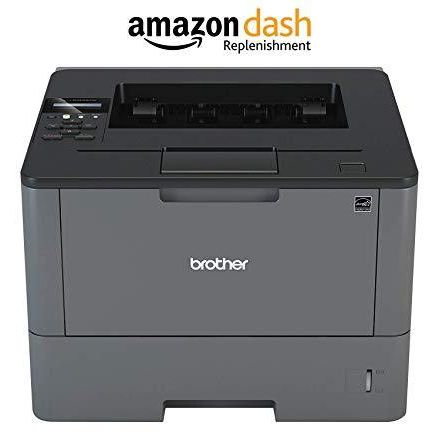
Brother Monochrome Laser Printer, HL-L6200DW, Wireless Networking, Mobile Printing, Duplex Printing, Large Paper Capacity, Amazon Dash Replenishment Enabled

اكتب تقييم
B01824JTWK
HL-L6200DW
Target is a general merchandise retailer with stores in all 50 states and the District...

المدينة: US, New York

Delivery
Pickup at your own expense
Tomorrow from 09:00 to 20:00, Store location
Free
Payment options
Apple Pay Google Pay Mastercard Visa
Cash, bank card, credit/installment payments, cashless payment for legal entities
Warranty and returns
Exchange/return of products of proper quality within 14 days Official manufacturer's warranty: 12 months
Features
Connectivity Technology
USB, Gigabit Ethernet, Wi-Fi
Item Dimensions
15.3 x 14.7 x 11.3 in
Item Weight
26.3 lbs
Operating System
  • Windows, Mac, Linux
Printer Output
Monochrome
Printer Technology
Laser
Style
HL-L6200DW
Description
This fits your .
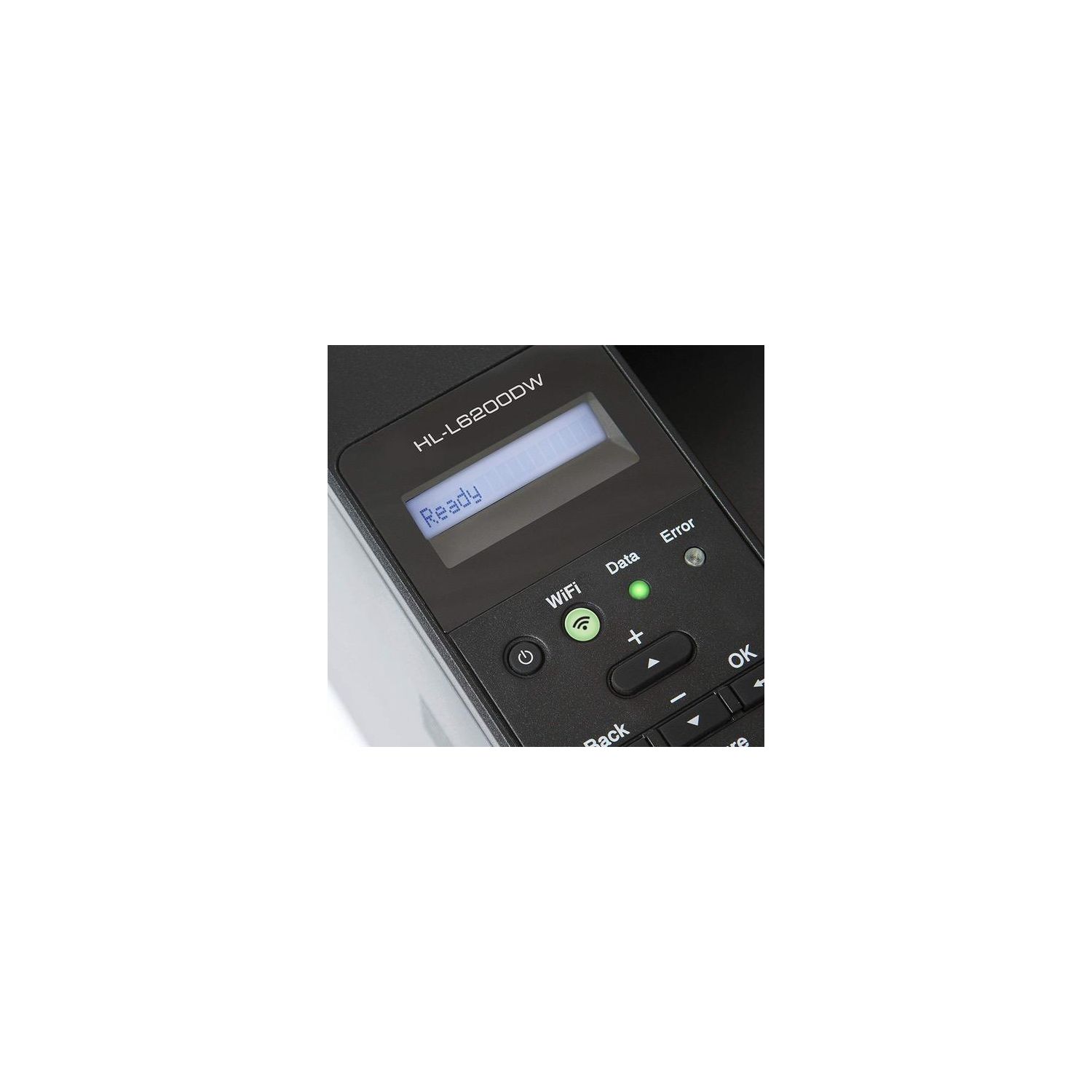
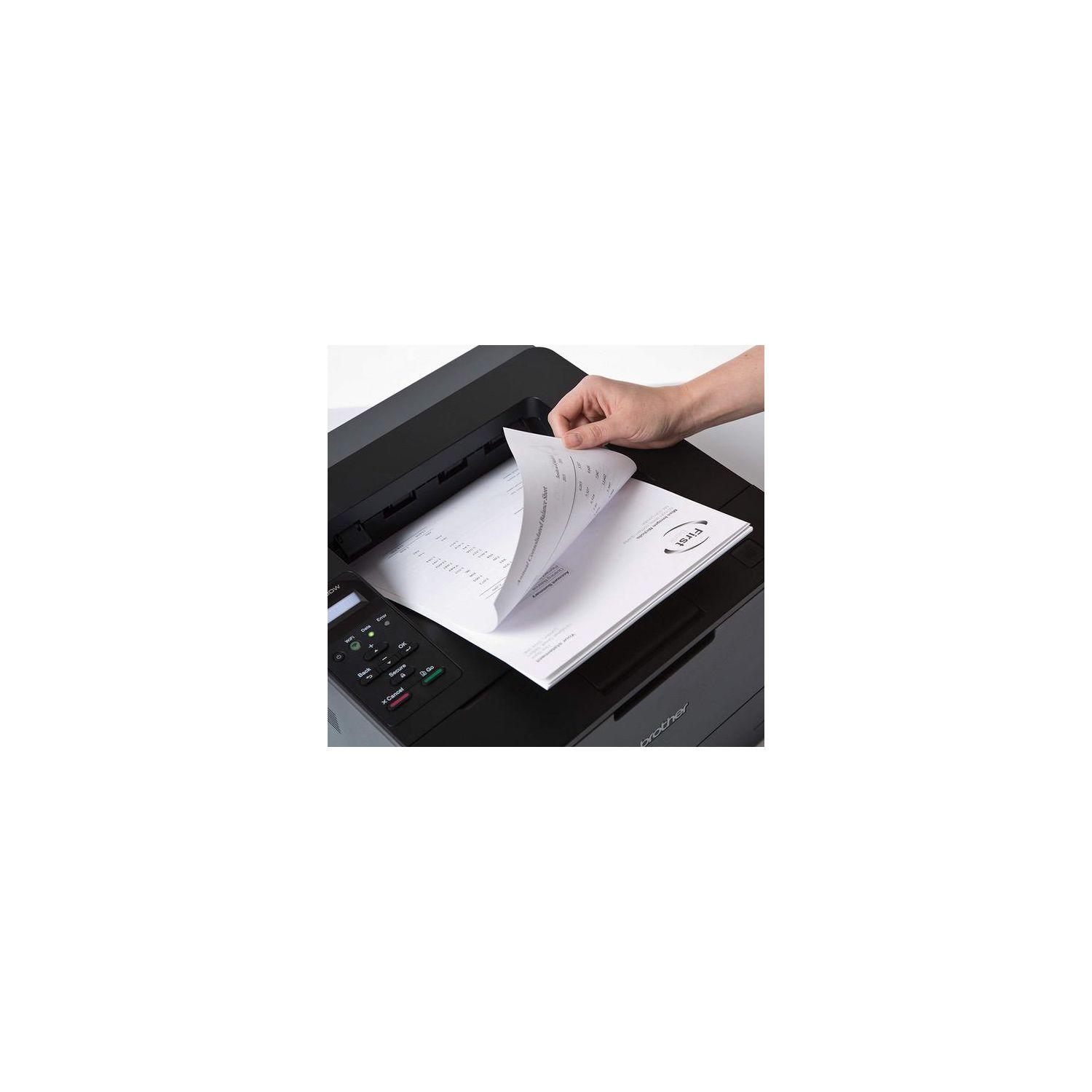
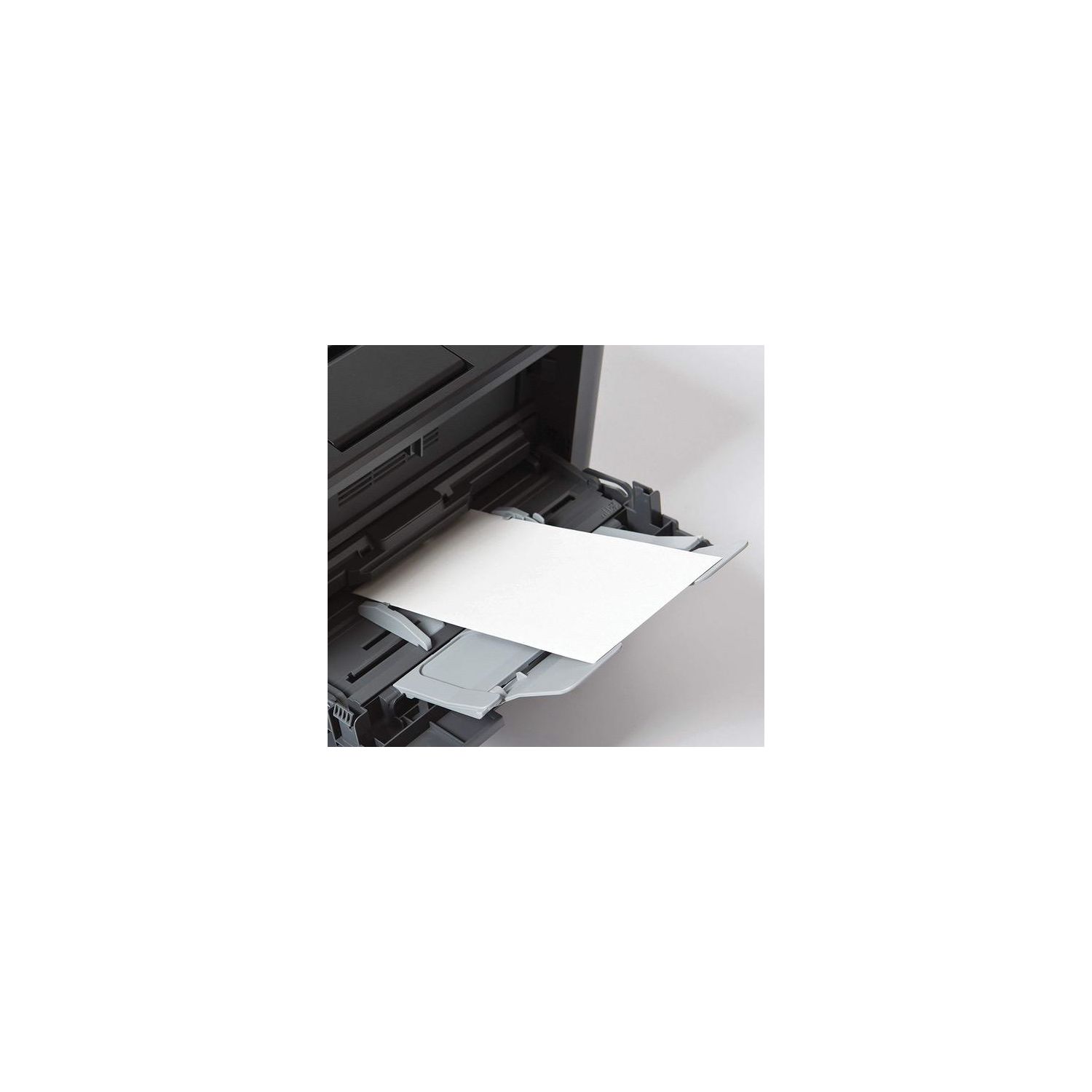
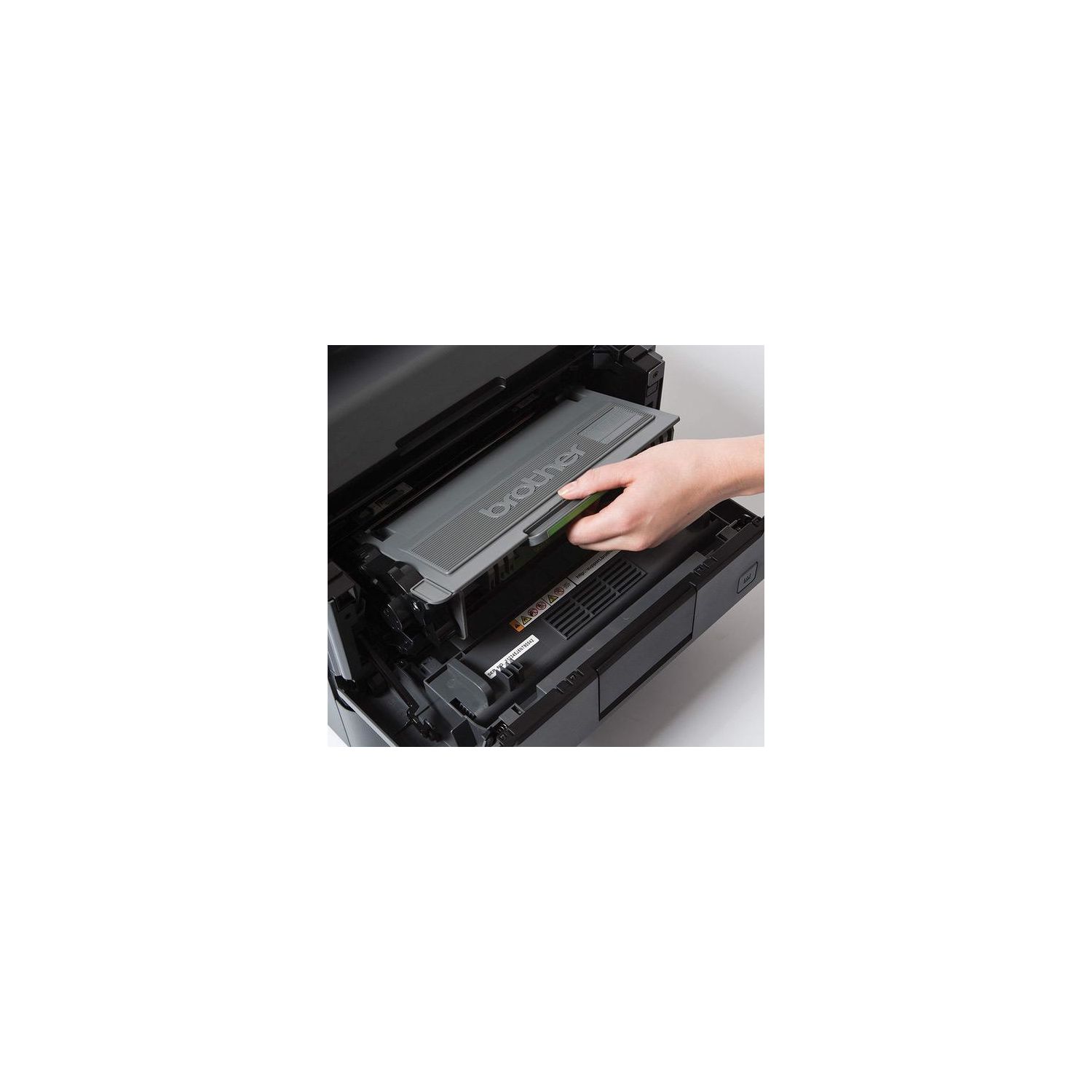
Make sure this fits by entering your model number. LARGE, EXPANDABLE PAPER CAPACITY: The HLL6200DW has an adjustable 520-sheet capacity paper tray, expandable with optional trays (LT5500/LT-6500) FLEXIBLE CONNECTIVITY: Connect via wireless or Gigabit Ethernet network interfaces or wirelessly print from your mobile device(1) ADVANCED SECURITY FEATURES: Help protect against unauthorized device / document access and securely connect to your network AMAZON DASH REPLENISHMENT ENABLED: Upon activation, Amazon Dash Replenishment measures the toner level and orders more from Amazon when it’s low FOR USE WITH BROTHER GENUINE TONERS: TN820 Standard Yield Toner, TN850 High Yield Toner, TN880 Super High Yield Toner for low cost printing.CPU (Processor) Speed (MHz):800
Reviews
2.3
التقييمات: 20
5 نجمة
20%
4 نجمة
15%
3 نجمة
0%
2 نجمة
5%
1 نجوم
60%
Jay Kinney
4
I had a previous Brother laser printer (HL-5250DN) that was a solid workhorse for ten years. I used it in my home office and it had great print quality and the toner cartridges seemed to last forever. (I got an off-brand refilled cartridge once, but went back to Brothers own cartridges as they gave the best quality results and lasted the longest). Towards the end the paper feed began to jam with paper stuck halfway through printing. I suspect it was the drum unit reaching the end of the line. When the paper finally refused to feed at all, I decided it was time for a new printer. I could have replaced the drum unit, but that would have cost more than half the price of this new printer. After a month of use, I am happy with this printer, which was the closest I could find to what I had previously had. I mainly chose this model because it came with Wi-fi built in (the HL-5250DN did not, and I had it hard-wired with ethernet to our home network), and it had the option of using super high-yield toner cartridges, which many other models did not. On the whole it appears to be another winner from Brother. Some reviews have complained about heavy electrical draw, but Ive not experienced that. We live in an apartment building built over 100 years ago, with not great wiring, and I have had no problem with the printer. I give this 4 instead of 5 stars only because 1) it takes longer to print the initial page than my former printer (though it then kicks out additional pages at a fast clip), 2) the initial page sometimes (but not always) has an annoying small crease running halfways up the page (I need to trouble-shoot whats up with that), and 3) it is kind of loud in printing. I consider those minor issues. Set-up was much more of a breeze than I expected. I did go to the Brother website and downloaded the latest drivers, but also used the included CD of drivers and set-up wizard and it found our home network Wi-fi and that was that. We have my Mac and my wifes PC on our network and both work fine with it. Weve even printed from our iPhones and my iPad to it, which was a nice touch. Bottom line: am I pleased? Yes.
Camarillo
4
This is a decent printer, and it does what I need it to do, which is to print according to document size and choose letter or legal from the paper trays, depending upon the paper size of the original documents being printed. I upgraded to this one from a HL6180DWT, which I purchased in 2013, three and a half years ago. That one was printing fine but had started to get more and more paper jams until one day the paper jam damaged the reel in the back of the machine. I was able to clear the jam eventually but decided it was time for a new printer. I print about 300 pages at a time, several times a week, and so it gets quite a bit of use. There are two negatives with this machine as I see it. One is that it tells you that you need to replace the toner way too soon, but you can reset this by pressing down the Secure and X Cancel buttons together and using the up button. You can replace the toner when the print copy you get indicates that it is time. The other negative feature is, if you run out of paper in one tray, it automatically switches to printing from the other tray. That may not be a negative if you have letter size paper in both trays. That feature can be ruinous in my line of work. I have since learned that you have to use the printers menu to turn off "Auto Continuous" to disable this. Updated June, 2017: I did have a problem with Tray 2 not working correctly. There was a thumping noise when drawing from Tray 2, and it would say that there was no paper in Tray 2 when there was. After this error happened, Tray 2 disappeared from the settings. It happened several times, and I had to call Technical Support, and they had me delete the entire driver package and reinstall it, and that worked until the next time it happened. I ended up returning the machine and buying another one with the hope that it doesnt happen again.
J. Dank
4
This is a great printer for the money. The extra drawer is really what we needed and the other brads are easily another $200 for the same features. However, for some reason, the Brother printers have a sleep function built into them that you cannot disable and is kind of a pain as it goes into a deep sleep and will not awaken by simply printing to it. The timer can be set to 55 minutes max and then if it does sleep, you have to get up and hit the OK button to bring it back to life. Overall a decent printer.
Product variations
Column filling
ترتيب بواسطة السعر ترتيب بواسطة الامكانية ترتيب بواسطة الكود ترتيب بواسطة Style
$‎ 29400
متوفر بالمخزون
+
B01AD7I5A6
Style:
HL-L6200DWT (2 Trays)
اتصل بنا لمعرفة السعر
متوفر بالمخزون
B01824JTWK
Style:
HL-L6200DW
$‎ 27600
متوفر بالمخزون
+
B01BLAGAXI
Style:
Printer and High Yield Black Toner Bundle
You may be interested
  • Bestsellers
  • Recently Viewed
 
Similar products
$‎ 9900
New York, US
Gold
Operating System Printer TechnologyLaser
$‎ 66900
New York, US
Gold
Operating System Windows, Mac Printer TechnologyInkjet
$‎ 64900 $‎ 69900 -7%
New York, US
Gold
Operating System Windows, Mac Printer TechnologyInkjet
$‎ 31900
New York, US
Gold
Operating System Windows, Mac Printer TechnologyInkjet
Show more
Fast and high quality delivery

Our company makes delivery all over the country

Quality assurance and service

We offer only those goods, in which quality we are sure

Returns within 30 days

You have 30 days to test your purchase