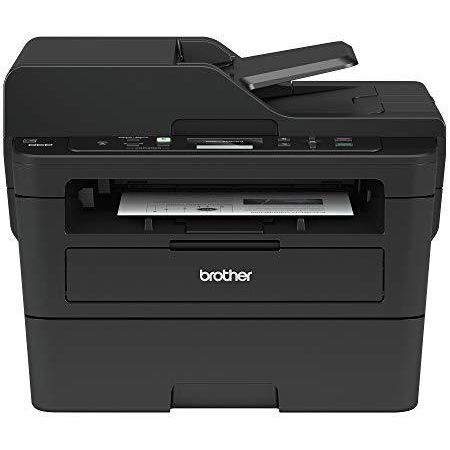
Brother Monochrome Laser Printer, Compact Multifunction Printer and Copier, DCPL2550DW, Wireless Printing, Duplex Printing, Mobile Printing, 50-Sheet Document Feeder, Amazon Dash Replenishment Enabled
Write a review
$12900

Brother Monochrome Laser Printer, Compact Multifunction Printer and Copier, DCPL2550DW, Wireless Printing, Duplex Printing, Mobile Printing, 50-Sheet Document Feeder, Amazon Dash Replenishment Enabled

Write a review
B0764P8F5J
New Model: DCPL2550DW
+
Add to wish list
Target is a general merchandise retailer with stores in all 50 states and the District...

City: US, New York

Delivery
Pickup at your own expense
Tomorrow from 09:00 to 20:00, Store location
Free
Payment options
Apple Pay Google Pay Mastercard Visa
Cash, bank card, credit/installment payments, cashless payment for legal entities
Warranty and returns
Exchange/return of products of proper quality within 14 days Official manufacturer's warranty: 12 months
Features
Connectivity Technology
USB, Wi-Fi
Item Dimensions
15.7 x 16.1 x 12.5 in
Item Weight
25.6 lbs
Operating System
  • Windows, Mac, Linux
Printer Output
Monochrome
Printer Technology
Laser
Style
New Model: DCPL2550DW
Description
This fits your .
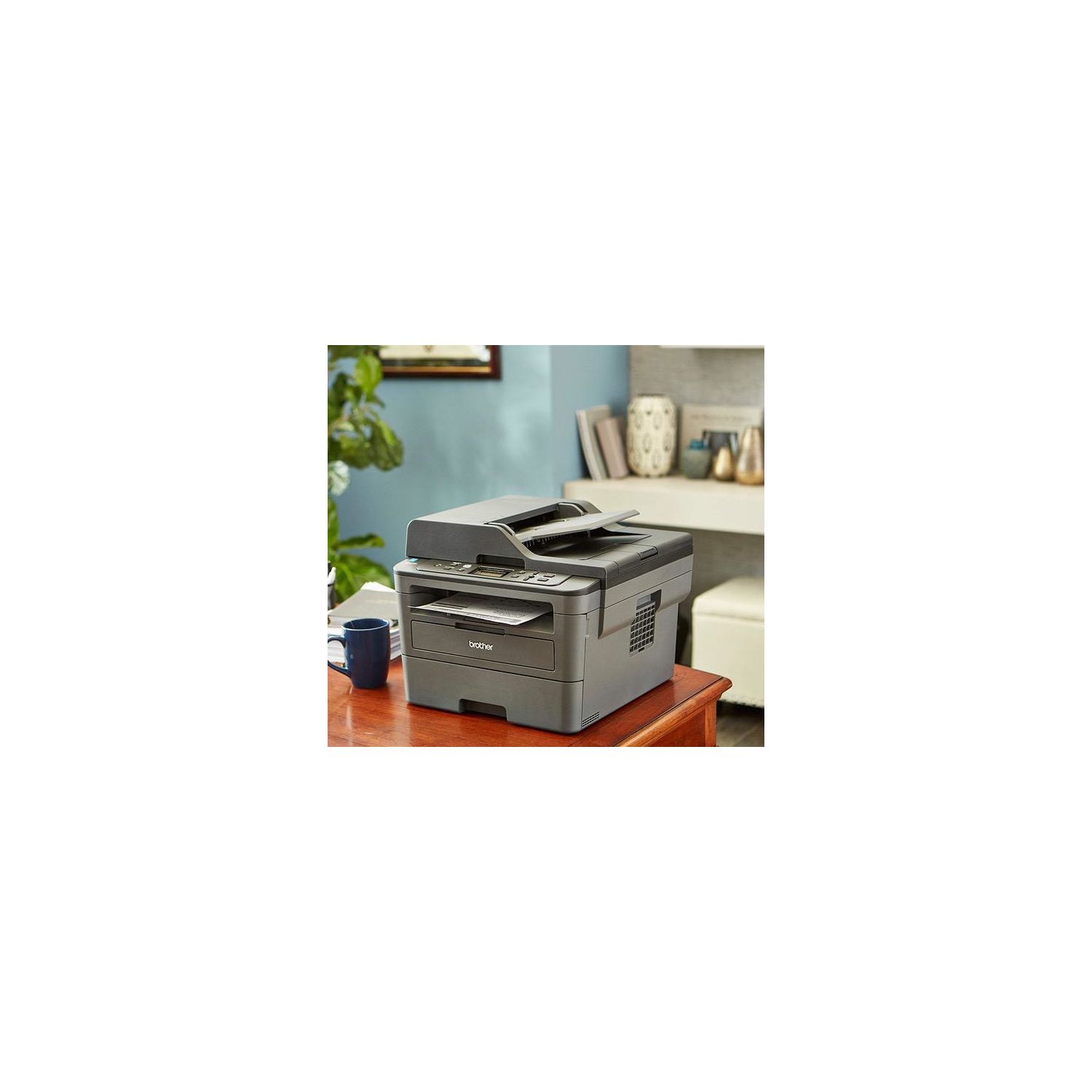
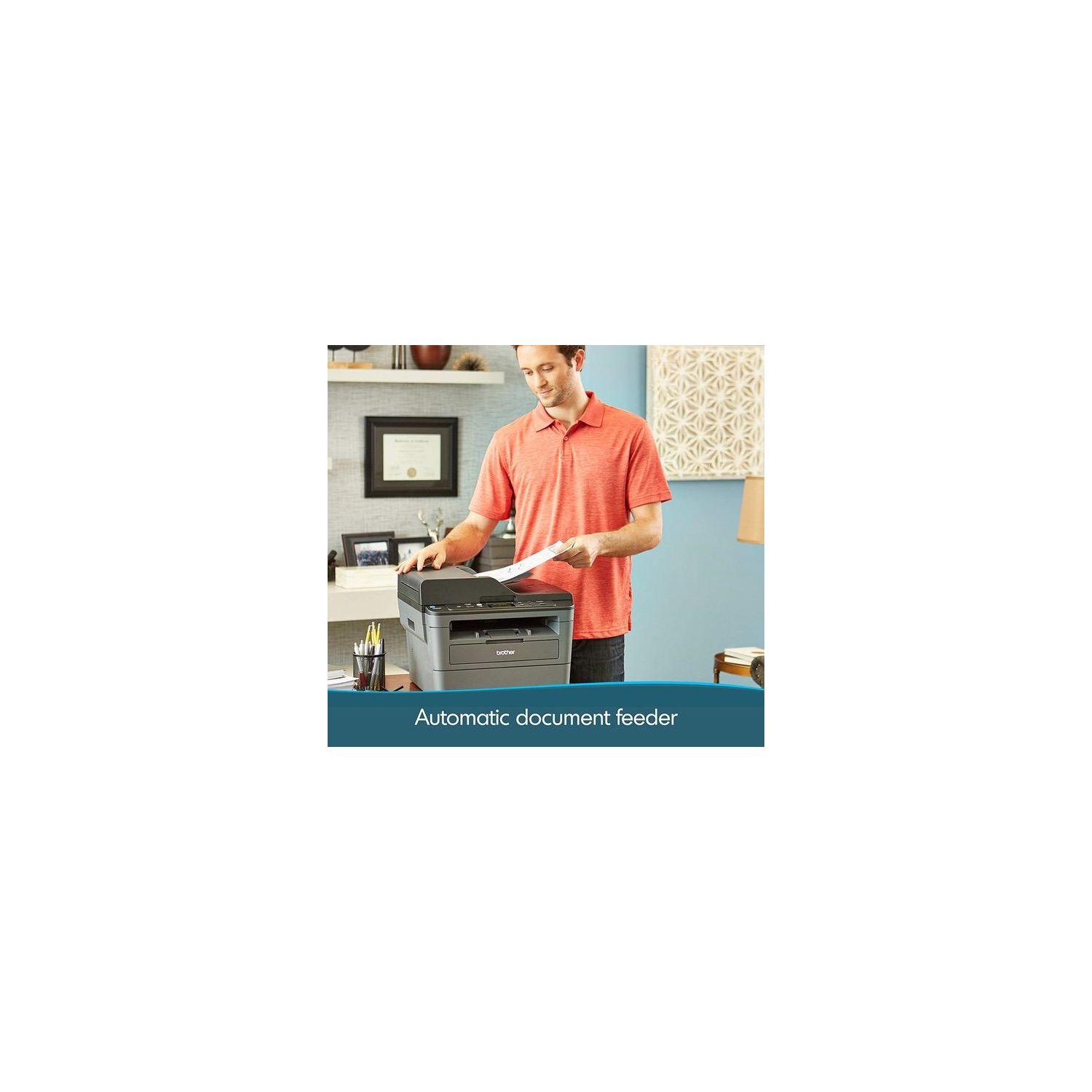
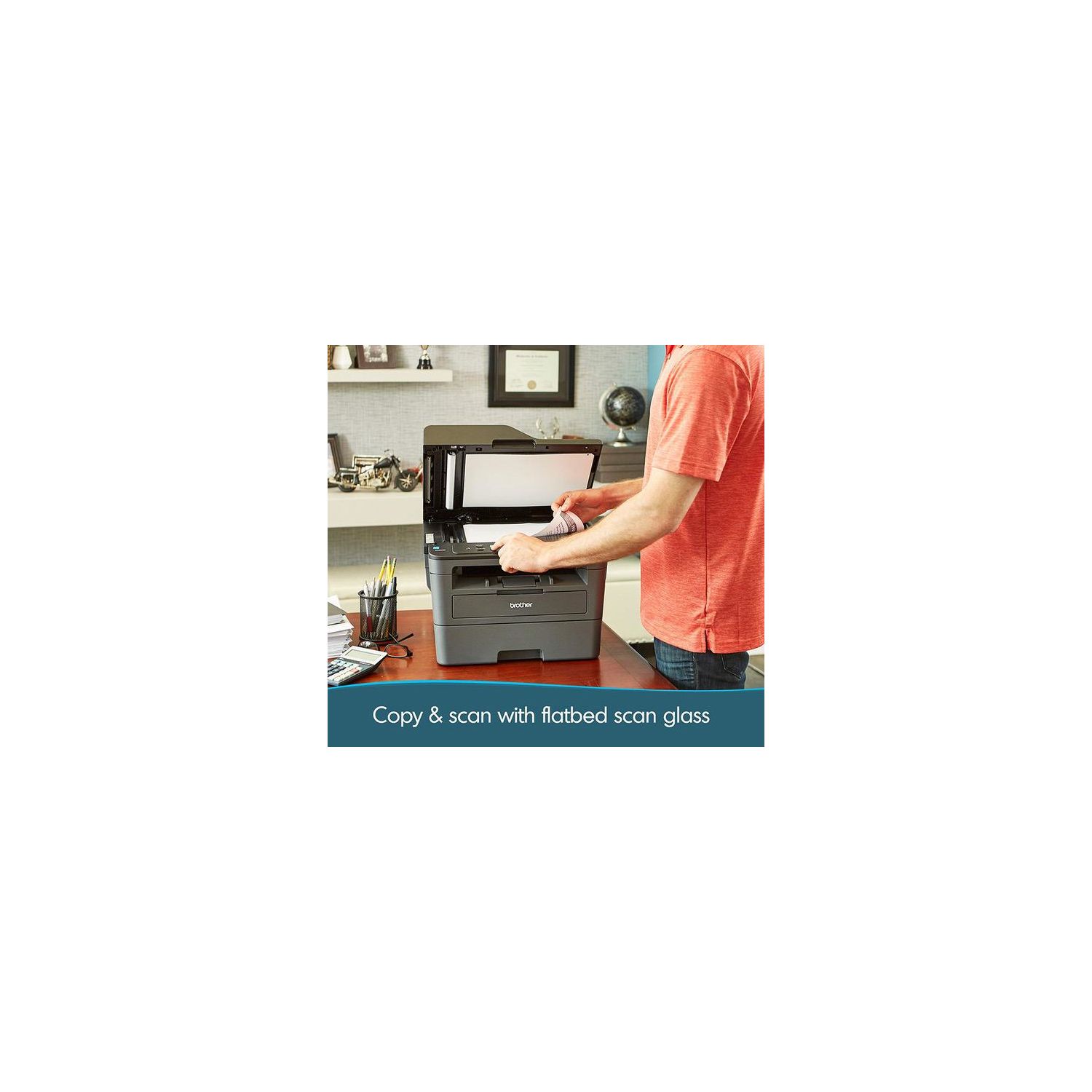
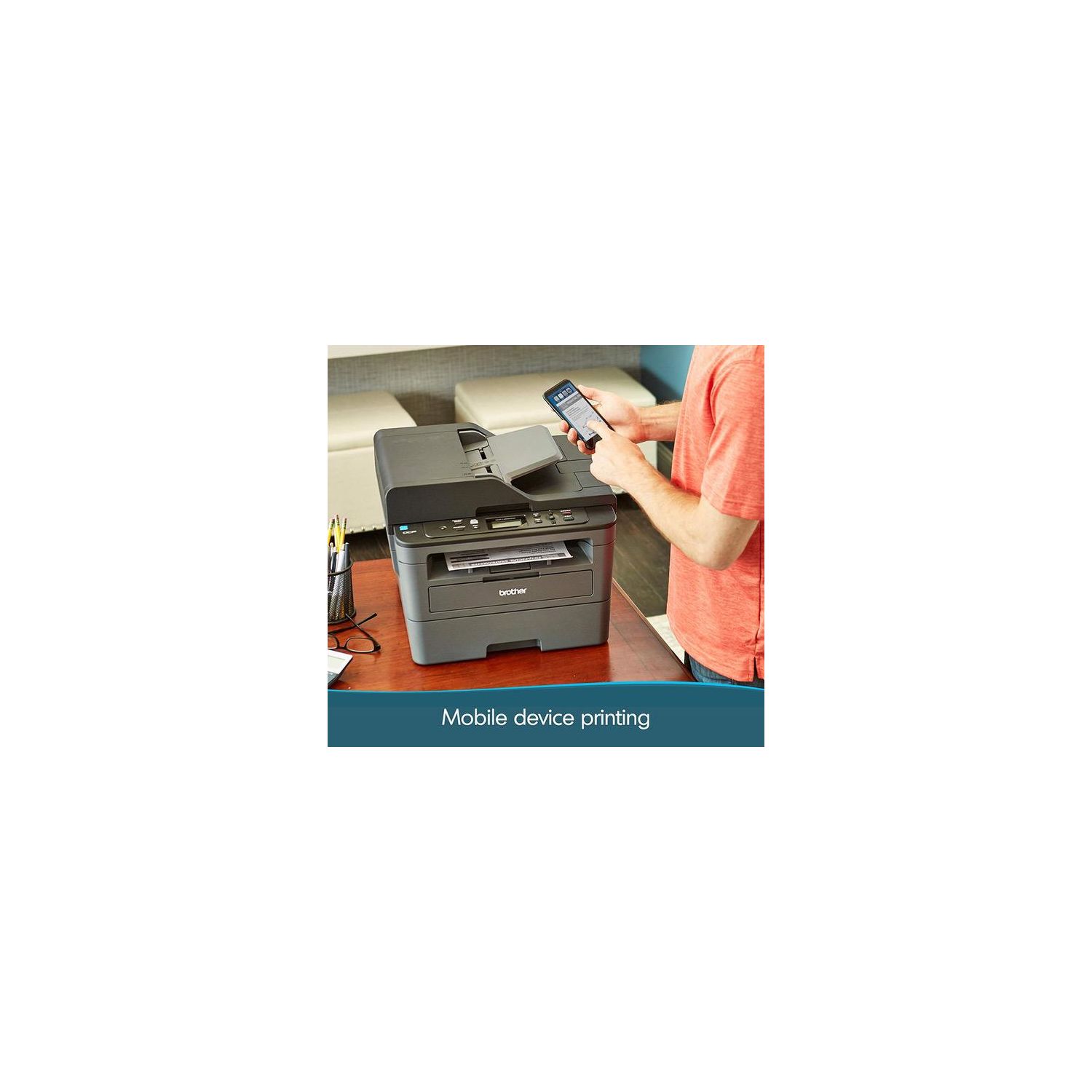
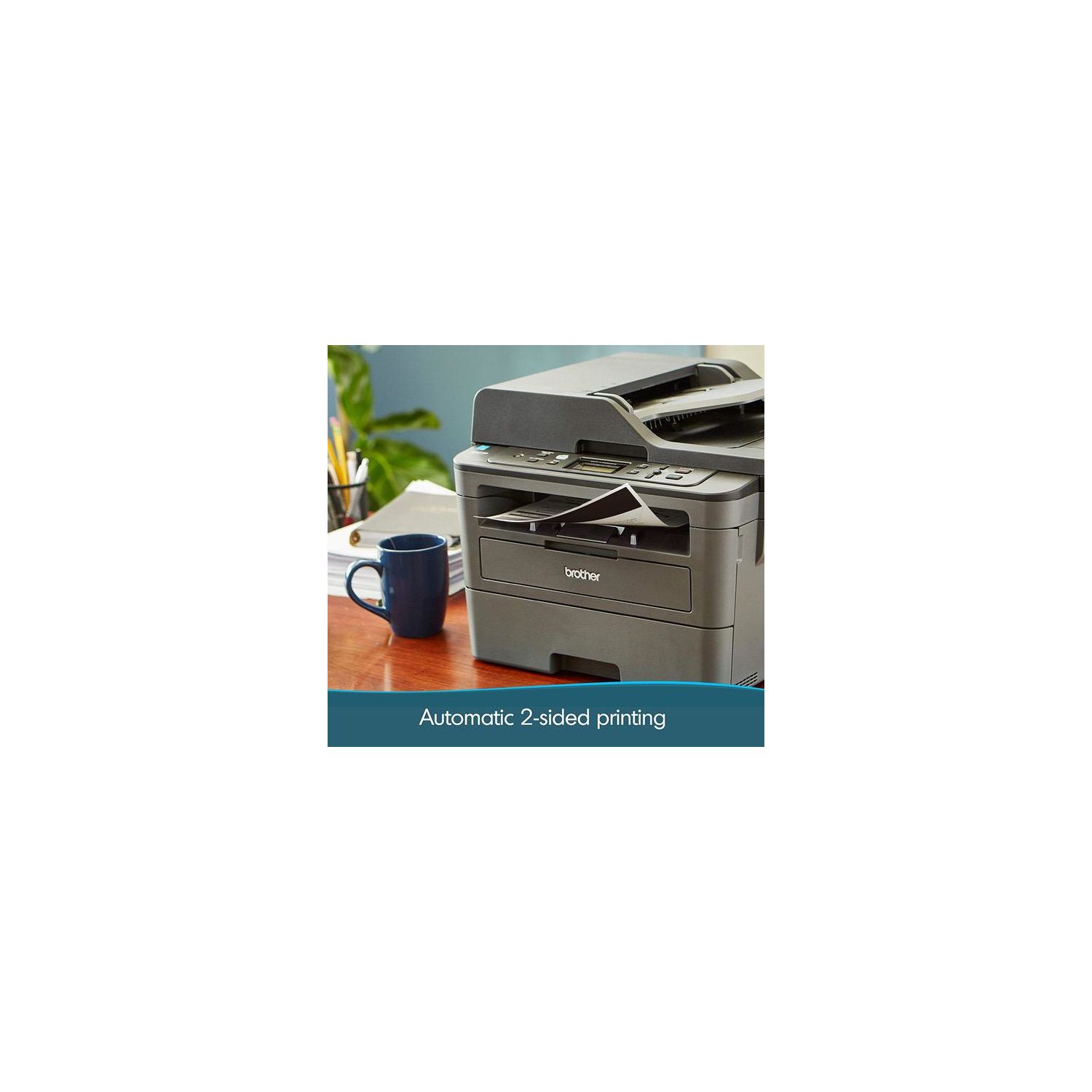
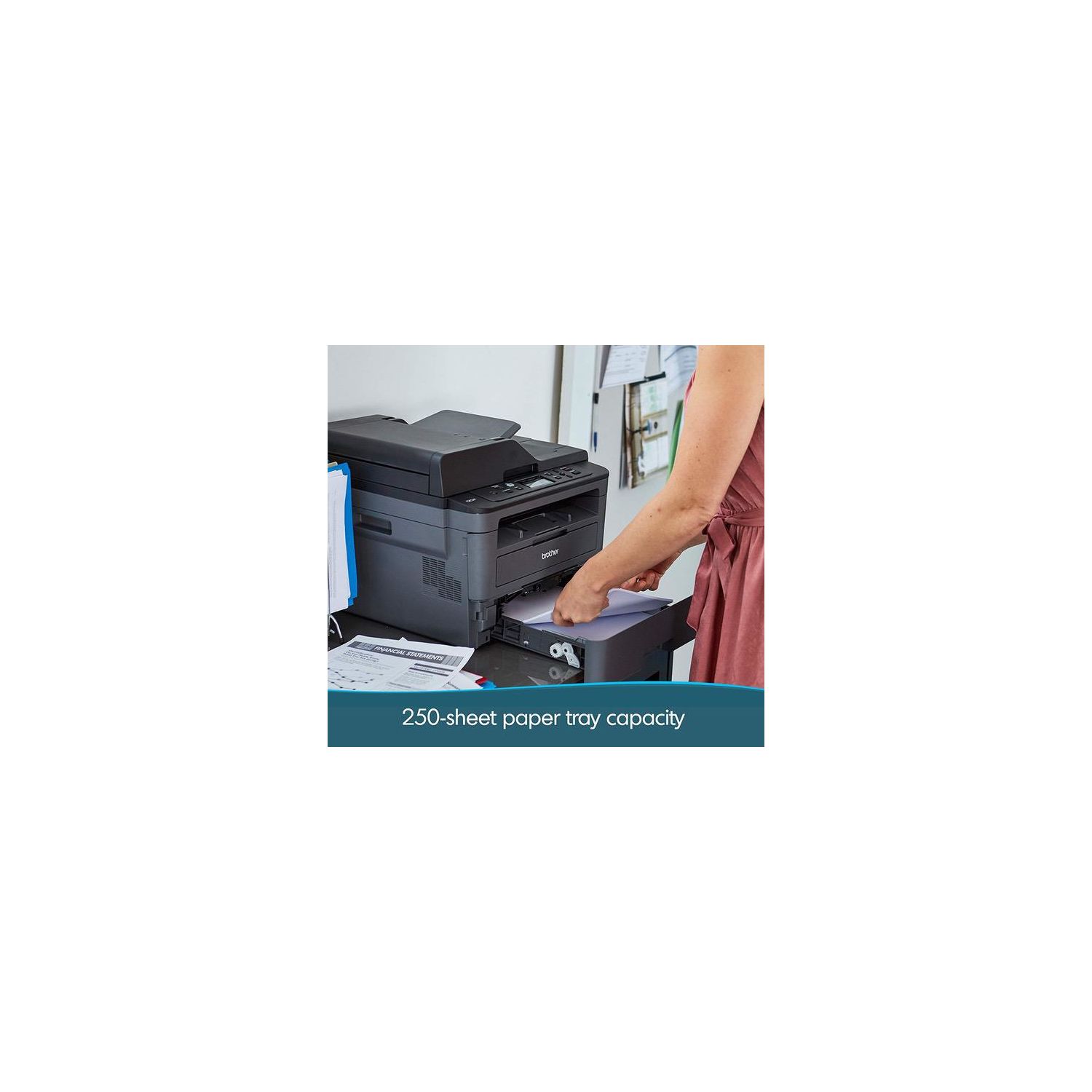
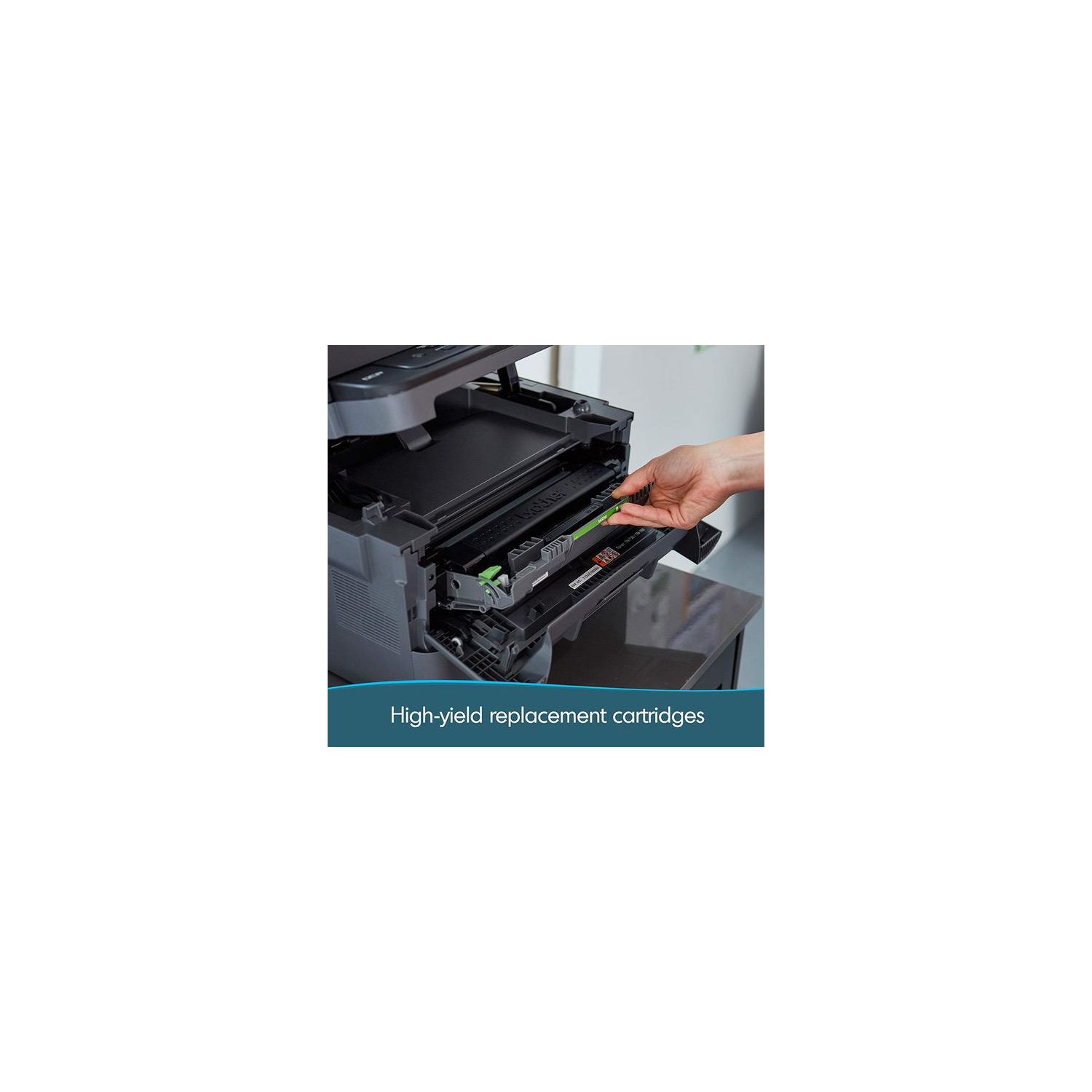
Make sure this fits by entering your model number. FLEXIBLE PRINTING – The Brother Digital Multifunction Copier offers flexible printing and scanning features including duplex (two-sided) printing and the ability to handle multiple sizes of paper, including card stock, envelopes, and more, to allow you to create professional-looking documents DYNAMIC FEATURES – Perfect for the home or small office, this digital copier (replacement for the DCPL2540DW) has a 250-sheet paper capacity, which improves efficiency by requiring fewer refills of legal or letter-sized paper. Maximum Monthly Duty Cycle- 15,000 printed pages. Recommended Monthly Print Volume- 2,000 ENGINEERED FOR PRODUCTIVITY – A 50-sheet automatic document feeder saves you time with multiple-page copy and scan features. A built-in Ethernet network interface allows for sharing with multiple users on your network or connect locally to a single computer via its USB interface MOBILE PRINTING – Send print jobs to the Brother DCP-L2550DW via various devices including smartphones, desktops, tablets, and laptops(2) EXCEPTIONAL SUPPORT – Free at-your-side support, online or via phone or live chat, for the life of your digital multi-function copier;Mobile Device Compatibility: AirPrint, Google Cloud Print 2.0, Brother iPrint&Scan, Mopria, Cortado Workplace, Wi-Fi Direct AMAZON DASH REPLENISHMENT ENABLED: Upon activation, Amazon Dash Replenishment measures the toner level and orders more from Amazon when it’s low. Wireless 802.11 b/g/n, Ethernet, 10/100 Base-TX Ethernet, Wi Fi Direct, Hi-Speed USB 2.0. Noise Level- LpAm=49 dB(A)
Reviews
3.3
Reviews: 20
5 stars
40%
4 stars
20%
3 stars
0%
2 stars
5%
1 star
35%
Rhonda M. Sawyer
5
Live this printer. The ONLY thing that I do not like about it is the ink. You can only use brother because the cartridges have a microchip on them. So you cannot use the cheaper refills.
S. Hazard
5
This is my third Brother laser printer and this one is by far the best one I have had. My two others were MFP, print, fax and scan, but they were not wireless nor were they network printers, but I had them plugged in to the router so I could print on the network, but couldnt scan unless I was hooked up directly. It was time for a new drum and lets face it the cost of these have come down so much that it was time for a new printer with wireless capabilities. I havent sent a fax in years so this was the machine I wanted. It was a fair price and I was ready to get it installed and ready to print. The setup was easy, but if you have a Mac or want to use AirPrint on your IOS device keeping its connected to the network after its connected is a challenge or at least for me it was. I am glad I didnt write this review before I figured out my issues, honestly I was about ready to return the machine, but I am so glad I didnt. There are reports all over the forums and on Amazon about this machined how it loses connection when going into "deep sleep" and in order to print, especially with a Mac you have to turn off the printer and then back on and even then it may not work. Also with AirPrint once its in deep sleep AirPrint doesnt work from your IOS device either. One solution to this problem noted by Brother is to update the firmware. Thats always a good thing, but it didnt work for me. After some searching for a few days I discovered its not so much an issue with the printer as it is with the Mac itself. Mac recognizes network or wireless printers it finds with Bonjour. Unfortunately for some when the Brother printer is in deep sleep and the Mac has been "sleeping" and you wake up the Mac, Bonjour fails to connect. Not sure why, but for me thats what was happening. So to fix the issue instead of adding the printer through Bonjour, I added using the IP address of the printer and BAM.....it works like a charm. Finding the IP address is pretty simple, the manual tells you how to do it right from the printer. Now when I print, my Macs see the printer connection and wake up the printer to do a job, even in deep sleep, no issues. However, my IOS devices still could not see the printer once it went into deep sleep. The fix for this is even easier. Find the IP address and then type the IP address into your browser and it takes you to the printers management page. From here all you need to do is check the box in the wireless tab to enable IPv6 and then submit. No need to do anything else, just check the box to enable IPv6 and submit. Now my IOS devices always see the AirPrinter and can print when ever it is needed without manually waking up the printer or restarting it. So now the printer is ready when I need it working as it was intended.
Amazon Customer
5
This printer is satisfactory for me in all respects. It is inexpensive to operate, particularly when using off-label toner cartridges. It does a great job of scanning and printing, whether one page at a time or many pages at once (using the document feeder). It is fast. One thing that used to bug me was the way it tells me the toner is low when it isnt. I found the solution on youtube, but Im giving it here also: To RESET TONER and avoid “toner low” message: Proceed quite rapidly after the first step. If you go slowly, it will revert back to a default screen and youll have to start over. 1. Open printer front cover as if you were changing the printer cartridge - then go to keypad. 2. Press “okay” and wait for screen to go blank 3. Press “start.” 4. Press “up” arrow and then “down” arrow. The screen should say "00." 5. Press “okay.” 6. Close front cover.
Rowell65
5
Print what you want, whenever you want. This is my first laser printer. I bought this a just over a year ago and have gone through 2 reams of paper and I am still on the starter cartridge! Amazing! It scans great and copies great as well. I have no complaints as this is the best printer Ive ever had. Very inexpensive for printing paper. The only thing that Ive had to give up is color printing, which I have realized, that I dont actually need all that much. I was back in school using my GI Bill and had no problem printing my papers and assignments. I might upgrade to a Brother color laser printer this year and give this printer to my sons who are also in college. This is absolutely a great product that will save you money and hassles. Im only upset because I didnt switch to laser printers long ago instead of wasting all that time, money, and aggravation on ink jet printers. LIKES Extremely economical. A year later and having printed 2 reams of paper, I am still on the original starter toner cartridge No problem waking up from sleep mode Like all modern printers, can be connected by USB, or as a wireless network printer Scan quality is great No printheads to clog, unlike ink jet printers. Print what you want, whenever you want. DISLIKES This is only a lower level laser printer, so color not an option. Would need to upgrade to another model for color. Like all laser printers, might need a few seconds to warm up when first printing Like other laser printers, slightly louder than an ink jet when printing 12/23/2017 Update: I finally replaced the starter toner cartridge after going through 6 reams of paper. Great value! I print when I want and whenever I want without worrying to worry if there is still ink in the printer. This brother laser printer has been great so far, it scans great and makes copies, and I print from whatever mobile device I want to, from our cell phones, tablets, laptops, and the desktop. Great investment! Stop wasting money on inkjets, go laser - you wont regret it.
Arizona Doug
5
Printer arrived today, and I was able to set it up and install the software without a single glitch. Im running Windows 8.1 and using a local USB interface. The reason for the purchase is my Canon inkjet died, and I needed a business-capable laser printer. Ive had three Canon inkjet printers but I used at least two Brother laser printers previous to the Canon inkjets. There is a considerable difference between this DCP-L2550DW MFC printer, and the previous Brother laser printers besides the glitch-free install. The Windows print driver is far improved with more feature control and ease of use. Brother has a separate printer utility, iPrint & Scan, that provides a print and scan UI for document and image printing and scanning, it is very easy to use, and it is a vast improvement over the Canon print/scan utility. There is a third software, Nuance PaperPort, that is an impressive document management tool and includes a fast PDF reader. The install CD gave me the option to bypass the Nuance Paperport install and install it later. If you dont have a CD player in your machine, you can download the installer from the Brother support web page. During the install, the installer utility also installed printer firmware updates without a glitch. I have printed a text document, and graphic document, and the print quality is impressive. BTW, the printer woke up from a sleep and printed those documents without a glitch. The printer is quiet and the print speed is amazing. Being brand new, I cannot speak to the long term reliability of this printer but here are a few things I learned in my research: the older version of this printer, a Brother 2540 model, is the source of the vast majority of negative reviews for this printer--whether the 2540 or 2550 model. On the first dozen pages of negative reviews, only four pertained to the 2550 model, and three of those four reviews were wireless problems. Wireless printer problems are not unique to Brother printers; they are ubiquitous. If you think about it, the wireless challenge is to make a device in deep sleep mode respond to an interrupt signal--something humans dont like to do--and the majority of the negative reviews are expressing frustration with this challenge. I have returned a Kodak printer due to wireless problems. For these reasons, I stay with tech that works: local USB. The competitor printer nearest in features to this Brother printer is the Dell E514dw, and I noticed the Dell uses the same printer chassis as the Brother 2540 model but the Dell comes with a 10,000 monthly page duty cycle, and this Brother DCP-L2550DW comes with a 15,000 monthly duty cycle. Maybe the duty cycle difference is significant, maybe not (remember: "your MPG may vary") but I went with the higher duty cycle number. I didnt think I would have any install problems for a local USB connection but Brother has a support web site that is easier to use than Dell, and Brother comes with free telephone support if you need it. Bottom line: the 2550 model--including the bundled software--is impressive so far.
CJ Allen
5
So -- I saw some reviews that said it was a med-difficult setup and I thought Id write about the ridiculously easy time I had. Im a Mac and a PC user, primarily Mac. Did NOT need a USB or Ethernet cable. I *have* set up other wireless printers before. However, this is not hard. Truly. It took about 5 minutes to remove all the packing, insert the drum/printer cartridge and paper. Probably would have been faster, but had to go track down the paper. READING THE Quick Start Instructions, I decided Id go with the "Alternative wireless setup" directions rather than connect each computer/mobile device (even though the directions say Brother recommends configuring wireless settings from computer). If I have the printer on the network, then each device (Mac or PC) can find the printer like in any normal wireless environment. Again. FOLLOWING THE EASY Quick Start Instructions exactly, I found my network using the Setup Wizard and used the up/down keys to enter the "key" or network password. Our password is 24 characters long and this took MAYBE 2 minutes. If you hold either key down, it will go through faster than repeatedly pressing the keys. PRO TIP: If you need to get to the alphabet first, use the Up key, if you need a character, start with the Down key. Either key will get you the whole alphabet and character list. Saved everything and immediately went to my phone and printed off a note to test it. And voila! All done! UPDATE: For those who want to know about printing from the computers in our home, I used the "Find Printer" functions on our Macs and our PCs and the printer was found, Apple will auto-download the correct driver so thats super easy. Not hard to find in Win10 either. And in less than 5 minutes per device, was printing. SERIOUSLY -- YOU CAN DO THIS!! Even if youve never set up a wireless printer. This is an incredible price for a copier/printer and all the other functions. And it has (for me) a super small footprint. I could not be happier with this purchase.
dsk
5
After spending a year of frustratiion with an ink based printer, i decided that a laser printer would be a better choice. My research led me to Brother laser printers. After reading through the reviews, I saw that the biggest complaint was that the printer becomes unresponsive after a period of non use. This is a programming problem thats easily changed. I downloaded the appropriate Brother suite of programs. While running the install software, I paid close attention to the prompts, and I opted out of the toner replacement. The test page printed perfectly. I saw complaints about installing the printer, but I had no problem. The complete installation took 15 minutes. I just went as far as the printer installation, then opted out of the rest of the options. Using the IP address, I changed the sleep mode so that the printer stays in standby instead of sleeping. I also installed the Brother app on my note 8. I have no problem at all connecting to the printer and printing. To sum it up, I encountered no problems installing the printer on my laptop and Android phone. I went into the printers IP address and I turned off the sleep mode. The printer readily prints from my phone or laptop. Ive seen complaints about the toner. It doesnt smear on my paper at all. I really like this printer. Ill update this review if anything changes.
Vegoose
5
After years of using other printer brands, Ive decided Brother makes the most durable printers. My small business has about 25 of these new Brother MFC printers and the older DCP7065. They are simply affordable workhorses. We have printers with OVER 50k printed pages that still work fine (of course the drum has been replaced several times). The scanners work very well and almost never double feed pages. Best of all, there are quality aftermarket toner cartridges (such as LD brand) that work just as well as the Brother toner. Seriously, you just cant kill these things. The only negative is that the print quality - the sharpness of the printing - is notch below some other brands. But for our business documents, it really does not matter. In short - if you are looking for durable and affordable printers, you cannot go wrong with these Brother MFCs.
Product variations
Column filling
Sort by Price Sort by Availability Sort by CODE Sort by Style
$12900
In stock
+
B0764P8F5J
Style:
New Model: DCPL2550DW
$23000 $28000
In stock
+
B00MFG57ZK
Style:
DCPL2540DW
Contact us for a price
In stock
B077Y5MKLH
Style:
Printer with Standard Yield Toner
You may be interested
  • Bestsellers
  • Recently Viewed
 
Fast and high quality delivery

Our company makes delivery all over the country

Quality assurance and service

We offer only those goods, in which quality we are sure

Returns within 30 days

You have 30 days to test your purchase