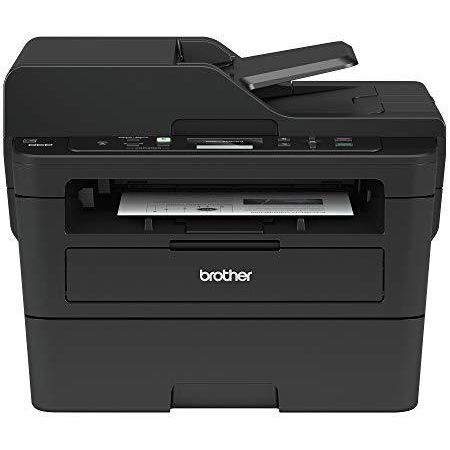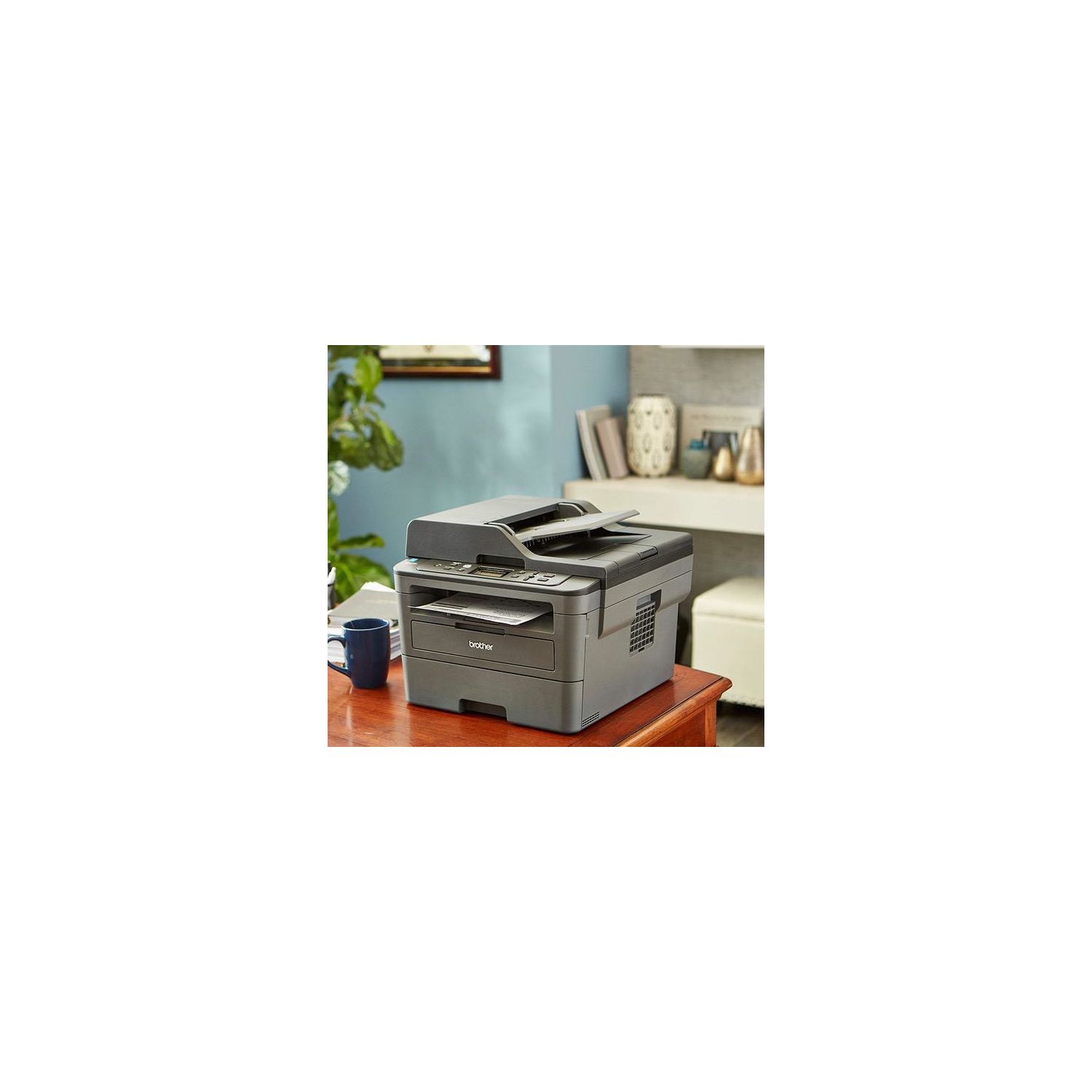
Brother Monochrome Laser Printer, Compact Multifunction Printer and Copier, DCPL2550DW, Wireless Printing, Duplex Printing, Mobile Printing, 50-Sheet Document Feeder, Amazon Dash Replenishment Enabled
Write a review
$12900

Brother Monochrome Laser Printer, Compact Multifunction Printer and Copier, DCPL2550DW, Wireless Printing, Duplex Printing, Mobile Printing, 50-Sheet Document Feeder, Amazon Dash Replenishment Enabled

Write a review
B0764P8F5J
New Model: DCPL2550DW
+
Add to wish list
Target is a general merchandise retailer with stores in all 50 states and the District...

City: US, New York

Delivery
Pickup at your own expense
Tomorrow from 09:00 to 20:00, Store location
Free
Payment options
Apple Pay Google Pay Mastercard Visa
Cash, bank card, credit/installment payments, cashless payment for legal entities
Warranty and returns
Exchange/return of products of proper quality within 14 days Official manufacturer's warranty: 12 months
Features
Connectivity Technology
USB, Wi-Fi
Item Dimensions
15.7 x 16.1 x 12.5 in
Item Weight
25.6 lbs
Operating System
  • Windows, Mac, Linux
Printer Output
Monochrome
Printer Technology
Laser
Style
New Model: DCPL2550DW
Description
This fits your .
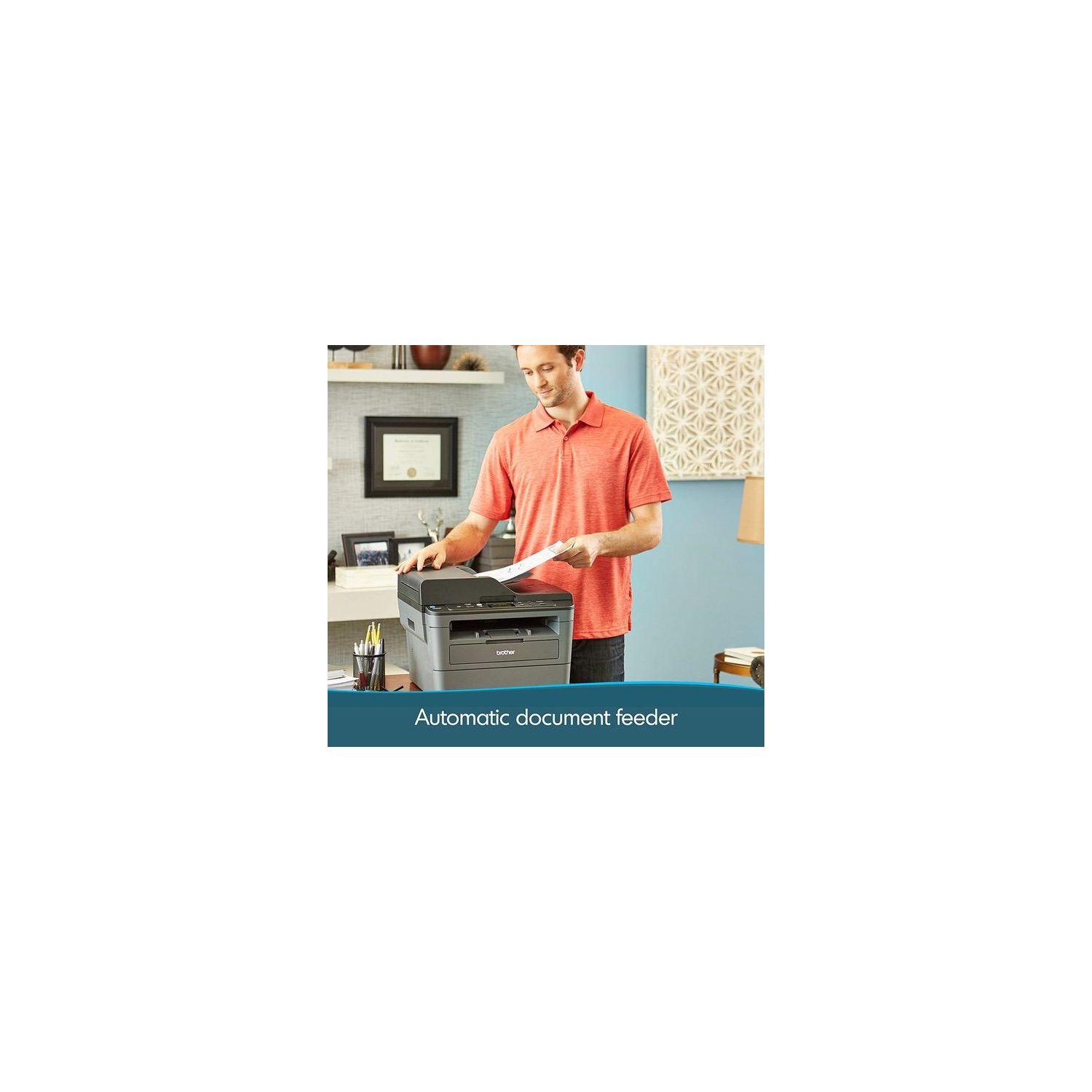
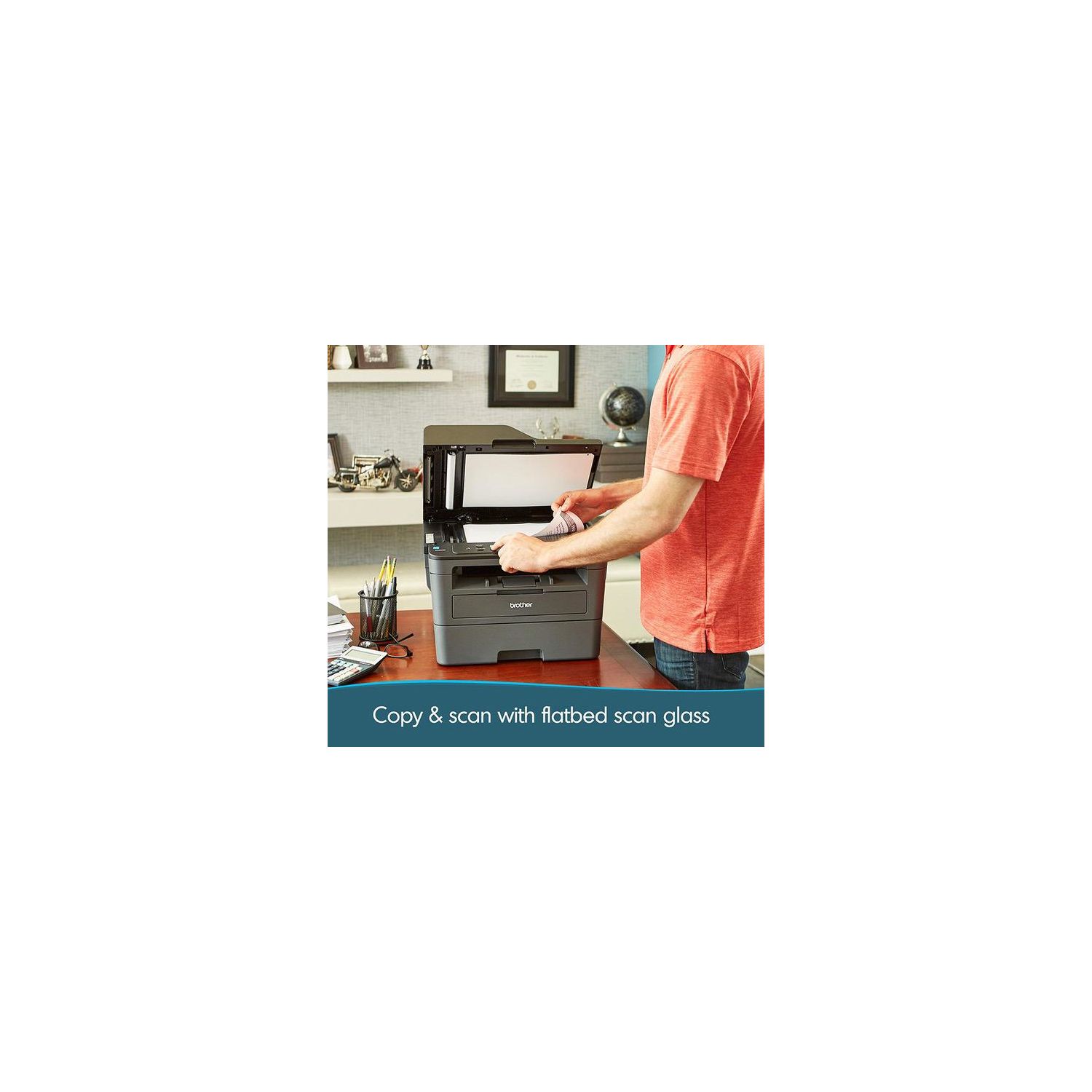
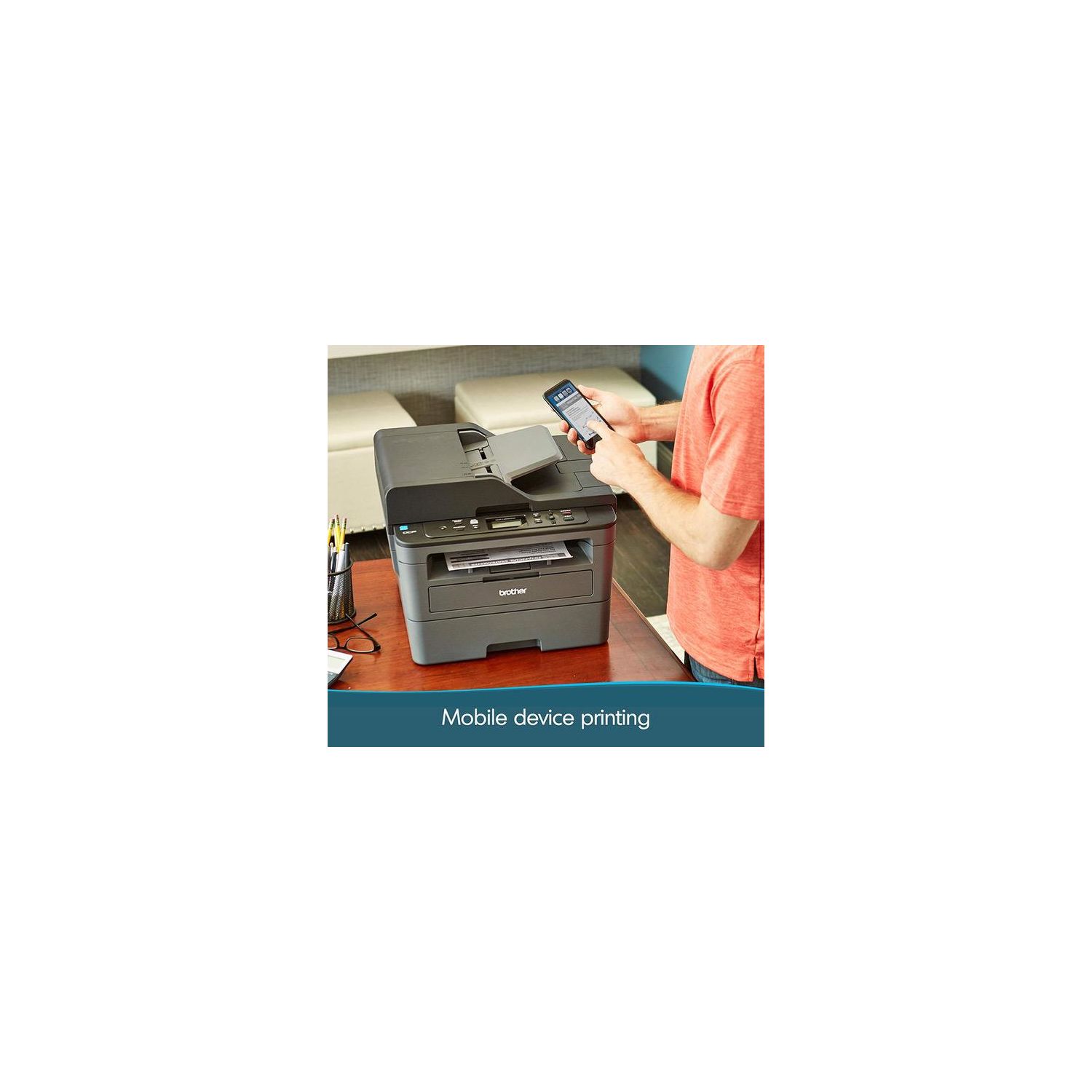
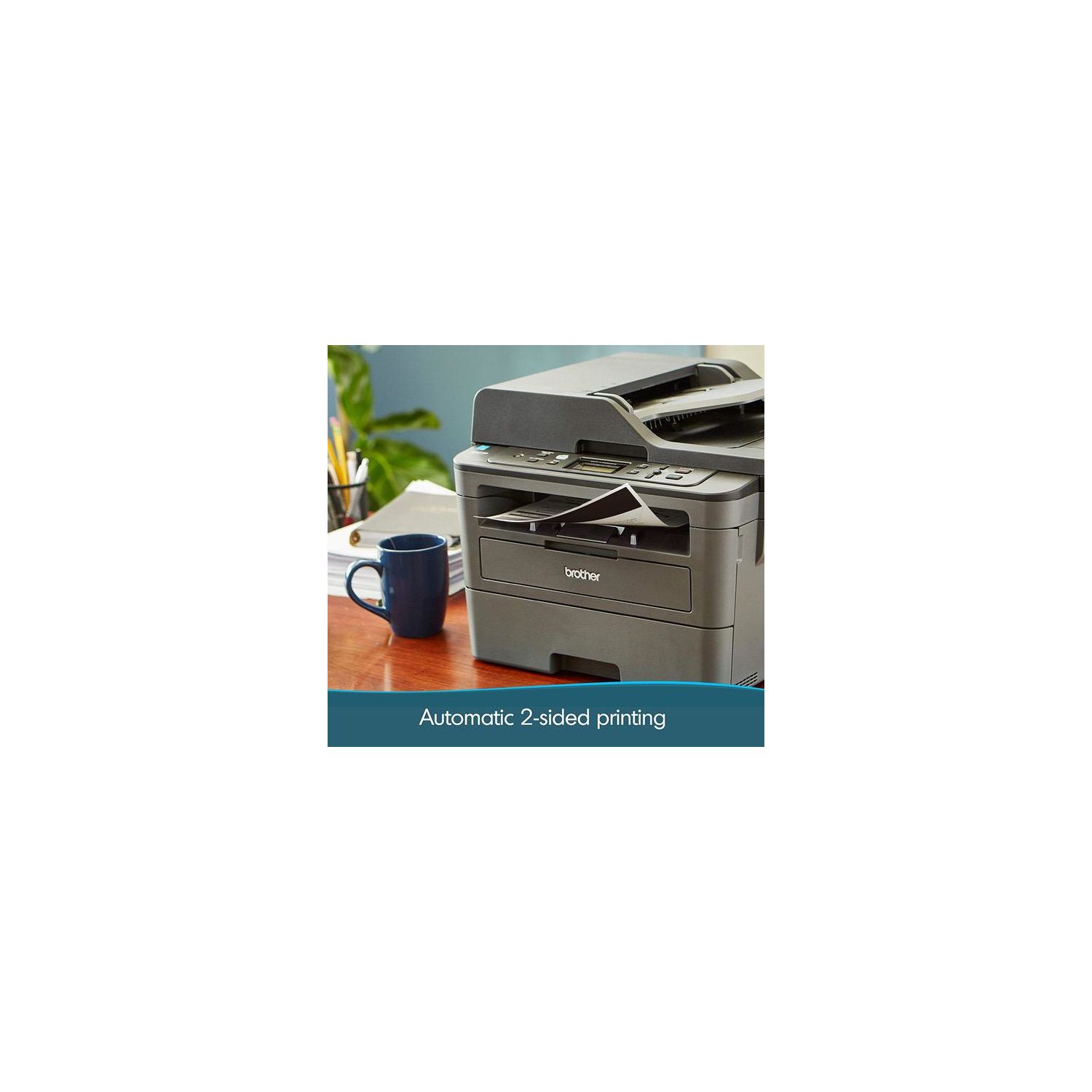
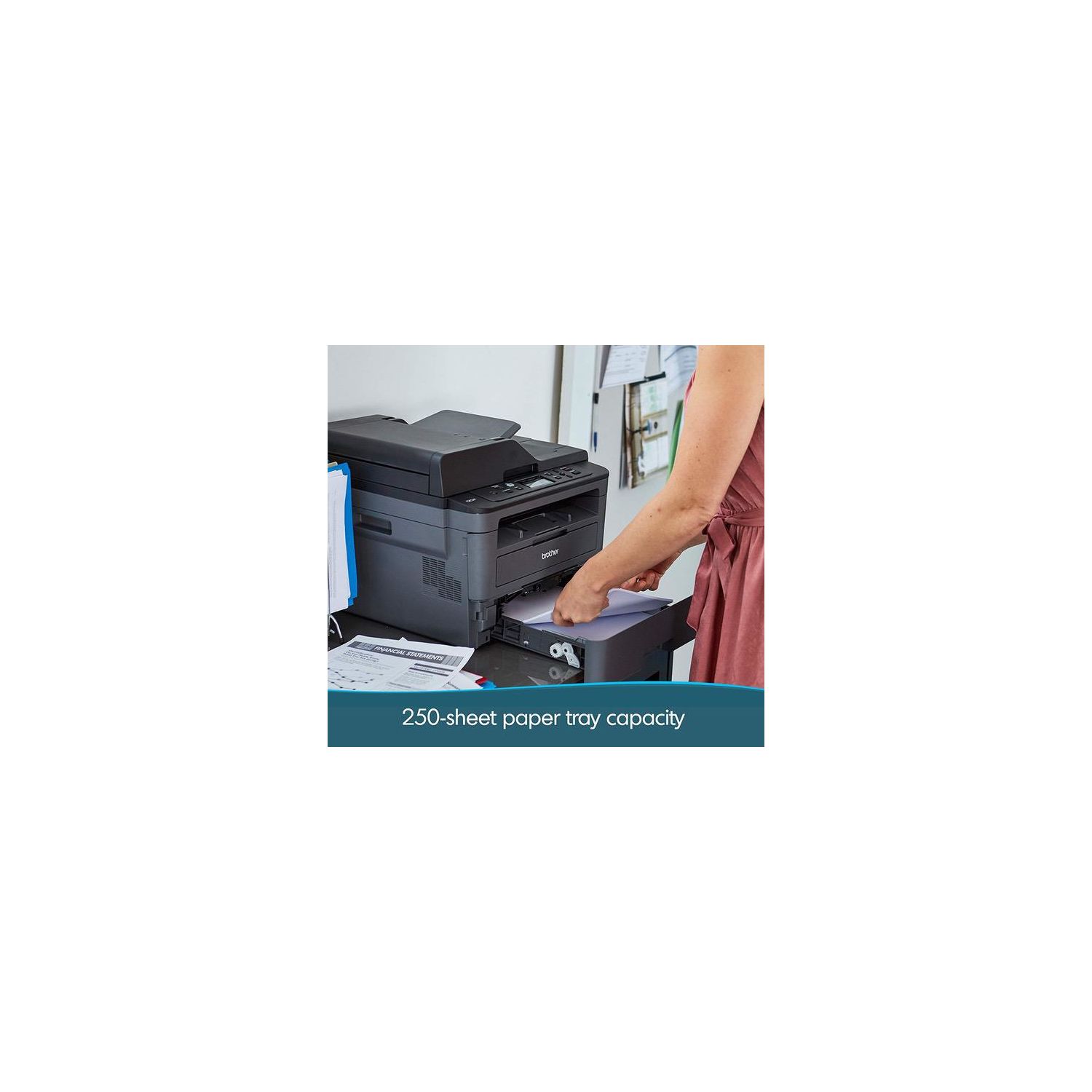
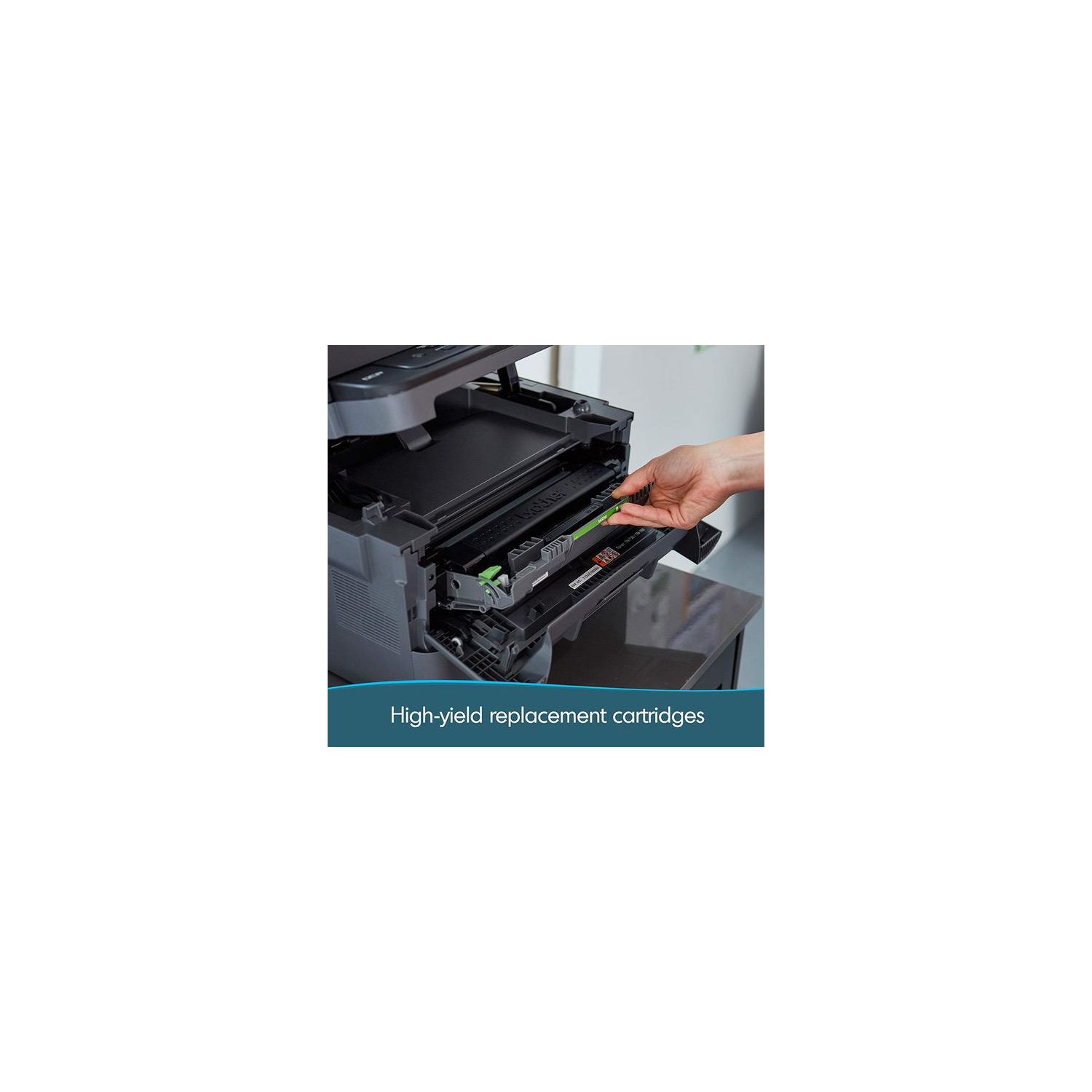
Make sure this fits by entering your model number. FLEXIBLE PRINTING – The Brother Digital Multifunction Copier offers flexible printing and scanning features including duplex (two-sided) printing and the ability to handle multiple sizes of paper, including card stock, envelopes, and more, to allow you to create professional-looking documents DYNAMIC FEATURES – Perfect for the home or small office, this digital copier (replacement for the DCPL2540DW) has a 250-sheet paper capacity, which improves efficiency by requiring fewer refills of legal or letter-sized paper. Maximum Monthly Duty Cycle- 15,000 printed pages. Recommended Monthly Print Volume- 2,000 ENGINEERED FOR PRODUCTIVITY – A 50-sheet automatic document feeder saves you time with multiple-page copy and scan features. A built-in Ethernet network interface allows for sharing with multiple users on your network or connect locally to a single computer via its USB interface MOBILE PRINTING – Send print jobs to the Brother DCP-L2550DW via various devices including smartphones, desktops, tablets, and laptops(2) EXCEPTIONAL SUPPORT – Free at-your-side support, online or via phone or live chat, for the life of your digital multi-function copier;Mobile Device Compatibility: AirPrint, Google Cloud Print 2.0, Brother iPrint&Scan, Mopria, Cortado Workplace, Wi-Fi Direct AMAZON DASH REPLENISHMENT ENABLED: Upon activation, Amazon Dash Replenishment measures the toner level and orders more from Amazon when it’s low. Wireless 802.11 b/g/n, Ethernet, 10/100 Base-TX Ethernet, Wi Fi Direct, Hi-Speed USB 2.0. Noise Level- LpAm=49 dB(A)
Reviews
3.3
Reviews: 20
5 stars
40%
4 stars
20%
3 stars
0%
2 stars
5%
1 star
35%
Ben
4
Once you get the settings straight, this printer is A+. This review will not focus on its advertised features, but I can confirm that it does indeed do everything it says it will, fantastically. For a more in depth review on that kind of stuff, look at the other reviews. Really nothing more can be said that has not already been said. First off, let me start off by saying that this printer was a pain in the butt to setup. I have been tinkering with and building computers since the mid 90s, and this one threw me for a loop for a few hours. After searching and searching and toggling this and toggling that, I was finally able to remedy the "Deep Sleep" issue that most, if not all, OSX/iOS users have with this printer. The printer would work great for a few minutes, then youd hear a click inside of the machine followed by unresponsiveness and "Deep Sleep" on the screen. Nothing would "bring it to life" but a reboot of the machine. You could not pull toner levels from it, load its browser-based interface, or send print jobs. Upgrading the firmware seemed to fix a lot of peoples problems but it did not fix my problem. To cut to the chase, these are the 3 settings I changed to fix this problem. Theyre accessed in the printers browser-based settings. You might have success changing these on the actual printer itself, but I did not try this. To access this page on Windows, open your web browser and for the URL, put in the IP of the printer. For example, my printer is set to the IP of 10.0.0.177 so I simply typed that in the address bar of Chrome and pressed enter. If you do not know your printers IP, on the printer, press Menu then goto Network> WLAN> TCP/IP> IP Address. Once youre at the web-interface, these are the settings that I changed: General Tab> Status> Automatic Refresh: On 1) Network Tab> Wireless Sub-Tab> TCP/IP (Wireless)> Boot Method: STATIC 2) Network Tab> Wireless Sub-Tab> TCP/IP (Wireless)> Enable APIPA: UN-CHECKED 3) Network Tab> Wireless Sub-Tab> TCP/IP (Wireless)> IPv6 Sub-Menu> IPv6: Enabled All other settings left stock. It will prompt you to restart the printer, and once its back on, everything should be golden. All setttings work like a charm INCLUDING airprint! Many people were having problems with that. You will also notice that the printer responds very quickly when accessing various settings and data through the browser-interface. This fix worked for my wireless setup, the same should go for a wired setup too. While changing the settings, goto Wired instead of Wireless. Good luck to you all.
Amazon Customer
4
Just installed and have successfully: Scanned to PC, Airprint (iPhone), print from Desktop PC (running Windows), and Macbook Air Laptop. None of these devices is wired, but I DID connect the printer via Ethernet to my Motorola Router/Modem combo. I used the provided disc to install on my Windows Desktop PC, and then after installing, it asked if I would like to make the available updates (just two) and those updates were under a minute combined. Overall having to mess with the wires behind my entertainment center in order to get the cables connected took longer than the actual installation of the printer which makes me VERY happy. Like other reviewers, I went back and forth on whether to order this model bc of the negative reviews - but when I filtered OUT the reviews for the L2540DW and focused on the newer model L2550DW, I saw some of the complaints (most of which were negligible) and focused on installing the printer via ethernet to make it easier, which it was. I cant speak to setup via wireless Wi-Fi only (that seems to be the big complaint, but setting up past printers or even a new internet connection in a new apartment without an ethernet is always a hassle), but I will say so far I am happy with the print quality and speed of install. If youre going to setup via Wi-Fi only, I would do as other reviewers suggested and go straight to the Brother site to download the software prior to install. I also turned off "DEEP SLEEP" mode right away at the suggestion of MPFerry(thanks!) as follows: "On the printer: 1. Menu button 2. 1. General Setup then OK 3. 2. Ecology then OK 4. 3. Sleep Time then OK 5. While you see the sleep number, push Minus button and Stop/Exit button at the same time 6. DEEP SLEEP mode - push Minus button for OFF then OK This should turn off Deep Sleep mode permanently! (Or at least until the next firmware update is installed, then you may have to do it again.)" Now, to override the alert Brother gives you when it THINKS you are out of ink, I have user Allegra to thank for that as follows: "Go to the buttons and follow these instructions: MENU > GENERAL SETTINGS Press the down button (minus sign) until you get to REPLACE TONER Hit OK Please the down button (minus sign) until you see CONTINUE Hit OK" Planning on doing as others suggested and when it comes time to refill toner, removing the chip from the original Brother brand toner and saving to place on the generic toner Ill buy. In order to scan to either of my Macbooks, I did need to install the drivers etc and download the iPrint&Scan app from Brother, but its not something Im bothered by. I installed on my macbooks right away so I wouldnt have to think about it in the future. Is it annoying that I cant hit the scan button on the printer and just have it ask me which computer Id like to send it to? Yes, but a minor inconvenience that didnt put me over. Bottom line, if youre able to connect the printer to your network via ethernet - itll save you a lot of trouble installing. Fix settings right away to turn off "Deep Sleep" mode, and force the printer to "Continue" past when it thinks youre out of toner. Ill update if it takes poop.
Allegra
4
I am writing this post mainly to share an important option on the printer. When you purchase the printer, it is defaulted to STOP printing when it senses that the toner is low, even when the print quality is still good (cant force it to print until the pages become streaky). This is stupid. You can log onto the ip address of the printer and change the settings that way, but there is a much easier way: Go to the buttons and follow these instructions: MENU > GENERAL SETTINGS Press the down button (minus sign) until you get to REPLACE TONER Hit OK Please the down button (minus sign) until you see CONTINUE Hit OK Thats it! Even after the printer gives you the warning and stops printing/doesnt allow you to print because of low toner, if you change this setting, you can print again. Okay, as for the rest of this review, unlike some other people, I had a difficult time figuring out how to set this printer up. I am definitely above average for your TYPICAL consumer (no formal computer training/expertise but very comfortable around electronics/gadgets) in terms of comfort with gadgets, but I found setup difficult. The instructions were not clear for me, and it took me a while to download and setup the driver and installation, including onto my tablet, phone, and other devices. That said, now that its actually all set up, I really enjoy the printer. I like that it is wireless and I can print from my laptop or other mobile devices easily. The quality is good, the reliability is good, and other that that, I have no complaints at all and would likely buy this printer again.
chop66
4
Bought this for my mother in law. Works great, she only prints occasionally and primarily uses a tablet. Her IPad Mini maxed out at IOS 9.3.5 and the brother printer utility needs 10.x and above. So only her Android tablet can print, no real issue, just beware. Takes a minute for the print job to get routed wirelessly, just be patient. Good copy functions and automatic document feeder worked fine. Only real complaint is the cost of the toner. Brother branded toner will run ~$70 for a high capacity drum. I am pretty sure the firmware will prohibit using third party toner vendors so be careful. Overall this will work for her quite well. Remember, this is a basic entry level MFD with duplex printing without color. In that capacity it works very well.
Product variations
Column filling
Sort by Price Sort by Availability Sort by CODE Sort by Style
$12900
In stock
+
B0764P8F5J
Style:
New Model: DCPL2550DW
$23000 $28000
In stock
+
B00MFG57ZK
Style:
DCPL2540DW
Contact us for a price
In stock
B077Y5MKLH
Style:
Printer with Standard Yield Toner
You may be interested
  • Bestsellers
  • Recently Viewed
 
Fast and high quality delivery

Our company makes delivery all over the country

Quality assurance and service

We offer only those goods, in which quality we are sure

Returns within 30 days

You have 30 days to test your purchase