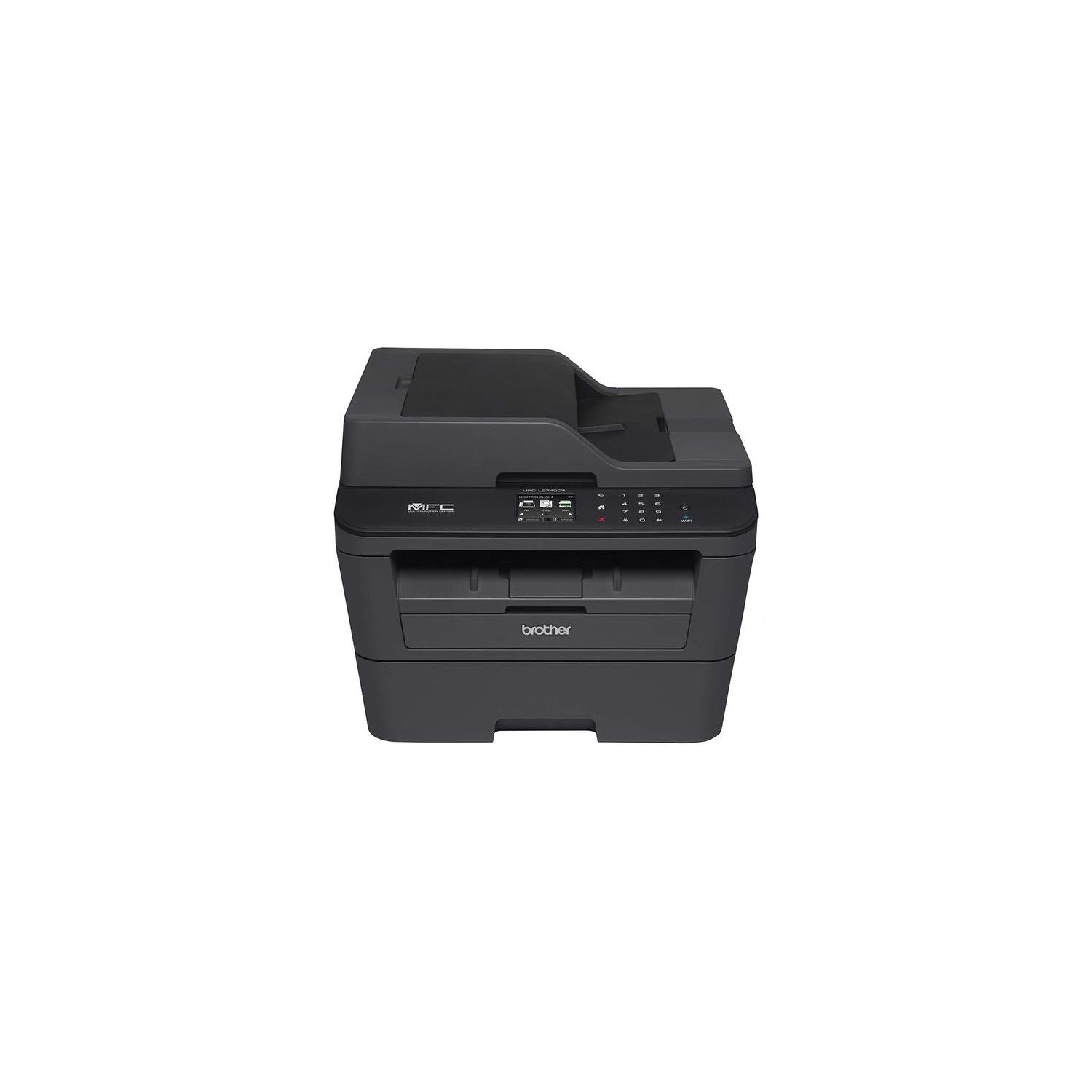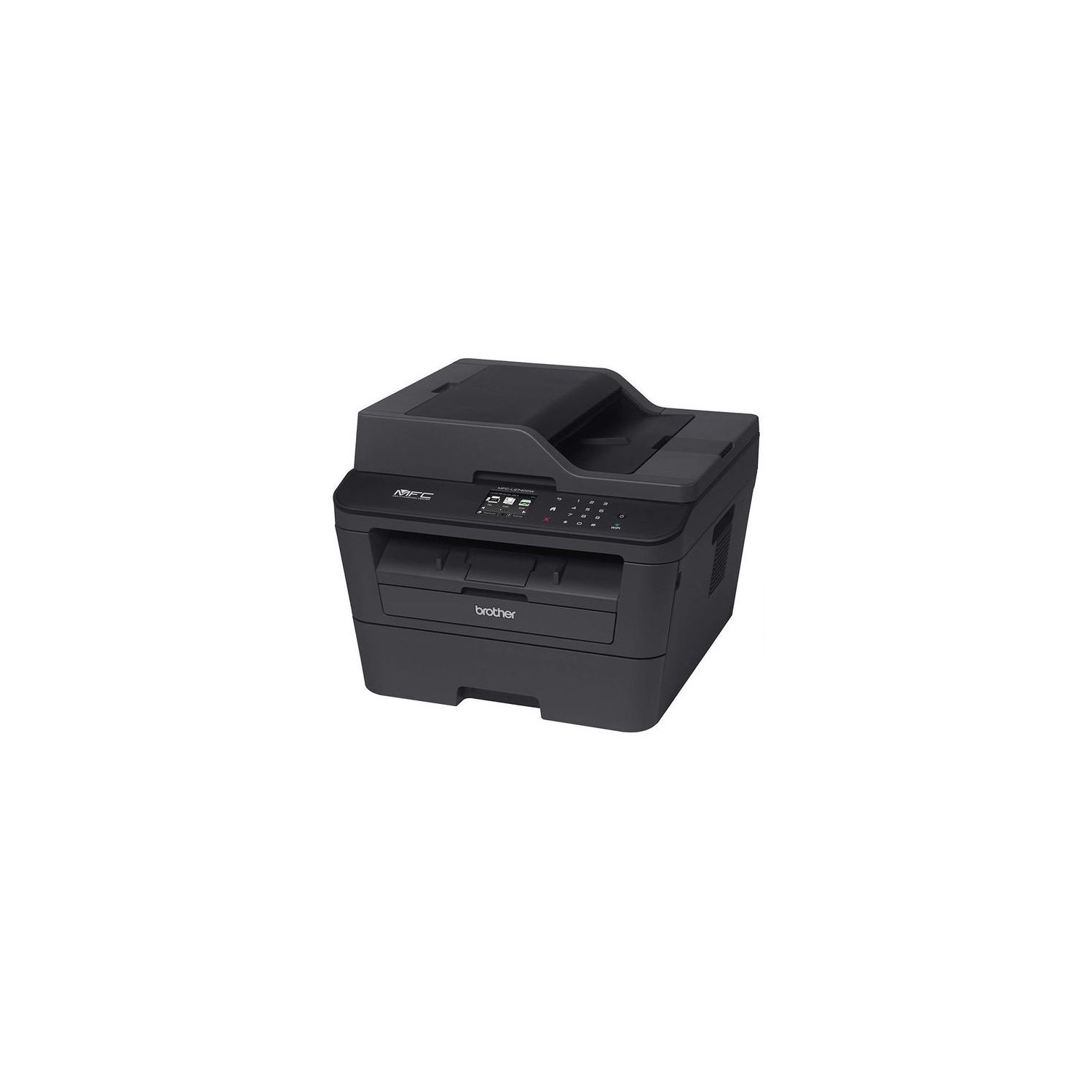
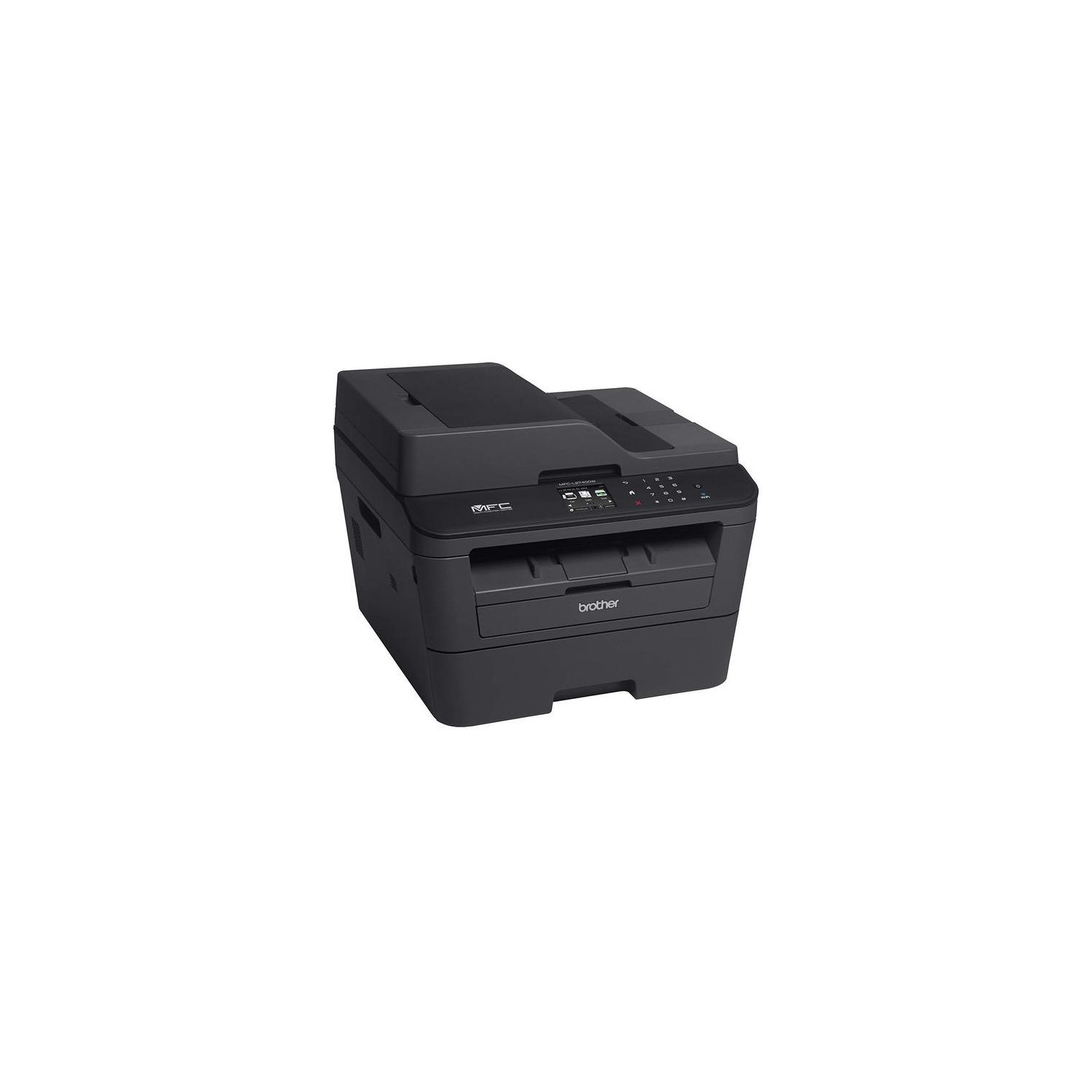
Brother MFCL2740DW Wireless Monochrome Printer with Scanner, Copier and Fax, Amazon Dash Replenishment Enabled
Write a review
20703

Brother MFCL2740DW Wireless Monochrome Printer with Scanner, Copier and Fax, Amazon Dash Replenishment Enabled

Write a review
B00MRAU8OE
MFCL2740DW
+
Add to wish list
Target is a general merchandise retailer with stores in all 50 states and the District...

City: US, New York

Delivery
Pickup at your own expense
Tomorrow from 09:00 to 20:00, Store location
Free
Payment options
Apple Pay Google Pay Mastercard Visa
Cash, bank card, credit/installment payments, cashless payment for legal entities
Warranty and returns
Exchange/return of products of proper quality within 14 days Official manufacturer's warranty: 12 months
Features
Connectivity Technology
Wi-Fi; Ethernet
Item Dimensions
15.7 x 16.1 x 12.5 in
Item Weight
25.8 lbs
Operating System
  • Windows, Mac
Printer Output
Monochrome
Printer Technology
Laser
Style
MFCL2740DW
Description
This fits your .
Make sure this fits by entering your model number. Upon activation, the Amazon Dash Replenishment service measures the toner level and automatically orders toner from Amazon when low. This ensures that you never run out again. 2.7" color touchscreen display offers intuitive navigation to cloud services Dropbox, Google Drive, Evernote and more Fast high quality printing and copying up to 32 ppm and up to 2400 x 600 dpi resolution.Operating Temperature:50 °F to 90 °F (10 to 32 °C) " Wireless printing from your mobile device via AirPrint, Google Cloud Print, Brother iPrint & Scan, Cortado Workplace, Wi-Fi Direct 4-in-1 functionality (Print, Copy, Scan and Fax) with a 250 sheet capacity paper tray. Print Technology: Black & White Laser Technology Class 1 Laser Product, power output is enclosed. Scanning Capability: B/W &Color
Reviews
2.7
Reviews: 20
5 stars
20%
4 stars
20%
3 stars
10%
2 stars
5%
1 star
45%
Josh
3
I bought this printer for a small office environment. I wanted the printer to be a standalone network printer. Everything worked great until I wanted to use the scan-to-email function. While this printer does have scan-to-email, its not what I expected. In order to use the scan-to email function thats included with this printer, the machine uses the email program on your PC and opens an email on your PC with the scan as an attachment. Its not what most office workers are accustomed to. Most office workers will be accustomed to going to a machine, scanning a document and having the machine email the document to them. It doesnt have built-in outgoing email UNLESS YOU DOWNLOAD THE INTERNET FAX UTILITY FROM THE BROTHER WEBSITE. You need to go to the support page for the model MFC-L2740DW printer and download the "Internet FAX* / Scan to E-mail Server/ Fax to Server*/ LDAP* Install Tool". Once you do that your machine will have a new icon and you can scan to email like most users are accustomed to. The website for the download is http://support.brother.com/g/b/downloadend.aspx?c=us&lang=en&prod=mfcl2740dw_us_eu_as&os=93&dlid=dlf004627_000&flang=4&type3=78
Not Mark Twain
3
I used to have an Epson GT-1500 scanner for office use. After serving me 4 years, it becomes incompatible with the latest Widows 10 update. I dont know whether its Epsons fault or Microsofts. Anyways, I decided to buy a new scanner. One function that the GT-1500 lacks is the automatic 1-pass 2-sided scanning. I scan and digitize as many paperwork as I could, so this is a critical and convenient function to have. Thats one of the reasons I chose this Brother all-in-one machine. Since 99% of the time I scan my documents into B&W in PDF, I first tested this function after I set up the machine. Using the default settings for B&W scanning, the initial results were disappointing to say the least. The quality is nowhere near the the scan quality with the GT-1500. I actually requested a return. Then I decided to play more with the settings. It turns out that to get satisfactory results, one has to tweak the settings a lot. At the end, I found out that the best setting for B&W scanning that works for me is to adjust image quality by dialing down both the brightness and contrast all the way to the lowest at -50%! Turn on "remove bleeding" as well and set the level to lowest. In Saving setting, set the PDF quality to the highest, and turn on Compression if you want to save file size. Another disappointment is that two more important features are missing: one is to quickly scan and preview the document then crop the area to scan; the other one is to enhance colors of different channels of red, blue, and green. I thought functions like these are pretty basic but they are missing on this machine. Anyways, using the above settings, I am able to get similar scan qualities as with my GT-1500. On the positive side, I like it that I can set up scan workflow and add it as a button on the home screen. And also the 1-pass 2-sided scanning/copying really speeds things up, although occasionally light smearing or ghosting happens. Scan resolution could be up to 1200x1200, so its useful in case I need to super fine details. Printing and copying work as expected, nothing too exciting here. Didnt test the fax function. Who still uses fax these days anyways? All in all, this is an OK machine for the price of $189+tax that I paid. No scan preview means I will have to crop the document in Acrobat, and no color enhance mode only adds small inconvenience at times since I only need that occasionally. Ive only had it for a few days so I cant really talk about how reliable it will be in the years to come and how good the customer support of Brother is. After thinking carefully about it, I decided to cancel the return and keep it instead. I still have a month to change my mind though, in case it went south!
Product variations
Column filling
Sort by Price Sort by Availability Sort by CODE Sort by Style
20703
In stock
+
B00MRAU8OE
Style:
MFCL2740DW
Contact us for a price
In stock
B0763X6TCW
Style:
New Model: MFCL2750DW
13203
In stock
+
B01BHSKXM8
Style:
Refurbished Model: EMFCL2740DW
Contact us for a price
In stock
B07641MHV2
Style:
XL Version: includes 2 years of toner
You may be interested
  • Bestsellers
  • Recently Viewed
 
Fast and high quality delivery

Our company makes delivery all over the country

Quality assurance and service

We offer only those goods, in which quality we are sure

Returns within 30 days

You have 30 days to test your purchase