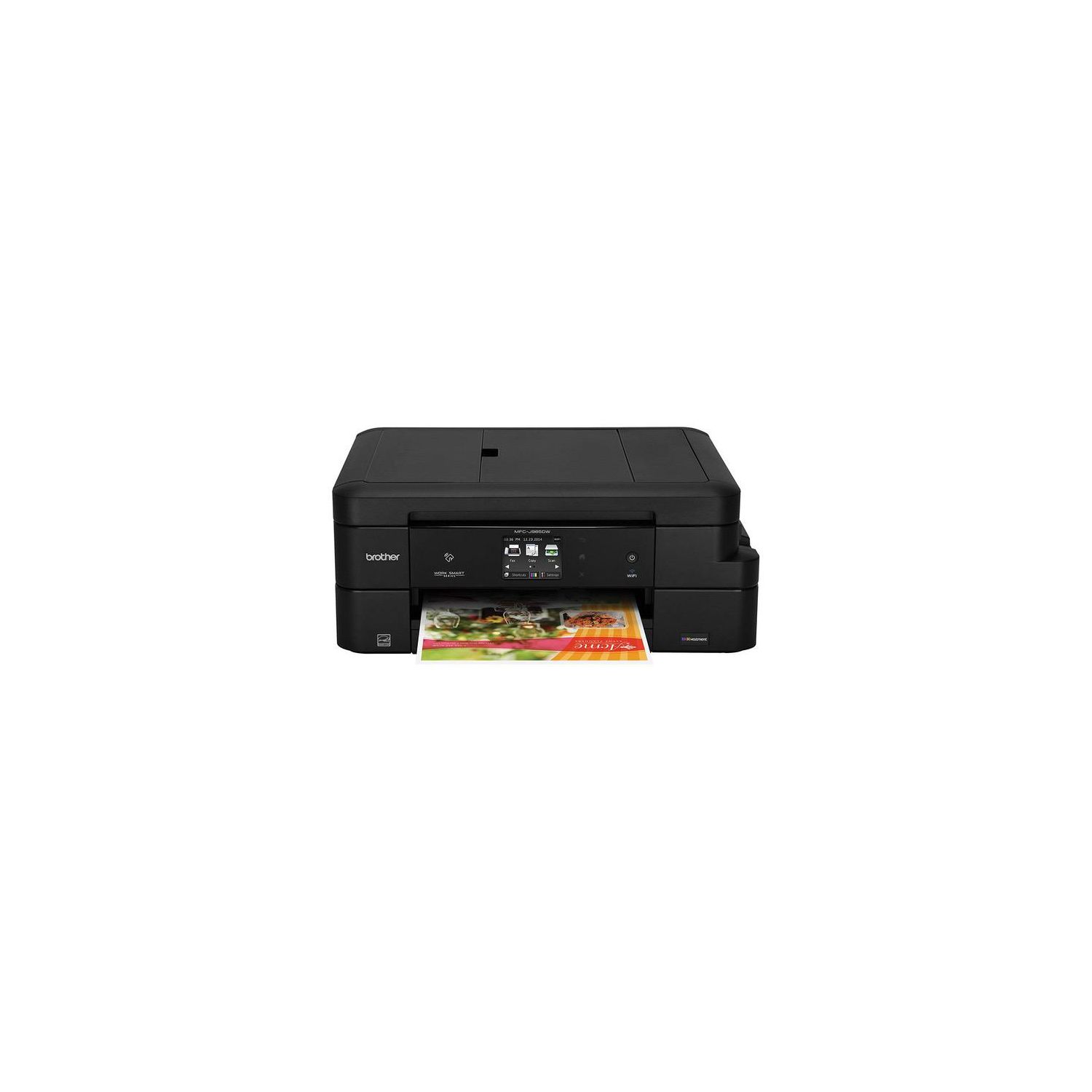
Brother Inkjet Printer, MFC-J985DW XL, Two-Sided Printing, Wireless, Amazon Dash Replenishment Enabled, Business Capable Features, Up to 2 Years of Printing Included
Write a review
$29800

Brother Inkjet Printer, MFC-J985DW XL, Two-Sided Printing, Wireless, Amazon Dash Replenishment Enabled, Business Capable Features, Up to 2 Years of Printing Included

Write a review
B01DBXM87A
MFC-J985DW XL
+
Add to wish list
Target is a general merchandise retailer with stores in all 50 states and the District...

City: US, New York

Delivery
Pickup at your own expense
Tomorrow from 09:00 to 20:00, Store location
Free
Payment options
Apple Pay Google Pay Mastercard Visa
Cash, bank card, credit/installment payments, cashless payment for legal entities
Warranty and returns
Exchange/return of products of proper quality within 14 days Official manufacturer's warranty: 12 months
Features
Connectivity Technology
Wi-Fi
Item Dimensions
13.4 x 16.5 x 6.8 in
Item Weight
18.3 lbs
Operating System
  • Windows, Mac
Printer Output
Color
Printer Technology
Inkjet
Style
MFC-J985DW XL
Wireless Type
802.11bgn
Description
This fits your .
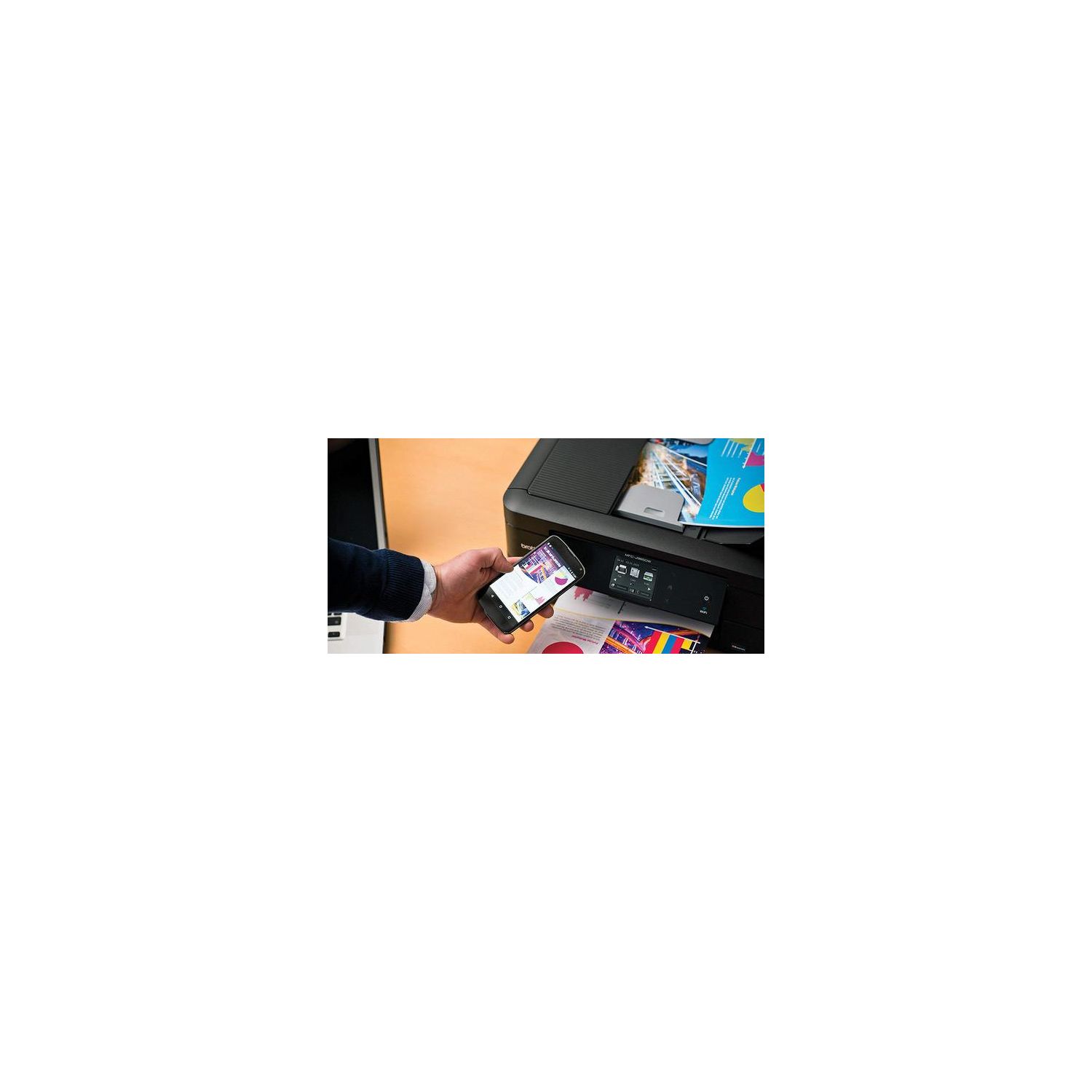
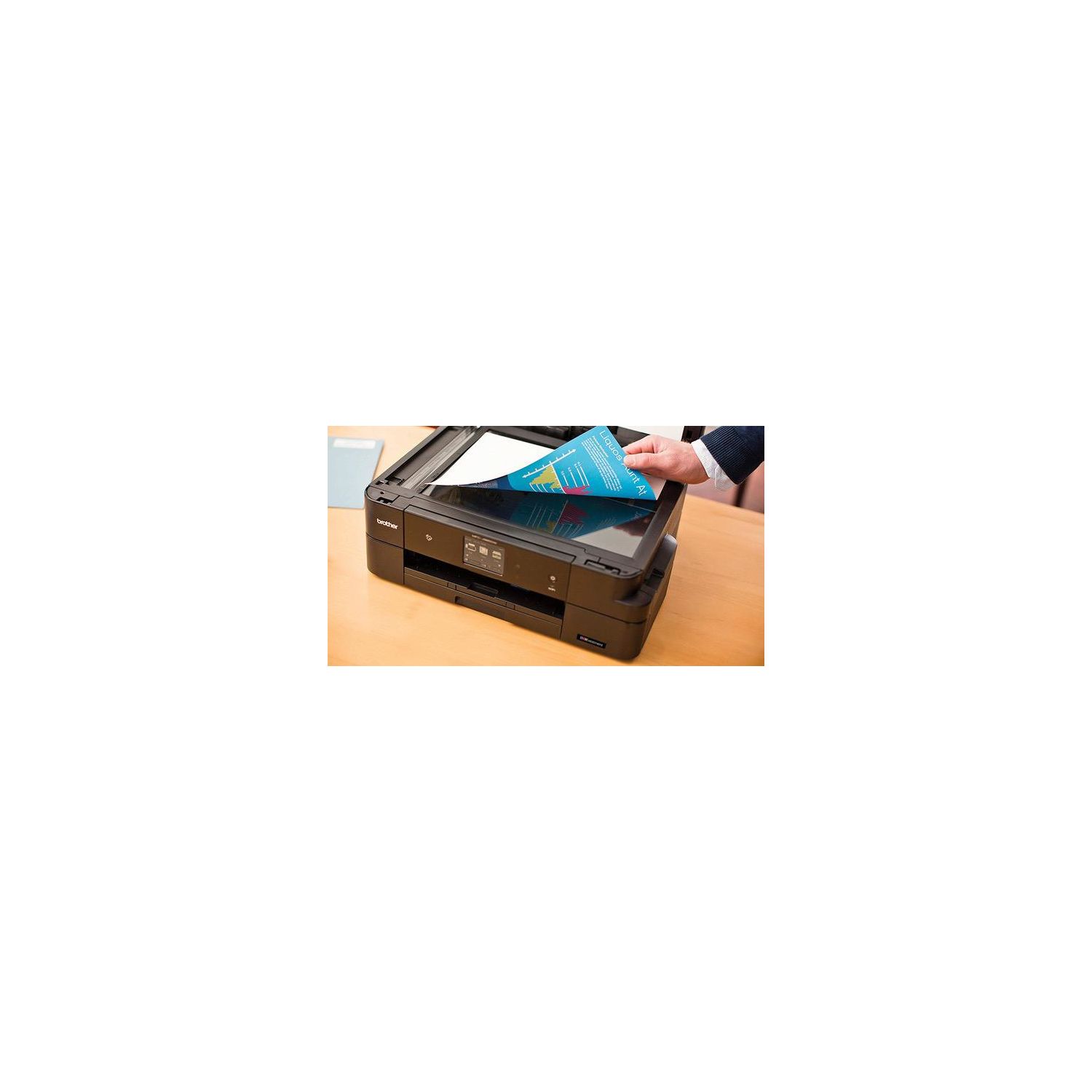
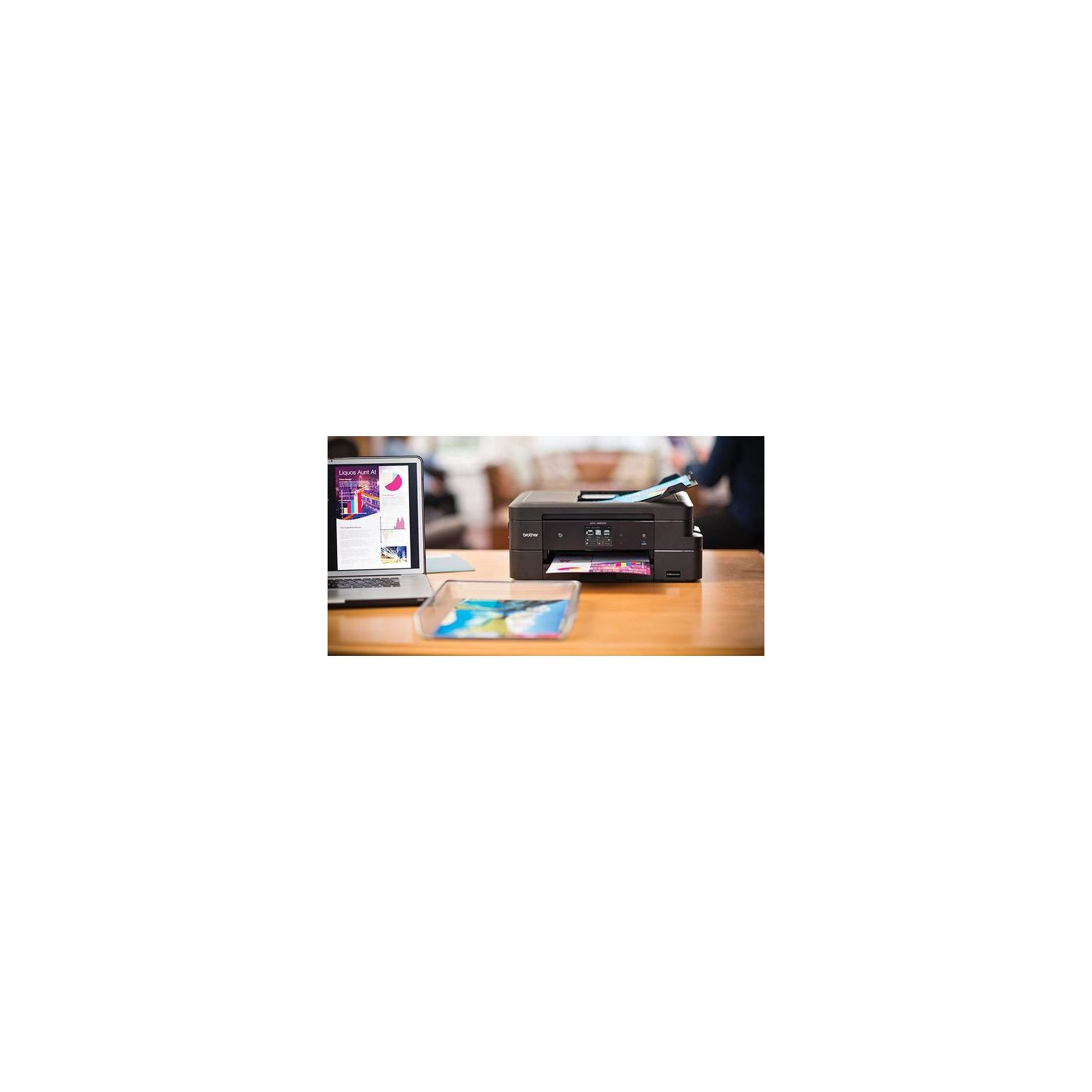
Make sure this fits by entering your model number. 12 SUPER HIGH-YIELD CARTRIDGES INCLUDED: This printer includes 12 high-yield ink cartridges that can print up to 7200 black pages and 3600 color pages BUSINESS CAPABLE FEATURES: Automatic duplex two-sided printing, up to 20-sheet ADF, and connectivity to desktops, laptops, mobile devices, and tablets WIRELESS CONNECTIVITY: Print and scan documents from virtually any location with Wi-Fi connectivity and the assistance of Wi-Fi Direct. No Duplex Scanning.Duplex Copying. Stand-alone Copying. Duplex Printing Capability AMAZON DASH REPLENISHMENT ENABLED: Upon activation, Amazon Dash Replenishment measures the toner level and orders more from Amazon when it’s low WARRANTY: The Brother MFC-J985DW Printer comes with a two-year limited warranty and free phone, email and chat support for the life of the product
Reviews
2.8
Reviews: 20
5 stars
25%
4 stars
20%
3 stars
5%
2 stars
10%
1 star
40%
Evan Donaldson
5
I have had this printer for a couple of weeks. Selecting it was a bear because of all of the disparate reviews, biased websites, and crazy comments about all of the different brands. Trying to find the "perfect" one was definitely going down the rabbit hole! Part of the reason I selected this one is that I liked the idea of fair ink pricing, as well as not having to replace the cartridges very often. I was a bit scared because of some of the comments I saw (including a number of single stars!) I can say that I am very glad I purchased this printer. The print quality is fine, the ability to print double-sided prints is AMAZING at this price point, the quality of the scans is great, and not a single problem. I will admit that the color prints are not professional photo-quality (probably why the cartridge lasts so long!) but I expected that. You can get very high quality color printers, but they will cost much more, and definitely eat through your ink in a heartbeat. I dont understand people - some of the comments are clearly old OS, user error, and poor infrastructure issues ("It was difficult to set up on my Windows 7 system...." Um Windows 7 is 8 years old... how about updating your computer? "It was hard to set up with my WiFi..." I am not sure how that is Brothers problem...? WiFi is set up over the network by the user on the users device...) yet they rate the printer lower because of it. Yes, this is not a commercial-quality printer, but it is also not priced that way. It is a home-use printer, and performs (and is priced) just perfectly for that. No problems with WiFi - I have 2 MACs, 1 PC, 3 tablets, and 2 iPhones that can print from this device over my home network. Bravo Brother!
oakielandlord
5
Great product so far! Ive had this printer for about a week and so far Im very impressed. I had a lot of printers over the years and all of them have been HP. After destroying my old HP printer by putting off brand ink in it (their ink and new ink refill program are really expensive), I decided to try a Brother. I print a decent volume of items, but usually in batches, so I may not print much for a few months, then print a couple hundred pages in a couple days. With the HP auto refill program it just didnt make sense for my ink usage. I decided to try this Brother because it includes 2400 pages of black and 1200 pages of color worth of ink. My first impressions of this device out of the box is how can it be this small? Ive gotten used to the HP Officejet 8000 series, which is at least more than double the size of the Brother. I have a small home office, so the space is much appreciated. The build quality also seems to be a little better than the HP printers. There is not as much paper storage in the tray, but theres plenty for me. The print quality is great for what I have printed so far. Document with text look good and crisp, even in fast mode. I also tried to print an edgeless 4x6 and it turned out great. Scanning on this printer is easy and painless. I was amazed at the speed the ADF scans, especially compared to my old HP. The included PageManager software is even pretty helpful, which is uncommon in my experience for printer software. Scan quality is good, I havent tested it with images though. I had no issues setting it up with OS X, which impressed me. I always had problems with HP printers (especially the scanner function) connecting to my Macs. So, we will see how long this printer last, Im hoping that the ink will last me over a year, maybe even two. I wish that I would have had one of these in college, I would go through the 2400 pages in a semester.
Mar007
5
I did a LOT of research before choosing this printer. The printers i was considering buying: Brother DCPL2540DW MFC-J5920DW MFC-J985DW MFC-J985DW XL I was thinking about all the options. Do i need color? black and white? Should i go for Ink or Laser? First off, if you are trying to get a black and white printer, i would go with a a brother laser printer. It looked like it prints fast and the high yield toner allows 2 cents per black and white page. The thing that dumbfounded me was the INKvestment Technology that was released with Brothers Inkjet printers. They boast less than 1 cent per black and white and less than 5 cents per color page. Doing the calculation based on how much the INKvestment ink is right now it came out to 0.7 cents per page for black and white. You have to be careful though! There are many different printers from Brother that are "Ink Efficient" but make sure you pick one that has "INKvestment" technology so it can reap benefits of high yield efficiency with its ink printing. I have read the reviews of other people saying the "Colors are faded" but that has to do mostly with the Settings they used. Last night, i literally printed a photo from our wedding on glossy photo paper and couldnt be happier with it. Of course it is not as high quality as getting it professionally printed, but for "at-home" use and printing for kids projects, i couldnt be happier. the ONLY draw back would be the Printing Speed. It is much slower than i would have wanted, but I do not run a at home business and only print for the convenience and occasional projects for kids so it really serves that purpose. If you want to get something that prints faster and has all the same benefits, i would go for the MFC-J5920DW. I didnt get the XL version of this printer because the two extra packs of ink would only cost an extra $10 based on market value of the ink being offered. Didnt seem to be worth it RIGHT NOW. especially with the possibility of ink prices going down, it may not be worth it at all really. I highly recommend this printer for at home and would have really liked a printer like this for college. being $150 and comes with a set of INKvestment high yield ink.... i dont think you can choose a better printer. If you have any questions regarding my experience, leave a comment, i will try my best to respond
Devin Balkaran
5
Ive owned two Brother laser printers in the past and have had very good luck with them so when I needed to get a light duty all-in-one I felt comfortable going with Brother again. Needless to say theyve done an excellent job again. Setup for this printer could not be more painless and if youre configuring it to be used wireless you dont need to install any software or even connect it to a computer. The cartridge cleaning took about 5 minutes and then all I had to do was connect it to my network and I was good to go. If youre using a Mac just add the printer and the drivers install in 1-2 minutes. I was up and printing in about 15 minutes counting the cartridge cleaning time. What I really like is that you can configure the scanner to send the scanned images straight to your email. This is so much easier than any other scanning process Ive seen and as a bonus you can have multiple email addresses stored and protect them with a PIN so random people dont send scanned images to your email. The touchscreen is nice and crisp and responds well to inputs, the print speed is more than adequate and the image quality should be fine for most home office uses. Two things I noticed are that the yellow prints very lightly which is not a huge deal to me and the paper tray is really tiny. I dont do that much printing so this isnt a huge issue, but for some it may be annoying to constantly be refilling the paper tray. If you need a solid all-in-one printer for light duty home office needs I cant recommend a Brother printer enough. Beats the HP and Epson printers weve had in the past handily!
boogie
5
Have had this printer since Nov 17 and its been great! One of the best printers I have ever owned and there are specific reasons: 1) Setup was super easy, even for WiFi if you just take your time and follow the directions step by step (15 mins) 2) It simply works!! Even when in standby for days/weeks I can easily print from my phones, laptops, even Chromebooks! 3) Ink doesnt dry out! There have been stretches where I wont print for close to a month and when I do, printouts looks great. No head cleaning, alignment etc that just wastes ink (looking at you HP) 4) InkVestment Ink looks to live up to its name as current cartridges are going strong Overall Im glad and have recommended this printer to everyone I know that asks. Im honestly a bit shocked I did not just look at Brother printers earlier b/c it would have saved me a lot of time, frustration and costs with other brands.
Product variations
Column filling
Sort by Price Sort by Availability Sort by CODE Sort by Style
$29800
In stock
+
B01DBXM87A
Style:
MFC-J985DW XL
$13600
In stock
+
B01D8O2VKQ
Style:
MFC-J985DW
Contact us for a price
In stock
B0765Z45CG
Style:
Refurbished Model: RMFCJ985DW
$24900
In stock
+
B07D5RGWHG
Style:
New Model: MFC-J995DW XL (inc. 2 years ink)
You may be interested
  • Bestsellers
  • Recently Viewed
 
Fast and high quality delivery

Our company makes delivery all over the country

Quality assurance and service

We offer only those goods, in which quality we are sure

Returns within 30 days

You have 30 days to test your purchase