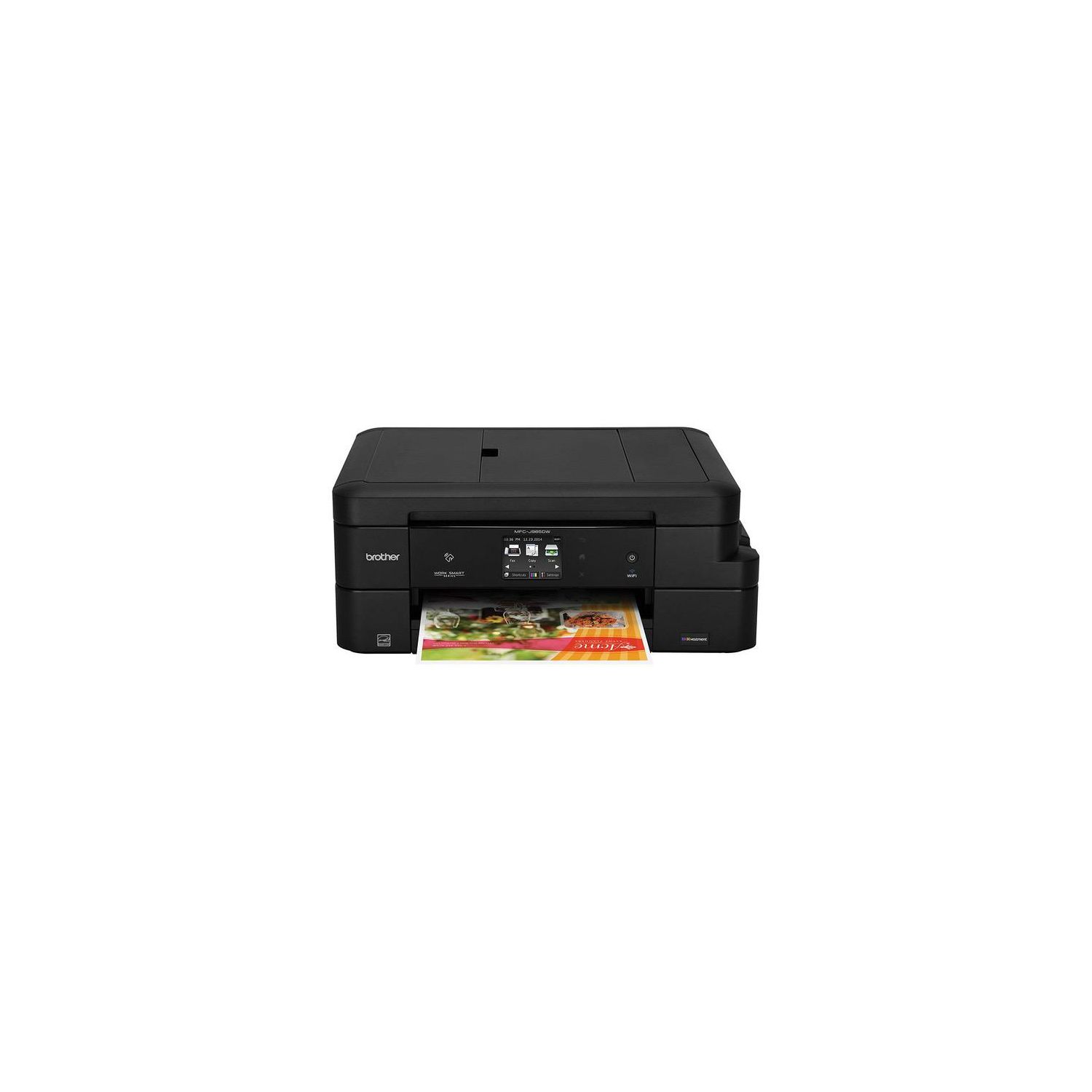
Brother Inkjet Printer, MFC-J985DW XL, Two-Sided Printing, Wireless, Amazon Dash Replenishment Enabled, Business Capable Features, Up to 2 Years of Printing Included
Write a review
$29800

Brother Inkjet Printer, MFC-J985DW XL, Two-Sided Printing, Wireless, Amazon Dash Replenishment Enabled, Business Capable Features, Up to 2 Years of Printing Included

Write a review
B01DBXM87A
MFC-J985DW XL
+
Add to wish list
Target is a general merchandise retailer with stores in all 50 states and the District...

City: US, New York

Delivery
Pickup at your own expense
Tomorrow from 09:00 to 20:00, Store location
Free
Payment options
Apple Pay Google Pay Mastercard Visa
Cash, bank card, credit/installment payments, cashless payment for legal entities
Warranty and returns
Exchange/return of products of proper quality within 14 days Official manufacturer's warranty: 12 months
Features
Connectivity Technology
Wi-Fi
Item Dimensions
13.4 x 16.5 x 6.8 in
Item Weight
18.3 lbs
Operating System
  • Windows, Mac
Printer Output
Color
Printer Technology
Inkjet
Style
MFC-J985DW XL
Wireless Type
802.11bgn
Description
This fits your .
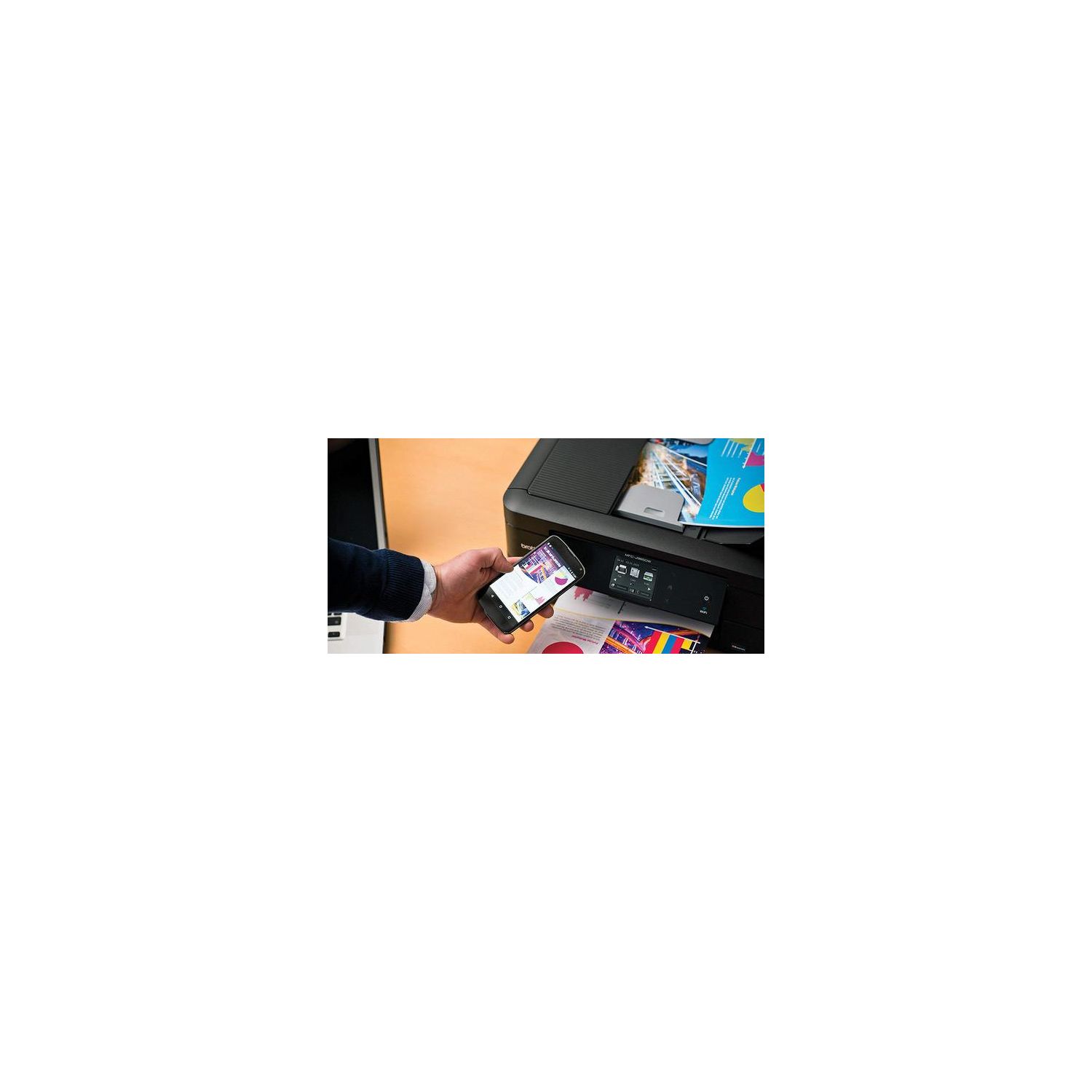
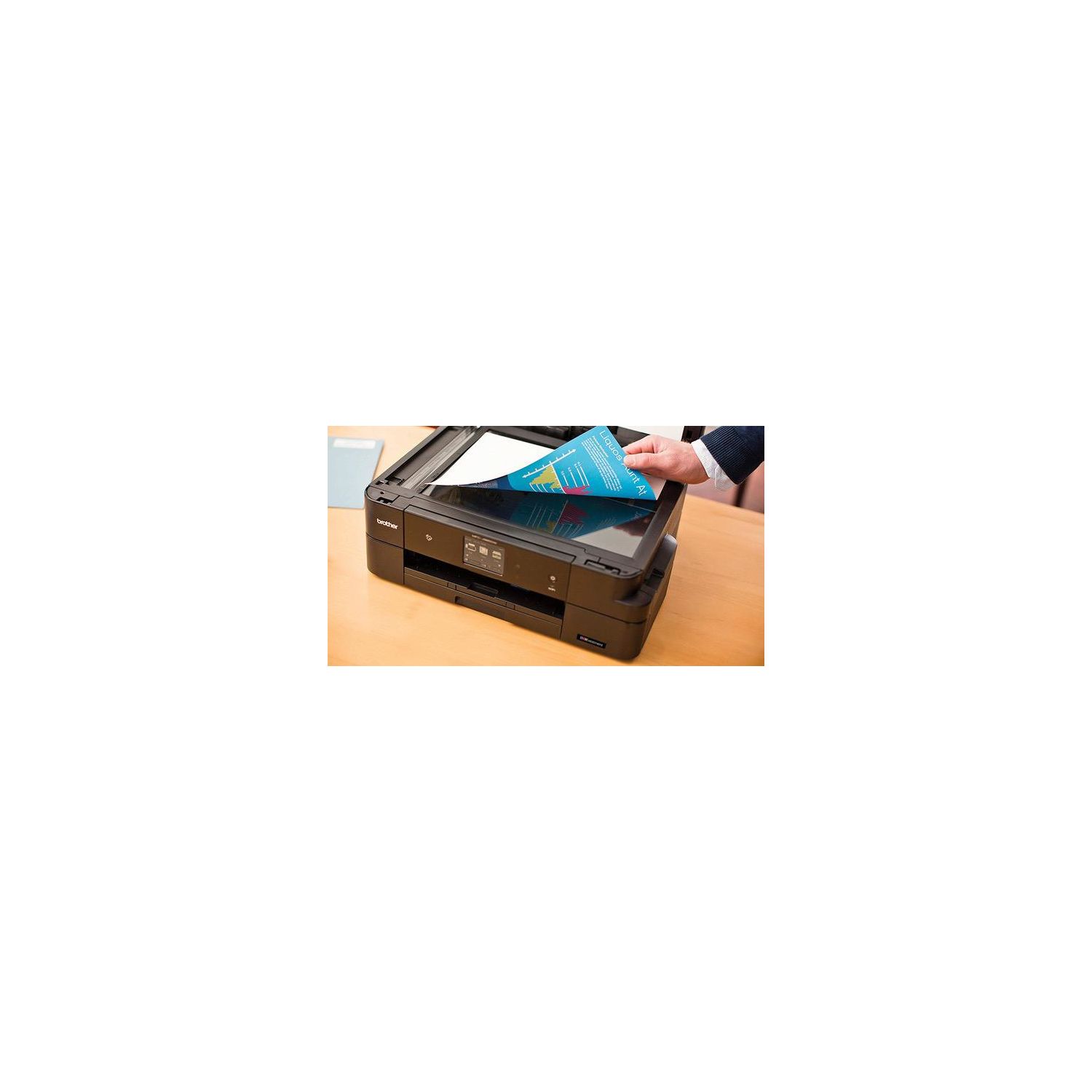
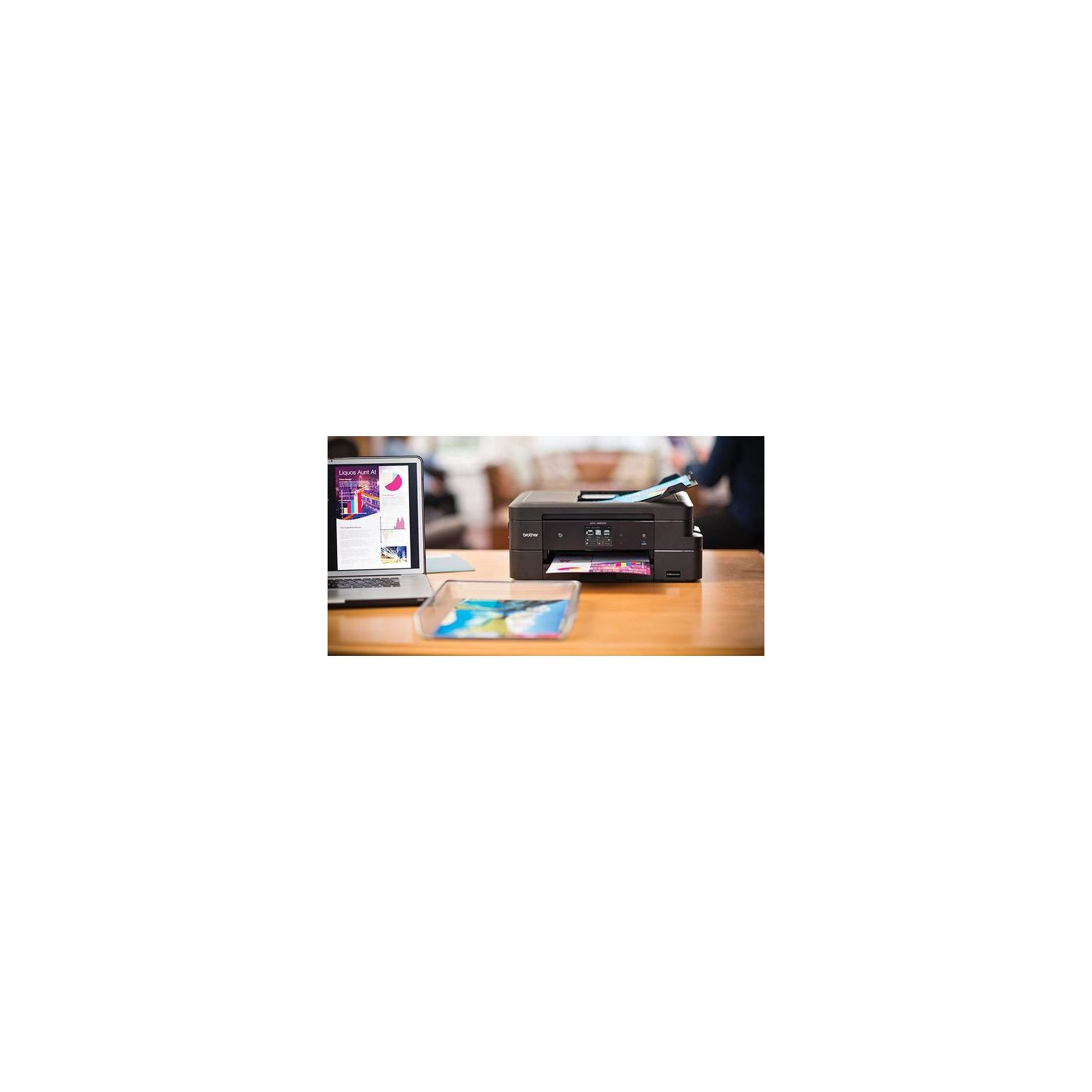
Make sure this fits by entering your model number. 12 SUPER HIGH-YIELD CARTRIDGES INCLUDED: This printer includes 12 high-yield ink cartridges that can print up to 7200 black pages and 3600 color pages BUSINESS CAPABLE FEATURES: Automatic duplex two-sided printing, up to 20-sheet ADF, and connectivity to desktops, laptops, mobile devices, and tablets WIRELESS CONNECTIVITY: Print and scan documents from virtually any location with Wi-Fi connectivity and the assistance of Wi-Fi Direct. No Duplex Scanning.Duplex Copying. Stand-alone Copying. Duplex Printing Capability AMAZON DASH REPLENISHMENT ENABLED: Upon activation, Amazon Dash Replenishment measures the toner level and orders more from Amazon when it’s low WARRANTY: The Brother MFC-J985DW Printer comes with a two-year limited warranty and free phone, email and chat support for the life of the product
Reviews
2.8
Reviews: 20
5 stars
25%
4 stars
20%
3 stars
5%
2 stars
10%
1 star
40%
ktervan
4
This printer has huge ink cartridges, was easy to set up and has more features than any printer Ive owned so far. It works great and well see if the ink lasts like they say it will. Just sooo tired of having to buy ink that costs almost as much as the printer...
J. Lynn
4
I just received this today. Purchased it to replace my hp envy 110 that refuses to connect thru wifi without setting up each use. In our home, we have multiple devices that need to connect to the printer. That includes a couple Windows computers and various versions of iPhones and iPads. Based on the reviews on Amazon and also in pcmag as one of the best inkjet a for 2016, I bought this to resolve my wifi issues. 2 hours after initial setup, Im finally able to print through AirPrint. I will say that I installed the software from the included cd and could print wirelessly from my Windows laptop almost immediately. I could also print from iOS devices using the brothers iprint & scan app quickly too. Back to AirPrint...this was going to be a dealbreaker for me. Took quite awhile to sort through the online manuals (but very happy to see so much documentation available). Heres how it finally worked: Confirm that your Brother machine is connected to the same network as your computer. 1. Open the web browser on your computer. 2. Type “http://machine’s IP address” into your browser’s address bar (where “machine’s IP address” is your machine’s IP address). For example: http://192.168.1.2 ------------------------------------------- To find your machines IP address, print your Network Configuration Report. For more information, see the Online Users Guide: solutions.brother.com/manuals. -------------------------------------------- 3. Click AirPrint. 4. Select Disabled if you want to disable AirPrint; select Enabled if you want to enable AirPrint. By default, AirPrint is enabled. 5. Click Submit. 6. Restart your Brother machine. --------------------------------------------- My AirPrint was already enabled but thats a good check. And its great that you can do this all from your device instead in having to figure it out on the printer. If you want to do it thru printer, go to network>WLAN>TCP/ip then arrow down to APIPA and make sure its set to on. If its already on like mine was, then you probably need to enable your IPv6. Once again, its under network>WLAN>TCP/IP. Arrow down to IPv6 and make sure its enabled. Voila! You should be able to see your brother printer on your device. If it, thats over my head and you should contact brother. Ive now printed pictures, images and docs and they all look good. All devices are connected. Im a happy camper. I wouldnt let my issue dissuade you from purchasing this. I only documented it to save some else trouble. Seems like a good machine. Dropped one star for my troubles.
Kenneth R. Myers
4
It is working fine. I was able to set it up through my home network via one-touch WPS (whatever that is) so every computer in my house that uses wifi network can print to it. Printing quality has looked good, so far just printing on paper in b/w and color, have not tried using photo-paper. It can be a bit hard to read the menu screen down on side of printer (not an issue if you put it somewhere high). The biggest negative is that, on install, Brother added like half a dozen programs to my computer many of which are set to auto-start on start up. I hate that. The last thing I need are extra programs running perpetually in the background drawing resources. I went into the task manager and disabled 3 or 4 Brothers programs from auto-start on start-up. I think thats annoying.
Chunky Bacon!
4
This really is a great printer. Im happy I purchased it. In my house we print A LOT of stuff (for a household user). As such, I was looking for something that would bring my monthly ink cost down. This is the solution. What I like about it: - Very easy to operate. Paper trays are very accessible. - No bloatware! There were no bulky, worthless, crapware applications that came with the driver. - It isnt overly mechanical with unnecessary moving parts (less maintenance to worry about). - It prints good quality photos. This isnt the bulk of our printing, but we print a fair number of photos. There are better photo printers available, but this still makes nice prints. That being said, it isnt marketed as a photo printer. - Standard color prints on inkjet paper are better quality than other printers Ive used (even photo printers). - Only 4 ink cartridges to deal with. - Black & White only mode when a color cartridge is out. - Network cable is hidden nicely (I use ethernet instead of WiFi or USB). - Doesnt take a lot of room on the desk What could be better: - Photo prints are slow (regular color prints on inkjet paper print at a good pace). - It makes a quiet, high-pitch whining sound when printing. The pitch changes as the printhead moves back and forth. - You have to remember to extend the paper catcher before you print (I put it back often so I dont run into it and break it off). Otherwise your prints will fall to the floor. What I havent used yet: - The scanner - Faxing capabilities
Product variations
Column filling
Sort by Price Sort by Availability Sort by CODE Sort by Style
$29800
In stock
+
B01DBXM87A
Style:
MFC-J985DW XL
$13600
In stock
+
B01D8O2VKQ
Style:
MFC-J985DW
Contact us for a price
In stock
B0765Z45CG
Style:
Refurbished Model: RMFCJ985DW
$24900
In stock
+
B07D5RGWHG
Style:
New Model: MFC-J995DW XL (inc. 2 years ink)
You may be interested
  • Bestsellers
  • Recently Viewed
 
Fast and high quality delivery

Our company makes delivery all over the country

Quality assurance and service

We offer only those goods, in which quality we are sure

Returns within 30 days

You have 30 days to test your purchase