
















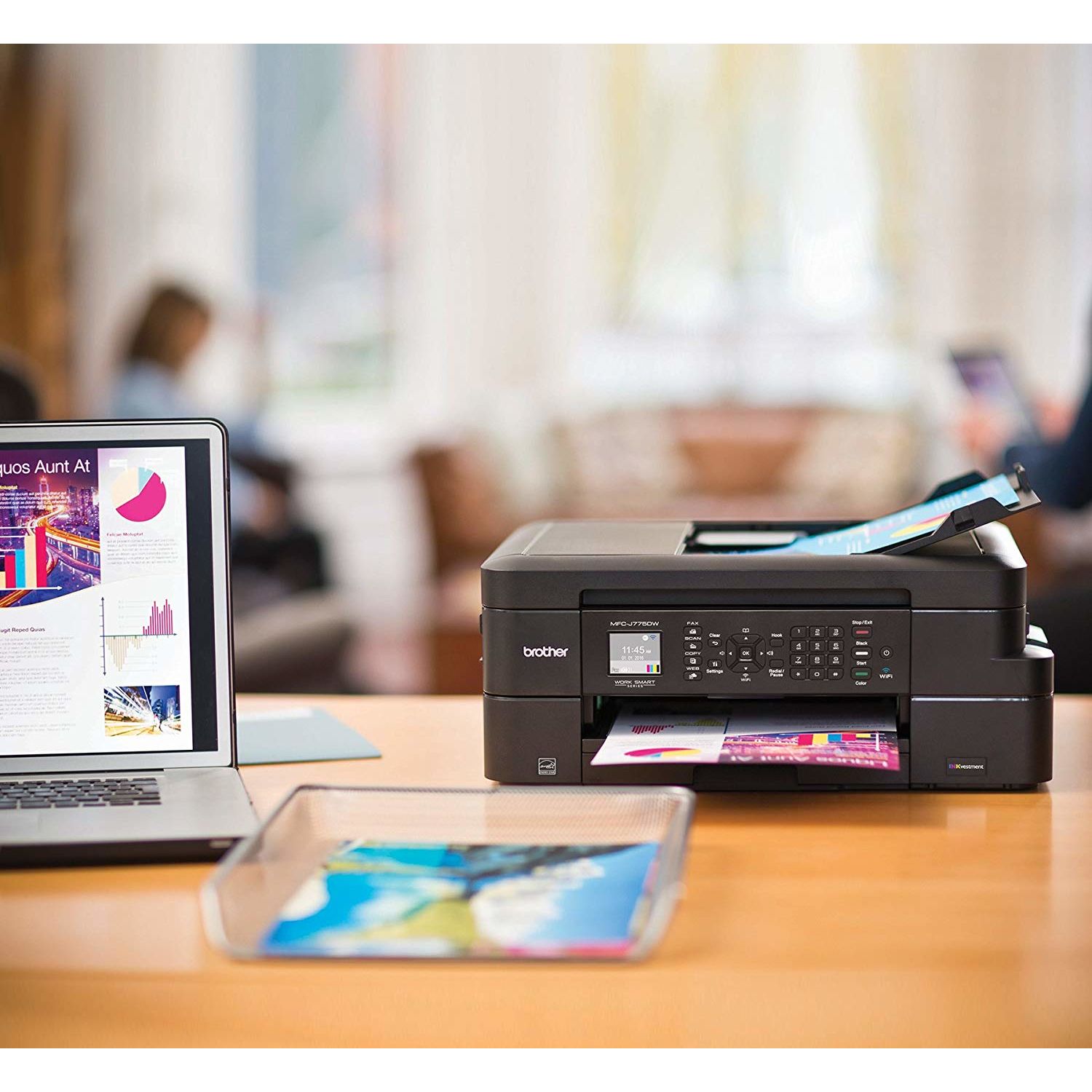
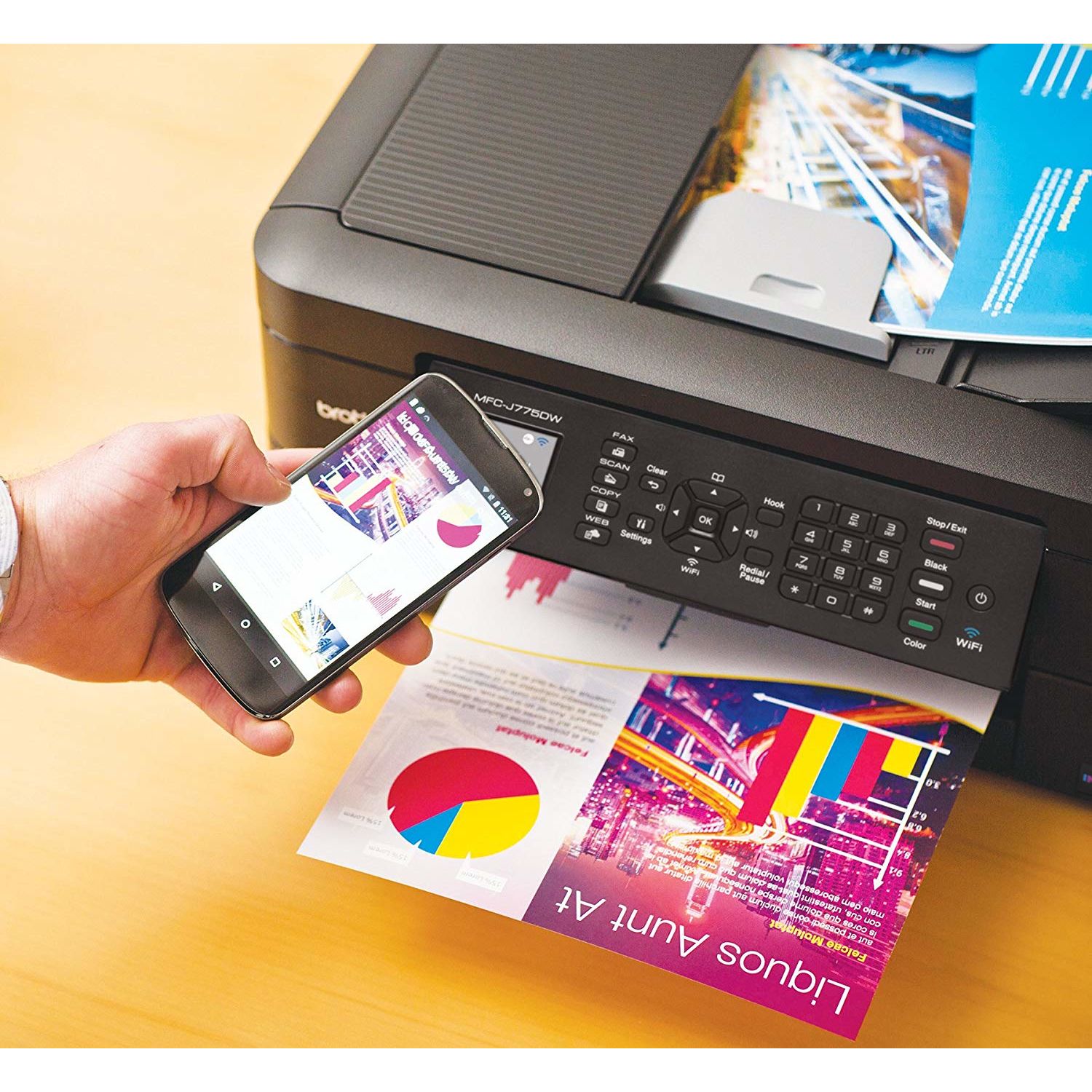
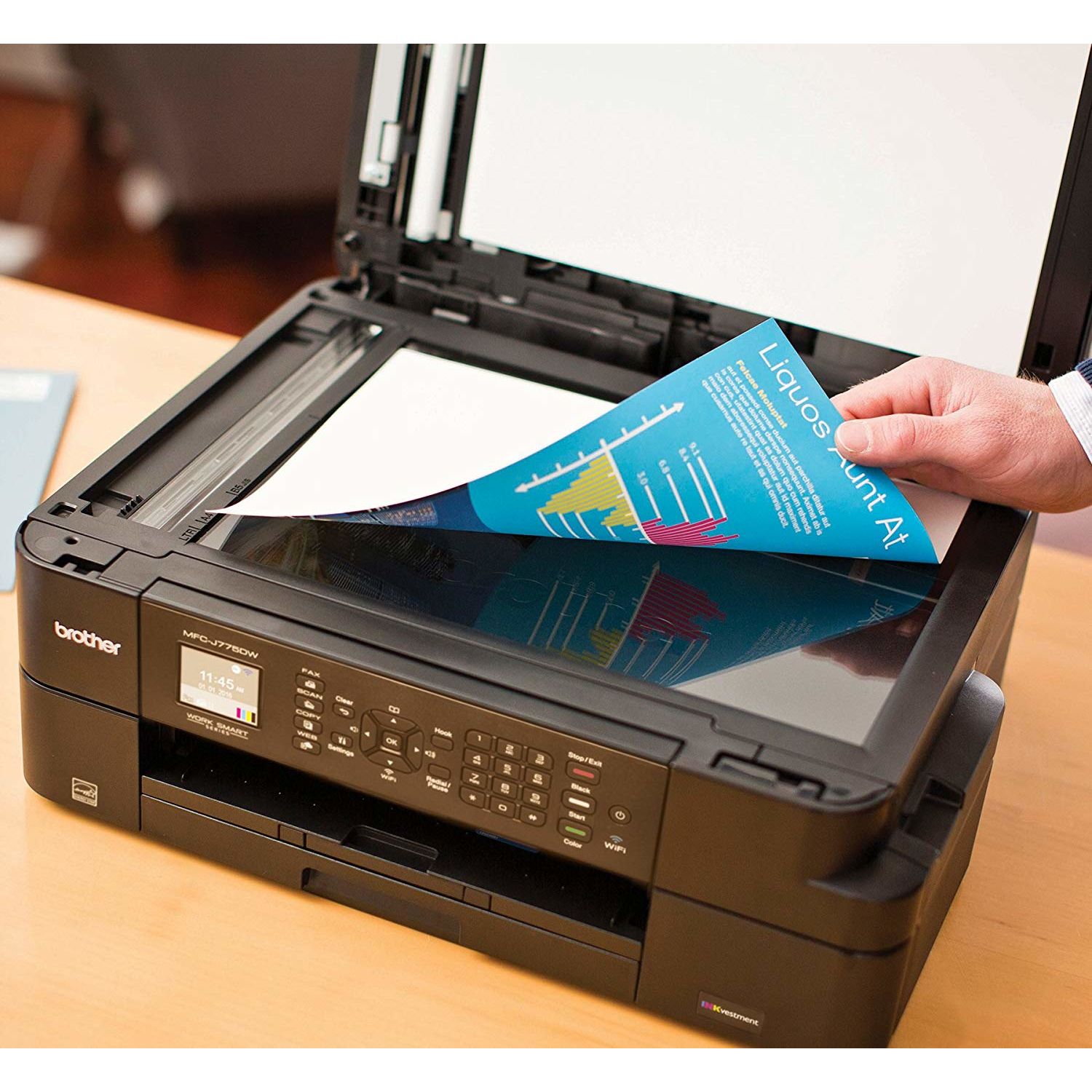
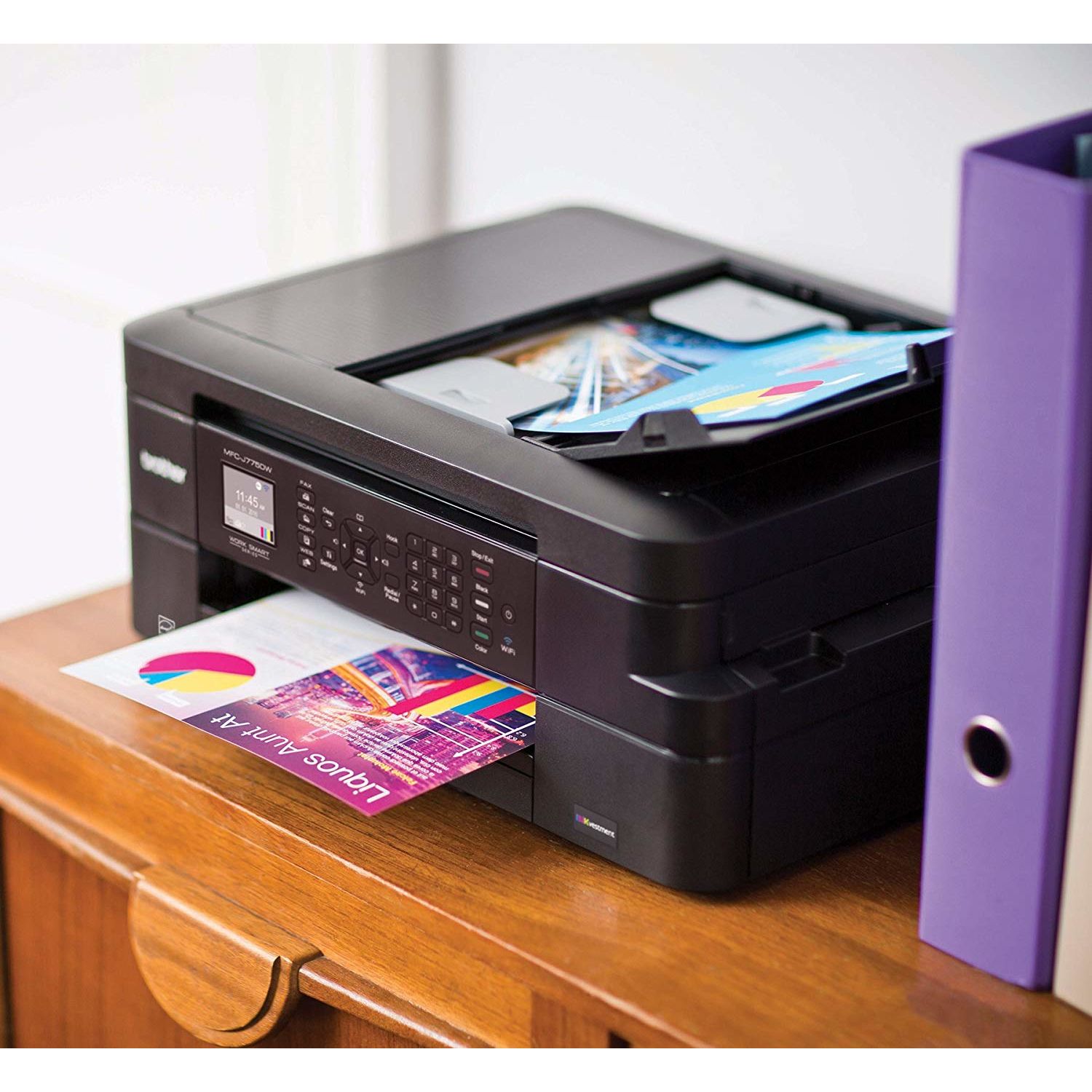
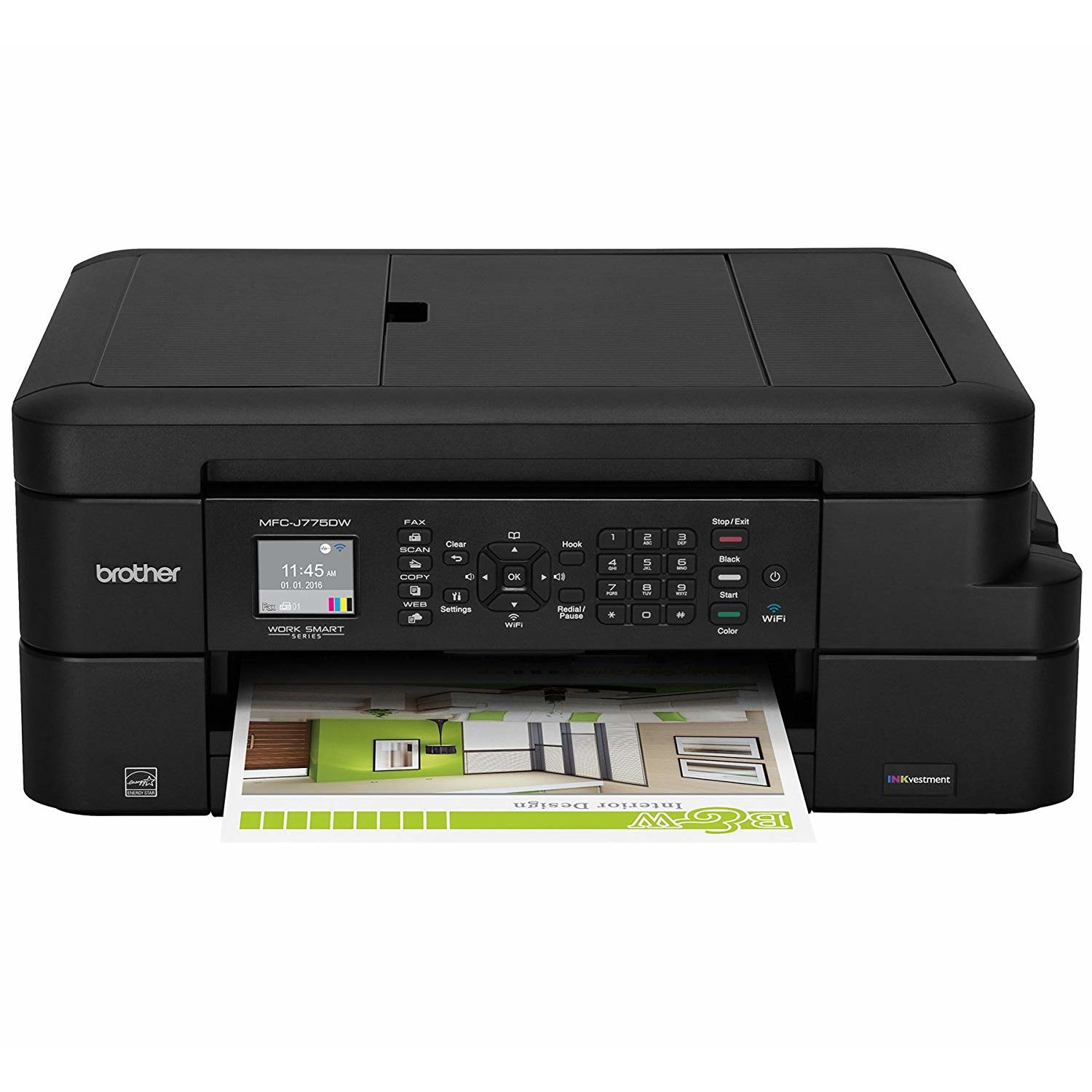
Brother Inkjet Printer, MFC-J775DW XL, Up to 2-years of Printing Included
Write a review
$22900

Brother Inkjet Printer, MFC-J775DW XL, Up to 2-years of Printing Included

Write a review
B0797BSXCV
XL Version (incl. 2 years of ink)
+
Add to wish list
Target is a general merchandise retailer with stores in all 50 states and the District...

City: US, New York

Delivery
Pickup at your own expense
Tomorrow from 09:00 to 20:00, Store location
Free
Payment options
Apple Pay Google Pay Mastercard Visa
Cash, bank card, credit/installment payments, cashless payment for legal entities
Warranty and returns
Exchange/return of products of proper quality within 14 days Official manufacturer's warranty: 12 months
Features
Connectivity Technology
Wi-Fi
Item Dimensions
13.4 x 16.5 x 6.8 in
Item Weight
18.3 lbs
Operating System
  • Windows, Mac
Printer Output
Color
Printer Technology
Inkjet
Style
XL Version (incl. 2 years of ink)
Wireless Type
802.11bgn
Description
This fits your .
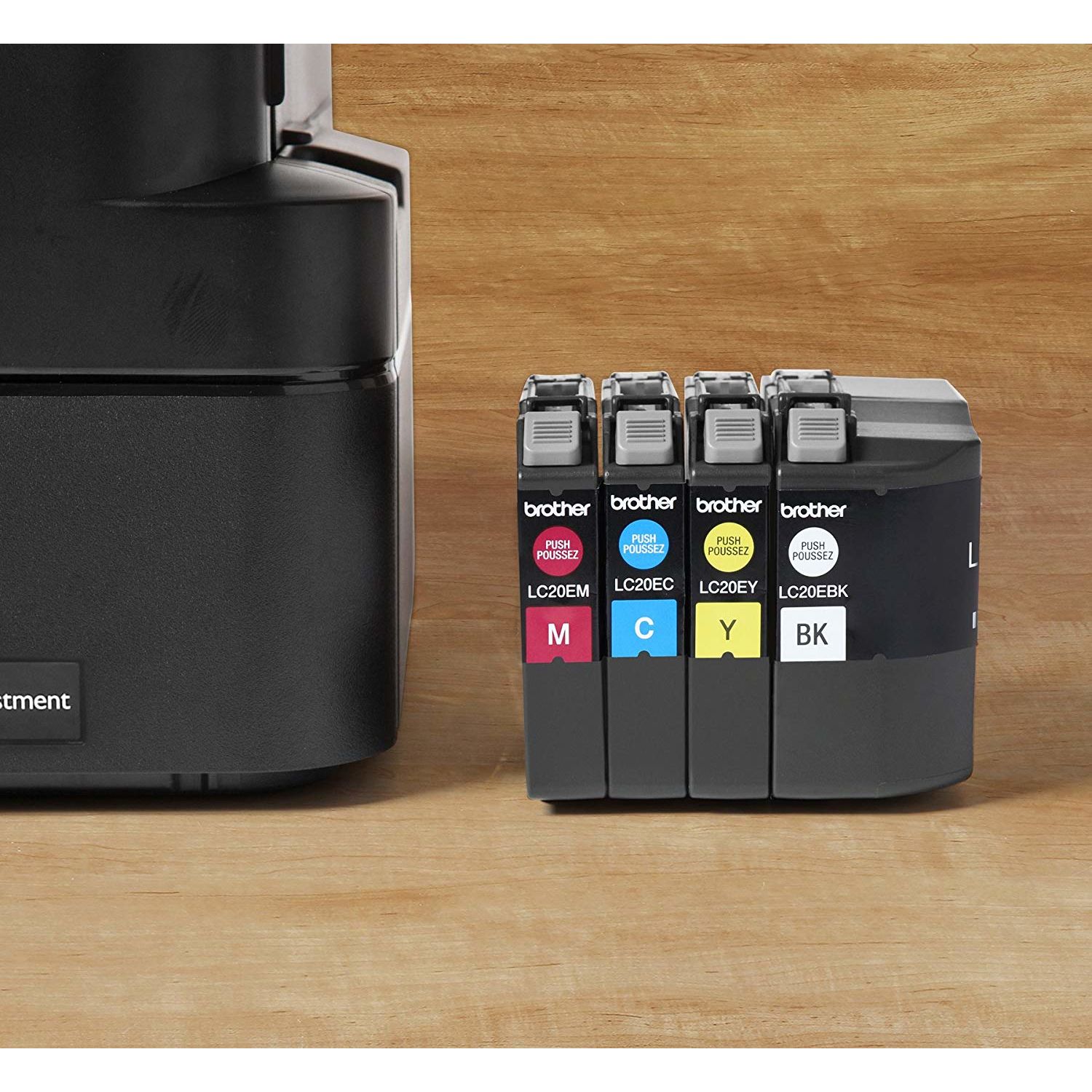
Make sure this fits by entering your model number. UP TO 2 YEARS OF INK IN-BOX(1): 12 Super High-yield INKvestment cartridges for approx. 7,200 black pages and 3,600 color pages in-box total yield.(2) PRINT FOR PENNIES AND NICKELS: Less than one cent/page black and white and less than five cents/page color(3) with Brother INKvestment cartridges WIRELESS AND MOBILE PRINTING: Wireless connectivity; Wi-Fi Direct no router needed; print and scan from smartphone, tablet, laptop, and desktop.(4) VERSATILE PAPER HANDLING: Up to 100-sheet capacity tray for letter or legal-size paper or up to 20-sheet auto document feeder for convenience INTUITIVE CLOUD CONNECTION: Print-from/scan-to Cloud services directly from the machine including Google Drive, Dropbox, Box, OneDrive and more.(5)
Reviews
3.4
Reviews: 20
5 stars
45%
4 stars
0%
3 stars
25%
2 stars
5%
1 star
25%
NaturalMomma
3
EDIT: I am adjusting my rating from a five to a three star. The brother application is no longer an available extension to use from Safari. I uninstalled the app and reinstalled it and it was there again for about a day before it disappeared. Printing through the brother app is slow and if your phone goes to sleep the printing process pauses as well, even in the middle of a job. It literally took five minutes to print a two page document from my iPhone. I am sending this device back. I’m really sad that it’s not going to work. I am confused as to why they would not have made the printer air print compatible! I owned a Brother printer for 8 years before it died. I replaced it with a cheapo canon because money was tight when it bit the dust. That canon was an ink hog that only lasted 8 months (insert sad face.) I decided to deal with the price difference and purchase this Brother. Although Ive only had it a few days, here are my initial thoughts: 1. Super easy to set up. Literally took minutes and it was running. The printer printed its own instructions to set it up! How cool is that?!?! 2. Quiet when printing, and print quality is amazing! I printed a full color picture right away to see how it came out. It was SLOW printing it, but the quality is WAY better than the Canon I had which boasted how great it was for photos. 3. No AirPrint :( To be honest, I almost sent it back for this. I missed it in the Q&A section and saw some reviews saying it worked great with Apple iOS so I just assumed it was like my previous Brother printer and went with it. Well, it does print from iOS, but not with AirPrint. We had to install Brothers app and that really made me upset - so much so, that I thought about sending it back. I decided against my initial reaction and decided to try to app before giving up. Its really not THAT bad. I can still print from Safari and email, I just have to choose the iPrint app instead of the built in "Print" button in iOS. To print a photo, you have to open the photo from the iPrint app. All in all, if the ink cartridges last as long as they are supposed to, I will love this thing with my whole heart. I will update my review if anything changes, but keeping my fingers crossed we stay companions. (NOTE: My previous old Brother could AirPrint, so it is sad that they took a step back, but with the printers on the market, I still think this is on OK tradeoff)
E. Huinda
3
I bought this printer to replace a beloved 10-year-old HP Deskjet All-in-One, which finally started giving me trouble after using off-brand ink refills, leaving me unable to print anything that needed the dark magenta cartridge...sigh... Anyhow, I chose this printer because I loved having single color cartridges with our old HP and Brother seems to be the only brand now that does individual color ink cartridges. We dont use our printer that heavily, so I didnt want to spend big bucks on a printer, either. Pros: This printer is primarily used for printing school papers and projects for our three teenage sons. For that purpose, it appears to be doing a great job. Its fast enough for us and both black & white and color prints look good--no complaints! The copy function works well, too. I like that its connected wirelessly to my computer, and after downloading the Brother app onto my hubbys iPad, it prints well from that, too (more on this, however, in the Cons below). I also liked that I was able to input the wireless key to our router directly into the printer using the keypad, which enabled quick connection of my newer Microsoft Surface Book to the printer. This enabled me to do a test print immediately of a Word document, BUT it would take almost 1 minute to print just 1 simple black and white page of text! I thought the printer was a lemon and then I figured out that my Surface probably needed Brothers software in order to print at a more normal speed. After installing the Brother software on my Surface, the problem corrected itself and all my documents have been printing at normal speeds without any problems. Cons: This printer is not as sophisticated or user-friendly as the HP. It was a hassle downloading and installing the software for the printer after the quick WiFi connection. Unlike my old HP, which automatically loaded HPs software simply by connecting it to the computer, the Brother printer software has to be loaded via the included DVD or downloaded from their website in order to work properly. Since my Surface doesnt have a DVD drive, I had to fumble around Brothers website to find the needed software. The software downloaded as a zip folder, normally not a big deal. But for some reason, my Windows 10 did not like their zip format. It refused to automatically unzip by simply clicking on the folder, like normal zip folders. I finally had to use an unzip utility pre-loaded onto my Surface. After several minutes, I finally got it unzipped and installed. The first thing I noticed was that the software seems like a step back in time by 15 or 20 years. The software is nowhere near as refined as my 10-year-old HPs software, so that was rather disappointing. Still, it seems entirely functional and I dont think its lacking anything I had before, so Ill live. Another con is that it prints documents first page first, regardless of the fact that I have "collate" selected. For example, I printed a 20-page paper and it prints page 1 first and page 20 last, so the first page is on the bottom of the stack and the last page is on top, so I have to manually resort it. My HP automatically and CORRECTLY collated my documents, so when it printed, they came out in the right order. Maybe theres a setting somewhere? I dont know, but I shouldnt even have to look to figure out what the problem is. Im used to this stuff automatically working well. Another con is that the Brother app for the iPad is a little annoying. You HAVE to print from within the app. You cant be in Photos or Pages and print from within either of those because the printer doesnt support AirPrint. You have to open the Brother app and select "print photo" and then it will access the photos on the iPad. For a document, however, I had to upload my document I made in Pages to a Google drive and then go into the Brother app and select the Google drive from there to print the document. This is not as seamless as Id like to see for a 2018 printer. Finally, I tested the scan feature by scanning an ivory colored brochure with black text. I wasnt very impressed with the scan quality. My HP had no trouble picking up the off-white/cream color of documents like that. I tried scanning it as a document and scanning it as a picture, but the Brother interpreted the cream color background of the brochure as white in both instances. Im disappointed by that. All in all, while this printer is not as user-friendly or as refined as my old HP, it will do the job that we need it to for an affordable price, which is why I give it 3 stars.
HSMomof3
3
I like the size of the unit a lot, and it seems to print well. It is a little slower than my previous Epson printer, but that isnt a big deal. Overall, I have been pleased with the purchase. I do have two things that I dont love about this printer, though. The first is that I dont like the paper tray. It doesnt hold very much paper, and it is not the easiest to refill. Again, not a huge deal, but a negative to me. We have been using the printer for 2 months now on the original ink cartridges that came with the printer. That has been a big positive to me up to this point. When Ive checked the ink levels, they have all shown mostly full all along, which has been a pleasant surprise since I know that the starter cartridges typically dont last long either because they are partially full to start or because the initializing takes so much ink. And that leads to my biggest disappointment. Today when I went to print something, I was notified that the magenta and yellow cartridges are empty and I cannot print. There was absolutely no warning that the ink was getting low up to this point, even when I was proactive and looked at the levels. Right now it says that Yellow and Magenta are empty, but it also shows that Cyan and Black are almost full still. So something is definitely off. Im hoping that this is due to the fact that it is the first ink and that there will be better warning in the future that my ink is getting low. To go from showing that the levels are full to completely empty isnt helpful at all. Edited to add: Since I need to print some pages today, I went to four different stores looking for the ink needed for this printer and I did not find the right ink at any of them. This is VERY frustrating. Ill order from Amazon, but I didnt want to have to wait. Had I known that the ink was difficult to find, I might have purchased a different printer. Lost a star for that.
Views from Annapolis
3
A good printer with fine print and color quality. Ink usage seems to be relatively low. Lacks a rear paper feed for forms, labels and envelopes; a minor annoyance. The basic scanner function is fine, but the scan quality adjustments are limited and awkward compared to my previous Epson product. The auto page feed is a plus. I have used the OCR engine only a few times; results have been poor. Some of the plastic parts are a bit flimsy, but consistent with a product in this price range. I dont fax, so cant comment on that function.
Grammie-G
3
Price and ink-use are pluses, as is the print quality. Im not happy with how slow the data transfer takes from my PC to the printer as well as the very limited supply of paper it holds. If youre not in a hurry or dont print multiple copies, this printer is fine. Truth to tell, I miss the HP this printer replaced.
Product variations
Column filling
Sort by Price Sort by Availability Sort by CODE Sort by Style
$22900
In stock
+
B0797BSXCV
Style:
XL Version (incl. 2 years of ink)
$9900 $14900
In stock
+
B0797DNGZR
Style:
MFCJ775DW
$9400
In stock
+
B07MMSQXZC
Style:
Refurbished Model: RMFC-J775DW
You may be interested
  • Bestsellers
  • Recently Viewed
 
Fast and high quality delivery

Our company makes delivery all over the country

Quality assurance and service

We offer only those goods, in which quality we are sure

Returns within 30 days

You have 30 days to test your purchase