
















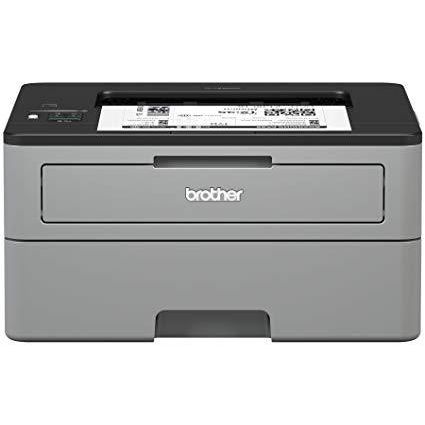
Brother Compact Monochrome Laser Printer, HL-L2350DW, Wireless Printing, Duplex Two-Sided Printing, Amazon Dash Replenishment Enabled

Write a review
B0763WDSYZ
New Model: HL-L2350DW
Target is a general merchandise retailer with stores in all 50 states and the District...

City: US, New York

Delivery
Pickup at your own expense
Tomorrow from 09:00 to 20:00, Store location
Free
Payment options
Apple Pay Google Pay Mastercard Visa
Cash, bank card, credit/installment payments, cashless payment for legal entities
Warranty and returns
Exchange/return of products of proper quality within 14 days Official manufacturer's warranty: 12 months
Features
Connectivity Technology
Wi-Fi
Item Dimensions
14.2 x 14 x 7.2 in
Item Weight
15.9 lbs
Operating System
  • Windows, Mac, Linux
Printer Output
Monochrome
Printer Technology
Laser
Style
New Model: HL-L2350DW
Description
This fits your .
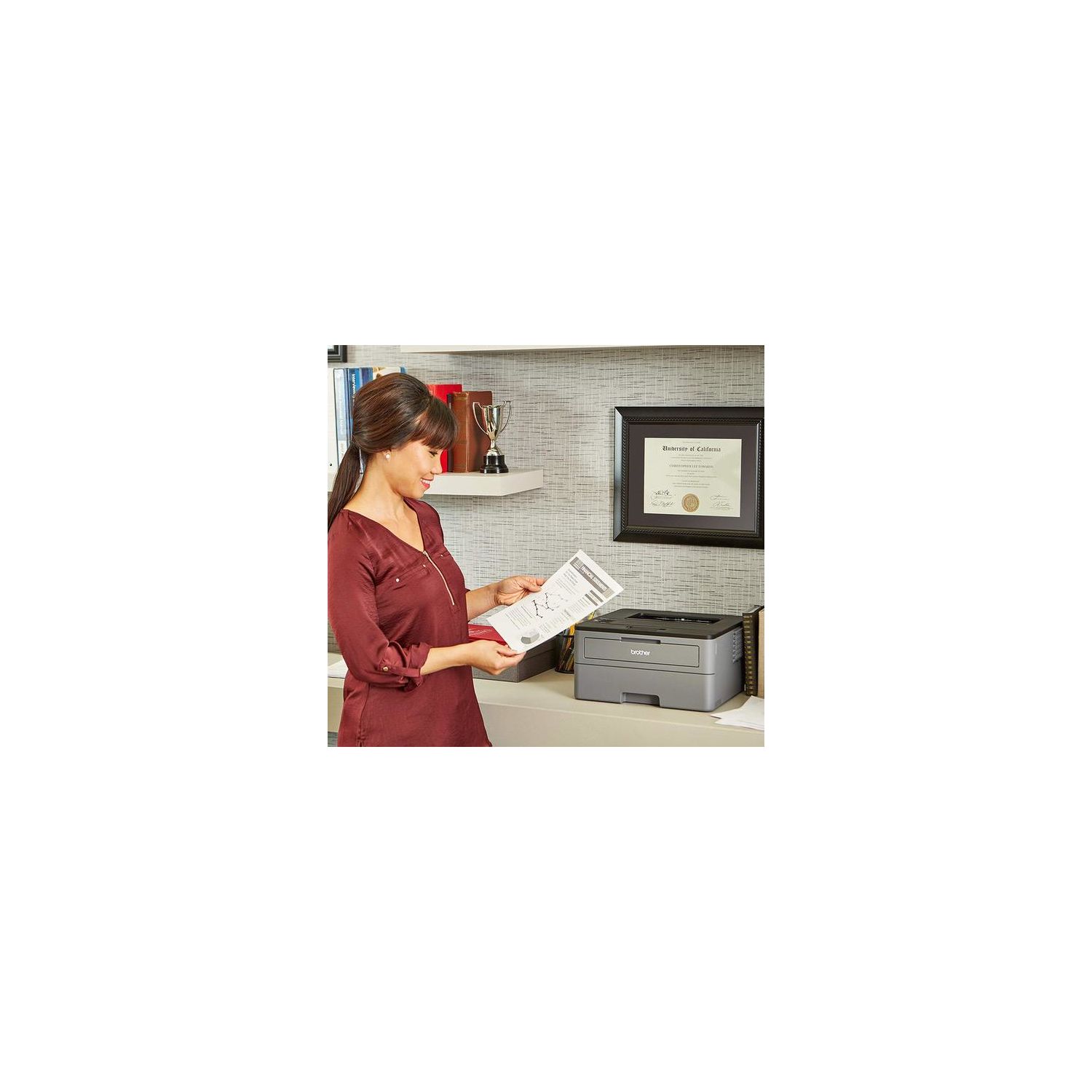
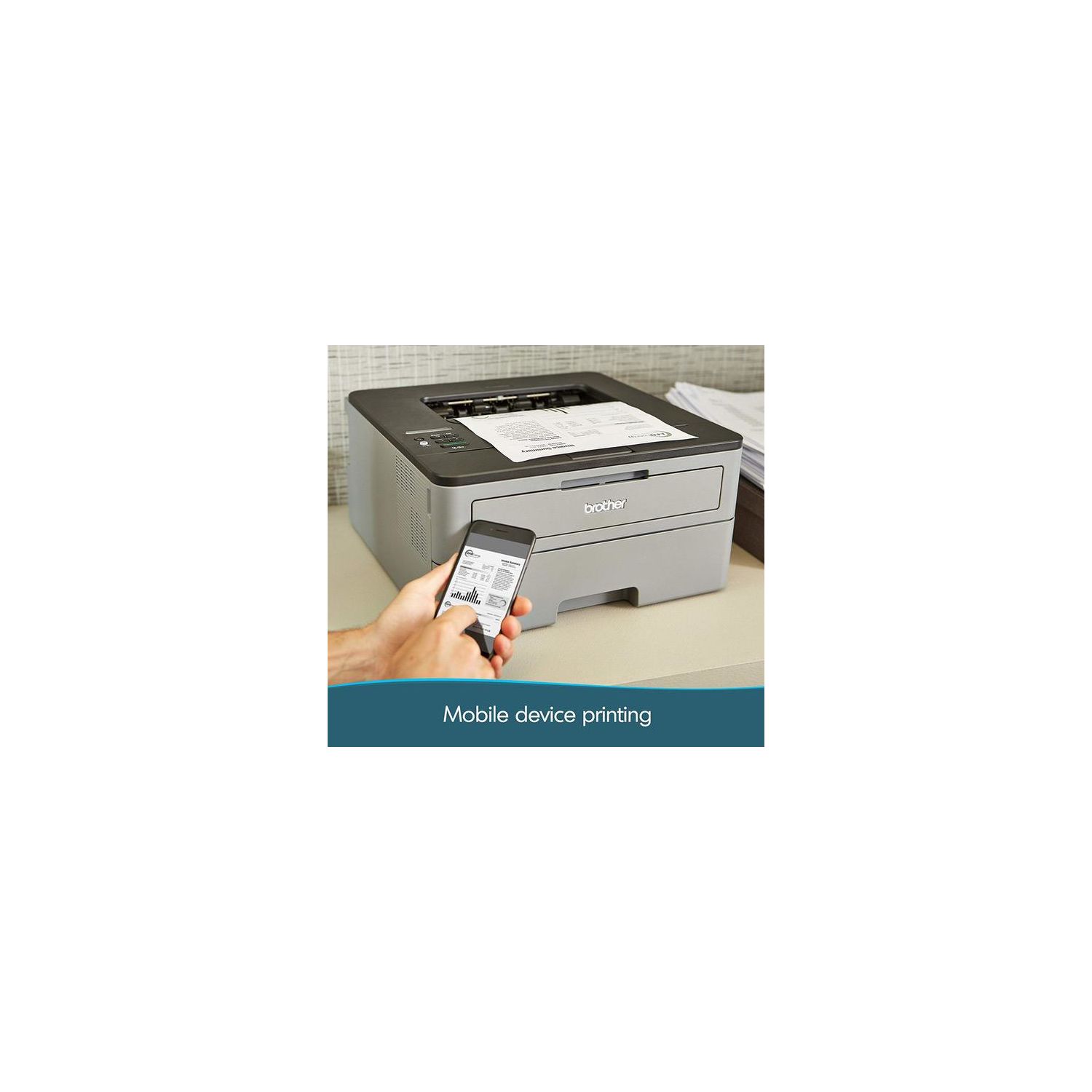
Make sure this fits by entering your model number. COMPACT BUT HIGHLY PRODUCTIVE – Perfectly sized to fit on smaller desks or in tight spaces, the Brother Compact Laser Printer is the perfect solution for the busy home or small office OPTIMIZED FOR EFFICIENCY – Packed with new features, the HL-L2350DW (replacement for the HLL2340DW) is optimized for efficiency, allowing you to print up to 32 pages per minute, making it a class leader(1). Maximum Monthly Duty Cycle- 15,000 pages.Recommended Monthly Print Volume- Up to 2,000 pages FASTER, HIGH-QUALITY PRINTS – This Brother compact laser printer is built with a 250-sheet paper capacity that helps improve efficiency due to less time spent refilling trays. It also handles both letter and legal-sized paper DUPLEX PRINTING – Printing on both sides is easy with automatic duplex (two-sided) printing. Using Brother Genuine high-yield replacement cartridges (TN-760) delivers up to twice the print volume at lower costs(3) WIRELESS PRINTING & EXCEPTIONAL SUPPORT – The easy-to-link wireless technology allows you to submit print jobs from your laptop, smartphone, desktop, and tablets(2). We provide free online, call, or live chat support for the life of your printer. At Brother, we want to ensure that your experience with us is exceptional AMAZON DASH REPLENISHMENT ENABLED: Upon activation, Amazon Dash Replenishment measures the toner level and orders more from Amazon when it’s low.Standard Interface:Wireless 802.11 b/g/n, Hi-Speed USB 2.0, Wi Fi Direct
Reviews
2.9
Reviews: 20
5 stars
25%
4 stars
20%
3 stars
15%
2 stars
0%
1 star
40%
HelpfulHelper
1
0:24 0:00 This video is not intended for all audiences. What date were you born? January February March April May June July August September October November December 1 2 3 4 5 6 7 8 9 10 11 12 13 14 15 16 17 18 19 20 21 22 23 24 25 26 27 28 29 30 31 2019 2018 2017 2016 2015 2014 2013 2012 2011 2010 2009 2008 2007 2006 2005 2004 2003 2002 2001 2000 1999 1998 1997 1996 1995 1994 1993 1992 1991 1990 1989 1988 1987 1986 1985 1984 1983 1982 1981 1980 1979 1978 1977 1976 1975 1974 1973 1972 1971 1970 1969 1968 1967 1966 1965 1964 1963 1962 1961 1960 1959 1958 1957 1956 1955 1954 1953 1952 1951 1950 1949 1948 1947 1946 1945 1944 1943 1942 1941 1940 1939 1938 1937 1936 1935 1934 1933 1932 1931 1930 1929 1928 1927 1926 1925 1924 1923 1922 1921 1920 1919 1918 1917 1916 1915 1914 1913 1912 1911 1910 1909 1908 1907 1906 1905 1904 1903 1902 1901 1900 Submit Adobe Flash Player is required to watch this video. Install Flash Player Beware, if you are just reading reviews people post a few months after buying! Until it bricked itself one year in, I was happy with this printer too. It worked with basic installation procedures, and I didnt mind that princessy, unwakable sleep issue. I just walked over and pushed the button. I dont print that much. Im still on my first toner cartridge. But two weeks ago, it stopped working completely. Display and wifi light just blink now. It wont turn off with the power button. My computer cant detect it, even plugged in, even when running th Brother Remote User Software package. No way to update firmware or drivers on a printer that cant be found. Trouble ticket to Brother is in, but has produced zilch in the way of solutions. I think this printer is hosed, and I think one year before obselescence is ridiculous. My old Samsung laser lasted 9 years. Booo! And, beware!
Aubrey Wang
1
This printer is a pain in the ass when you change a wifi. You had to call the help line and download the firmware again, which requires a special JavaSE software that you have to go to Oracles website and download it. Then you have to update your firmware. Then you have to go to print settings to change the deep sleep mode time setting because the default setting is 1min. And after 1 min you wont be able to print anything because the printer will pick up jobs. Your computer will say "Looking for printer... uncle to find printer" and the printer is in "deep sleep" mode. So you have to turn the printer off and turn it on to get it out of the deep sleep mode. Its PAIN in the ass.
Aaron
1
this printer is the worst of the worst. do NOT buy this piece of crap. 1) it produces this extremely annoying high frequency whining noise ALL THE TIME, even when its not printing. 2) it goes to sleep and does not wake up at all. i have to restart the printer every time i try to print something out if its just only been a few minutes since i last printed. is it really THAT hard to make a printer that just print stuff out??????? Brother, you are the worst bro. i will never buy any of your crappy sheet from you again EVER.
Michele
1
NIGHTMARE. This was a nightmare to deal with in spite of them advertising it as easy set up! Before buying this, take a look at the top of the printer: there is a teeny little window and in teeny little letters it sayssleep or deep sleep and there are arrows. There are no clear instructions, and there is no clear message window to tell you what the problem is. I tried rebooting, and tried many different wi fi devices (ipad, kindle, macbook and my samsung phone) and if it had just printed from even one of them easily, I would have kept it. I would unplug it, try to reboot it and the only thing it ever printed out was the alphabet and not understandable directions. If you want to take HOURS and hours of time to try to get it to work, then THIS is the machine for you! If you are technical and know the numerous letters of your network or can easily contact your cable company (which also takes hours and hours) then THIS is the machine for you. In the 21st century, there is NO reason why all wii fi devices cant easily sync with a printer. In the 21st century, a company COULD give you a window and an 800number that could assist you with set up. I will never buy another Brother product - thats for sure. Thank goodness I was able to return it!
Amazon Customer
1
The printer is trying to communicate with you by printing. So, I wasted more than 30 pages to check my wifi connection status. It doesnt ask me whethet you want to print it or not. Just print it with meaningless words. Moreover, the connection is unstable enough to disappoint me. I should check the connection per page. Most importantly, the margin is always cut off. I dont know why. Regardlss of computer and file type, the printed document is not centered. The worst printer ever.
Stephen
1
Had a Brother HL-2140 for years and loved it until it shorted out. Thought I would try another one of their products. Bought this one as an upgrade mostly due to the Automatic Duplex Printing function. Once I installed printer to find out that it does NOT have AUTOMATIC duplex printing, only MANUAL duplex printing (see screenshot). I spent 45 minutes on the phone with Brother trying to figure out why to have the rep tell me that theyre packaging and website are wrong and the printer does not have the feature. They offered no apology or response, then when I asked which of their printers actually did have automatic duplex printing the rep couldnt tell me and just referred me to their website despite their website being wrong about this printer as well. Unfortunately, I cant trust them now so will be looking elsewhere.
kosR
1
skip this item! i owned a brother laser printer similar to this one lasted me for about 4 years with no issues. i use it every single day, i dont print a ton of pages, mostly shipping labels, so about 3-7 a day for the last 4 years, but it finally died, and it was cost effective to just buy a new one than try to fix this one. i figure i would get the wireless one, even though my old printer was hooked up to my main desktop computer thats always on so i did have a "wireless" connection to my old one figure it being built in would be a plug, boy was i wrong to print wireless literally takes a minute for 2 for the signal to be read by the computer, i couldnt imagine how long it would take if you had to print a ton of pages. it FREEEZES a lot, almost every other day, and you literally have to unplug the unit for it to reset, as their is no hard switch on this device or a cable to unplug, the plug is built into this unit, so you need to unplug from the wallsocket which for me is a hassle because its located behind the desk an not easy to reach without moving things around. also unpluging it resets the wireless settings, so you have to do that all over again. just horrible, i plan to return this model and find another one, possibly the simple one without wireless printing as i stopped using it due to it takes absolutely forever to print.
Mary M
1
Pros: Easy to set up (wireless is way easier than my previous Brother), works well, has the functions I need, toner is less expensive. Has an LED display to tell you whats going on. Cons: Had to look up how to cancel a job. No button for that. The manual feeder -- be careful to adjust the guides and get your paper in straight. I had to reprint a bunch of stuff that came out crooked. This is a big issue for me as I use the printer to print sheets of labels, and it does not want to take the label sheets through the tray. Its not super speedy. No LEDs to instantly tell me what is wrong -- have to get out of my chair to read the display. Its a perfectly fine printer and I hope to get several years of use from it. Due to the "cons" above, its not a 5 star, though. Update: Ive downgraded my rating. It ran out of toner on me with no notice, and in the middle of doing something important. The printer was very noisy before it ran out of toner. I got an icon in my task bar, but when I clicked on it, there was no content. Plus, the manual feed issue is a real pain. I print labels every week, and messing with the alignment is not worth my time. I contacted Brother, and I was told that there is no way to print labels outside of the manual feed. I decided to keep it till the toner ran out, then get rid of it. Toner is out. Bye bye Brother! Unfortunate since my last Brother was a workhorse for 5 years.
Product variations
Column filling
Sort by Price Sort by Availability Sort by CODE Sort by Style
Contact us for a price
In stock
B0763WDSYZ
Style:
New Model: HL-L2350DW
$24900
In stock
+
B0763TXM5Q
Style:
XL Version (incl. 2 years of Toner)
Contact us for a price
In stock
B00LZS5EEI
Style:
HL-L2340DW
You may be interested
  • Bestsellers
  • Recently Viewed
 
Fast and high quality delivery

Our company makes delivery all over the country

Quality assurance and service

We offer only those goods, in which quality we are sure

Returns within 30 days

You have 30 days to test your purchase