





















Game Builder Garage - Nintendo Switch (Digital)
83515433

Starget Electronics is a leading online electronics store offering a wide range of gadg...
City: US, New York
Delivery

DHL express - Fast
1 day, Door-to-Door, Courier Delivered
from 26$

Pickup at your own expense
Tomorrow from 09:00 to 20:00, Store location
Free
Payment options


Cash, bank card, credit/installment payments, cashless payment for legal entities
Warranty and returns
Exchange/return of products of proper quality within 14 days
Official manufacturer's warranty: 12 months
Description
Programming made fun with help from the minds at Nintendo
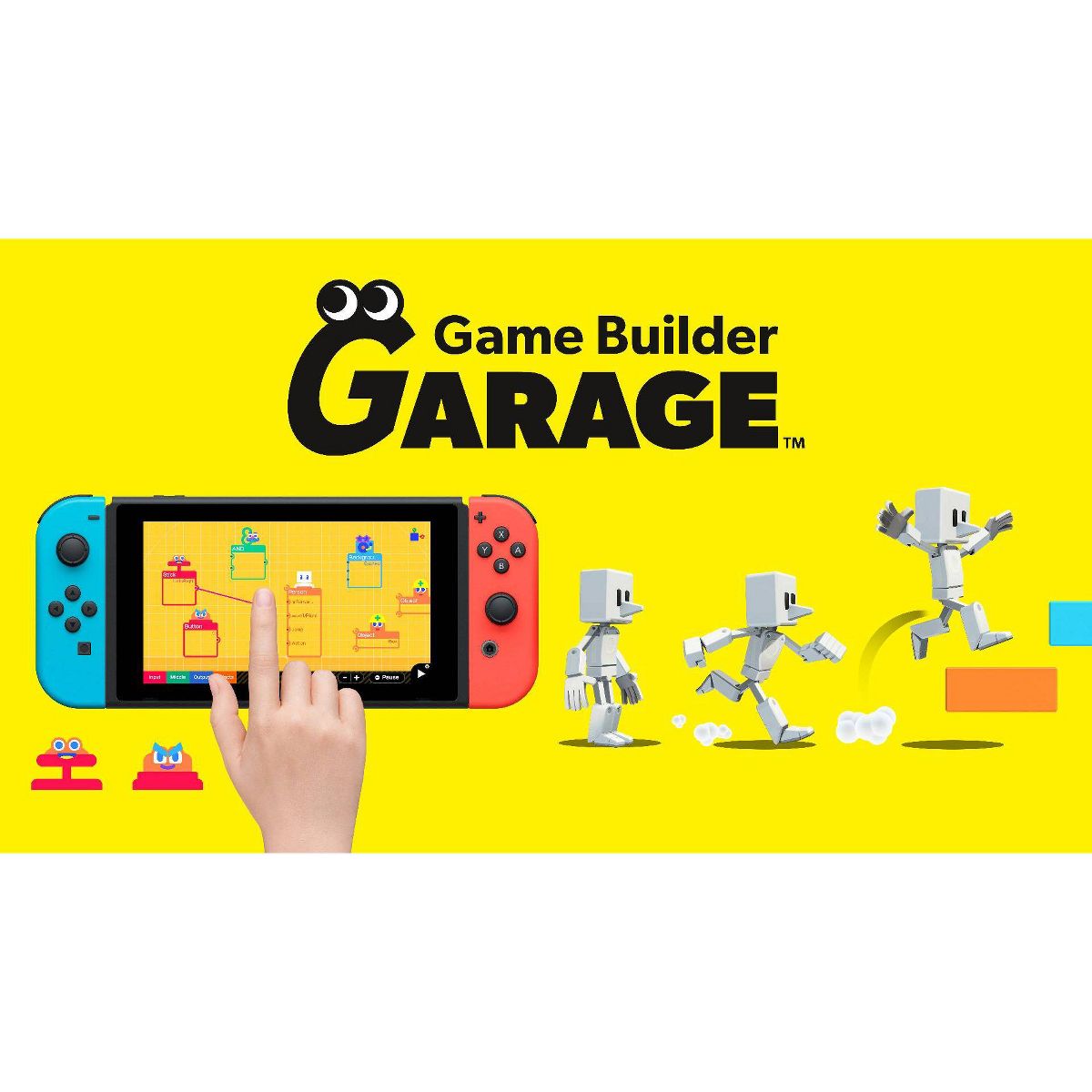
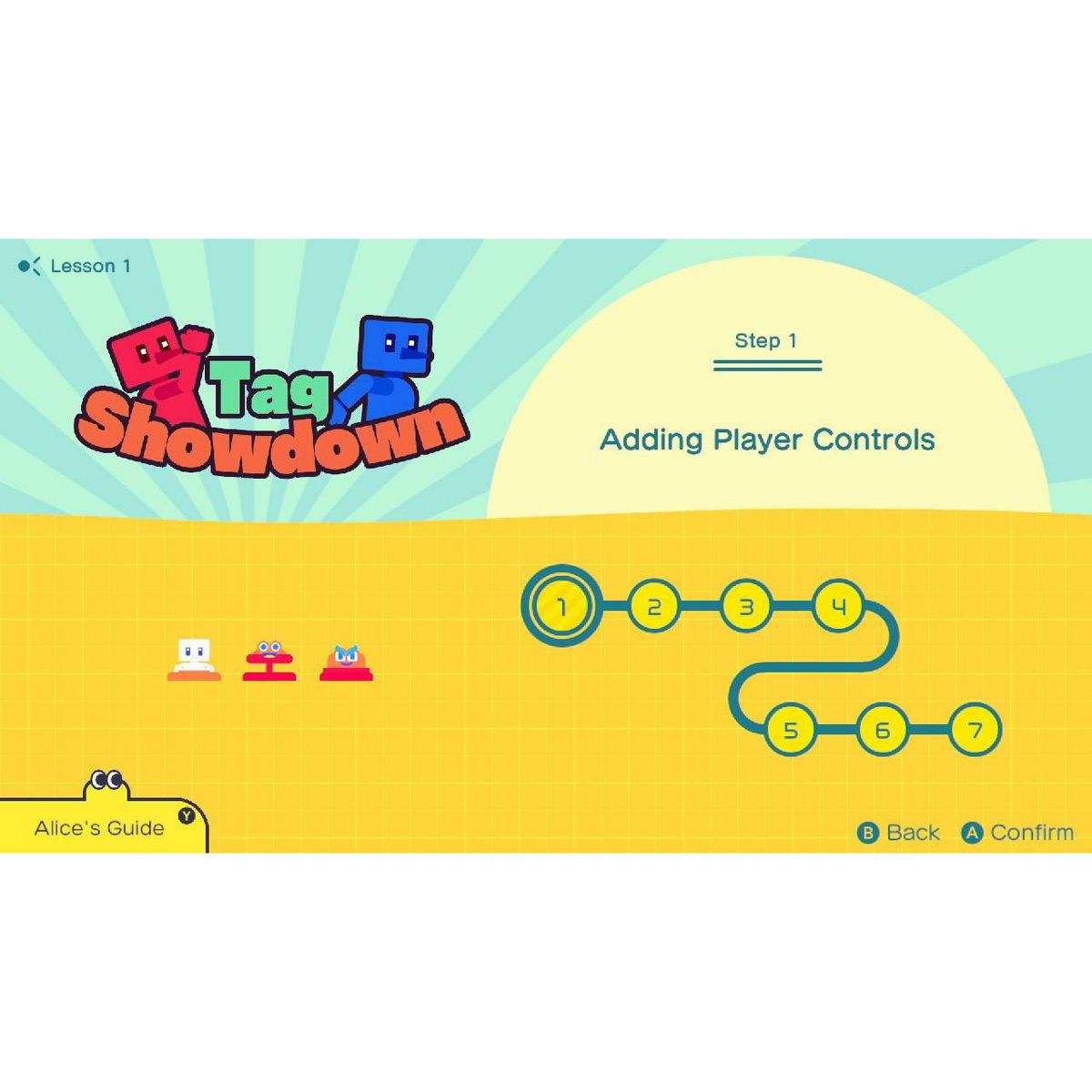
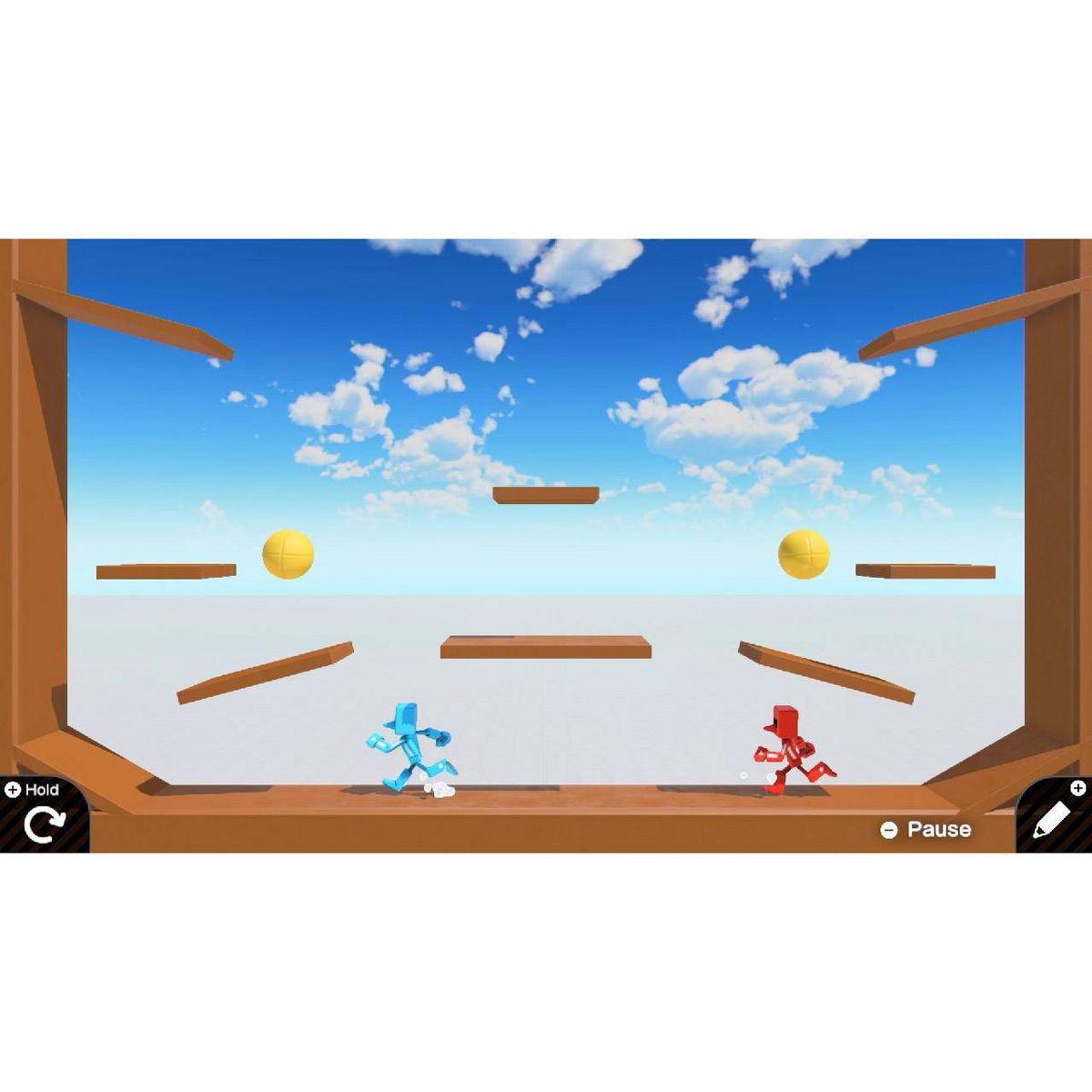
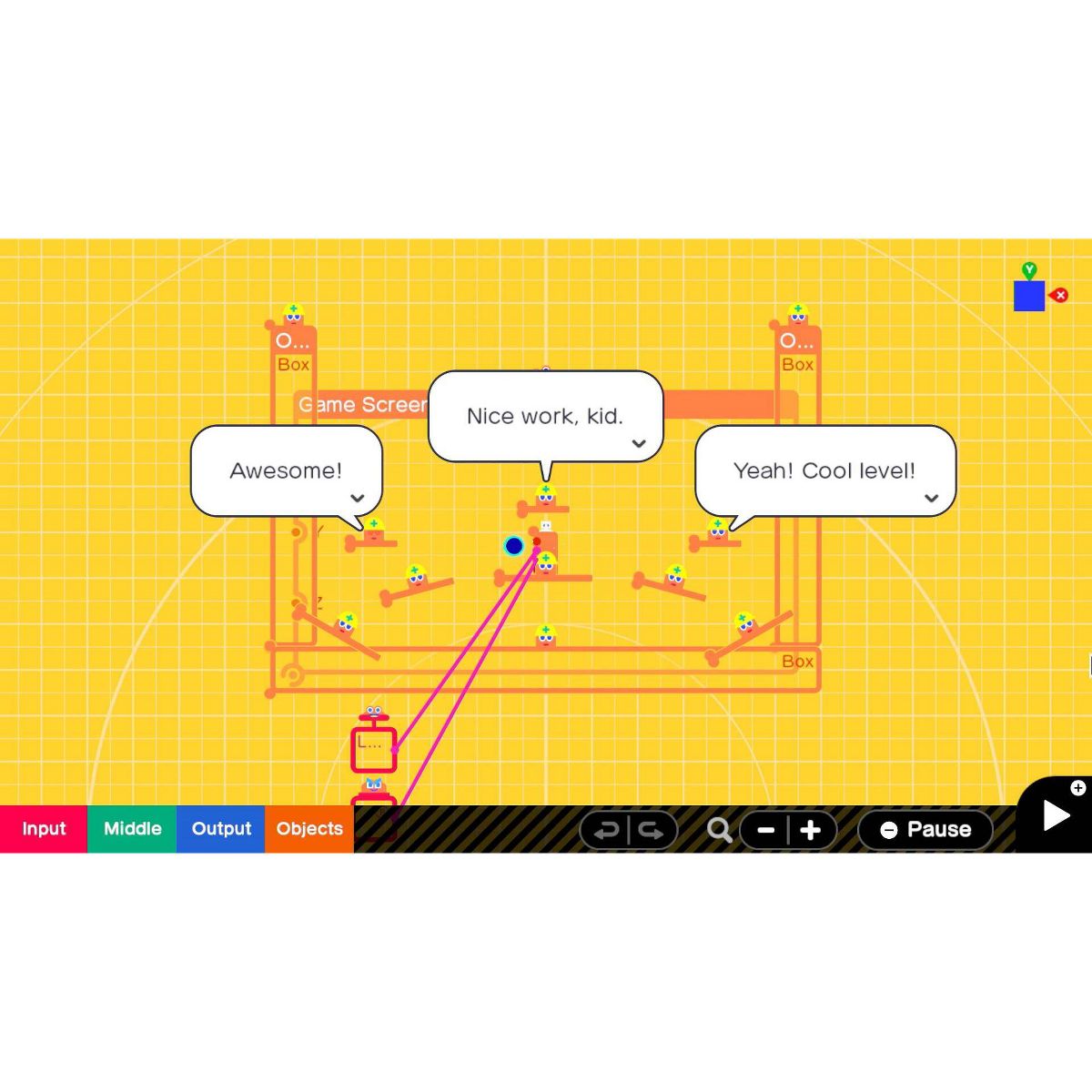
Kids can learn how to make their own games with guided lessons created by Nintendo. From a simple game of tag to a run-and-jump obstacle course, each lesson is broken down into multiple, manageable segments that let kids go at their own pace—and have fun in the process.
Learn the basics of visual game programming
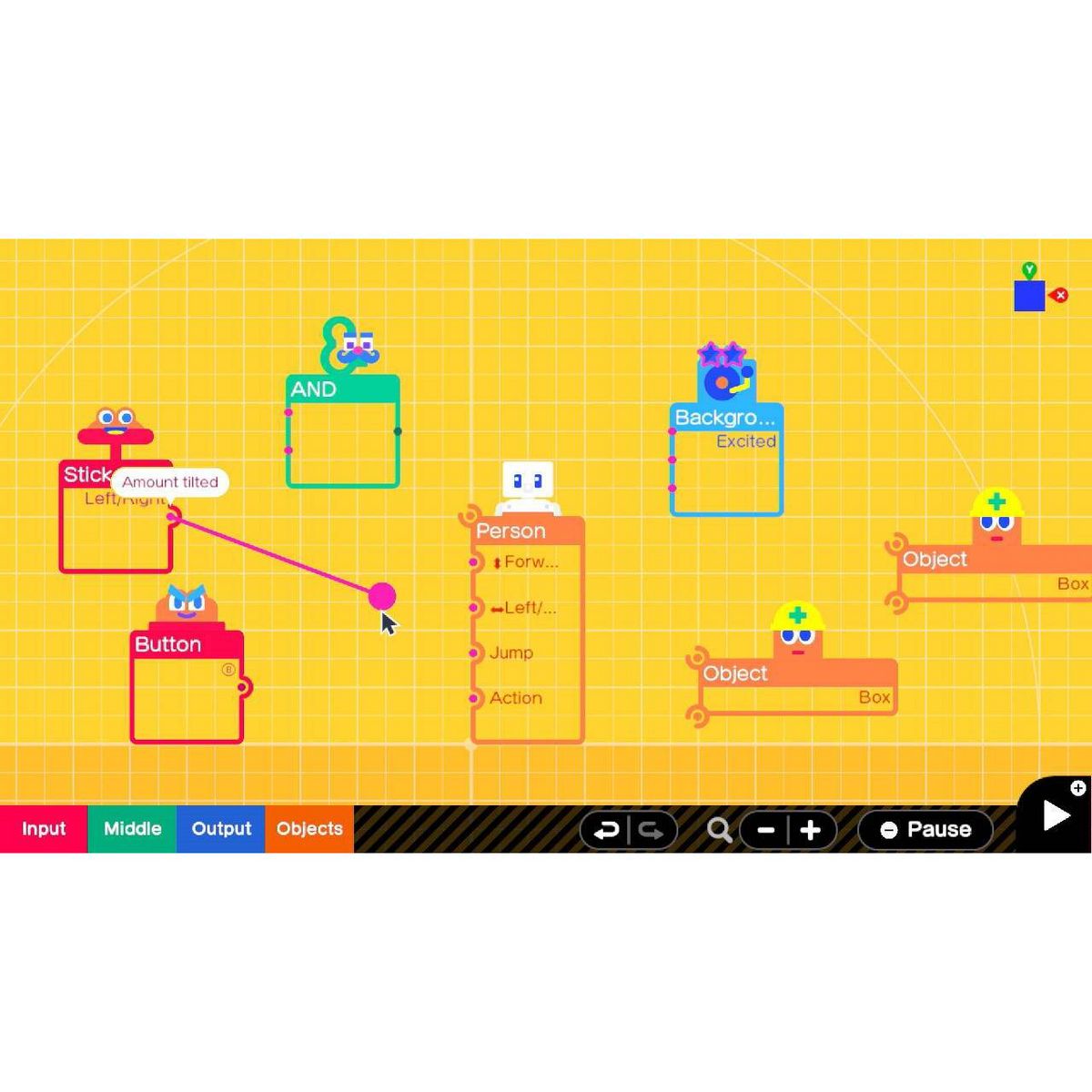
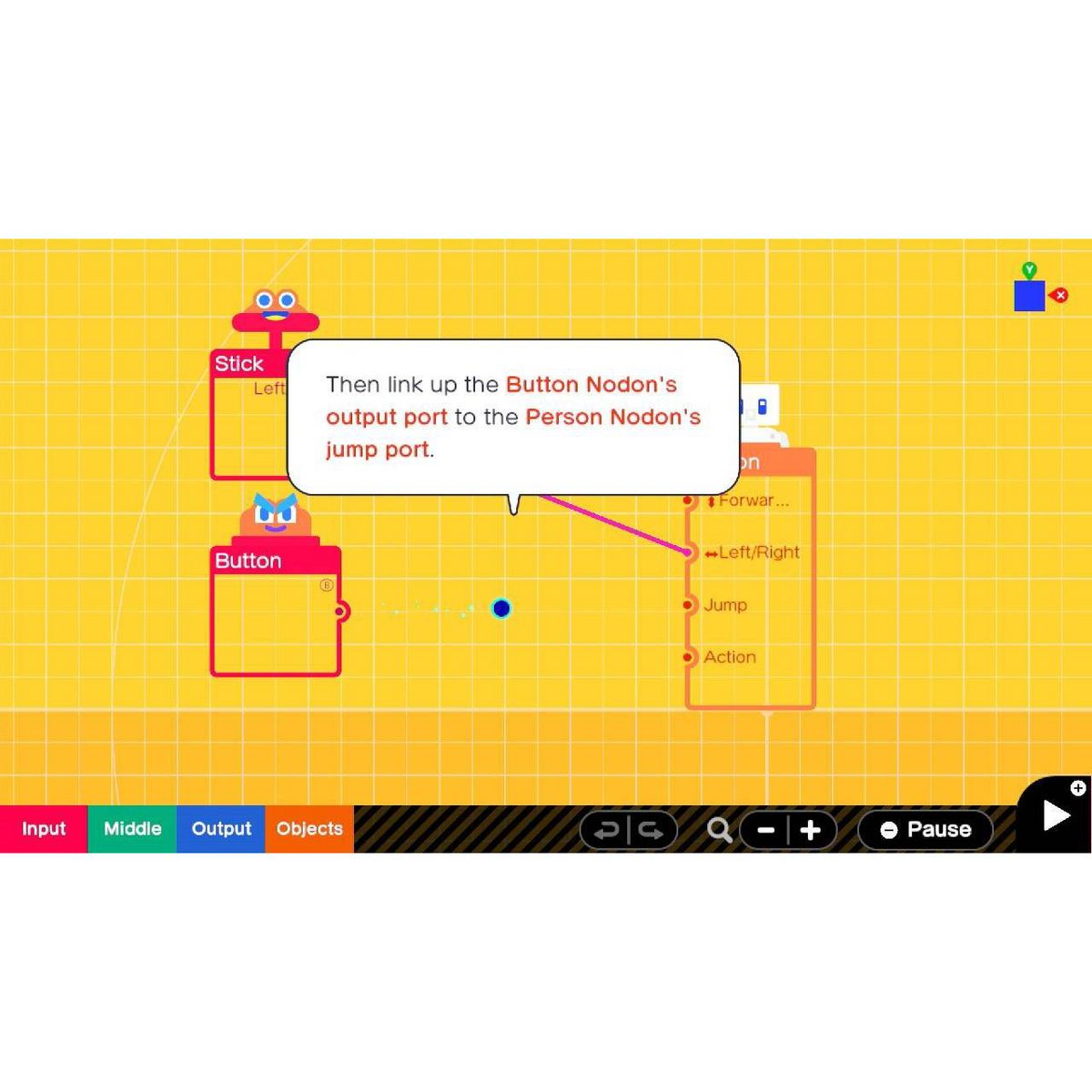
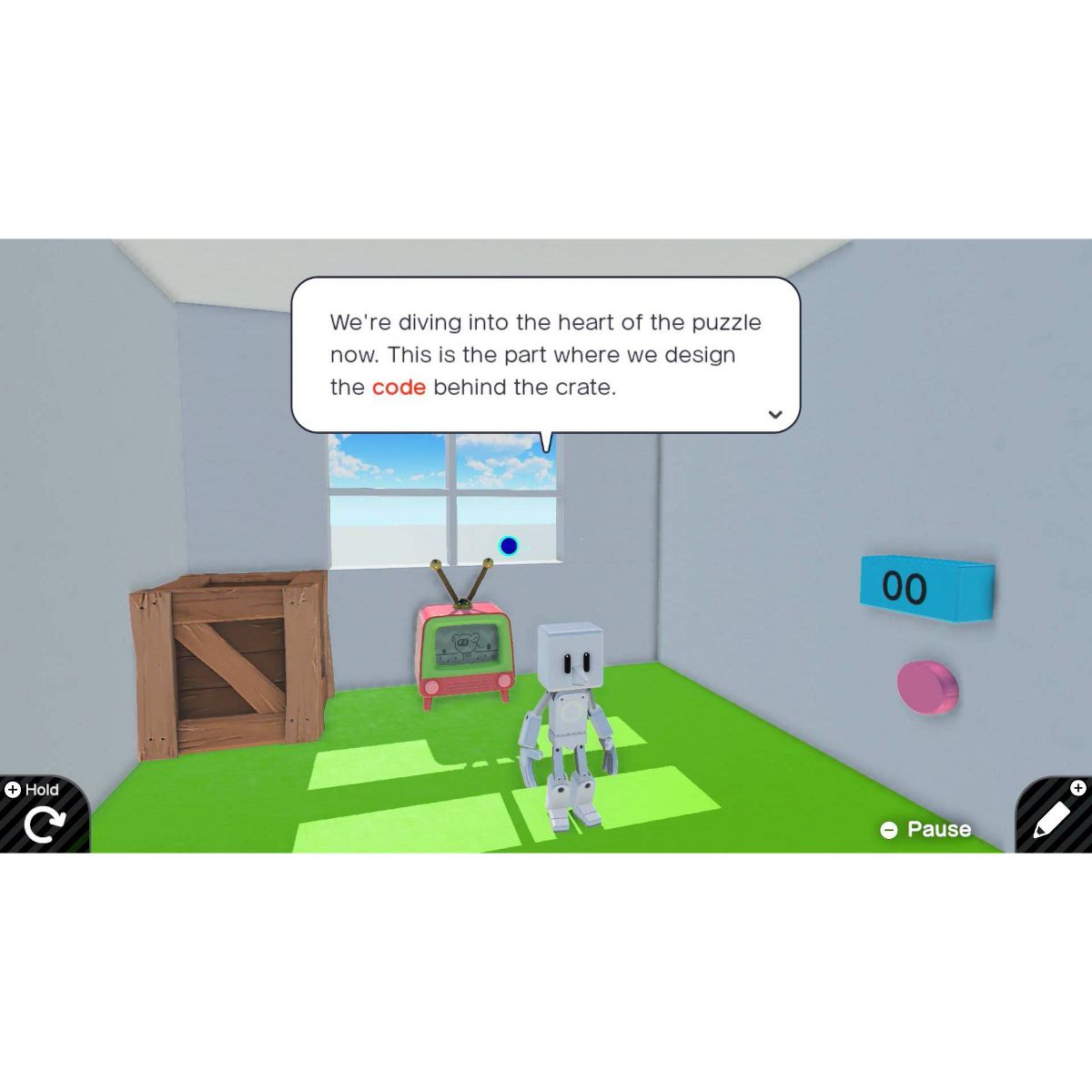
By playing through interactive lessons, kids will learn the basics of visual game programming. Nodon, colorful creatures with distinct personalities, keep kids engaged through lessons with tips and motivating messages. With a simple press of a button, swap between the programming screen and the game screen—watch how programming changes the game on the fly.
Track progress and build confidence
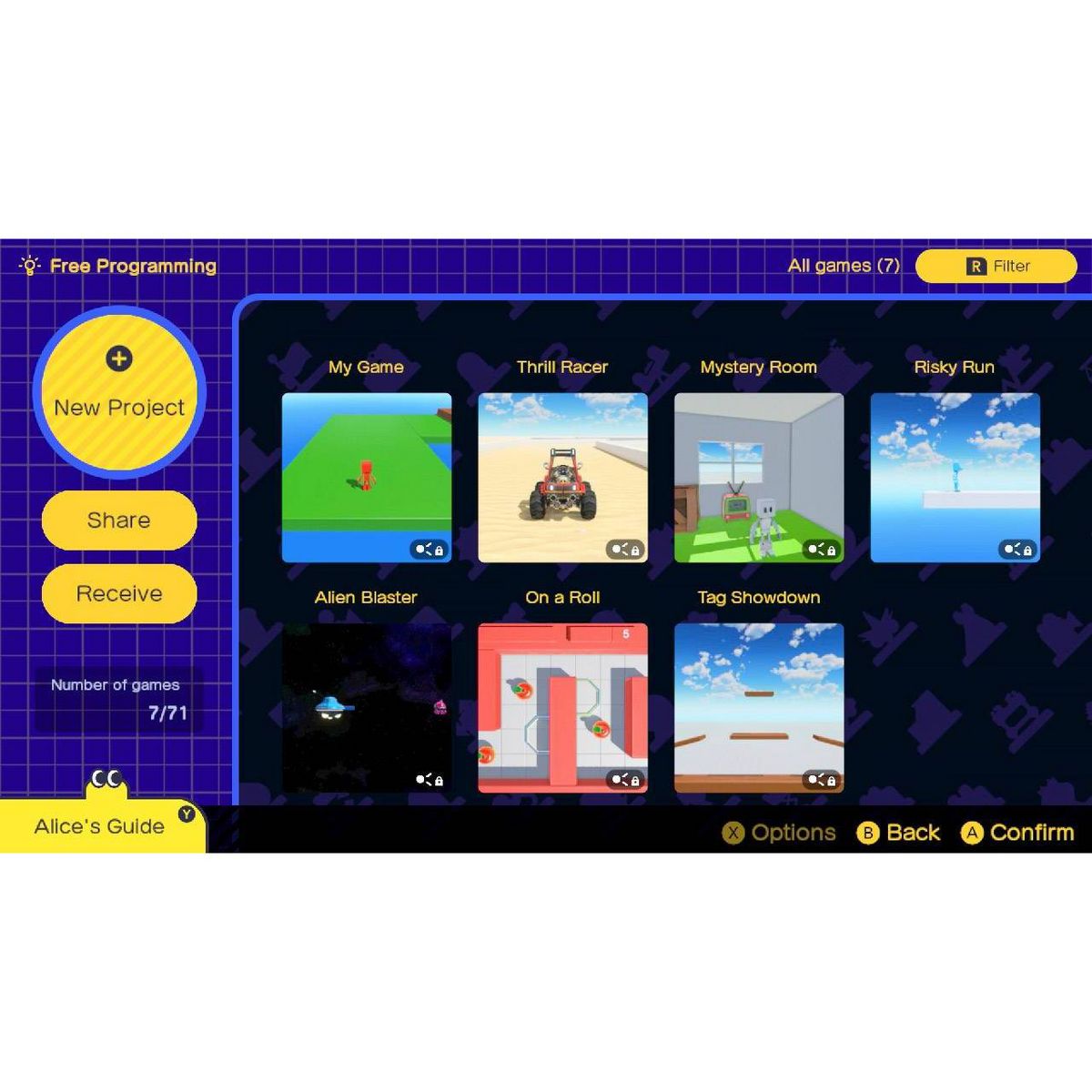
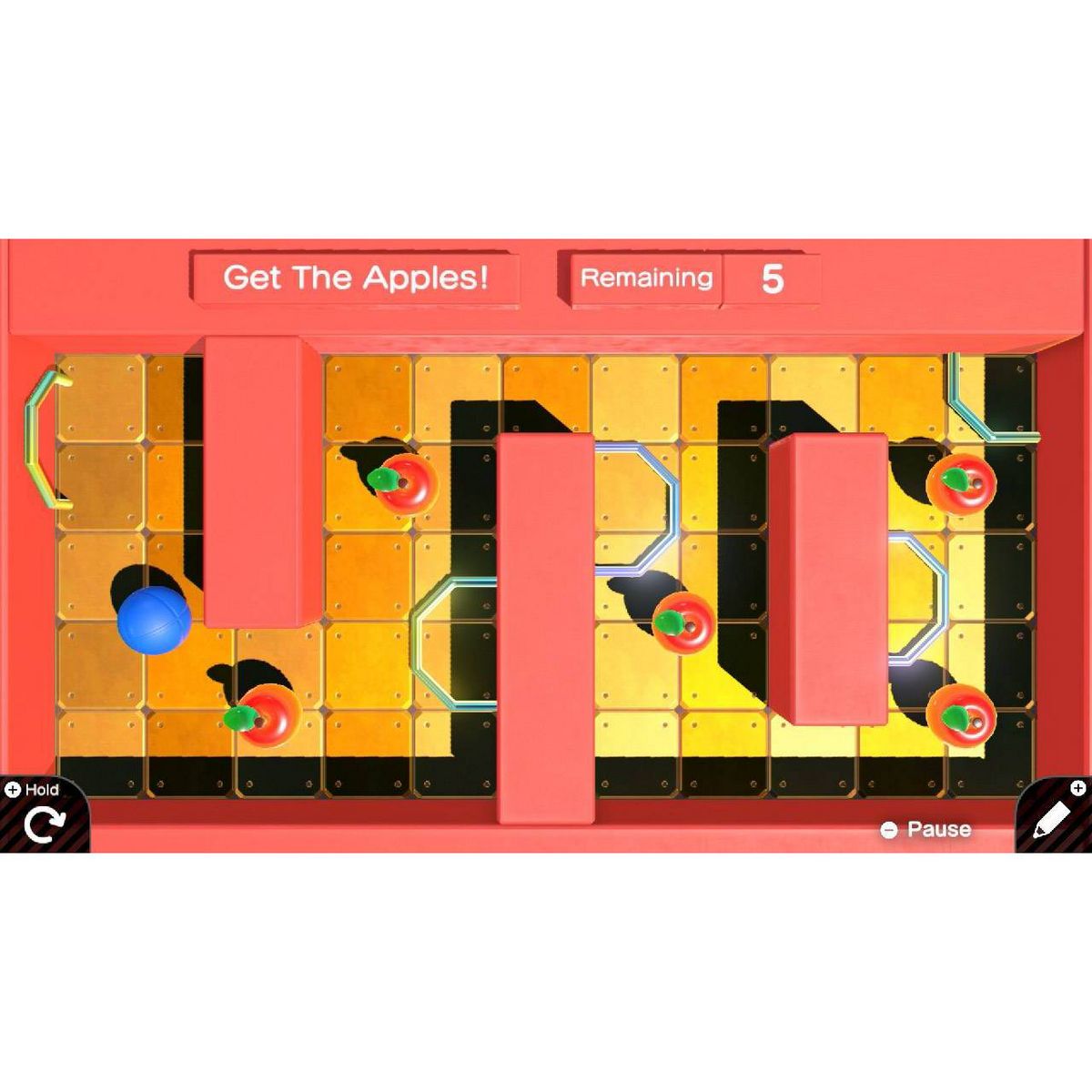
After completing each lesson and building a game, kids will test their knowledge by completing Checkpoints—small puzzles or tasks to solve with programming. Master these skills and head to Free Programming mode to let your imagination (and programming chops) run wild.
The Nodon you meet each have distinct personalities that complement their functions. Have fun connecting them together to see how they interact and bring your game to life. The in-game Nodopedia lets you quickly check what each Nodon does as you create. There’s also a guide that recaps important skills! Easily swap between the Programming and Game screens to see the hard-working Nodon in action.
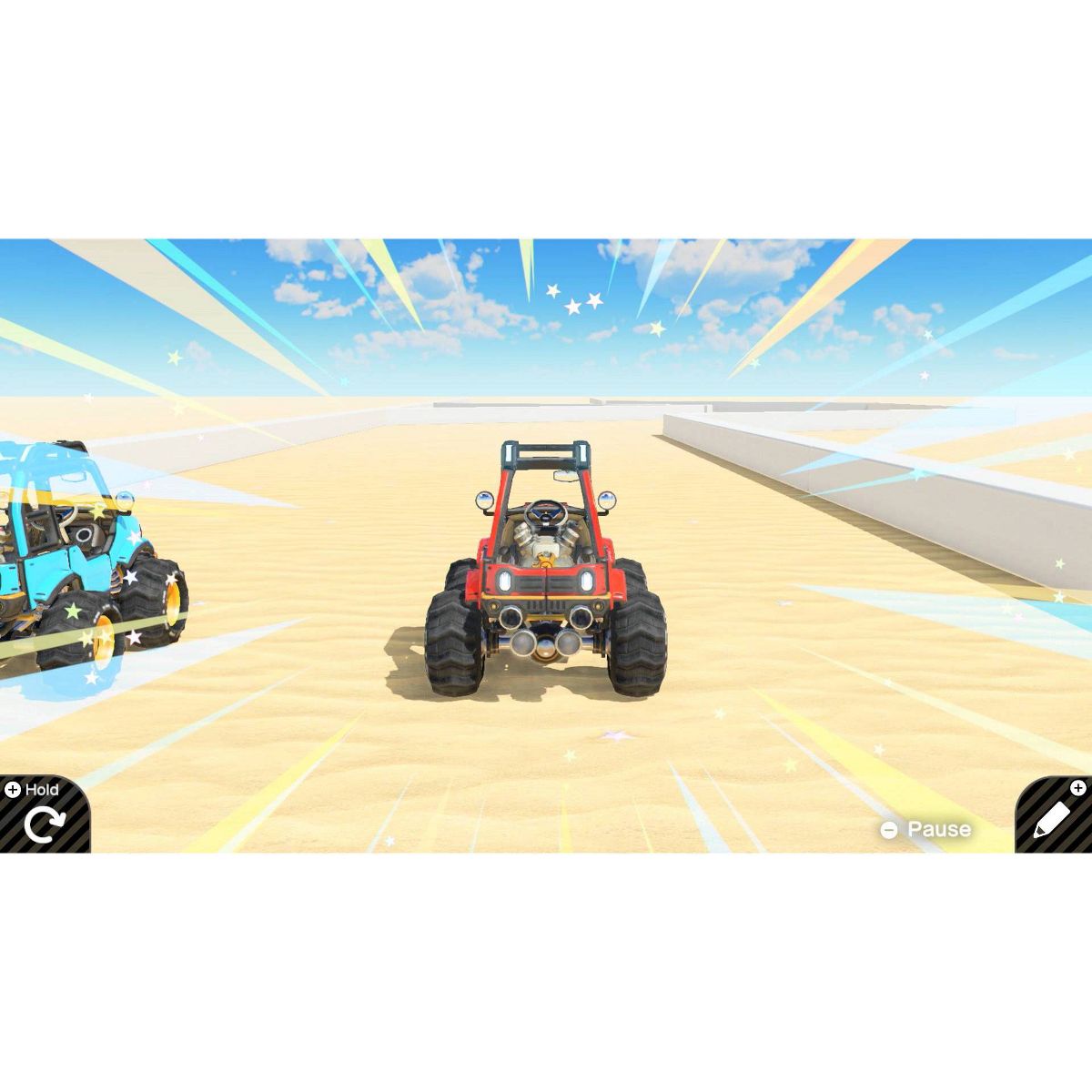
Take advantage of the Nintendo Switch system’s many features. Instead of the control stick, program motion controls to control your game. Want to create some competition? Add in a multiplayer function and pass a Joy-ConTM controller to a friend. It’s up to you (and your Nodon friends) to decide what type of game you want to make.
Looking for inspiration? Exchange codes and download* games from friends. You can even go into Free Programming mode to look at those downloaded games’ programming and put your own twist on it. Upload your own creations and share them with other Game Builder Garage players*. Learn programming, build games, and share with friends!
*Nintendo Switch Online membership (sold separately) and Nintendo Account required for online features. Not available in all countries. Internet access required for online features. Terms apply. nintendo.com/switch-online
**Additional games and systems required. Sold separately.
© Nintendo. Game Builder Garage and Nintendo Switch are trademarks of Nintendo.
Kids can learn how to make their own games with guided lessons created by Nintendo. From a simple game of tag to a run-and-jump obstacle course, each lesson is broken down into multiple, manageable segments that let kids go at their own pace—and have fun in the process.
Learn the basics of visual game programming
By playing through interactive lessons, kids will learn the basics of visual game programming. Nodon, colorful creatures with distinct personalities, keep kids engaged through lessons with tips and motivating messages. With a simple press of a button, swap between the programming screen and the game screen—watch how programming changes the game on the fly.
Track progress and build confidence
After completing each lesson and building a game, kids will test their knowledge by completing Checkpoints—small puzzles or tasks to solve with programming. Master these skills and head to Free Programming mode to let your imagination (and programming chops) run wild.
The Nodon you meet each have distinct personalities that complement their functions. Have fun connecting them together to see how they interact and bring your game to life. The in-game Nodopedia lets you quickly check what each Nodon does as you create. There’s also a guide that recaps important skills! Easily swap between the Programming and Game screens to see the hard-working Nodon in action.
Take advantage of the Nintendo Switch system’s many features. Instead of the control stick, program motion controls to control your game. Want to create some competition? Add in a multiplayer function and pass a Joy-ConTM controller to a friend. It’s up to you (and your Nodon friends) to decide what type of game you want to make.
Looking for inspiration? Exchange codes and download* games from friends. You can even go into Free Programming mode to look at those downloaded games’ programming and put your own twist on it. Upload your own creations and share them with other Game Builder Garage players*. Learn programming, build games, and share with friends!
*Nintendo Switch Online membership (sold separately) and Nintendo Account required for online features. Not available in all countries. Internet access required for online features. Terms apply. nintendo.com/switch-online
**Additional games and systems required. Sold separately.
© Nintendo. Game Builder Garage and Nintendo Switch are trademarks of Nintendo.
Features
Brand Name
Nintendo
Battery
No Battery Used
Electronics Condition
New
ESRB Age Rating
E - Everyone
ESRB Content Descriptors
Mild cartoon violence
ESRB Interactive Elements
Users Interact, In-Game Purchases
Model Compatibility
Nintendo Switch, Nintendo Switch Lite
Multiplayer
Online and Local Multiplayer
Video Game Genre
Simulation
Reviews
No reviews found
Please sign in so that we can notify you about a reply