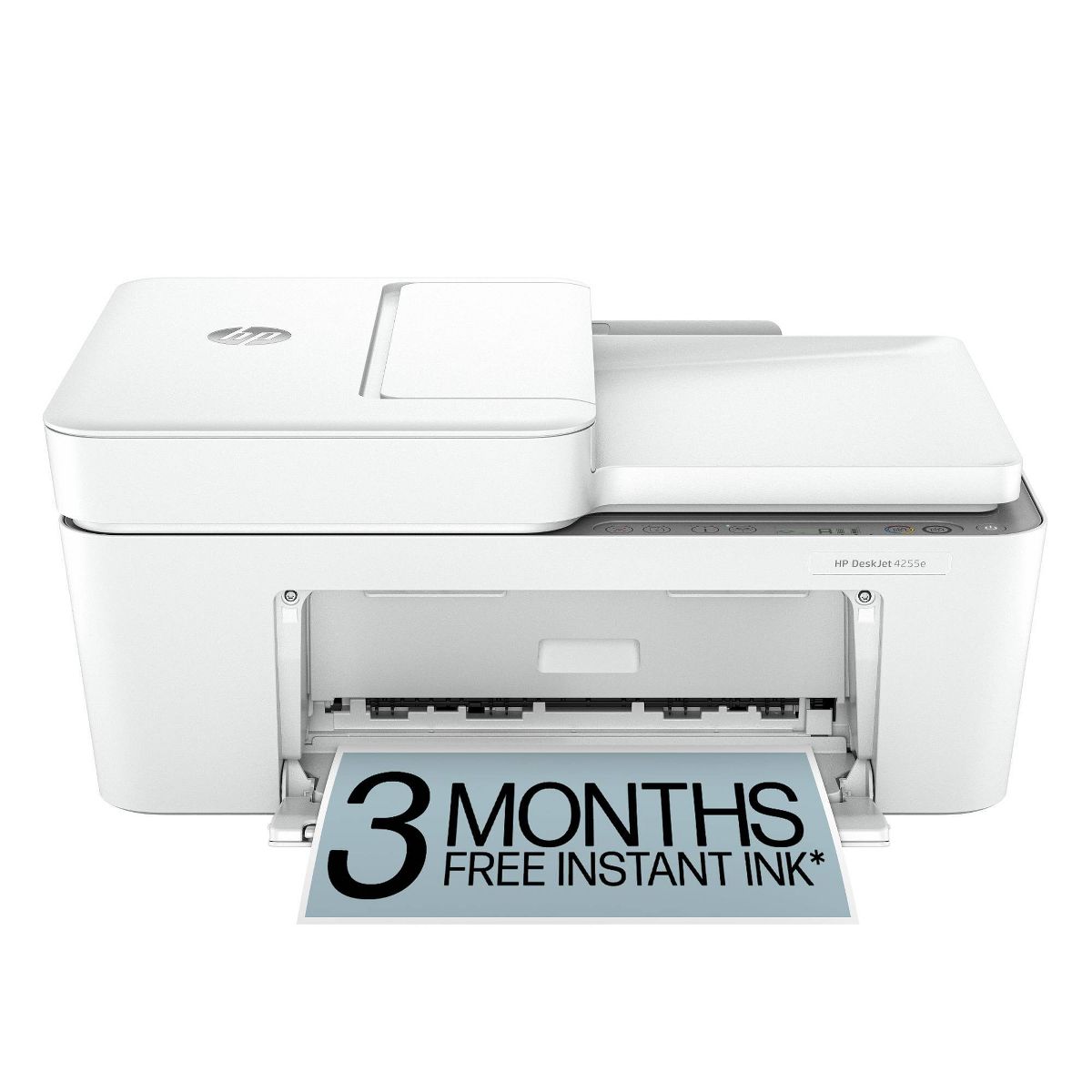










HP DeskJet 4255e Wireless All-in-One Color Printer Scanner Copier with 3 Months Free Instant Ink (588S6A)
اكتب تقييم
$‎ 10999

HP DeskJet 4255e Wireless All-in-One Color Printer Scanner Copier with 3 Months Free Instant Ink (588S6A)

اكتب تقييم
90895939
Starget Electronics is a leading online electronics store offering a wide range of gadg...

المدينة: US, New York

Delivery
Pickup at your own expense
Tomorrow from 09:00 to 20:00, Store location
Free
Payment options
Apple Pay Google Pay Mastercard Visa
Cash, bank card, credit/installment payments, cashless payment for legal entities
Warranty and returns
Exchange/return of products of proper quality within 14 days Official manufacturer's warranty: 12 months
Description
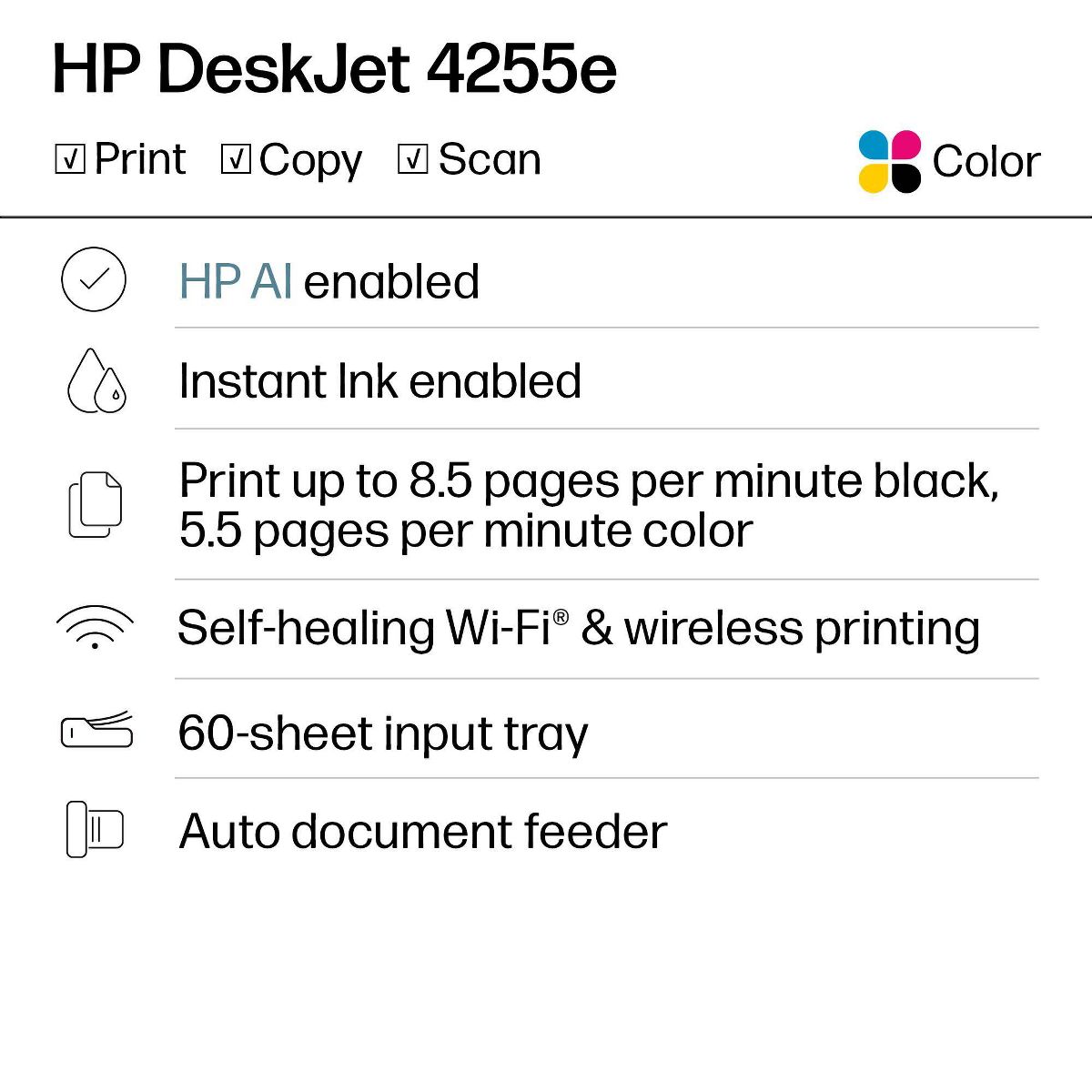
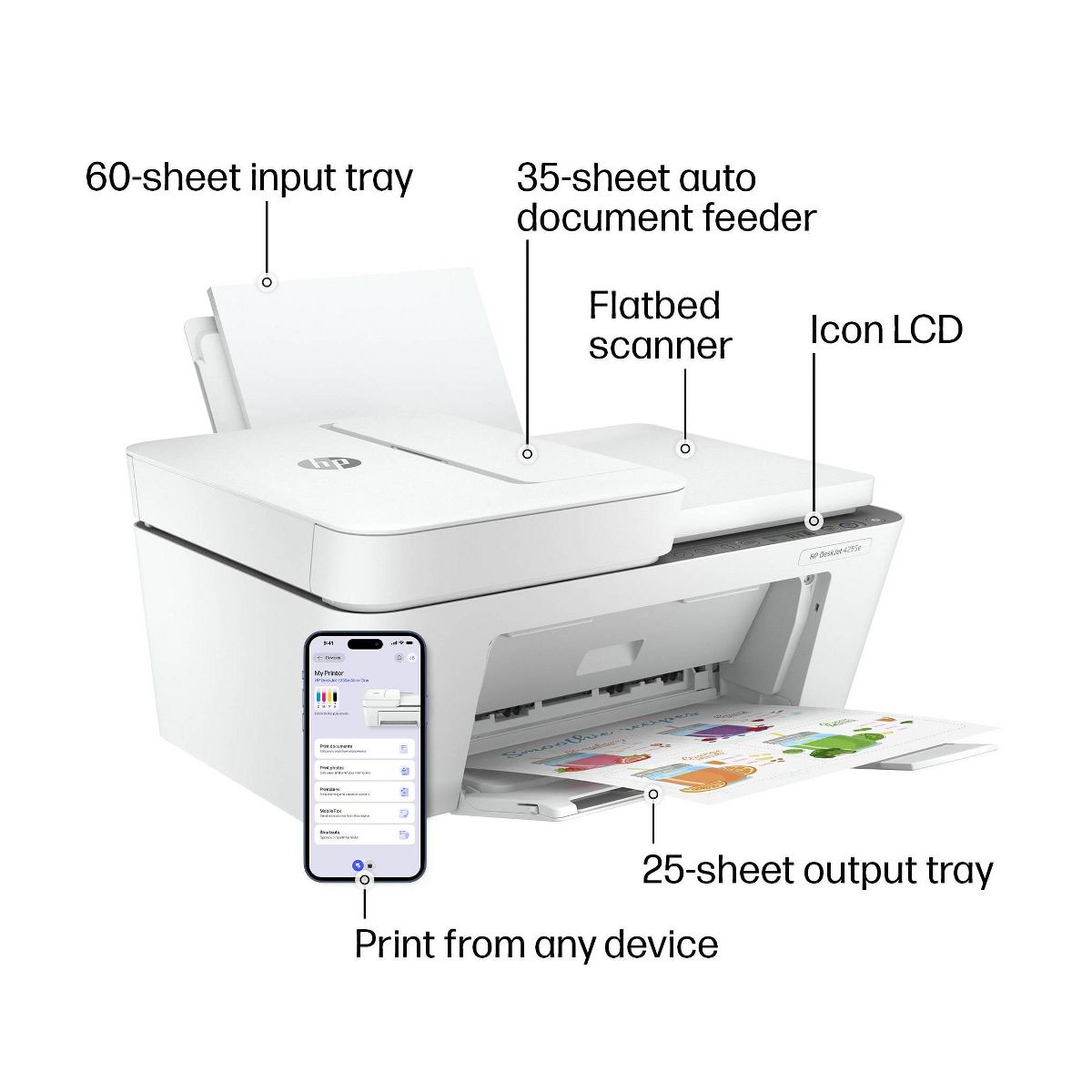
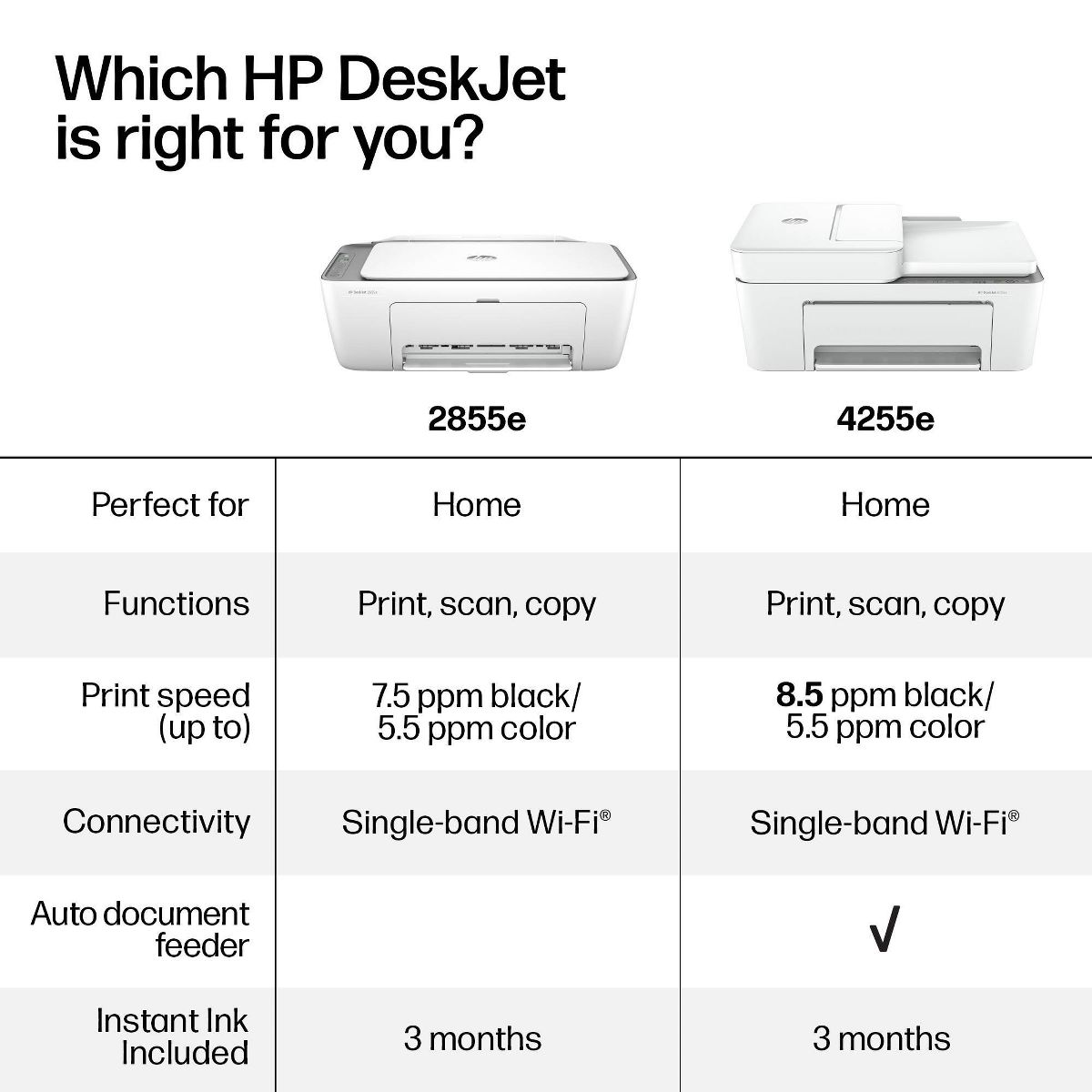
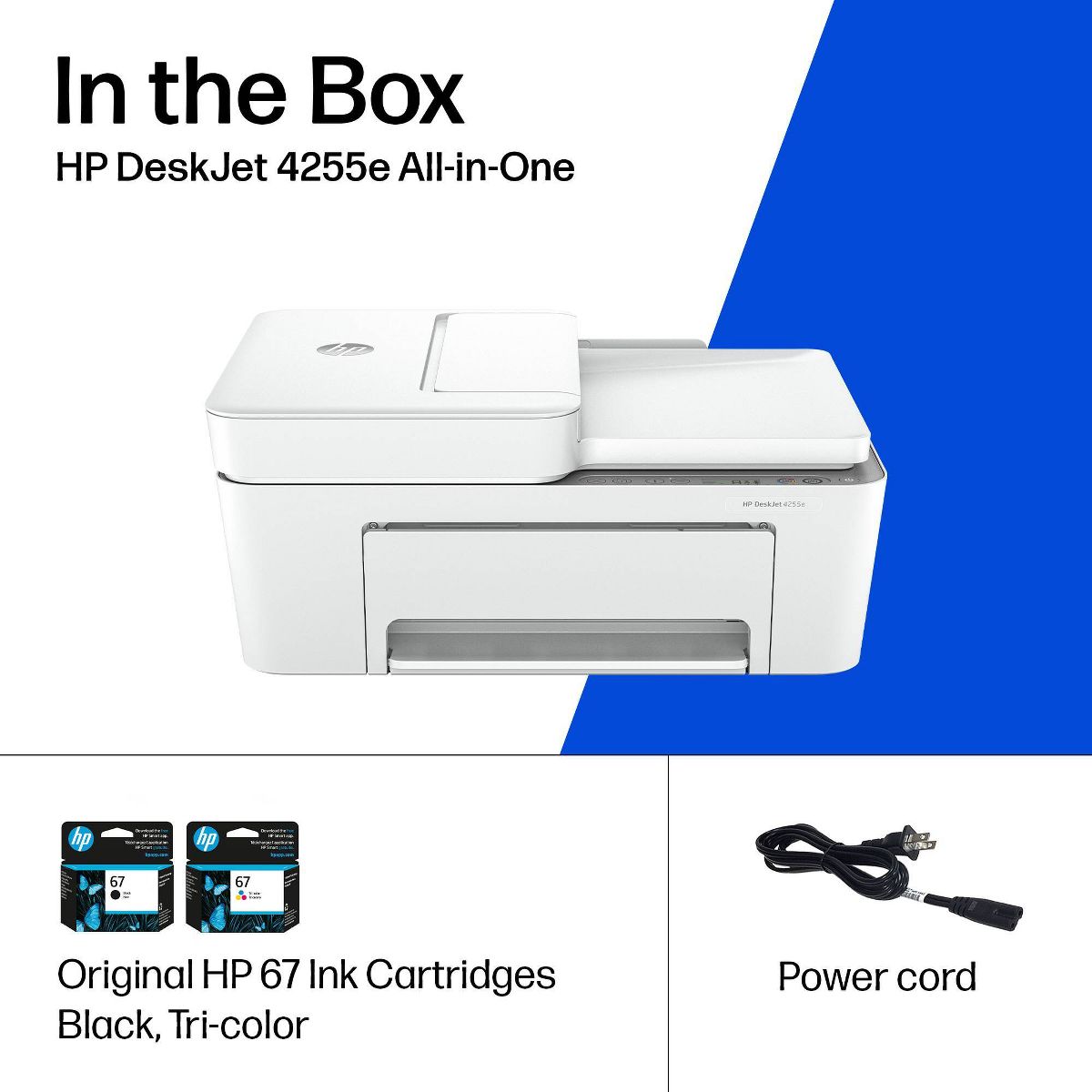
The HP DeskJet 4255e delivers color printing, 60-sheet paper capacity, and an auto document feeder for easy scanning and copying. It also includes 3 months of free Instant Ink with HP+ activation at printer setup.

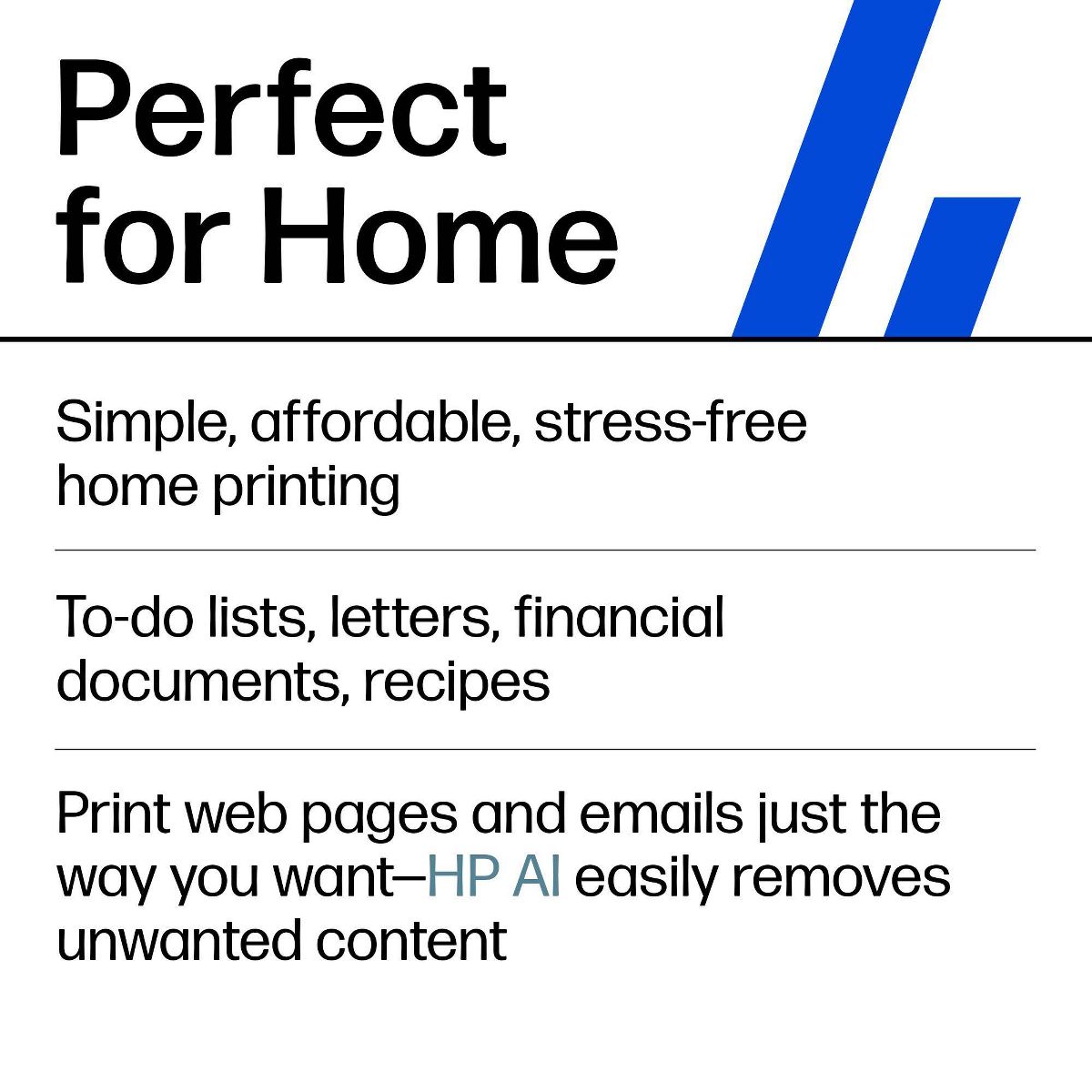
FROM AMERICA'S MOST TRUSTED PRINTER BRAND: The DeskJet 4255e is perfect for homes printing to-do lists, letters, financial documents and recipes. Print speeds up to 5.5 ppm color, 8.5 ppm black.

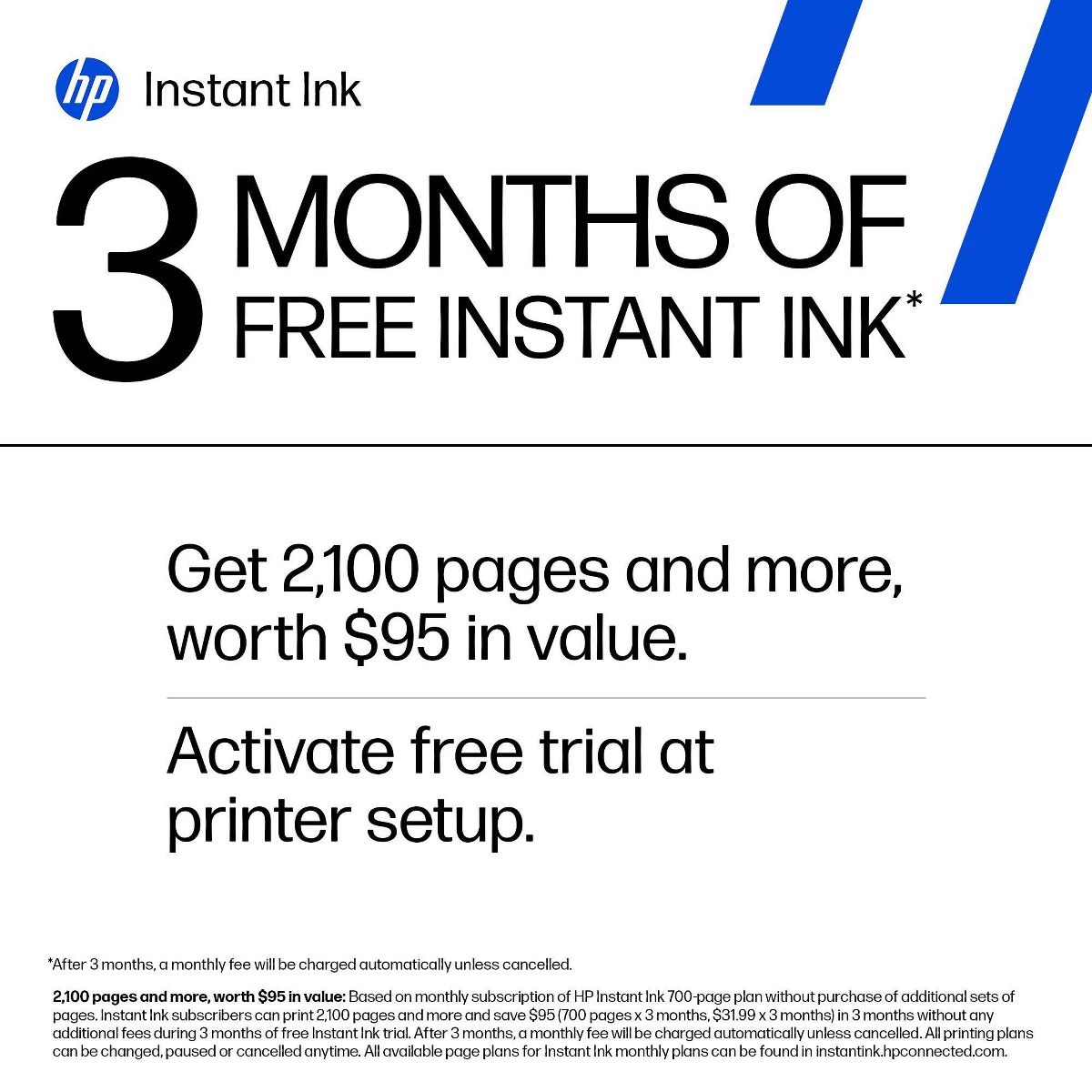
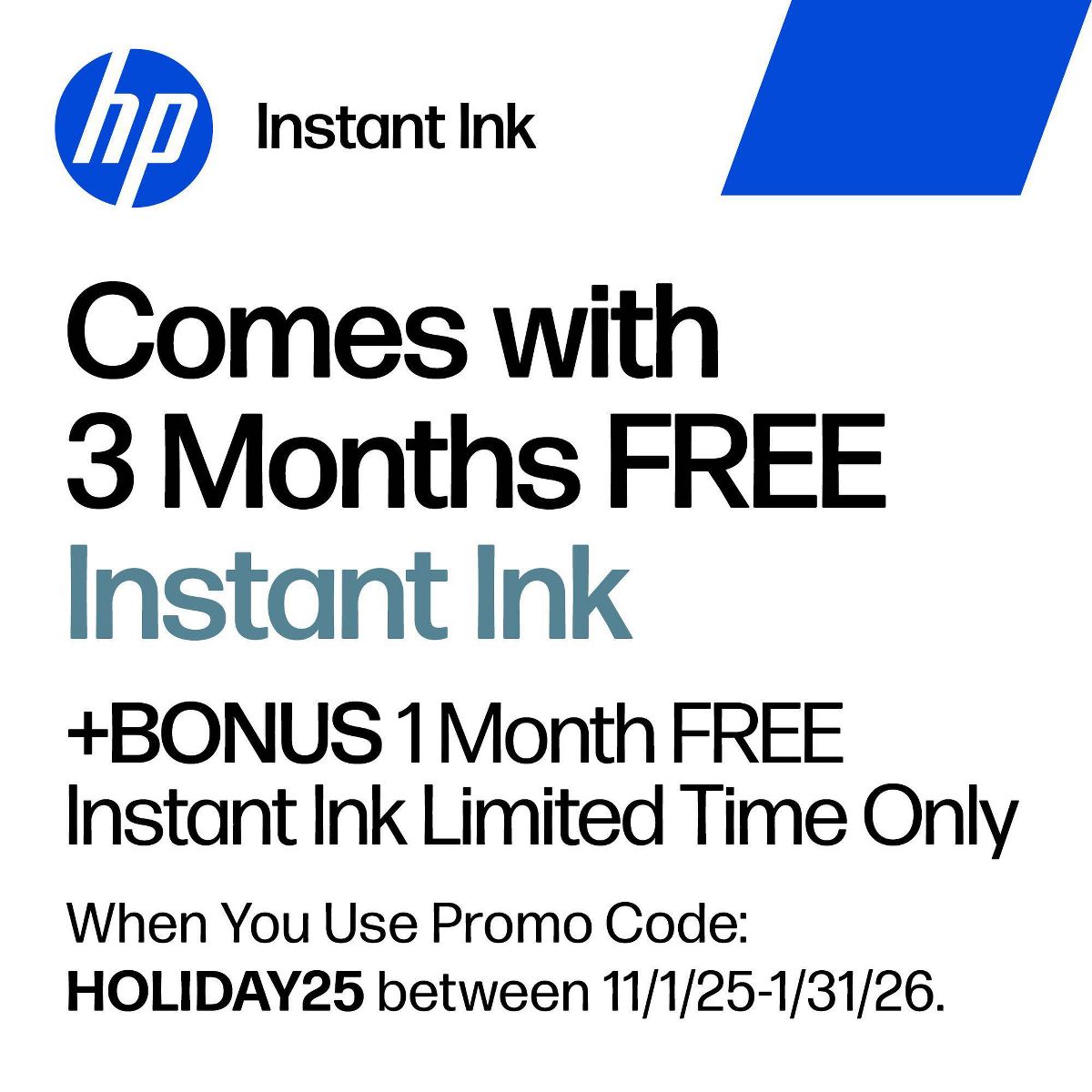
Bonus 1 month of Instant Ink
Enter code "HOLIDAY25" to get 1 bonus month in addition to the 3 months of free Instant Ink service already included with this printer.

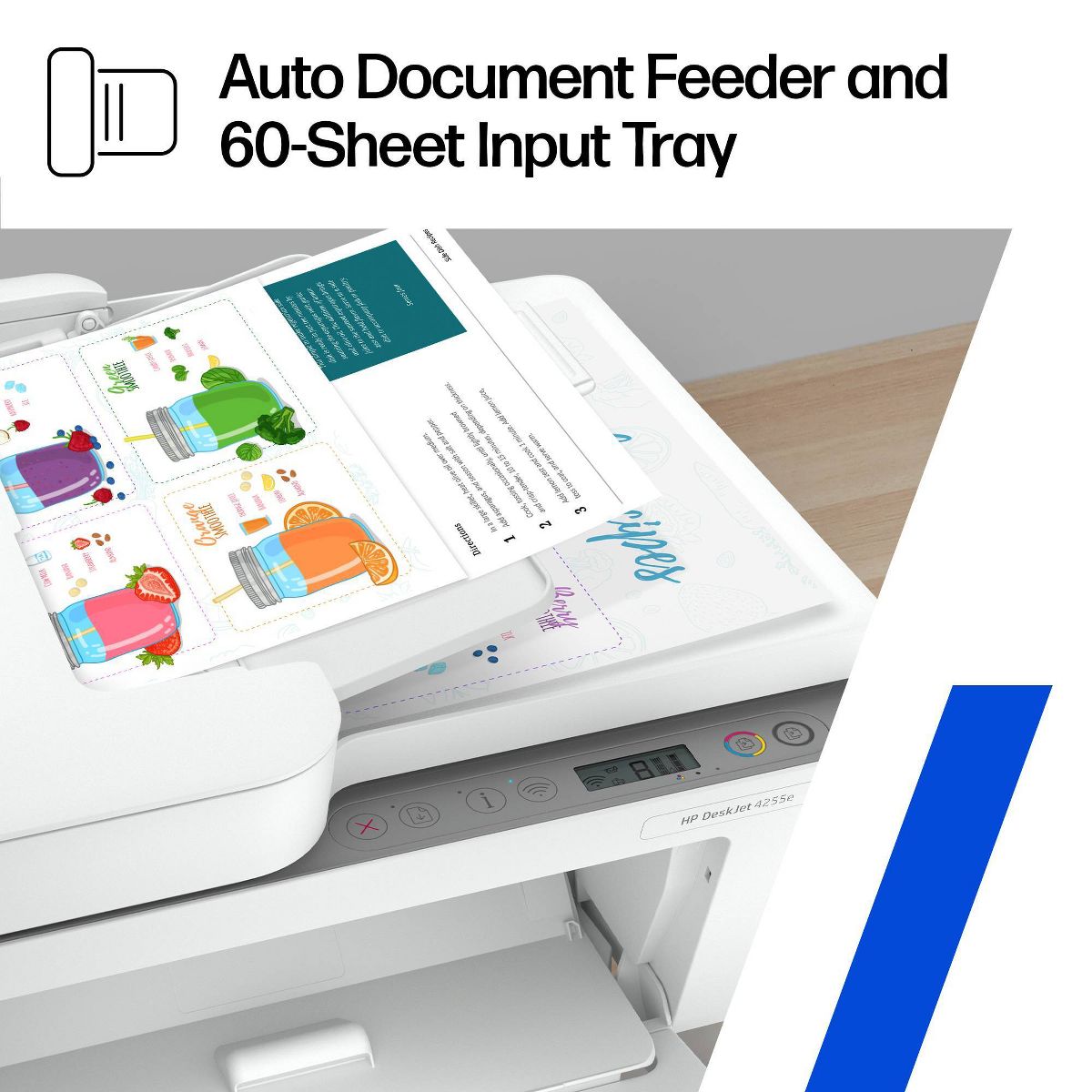
KEY FEATURES: Color printing, copy, scan, auto document feeder, and a 60-sheet input tray

WIRELESS PRINTING: Stay connected with our most reliable Wi-Fi®, which automatically detects and resolves connection issues

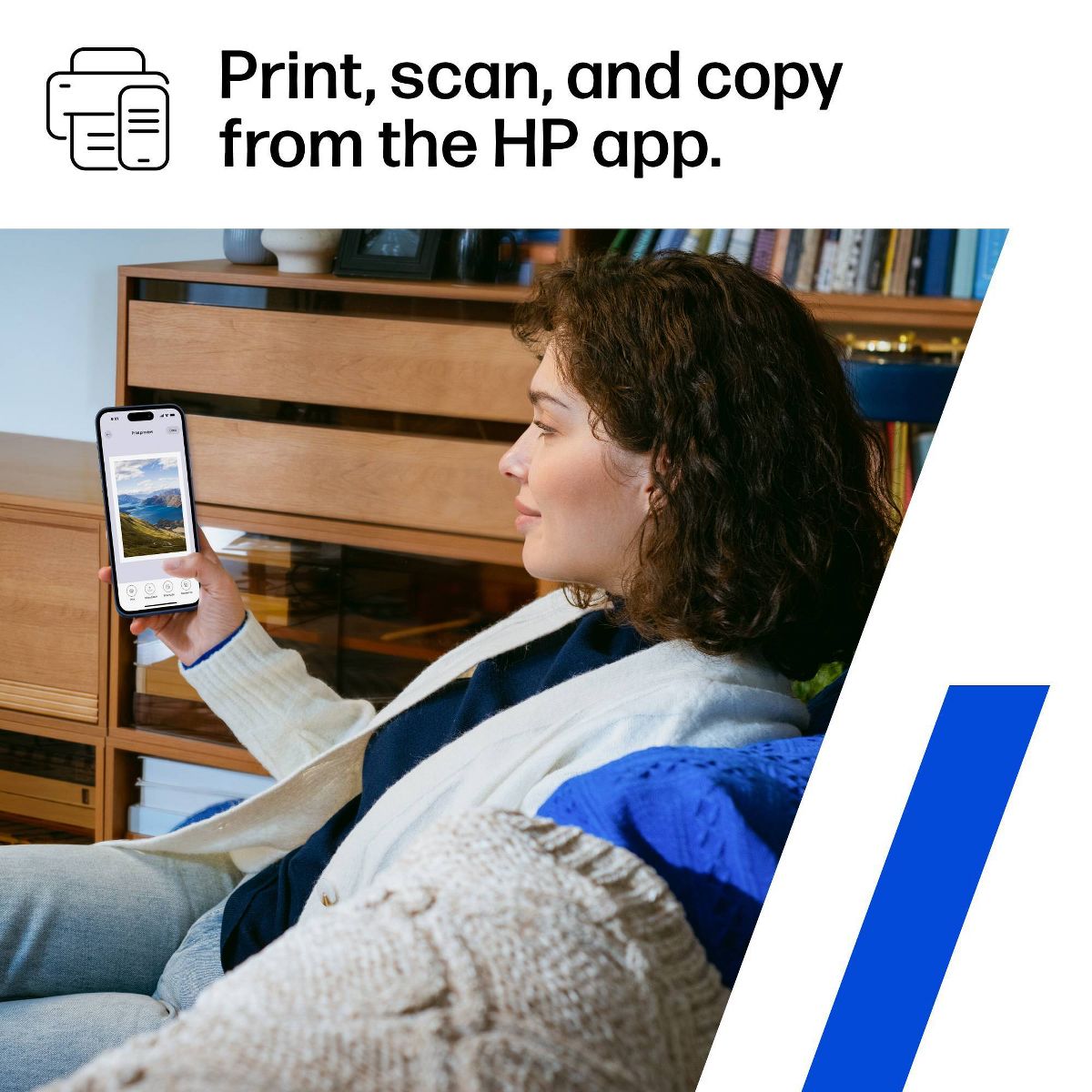
HP APP: Print, scan, copy, or fax right from your smartphone with the easiest-to-use print app

3 MONTHS OF FREE INK when you activate HP+: Subscribe to Instant Ink delivery service to get ink delivered directly to your door before you run out. After 3 months, monthly fee applies unless cancelled, and you save up to 50%.

COMPACT DESIGN: Made to fit any home

ICON LCD: Print your basic documents with ease from the intuitive control panel

SUSTAINABLE DESIGN: Made with at least 60% recycled plastic

ENERGY STAR® AND EPEAT® CERTIFIED: Save energy with a printer that meets industry efficiency standards

DYNAMIC SECURITY: This printer is intended to work only with cartridges with original HP chips or circuitry and will block cartridges using non-HP chips or circuitry. Periodic firmware updates will maintain the effectiveness of these measures. More at www.hp.com/learn/ds.
Reviews
4.2
التقييمات: 26
5 نجمة
54%
4 نجمة
23%
3 نجمة
15%
2 نجمة
4%
1 نجوم
4%
Most Helpful Positive Review
jjkook0708
5
All in one printing at home
The HP DeskJet 4255e All-in-One Printer has been a great addition to my home office. It’s compact and fits nicely on my desk, and it handles printing, scanning, and copying without any issues. Setting it up was simple, especially with the help of the HP Smart app, which guided me through the process. The only downside is that the ink can be expensive, and it’s a bit slow when printing large batches. Overall, though, it’s a solid, affordable option for everyday home use.
Most Helpful Critical Review
Tommy Py
3
Great but…
The set up wasn’t too bad but with a little patience I was able to get through it because the instructions were general, but not specific enough particularly the control panel should have an explanation for each button. The quality of printing was excellent and fast. The document feeder worked, but I can’t get it to print the document I inserted into the feeder. There was no specific instructions on the use and troubleshooting of the document feeder.
Amanda
1
Terrible
Stopped working after only using a couple times
Shalonda
5
Was purchased for pick up in store today. First time using a HP printer. Got it home and the set was very easy. Tried it out printing my son papers for his project and it printed faster than I expected it to and the quality was great. I used HP copy and printing paper. So far so good I’m happy about my purchase. I always had a Canon printer.
T
2
Look Around
It requires a subscription to print or scan anything. The quality of the printer is not the best and will leave ink smudges or incomplete letters.
Tommy Py
3
Great but…
The set up wasn’t too bad but with a little patience I was able to get through it because the instructions were general, but not specific enough particularly the control panel should have an explanation for each button. The quality of printing was excellent and fast. The document feeder worked, but I can’t get it to print the document I inserted into the feeder. There was no specific instructions on the use and troubleshooting of the document feeder.
tcrone69
4
It's a good printer, however....
It's a good printer, however, the top part for documents has us both scratching our heads. Neither one of us has seen any instructions on how to work this piece. The printer does a good job printing, standard HP printer stuff. It's better for home use and not for office only because it doesn't make "sharp images" as I agree with one reviewer. HP makes good printers and the ability to have both ink and paper with Instant Ink saves us both time and money (so I'm not running to the store for ink).
MomTo2NC
4
Great Upgrade
We have had an HP printer of some sort for probably the last two decades. They’re reliable little workhorses that are great for families or at-home work that requires small batch or occasional printing. I love the feed tray on top. It gives big office copier vibes! The scanner works well too. The print quality is great. My only complaint is that wireless printing can be a pain. Even with the HP app, the printer doesn’t always connect with the device I’m trying to print from (and I know it’s not an internet issue). I’m hoping we get it figured out soon, but I’ve usually been able to find a work around to get what I needed printed.
jjkook0708
5
All in one printing at home
The HP DeskJet 4255e All-in-One Printer has been a great addition to my home office. It’s compact and fits nicely on my desk, and it handles printing, scanning, and copying without any issues. Setting it up was simple, especially with the help of the HP Smart app, which guided me through the process. The only downside is that the ink can be expensive, and it’s a bit slow when printing large batches. Overall, though, it’s a solid, affordable option for everyday home use.
J105w
3
Good for Light Printing Tasks
Being in the field of education for longer than I care to admit, I have had plenty of experience dealing with many different types of printers. I bring that knowledge to give an honest review of the HP DeskJet 4255e All-in-One Printer. Setup was simple because it only requires one plug. Downloading the app and having my laptop recognize the device took a while. That being said, once the device is recognized, it is easy to print. When it comes to design, it's a bit tricky to access the internals because there's only a small opening in the front. This could be a problem for people with larger hands, as the front opening is the only way to replace ink cartridges (which you'll need to do often if you print regularly) or deal with paper jams. Plus, the printer needs to be on to access the ink cartridges. There's only a rear paper feeder with a small 60-page capacity, so you'll be adding sheets frequently. And there's no menu on the printer itself; you'll have to use your PC or mobile device for settings and maintenance tasks. The ink cartridges have a low yield and need frequent replacement. Accessing them is a hassle, as you can only reach them through a narrow front door. The same goes for the sheet rollers - you can only access them through the front door, with no other access points on the printer. You'll also be refilling the paper tray often since it only holds 60 sheets. The printer is compatible with the HP Smart app, which lets you order ink, manage your ink subscription, access printables, send mobile faxes (with a paid HP+ subscription), scan documents with your device's camera, initiate scans, and perform maintenance tasks. The ink cartridges are small, so get ready to change them frequently. You get three months of ink included with the printer through HP's subscription service, HP Instant Ink. But once you start using this service, you can't use cartridges from third-party manufacturers. Overall, this printer is fine for light home use. But as an educator, I need something more robust.
oliviaromano
4
Great Printer!
I have used this printer for a little over a week. I like the compact size of it, it prints in both black and white and color, and it has the ability to copy and scan documents. However, I do not like that I had to download an app on my phone and computer to set up and print documents. Also, it prints fairly slow compared to other printers. However, I do like the size of the printer and the capabilities that a small printer like this can do. Overall, I do recommend this printer to others.
Matonicus1
5
Simple and efficient
Right out of the box this printer was light enough to offload it anywhere in the house with a simple wifi set up and app down load your ready to go. I would recommend this printer to any one with a basic need for a cordless straight forward easy to use printer. With an additional 3 months of ink provided and a secondary subscription I will never have the problem of running out, which is fantastic for any at home small business or college student.

Showing 10 of 26 review

You may be interested
  • Bestsellers
  • Recently Viewed
 
Similar products
Fast and high quality delivery

Our company makes delivery all over the country

Quality assurance and service

We offer only those goods, in which quality we are sure

Returns within 30 days

You have 30 days to test your purchase