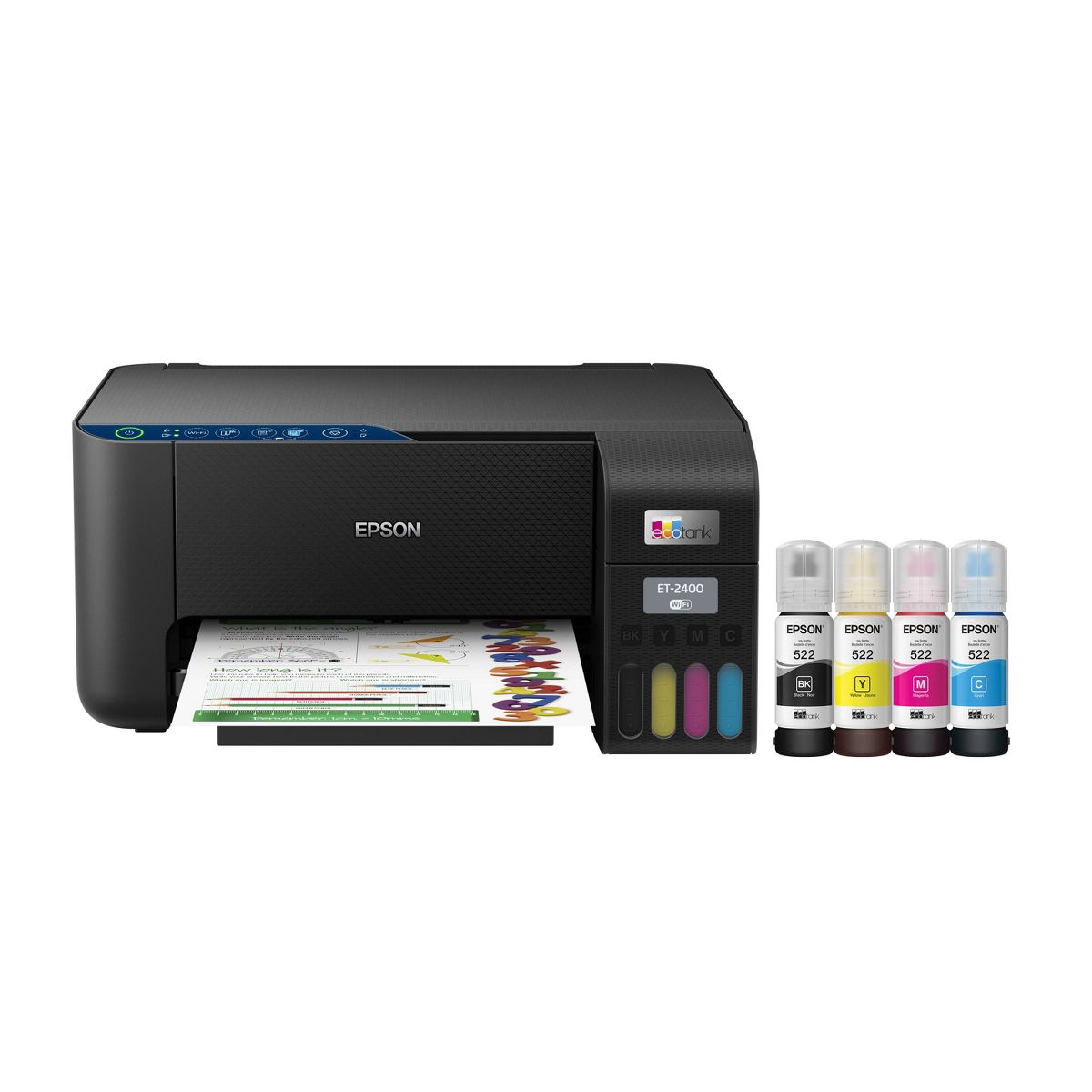










Epson EcoTank ET-2400 All-in-One Cartridge-Free Supertank Printer, Copier, Scanner - Black
Write a review
$18999

Epson EcoTank ET-2400 All-in-One Cartridge-Free Supertank Printer, Copier, Scanner - Black

Write a review
86250520
+
Add to wish list
Starget Electronics is a leading online electronics store offering a wide range of gadg...

City: US, New York

Delivery
Pickup at your own expense
Tomorrow from 09:00 to 20:00, Store location
Free
Payment options
Apple Pay Google Pay Mastercard Visa
Cash, bank card, credit/installment payments, cashless payment for legal entities
Warranty and returns
Exchange/return of products of proper quality within 14 days Official manufacturer's warranty: 12 months
Description
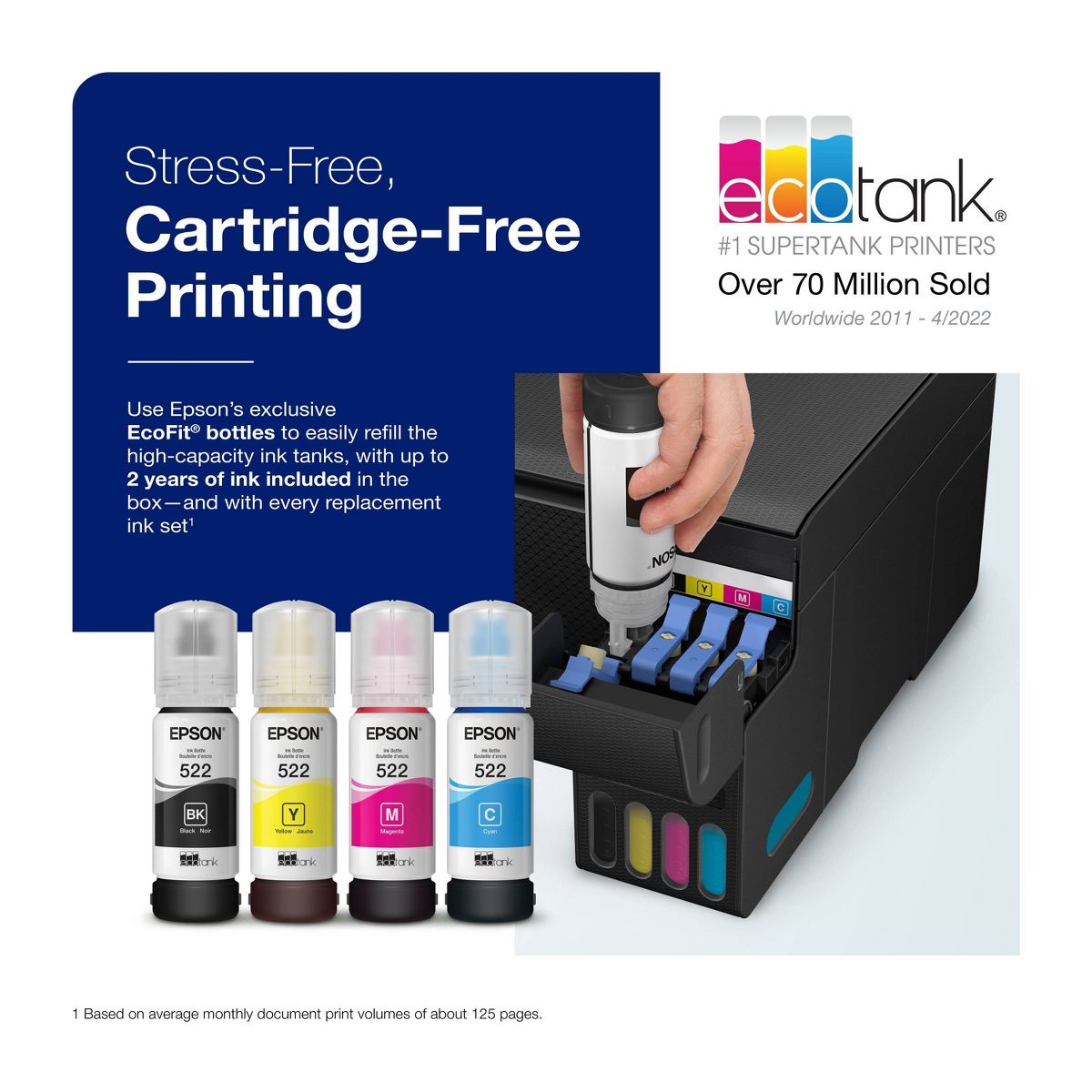
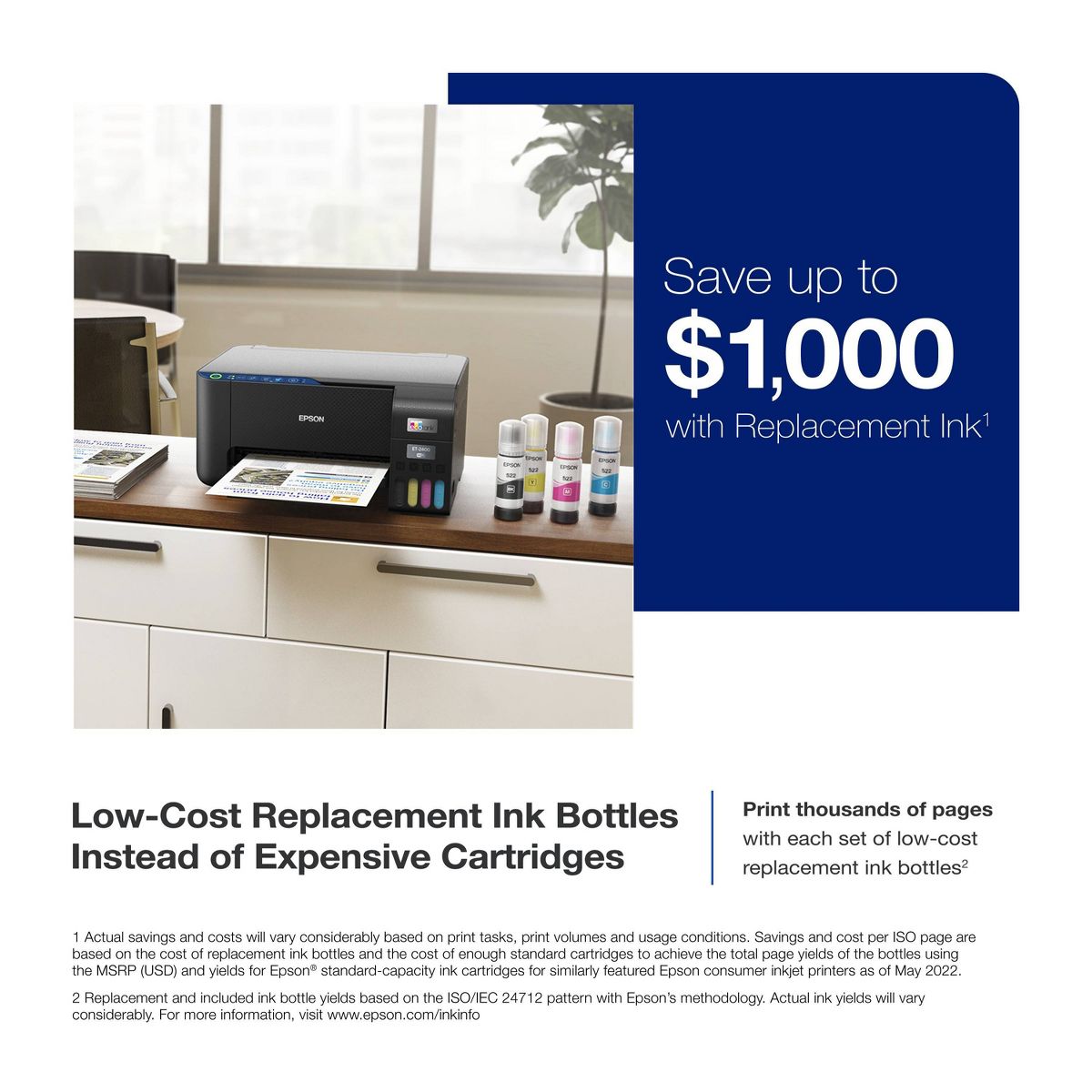
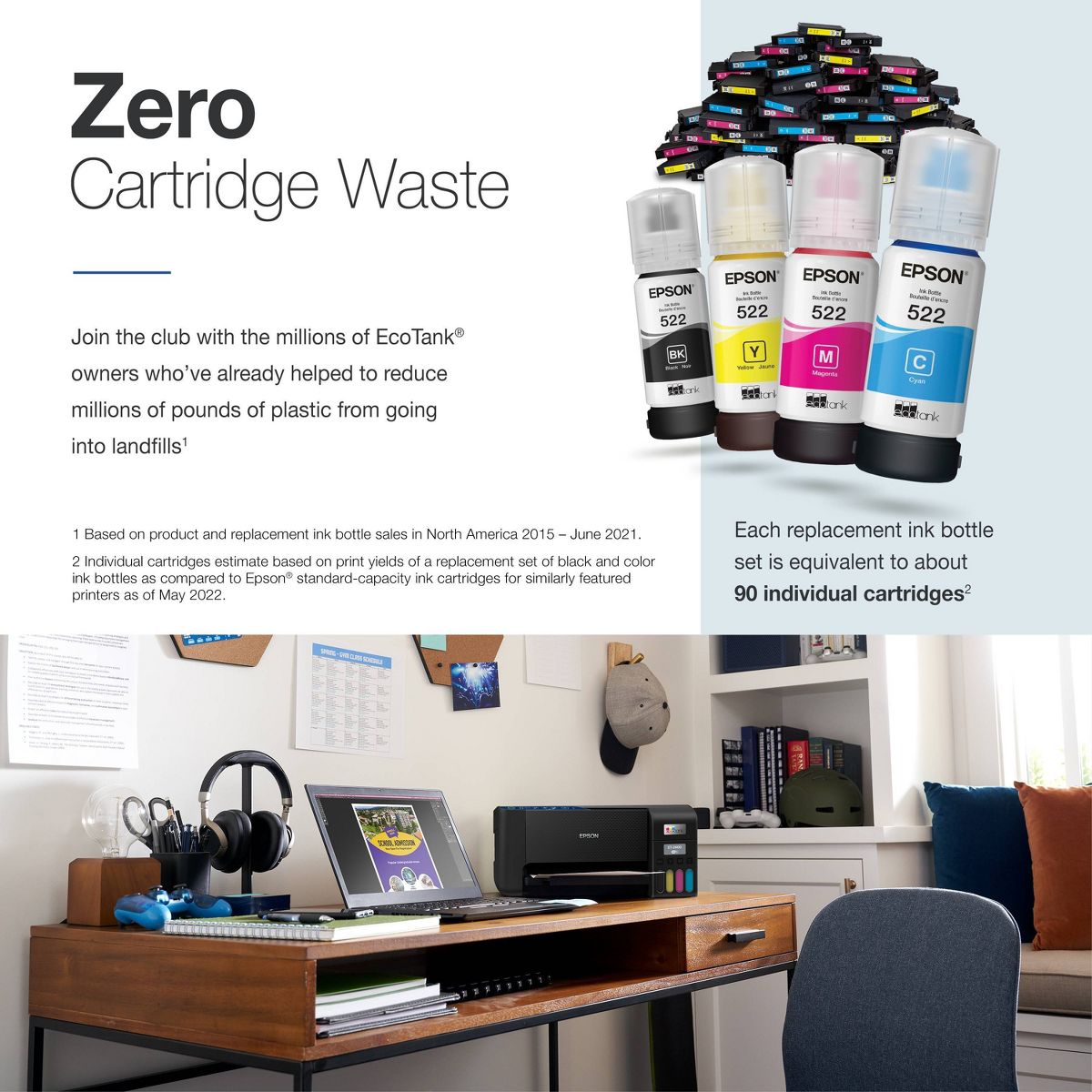
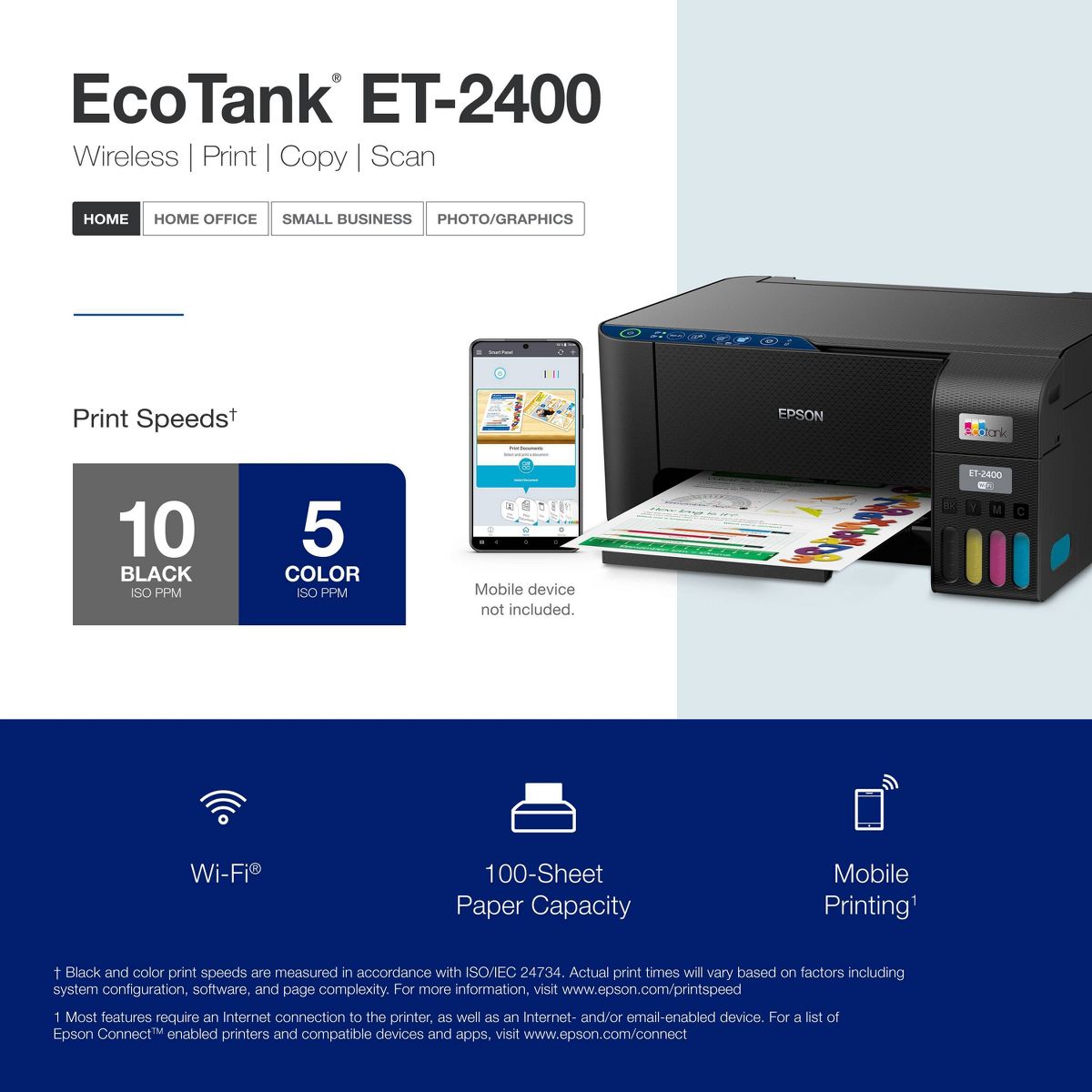
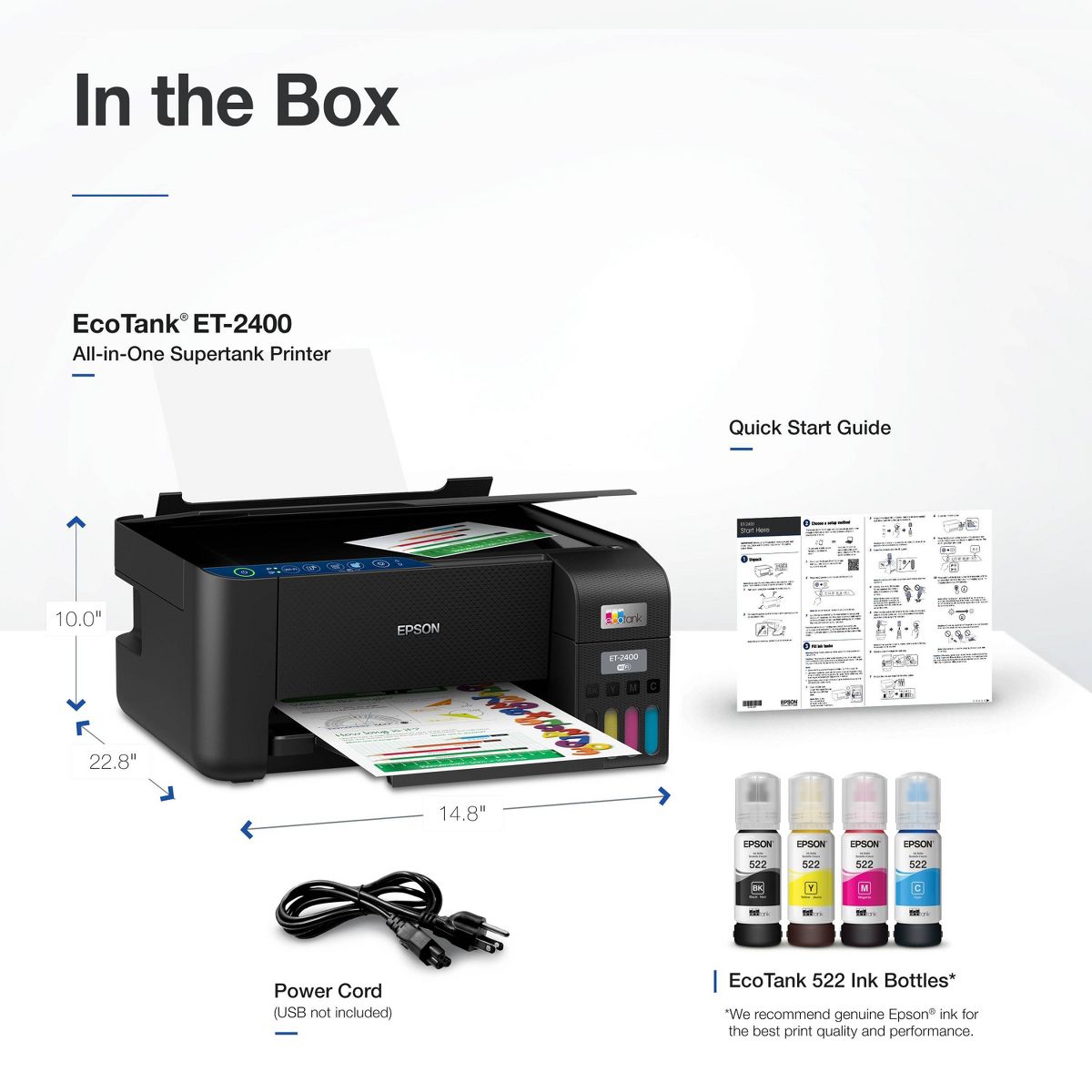
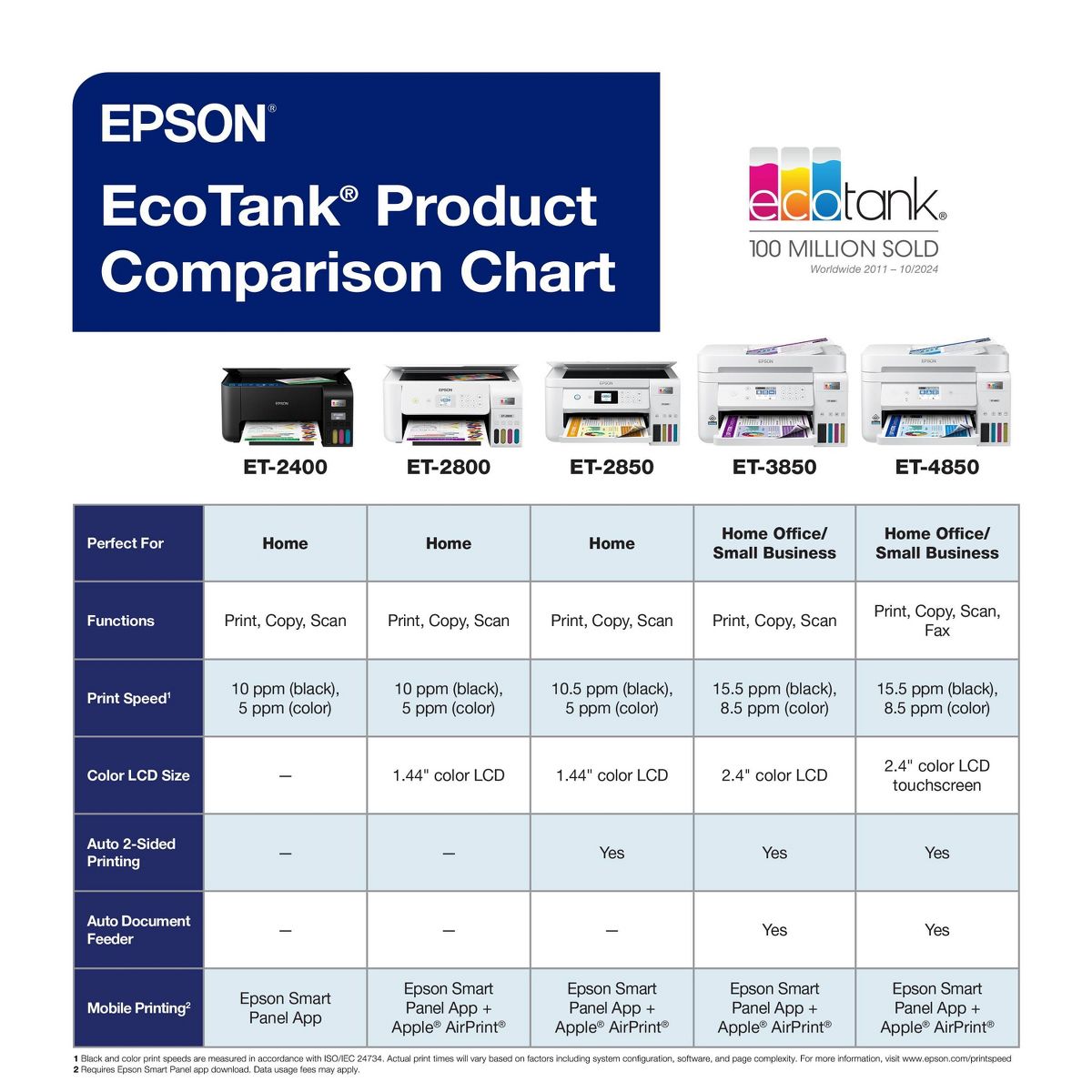
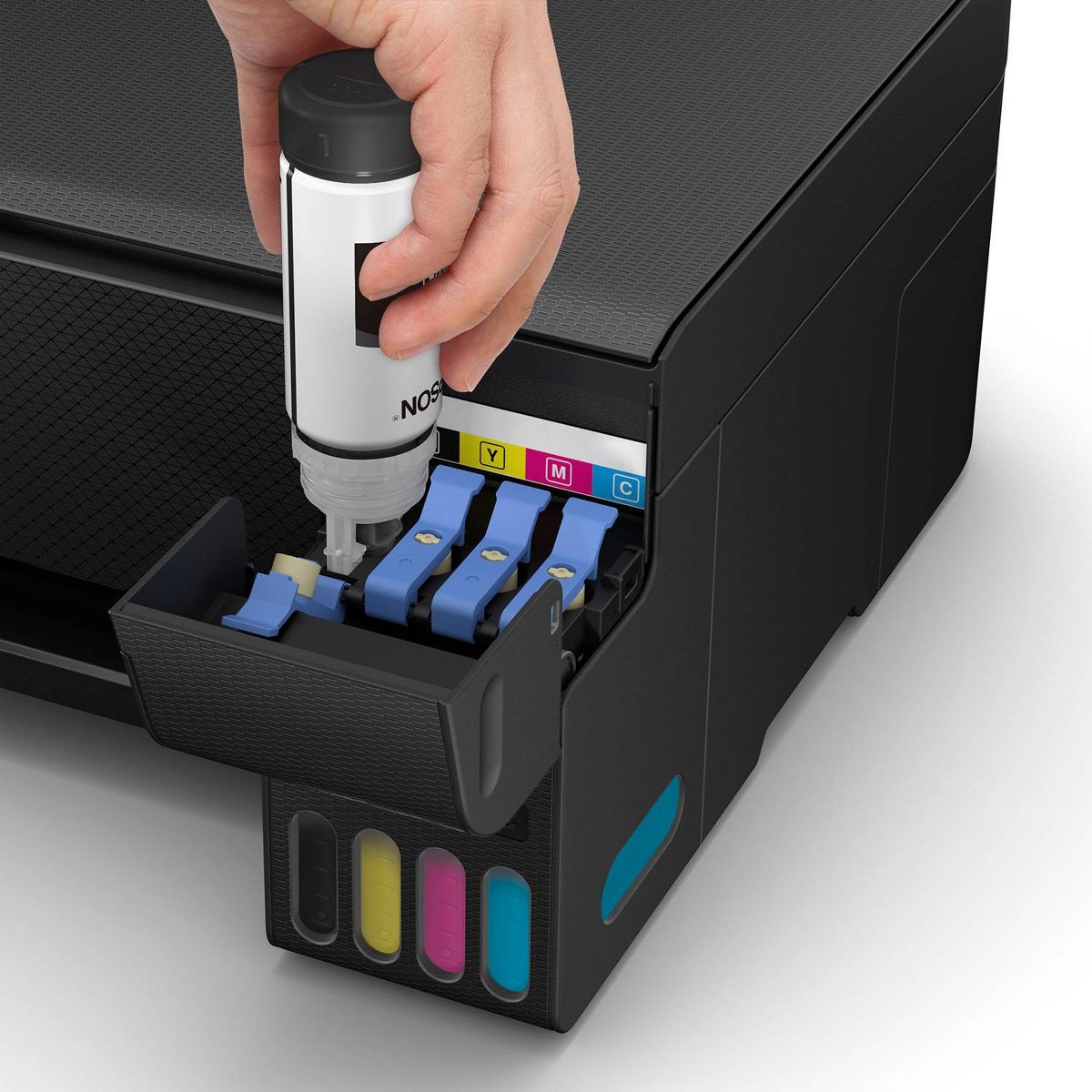
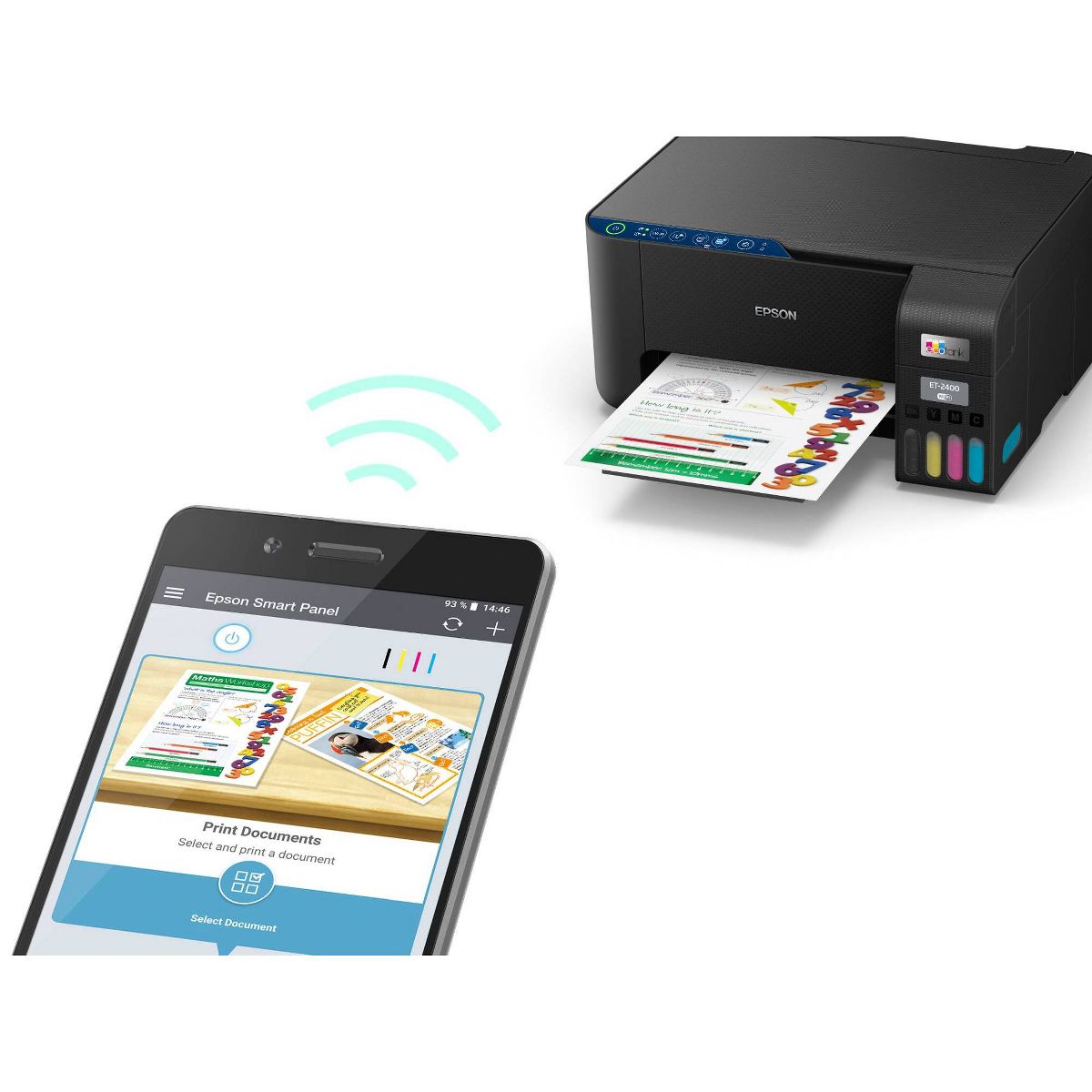
You’re looking for an easy-to-use Supertank printer that will get the job done. That’s why we developed the EcoTank ET-2400 – an innovative cartridge-free solution that uses high-capacity, easily refillable ink tanks. So you’ll worry less about running out of ink, and save a lot on replacement ink. The ET-2400 features genuine Epson print quality and a high-resolution flatbed scanner – making it a convenient choice for essential, everyday home printing.
Reviews
3.5
Reviews: 19
5 stars
53%
4 stars
5%
3 stars
11%
2 stars
5%
1 star
26%
Most Helpful Positive Review
Whiskeygal
5
Ecotank vs cartridge
For the price I am extremely pleased! The printing quality is great and all the work I have printed in the past few days and the ink levels are still good I’m so thankful. I would have already changed cartridges at least 3 times but the ecotank is awesom!
Most Helpful Critical Review
Kevinclarktv
1
The ink jets will lock up in 2 years or less.
Sorry Epson, this is a fail. I barely used this thing, maybe 2-3 prints over a couple of years, the ink heads have solidified. I bought a cleaning kit to run through the heads, blank pages are all I get. Does it say in the paperwork to run a print check page every week?
Montana0422
5
Easy set up
I got this printer for Christmas. I do a lot of crafting and needed a reliable printer. Although in the reviews some people had trouble with the set up, I found the set up process easy to follow and understand. I highly recommend this oriented for any crafter and anyone needing a good printer.
Kevinclarktv
1
The ink jets will lock up in 2 years or less.
Sorry Epson, this is a fail. I barely used this thing, maybe 2-3 prints over a couple of years, the ink heads have solidified. I bought a cleaning kit to run through the heads, blank pages are all I get. Does it say in the paperwork to run a print check page every week?
JS12
1
Not compatible with Windows 11 ARM
Do not buy! It worked fine with older Windows versions but this printer is not compatible with my new Windows 11 ARM. Epson is 2 months late is providing drivers compatible with this processor and has no idea when they will be available. For now I have a very expensive paper weight and will need to go buy another printer (not Epson).
DaveG1956
1
Costly disappointment
I waited to buy a tank printer and when I did I thought that things would be good. Well, about 15 months later, no color in the prints. Nothing I could do, endless head cleanings, printing from my phone or tablet, my desktop, none could produce a printed photo. The ink tanks are almost still completely full. I'm afraid this technology may still be too new.
Devin01
3
I got this today, and have been working trying to get the wi-fi connected to the printer, but it cant or wont find my wifi network. my computer is connected i have turned off the router box, unplugged everything, and still not connecting to the wifi. i spent way too much money on this printer, and now i have to by the cable to connect to my computer, because of course they dont include this in the box!!! horrible!!!!
Gillette1997
5
menace
Great printer. Easy to use. I'm not a computer nerd so it took me a little while to download the driver-drivers to get it up & running. Once I got that done, I was all set to start printing. Love it!
Fave
1
Terrible
I am ready to throw my printer in the trash. Bought it on October 22, 2023. I've printed a total of 70 black and white pages and 55 color pages, that's it. I have to have the printer clean the heads every time I want to use it and now it says I need yellow and cyan ink. I can't even see through these cloudy windows for the ink so I can see how high or low my ink is in the first place!! UGH!!! Waste of money
TommyVi
2
Very disappointed
When you print photos on good glossy quality paper, the sheet get stucked inside the printer and you have to start one again, with waste of ink and paper. And when the print goes through, sometimes it shows colored stripes at the bottom of the page. This happens 2 out of 5 times you try to print a photo. It works fine only when you print regular documents, but not photos. Very disappointed
Brandylynn
3
No wifi
I just bought it. I can not for the life of me connect it to wifi.. I did find a usb and connected to my computer. So that works so far so good that way . It was a lengthy set up. I didn't like that. And I have another epson printer loved it and it was an easy set up. I also don't like that this doesn't have a lcd screen. I will up date the more I use it. So far it prints fast when connected.
Bad
1
Bad
the ink bottles arrived empty

Showing 10 of 19 reviews

You may be interested
  • Bestsellers
  • Recently Viewed
 
Similar products
Fast and high quality delivery

Our company makes delivery all over the country

Quality assurance and service

We offer only those goods, in which quality we are sure

Returns within 30 days

You have 30 days to test your purchase