













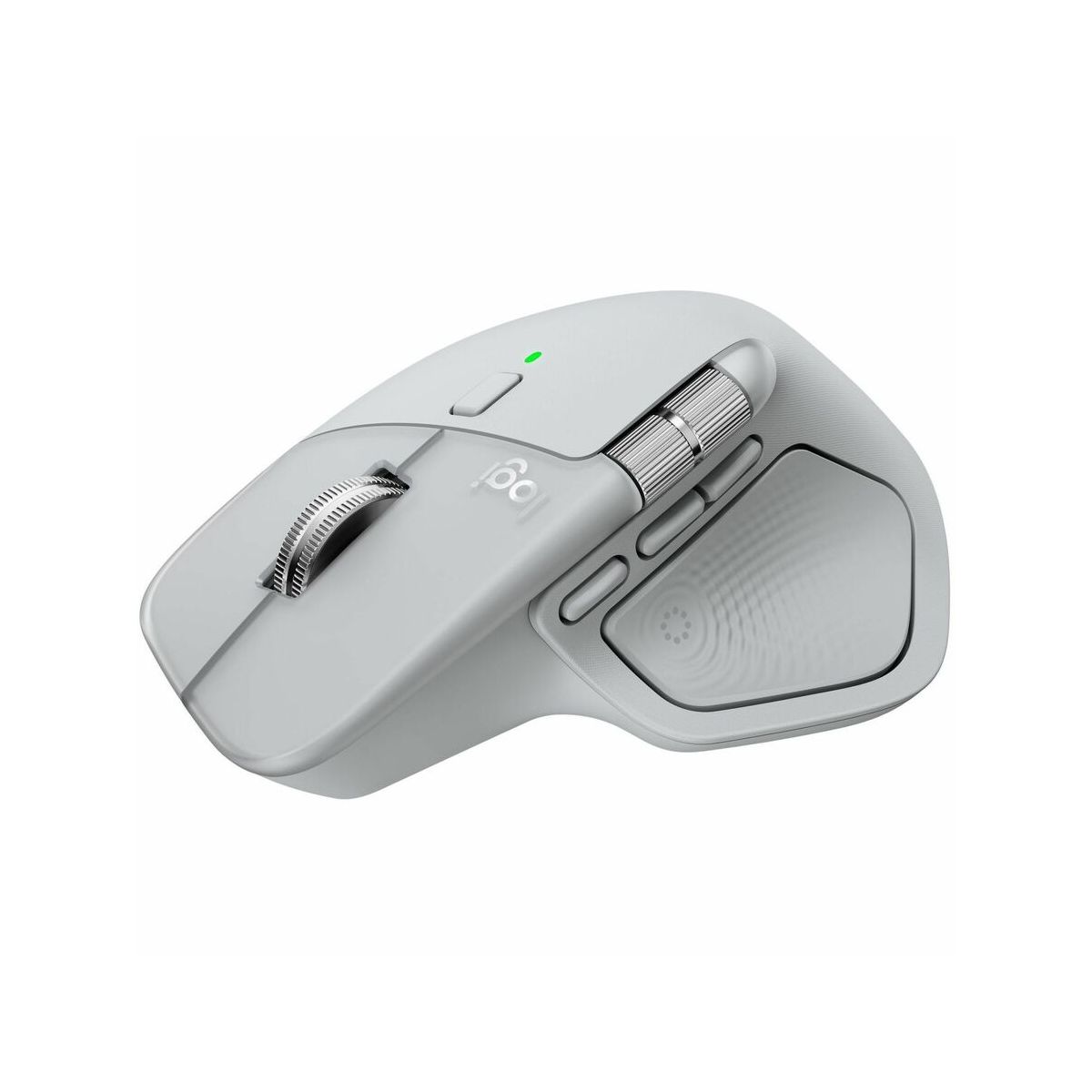



Logitech MX Master 4 Ergonomic Wireless Mouse Pale Gray 910007559
Write a review
9843

Logitech MX Master 4 Ergonomic Wireless Mouse Pale Gray 910007559

Write a review
1008322238
+
Add to wish list
Starget Electronics is a leading online electronics store offering a wide range of gadg...

City: US, New York

Delivery
Pickup at your own expense
Tomorrow from 09:00 to 20:00, Store location
Free
Payment options
Apple Pay Google Pay Mastercard Visa
Cash, bank card, credit/installment payments, cashless payment for legal entities
Warranty and returns
Exchange/return of products of proper quality within 14 days Official manufacturer's warranty: 12 months
Description
Logitech MX Master 4 Mouse Pa
Features
Item Weight
.65 pounds
Brand Name
Logitech
Battery
Required, Non-Removable
Connection Type
USB-C
Dimensions (Overall)
5.6 inches (H) x 2.3 inches (W) x 6.6 inches (D)
Electronics Condition
New
Number of buttons or keys
8
Primary use
Home
Wireless Technology
  • Bluetooth
Reviews
4.7
Reviews: 28
5 stars
82%
4 stars
14%
3 stars
0%
2 stars
0%
1 star
4%
Hector C.
1
Beautiful, but unusable due to bad Rubber Material
This mouse is gorgeous! It’s so beautiful, that as a Commercial Photographer, I had to photograph it for my portfolio. Now, the mouse is unusable compared to the Master 3s. This mouse is heavier than the previous version, but the main issue is that they changed the rubber material on the sides. This new version has a rubber which resembles suede in a sense, meaning its slippery… so, when you need to reposition the mouse, you are fighting with your hand to not let it slip. This, after the 4th time you need to reposition lift and the mouse, make your hand hurt, and in a couple of hours, that’s it, the mouse is unusable. I returned mine, and literally bought a new Master 3s. That mouse has the perfect rubber, grip, angle, and weight to not even feel it while using it… its a shame these guys changed the rubber material and the angle of the indent of the thumb section, it would have been perfect if they kept it exactly like the previous one plus the new features.
Xime
5
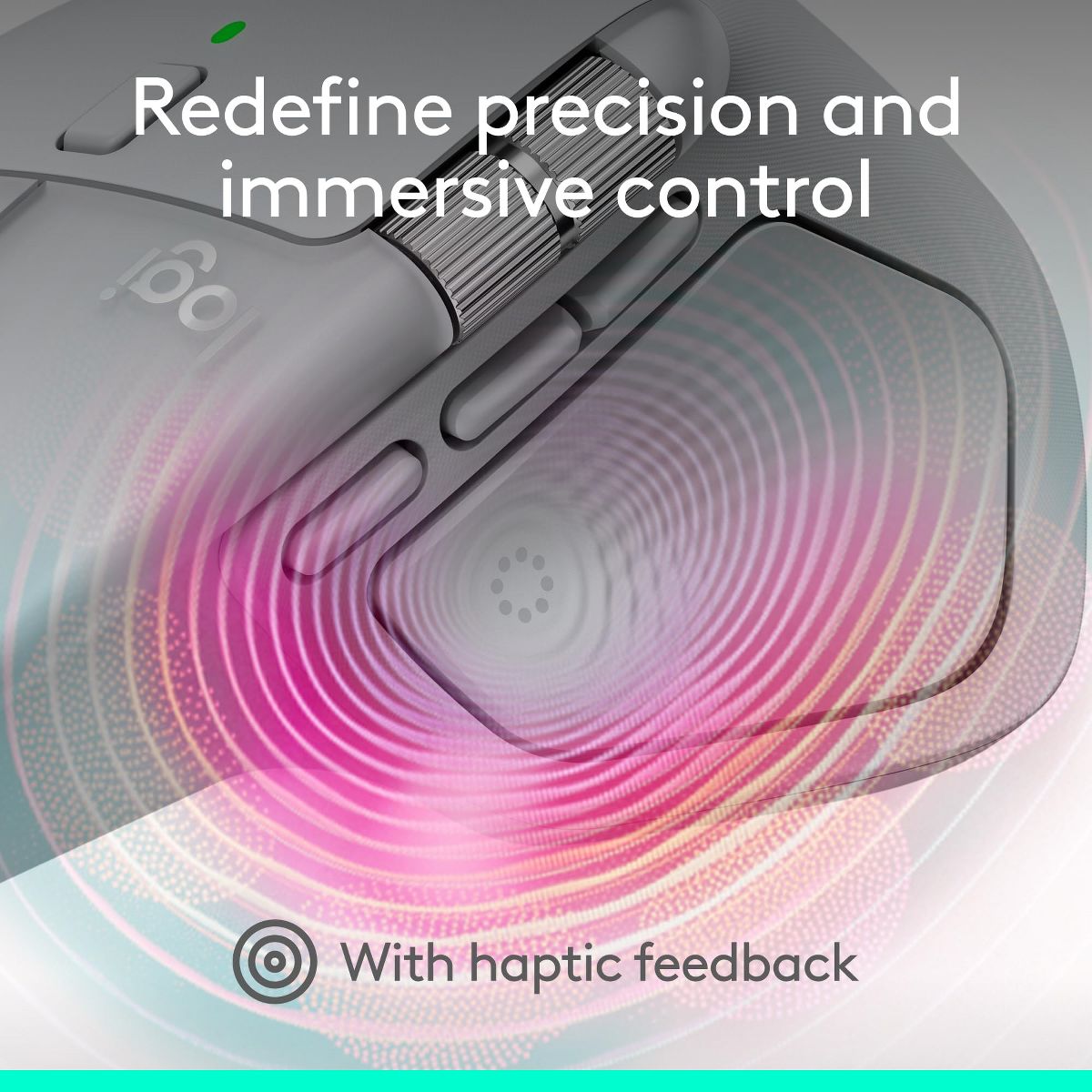
Logitech people had when they said HAPTIC
I really enjoy using my MX MASTER 4. The quick access with the buttons and the wheel are two of the main perks of this mouse not to mention it had Haptic Features.
David
5
MX Master 4
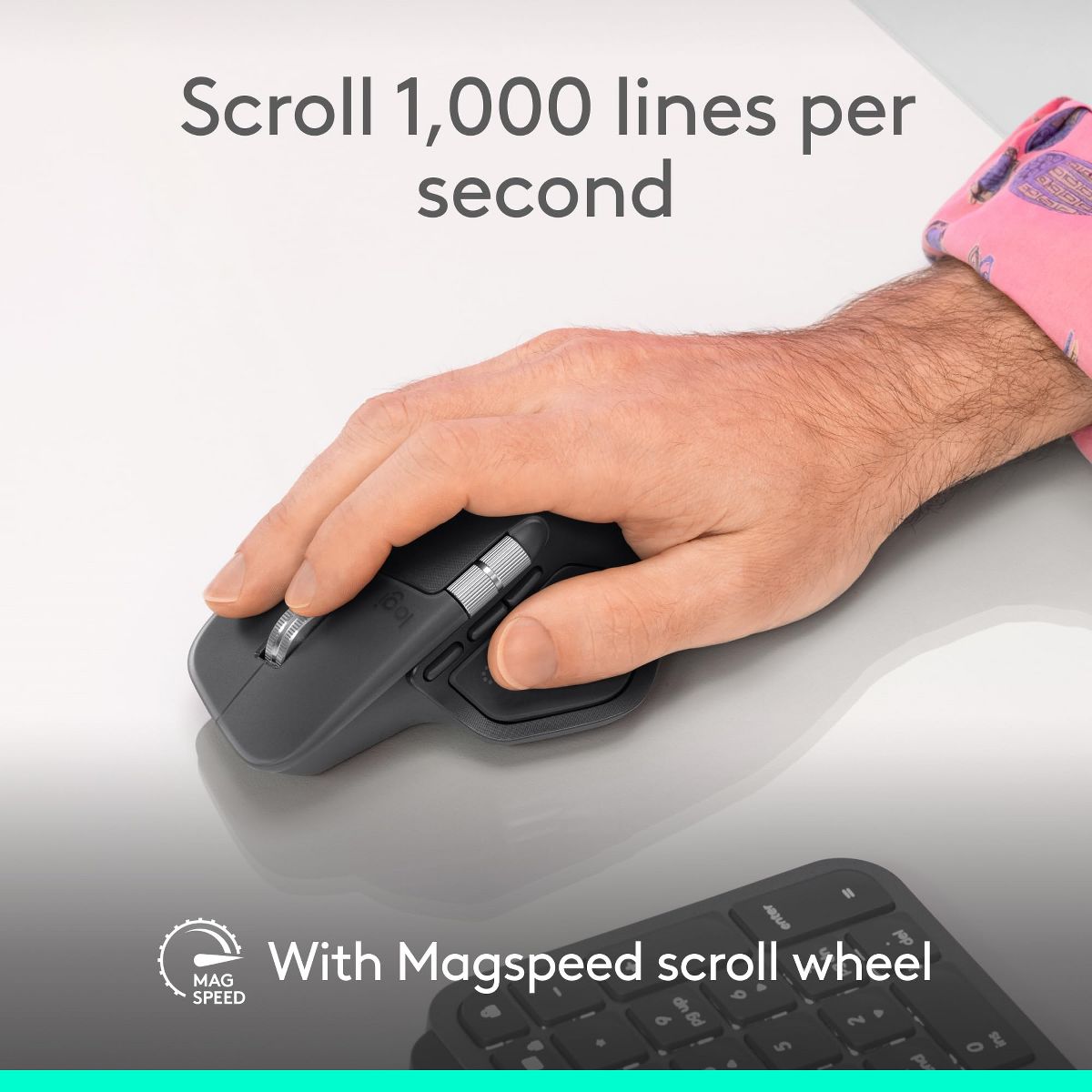
This would be the first mouse I've bought honestly. i wanted something to match my keyboard but also no make my wrist tired or pain. I've been using this for about 2 months now and its been amazing i love how fast it scrolls and stops, the click are so quite. i also work as a salesmen so i use this everyday with no problem
Pete
4
Almost perfection
I absolutely love the logistic Master series mice. Have owned the MX 3S for the last 10 years, I don’t know that I could use any other mouse. I’ve been waiting for the next MX mouse from Logitech, and this one is good, but not without its flaws. It delivered on everything the 3 does, the buttons the scroll wheels, the premium feel. However, when they introduced the haptic feedback, they moved the location of the thin grip button, from the lower left to right inside the grip of the mouse. I am constantly clicking this thing. Additionally, the material design around the haptic button makes it difficult to grip in the first place, so then I click the haptic button even more. Despite the form factor with the buttons, the thought that went into the customization is incredible and worth a look.
nykig1_295
5
High functioning sophisticated mouse
I paired with my MacBook Pro and it works like a charm. Buttons are easy to use and lightning fast. I really use this more than my Mac one and so much better functionality than the Mac one. Love this.
jenreviewsthings_8180
5
I love this
I love my new Logitech MX Master 4 wireless mouse. The ergonomics of the mouse make it so comfortable to use. My palm rests comfortably and it makes it easy to use all day. It’s super easy to pair to any laptop with a usb c receiver. I currently use it with my MacBook and paring and usage is seamless. This is also rechargeable so no more searching for batteries! I love how fast the scroll wheel goes. Makes it so easy to scroll sites with long pages. The buttons are super quiet but you can still feel the clicks. The haptic sense panel is actually quite useful. It has shortcuts to apps and actions I use through out the day on the desktop but also within certain apps like photoshop and zoom. You do need to download their app to make any customizations to your mouse’s actions.
tjust_7037
5
Major upgrade for productivity!
As someone who works remotely and enjoys hobbies like 3D modeling and computer gaming, switching to the MX Master 4 has been nothing short of impressive. The mouse has all the productivity shortcuts you could think of, and the horizontal scroll wheel is a major upgrade. As someone who works frequently in spreadsheets, this has already come in handy. The wheel is the perfect amount of slow tension and can be customized using the Logitech software to work differently. When using a mouse for hours on end, the clicking and scrolling sounds can become quite annoying, but the left and right mouse button clicks are completely silent with the MX master 4. The action ring button is one of my favorite features. It allows you to activate a ring of selections around your cursor on the screen and switch between programs and apps with ease. The mouse was easy to setup thanks to my computer immediately recognizing the mouse and prompting to download the software. I also can’t say enough about the rechargeable capability! No more switching out batteries every few days. One charge lasts about 70 days and charging is simple via USB-C. Overall, the mouse has great features, performs seamlessly and holds a charge longer than any other I’ve used in the past.
cynthias286_517
5
Fast speedy easy to set up
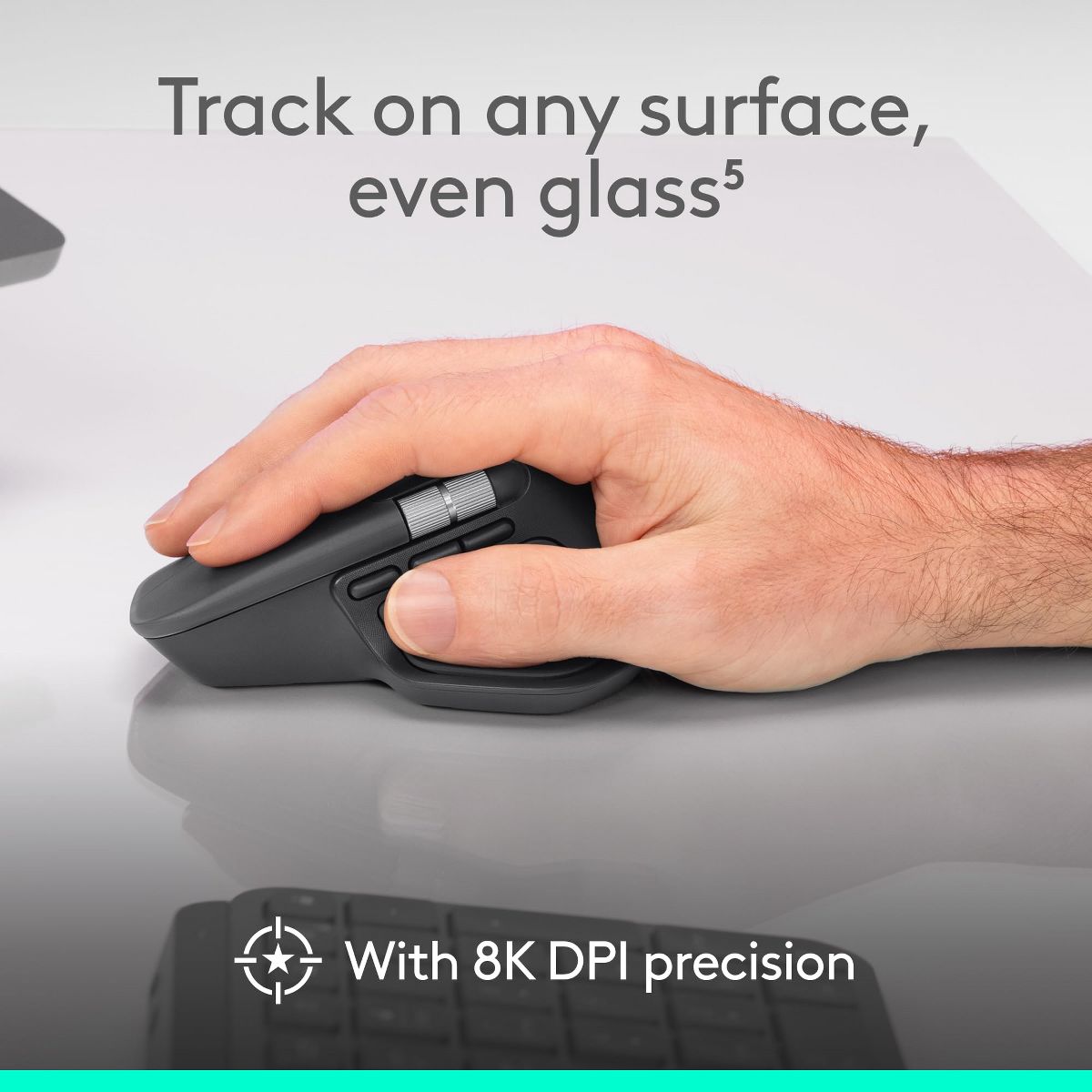
The Logitech MX Master 4 is honestly the easiest mouse I have ever connected. I took it out of the box, turned it on, and it paired in just a few seconds without me having to figure anything out. It felt really fast and modern right from the start. There is no lag at all and the scrolling and movement feel smooth and responsive. The haptic actions and shortcuts make it feel very high tech, and the overall speed makes everything on my laptop feel quicker. I also really like how comfortable it is. The shape fits my hand in a natural way and it feels ergonomic even when I use it for a long time. The clicks are quiet and the texture has that nice soft finish that makes it feel more premium. It also tracks on any surface, which is helpful since I move around a lot when I work. The design is clean and the black color looks sleek. The battery life is very impressive and the idea that it can stay powered for up to seventy days makes it even better. I like that it is made with recycled materials. It has a nice balance between being stylish and being practical.
purpulizard_311
4
Side scroll!
I’ve had my eye on a MX mouse for years, and the mx master 4 is pretty neat! I mostly use the side scroll function, which is clutch for dealing with large spreadsheets, though there are lots of more advanced ways to use the mouse’s programmable buttons and gestures. My only real complaint is that it feels heavy and too big for my hands - like it was designed to be ergonomic for Big Man Hands, but not the average human adult. I prefer the size and shape of my old wired Hero gaming mouse, also from Logitech, which I use on my work PC.
Dmytro
5
Looks perfect, recommend
Looks perfect, I use it for daily work. I can recommend to buy

Showing 10 of 28 reviews

You may be interested
  • Bestsellers
  • Recently Viewed
 
Fast and high quality delivery

Our company makes delivery all over the country

Quality assurance and service

We offer only those goods, in which quality we are sure

Returns within 30 days

You have 30 days to test your purchase