












Logitech - MX ERGO S PLUS Wireless Ergonomic Trackball Mouse with 6 Programmable Buttons - Wireless - Graphite
Write a review
$11999

Logitech - MX ERGO S PLUS Wireless Ergonomic Trackball Mouse with 6 Programmable Buttons - Wireless - Graphite

Write a review
1005296491
+
Add to wish list
Starget Electronics is a leading online electronics store offering a wide range of gadg...

City: US, New York

Delivery
Pickup at your own expense
Tomorrow from 09:00 to 20:00, Store location
Free
Payment options
Apple Pay Google Pay Mastercard Visa
Cash, bank card, credit/installment payments, cashless payment for legal entities
Warranty and returns
Exchange/return of products of proper quality within 14 days Official manufacturer's warranty: 12 months
Description
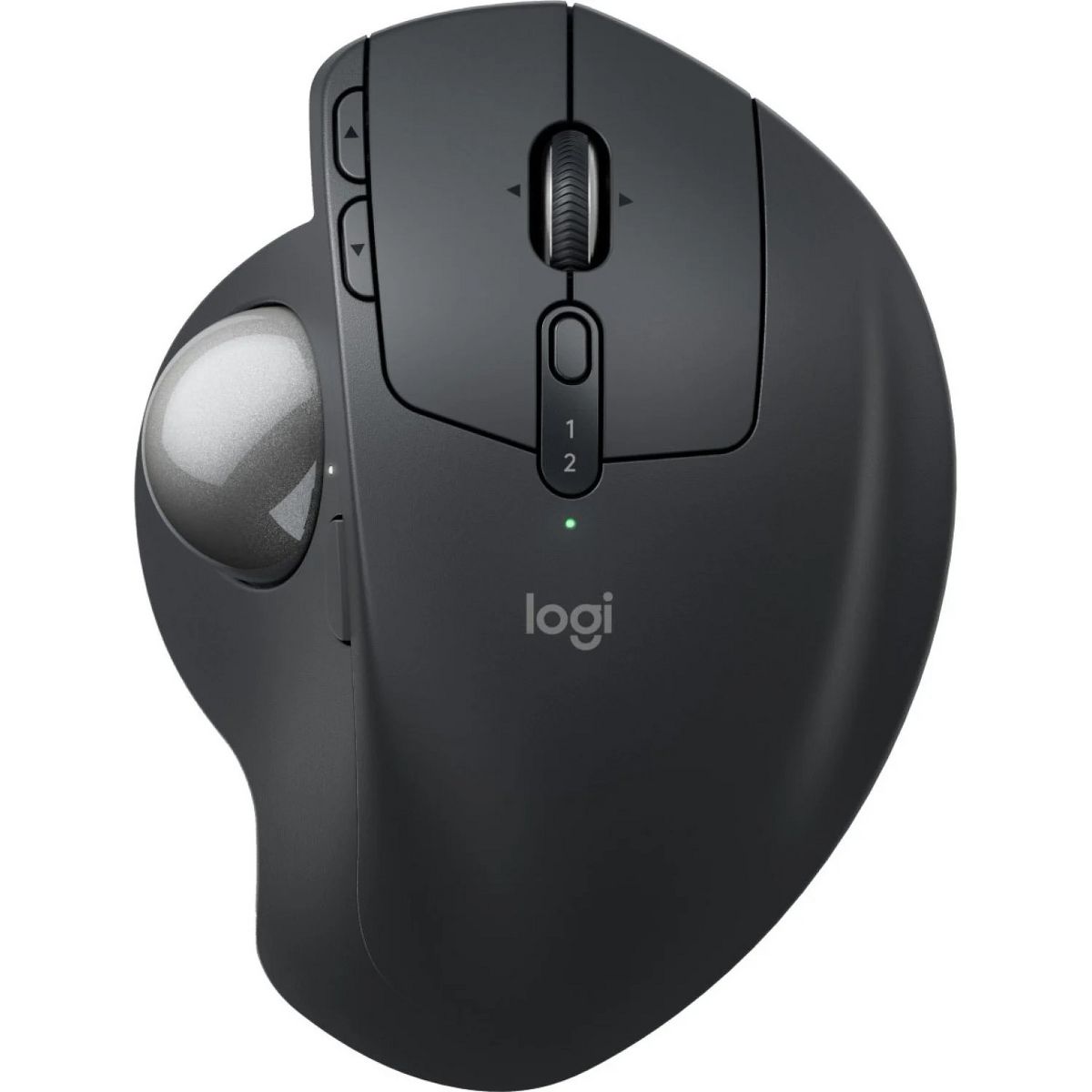
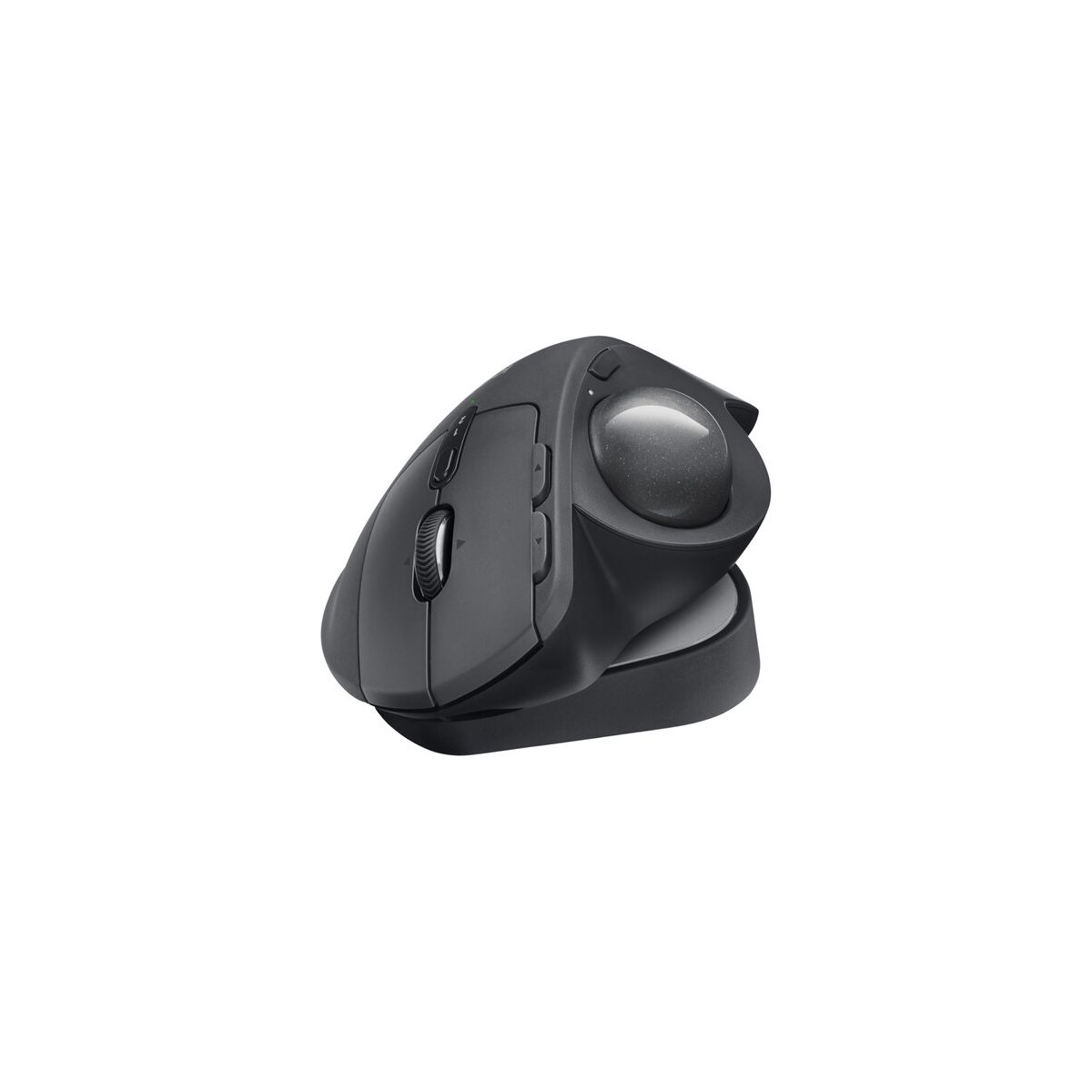
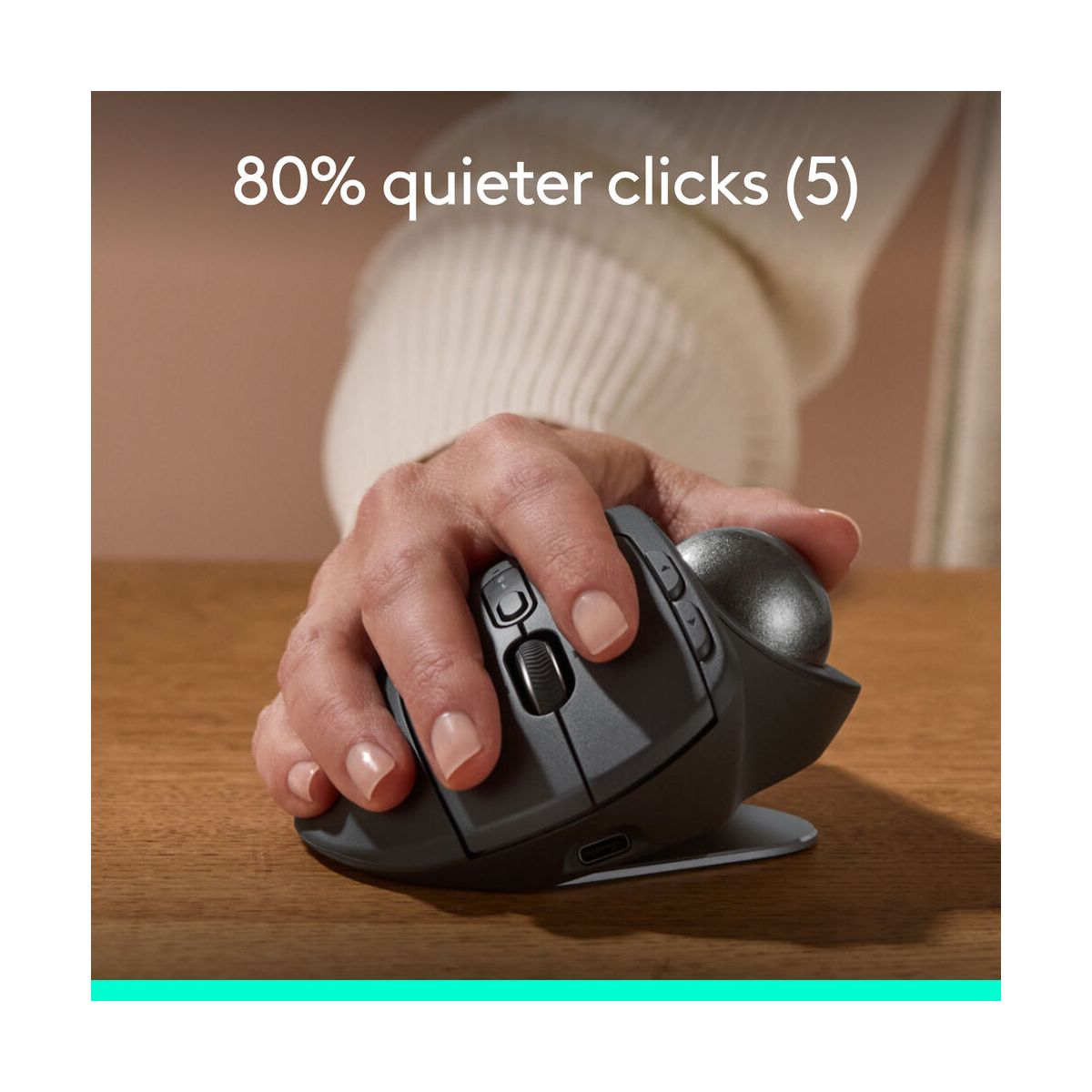
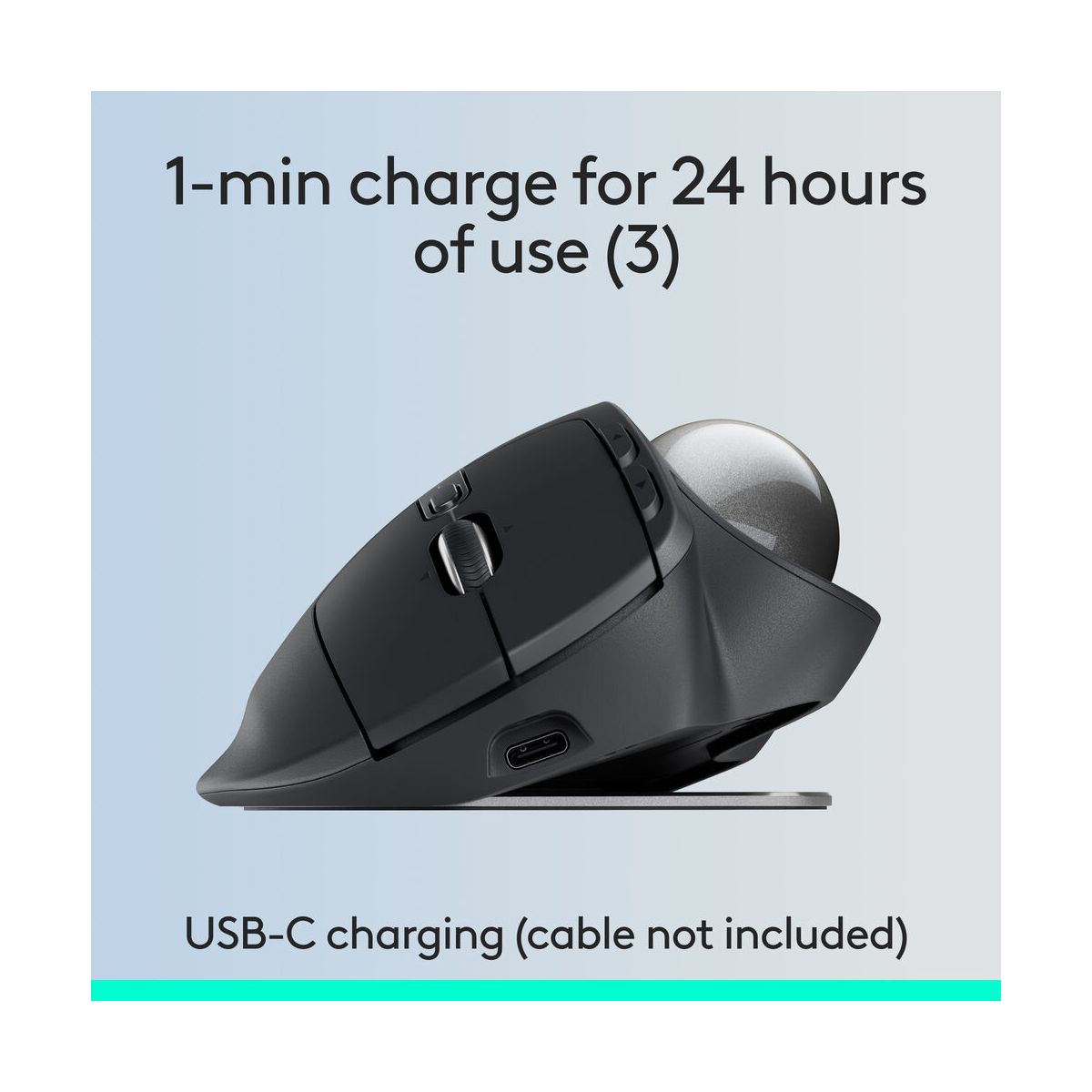
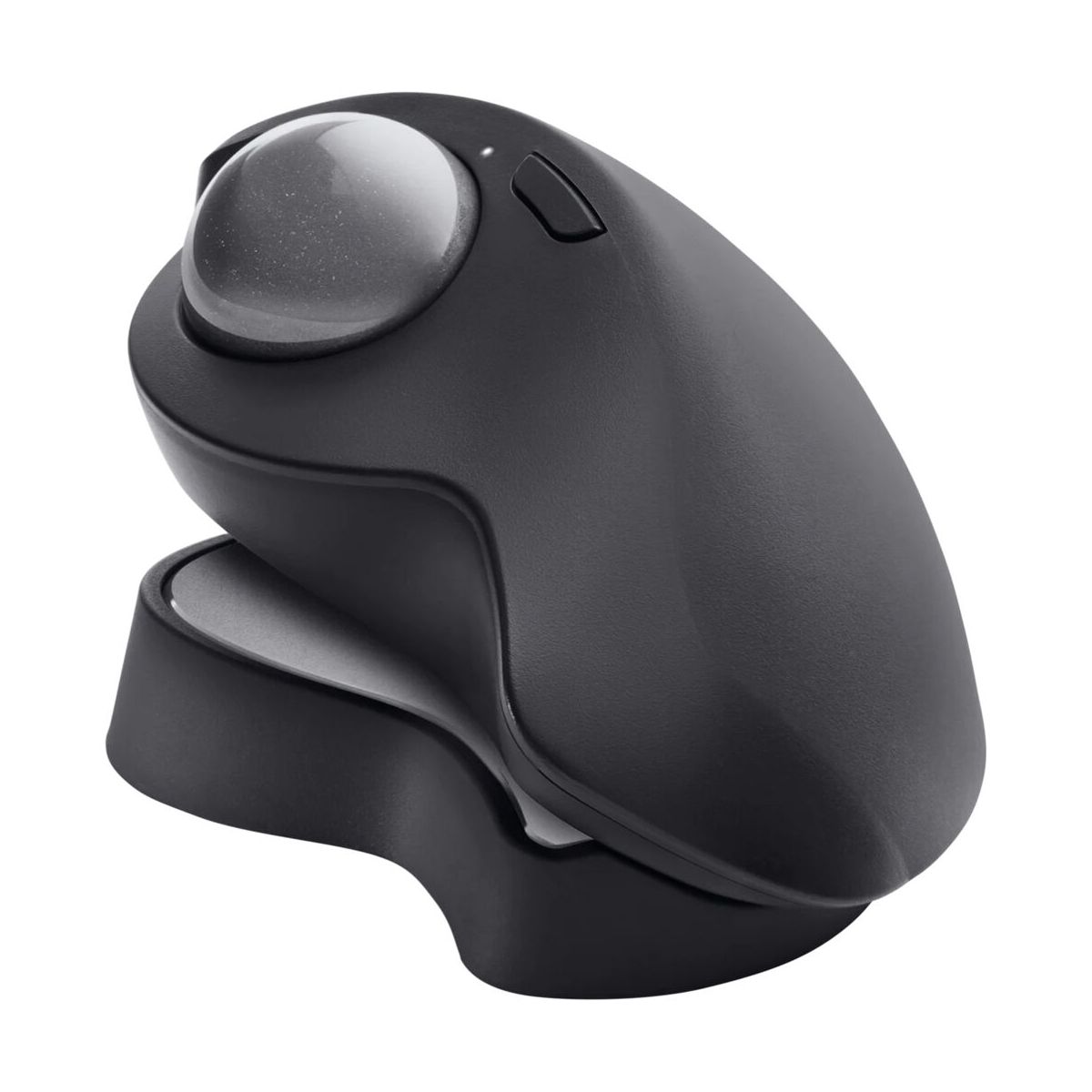
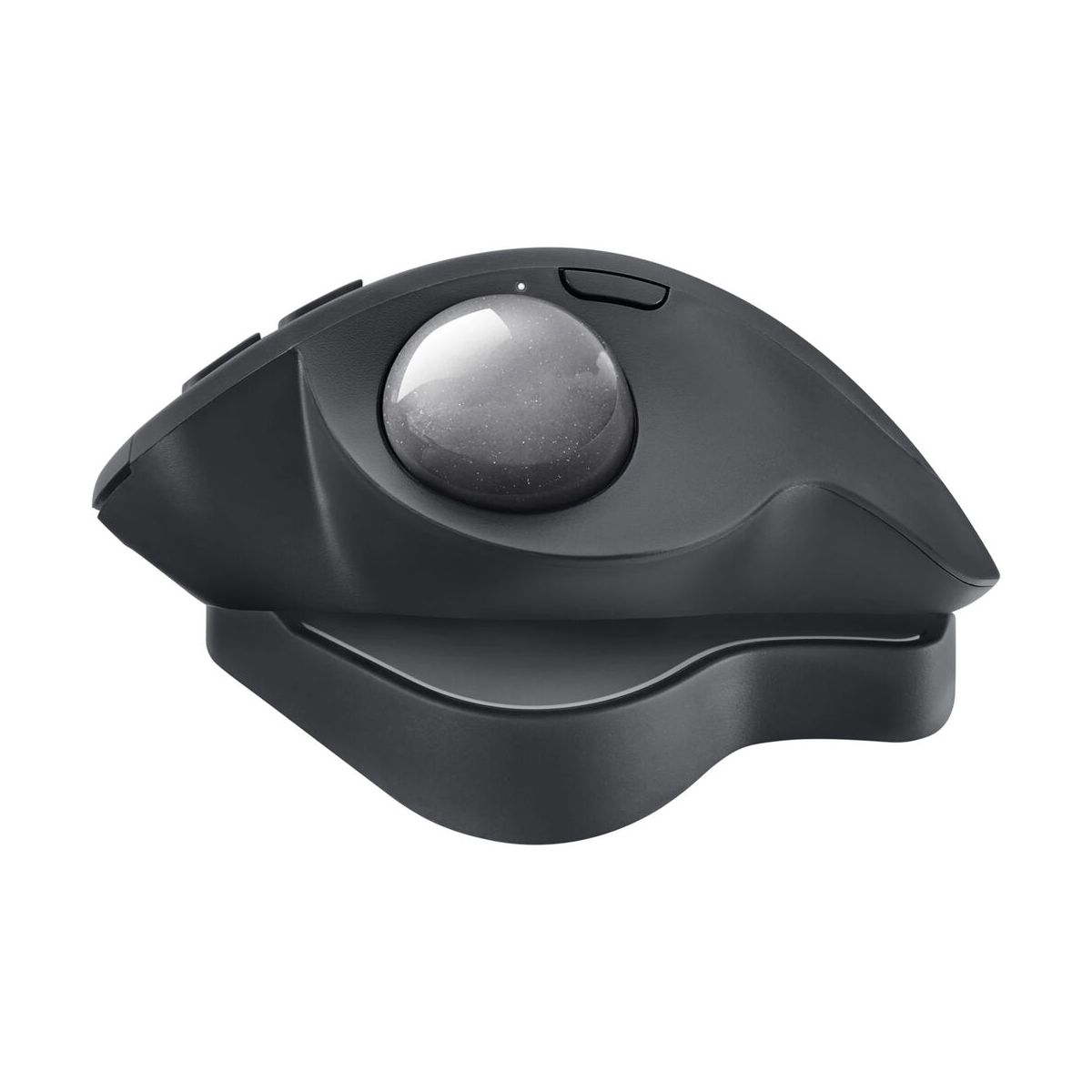
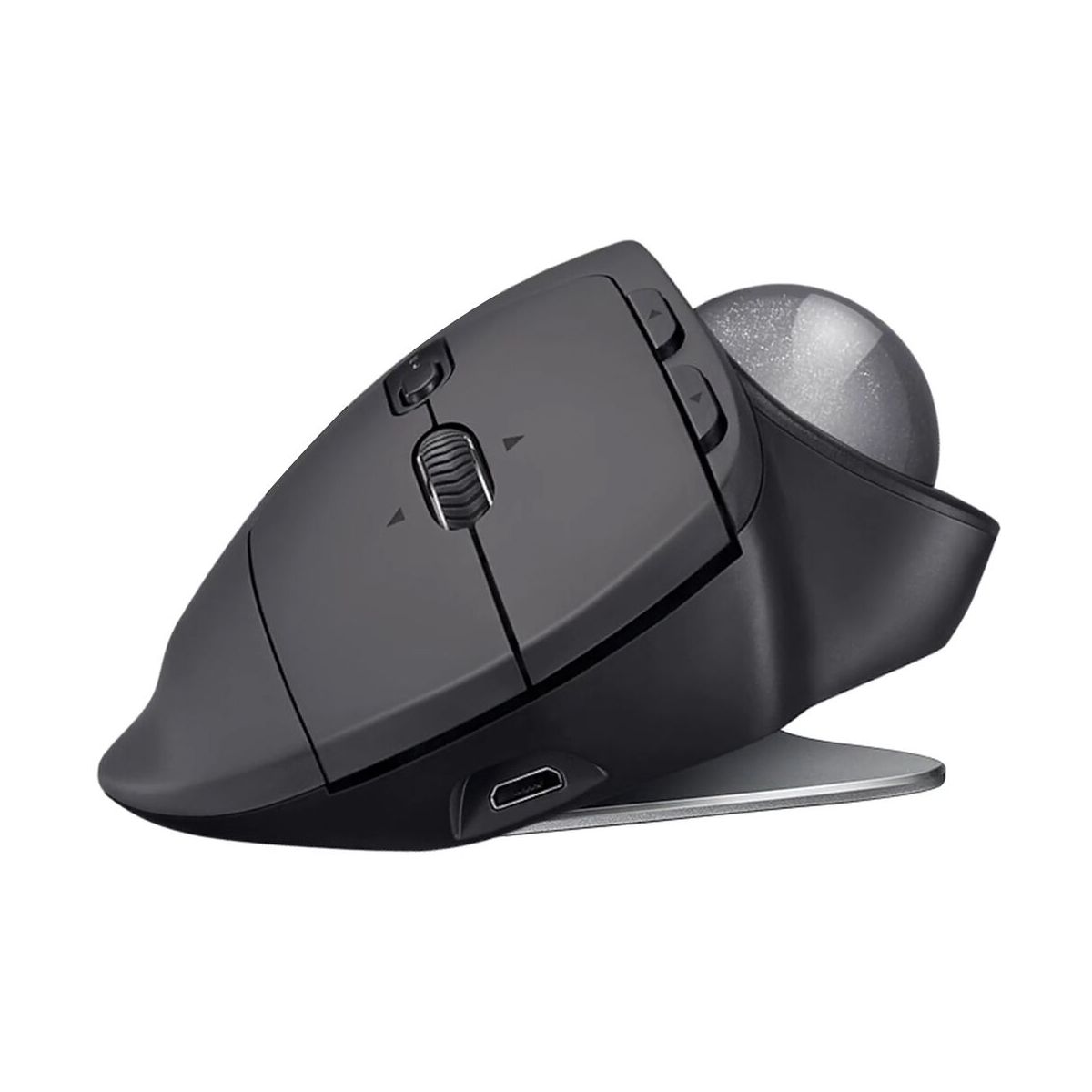
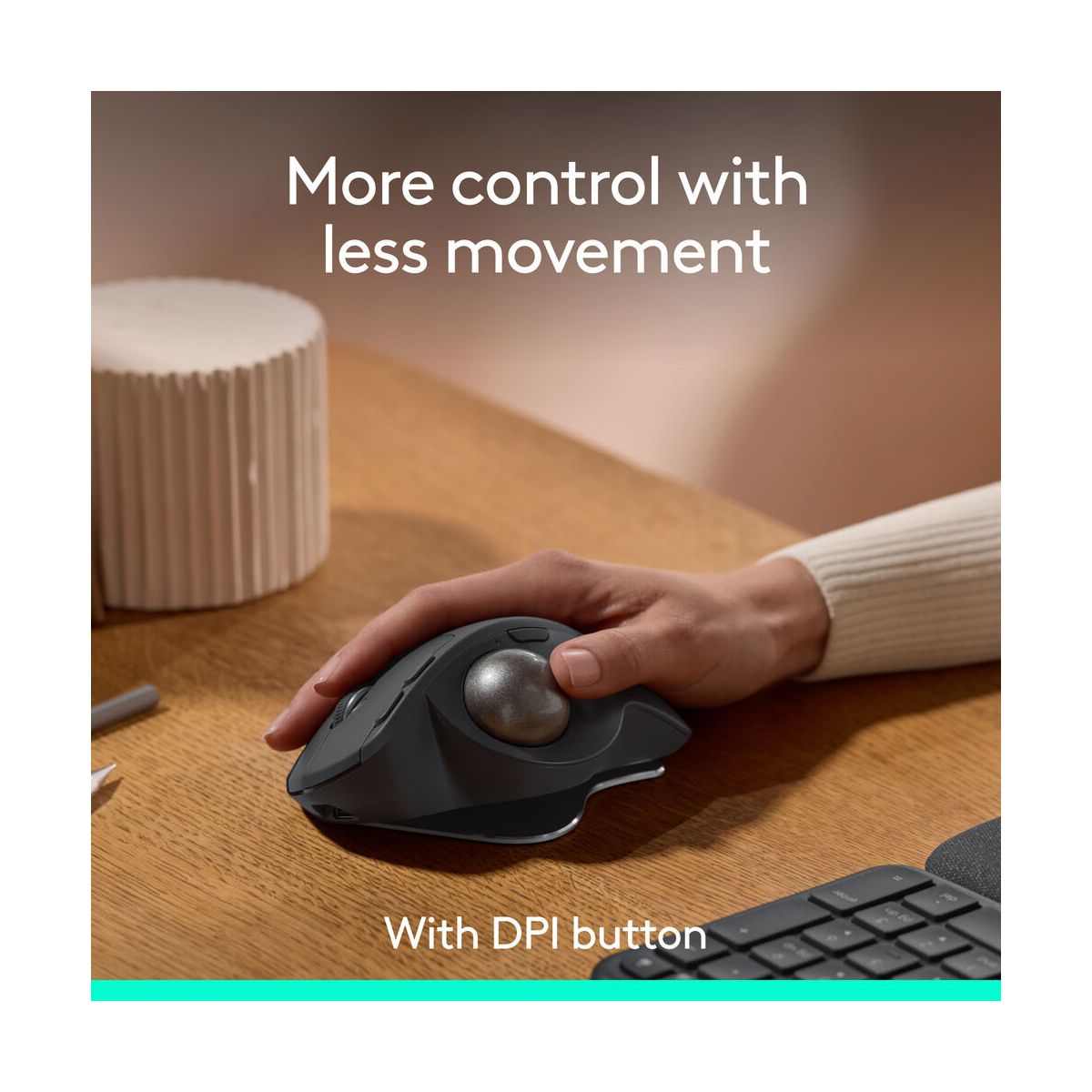
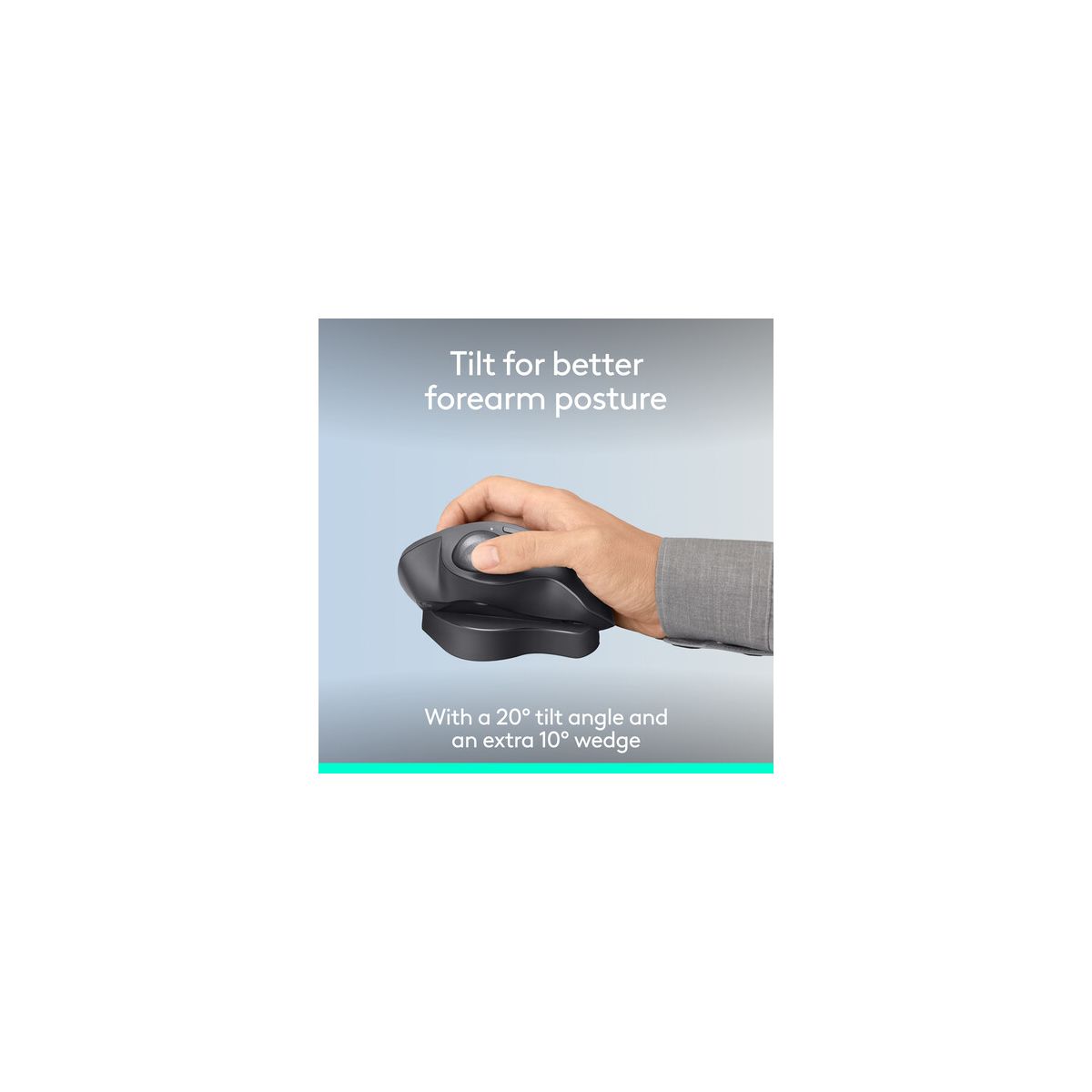
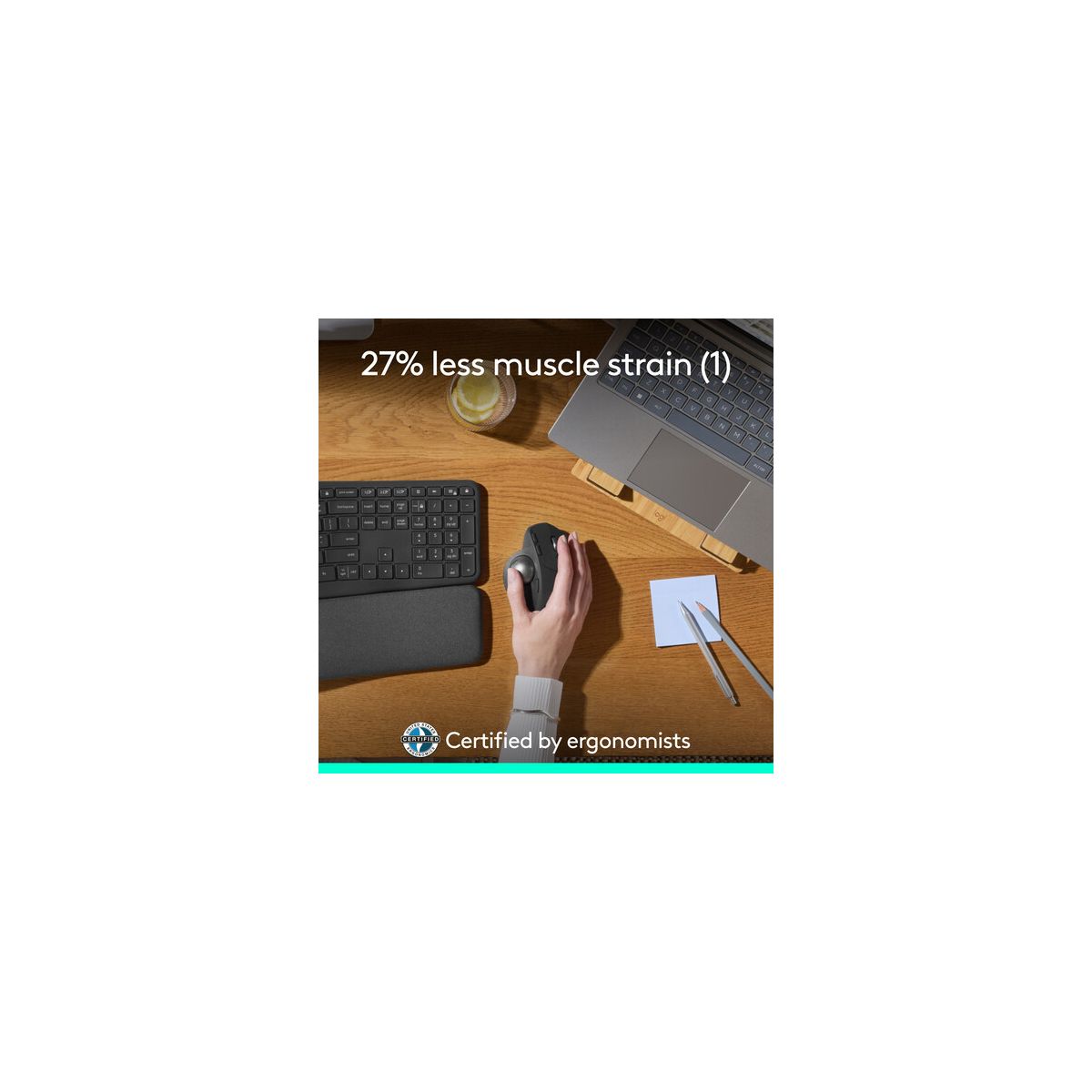
Experience MX Ergo S Plus advanced wireless trackball, user-tested and certified by United States Ergonomics, with a 20-degree tilt angle for 27% less muscle strain in your forearm and a detachable 10-degree wedge for even more comfort throughout your day. With no need to move the hand around to move the cursor, thumb control lets you work at peak performance and comfort while saving space on your desk. Equipped with quiet clicks, 6 customizable buttons with the Logi Options+ App, dual connectivity with the included Logi Bolt receiver, and fast USB-C charging to get 24h of use with a 1-min charge (cable not included).
Features
Item Weight
.36 pounds
Brand Name
Logitech
Battery
Lithium, Required, Installed
Connection Type
USB
Dimensions (Overall)
2.02 inches (H) x 3.93 inches (W) x 5.22 inches (D)
Electronics Condition
New
Number of buttons or keys
8
Primary use
Business
Wireless Technology
  • Bluetooth
Reviews
4.5
Reviews: 23
5 stars
70%
4 stars
17%
3 stars
4%
2 stars
9%
1 star
0%
looneytoonliss
5
Convenience & comfortability
This mouse makes it so comfortable for gaming, with the angle features for wrist posture. I love that it’s wireless and you can change your cursor speed. I was so excited to see I was getting this!
kathyas
5
very comfortable
Comfortable and ergonomic design adapts naturally to your needs. Smooth thumb control. Two connection ways and multi-os: simply connect with Bluetooth or USB
fwasylewski
2
Logitech MX Ergo S
I received a complimentary Plus Advanced Wireless Trackball Mouse from Influenster for my honest review. I was excited to receive this type of mouse, as I have a Logitech remote mouse that’s a bit smaller. However, after trying the ergo one, I discovered this type of design was not for me. While the product is ergonomically designed & certified by United States Ergonomics, I found the product to be too large, did not like the wide placement of my hand across the device, & could not get used to the large trackball next to my thumb. Plus, this mouse seemed to be designed for only right-hand dominant people. A good feature, though, was the ability to charge the mouse with a lightning cord, no AA batteries required, & then once charged, be able to have a remote mouse.
cocoabear45
5
No more wrist pain.
I really like the Logitech Mx Ergo S Plus Advanced Wireless Trackball. Logitech is always coming out with awesome things, but this one, I especially love the fact that after using it for a few hours, my wrist doesn't hurt. Awesome battery life and easy to set up and use.
stephene9
5
Great gaming mouse
So far I have used this mouse 3 times while playing games online and I have to say I really like it. It is very responsive, I did not experience any lag and so far the battery life is great. I would recommend!
jens248
5
Comfy to hold and easy to use
Works great. Comfy in my hand. Easy to roll. Connects quickly and simply. Precise movement and long battery life. Haven't tried to customize anything yet tho.
patriciam375
4
Comfortable grip and easy control.
Still using a wired computer mouse? Try the MX ERGO S PLUS wireless model from Logitech. Easy to operate using the ball on the side, plus provides a more comfortable operation. Easy grip, quick connectivity, and long battery life after fully charging the unit.
sunshinesaraa
2
Logitech MX Ergo Plus Advanced Wireless Trackball: Great Features, But Size May Be an Issue
The Logitech MX Ergo Plus Advanced Wireless Trackball offers excellent ergonomic features, smooth tracking, and customizable buttons, making it a strong contender for productivity. However, the size of the device is quite large, which can be uncomfortable for those with smaller hands. It feels bulky and awkward to use, making extended sessions tiring rather than relaxing. While the adjustable tilt and trackball are great innovations, the overall size can be a major drawback if you’re looking for a more comfortable fit. It’s worth considering only if you have larger hands or don’t mind the extra bulk.
lauriep63
5
Run to buy this to protect your hand
This ergonomic mouse is fantastic and I had no problem with the connection and I was able to customize it anyway to my computer. There’s no worry about the ball rolling around and it’s precision is exact and it has an incredible battery life. I would have to say it’s one of the best Computer track balls I have ever used
saraha837
5
Must buy
This product is phenomenal. The ergonomic shape makes for ease of use and reduces wrist pain. The trackball is very precise and easy to maneuver. I really like how there’s 2 different settings for the trackball. It’s very nice that there are multiple different angles to adjust the mouse placement. The battery life is also great. It’s nice that you can connect via Bluetooth in case you aren’t able to plug in the adapter. I’ve used for 2 weeks straight now and still haven’t had to charge the mouse. Overall I am extremely satisfied with the product.

Showing 10 of 23 reviews

You may be interested
  • Bestsellers
  • Recently Viewed
 
Fast and high quality delivery

Our company makes delivery all over the country

Quality assurance and service

We offer only those goods, in which quality we are sure

Returns within 30 days

You have 30 days to test your purchase