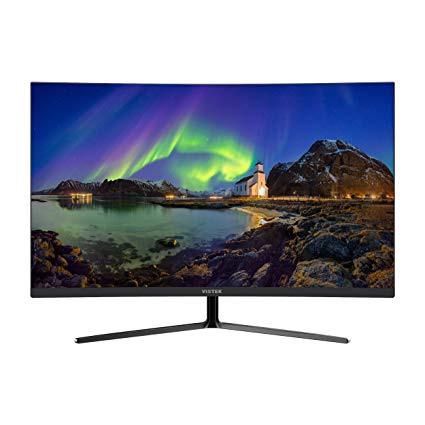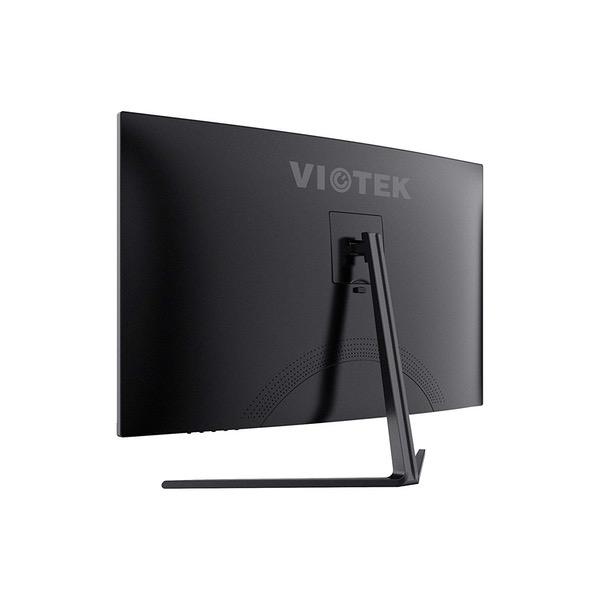
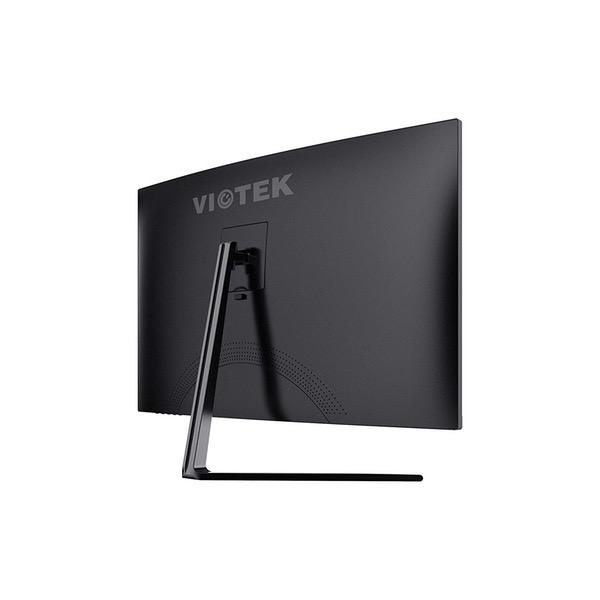
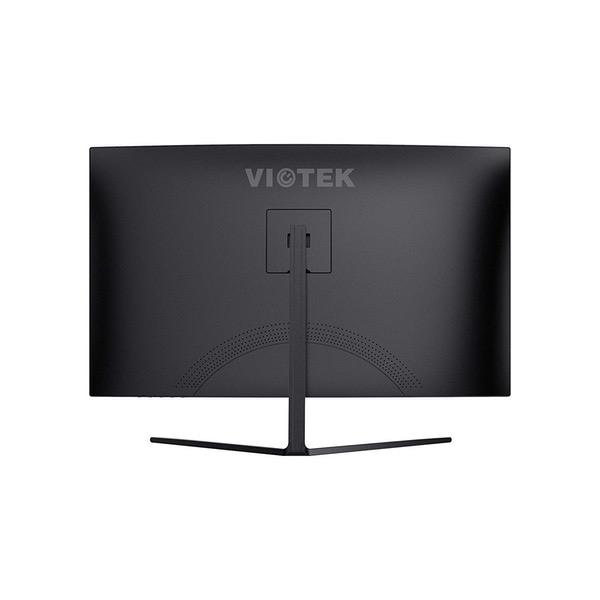
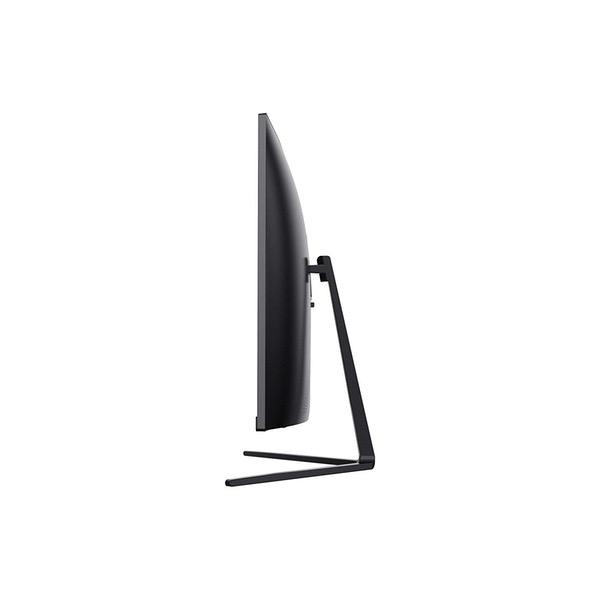
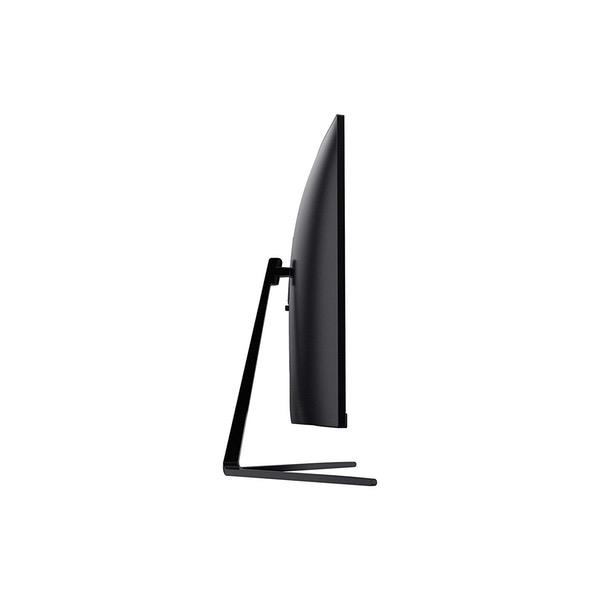
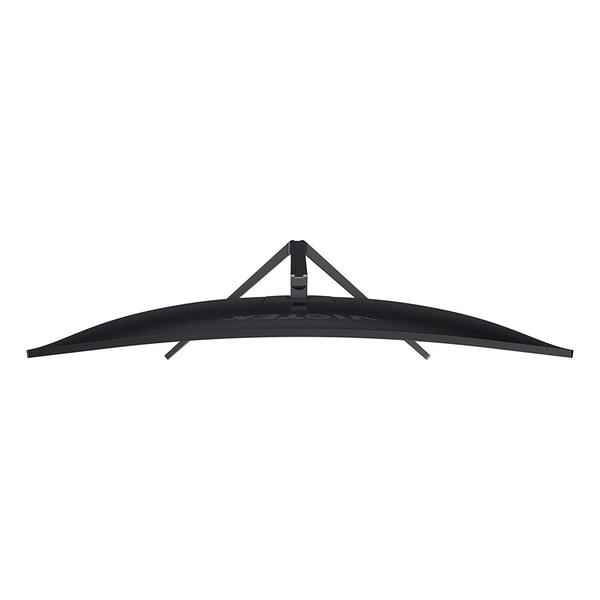
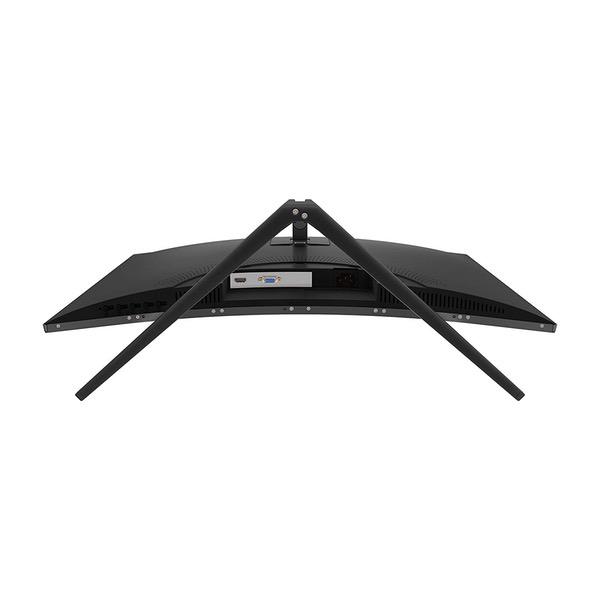
Make sure this fitsby entering your model number. Ultra-Thin Desktop Monitor – The NB27CB is office-ready with an ultra-slim, nearly frameless build. The 16:9 widescreen 1080p monitor delivers a high screen-to-body ratio. Office-Ready Vesa Monitor – Build the perfect workspace and set up your home or work station exactly how you need it. Mount the NB27CB to a wall or VESA-compatible monitor mount using the 75x75 VESA mounting holes. FPS/RTS, FreeSync Monitor – Enjoy a thin bezel monitor calibrated for gaming with GamePlus-integrated crosshair functionality and Xbox One S/X support. This game-ready LED monitor will dramatically reduce image stutter during intense gaming. Multiple Connecting Options – Connect to other devices using the VGA and HDMI 1.4 ports. Use the NB27CB as a curved pc monitor on its own, as an external monitor, or as an Xbox-ready monitor (HDMI cable included). 100% U.S.-based Customer Support – Available 7 days a week via live-chat, email, and social media support.
This monitor is awesome. Bright colors. Best monitor for the price. I do primarily 3D Modeling for Architects, Engineers, and Contractors at EvolveLAB. The curve makes it feel a lot more immersive.
Most Helpful Critical Review
David A.
2
Purchased the Viotek 32" monitor based on Amazon and searching online monitor reviews. Not sure if everyone experienced the same as I did but the monitor just didnt provide the quality I was looking for. I ordered the Samsung CF391 Series Curved 32-Inch FHD and VIOTEK NB32C 32" LED CURVED COMPUTER MONITOR within a week a part and the Samsung blew away the Viotek 32". Where you can see the difference between the two monitors is that Samsung is crisp, clean, vibrant, and depth of colors. Also, I noticed there is no white blemishes where there is dead black. It is possible that the monitor I received could have been a dud but I doubt it with the tests I performed extensively. The Samsung monitor was about $75.00 more than the Viotek and Amazon lowered the price to about the same as Viotek. Where the Viotek strengths are for a basic office monitor and lower quality movie watching where people are not picky about top notch quality. I do like the real estate width of the monitor over the Samsung which is nice feature. Other than that if I was only buying the monitor for basics, it is a good price. Hope this review helps..
Amazon Customer
4
I will try to make this short, sweet, and simple... Upon opening the box, I was presented with another box which contained the monitor.. weird. When I opened the box that actually contained the monitor I was actually impressed with the packaging seeing as though this monitor is a "cheap" no name brand monitor. First impressions: Cheap stand (chrome painted/plated/etc brass, yet sturdy and heavy) This monitor is huge! The color (white) reminds me of the old CRT bland white/gray. Heavy. Top left corner of the frame is popped out and bent... great. Upon hooking it up, the picture looked awesome. That was until I set up my cheap 23" Asus monitor and realized the colors looked better on the Asus.... HOWEVER, I did go into the settings of the monitor, tweak them a little bit, as well as doing a color calibration & clear text through Windows 10. And it looks pretty damn good. There is however a little light bleed on the right side of the screen. After playing around with it for a little bit, I did notice QUITE a bit of ghosting. In which I contacted Amazon, and requested to do a return. However... I think the amount of ghosting was due to the monitor itself still being cold from sitting outside all day (I live in NY). Currently, as I sit here and type this, I have played games such as DOOM, D3, Arma 3, etc, and honestly... it really isnt THAT bad. There is still some ghosting, but for a $219 monitor, I cant complain. This isnt a 1ms 144hz monitor lol. Overall, I give this 4/5 stars due to it being slightly damaged (Note: both boxes that it was shipped in were not damaged in any shape way or form surprisingly). I would HIGHLY recommend this monitor to anyone who isnt wanting to drop $300+ on a curved monitor. I have not noticed any dead pixels or any other errors. I will upload pics of the damage when I get the chance.
Kuffs
4
Really nice monitor, arrived quickly. Pros: Very bright, great colors. A lot of people complained about blacks being washed out, but after a few tweaks i have it dialed in perfect. Big and beautiful for a desktop monitor, i replaced a triple 24" screen setup with this and Im very happy. Nice finish, the curve is subtle but easy on the eyes, and the included stand is chrome steel and very sturdy. Cons: Switching inputs is a pain in the a$$. If you have something hooked up HDMI and VGA/DVI...there is no input switch button, you have to go through the menus which is very tedious. The screen does show some bleeding/tearing due to the curve, It isnt very noticeable, but it is there. All in all, its well worth the money.
mtt
4
So I figured I would write a review considering this is a decent and well built/packaged budget monitor with some caveats. 1- people complaining about washed out colors compared to "other monitors". I had the same issue until I realized my nvidia control panel set this as 1080p native resolution on Ultra HD/HD/SD setting which is a tv setting. This operates at a limited rgb range which reduces colors and has that glareing/bleeding effect people see when black image is on screen. Scrolling down on the resolution list on nvidia control panel select the 1080 under PC resolutions and here you can also set refresh rate to 75 so it can beused in games etc. This will fix alot of your color complaints. Not sure how this is handled on computers with cpu graphics or amd but you get the idea. 2- Ive been spoiled with asus gsync triple monitor 144hz setup on my main build and got used to its incredible screen rendering and refreshing through display port, even when running games at 60hz. Here there is almost like a litle shadowing/blurring when moving the camera fast on some games. It is a little uncomfortable to get used to but this might be a limitation of the hdmi port. (this is not the same effective ness as a 4k tv hdmi port which handles gaming almost like displayport) 3-The white trim (or black) on the bottom side of the monitor is SUPER GLOSSY. So if you have a light source or a keyboard with lighting and its close to the screen, you will see its reflection lit up which may or may not be distracting. 4- It looks like there is a screen protector on the monitor and I tried to peel it. Dont do this. It is not meant to be peeled and will ruin the look. 5- Sound is a bonus for a basic desk computer but dont expect anything good. Its there for utility not quality. Overall im happy with it as a simple task work computer with casual minimal gaming. Honestly I wish I had gotten a regular flat monitor as the curved gimmick is not worth it. Not a fault of the manufacturer but its just industry hype at trying to be unique.
Monkeymaan
4
*Will update later with pictures* I decided to purchase this monitor with the intention of possibly upgrade to a triple monitor config later on. It was a good price and fit the criteria. An overclockable refresh rate was a nice bonus, though I dont have a use for it right now. Comparing it side by side with my hp pavilion 23cw its not quite as vibrant, but the color contrast is fine if youre concerned about that sort of thing. It has serviceable picture quality and features for the price, but I think in retrospect I couldve had a better picture quality cheaper if I didnt value the curved screen at all. Docked a star because when the screen is completely bright, I notice a faint... I guess you can call it a mesh pattern on the bottom left corner of the screen. It may be hard to see on a picture and its certainly not worth returning it over. It also lacks some options like adjust sharpness. I wouldve gladly gave up the internal speaker for either improved quality overall or cheaper price. I didnt get it with that in mind but then again I dont think budget monitors should bother with it. I think my overall opinion on this product is that if you do any level of professional work or could do without the curved screen, look elsewhere. However, this is pretty nice when it comes to gaming. When stuff is in motion it looks great and kinda masks the shortcomings it may have. Stuff like ghosting isnt an issue. It definitely has budget gamer in mind. I wont be buying another , but Ill keep the one I have