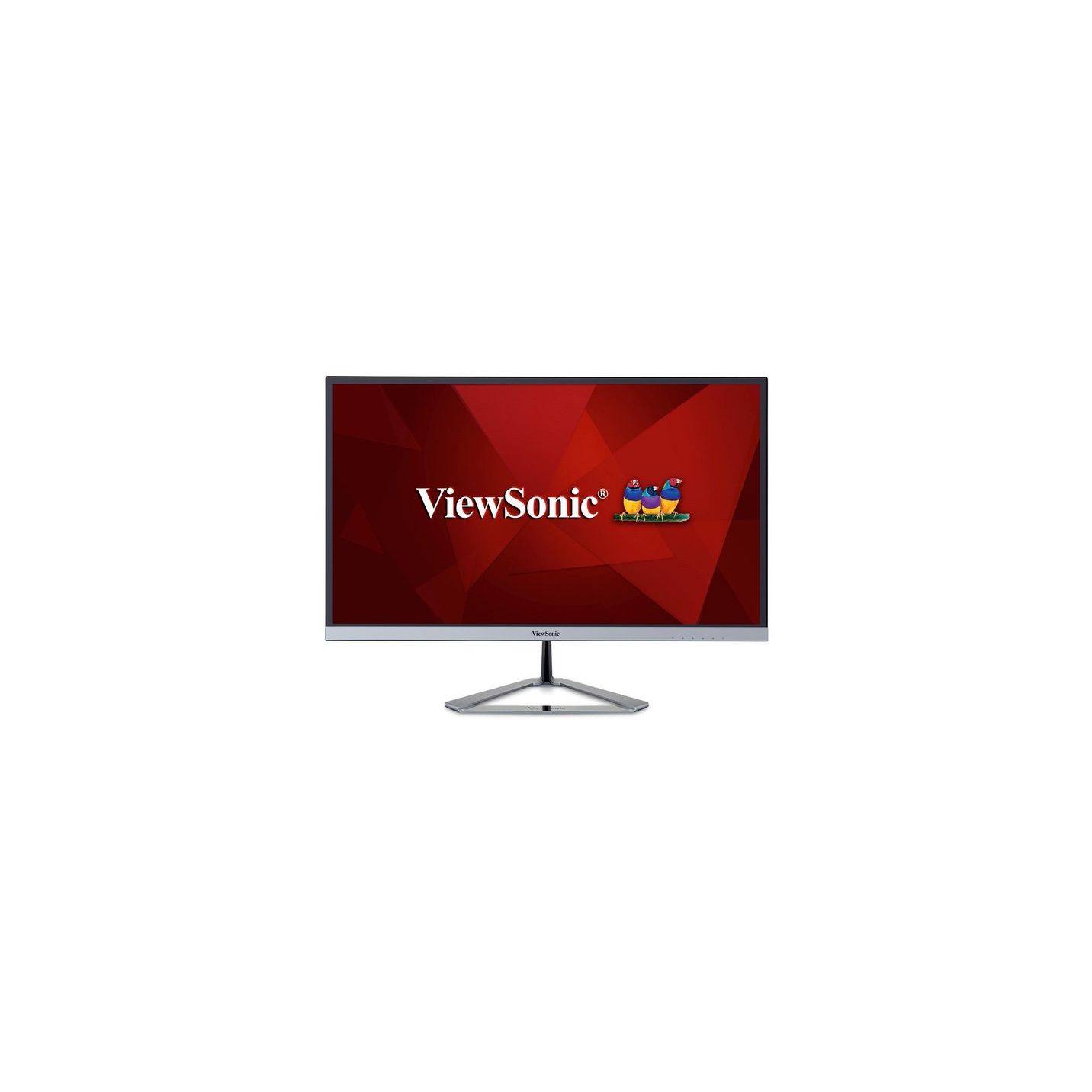
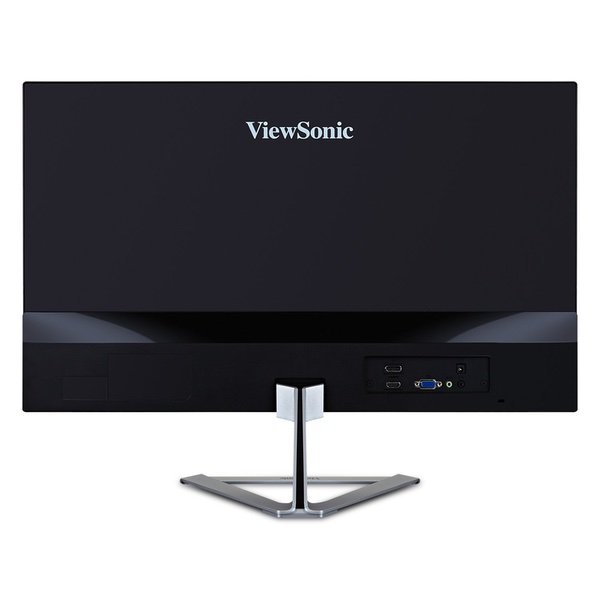
ViewSonic VX2476-SMHD 24 Inch 1080p Frameless Widescreen IPS Monitor with HDMI and DisplayPort
Write a review
$11800

ViewSonic VX2476-SMHD 24 Inch 1080p Frameless Widescreen IPS Monitor with HDMI and DisplayPort

Write a review
B01GV9H1RS
+
Add to wish list
Target is a general merchandise retailer with stores in all 50 states and the District...

City: US, New York

Delivery
Pickup at your own expense
Tomorrow from 09:00 to 20:00, Store location
Free
Payment options
Apple Pay Google Pay Mastercard Visa
Cash, bank card, credit/installment payments, cashless payment for legal entities
Warranty and returns
Exchange/return of products of proper quality within 14 days Official manufacturer's warranty: 12 months
Features
Display Type
LED
Item Dimensions
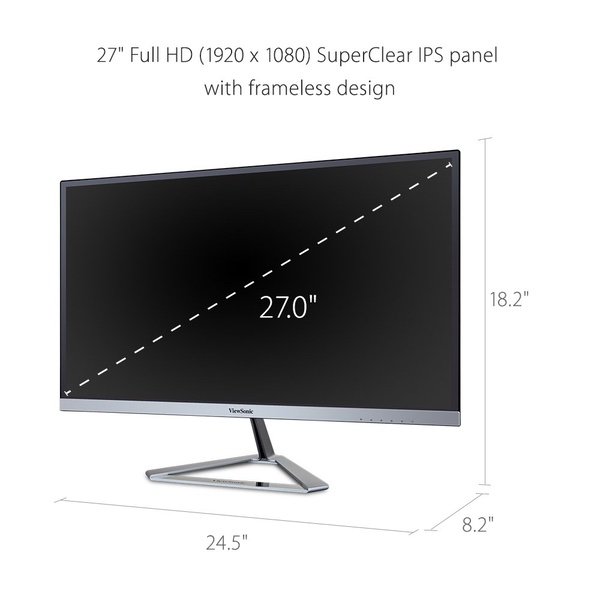
8.2 x 21.3 x 16.3 in
Item Weight
6.55 lbs
Mount Type
Refresh Rate
75 hertz
Screen Size
24 in
Aspect Ratio
16:9
Description
This fits your .
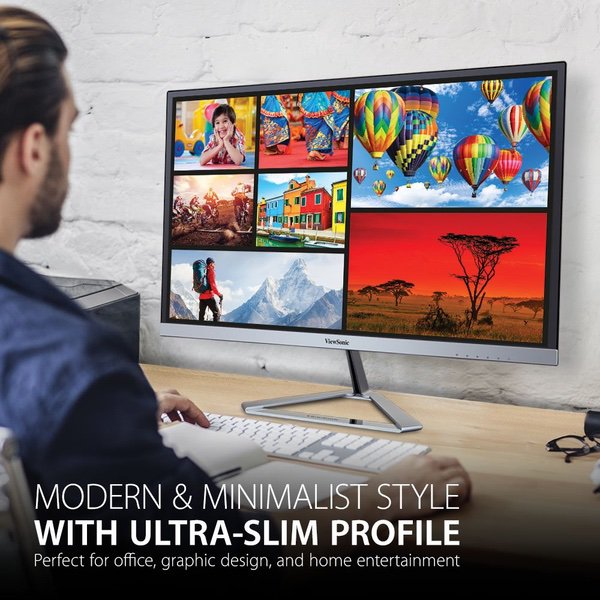
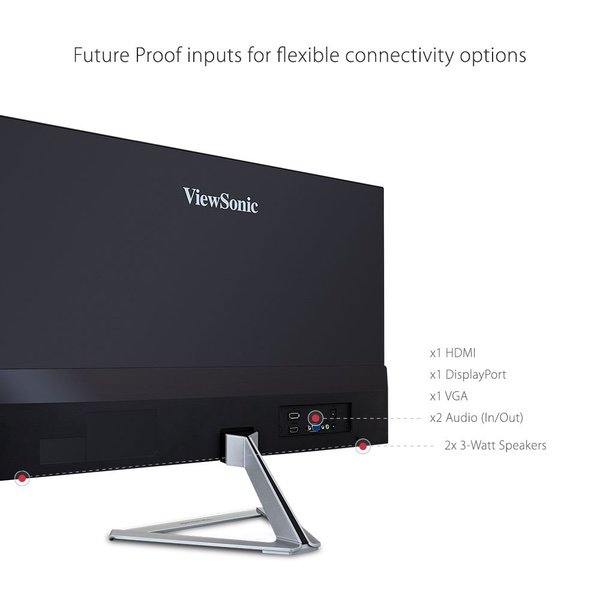
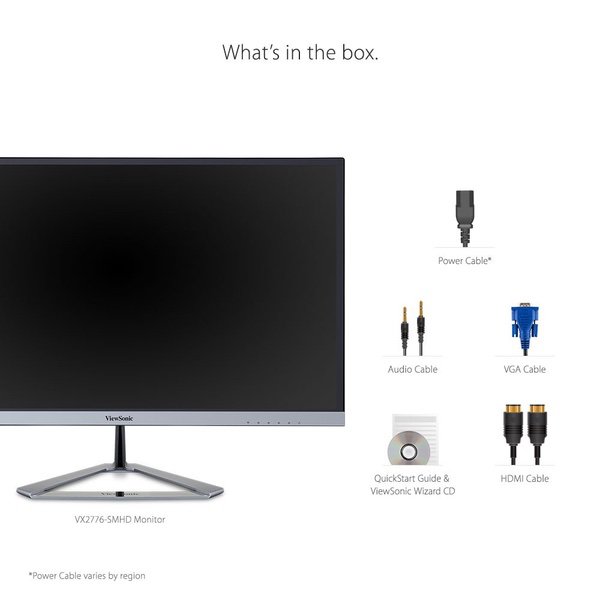
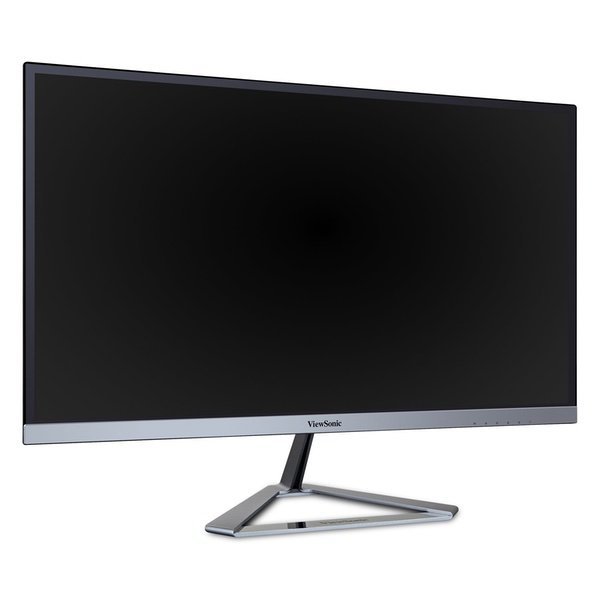
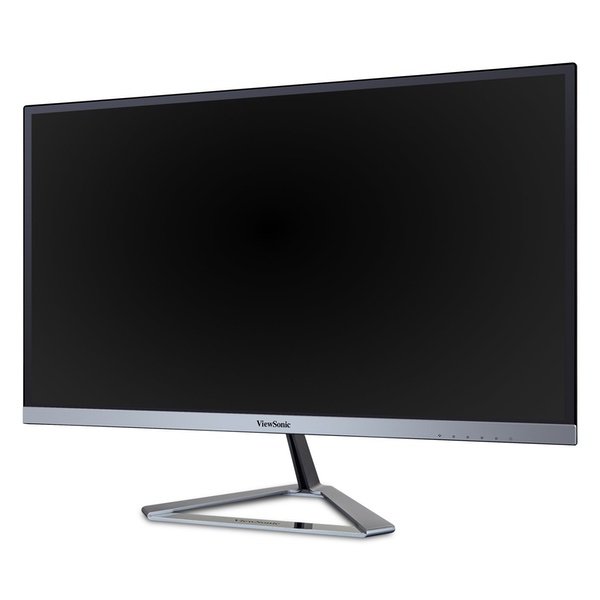
Make sure this fits by entering your model number. FORM & FUNCTION: With ultra-slim frameless design, Full HD (1920x1080p) resolution, and premium IPS panel, this monitors look as good as it performs AMAZING AT ANY ANGLE: A SuperClear IPS panel ensures stunning views no matter your vantage point ENHANCED VIEWING COMFORT: Flicker-Free technology and Blue Light Filter for all-day comfort FLEXIBLE CONNECTIVITY: The VX2476-SMHD supports laptops, PCs, and Macs with HDMI 1.4, DisplayPort, and VGA inputs INDUSTRY-LEADING WARRANTY: 3-year coverage with access to our US-based customer service team INCLUDED IN THE BOX: LCD Monitor, Power Cable, AC/DC Adapter, HDMI Cable, VGA Cable, and Audio Cable
Reviews
4
Reviews: 20
5 stars
50%
4 stars
20%
3 stars
15%
2 stars
5%
1 star
10%
SrHass
4
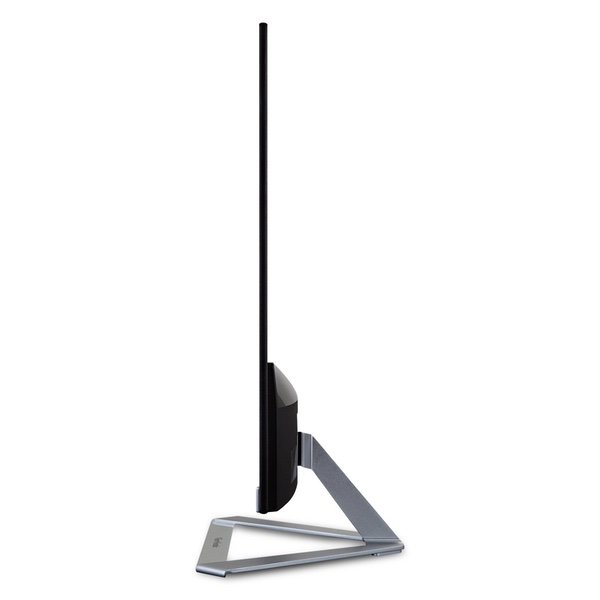
Pros: This monitor has a great picture The design is top notch & very modern. Thin, & I do mean THIN, its thinner than a pencil or my phone at the back, quite impressed Cons: The built in speakers are so pathetic its kind of a joke that they are even there. (it does have a buldge at the bottom of the back where better speakers could be placed) was not able to find the "blue light filter" I use this feature on other screens like my phone, tablet, and tv.. especially when Im recovering from a migraine & cant take the eye strain.. couldnt find the setting for that on this monitor even though it says it has it.
CrankeeOldMan
4
This monitor replaced a 5-6 year old 23" LG. So, I wasnt exactly replacing an old relic. I would say that the image displayed on this monitor is better, but only slightly better, than the LG. And, my old LG was not an IPS panel and was connected via VGA. So, possibly the slightly better image is attributable to this being an IPS panel connected via HDMI rather than VGA. The documentation for this display is totally useless. Whats more, the printed out manual is only slightly more helpful. Although Ive used computers for 25 years, I could simply be a somewhat stupid person. I have yet to figure out how to make the OSD do what I want it to do. Much of the commentary in the manual does not appear applicable to this display notwithstanding the fact that this is a brand new display. The six little icons on the lower right portion of the display are miniscule in size. But, most importantly, I have been unable to get them to do what I would like. A computer keyboard has up-down and right-left keys/arrows. And an Enter key. It is very straightforward and easy to use. The controls on this display just do not operate as straightforwardly and simply. Again, maybe I just have yet to figure out their correct operation, but, after being a computer user for 25 years, this simply should not be an issue. Fortunately, the defaults produce a pretty decent image. Nevertheless, I would like to be able to fine tune consistent with my personal taste which I have not yet been able to do for the reasons indicated. Whatever. As mentioned, the image is definitely satisfactory. I wish my 7 1/2 year old computer/graphics card were newer so that it had a display port output, but, since it doesnt, I dont know how much improvement in image quality--if any--would result from using a DP connection. Another issue with the manual is that nowhere does it explain what some of the choices on the on screen display mean, e.g. RTS, MOBA, FRS1, FRS2. How do you know if youd like to alter them when its not even explained what they are??? Stuff like this definitely should be explained in a manual/userguide. Not satisfactory.
Marques Jones
4
I bought the 1080p version of this monitor. It is a great monitor with a few odd design choices I dont love. The Good: The color is crisp and vibrant and the tiny bezel looks really great (measures somewhere around 1/4" or 1/2 cm.) I kind of wish I had bought two at the Prime Day price to seem them side by side with that small of a bezel. This thing is also very thin. I saw the product images beforehand, but in real life its just crazy how thin the panel is. The Bad: The silver accents are not great. I didnt think I would care, but that shiny silver strip along the bottom of the panel reflects my blue LED keyboard really brightly. Also, the power cord is non-standard. I thought Id be able to just swap out my old monitor and plug in the previous HDMI and power cables, but this monitor has a power brick and special power cable. The stand is not able to be height adjusted, which I didnt actually expect at the price, but it is worth mentioning. All in all, I would still buy another one of these, and am very much considering paying full the price for a second (got mine $30 off on Prime Day). EDIT: The monitor was on sale for $20 off so I bought a second one. However, this one arrived with a shattered screen. Be aware that the shipping method is a little janky with this item. The original monitor box is inside a larger amazon box with a single piece of crumpled fill paper (that is protecting nothing). That means the outer box will likely be crushed if other items are stacked on it. Replacement was shipped for free and received 4 days later.
S Burgin
4
The Good: excellent picture quality and hdmi works perfectly with docking stations. No flicker, no issues at all. I like that the buttons are easily accessible from the front. The Bad: first, one really bad/dumb design is the the front part of the triangle stand has a super shiny adhesive sticker across if that scratches super easy. I heated it up with a blow dryer, removed and then used adhesive remover to get the sticky off. Really a stupid design idea - had mine a weak and already several scratches - why Viewsonic, why?. Other bad is you cant raise or lower monitor, you can only angle it. I would like it a little lower but it is what it is.
Product variations
Column filling
Sort by Price Sort by Availability Sort by CODE Sort by Screen Size
$12900
In stock
+
B01GE9QSVK
Screen Size:
22 in
$18600
In stock
+
B01GE9QWB6
Screen Size:
27 in
$12500
In stock
+
B01GE9QWJI
Screen Size:
23 in
$11800
In stock
+
B01GV9H1RS
Screen Size:
24 in
You may be interested
  • Bestsellers
  • Recently Viewed
 
Similar products
Show more
Fast and high quality delivery

Our company makes delivery all over the country

Quality assurance and service

We offer only those goods, in which quality we are sure

Returns within 30 days

You have 30 days to test your purchase