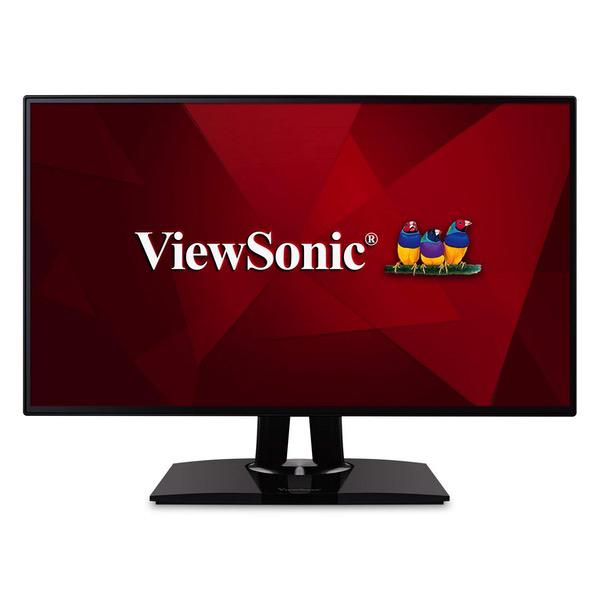
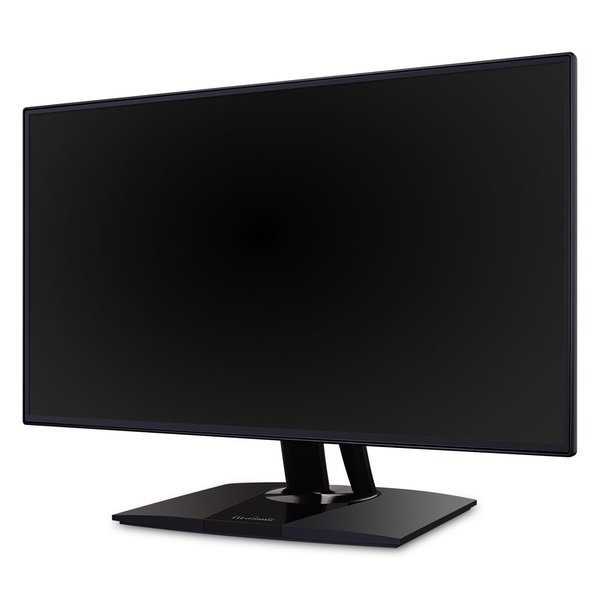
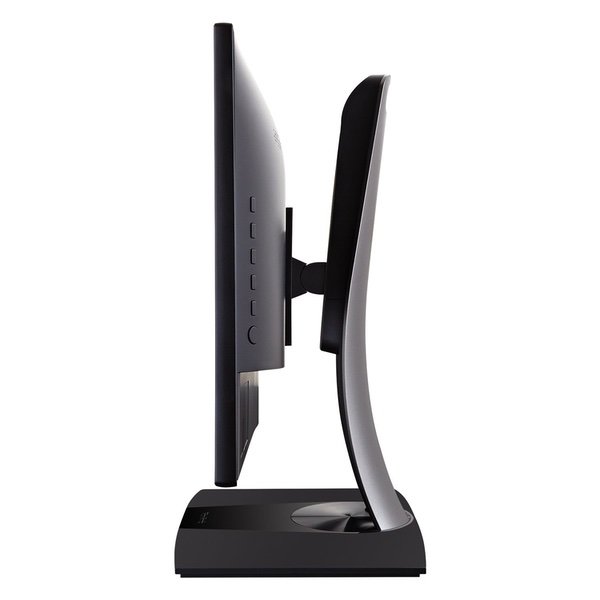
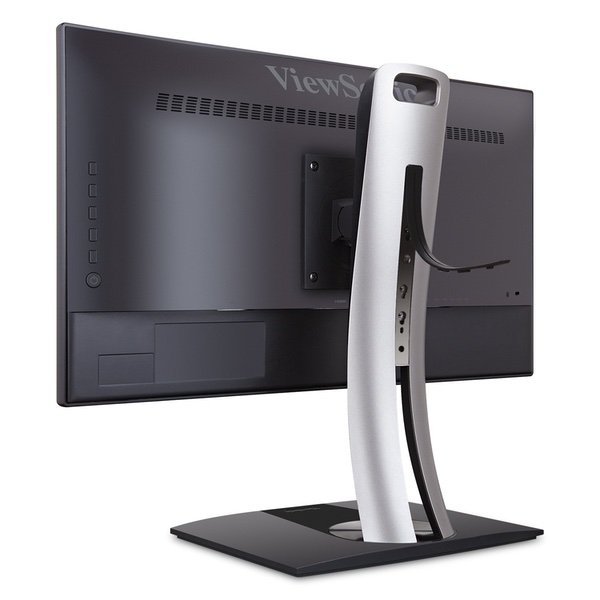
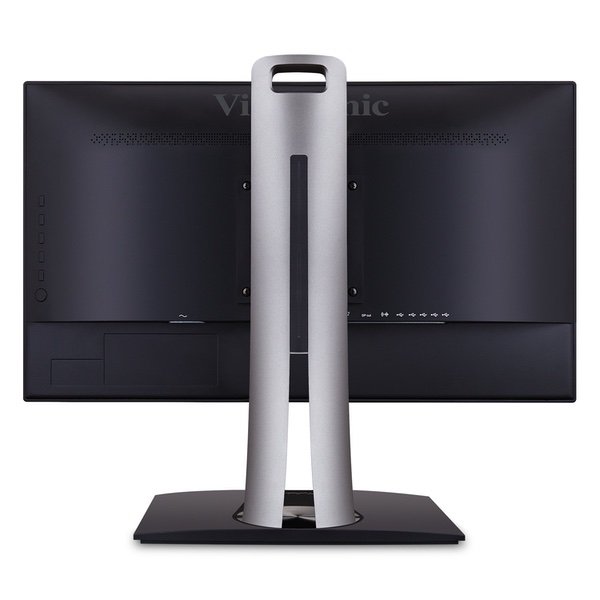
ViewSonic VP2468_H2 PRO 24" Dual Pack Head-Only 1080p Monitors with 100% sRGB Rec709 14-bit 3D LUT for Photography and Graphic Design
Write a review
$42500

ViewSonic VP2468_H2 PRO 24" Dual Pack Head-Only 1080p Monitors with 100% sRGB Rec709 14-bit 3D LUT for Photography and Graphic Design

Write a review
B01N5CXW6A
+
Add to wish list
Target is a general merchandise retailer with stores in all 50 states and the District...

City: US, New York

Delivery
Pickup at your own expense
Tomorrow from 09:00 to 20:00, Store location
Free
Payment options
Apple Pay Google Pay Mastercard Visa
Cash, bank card, credit/installment payments, cashless payment for legal entities
Warranty and returns
Exchange/return of products of proper quality within 14 days Official manufacturer's warranty: 12 months
Features
Display Type
LED
Item Dimensions
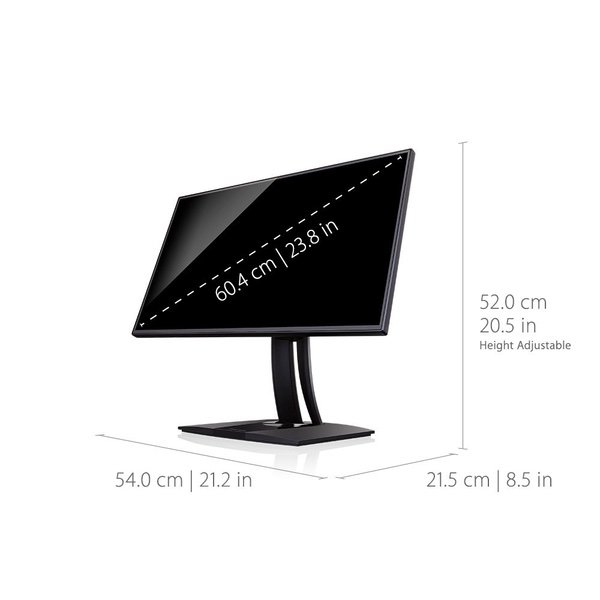
21.2 x 12.2 x 1.9 in
Item Weight
7.03 lbs
Mount Type
Wall Mount
Refresh Rate
75 hertz
Screen Size
24 in
Aspect Ratio
16:9
Description
This fits your .
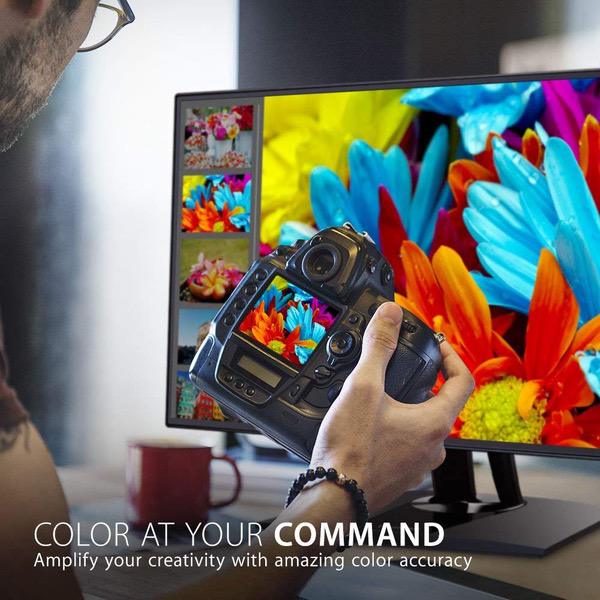
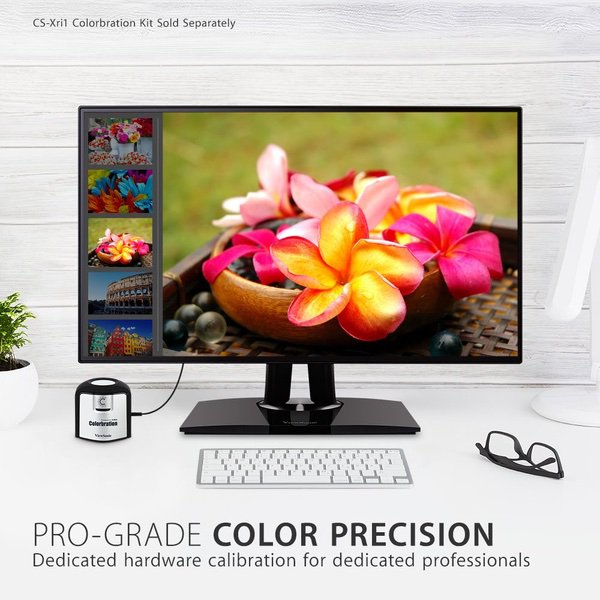
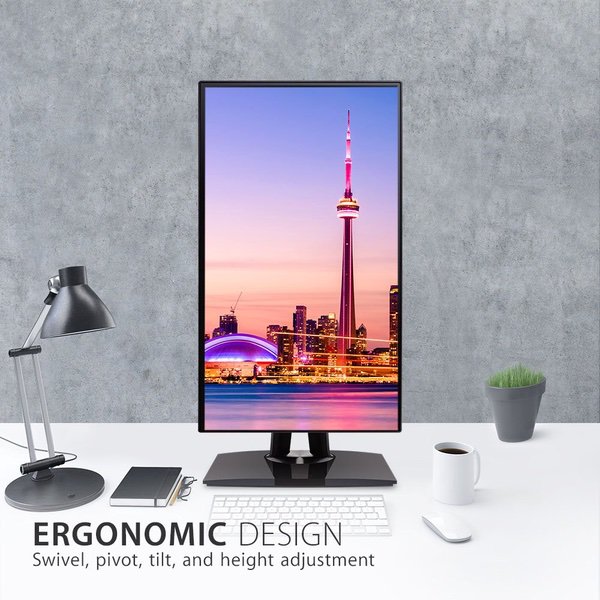
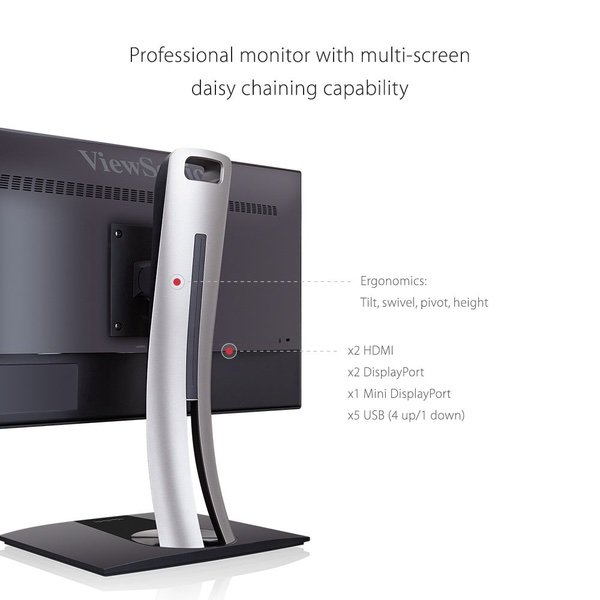
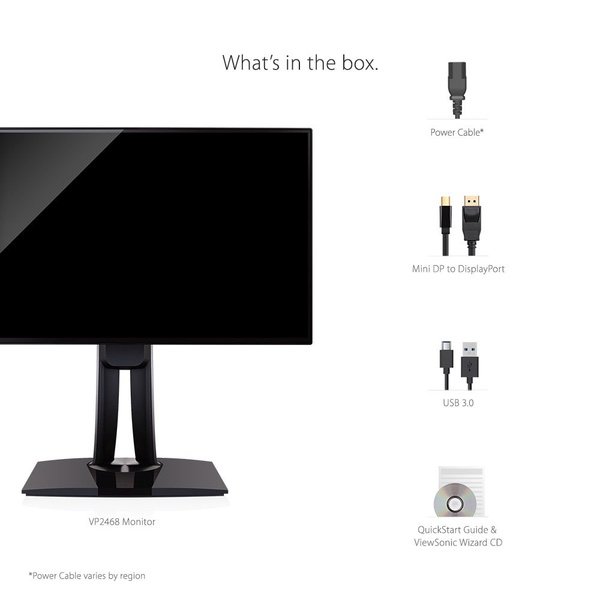
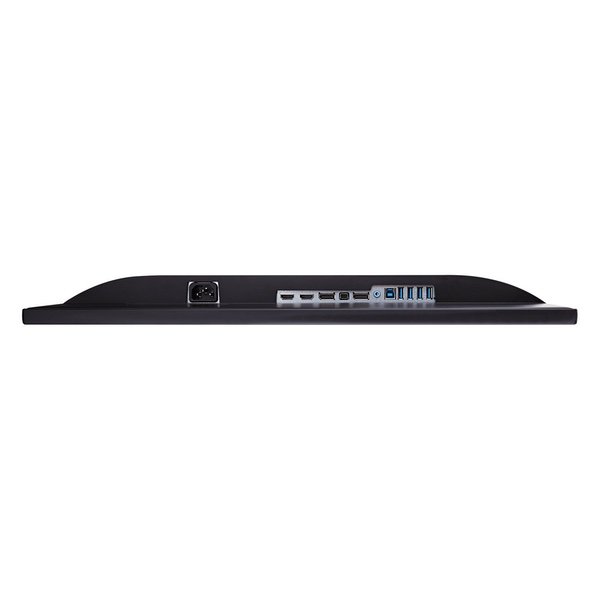
Make sure this fits by entering your model number. Two monitors: sold as a dual Pack without monitor stands for easy dual-screen installation with mounting accessories Professional monitor: full HD 1080P 60Hz Super clear IPS monitor deliver lifelike colors Perfect for graphic designers, photographers, video Editors and more Ultimate color accuracy: screen wide sRGB, EBU, smpte-c, Rec. 709, and dicom-sim color spaces, Delta e<2 accuracy, and a smooth palette of 4.39 trillion colors deliver precise, lifelike images Hardware calibration: quick and Easy calibration ensures that the color displayed perfectly matches the original file Flexible connectivity: The VP2468_H2 supports laptops, PCs, and Apple/Mac operating systems with HDMI 1.4, USB, DisplayPort (Daisy chain enabled), and Mini DisplayPort inputs Industry-leading warranty: 3-year coverage with access to our US-based customer service team Included in the box: x2 LCD head-only monitors, x2 Power cables, x2 Mini DP to DP cables, and x2 USB 3.0 cables
Reviews
4.3
Reviews: 20
5 stars
60%
4 stars
15%
3 stars
20%
2 stars
0%
1 star
5%
Matt K
3
I saw that another purchaser had the issue with one of the screens having a yellowish tint. I have color calibrated both monitors with a Spyder 4 Pro. You cannot fix the tint issue by color profiling or adjusting settings. It has to do with the LEDs that were used. Subpar in my opinion as whiter LEDs are more expensive to manufacture. The Good: -They are light weight and have USB hubs built in. -Come with ample connection ports for all types of cable and cables for daisy changing. No HDMI cables though. -They are thin, clear and crisp. -Practically borderless edges giving you almost seamless side by side viewing. The Bad: -Not uniform in color even when calibrated from the factory and a 3rd party color meter. -Menu/control buttons are hidden on the back with an onscreen display selector (horrible design). If you have to adjust a screen when mounted side by side as my image shows, its not easy to access or toggle. -Some vignetting around the edges. -Build quality seems to be cheap with very flimsy bezels around the edges that seem to be taped on. Not very secure. -USB hubs are on bottom (my Asus ProArt 24 is on the side). Easier to access, but wouldnt work in a side by side configuration. Overall I guess these arent bad monitors for what they are and price, but the yellowish tint is pretty much a deal breaker for me. In fact I ordered another set to compare them. When I hooked them up they had brighter (whiter) LEDs but they were just as far off from each other. The spec sheets showed factors that werent further apart. In fact one of them had a dead pixel (no good for me). Plus with the serial #s being on the monitor and boxes, theres no way to just switch out one for the other. You have to do the set. I just decided to keep these and deal with the yellow as much as it pains me. I use the whiter one for proofing and try not to have the same color screen up, because I can definitely tell one is warmer.
Fight for the User
3
There was a time when Viewsonic was synonymous with quality, but that may no longer be the case. I recently purchased two of these monitors and both displayed the same issues: image "warping" along the edges, visible scan lines, a ghosted "border" band around the edge and light bleed along the bottom. Im not sure how to describe the "warping." It occurs on both the left and right sides where the screen meets the bezel. If youre staring at the screen and then move (not just turn) your head, horizontally left or right, youll see the edge of the display appear to curve and then the distortion along the edge becomes very noticeable. Another way to describe it would be how Apple attempt to give the screens on their phones a sense of depth/distance. Starting with the iPhone 5, if you tilt the phone, the background will move slightly to give the appearance of dimension and depth. The effect on the Viewsonic is somewhat similar but its actually disorienting (for me, at least) and it results in distorted images as the far edges of the screen. The scan lines are just that - horizontal lines that, while small, still give the screen a "screen door" and/or night vision goggle effect. Admittedly, I was 8 to 10 inches away from the screen when I was analyzing it, but my eyesight isnt the best and I could still the lines. As a photographer and designer, I need my monitors to be as uniform and "smooth" as possible. Instead, these monitors display images that appear jagged. (Now, its possible this is due to my video card, so Ill be testing the monitors again to see if that changes anything.) Setting my desktops background to black revealed that one of the monitors had a "ghosted border" along the left, top and bottom of the screen. Its faint, but visible. Im assuming its some component of the monitor that the screen is either resting again (the plastic frame/internals) or perhaps its something thats adhered to the back of the screen. This was also when I noticed the light bleed ("flashlighting") along the bottom. One monitor had significant bleed on the right side along the bottom edge. The other monitor exhibited light bleed along the entire bottom edge, in a pattern very similar to older, LCD laptop monitors from the early 2000s - a section of perfect screen, then bleed, a section of perfect screen, and then bleed, repeated several times. Maybe these are minor quibbles and Im being overly nitpicky, but personally, if Im going to spend this much on a monitor, I want it to be perfect. The two I received are far from that. Again, some of the issues might be hardware related and I plan on reviewing the monitors again with a new graphics card. That said, a vast majority of issues appear to be related to quality control than hardware. Amazon has been gracious enough to replace the original monitors and Ill test the new ones when they arrive and update my review accordingly. If anyone has any questions or recommendations on how I might be able to improve my experience, please let me know. UPDATE: Received one of the new replacement monitors. Same as before - image "warping" along the left and right edge of the screen, visible horizontal lines that result in jagged images/text, a "ghosted" border effect and light bleed. The horizontal lines are only noticeable when lighter content is shown. On darker content theyre almost invisible. I also noticed that theyre less visible towards the bottom of the screen than the top. Again, for someone who plans on staring at the monitor for hours at a time, I know this will become annoying and serve as a distraction. On a positive note, the light bleed was considerably less than the previous two monitors, but it was still there. I plan on returning the replacement monitors too.
Plume
3
I purchased this as a main monitor for my aging, 10 year old Eizo. I will continue to use the Eizo. Frankly, this monitor is pretty boring. I have it running in the photo mode, RGB, Uniform off. Its just OK. I hate the location of the usb ports, very hard to get to once the screen is on the mount. Really, kind of worthless. The cabling is in the way, too. The controls are super inconvenient where they are, too. My monitor is next to a second one, and I have to move it to get to the controls. The supplied cable was worthless. Who has a computer with that connection? Not my video card. So I had to steal an HDMI cable from the TV. This monitor reminds me of an old Dell monitor, about six years of. Except it has better color. I think most people will find this monitor OK, but if you work on a monitor for graphic design, layout and photography, dont expect this to be adequate. The 24 inch at 16:9 is pitifully undersized and the display just isnt that impressive. But neither is my income from this work, so Im stuck using the bargain monitors. Hope my Eizo lasts a few more years.
Miles Garrett
3
This monitor was - unfortunately - a huge disappointment. While the colors are very nice, and the brightness is good (if you turn off Uniformity). There are some serious flaws with this screen that made me return it. Im attempting to replace an old 24" NEC which was capable of 100% sRGB and had EXTREMELY good viewing angles and uniformity. I will be plugging the NEC back in until I find a reasonable replacement. This Viewsonic has noticeable backlight bleeding in all 4 corners and gets even worse when not viewing from perfectly centered in front of the screen. The pictures I included show the screen from a normal viewing distance of about 3.5. The angled shot was taken only about 1 higher than center. This is an absolutely unacceptable amount of angle sensitivity. Due to the size of this screen, there is NO part of the screen that wont appear washed out due to bad angles when moving your head position. (Note, these photos were taken with Uniformity ON. It only gets worse when you turn it off to get a reasonable brightness) On top of this terrible shortcoming, this 4k panel showed noticeable tearing toward the bottom of the screen during any kind of full screen motion. Scrolling pages, full motion video, and even switching tasks had a visible flicker/tearing. I believe this is from a lack of FreeSync or similar feature. I was feeding the screen with the appropriate cable, resolution and refresh rate. This is also unacceptable. There were other minor issues I had, including uneven vignetting across the bottom 1/2", slight color shift from one side of the panel to the other, and though Id almost never use them, the USB ports are terribly hard to reach.
You may be interested
  • Bestsellers
  • Recently Viewed
 
Similar products
Show more
Fast and high quality delivery

Our company makes delivery all over the country

Quality assurance and service

We offer only those goods, in which quality we are sure

Returns within 30 days

You have 30 days to test your purchase