

























Investdude
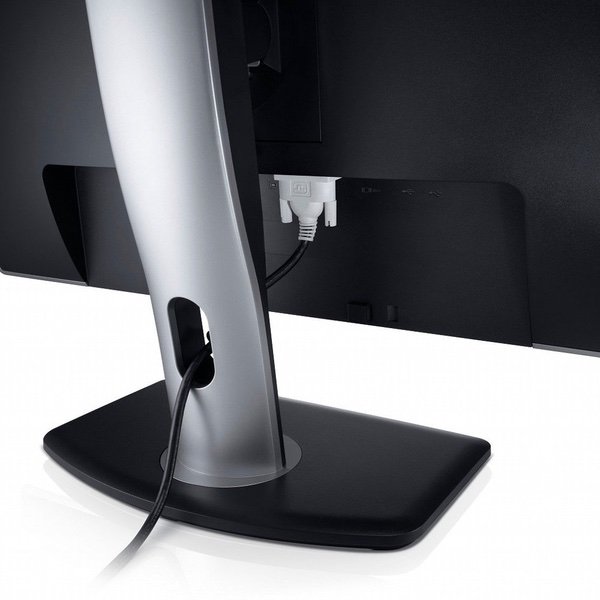
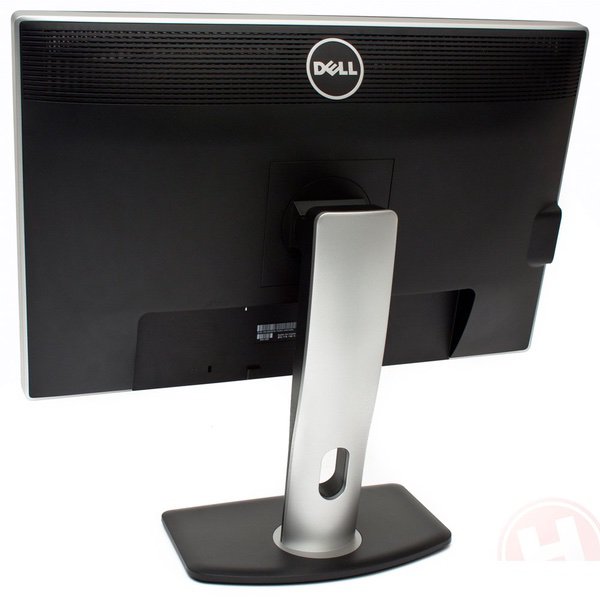
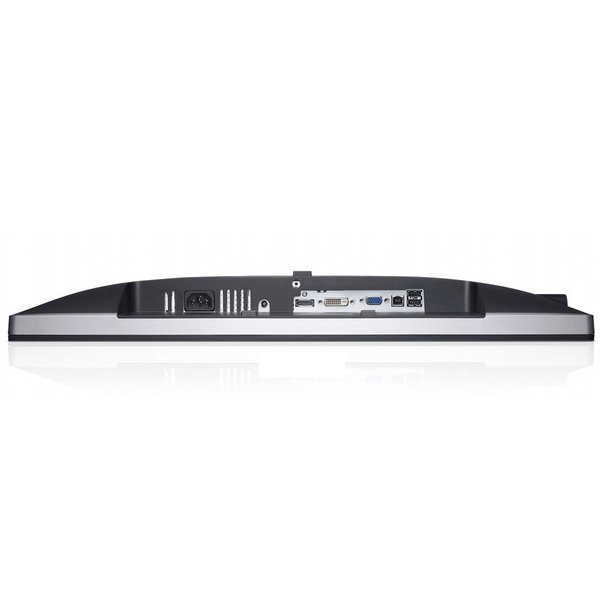
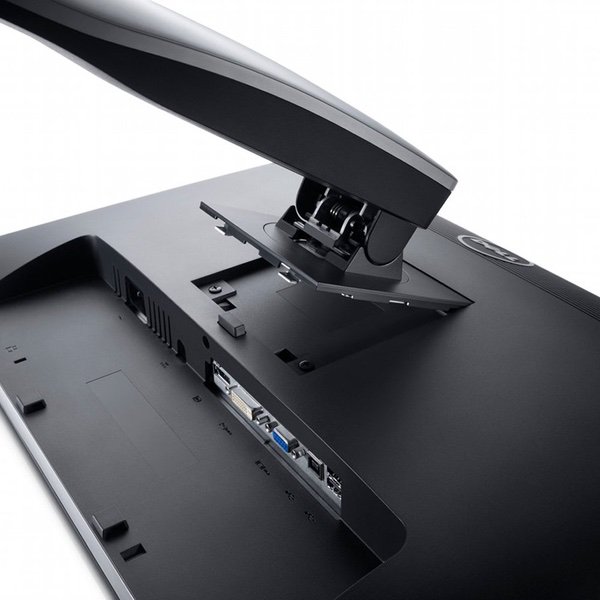
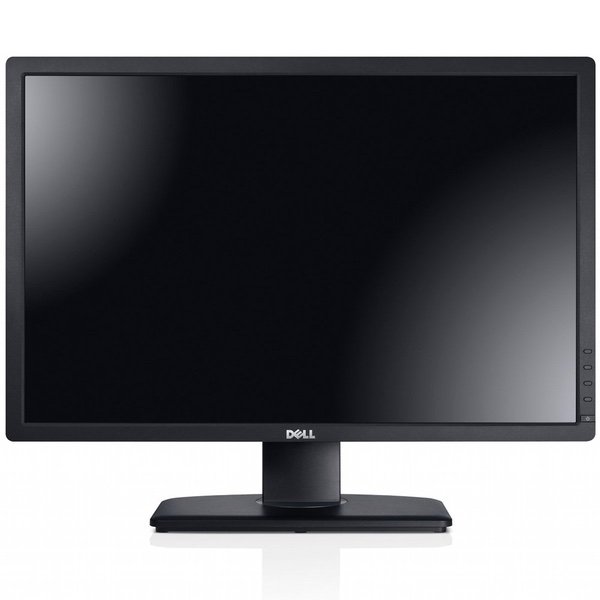
I purchased this monitor after hearing positive feedback from a couple of my friends who have this monitor as well as my own positive experience when testing this monitor on their PCs. The primarily glowing reviews here and elsewhere online confirmed the positive impressions that I had already developed for this monitor. So my expectations were high. Im going to begin this review with a problem that I had and end with the good stuff. If it wasnt for the flaw described below I would have given this monitor a solid 5 star rating. I cant recall reading any other reviews detailing the flaw that Im about to describe so I thought it wise to mention it in the event that anyone reading these reviews may encounter it themselves. The monitor it had a subtle flaw. A portion of the right hand 1/3 of the screen was slightly dimmer than the rest of the screen. It looked like a very subtle gray tint. It was probably an uneven distribution of brightness / luminance, possibly a backlighting problem. I understand that some unevenness in brightness / luminance can be expected but it should only be noticeable when testing / measuring with calibration software and not to the naked eye. The dimmer area of this monitor was visible to the naked eye. There was no way to adjust the problem away. It was most noticeable on a white background. I spend most of my time in Excel, Word, etc. so I always saw that slightly dimmer right hand 1/3 of the screen. I also use a live real-time stock quotation system that has numerous charts with white backgrounds so the charts on the right portion of the screen always appeared slightly dimmer with that grayish tint compared to the other charts. The problem was also noticeable on light colors. For example, if a light yellow or pink color filled the screen, the section of the monitor on the right 1/3 of the screen that was dimmer gave the light yellow and pink colors a slightly very subtle grayish tint. If the screen was filled with a fluorescent green, the same portion of the monitor with the problem had a slightly duller less bright fluorescent green color. The problem was not as obvious on really dark colors or video, but colors were less vibrant and rich. However, I played a couple of videos where there was a white background and paused the image and if the image was paused you could see the dimmer right hand portion of the screen even with a video. If it wasnt for this problem of a slightly very subtle dimmer section of the monitor, the positives were everything that I had experienced when testing this at my friends house and everything positive that I have read in all of these reviews. But since I hadnt read anything negative in these comments about the particular problem that I had experienced I decided that hopefully it was simply a flaw in this particular monitor that had been shipped to me. So I returned the monitor. I was willing to give this monitor another chance and simply wanted to exchange the flawed monitor for the exact same model. Well, upon receiving the replacement monitor I found that it had an uneven distribution of brightness / luminance on both sides of the screen. Less so than the original monitor on the right side but now the left side of the replacement had a touch of the same problem. I decided the original looked better and decided to keep it and return the replacement. Now the good stuff. If it wasnt for the flaw that I just described, the following comments would have warranted a solid 5 star rating for this monitor. I have not made any adjustments to the image at all because everything looks perfect to me right out of the box, at least to my naked eye. The colors are vibrant, rich, and natural. There is no greenish or bluish tint or any other color tint that some people seem to have noticed with their monitors (when using the color setting Standard preset mode). The movie mode setting gave the screen a bluish tint and the multimedia mode setting gave the screen a slightly yellowish tint. The text mode setting was much too dark for my personal liking. Text is crisp and sharp. I have no dead or stuck pixels. There is no backlight leakage visible to my naked eye. And there is no color bleeding. I quickly decided the Standard mode setting configuration was best for me. I made absolutely no adjustments and even video looks stunning in Standard mode. In fact, I prefer videos in the Standard mode rather than the movie or multimedia modes. Unlike most of the reviewers here who turn the brightness down to about 35, Im one of those people who like a nice bright screen and find the factory pre-set 75 level to be just perfect for my eyes. The anti-glare hard coating is typical of what you would find on most anti-glare monitors and does what its supposed to do without degrading the image quality. You can see a touch of the anti-glare coating on an all white screen background, but otherwise it is unnoticeable. If you spend all day in Excel with a white background like I do you will slightly notice it if you stare hard at the screen and think about it. But if you have previously used anti-glare monitors you wont consciously be aware of it or notice it. If you are currently a glossy screen user, you may be slightly conscious of it on a white background, but as I said it wont degrade or diminish the quality of your screen image. The stand is excellent. Very sturdy and offers a full range of height, tilt and swivel adjustments. As previously mentioned, I use this monitor primarily for business applications. If I were to use this for professional photography or video editing I would probably want to be sure I had the most accurate settings possible and would have the monitor calibrated or at least use one of the ICC Profiles for this monitor on the TFT Central web site. I did look at the test images on the lagom.nl/lcd-test/ web site and this monitor tested very well on most of the images. The only images that showed possible adjustments are necessary were the white saturation images and the gamma calibration. But this Dell monitor tested extremely close to those images right out of the box. The other test images showed the monitor was very well tuned. But as I said, to my naked eyes, colors look accurate and the image is absolutely beautiful right out of the box! Photos that Ive taken are displayed with accurate colors on the monitor and look just as they should. However, if youre a professional photographer the higher end Dell U2410 offers better color management with the color space having a wide gamut (102% NTSC) and this Dell U2412M having the standard gamut / sRGB (71% NTSC). Essentially, I was actually shocked that the image looked so good right out of the box and had fully expected to spend time calibrating or doing some sort of minimal tweaking to perfect the image. Thankfully, that was not necessary. Its almost as if the monitor was factory calibrated. Of course your monitor image is only going to be as good as your graphics card allows so be sure that you have a reasonably high end video/graphics card installed in your PC with the most current drivers. Since I use this monitor primarily for business, I run my stock quotation system and Excel all day long. One of the primary considerations in buying this monitor was the higher screen resolution of 1920 x 1200 since I need to maximize and make the most efficient use of my screen real estate space in order to display as much data and as many charts as possible at the same time. This monitor is perfect for providing that additional screen space. Most of my Excel spreadsheets are zoomed down to 80% with font sizes averaging 8 to 10 points. Even with worksheets zoomed down to 80%, the 8-10 point font sizes are crisp, clear, and sharp. I did make one change to how Windows handles font displays however. I was previously using windows font smoothing set to standard, which is probably the default setting. At this setting the text is crisp and sharp but I found it a little thin. So I changed the smoothing to ClearType, which made the text look a little fuller and darker, but still sharp and crisp. I prefer this setting on this higher resolution monitor. Its a matter of personal preference. So this monitor is perfect for investment managers, traders, technical chart analysts, or financial analysts in general. Its also great for people who spend considerable time in database applications. If you think you need a 27" monitor for these purposes plan on spending a minimum of $1,000 for the same specifications or better, and the features and customization capability of this 24" Dell U2412M. Do the extra 3 inches justify the big jump in price? But one distinct advantage of a larger monitor would be the ability to run at an even higher resolution than this Dell thus providing even more screen real estate space. When playing a video on this monitor either on YouTube or from any other source, a HD video will fill the screen width but you will see black bands on the top and bottom of the screen since it is a higher resolution than a standard HD monitor with a resolution of only 1920 x 1080. If you watch a movie shot with anamorphic widescreen lenses (usually Panavision) at a 2.39:1 aspect ratio or a movie shot with spherical lenses and cropped to a 2.35:1 aspect ratio (Super 35), you will notice much larger black bands on the top and bottom of the screen than you would see on a lower resolution monitor. The letterboxing effect is more noticeable on this higher resolution monitor. Thats not a negative; its just the result of a higher resolution. Movies shot with the best equipment (Panavision cameras and lenses) look stunning and sharp. Videos shot with a RED digital cinema camera and lenses, or even better with Panavision lenses, also look stunning and sharp. Movies shot anamorphically look the most stunning when Panavision anamorphic lenses were used. Other anamorphic widescreen lenses dont seem quite as sharp and can display a few moderate visual distortions, but then that is most likely the quality of the lens and not the fault of the Dell monitor. YouTube videos shot with reasonably high end HD cameras also look fairly sharp. Of course most of them are not professionally shot so YouTube videos are not the best judge of video images on this monitor. But for those YouTubers who take a professional approach and know what theyre doing and use high end software for editing and color correction, such as Final Cut Pro X, the images look great on this monitor. Of course the video quality for DVD and Blu-ray will also depend on the quality of the mastering of those disks. Im not a big gamer so I havent yet tested any video games on this monitor. I would definitely recommend this monitor. If youre looking for a reasonably priced IPS panel LED LCD 24" monitor with good viewing angles this monitor fits the bill. If you need extra screen real estate space, the higher resolution 1920 x 1200 gives you much more extra space. If you want a monitor with a slightly higher brightness capability of 300 cd/m2 versus the average 250 cd/m2 for this price range or lower, then this monitor will give it to you. If HDMI is a requirement for you, this monitor does not have that connection. It was not an issue for me so I cant give this monitor a reduced rating for its lack of HDMI. If you must have it, splurge for the higher end, higher priced Dell U2410. And hopefully if you buy this monitor you will end up receiving one with an even distribution of brightness / luminance. Bottom line, the Dell U2412M monitor provides a beautiful display for a moderately priced IPS monitor with many easy options for adjusting the OSD should you find it necessary to tweak the image more to your own liking. Finally, the actual vendor for this monitor was WeSellForLess, through Amazon. They were a great vendor. I simply sent an e-mail explaining the problem with the monitor and they immediately shipped a replacement monitor and e-mailed a UPS return label for the original monitor. Everything was handled smoothly and quickly without any hassles. Ive purchased products online for years and have never actually had to return anything for a refund or exchange until now. I guess Ive been lucky.