



























LMH
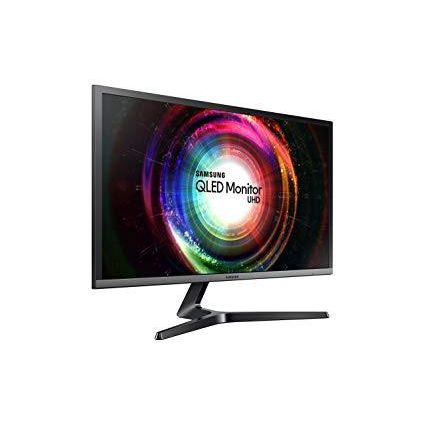
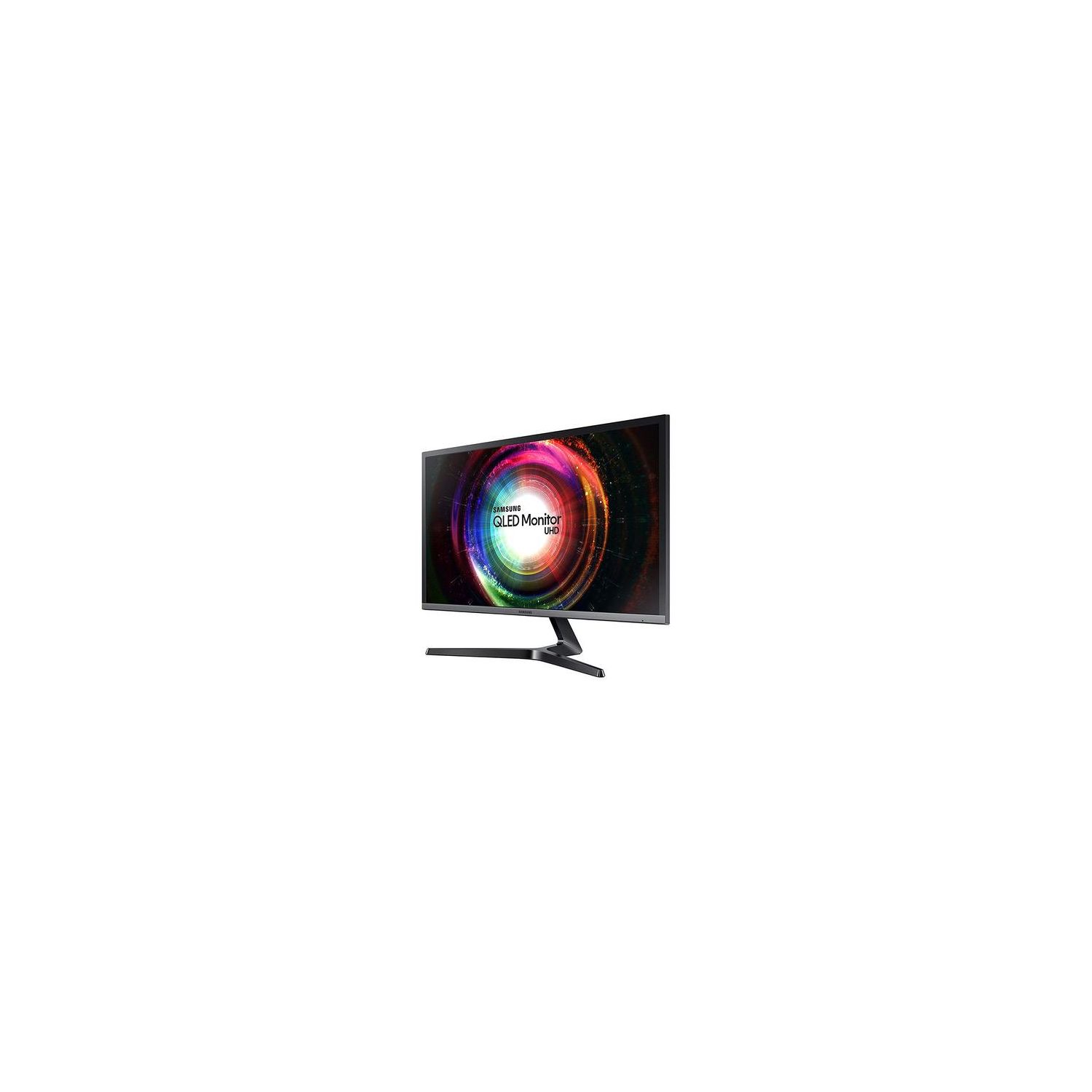
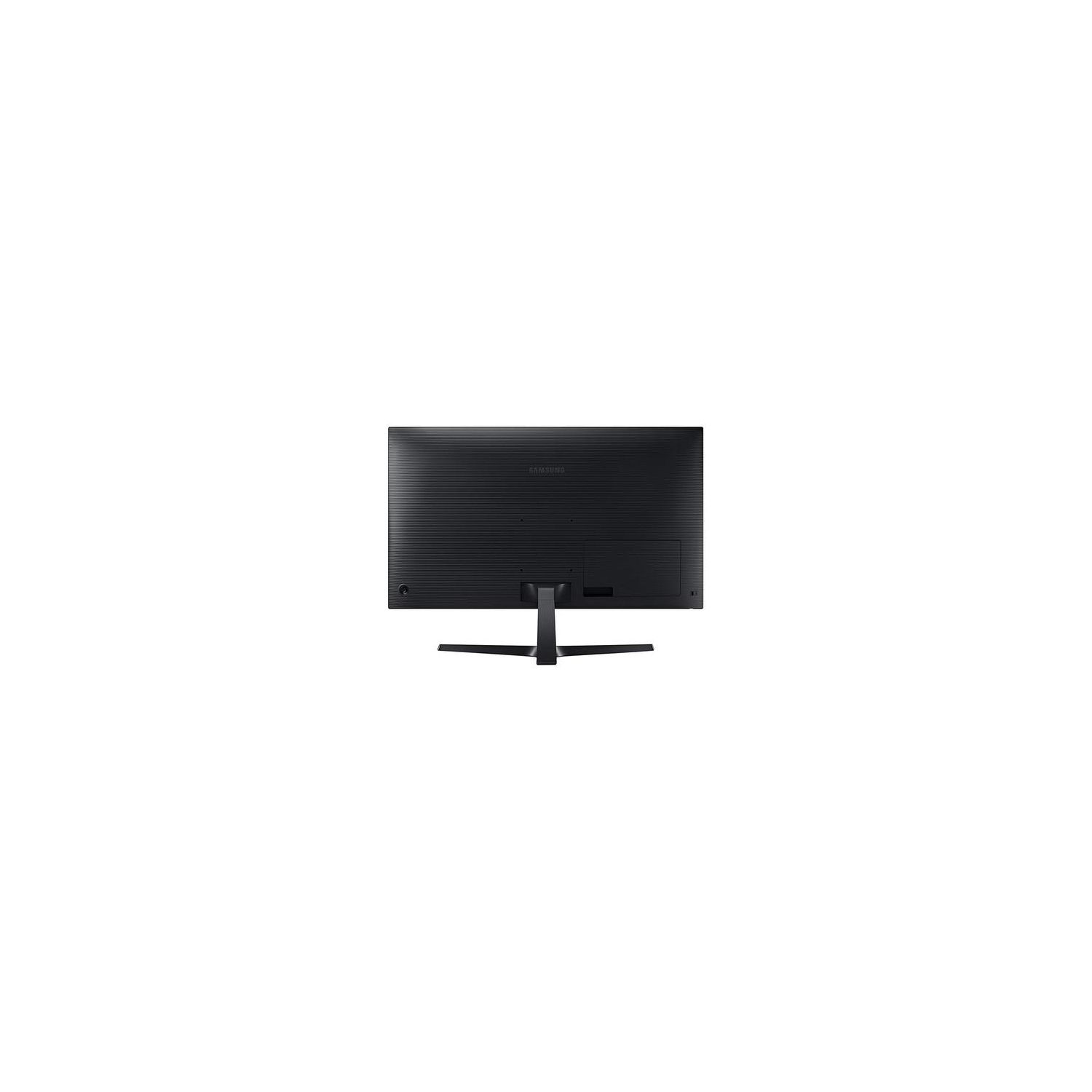
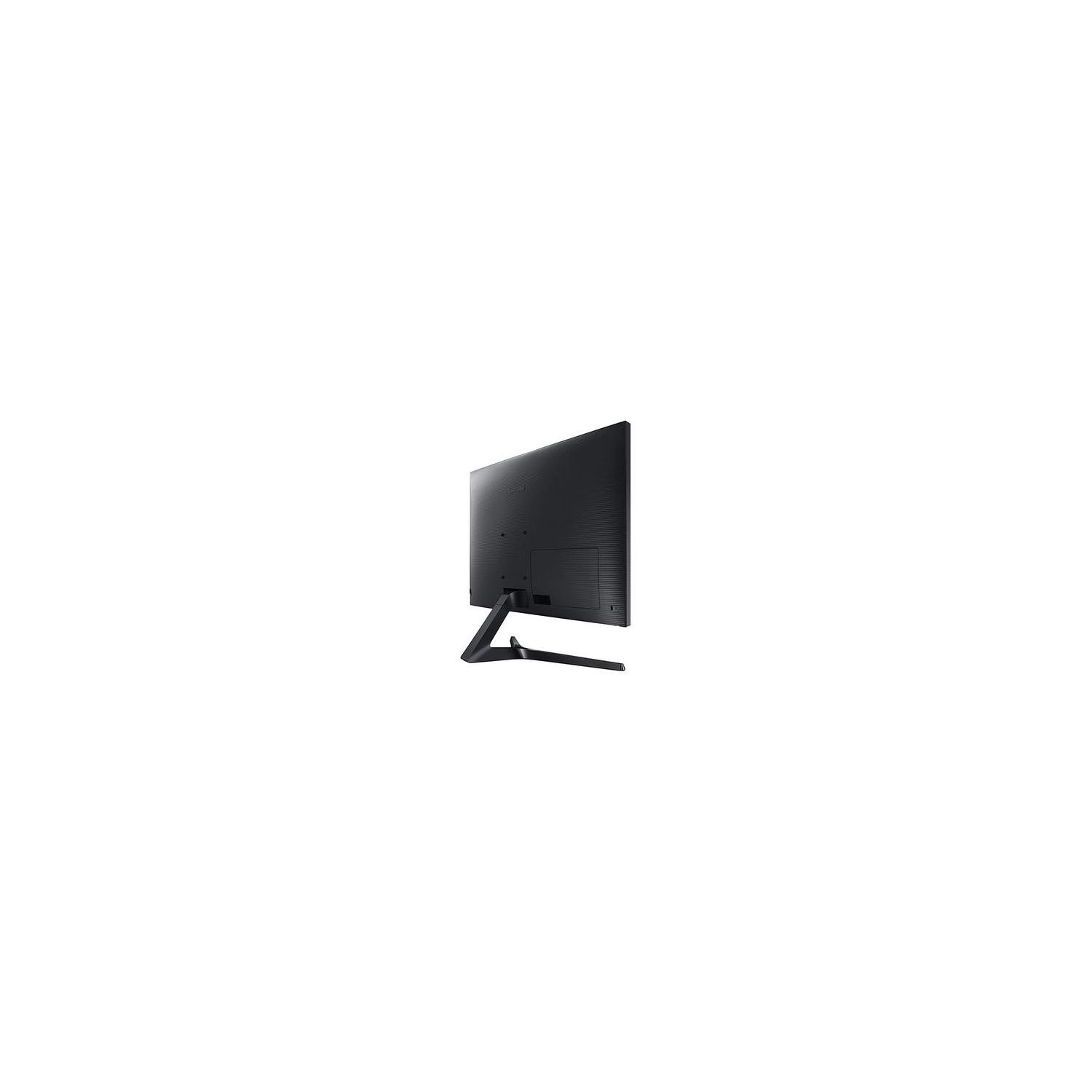
Update 12-14-2018: Revised from 4 stars to 3 stars. After much effort, I believe I was finally able to get the display to do what I purchased it for, which is to display UHD @ 60Hz as a computer monitor. I cannot give it more than 3 stars because it does not comply with the current HDCP 2.2 standard which I have written about below. Consequently, the monitor cannot be used to display any copyrighted content that uses the HDCP 2.2 standard or later. Since I will only use it as a desktop computer monitor, this limitation is acceptable to me. The blackout issue: It appears there were two causes for this problem: (1) The most current driver supplied by Gigabyte for their GV-N1030OC-2GI video card (v391.35) had some type of intermittent issue running under Windows 7. Nvidia has a later driver on their website (v417.35) that seems to have corrected it. (2) The HDMI 2.0 connector on the back of the monitor is somewhat twitchy running UHD @ 60Hz. Depending on the cable used, the signal sometimes drops out when the cable is touched. After testing multiple cables, the high speed cable that Samsung included with the monitor is the one that did not have this problem. The HDCP 2.2 compatibility issue: According to Samsung’s customer support representative, the monitor is only HDCP 1.4 compliant and *not* HDCP 2.2 compliant. HDCP 2.2 is not backward compatible with earlier versions. Since nearly all current UHD video cards require at least an HDCP 2.2 compliant monitor to keep a copy protected UHD video signal from blacking out, this monitor cannot be used to display copy protected UHD content with today’s hardware (HDCP as of Feb 2018 is on version 2.3, which I understand is backward compatible with v2.2). HDCP 1.4 monitors are obsolete with respect to HDCP 2.2 video sources and later. I believe the HDCP version and compatibility should be clearly stated in the monitor specifications, which was not the case when I purchased this. When everything works as intended, HDCP compatibility should only affect video content that is copy protected by its distributors. It should not otherwise interfere with using this monitor as a desktop display. Converter boxes: There are third party HDCP 2.2 to 1.4 external converter boxes available. The ones I found are only HDMI 1.4 and do not fully support UHD @ 60Hz. Those cannot be used in an HDMI 2.0 application such as this. Original 4 star review is posted below. ---------------------------------------------------------------------------------------------------------- I have had this a few days and the picture quality looks great. I have the 31.5" LU32H750UMNXZA, which I believe is a high quality VA panel. It has a higher contrast ratio and wider viewing angle than the 28" LU28H750UQNXZA, which is a TN panel. VA versus TN is a noticeable difference in technology, and both Samsung and Amazon should state more clearly the different tech in these two displays. In my opinion, Samsung should have assigned obviously different model numbers. Because they did not do that, the 28” and 32” listings and reviews for these monitors are lumped together here on Amazon, compounding the confusion. There were some technical difficulties in setting up this monitor. As others have said, port 2 is the only HDMI port that supports the published 3840x2160 @ 60 Hz. When displaying that resolution and frame rate, the screen blacked out at random times and the upper left corner showed the monitor rotating through source selections as if it had no signal. Once blacked out, the display would often not recover until the HDMI cable was unplugged and reinserted.
