
















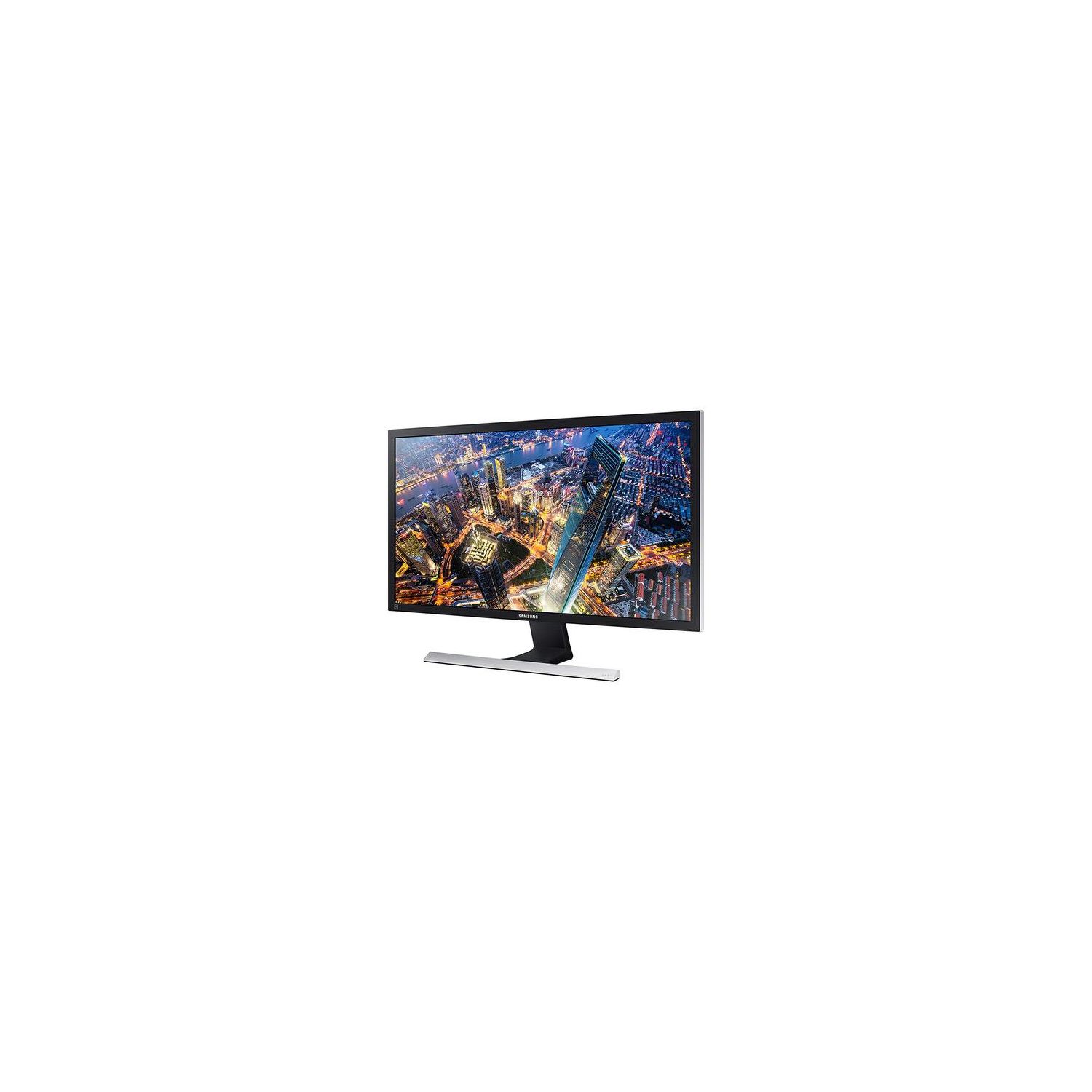
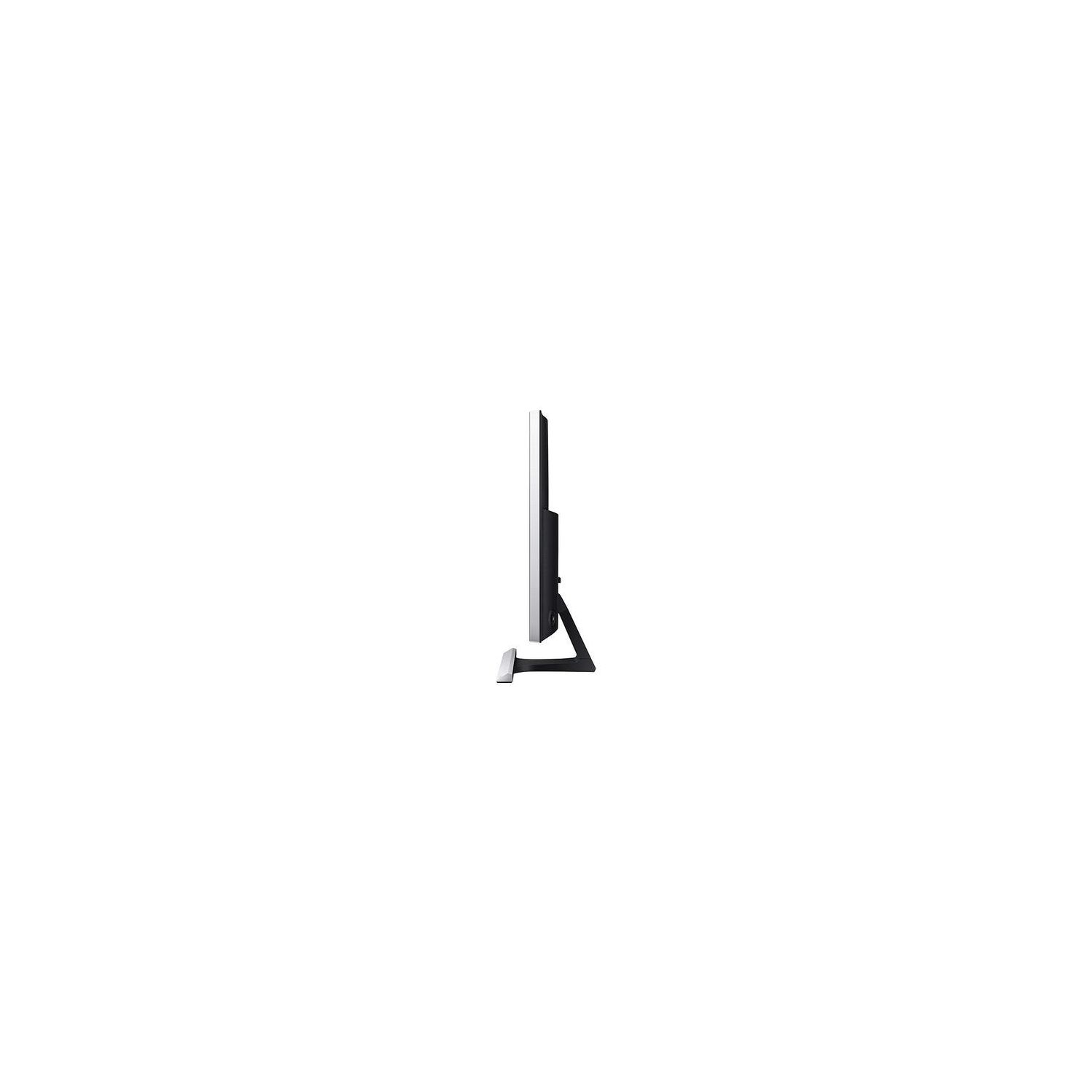
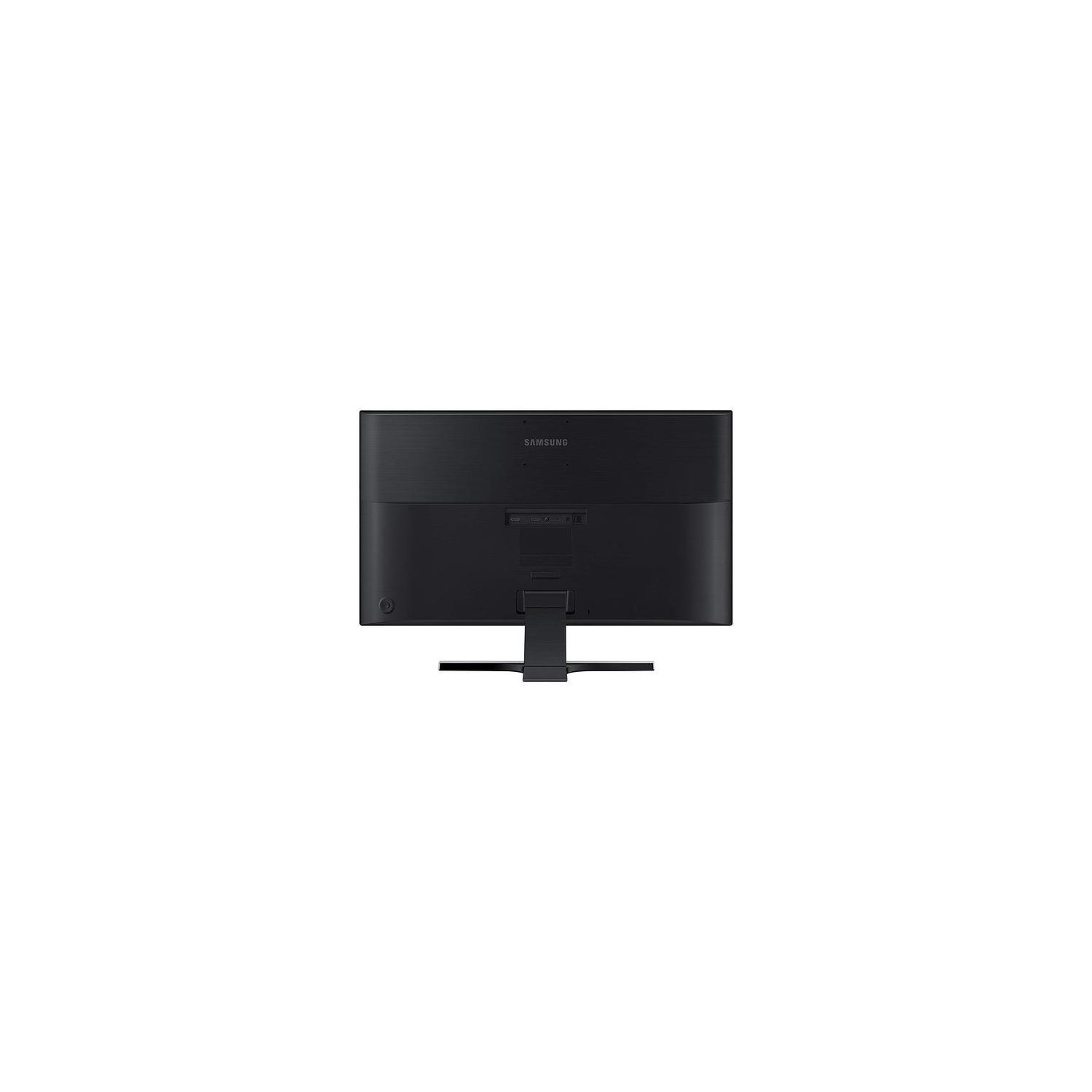
Samsung U28E590D 28-Inch 4k UHD LED-Lit Monitor
Write a review
$31900

Samsung U28E590D 28-Inch 4k UHD LED-Lit Monitor

Write a review
B00YD3DBOC
+
Add to wish list
Target is a general merchandise retailer with stores in all 50 states and the District...

City: US, New York

Delivery
Pickup at your own expense
Tomorrow from 09:00 to 20:00, Store location
Free
Payment options
Apple Pay Google Pay Mastercard Visa
Cash, bank card, credit/installment payments, cashless payment for legal entities
Warranty and returns
Exchange/return of products of proper quality within 14 days Official manufacturer's warranty: 12 months
Features
Display Type
LED
Item Dimensions
26.01 x 7.36 x 18.44 in
Item Weight
0.01 ounces
Mount Type
Wall Mount
Refresh Rate
60 hertz
Screen Size
28 in
Aspect Ratio
1.78:1
Description
This fits your .
Make sure this fits by entering your model number. With stunning Ultra HD picture quality, PC viewing, gaming and more come alive with incredible lifelike detail AMD FreeSync and 1ms response time minimizes input latency and dramatically reduces image tearing and stutter during gaming An incredible 1 billion colors delivers detailed, natural looking, and extremely realistic images. Connect multiple Ultra HD devices, like PCs and gaming consoles via two HDMI 2.0 inputs as well as one Display Port input Watch your favorite movie or video in one window while simultaneously working on a spreadsheet with Picture-in-Picture (PIP) 2.0 technology Pixel pitch is 0.006 horizontal x 0.006 vertical in inches. Minimum brightness is 310 cd per m2. Tilting the product excessively may cause it to fall and result in personal injury. Vesa mounting interface for use with specialty arm mounting hardware is 3 x 3 inches OS Compatibility : Windows, Mac
Reviews
2.9
Reviews: 20
5 stars
15%
4 stars
20%
3 stars
25%
2 stars
20%
1 star
20%
G A Sobek
5
Been using this display with my late 2016 15" MacBook Pro for 5-days. Once I used this 4K monitor, I sure do not want to go back to the old HD monitor. One note of caution to people that use this monitor with an HDMI cable. To get 3840 X 2160 @ 60 Hz, the HDMI cable MUST be connected to HDMI port 2. HDMI port 1 only supports 30 Hz. Info about the HDMI 2 port supporting 60 Hz is buried in the PDF manual on page 19 and it is easy to miss.
TonyAlva
5
Fantastic monitor for the money. Was concerned a bit cause some of the reviews were pointing out different faults. Forget those. I was glad I didnt listen to those people. No issues at all, the colors are vibrant, it wakes up from sleep when the computer does, the stand yes its a bit weak, but really, who touches the monitor when you set it up? Some made a big deal about angles of view, what are some of these people talking about?? Can see the screen with no problems even standing at a 30 to 40 degrees angle from the front of the monitor. Get yourself one, you wont regret it. Only thing I can think of is Samsung got rid of all those glitches these finicky people were talking about. For the money, I got mine for $291.00 here, its totally awesome.
Jessie M.
5
Ill start by saying I was unnerved reading some of the negative reviews for this monitor, but the price just seemed irresistible to me. Thankfully, I seem to have managed to avoid the problems a lot of reviewers have mentioned. The monitor is working exactly as it should be. I wouldnt say its perfect, but the negative aspects, particularly the somewhat-wobbly stand, bad positioning on the VESA mount, and confusing differences between the two HDMI ports are easy to deal with provided you know about them beforehand. This isnt entirely related but I feel like its worth mentioning anyway. Im using this monitor with my PC, Nintendo Switch, and Sony PS4 Pro, all of which were originally plugged into the monitor via my Goronya 3 Port HDMI Switcher, which Ive had for almost a year and a half and have had zero problems with. However, upon trying to use my PS4 Pro with it and this monitor, I had problems with consistently flickering and acting as if it were constantly switching to the second HDMI port, which the switcher was plugged into. Plugging it into the first HDMI port, which is 30 Hz while the second is 60 Hz, got rid of the problem, but having the PS4 Pro in that port defeated the purpose of using it in the first place. Assuming (and praying) it was a problem with the switcher and not the monitor I decided to try removing the PS4 Pro from the switcher and plugging it into the second HDMI port directly, which seems to have eliminated the problem entirely. Its a slight inconvenience having to switch inputs via the monitors menu rather than having everything accessible from the switcher, but Im just overjoyed that it isnt a more complicated problem. Just thought Id mention it here.
Product variations
Column filling
Sort by Price Sort by Availability Sort by CODE Sort by Screen Size
$31900
In stock
+
B00YD3DBOC
Screen Size:
28 in
Contact us for a price
In stock
B00YUU4B60
Screen Size:
23.6 in
You may be interested
  • Bestsellers
  • Recently Viewed
 
Similar products
Show more
Fast and high quality delivery

Our company makes delivery all over the country

Quality assurance and service

We offer only those goods, in which quality we are sure

Returns within 30 days

You have 30 days to test your purchase