
















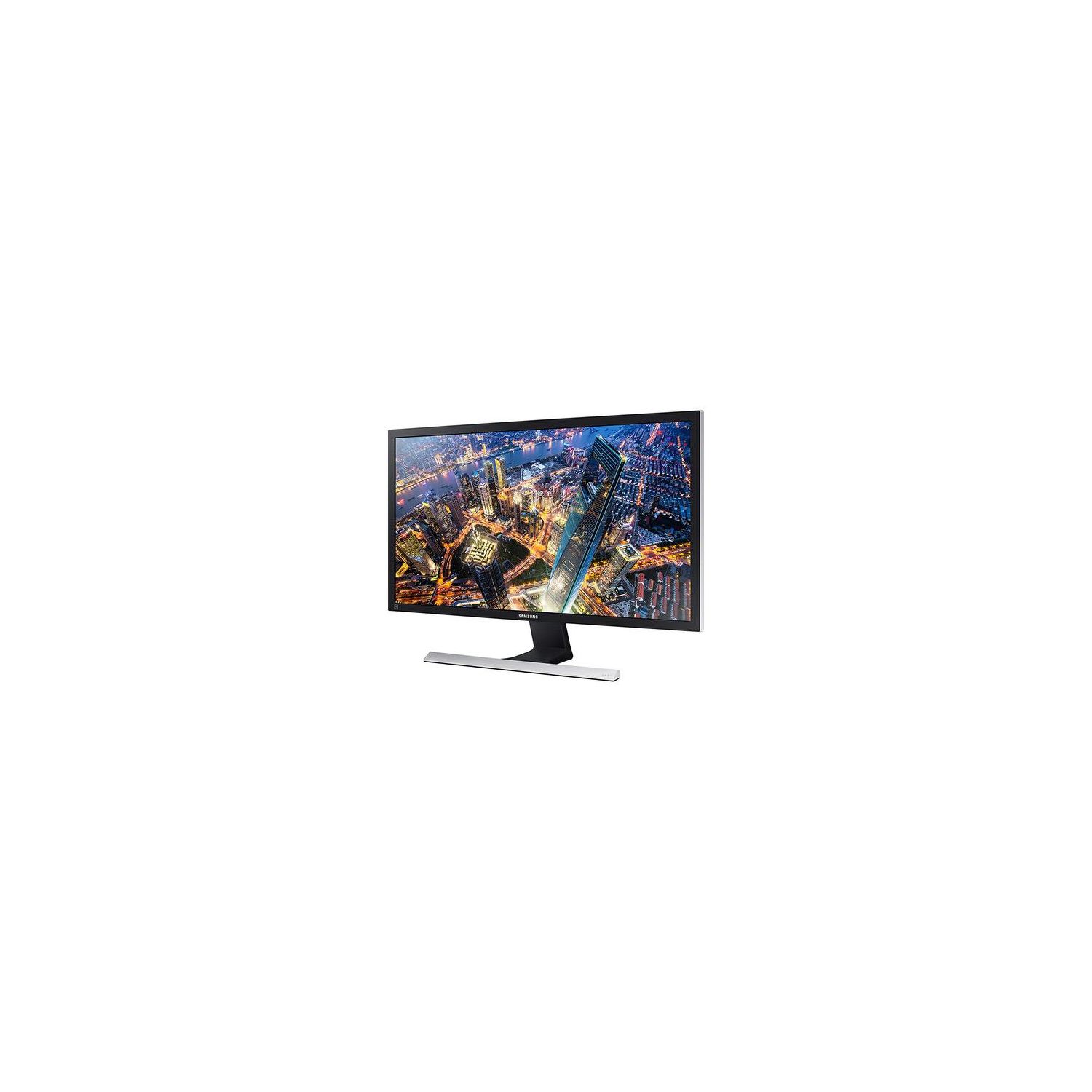
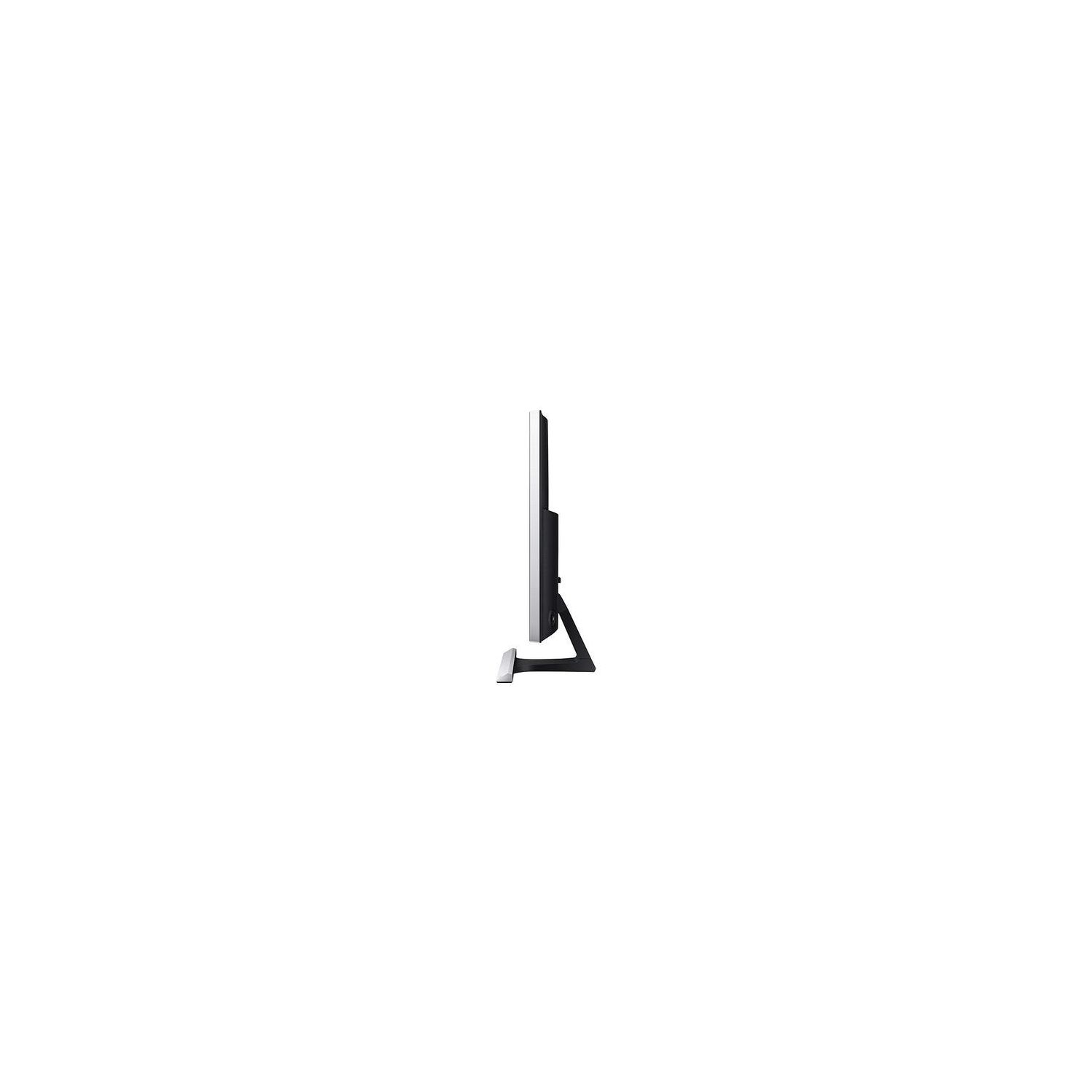
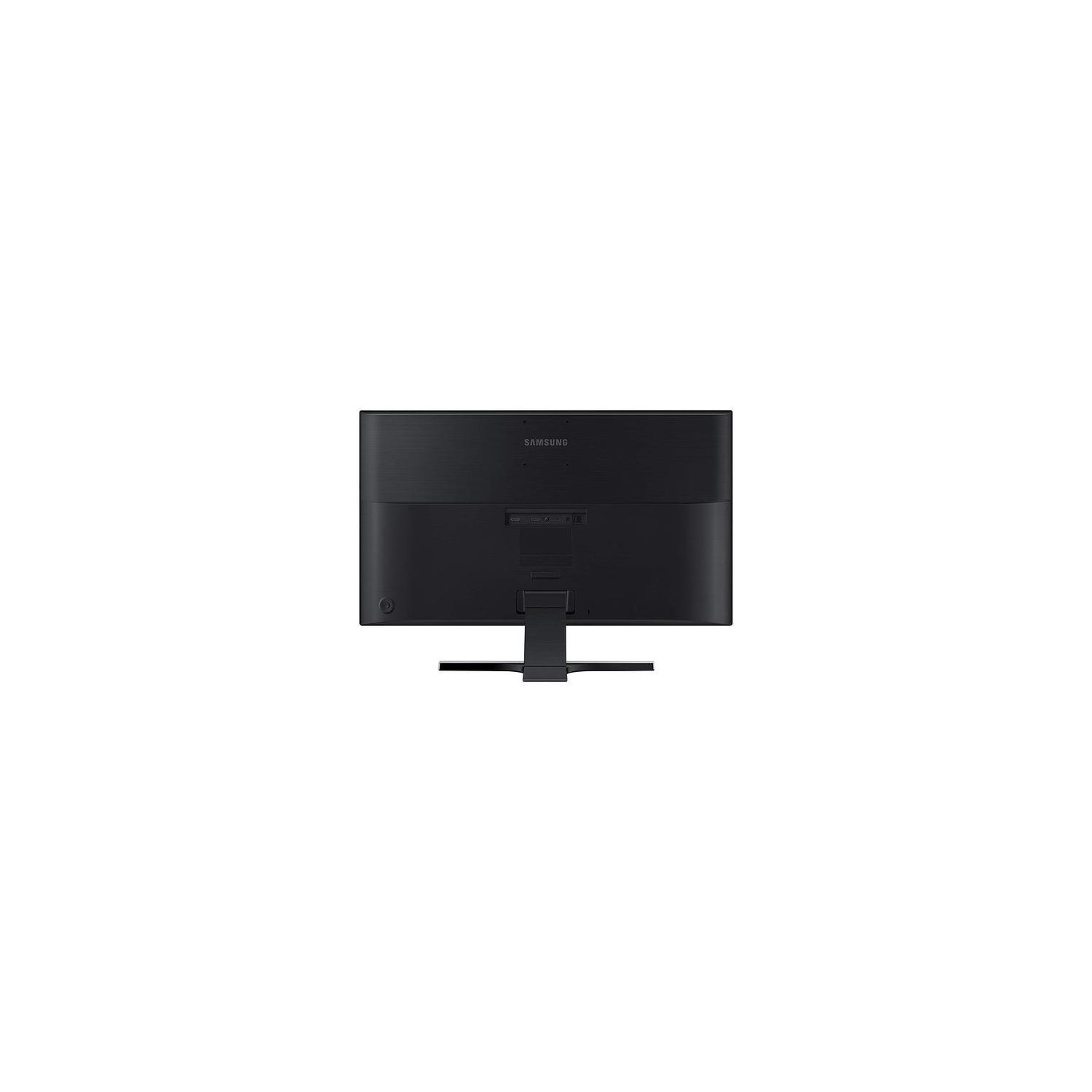
Samsung U28E590D 28-Inch 4k UHD LED-Lit Monitor
Write a review
$31900

Samsung U28E590D 28-Inch 4k UHD LED-Lit Monitor

Write a review
B00YD3DBOC
+
Add to wish list
Target is a general merchandise retailer with stores in all 50 states and the District...

City: US, New York

Delivery
Pickup at your own expense
Tomorrow from 09:00 to 20:00, Store location
Free
Payment options
Apple Pay Google Pay Mastercard Visa
Cash, bank card, credit/installment payments, cashless payment for legal entities
Warranty and returns
Exchange/return of products of proper quality within 14 days Official manufacturer's warranty: 12 months
Features
Display Type
LED
Item Dimensions
26.01 x 7.36 x 18.44 in
Item Weight
0.01 ounces
Mount Type
Wall Mount
Refresh Rate
60 hertz
Screen Size
28 in
Aspect Ratio
1.78:1
Description
This fits your .
Make sure this fits by entering your model number. With stunning Ultra HD picture quality, PC viewing, gaming and more come alive with incredible lifelike detail AMD FreeSync and 1ms response time minimizes input latency and dramatically reduces image tearing and stutter during gaming An incredible 1 billion colors delivers detailed, natural looking, and extremely realistic images. Connect multiple Ultra HD devices, like PCs and gaming consoles via two HDMI 2.0 inputs as well as one Display Port input Watch your favorite movie or video in one window while simultaneously working on a spreadsheet with Picture-in-Picture (PIP) 2.0 technology Pixel pitch is 0.006 horizontal x 0.006 vertical in inches. Minimum brightness is 310 cd per m2. Tilting the product excessively may cause it to fall and result in personal injury. Vesa mounting interface for use with specialty arm mounting hardware is 3 x 3 inches OS Compatibility : Windows, Mac
Reviews
2.9
Reviews: 20
5 stars
15%
4 stars
20%
3 stars
25%
2 stars
20%
1 star
20%
Vradegin
3
Best Features: Color, sharpness, and viewing angles are impressive. High resolution photos look great, much better than 1080. In side-by-side comparison with a more expensive IPS monitor, the more expensive monitor usually wins, but not always. In some cases, the Samsung colors look more natural. Very light weight, about 10 pounds without stand. Worst Features: The VESA mount is poorly positioned at the very top edge of an already tall monitor. (See photo) Portrait mode isnt stable because the VESA mount is so far off center. Unless you have a very tall monitor arm, youll wont have much vertical range. I worked around this problem by adding extra pieces ($30 each) that give 4" of additional height. Quality Issue: No dead pixels, but one of the two monitors I received cannot display UHD at 60hz as advertised. It took me a frustrating hour to figure this out, staring at a black screen. After lowering my graphics card output to 59Hz, it works fine. I never use the "Eye Saver" mode, which ruins color and contrast. Even with shortcomings, I enjoy these monitors.
agaturner
3
Pros: Response Time is excellent I was able to get 60hz on the HDMI 2.0 port 2 color is vibrant, integrated game mode is okay built very sturdy, nice firm stand (a market rarity in this price range), TN panel is resistant to shock and heat. Cons: Some LED backlight bleeding out of box HDCP 1.4 Compliant as opposed to the current HDCP 2.2 standard, so streaming HDCP 2.2 compliant content (netflix included) and some UHD blu-rays in full quality is impossible, as the 1.4 standard forces the content to return to 1080p quality. I spent 2-3 hours on the phone with netflix tech support before we determined this issue. This should be made clear in the tech specs! Dishonest marketing. So essentially my unit is dead-weight for streaming UHD content. Be Warned. Also the price is competitive yet roughly the same as newer monitors on the market. This should be changed to reflect the age of the model (2014).
Kevin Zolitor
3
I set this monitor up and was impressed by the sharp detail. However despite it having settings to compensate, theres just a slight orange color shift from top to bottom. Im being really picky here, most people would probably never even notice. But I do some photo work so I wanted to make sure I had accurate color reproduction so I sent it back and will pick up an IPS panel instead. I like that it has a built-in blue light filter. But now that both Mac and Windows have built in night modes, this may not be important to you.
Matthew McDaniel
3
Let me start with the positives: The monitor is bright, colorful, and performs most functions perfectly. Ive never had an issue with displaying things at 4K resolutions and connecting it to the PC was just as easy as you could imagine. However, if you ever need to switch resolutions for a different program, its basically a dice roll as to whether the monitor will correctly identify and adjust to the new setting. Playing a game in 1080p, for example, can frequently load up a totally black screen. As you might expect, this is very frustrating. I had assumed, at first, that this was just unique to one particular game, but it has persisted across multiple applications and a better video card. The solution is to never change your resolution from the native 4k. If thats an acceptable option for you, you will have no issues.
Rough Riders
3
I have one of these monitors now (actually had it for a couple of years) and it works great. Colors are vivid, screen is bright. Works great with my Msft Surface Pro 5 and the Surface dock. I decided to add a 2nd large display and mount it on swivel arms so I could position them better at my desk and give me more room on my desk as well. The 2nd monitor (the new one) had really washed out colors...blacks were more gray than black. Whites were bluish tint. Tried adjusting colors, contrast, changed cables from HDMI to DP, nothing worked. My 1st monitor is still going strong and continues to look great but the new one just didnt look as good. I dont know if there was just something wrong with that monitor or if different production batches have different operating characteristics. I returned it and now looking for a different one. So, in short, 1 works great (5 stars), 1 doesnt so I split the difference. As a side note, I will say that I dont like the VESA mounting location above the ports. When mounting to the swivel arm, I had to flip the monitor upside down in order to get it to position properly and use the Windows Display properties to orient the screen image. The VESA mounts should be below the ports, not above them.
Product variations
Column filling
Sort by Price Sort by Availability Sort by CODE Sort by Screen Size
$31900
In stock
+
B00YD3DBOC
Screen Size:
28 in
Contact us for a price
In stock
B00YUU4B60
Screen Size:
23.6 in
You may be interested
  • Bestsellers
  • Recently Viewed
 
Similar products
Show more
Fast and high quality delivery

Our company makes delivery all over the country

Quality assurance and service

We offer only those goods, in which quality we are sure

Returns within 30 days

You have 30 days to test your purchase