
















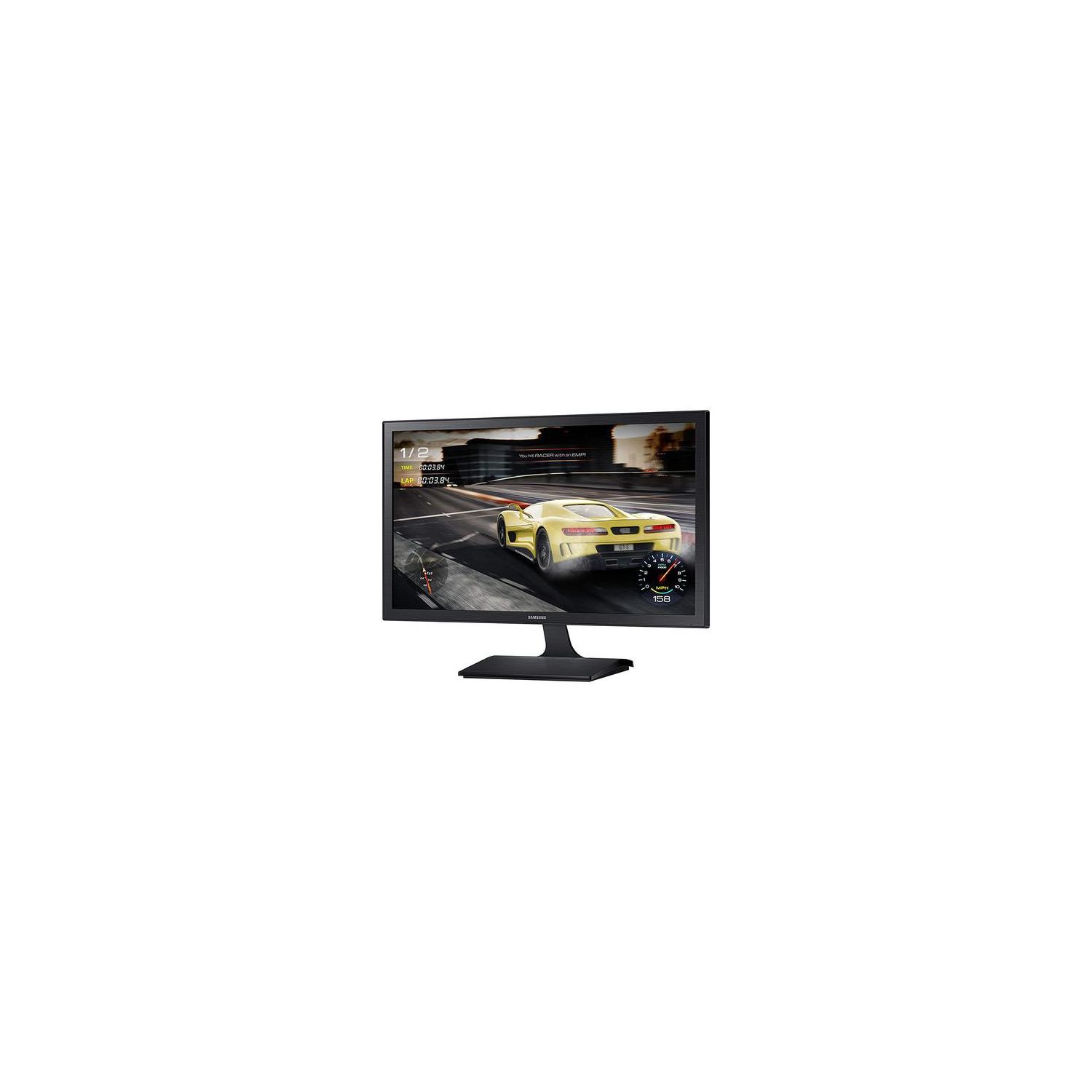
Samsung LS27E330HZX/ZA 27-Inch Gaming WQHD Monitor (1ms / 60Hz / Game Mode)
Write a review
$17900

Samsung LS27E330HZX/ZA 27-Inch Gaming WQHD Monitor (1ms / 60Hz / Game Mode)

Write a review
B01N3AEWTT
+
Add to wish list
Target is a general merchandise retailer with stores in all 50 states and the District...

City: US, New York

Delivery
Pickup at your own expense
Tomorrow from 09:00 to 20:00, Store location
Free
Payment options
Apple Pay Google Pay Mastercard Visa
Cash, bank card, credit/installment payments, cashless payment for legal entities
Warranty and returns
Exchange/return of products of proper quality within 14 days Official manufacturer's warranty: 12 months
Features
Display Type
LED
Item Dimensions
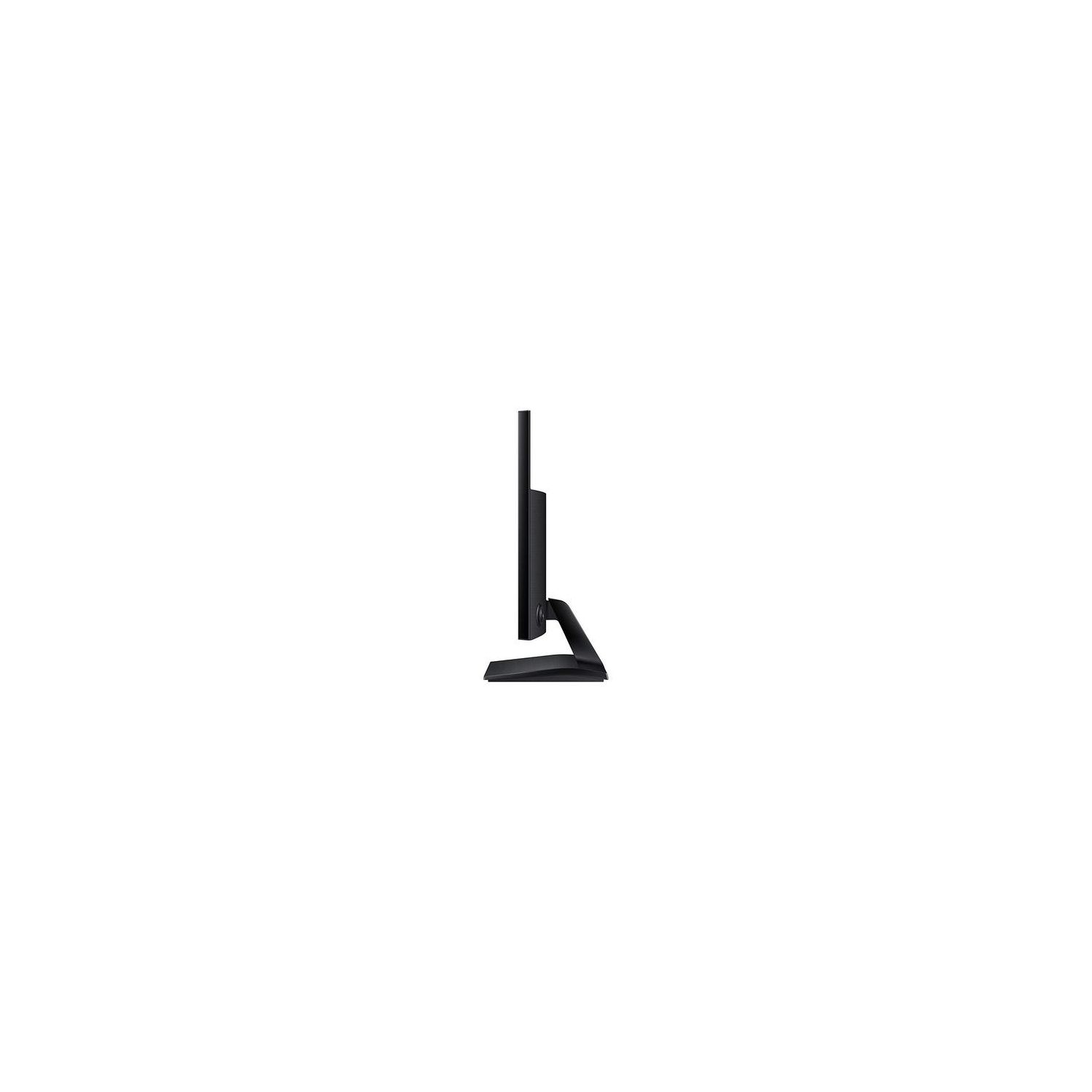
3.74 x 25.33 x 15.16 in
Item Weight
9.92 lbs
Mount Type
Wall Mount
Refresh Rate
60 hertz
Screen Size
27 in
Aspect Ratio
16:9
Description
This fits your .
Make sure this fits by entering your model number. 1ms response time delivers crisp images during fast motion scenes Game mode delivers dark blacks and optimizes screen colors and contrast for gaming Flicker free technology reduces screen Flicker for longer sessions with less eye fatigue Mounting Type: Wall mount 75 x 75 mm
Reviews
3.7
Reviews: 20
5 stars
45%
4 stars
20%
3 stars
10%
2 stars
5%
1 star
20%
R. Huttner
4
Excellent monitor for any purpose. I dont use it often for gaming but when I do it makes games look incredible when gaming mode is switched on. It took very minimal effort to adjust the screen perfectly to my liking, which is a huge factor for me. The out of box settings are probably fine for most, but I prefer my screen a bit darker, so I set the MagicBright template to standard and its exactly how I like it. As much as I like this monitor, I could not give it 5 stars due to 2 very minor yet manageable flaws. First is the power button. There sort of isnt one. The center button on the control panel (which is cleverly located on the back out of sight) will power the monitor on, but turning off is a bit different. You have to press the center button to open the menu, then scroll down to the power option and press the center button again to confirm. To me it just makes no sense to need three button presses to power off. The reason you will even need to power off the monitor is the second flaw to mention. The blue LED light on the bottom right corner is a bit of a nuisance to me. The light flashes constantly when the monitor is in standby mode or your computer goes to sleep. This can not be turned off, you have to either power off the monitor when not in use or cover the light with black tape. Overall these flaws do not make this a deal breaker and Im very satisfied with the monitor. It is certainly the best one Ive ever owned
je
4
I decided to purchase this monitor to use with my PS4 Pro. The monitor arrived with one tiny lime green dead pixel in the top left, but I’m not terribly worried about it, as it doesn’t distract me from my games. Picture quality is good, the monitor’s design is simple and pleasing, and the screen has a matte finish. This monitor has one RGB input, one HDMI input, and no speakers, so you might have to get an HDMI splitter (like I did) if you’re hooking up a console and want sound output from something besides your headset. Overall a good buy. I’m satisfied.
Alsand
4
Nice monitor. Screen is very sharp and easy to read and good for the price. I have to take one star off for two reasons: 1. Color saturation is poor. I have this sitting next to a Dell monitor with the same mountain background picture and this monitor looks terrible by comparison. This will be fine for a general office monitor, but if I was watching a lot of media on it or doing a lot of photo editing, Id look elsewhere. 2. Would it kill ya to throw a HDMI cable in the box? Probably more people use an HDMI cable now than the VGA cable you include. 3. Ghosting: Some people have mentioned some ghosting and yes, I do get some ghosting, especially when scrolling through a Word document. It doesnt bother me much, but I could see how, for some people, this could be a real annoyance.
FitForFood
4
Beautiful monitor when the screen is on. However, there are 2 flaws that are driving me crazy: 1. On/Off - takes 3 hits of a button to turn the screen manually off. There should be a MUCH more streamlined approach to turning a monitor on and off. Simple 1 click should do the trick 2. Power on from Sleep Mode - Compounding from issue 1, whenever my computer goes into sleep and I awake it, the screen is a blur. The only way to fix this is to turn off the monitor with 3 clicks and turn it back on Not sure whats going on here but Ive never had either issue with other monitors so deducting 1 star.
Product variations
Column filling
Sort by Price Sort by Availability Sort by CODE Sort by Screen Size
Contact us for a price
In stock
B00TR0570W
Screen Size:
23.6 in
$17900
In stock
+
B01N3AEWTT
Screen Size:
27 in
You may be interested
  • Bestsellers
  • Recently Viewed
 
Similar products
Show more
Fast and high quality delivery

Our company makes delivery all over the country

Quality assurance and service

We offer only those goods, in which quality we are sure

Returns within 30 days

You have 30 days to test your purchase