
















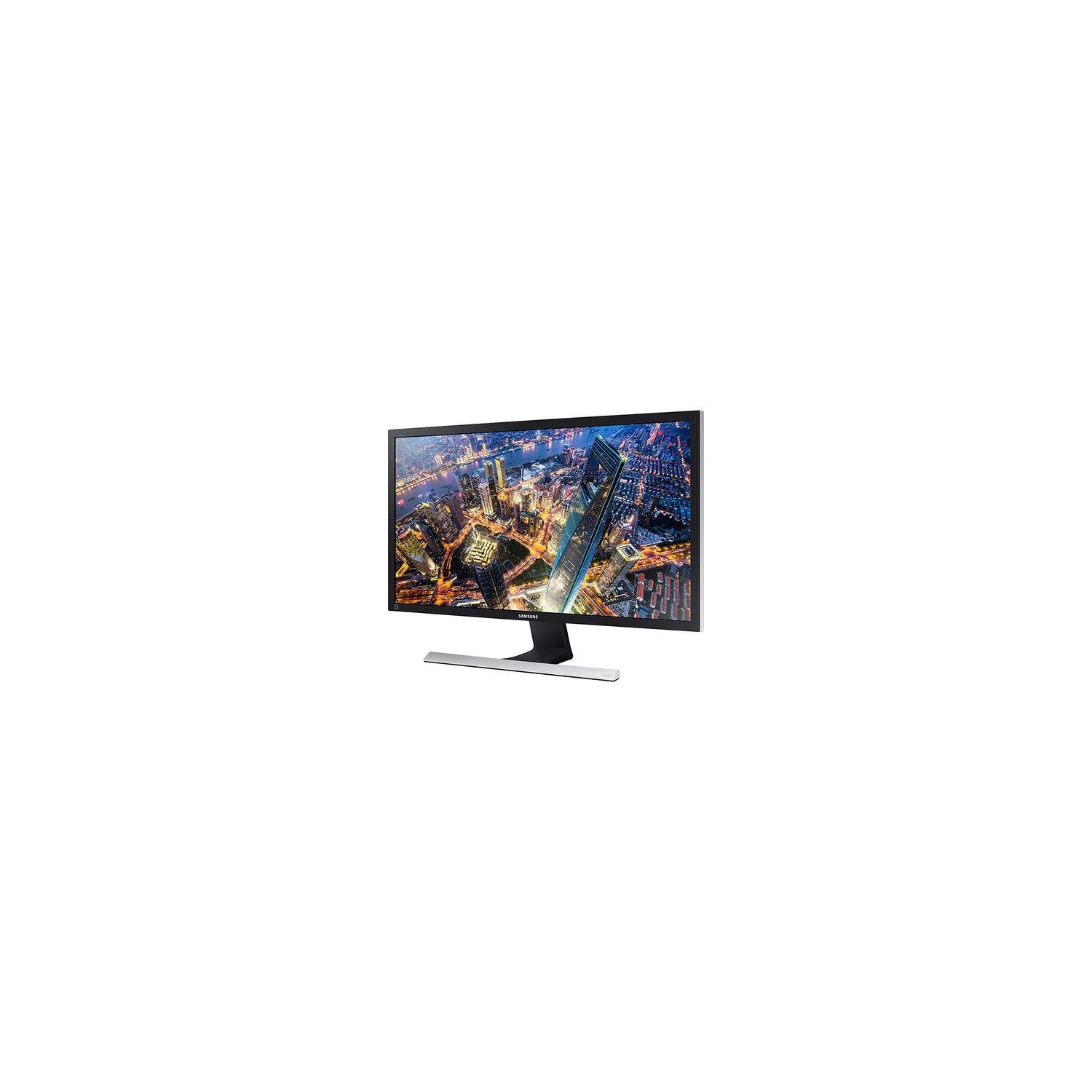
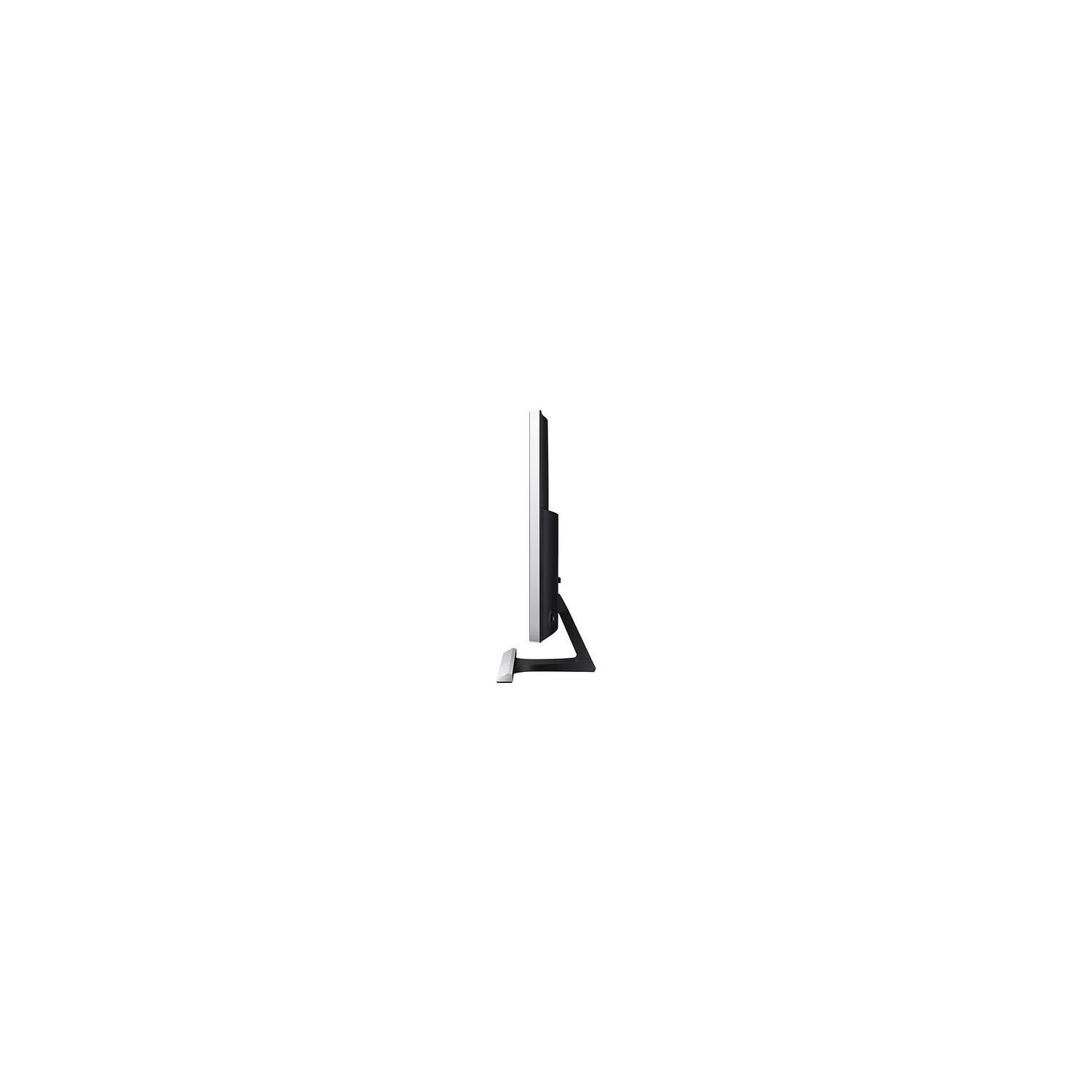
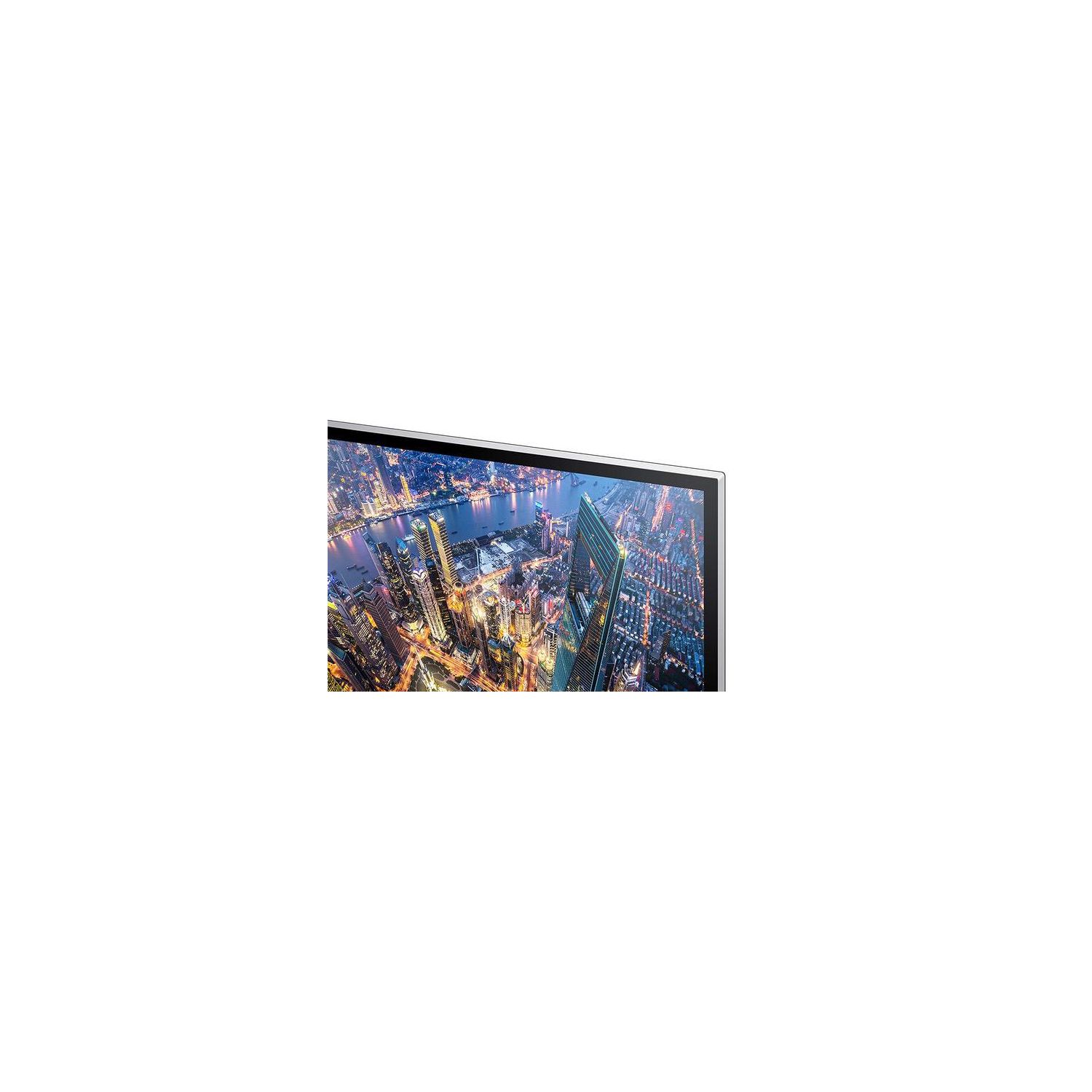
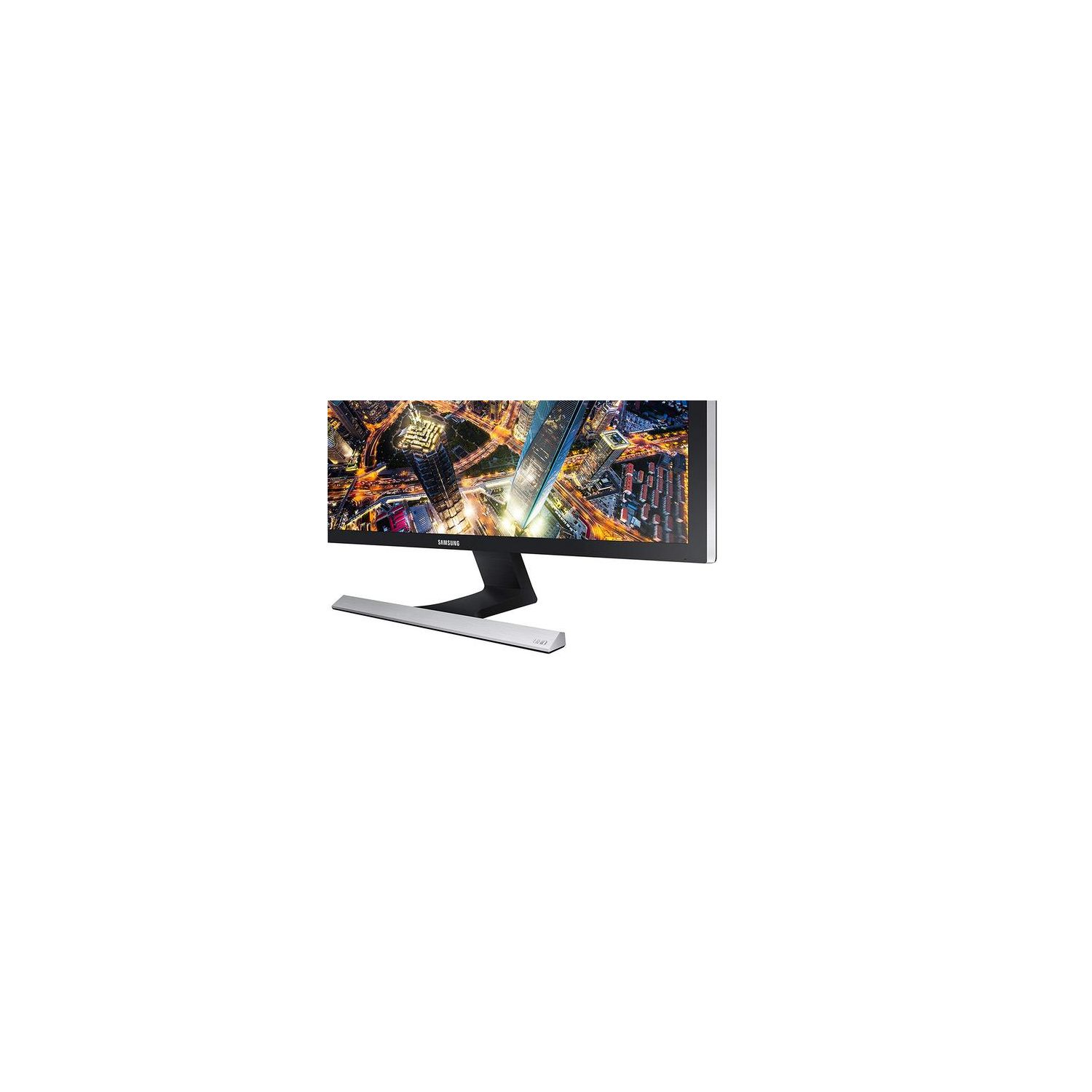
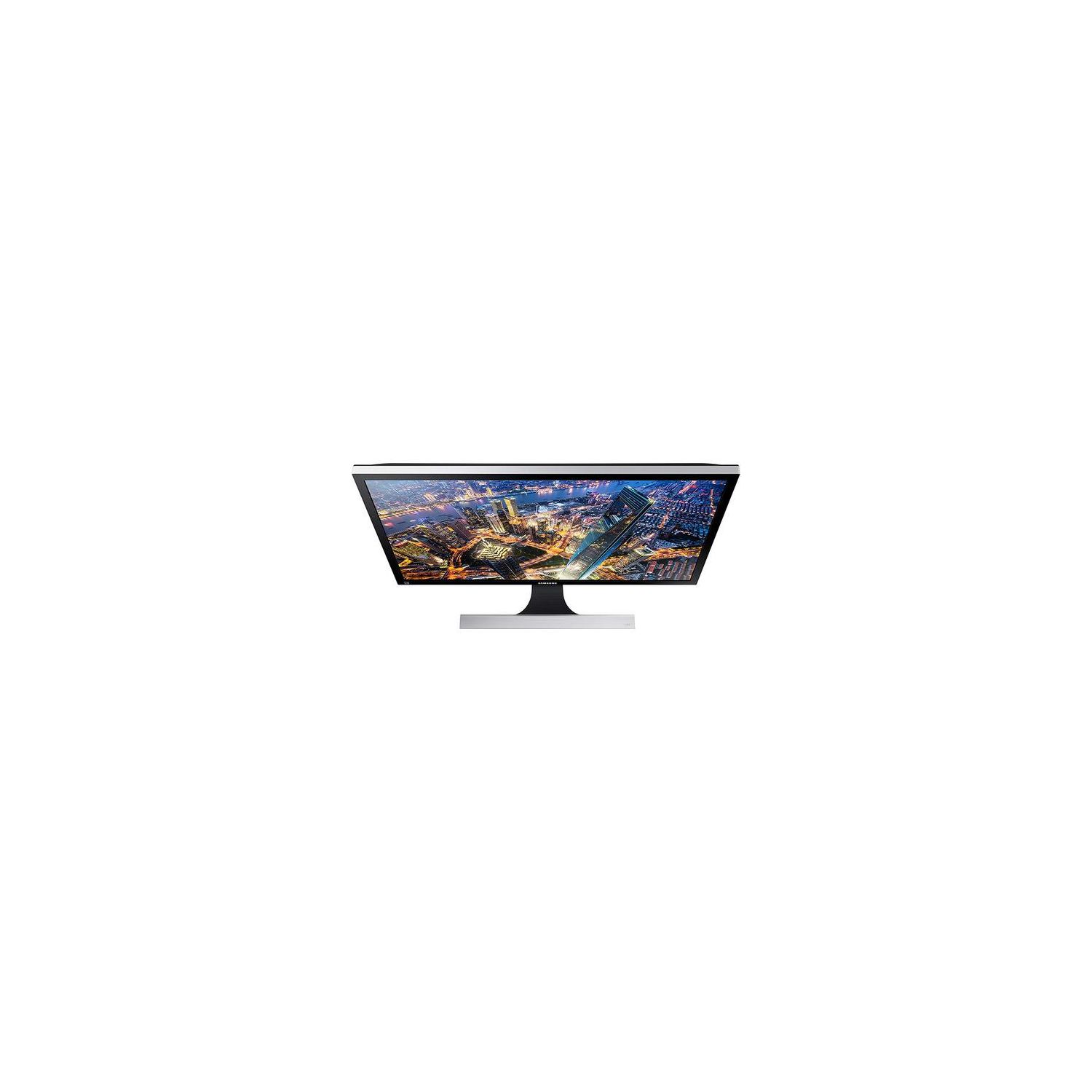
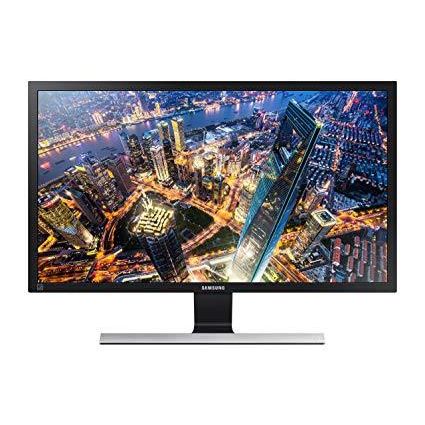
Samsung Electronics LU28E570DS/ZA 28" UHD 4K Led-Lit Monitor, Black
اكتب تقييم
$‎ 29900

Samsung Electronics LU28E570DS/ZA 28" UHD 4K Led-Lit Monitor, Black

اكتب تقييم
B07FBNPTDD
Target is a general merchandise retailer with stores in all 50 states and the District...

المدينة: US, New York

Delivery
Pickup at your own expense
Tomorrow from 09:00 to 20:00, Store location
Free
Payment options
Apple Pay Google Pay Mastercard Visa
Cash, bank card, credit/installment payments, cashless payment for legal entities
Warranty and returns
Exchange/return of products of proper quality within 14 days Official manufacturer's warranty: 12 months
Features
Display Type
LED-Lit
Item Dimensions
7.36 x 26.01 x 18.44 in
Item Weight
11.64 lbs
Mount Type
Wall Mount
Refresh Rate
60 hertz
Screen Size
28 in
Aspect Ratio
16:9
Description
This fits your .
Make sure this fits by entering your model number. Stunning 4K Ultra HD picture quality, PC viewing, gaming and more come alive with incredible lifelike detail Amd Free Sync and 1ms response time minimizes input latency and dramatically reduces image tearing and stutter during gaming An Incredible 1 billion colors delivers detailed, natural looking, and extremely realistic images Picture-by-picture (PBP) lets you connect to two devices to the monitor and maintain their original quality Connect multiple Ultra HD devices, like PCs and gaming consoles via two HDMI 2.0 inputs as well as one Display port input 60 hertz
Reviews
3.9
التقييمات: 20
5 نجمة
45%
4 نجمة
30%
3 نجمة
5%
2 نجمة
5%
1 نجوم
15%
Positive Thinker
5
Every setting on this monitor for picture quality and color are set to 100 percent. This means that it will be "bleeding" light through every pixel on the screen (smile). You must adjust the color, contrast and darkness to your liking. You will find the adjustment menu on the rear panel, bottom right side. Push in the center button, then push the button up to access the adjustments menu. Push the button in. Push the button right and choose Samsung MAGIC Bright option. Leave it on custom and then set your Brightness to 40, Contrast to 57, and Sharpness to 64. Scroll down with your center button to the HDMI Black Level and set it to LOW. Now, once you have those settings, go to your color menu and set Red to 61, Green to 49 and Blue to 58. Scroll down to gamma and set it at Mode 3. These are suggested "START" adjustments. You can customize your screen to your liking by experimenting with all the different modes available. This will give a basic start on customizing your screen to the perfect picture and learning all the different options available on this great monitor.
Robert W. Everett
5
Im so glad I made the purchase of a Samsung UE570 4K UHD Monitor! I knew my old monitor was not performing up to the standards of todays monitors, so I wanted to purchase a new monitor at some point. Our family is a true believer in Samsung products and almost every appliance in our home, including cell phones, are Samsung! Im quite proud to admit this fact because Ive never had a problem with any of them. As for the monitor, when I first unpacked it, I felt the directions for set up were good and not confusing. The only momentary confusion at first was all of the papers which came in the monitor box, but I soon realized some of them were basically for the "file" and I didnt need to worry about them. I was able to get the stand attached without a problem and got to the point I turned the monitor on. WOW, what a difference between the new monitor and the old one! I cant say enough about the clarity, the color and the entire viewing area of the monitor. I used the "jog" button, on the back of the monitor to fine tune it to my desire or make adjustments to my liking. Now, I believe its just fine and since I also have a new computer on order, once it gets here, I really think Ill see even a bigger difference! All in all, Im so glad I was able to make this purchase and enjoy the technology of today, the 4k UHD is certainly the way to go!
SteveC
5
Ive always been hesitant to take the leap and upgrade to a 4K monitor, Ive previously only been using 900p and 1080p monitors. However when I saw that Samsung has this 4K monitor at such a great priced compared to other options, I decided to finally give it a try. Ive been wanting to take full advantage of my gaming hardware anyways which is the primary use of this monitor. Being a 28 inch monitor, this was definitely the biggest one Ive used so far and I was a bit worried beforehand that it might be too big. But as it turns out, the larger size is definitely a plus. In addition to that, the image quality was very good too, definitely one of the nicer 4K displays Ive seen of that size. The monitor also has a lot of great features like Picture in Picture that actually works very well too. A personal plus of the monitor for me is that it turns on very quickly. Its a small feature overall but a big positive thing in my book. Ive had a lot of monitors in the past that took awhile to turn on and display the image, but this one from Samsung is very quick. Overall, this monitor is definitely one of the best displays Ive ever personally used especially considering the price compared to other monitors out there. I would highly recommend this monitor to anyone looking to upgrade to a 4K monitor without breaking the bank but are also looking for a trusted and reputable brand too. The only downsides I can really think of are that the out of box default settings make the monitor a little too bright for me and the contrast too high, but after some time fiddling around with the settings, I found a comfortable setting for me. There werent really any presets that quite suited my preferences so I did have to adjust the settings manually. Its really a matter of personal preference in that case though. Aside from that, I havent had any other issues with this monitor. I look forward to doing more 4K gaming on this monitor!
Robert H
5
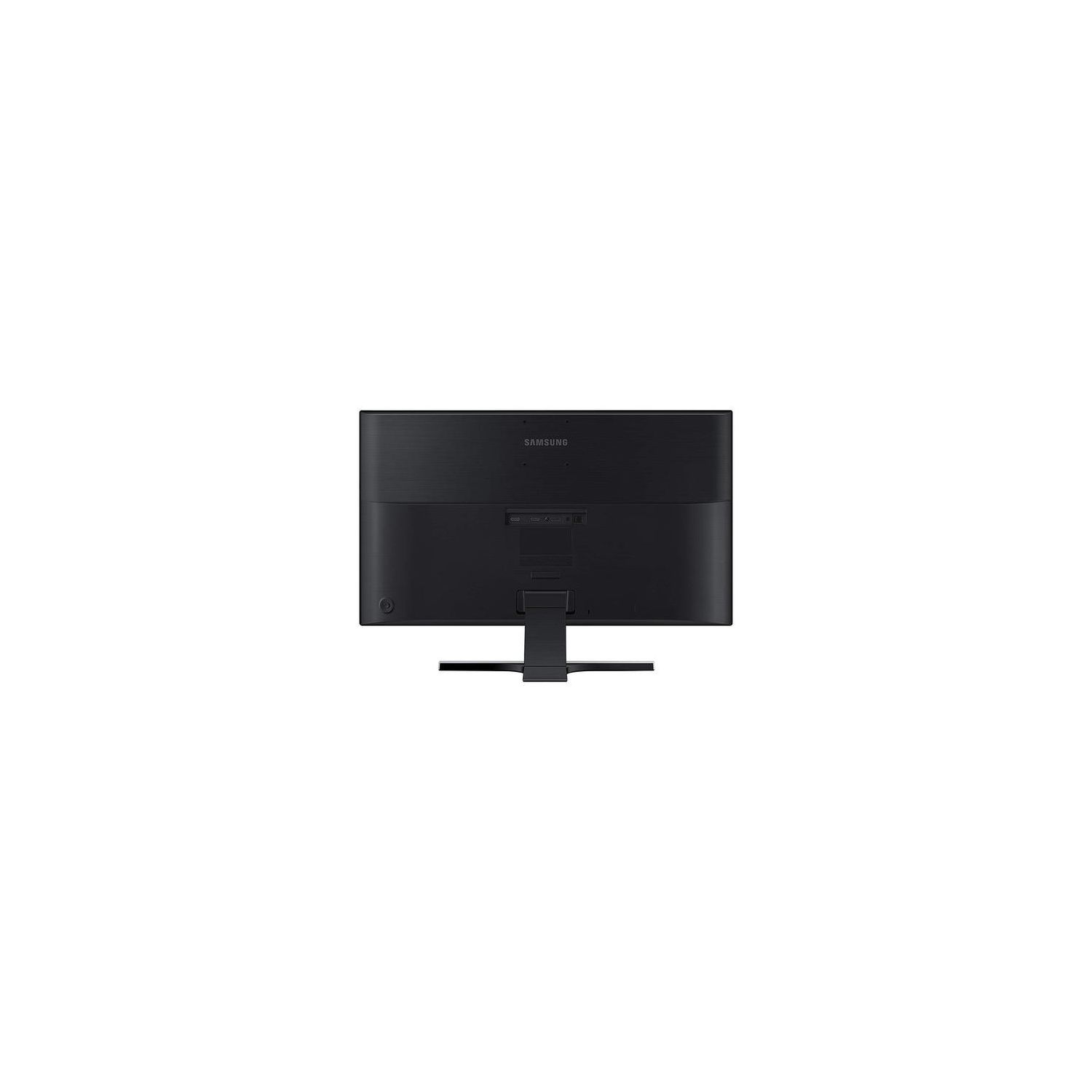
This is a very nice monitor. I didnt realize how nice a 4k monitor was until now. At first it wasnt working for me as my test computer couldnt display in 4k, it was limited to 2k. Once I replaced my outdated video card in the test system, the video looked amazing. I lost some real estate going from 2 x 21" monitors to this 28" monitor, but it was worth it. It wouldve been nice if this was a curved display, but at 28", a flat screen is fine, though I doubt I personally would go much larger than 28" without getting a curved display. This monitor has some pretty nice features, it works with AMD Freesync, although its not Freesync 2, and it has 1 ms response. Those two features alone make this a great gaming monitor. In addition to that, this monitor can also display from 2 different sources at the same time. It can display in a Picture By Picture (PBP) format (one source on the left side of the screen, the other source on the right half of the screen) and it can display in Picture In Picture (PIP) mode, like you would find in some TVs. The only thing I dont like about the monitor so far is the stand. its a static stand that wont raise or lower the monitor height and wont twist from side to side without moving the whole stand. Good thing though is that the monitor has VESA mounts on the back so the stand can be replaced with something better. The inputs on the back are pretty minimal, you get 2 x HDMI inputs, 1 x Full size Display Port input and headset input. Along with those, on the back is the power port right next to the headset input and next to where the stand connects to the monitor, there is a hole for a lock. The OSD controls are also located on the back, in the lower corner, of the monitor. This monitor will get a LOT of use, Im really going to enjoy editing my 4k videos on this monitor.
D. Walk II
5
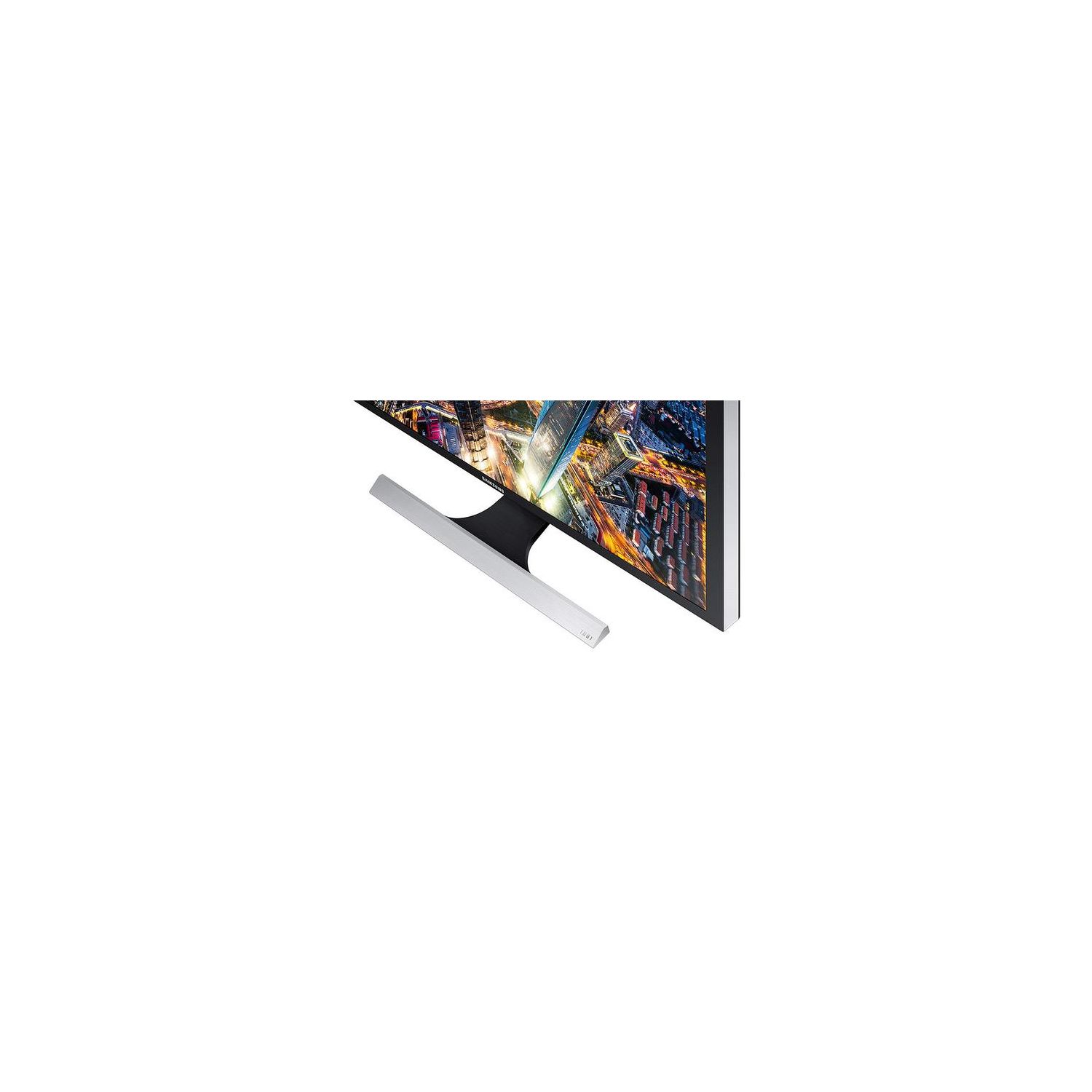
The Samsung UE570 is a 28” 4K UHD monitor with AMD FreeSync giving you a 1ms response time. It has two HDMI 2.0 and 1 DisplayPort connection to give you a wealth of options. I say this because this larger monitor offers a nice Picture by Picture (Picture In Picture as well) mode to increase the fun or your multitasking needs. From a personal standpoint, I have never had a monitor this large and with such a crisp picture. Early this year, I acquired a 27” from another company and the difference was amazing. I have done everything from 4K video streaming to gaming to productivity tools on it and it’s been wonderful. I have even done things at the same time and it’s held its own. I didnt realize how nice it would be to have a 4K monitor until now. It’s now a staple of my work-home computer setup. I run with a 20”, 27” and 28” connected to a PC and a laptop. After extensive use, I really only have a few minor issues with it. The first is the stand. It’s rather large and protrudes to the front and back a little more than say a square platform stand. With how wide it is, it makes it hard to set up on a desk. It also doesn’t swivel or move up or down. It does tilt though. I will probably mount it at some point to alleviate that issue. The next one is the control for the settings. It took some time, but I finally got used to the “joystick controller” that does it all. I would have preferred a few separated buttons for easier maneuvering. The last one is the connectors right in the middle of the back of the monitor. Unless your cables are longer or you have an extension, your placement will be limited. The headphone jack is the strangest one. You will definitely need a longer cable for that one. There are some other items that would be on the wishlist to make this monitor perfect, but they aren’t deal breakers. Things like less bezel and controls/buttons on the front. All in all, the Samsung UE570 is a great monitor. It has performed well under heavy gaming, streaming sports, and movie watching. It may not be designed specifically for those tasks, but it can certainly hold its own. After playing with this one, I might need a second one to even everything out. I recommend others consider doing the same.
Ryan
5
I have been using this monitor for the past week with my home office setup and so far I am really impressed with the quality. I can echo the others when they say that the stand is a little flimsy but the 4K quality makes up for that immediately. This monitor is setup in my office and I have it plugged into my docking station so I am running 2 screens at once with the Samsung monitor being the primary. Mostly I am running a CRM system on the Samsung Montior with about 8 or 9 tabs open and this makes the effectiveness of getting work done much better. The UHD quality is amazing and super clear. One word of advise is to make sure you do change the settings on the laptop so you can experience the full 4K UHD quality picture that this monitor puts out.
John F.
5
This monitor is great for the applications need for everyday use . For work and for play it has a alot of different capabilities and uses.The picture is amazing and the images and text are super clear and defined. When Im editing pictures, or watching movies, it feels like such a different experience on this monitor because of how clear the image is m so glad I made the purchase of a Samsung UE570 4K UHD Monitor! I knew my old monitor was not performing up to the standards of todays monitors, so I wanted to purchase a new monitor at some point. As for the monitor, when I first unpacked it, I felt the directions for set up were good and not confusing. The only momentary confusion at first was all of the papers which came in the monitor box, but I soon realized some of them were basically for the "file" and I didnt need to worry about them. I was able to get the stand attached without a problem and got to the point I turned the monitor on. WOW, what a difference between the new monitor and the old one! I cant say enough about the clarity, the color and the entire viewing area of the monitor. I used the "jog" button, on the back of the monitor to fine tune it to my desire or make adjustments to my liking. Ease of use: The control knob on the back is simplistic, and with some quick reading you can figure out how to use the various controls on it. The knob control keeps the menu short and simple, which limits the calibration but also makes it easy to adjust the brightness and contrast. Accessories: The monitor comes with a HDMI cable, a DisplayPort cable, and the power adapter. Im not sure why they elected for a power adapter different from the usual ones, but the cable at least is quite long. Overall, the monitor has the general features youd need in a 4K monitor. There are some deficits to the monitor that would prevent it from being even better, but this is definitely a great option when limited by budget. This monitor offers great value with only minor shortcomings in terms of product quality. While you may be served better with a different monitor if youre going for photo editing or gaming, this is great for regular and everyday use.
Tiff
5
The Samsung UHD 570 surpassed my expectations! I’ve been eyeing a few monitors for a while in hopes of finding something cost effective with high quality. After an easy assembly I powered on my new Samsung UHD 570….my eyes lit up as bright as the screen and even more once I compared it to my other two monitors. The pixel density is on par with what I’ve been looking for, my eyes are at ease even after hours and hours of working and surfing the web. Typically long hours behind a monitor increases the likelihood of a headache, but I’ve had no issues thus far. I’m not much of gamer, but figured I’d have a little fun gathering the opinions from a couple of 10 year olds. Let me tell you, they loved it! While they typically play on a much larger TV screen overall they were very impressed with the “Game Mode” and picture quality display from a computer monitor. I’m more accustomed to navigation buttons on the front of a monitor, but I’m loving the jog button located on the back. It’s extremely easy to use and due to its placement I had no worries of accidently turning off the monitor when adjusting settings.
Torch
5
I bought one of these about 2+ years ago and use it way more than the average person does. Hours and Hours more. The quality and price were so good I decided to buy a second one for a dual monitor setup, a month ago. Not a lot of bells and whistle, but how much of that do you need for a monitor. I use them mostly for gaming, beautiful picture, great color, I turn the brightness all the way up as I prefer that. Very much recommend.
Product variations
Column filling
ترتيب بواسطة السعر ترتيب بواسطة الامكانية ترتيب بواسطة الكود ترتيب بواسطة Screen Size
$‎ 29900
متوفر بالمخزون
+
B07FBNPTDD
Screen Size:
28 in
You may be interested
  • Bestsellers
  • Recently Viewed
 
Similar products
$‎ 59900
New York, US
Gold
Refresh Rate144 hertz Screen Size31.5 in
$‎ 16900
New York, US
Gold
Refresh Rate75 hertz Screen Size27 in
$‎ 12900
New York, US
Gold
Refresh Rate60 hertz Screen Size22 in
Show more
Fast and high quality delivery

Our company makes delivery all over the country

Quality assurance and service

We offer only those goods, in which quality we are sure

Returns within 30 days

You have 30 days to test your purchase