
















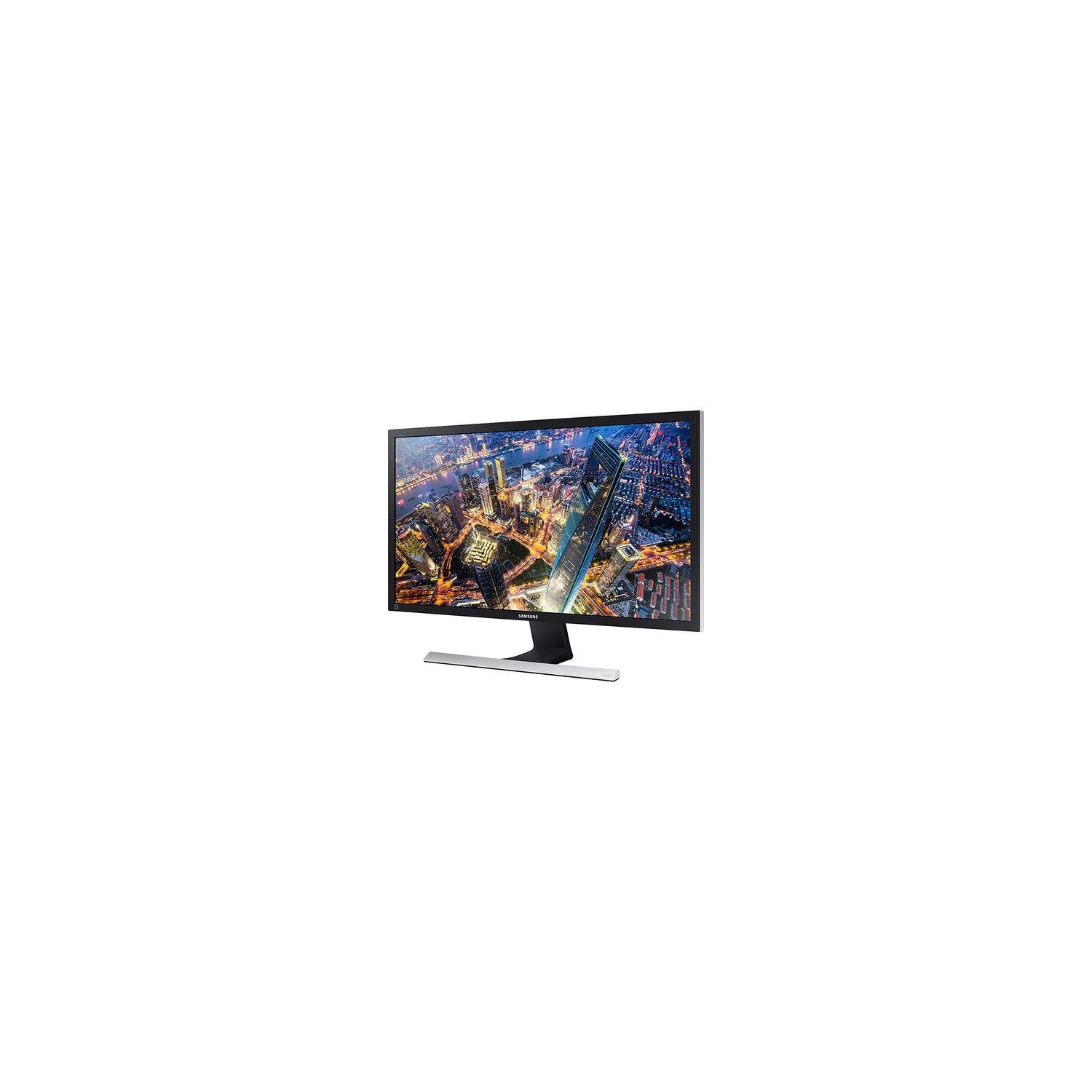
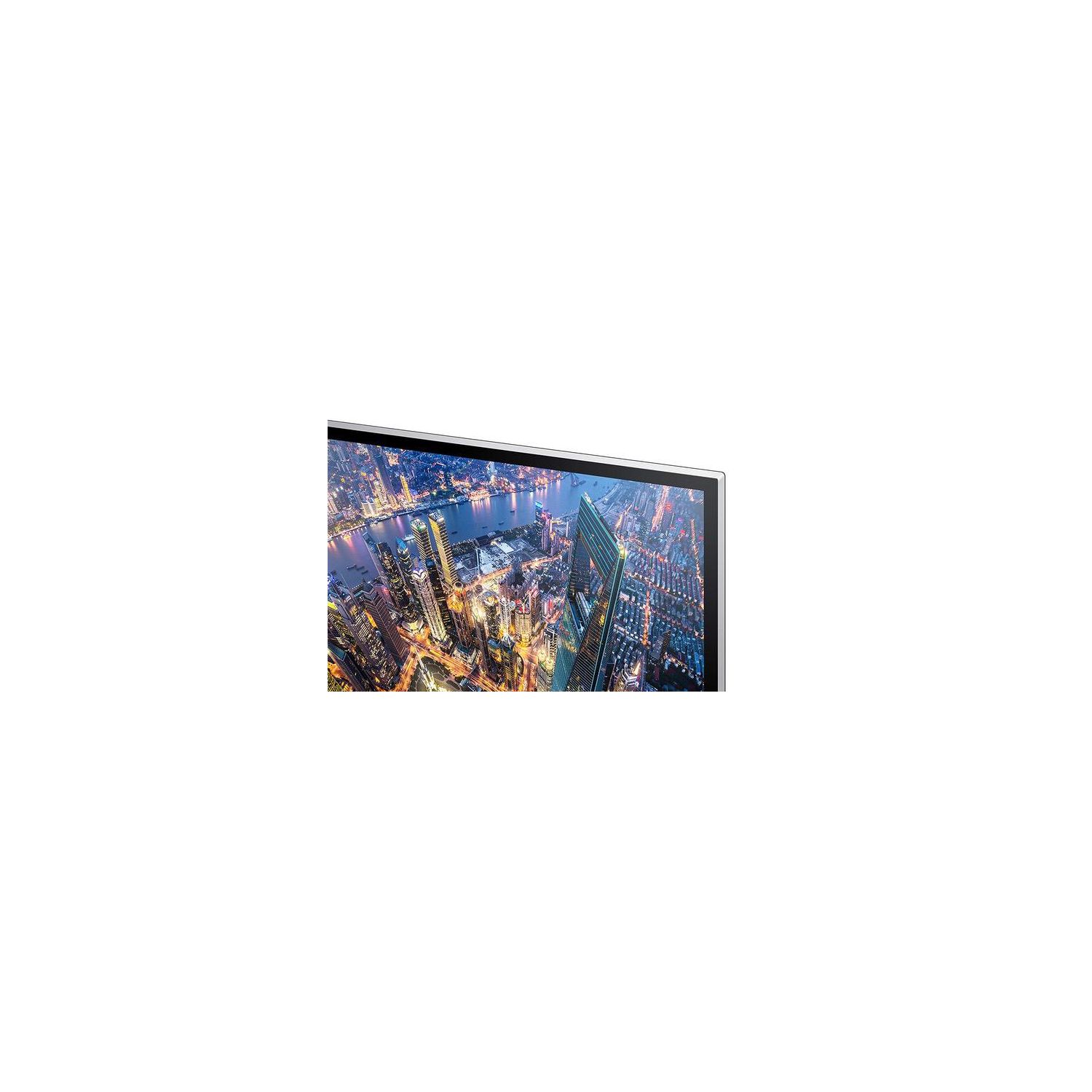
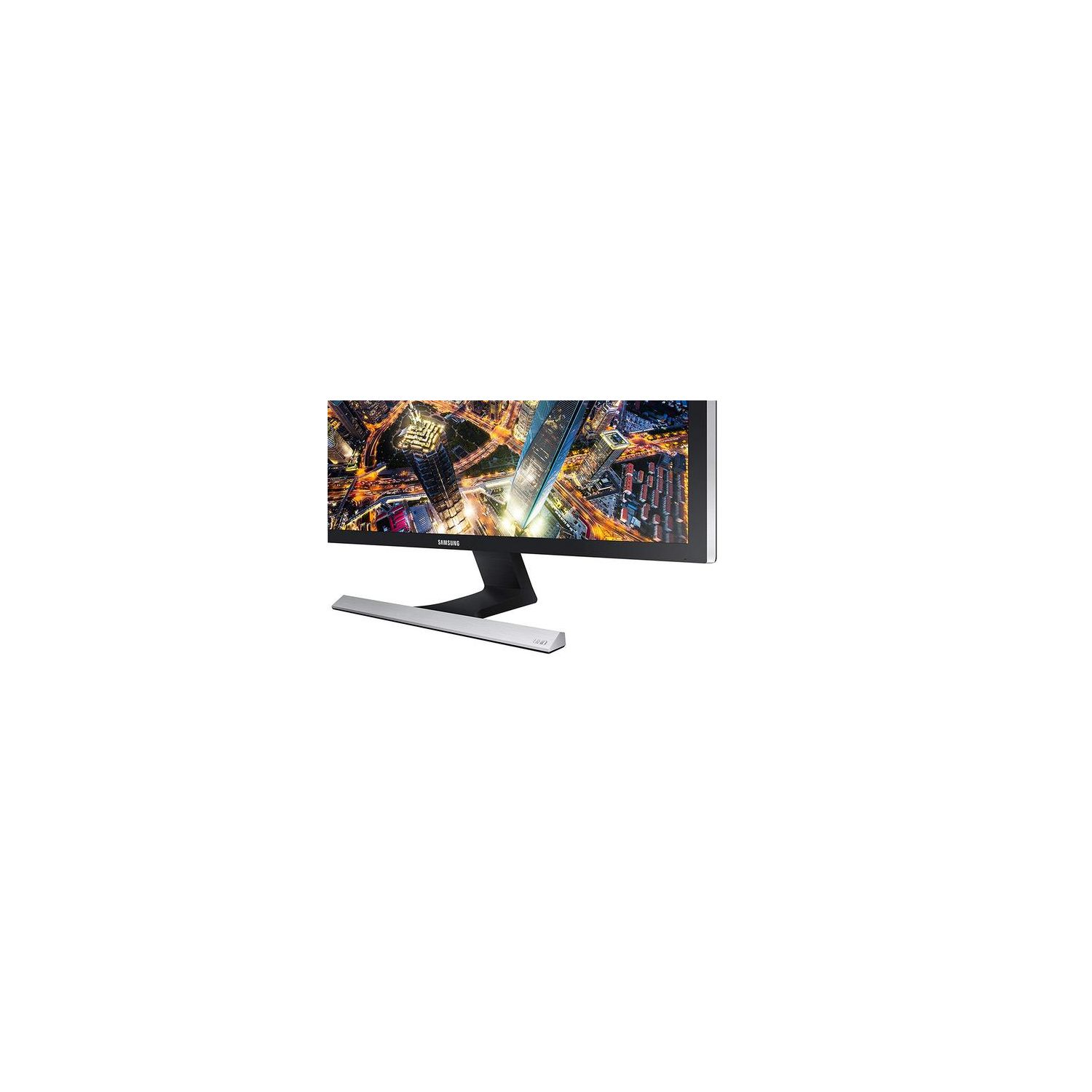
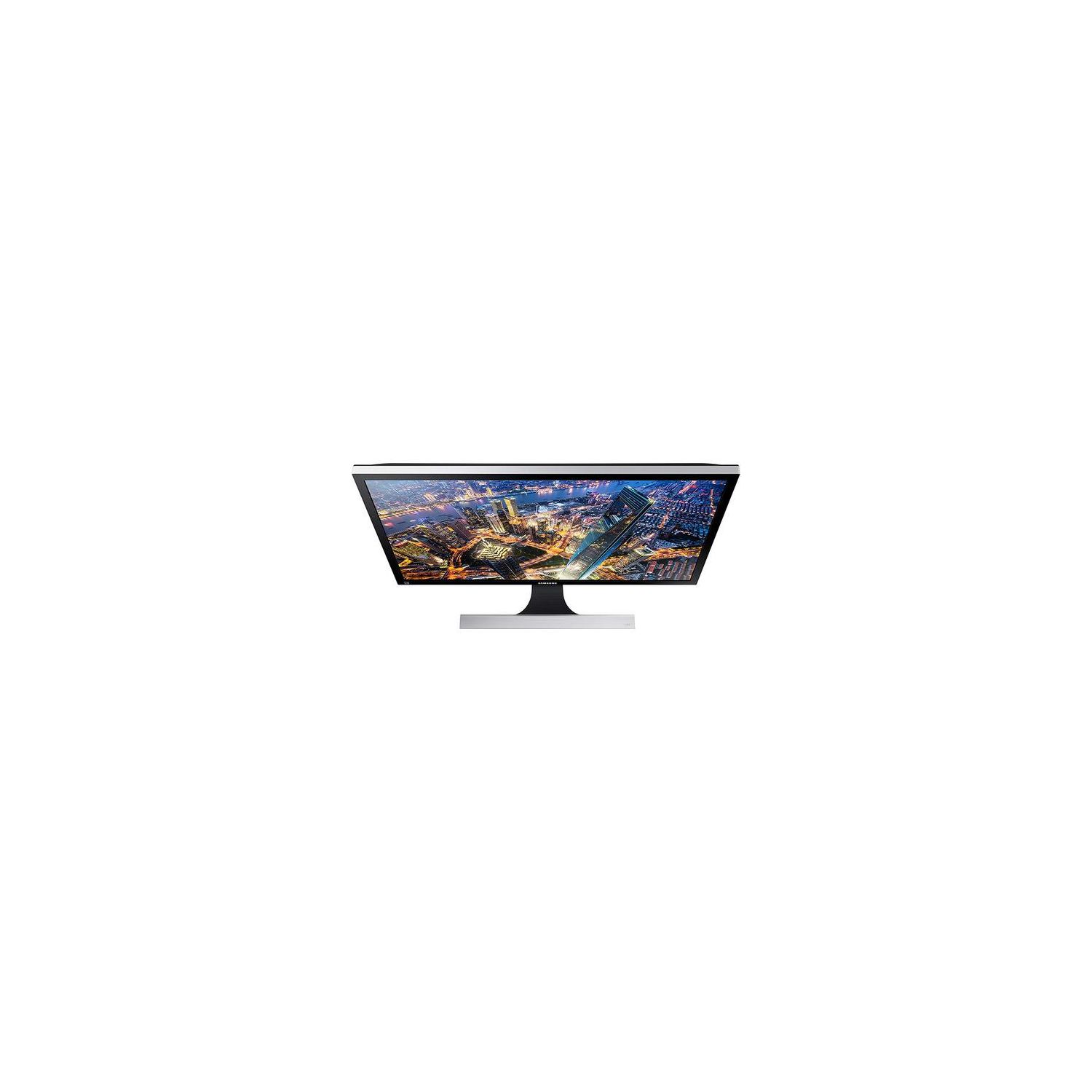
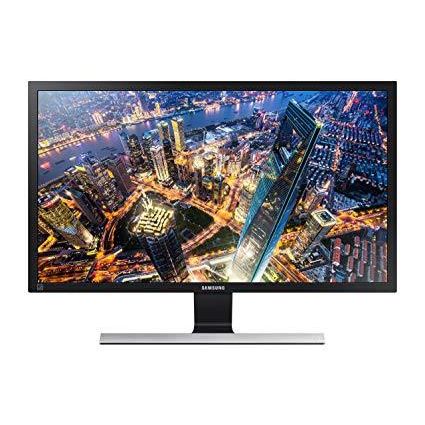
Samsung Electronics LU28E570DS/ZA 28" UHD 4K Led-Lit Monitor, Black
اكتب تقييم
$‎ 29900

Samsung Electronics LU28E570DS/ZA 28" UHD 4K Led-Lit Monitor, Black

اكتب تقييم
B07FBNPTDD
Target is a general merchandise retailer with stores in all 50 states and the District...

المدينة: US, New York

Delivery
Pickup at your own expense
Tomorrow from 09:00 to 20:00, Store location
Free
Payment options
Apple Pay Google Pay Mastercard Visa
Cash, bank card, credit/installment payments, cashless payment for legal entities
Warranty and returns
Exchange/return of products of proper quality within 14 days Official manufacturer's warranty: 12 months
Features
Display Type
LED-Lit
Item Dimensions
7.36 x 26.01 x 18.44 in
Item Weight
11.64 lbs
Mount Type
Wall Mount
Refresh Rate
60 hertz
Screen Size
28 in
Aspect Ratio
16:9
Description
This fits your .
Make sure this fits by entering your model number. Stunning 4K Ultra HD picture quality, PC viewing, gaming and more come alive with incredible lifelike detail Amd Free Sync and 1ms response time minimizes input latency and dramatically reduces image tearing and stutter during gaming An Incredible 1 billion colors delivers detailed, natural looking, and extremely realistic images Picture-by-picture (PBP) lets you connect to two devices to the monitor and maintain their original quality Connect multiple Ultra HD devices, like PCs and gaming consoles via two HDMI 2.0 inputs as well as one Display port input 60 hertz
Reviews
3.9
التقييمات: 20
5 نجمة
45%
4 نجمة
30%
3 نجمة
5%
2 نجمة
5%
1 نجوم
15%
Amazon Customer
4
This monitor has a good clear picture, fast refresh rate, and plenty of cool features. It was super easy to setup the monitor and mount it above the other 3 I already have. It was a VESA 75x75 mount. One of the features helps you reduce the strain on your eyes. I dont use this as Windows 10 has that feature built in now and it can be scheduled by time. Another cool feature is the picture in picture mode. I dont have a good use for this right now as it requires you to connect another HDMI cable in order to use it. I thought it would be a software picture in picture. As you can see in the photo I took of my setup, I use my computer for coding, entertainment and so much more. I really like the quality of this monitor! The picture is amazing and the images and text are super clear and defined. When Im editing pictures, or watching movies, it feels like such a different experience on this monitor because of how clear the image is. I took one star because there is a strange buzzing sound when computer turns off screen, and the display port cable it came with was really short. All in all, this is a great monitor and I would definitely recommend it!
Michael L. (Achimel)
4
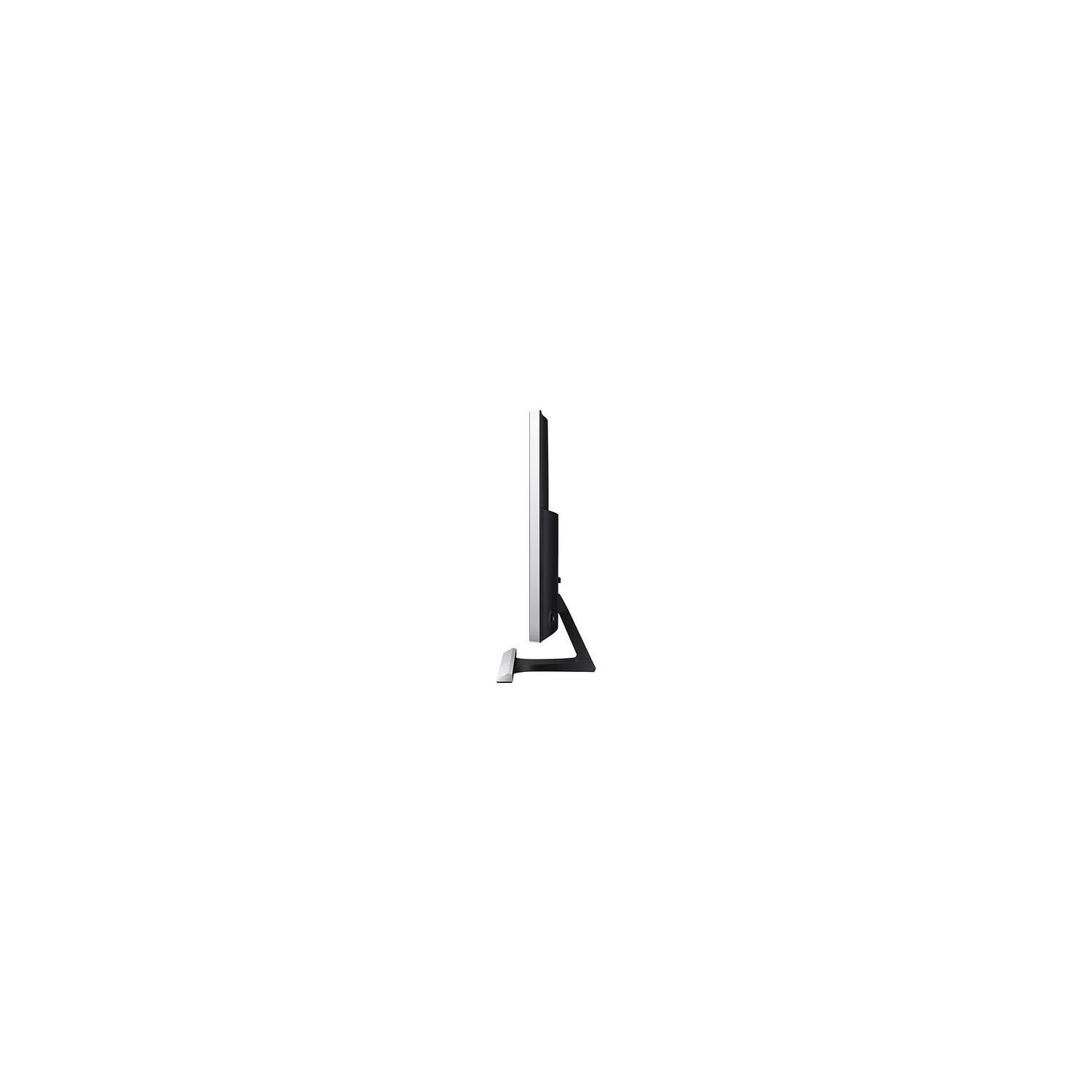
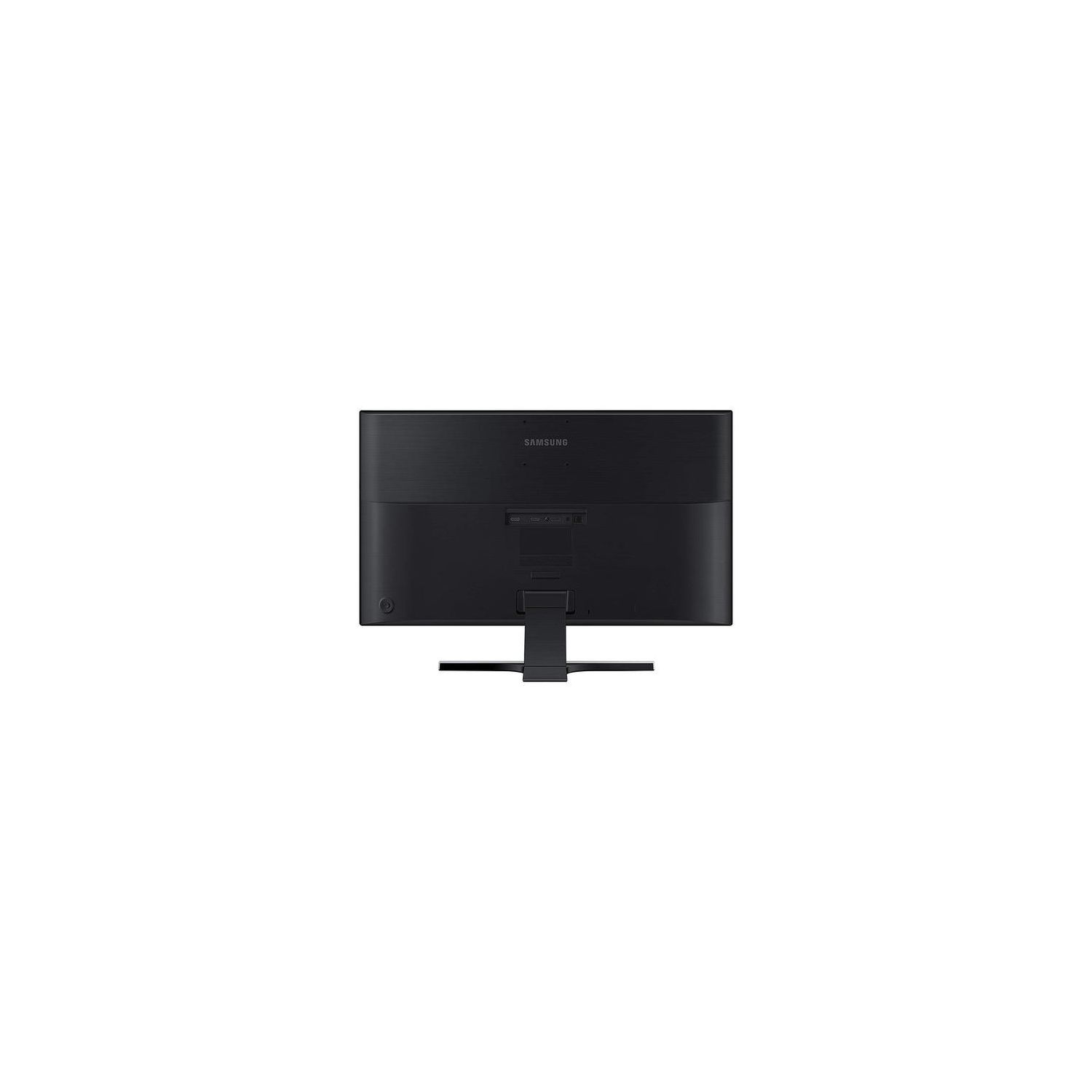
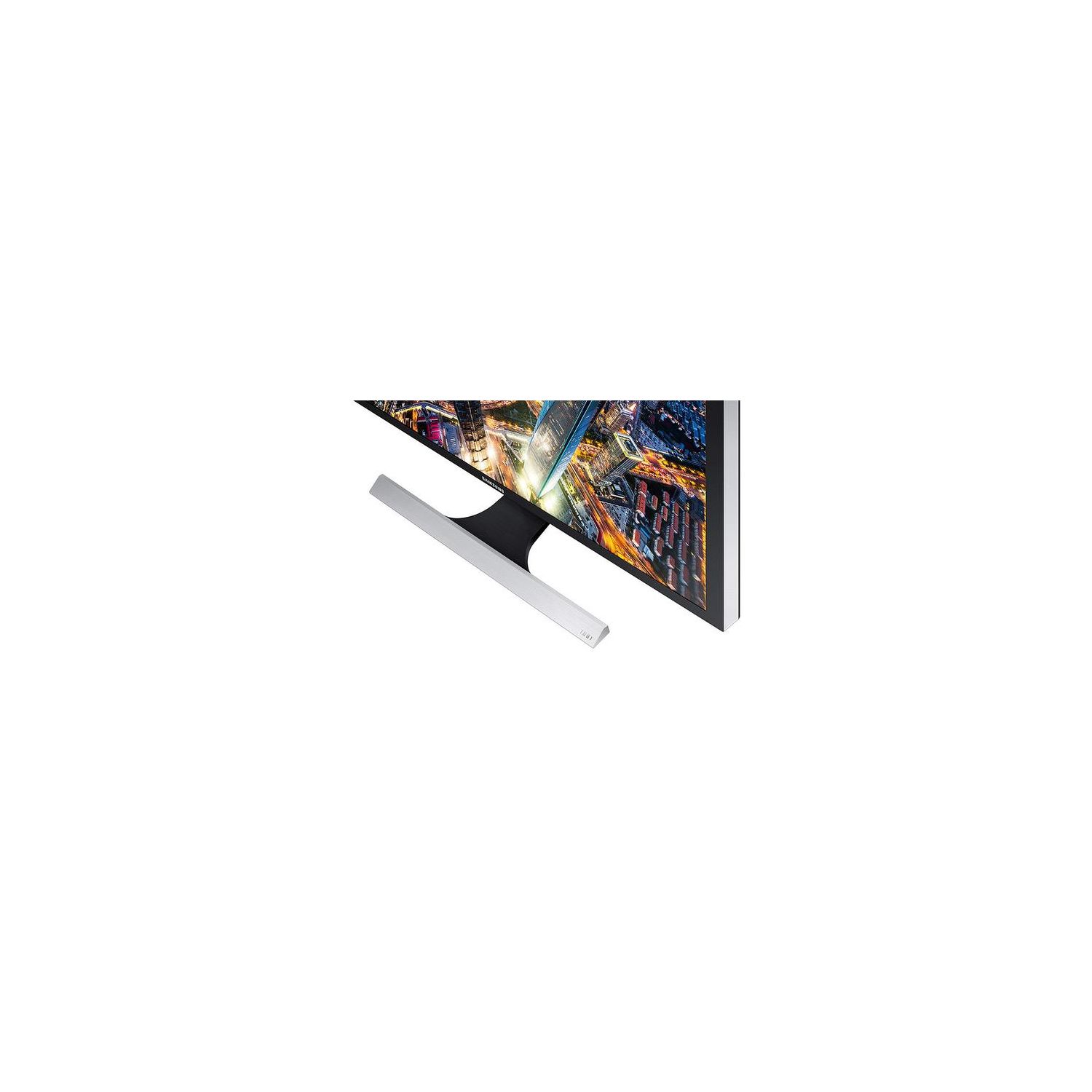
Ive been looking for a new monitor for some time to upgrade an old 23" 1080p monitor, and was trying to decide on which one to purchase. I decided to give this Samsung monitor a try, it had many of the features I was looking for at a price I couldnt resist. Samsung offers a 4K TN panel monitor with refresh rate of 60 Hz and 1 ms response time. It is LED back-lit. The monitor offers 2 HDMI and 1 Display Port connections, as well as a headphone jack. Of note, there is no mini-display port connection or USB plugs. Design of monitor: The bezel is reasonably sized, the overall monitor is lightweight. The appearance is quite clean and minimalistic, and the control knob on the back helps keep the design cleaner. The base is stable and clean in design as well. The VESA mount however is incredibly high up on the monitor, making it awkward to mount two monitors next to each other. Unless youre using a wall mount, a desk mount is not particularly viable. Picture quality: The 4K picture quality is there, but the monitor has a lot of light bleed. That makes the blacks far less pure, which depending on your use can make a difference (for example it is less than ideal for photo editing). The monitor also required a reasonable amount of calibration, which requires some knowledge to adjust (or watch a few YouTube videos). After some tweaking, the monitor colors are substantially better, blacks are darker, and overall better contrast. If you have a color calibration tool, Im sure you could get even better outcomes. Ease of use: The control knob on the back is simplistic, and with some quick reading you can figure out how to use the various controls on it. The knob control keeps the menu short and simple, which limits the calibration but also makes it easy to adjust the brightness and contrast. Accessories: The monitor comes with a HDMI cable, a DisplayPort cable, and the power adapter. Im not sure why they elected for a power adapter different from the usual ones, but the cable at least is quite long. Overall, the monitor has the general features youd need in a 4K monitor. There are some deficits to the monitor that would prevent it from being even better, but this is definitely a great option when limited by budget. This monitor offers great value with only minor shortcomings in terms of product quality. While you may be served better with a different monitor if youre going for photo editing or gaming, this is great for regular and everyday use.
Steve M.
4
The Samsung UE570 is an affordable monitor with great color reproduction and detailed picture quality for work tasks with fast response time for gaming. Picture quality is top notch and colors are vivid after calibration. The response time of 1ms makes playing game virtual lag free. The monitor support AMD FreeSync technology which is a bonus. It has a picture in picture mode that allows side by side viewing so two sources can be displayed at the same time. The detailed 4k picture of the monitor makes work tasks a enjoy since you can see all the details. 4k resolution works well on the 28-inch display. Scaling on Windows 10 is only 150% and text is readable at 3 feet away. Even with all these positives, there are a few negatives. First, the stand has no height adjustment meaning you need to raise the monitor manually maybe two reams of paper. Although the Monitor does have a tilt adjustment so you can get the right angle of viewing. Second, HDR features would have been a great addition and improved black levels on the monitor. Third, Samsung needs to update the packaging and stickers on the monitor. The "New for 2016" feature sticker should be removed since this is the latest monitor version. In summary, the Samsung UE570 has a lot of positive for the price and the negatives can be overlooked. The Monitor is a great addition to my workflow.
Jim Figlik
4
Monitors can be a very passionate topic. Im not so concerned about color as would someone who is concerned about what shade a particular color is. While I want reds red and black to be, well, black. Im not sensitive to shading yet (I think). This monitor is replacing a 16+ year old ViewSonic that ran me over $1,000 back around the turn of the century. My video is driven by a EVGA GTX-670 (NVIDIA GeForce) w/4GB. While the display is very light weight (I did not weigh it), its much lighter than the 2011 HD display that Im using. The display is mounted landscape mode about 32-36 inches from my face. Its set at 3840x2160 with a 125% scale factor within MS Windows. the display area of the screen measured at 24-3/8" x 13.5". Doing the math, this (1.80556) does not match up with 16x9 (1.77778). Need to test with imaging. But for the moment, my initial reaction, is that the images look OK although the orange background color that I have on a Hanns-G HZ281HPB that Ive been using for over 6 years, seems darker, "richer" (?), than I seem to be able to adjust the Samsung to be. The Samsung seems a little washed out, but I will fiddle some more. Im writing this before spending any time calibrating -- this is my first impression. I am checking out the initial settings (I just installed this) because it seems very bright... there is a button-joystick behind the monitor at the lower right corner: Samsung "Magic Bright: Custom Brightness: 100 (out of 100) changed to 30 (I have a lower light office) Contrast 75 / 100 (changed to 50), no immediately obvious change to me -- display still looks great Sharpness 64 / 100 changed to 52 (50 was not an option, 48 or) Color (Red, Green, Blue, Color Tone & Gamma) was all set at 50% values. Samsung Magic" Angle: Off HDMI Black Level: Normal The "Picture-In-Picture" mode can be set side by side, so its not quite what I think of with Picture-In-Picture, but if you want to simultaneously have multiple systems displayed, this might be a useful feature; not so much for me. I am quite happy and I wouldnt buy another one until I fiddle some more, I am happy with it. Ill look at some video shortly. Update (Late June 19): Been using the monitor; it developed/didnt notice a bad pixel square in the middle. Amazon/Samsung replaced the monitor w/o hassle (points there!). Video, text, everything on this is really sweet. Im using a Hanns G 1080x1920 (portrait mode) next to it and Im beginning to want to replace it with another Samsung. The text on the LU28E570DS/ZA is crisp and clear. The "recommended" setting is at 150%, I am loving the sharpness and readability at 125% (@the recommended 3840x2160 resolution). The night light is cute, Im not weighing in on its effectiveness (at this point).
Mimilin
4
The clarify level of this Samsung 28" UE570 UHD Monitor is excellent. I have no problem with it all. Although there are a few customization options available, I do not need all of them. I simply need minor color adjustment to make it a little bit yellow, small adjustment on brightness and contrast, and finally the sharpness. I usually open two windows with one main window in the middle. The window on the right side is more for occasional chat application. I noticed that because the screen is very wide already and I wear eyeglasses. The text on the far left and far right is not very clear unless I turn my head. It is because my lens in my eyeglasses requires my head to turn to get a clear focus. This requirement has nothing to do with the monitor. Since the monitor screen is flat, this adds some difficulty to focus on small text at the side edge of the screen. So far the two difficulty is: 1. Turn the head often 2. Text at edge is skewed. So when I buy the next monitor, I will have to choose the curved screen instead of flat screen. However, I will not get a wider screen because of my eyeglasses requirement of moving the head. Since I have only one computer and so I do not use the picture in picture (PIP) feature. To me, the PIP is a nice to have feature for the future when I want to watch TV from another device like Roku. Because It is lightweight, I can easily open the box and put it on the table. Once a while I want to clean up my desk, the slim design allows me to clean up easily. In addition, it does not take up a lot of space. I did not feel that it generates a lot of heat. Perhaps it is not hit summer time yet and so I do not notice it yet. Overall, it is a reliable product. It gets my job done. I highly recommend this monitor if you are not concerned about the skewness of text at the far edge due to the flat and wide screen. I received this product at a discount in exchange for my honest opinion.
Tracy Kobel
4
4K is gorgeous. HDMI and Display port cables included is always a plus. Coming from 1080p IPS monitor to this Samsung, there is difference in color between the middle and edge of the screen because of the viewing angle. There are some settings that help but you cant eliminate it. After about a week, this problem is less noticeable but it is one thing to consider if color is important to you or you are coming from an IPS monitor. Also the VESA mount holes are towards the top of the panel rather than the center. I had to adjust my monitor mount on my desk to accommodate this (I did not use the provided stand). The price is unbeatable for 4K. Ive held out on buying a 4K monitor because the prices are have been expensive for so long but this may be the best value you will get for the foreseeable future.
Product variations
Column filling
ترتيب بواسطة السعر ترتيب بواسطة الامكانية ترتيب بواسطة الكود ترتيب بواسطة Screen Size
$‎ 29900
متوفر بالمخزون
+
B07FBNPTDD
Screen Size:
28 in
You may be interested
  • Bestsellers
  • Recently Viewed
 
Similar products
$‎ 59900
New York, US
Gold
Refresh Rate144 hertz Screen Size31.5 in
$‎ 16900
New York, US
Gold
Refresh Rate75 hertz Screen Size27 in
$‎ 12900
New York, US
Gold
Refresh Rate60 hertz Screen Size22 in
Show more
Fast and high quality delivery

Our company makes delivery all over the country

Quality assurance and service

We offer only those goods, in which quality we are sure

Returns within 30 days

You have 30 days to test your purchase