
















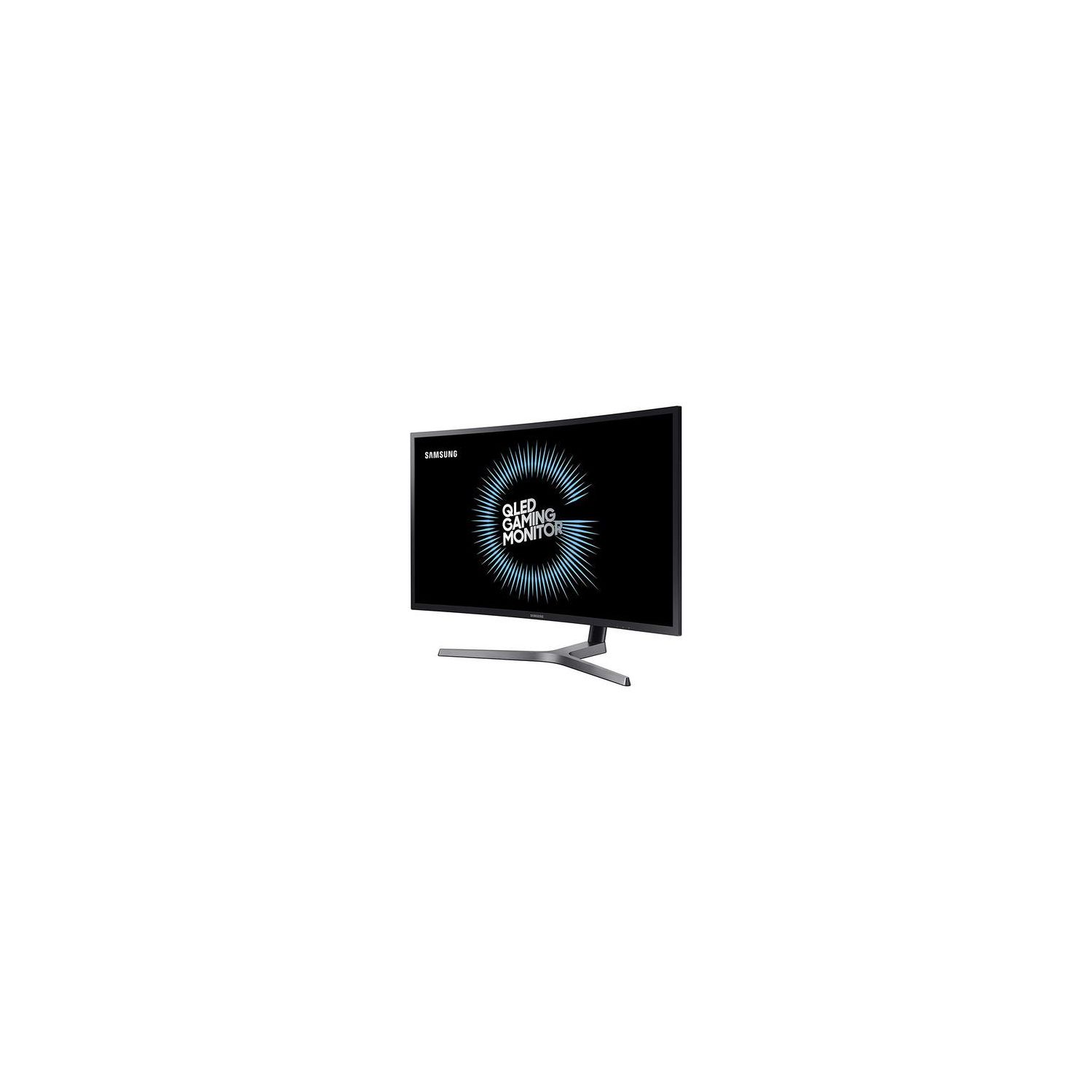
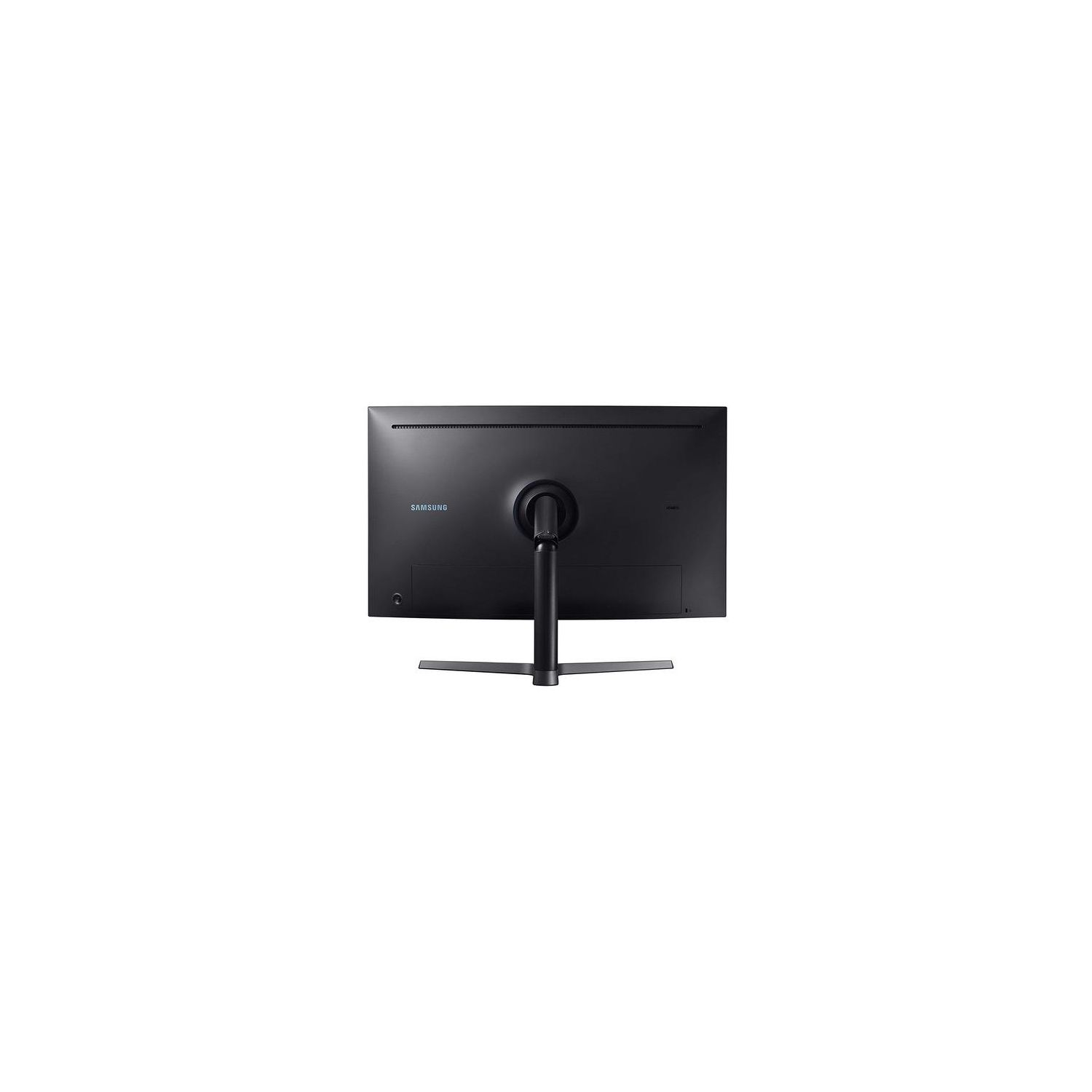
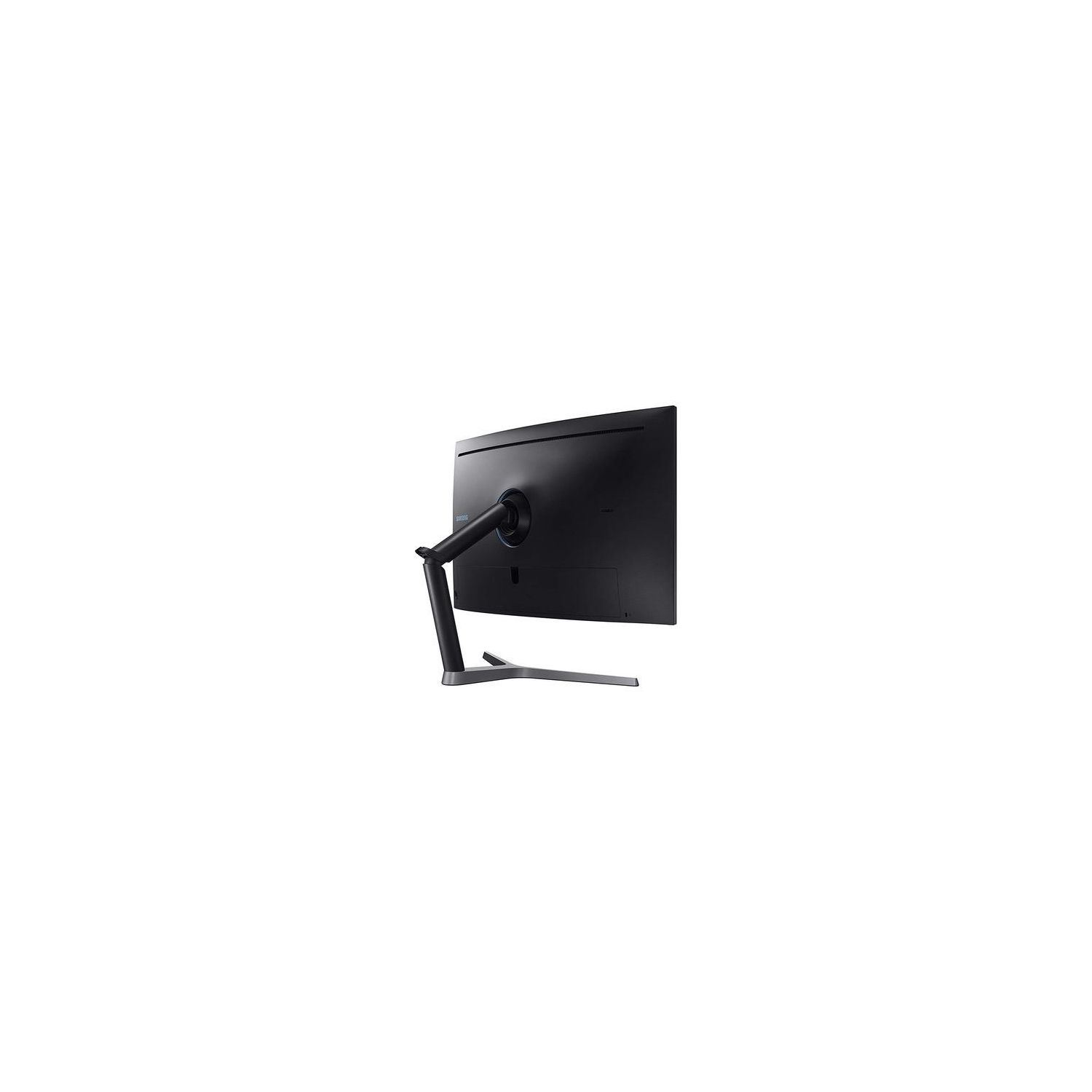
Samsung C32HG70 32-inch HDR QLED Quantum Dot Curved Gaming Monitor (144Hz / 1ms) Model C32HG70QQN
Write a review
$49900

Samsung C32HG70 32-inch HDR QLED Quantum Dot Curved Gaming Monitor (144Hz / 1ms) Model C32HG70QQN

Write a review
B06XT6WQCJ
+
Add to wish list
Target is a general merchandise retailer with stores in all 50 states and the District...

City: US, New York

Delivery
Pickup at your own expense
Tomorrow from 09:00 to 20:00, Store location
Free
Payment options
Apple Pay Google Pay Mastercard Visa
Cash, bank card, credit/installment payments, cashless payment for legal entities
Warranty and returns
Exchange/return of products of proper quality within 14 days Official manufacturer's warranty: 12 months
Features
Display Type
LCD
Item Dimensions
28.99 x 18.03 x 25.69 in
Item Weight
15 lbs
Mount Type
Wall Mount
Refresh Rate
144 hertz
Screen Size
31.5 in
Aspect Ratio
16:9
Description
This fits your .
Make sure this fits by entering your model number. Quantum dot and aspect ratio-16:9 1 billion color support. Operation Conditions Temperature - 50 - 104 degree Fahrenheit QHD resolution , Temperature - 50~104 °F Refresh rate 144Hz Response time 1M/s.Brightness:350cd/m2 (Typ.), 300cd/m2 (Min.)
Reviews
3.4
Reviews: 20
5 stars
50%
4 stars
10%
3 stars
0%
2 stars
10%
1 star
30%
YouNeedMorePeople
4
UPDATE: 11/16/17 - Samsung has released another firmware update that lowers Freesync range down to 48-144hz. The overdrive issue remains. tftcentral has published a wonderful review that brings to light this monitors biggest weakness (pixel response times, black smearing, etc). UPDATE: 10/27/17 - I cant recommend this monitor for Freesync users as its become clear why Samsung ships these with such a poor Freesync range (72-144hz). When Freesync is active and you are in Freesync range, there is some extremely bad ghosting (overshoot) with dark transitions that appear to be from a lack of adaptive overdrive. It is less apparent at higher FPS but gets really obvious below 100FPS in games like Deus Ex. To test this manually, I used CRU and deleted the vendor specific block, extended Freesync range to 36-144hz and fired up a few games. At or Below 70-60FPS the ghosting is so bad that its unbearable. Disabling Freesync completely clears things up so as of right now it looks like there is something wonky with the overdrive implementation and Freesync. All tests were done on the latest firmware. PREVIOUS INFO: -This monitor is not flicker free. It uses 360hz PWM at anything below 95 brightness. -The overdrive settings (Fast, Faster) strobe the backlight to improve motion clarity. You lose all brightness control and Freesync when activating this and its not quite on the level of Nvidia ULMB but close and a significant improvement. -The original Freesync range was 80-144hz but Freesync 2 certification requires that supported monitors have LFC. Samsung has released numerous firmware updates (via USB thumb drive) since the monitor was released and the Freesync range is now 72-144hz enabling LFC. -It only has 8 edge lit dimming zones (4 per side) which can result in blooming but IMO is still an improvement vs no local dimming. Having it on means loading screens are pitch black, etc. -Dont buy this monitor for HDR, Windows 10 HDR implementation is broken + this monitor gets no where near bright enough to matter for HDR content. Although it has a wide color gamut, the lack of brightness (and dimming zones) results in crushed blacks. -Although the monitor is very fast for a VA, there is still very minor G2G pixel response issues. Its basically impossible to notice unless you know exactly what to look for and go out of your way to find it. Overall a great monitor. The only reason Im not giving it 5 stars is because of how much variance Ive witnessed between the 3 samples Ive had. BTW, they come factory calibrated with a calibration report in the box.
J. Martinez
4
Ive had this monitor for a little over a week and a half, and I feel I can give my impressions of it at this point. So far, the monitor is fantastic in almost every way. The color is amazing, the refresh speed is high (higher than my Sapphire Vega 64 GPU can handle when settings are maxed out on some games), good FreeSync range with the latest firmware (FreeSync 2!), and the HDR does add noticeably to the picture. As many have noted, its not full HDR. Full HDR is on TVs or monitors that cost several grand at least. But, HDR600 is an improvement over the standard color, and its better than the next best monitor with HDR in this price range, from AOC (maybe BenQ as well, but the BenQ is more expensive; both are only HDR400). The curve, while more than some others, is comfortable and doesnt create any blurring issues, though as with all curved monitors, its noticeable when viewing a static document. Luckily, this monitor is for gaming. That brings me to the one thing preventing me from awarding it 5 stars. Samsung used some kind of anti-glare laminate that creates a mild screen door effect. Im guessing the engineer wasnt a gamer. While anti-glare is important in a well-lit room, most often games are played with the lights low or off and window shades closed. The effect isnt noticeable from a distance (which makes me think it was designed for TVs), and you dont generally notice at all when playing. But when youre in a menu screen and only 2 feet or less from the monitor, you start to see the little edges created by that overlay. Shipping was fine, the monitor has no dead pixels. UPS had a one day delay where they didnt update me (irritating when I work from home to wait for a package!), but thats not Amazons fault. I snagged this for $480, right before the price went up, so I figure I got a good deal; its competitive with a couple of the newer monitors. The stand is massive; make sure your desk can handle it. It allows for very precise adjustments for height and angle, but Im probably going to order an Amazon Basics desk mount arm to save some space. That reminds me, it is VESA compatible. Just attach the included VESA plate to the back. I highly recommend this monitor for AMD gamers looking for the best FreeSync 2 monitors, and it will work fine with Nvidia cards (just no adaptive sync; if your card is beefy enough, you probably wont have screen tearing issues). For those complaining that it doesnt have GSync, remember that would boost the price to $700-800 (or more; thats the cost of quite a few 27"). If I have any issues, Ill update the review accordingly.
Product variations
Column filling
Sort by Price Sort by Availability Sort by CODE Sort by Screen Size
$49400
In stock
+
B06XSQ5QN8
Screen Size:
27 in
$49900
In stock
+
B06XT6WQCJ
Screen Size:
31.5 in
You may be interested
  • Bestsellers
  • Recently Viewed
 
Similar products
Show more
Fast and high quality delivery

Our company makes delivery all over the country

Quality assurance and service

We offer only those goods, in which quality we are sure

Returns within 30 days

You have 30 days to test your purchase