
















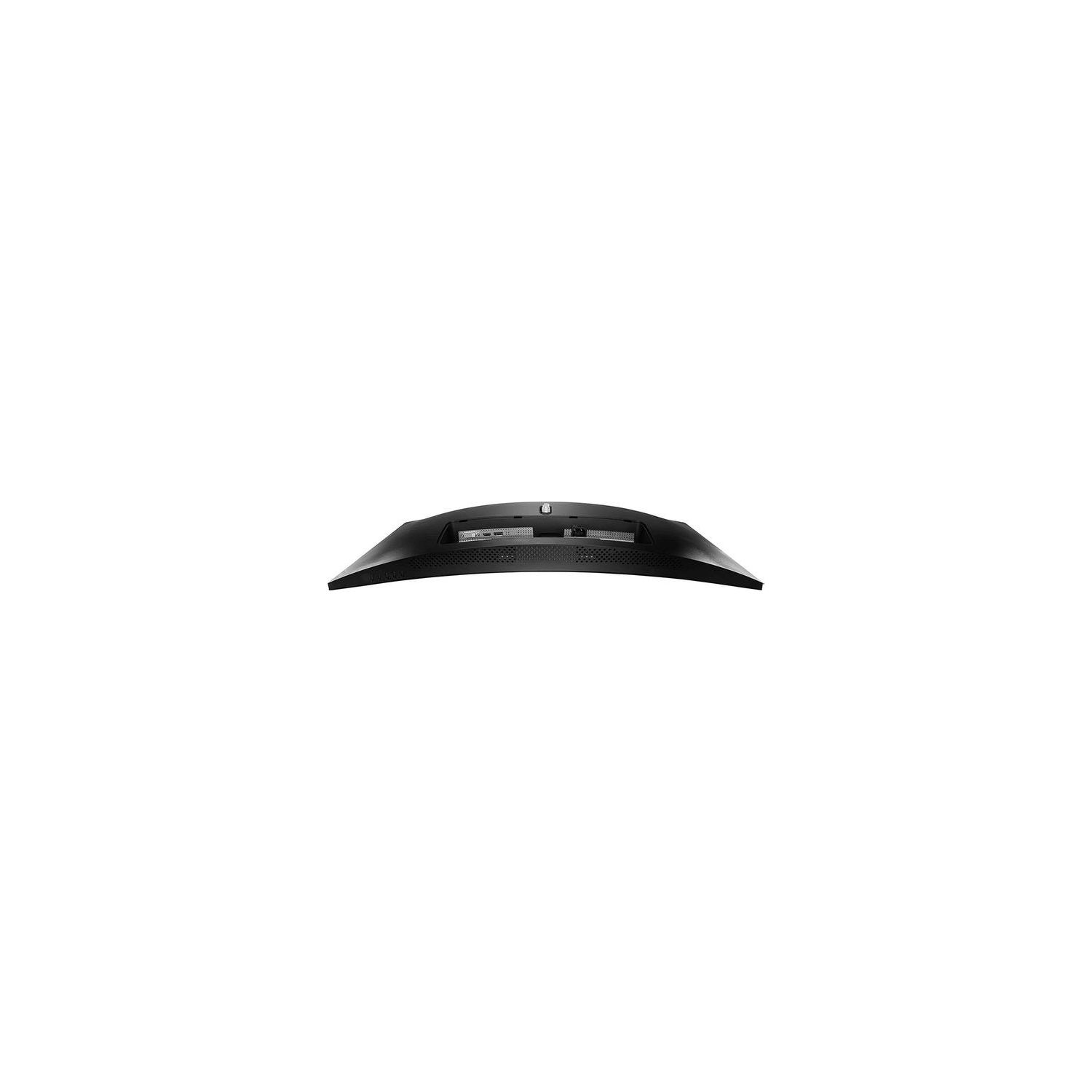
MSI Non-Glare UltraWide 21:9 Screen 8ms 3440 x 1440 100Hz FreeSync 3K Resolution 34" Curved Gaming Monitor (Optix MAG341CQ)
Write a review
$42900

MSI Non-Glare UltraWide 21:9 Screen 8ms 3440 x 1440 100Hz FreeSync 3K Resolution 34" Curved Gaming Monitor (Optix MAG341CQ)

Write a review
B07G5FCR6X
+
Add to wish list
Target is a general merchandise retailer with stores in all 50 states and the District...

City: US, New York

Delivery
Pickup at your own expense
Tomorrow from 09:00 to 20:00, Store location
Free
Payment options
Apple Pay Google Pay Mastercard Visa
Cash, bank card, credit/installment payments, cashless payment for legal entities
Warranty and returns
Exchange/return of products of proper quality within 14 days Official manufacturer's warranty: 12 months
Features
Display Type
LCD
Item Dimensions
32.25 x 8.25 x 17.5 in
Item Weight
21.5 lbs
Mount Type
Wall Mount
Refresh Rate
100 hertz
Screen Size
34 in
Aspect Ratio
16:9
Description
This fits your .
Make sure this fits by entering your model number. 34" LCD panel LED backlight (3440 x 1440 WQHD) 100Hz refresh rate - Display without after image 1800R curve panel design – most suitable for human eyes 8ms response time helps eliminate screen tearing and choppy frame rates Wide view angle - 178 。visible 100 hertz
Reviews
4.1
Reviews: 20
5 stars
55%
4 stars
25%
3 stars
0%
2 stars
10%
1 star
10%
Yasmani
4
Well its been two weeks and its time to give my impressions. This monitor at this price its a steal, for gaming particularly its amazing with features that really put it up there. I am still working on the calibration ( that is one of the cons) but the Monitor is solid and Freesync works solid with my vega 64. The cracking noises are there it does it at the beginning and at the end of your session but it is not a big deal for me, it is not like all you hear is that and besides it lasts for about 5 minutes. Very happy with the monitor.
Matthew
4
Fiddling with the Picture in Picture settings I got my monitor into a state where it wouldnt stay on no matter what. (I think I managed to get both inputs on DVI but dont actually have a DVI cable). It would turn on about 3 seconds then power down (to save energy since its assigned source wasnt present). I do wish that it would wait a bit longer and that it would remain on if you are interacting with the options panel - so minus a star for clunky settings. BUT I reached out to customer support and they were super helpful, immediately working to try to help me get things resolved! By the way, if you somehow get into this situation, heres how I fixed it... you have to be fast (but its a gaming monitor, so youre probably good in that department). Turn on your monitor and start hitting the menu button... as soon as it pops up, hit the right arrow, (setup) then E (select), then right arrow (reset), then E (select again), then right arrow (slides the reset to On), the E one more time (select). This will do a factory reset and you should be good to go! I had to try about 10 times before I was practiced enough to get it in the 3 seconds or so before the monitor turned off, but it worked! Besides this, the monitor seems great. Crisp, warm colors, deep blacks, almost no flicker. I will warn you that you need a beefy graphics card to push this monitor, as you would with any 3k... my 5 year old budget laptop is definitely having a rough go of it... but I am so happy with MSI support service Im probably going to go ahead and get a new laptop from them as well!
long
4
There are of course some things you give up (like the mentioned VESA mount, ports and some adjustability) The VESA mount problem can be solved by an adapter piece sold by MSI, so in case you really need to install it to a VESA mount, this is entirely possible. The MSI monitor has an integrated power adapter, which causes the monitor make some crackling noises while warming up. This noise last for somewhere around 30-60 minutes and is only mildly annoying didnt bother me much but can be bother to other buyers The panel can be overclocked to 110Hz, at least mine managed this easily. Will need at least a 1070ti to drive the resolution of 3440x1440p 1080ti is a very sweet spot.
Joshua Wise
4
The MSI MAG34 Ultrawide is an excellent entry into the Ultrawide space, offering 1440p resolution and a 100hz refresh rate - there arent a lot of these on the market just yet, and the competition is priced much higher. The quality of the panel is great, it isnt an IPS panel - so looking straight on it a must, but I imagine anyone who purchases this will be sitting right in front of it. In regards to gaming on this monitor, its a beast. Im driving this display at its native resolution with a GTX 1080 and well, 90-100 FPS at an ultrawide resolution is quite the experience. Id definitely recommend this product.
Trevor Wolfe
4
Reading the reviews I was a little skeptical and wasnt sure if this was the right monitor for me. first few times I used it the ultra wide felt really weird but now I love it. Picture quality is pretty darn good especially since im upgrading, and I havent had any crackling noises when starting up like others have had. great for my dual monitor set up, using it as my main. Cons: I only have one and this is why I didnt give it five stars, one pixel towards the far right of the screen is dead, but its so small and since its on the side it doesnt bug me too much.
Product variations
Column filling
Sort by Price Sort by Availability Sort by CODE Sort by Screen Size
$42900
In stock
+
B07G5FCR6X
Screen Size:
34 in
You may be interested
  • Bestsellers
  • Recently Viewed
 
Similar products
Show more
Fast and high quality delivery

Our company makes delivery all over the country

Quality assurance and service

We offer only those goods, in which quality we are sure

Returns within 30 days

You have 30 days to test your purchase