
















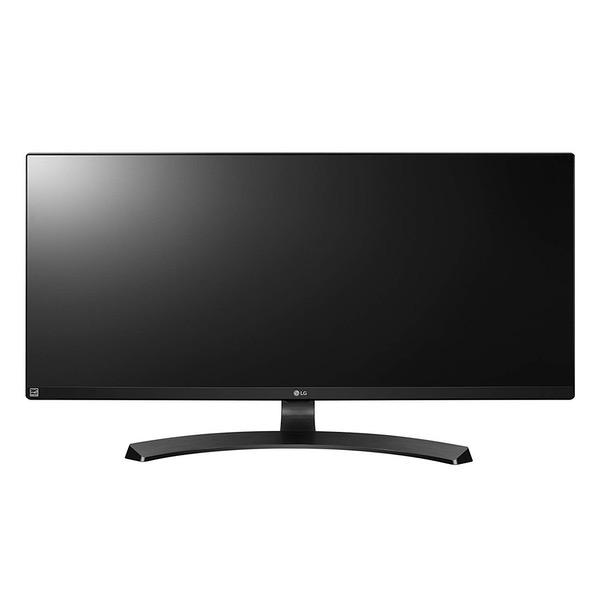
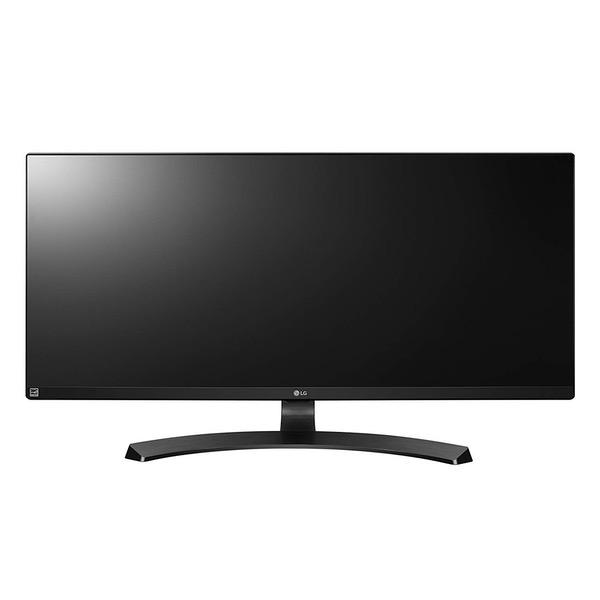
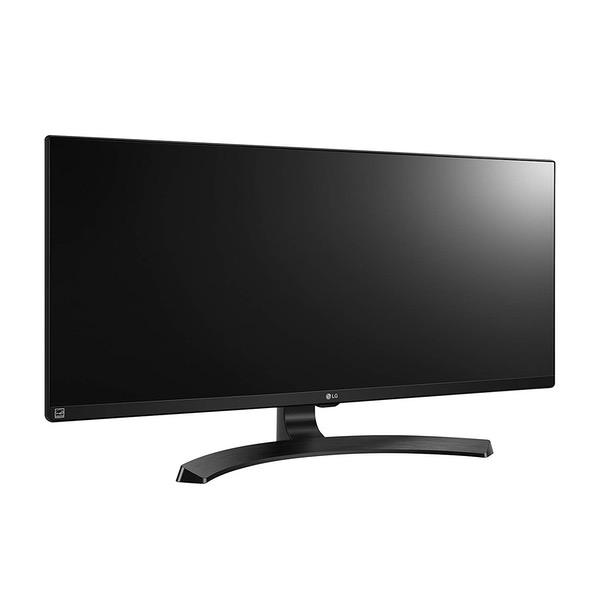
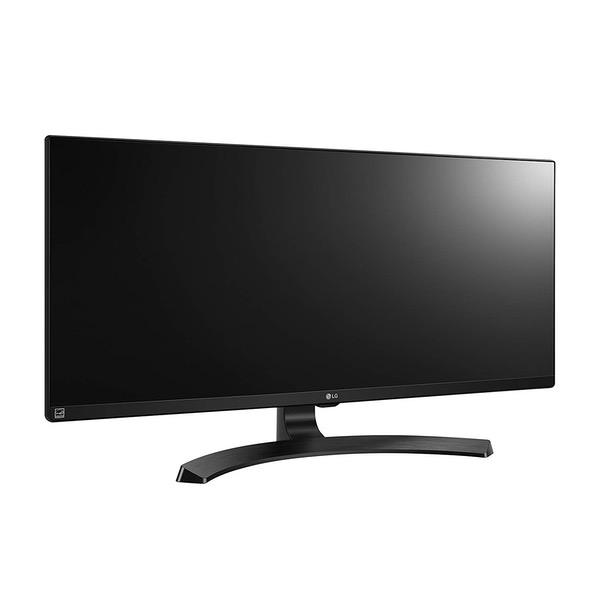
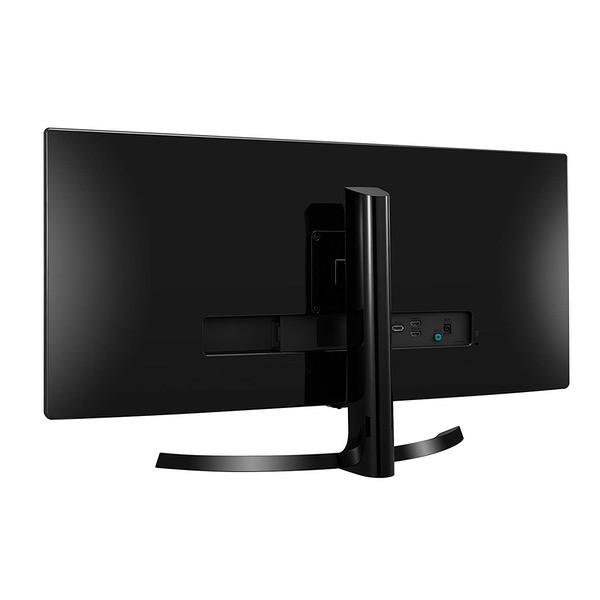
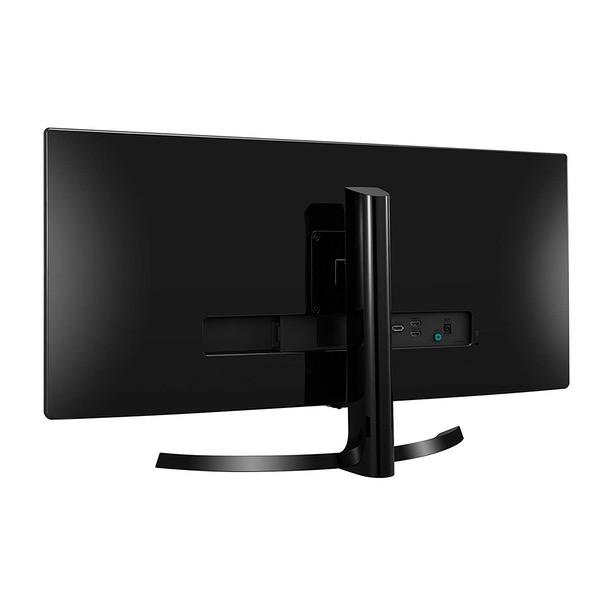
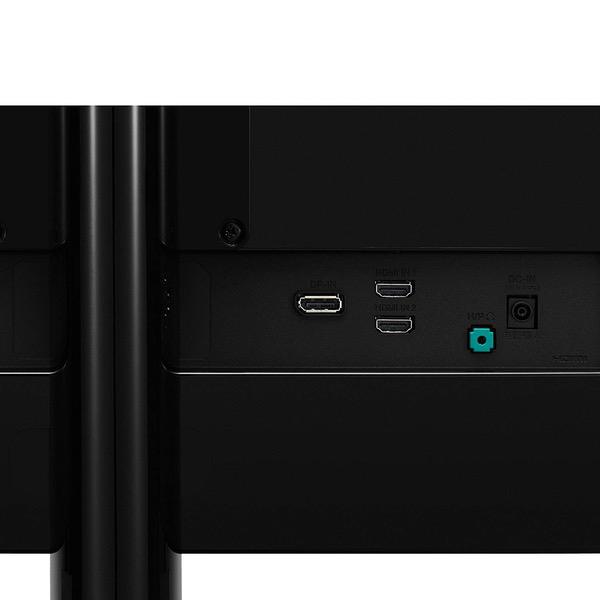
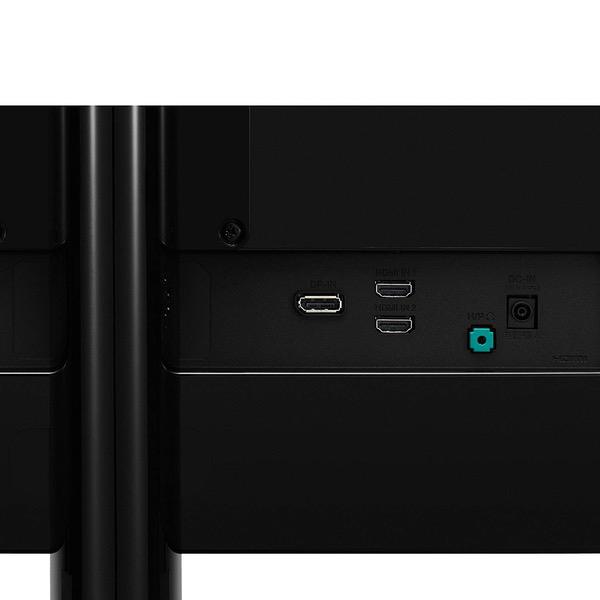
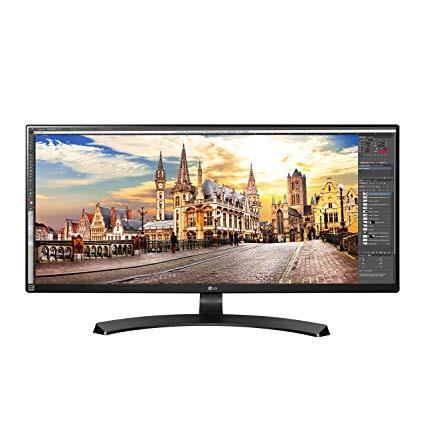
LG 34UM68-P 34-Inch 21:9 UltraWide IPS Monitor with FreeSync
Write a review
$29900

LG 34UM68-P 34-Inch 21:9 UltraWide IPS Monitor with FreeSync

Write a review
B01BMES072
+
Add to wish list
Target is a general merchandise retailer with stores in all 50 states and the District...

City: US, New York

Delivery
Pickup at your own expense
Tomorrow from 09:00 to 20:00, Store location
Free
Payment options
Apple Pay Google Pay Mastercard Visa
Cash, bank card, credit/installment payments, cashless payment for legal entities
Warranty and returns
Exchange/return of products of proper quality within 14 days Official manufacturer's warranty: 12 months
Features
Display Type
LED
Item Dimensions
32.7 x 9.4 x 21.6 in
Item Weight
17.6 lbs
Mount Type
Wall Mount
Refresh Rate
75 hertz
Resolution
2560 x 1080
Screen Size
34 in
Aspect Ratio
Unknown
Description
This fits your .
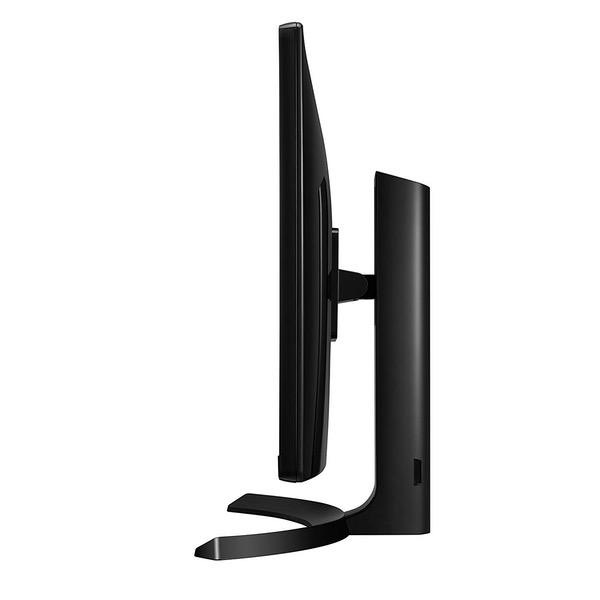
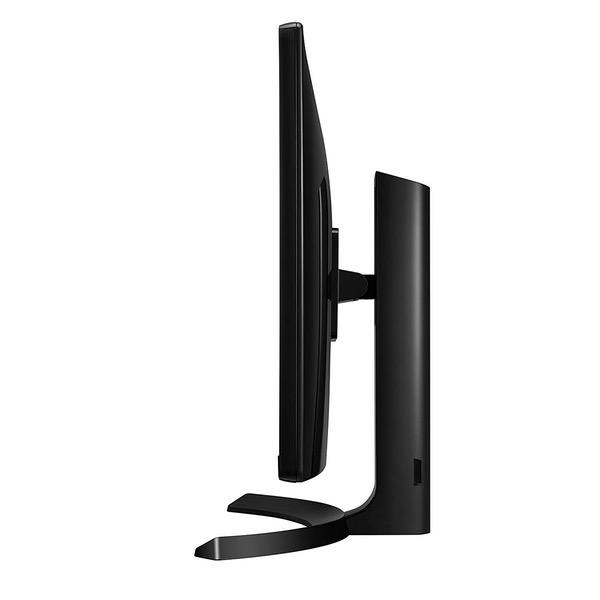
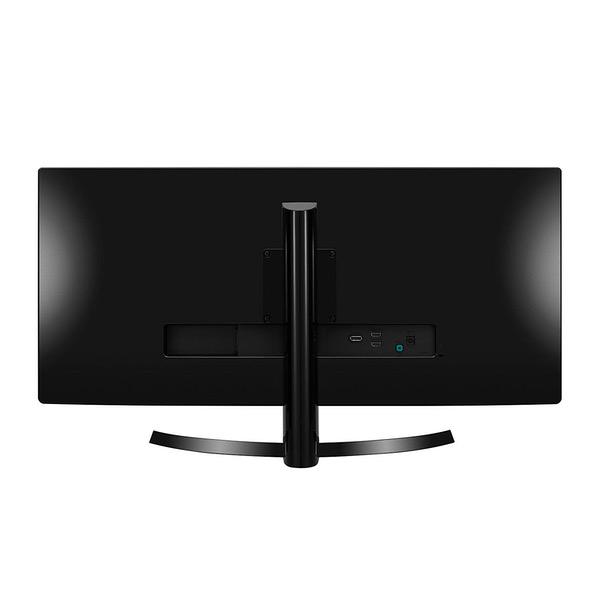
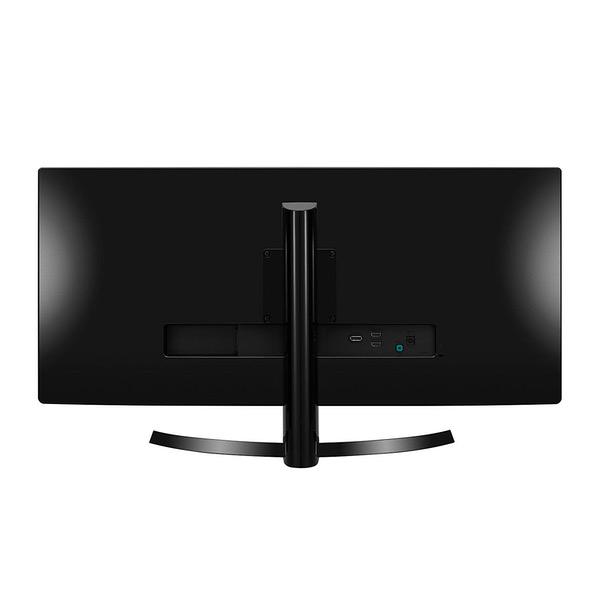
Make sure this fits by entering your model number. 34" Full HD IPS LED Monitor (Diagonal) sRGB over 99%,Pixel Pitch (mm) 0.312 mm x 0.310 mm 8bits, 16.7 Million Colors, 5ms GTG Response Time.OS Compatibility-Windows 75Hz Refresh Rate, 21:9 Aspect Ratio,2560x1080 Resolution, 5M:1 Contrast Ratio DIMENSIONS - Without Stand (WxHxD) : 32.7"" x 15"" x 1.9"",With Stand (WxHxD) : (Down) 32.7"" x 16.9"" x 9.4"", (Up)32.7""x21.6""x9.4""" 178/178 Viewing Angle, Adjustable Stand for Height and Tilt Mounting type: VESA Size (mm) 100 x 100
Reviews
4.2
Reviews: 20
5 stars
50%
4 stars
30%
3 stars
15%
2 stars
0%
1 star
5%
Mac
4
This is a review of the 29" model. Beautiful monitor for a reasonable price for gamers and nongamers. Has its downsides, but people give it a bad rap for things that arent true (text IS sharp). Pros: really excellent brightness etc.... looks fantastic for videos and games. Freesync is excellent if you have an AMD video card. Responsive enough for games, no problems there. The resolution is easily manhandled by a modern video card so FPS stays high and Freesync takes care of the edge cases. VESA mount on rear. The PIP features and KVM software looks cool, but I didnt test it. Cons: My main complaint is the inaccuracy of the promotion photos, which show the picture going all the way to the tiny bezel. This isnt the case; the screen has an additional half inch border on the top and sides (see attached photo). The actual vertical height of the 29" picture is about ONE INCH SHORTER than my 16:9 22" monitor. Display port cable (necessary for Freesync to work) not included. Text is very clear and sharp - but only if the monitor is correctly adjusted, which is a bit fiddly. Speakers arent great, but I dont use them. My picture is adjusted to "custom" (FPS modes make text poor), using DisplayPort, ratio "Wide", sharpness 50, DFC off, response time "Middle", FreeSync "On" (only available with DisplayPort cable). I also installed the drivers, and ran the "Adjust ClearType" Windows wizard. My text is very sharp now. If your text is blurry, use the monitors "reset" function, in Windows go to "Display Options" and turn off the custom scaling/sign back in, and do it again to correct whatever was wrong.
M. Bernson
4
The LG 34UM68-P is made primarily for gaming and at 21:9 its perfect for movie watching. So know what youre getting into with a 2560x1080 resolution. Its going to be a little grainy for text and general use even with LGs fantastic menu options. If you are planning on getting one of these do it if youre a gamer not just because its one of the more affordable 34 monitors. Also be aware that not all games support this aspect ratio and some never will because many video game developers consider it an unfair advantage. Overwatch is a great example of this. You will end up with black bars on either side and Blizzard has no plans to support it. Having said that, the monitor itself for the games that do support it are so much more immersive and well worth buying this monitor. The Stand: A HUGE improvement over the previous model (34UM57-P), which had a cheap, lightweight plastic stand that was not adjustable for the most part. This one has a metal core and is fully adjustable and does not allow the panel to rock back and forth like the last one. So kudos to LG for listening to their customers and fixing it. The Panel Casing: As far as I can tell its nearly identical to the previous model. Still completely glossy (which is why it gets 4 Stars) LG.. STOP MAKING GLOSSY EVERYTHING! If you touch it and put fingerprints on it and then try to wipe them off it WILL scratch. The only improvement over the last model is that they included a plastic spacer to put in between where you attach the panel to the stand so that you wont scratch the glossy plastic. The Screen: The screen is pretty darn nice. Its a matte finish and the quality of the IPS panel, colors, contrast, brightness are all quite good. I have not complaints about it. Black levels are very good once you make some minor adjustments. The Menu: The menu is flat out fantastic! A TON of adjustability for color and modes. A wonderful joystick style control with a single button which makes it very easy to navigate. 4 Gaming modes which are 2 clicks away at all time so you can easily switch to them mid game. Options/Features: I wont go over all of them but the main ones are clearly FreeSync, Gaming modes and REAL 75Hz. If you have an AMD video card you are in business. I have an ASUS Strix R9 390X and FreeSync is a strait up game changer. I will never go back to a standard monitor. Its hard to describe you just have to see it. Turn it on in the LG menu and turn it on in your AMD control panel and thats it! It just works. Gaming modes include FPS Custom, FPS 1, FPS 2 and RTS/MMO modes. 3 Preset and one to Customize. You can also overclock this monitor to 75Hz once FreeSync is turned on. Or rather I should say its an option at that point to change it to 75Hz. I have read people actually overclocking it to around 82Hz but thats like a lottery. Some will some will not and you try that at your own risk. I got this on Prime Day for under $370. At that price up to about $400 it is a really nice choice for a gaming monitor. I was looking at this and a 28 4K ASUS. I went with this for the FreeSync and 75Hz. Its just a really good value overall with a few short coming which can be overlooked for what you end up with. Hope my review helps some of you on the fence :)
Ben S
4
Has a PBP mode that allows more than one input to be displayed on the same screen... So that means you could have 2 computers that share the same screen at the same time. Ive never really been impressed by LGs color accuracy on any of their devices (phones / TVs that Ive owned in the past) but this one doesnt really bother me too much. The darks are relatively dark and colors seem to stand out well. The software that emulates more than one monitor that comes with this thing is good, but if youre like me youll end up frequently disabling it when its not needed over some minor annoyances. As far as gaming goes... It seems to run very well. I expected to experience some pretty intense frame-rate drops after moving from a standard monitor but it seems like games are about as smooth with this monitor without changing graphics settings. I dont really see any advantage with 75Hz over 60 and in some cases my games look worse... but its not a very big deal to run them at 60Hz. It comes with a clip for cable management and the stand seems fairly sturdy and secure. Overall a great monitor. I would have liked to see TruMotion incorporated into it but Im sure not everyone would agree with me.
JordanC
4
Its a great monitor but be aware of what youre getting. Its a very basic feature light monitor that is effectively 2 square monitors built into one super 2560x1080 monitor. If you have OSX / a Mac you will likely need to download an after market display software to achieve the 16:10 resolution. I had to use a combination of "Display Menu" for $2 and SwitchRes X for $15.00. I set it up in SwitchResX and then suddenly 2560x1080 @ 50 hz was available in Display Menu. Once set up its sharp and really good.
John park
4
I Havent had this monitor for long yet so I cant speak for the longevity, but my first impressions of this monitor are great. Im coming from a 21 inch 16:9 but my display before that was a 45 inch flat screen TV and this monitor offers a very comfortable middle-ground experience if you want a large display but dont want to deal with the generally terrible input latency of a television. After a few months of researching before settling on this display my two main worries were that it would be uncomfortably big on my desk and that text would be uncomfortable to read because of the relatively low dpi (about the same as a 27 inch 1080p panel). After having used it I can say neither of those were any issue for me, and I think the general consumer would be happy with this display also. I find that a lot of negatives reviews of this monitor come from people who have used much higher resolution displays before this and were accustomed to very high pixel densities. To the untrained eye, and especially someone like me who is already adjusted to very large, low dpi screens; this monitor is the best monitor you can buy if you want to get into large ultrawides on a budget. Its definitely not right for everyone, considering the sheer size of this screen theres probably a lot of people who just cant possibly fit it on their desk, but for a use case like mine where this monitor doubles as a TV for my bedroom its absolutely perfect. That being said I have two main gripes about this monitor the first being the lackluster build quality. If you press even slightly around the edge of where the screen meets the bezel, the panel flexes easily and doesnt feel like it would hold up well if something were to bump into it. Second being the fact that theres no display port cable included in the box which I wouldnt mind as much if this were a regular monitor but considering the fact that you cant enable freesync or the 75 hz refresh rate with an hdmi connection then there really should have been both cables included in the box. Overall, Id have to say its the best choice in <$400 ultrawides if it lasts as long as Im hoping it will.
shakerlxxv
4
The color on this monitor is exceptional. The eye adjustment features and the built-in sound are also very high quality. What keeps me from giving this monitor a 5 star rating are three items: 1. In hindsight, I wish Id gone with a 4K monitor, but could not find one I liked. Ive mostly used Macbook Pro Retina displays for the past 5 years, and I find the max resolution on this monitor is just not as large as Id expect on a 34" screen. 2. The on screen controls, especially for volume are a bit clunky to use. Even with the installed applications for monitor control right in the toolbar, every other sound output I use adjusts based on the volume controls on the laptop, but the monitor does not. 3. With the HDMI connections, the monitor "disconnects" occasionally. Typically reconnecting with a few seconds without much interaction, just moving the mouse. My previous monitors are all older using DVI, digital or even VGA connections. Somehow I blame HDMI for this behavior, as if the signal strength is variable. Ill be doing more photography in the future, and I expect Ill appreciate the color and size of the monitor more with that use than with my current work.
Product variations
Column filling
Sort by Price Sort by Availability Sort by CODE Sort by Screen Size
$29900
In stock
+
B01BMES072
Screen Size:
34 in
You may be interested
  • Bestsellers
  • Recently Viewed
 
Similar products
Show more
Fast and high quality delivery

Our company makes delivery all over the country

Quality assurance and service

We offer only those goods, in which quality we are sure

Returns within 30 days

You have 30 days to test your purchase