
















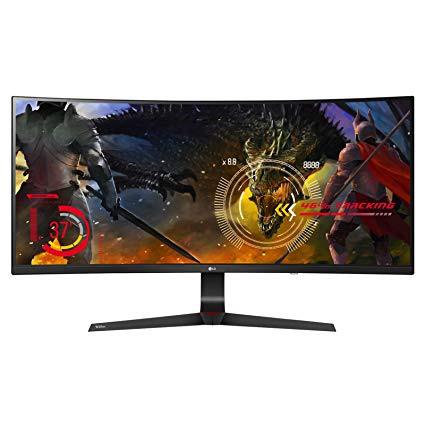
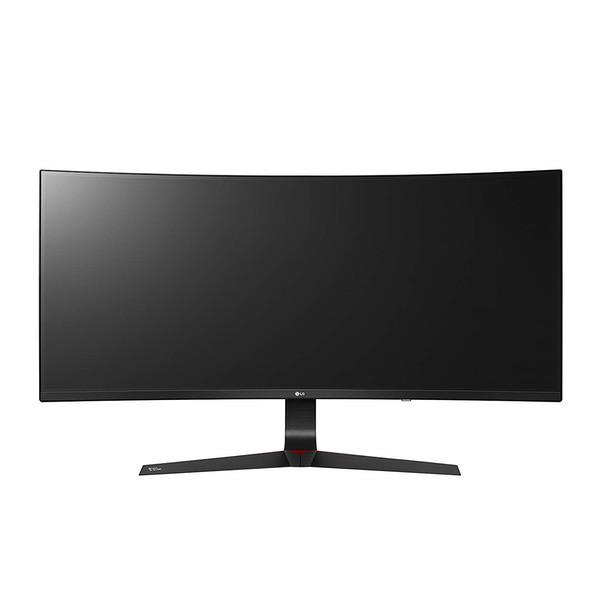
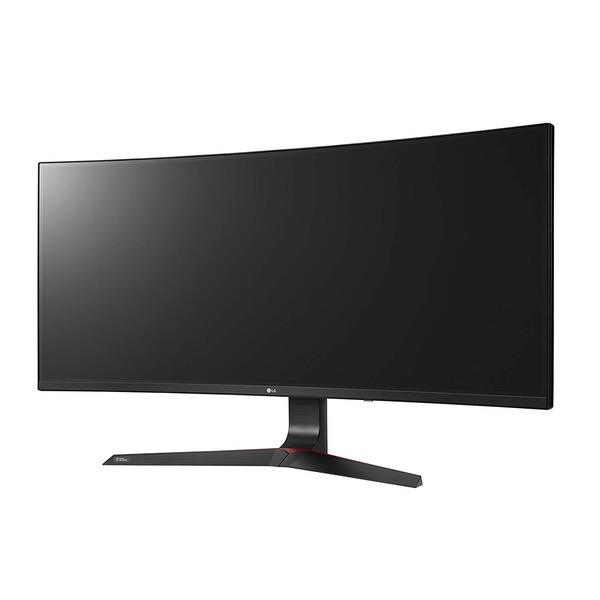
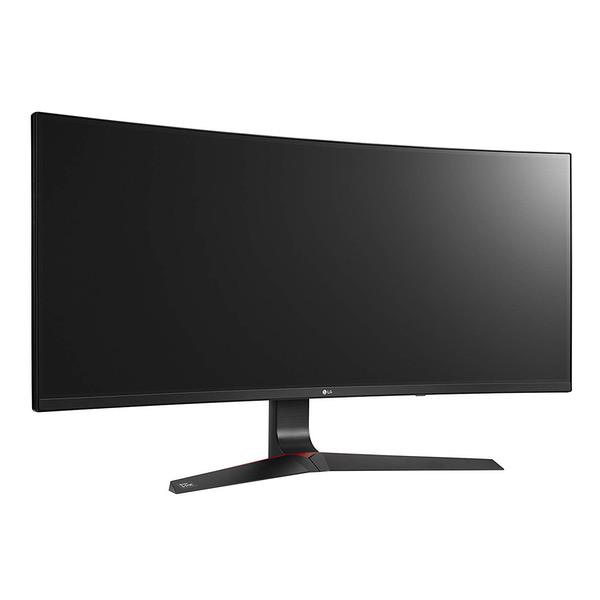
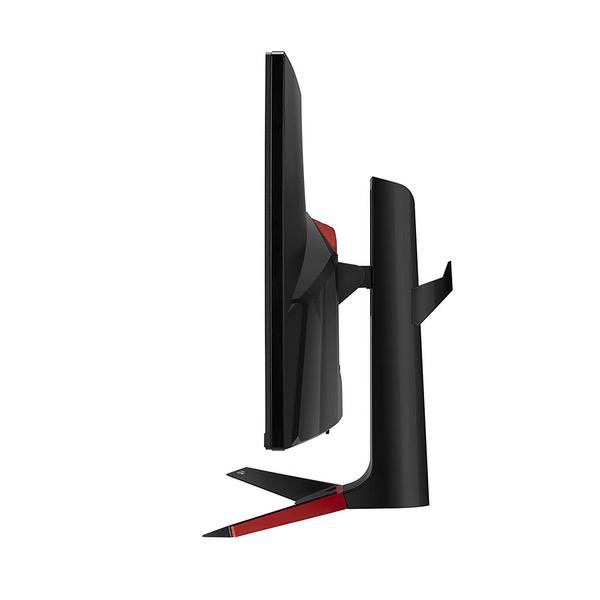
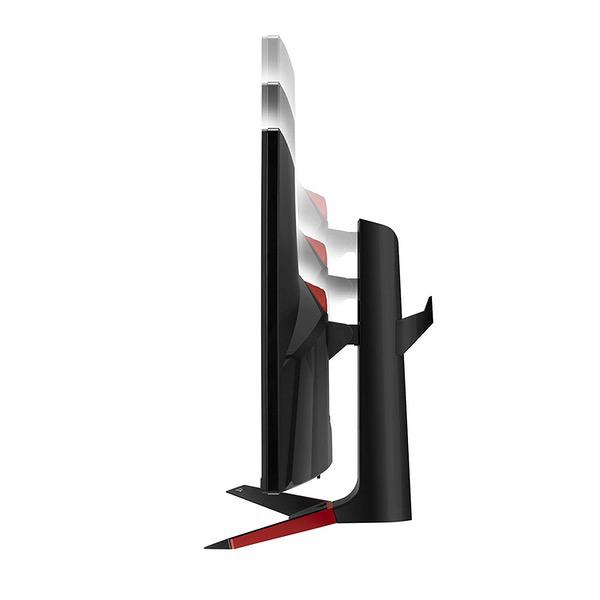
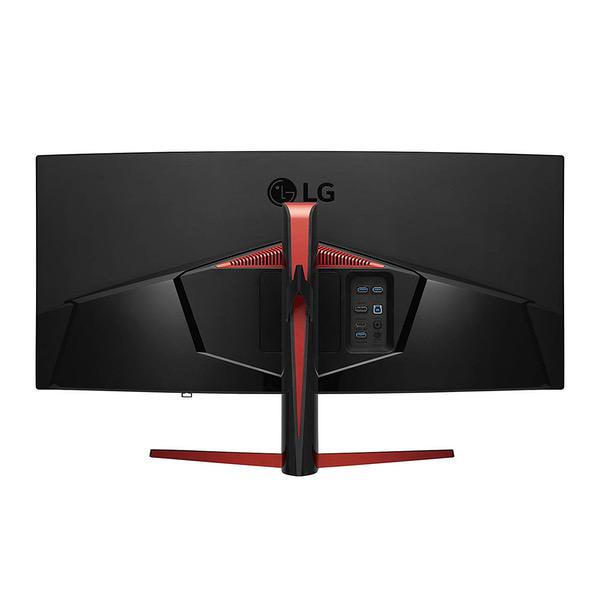
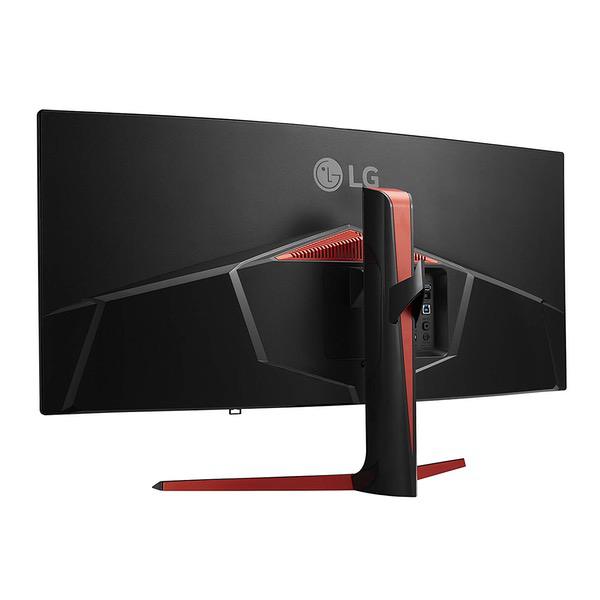
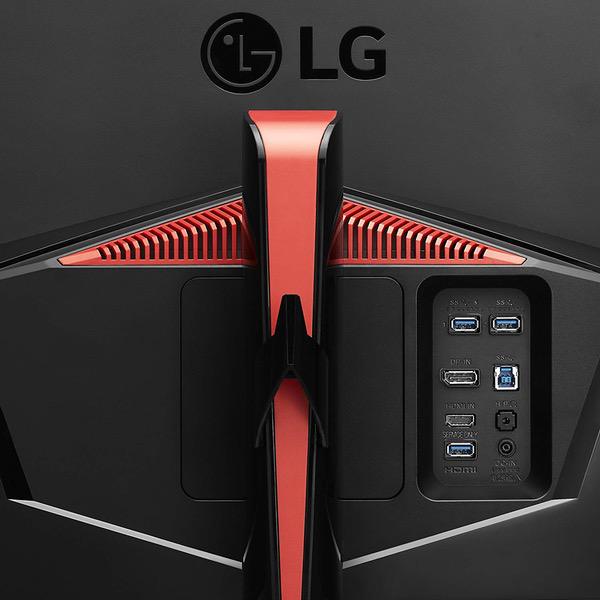
LG 34UC89G-B 34-Inch 21:9 Curved UltraWide IPS Gaming Monitor with G-SYNC
Write a review
$59400

LG 34UC89G-B 34-Inch 21:9 Curved UltraWide IPS Gaming Monitor with G-SYNC

Write a review
B0728JH3RQ
+
Add to wish list
Target is a general merchandise retailer with stores in all 50 states and the District...

City: US, New York

Delivery
Pickup at your own expense
Tomorrow from 09:00 to 20:00, Store location
Free
Payment options
Apple Pay Google Pay Mastercard Visa
Cash, bank card, credit/installment payments, cashless payment for legal entities
Warranty and returns
Exchange/return of products of proper quality within 14 days Official manufacturer's warranty: 12 months
Features
Display Type
LED
Item Dimensions
32.7 x 17.7 x 13 in
Item Weight
18.9 lbs
Mount Type
Wall Mount
Refresh Rate
144 hertz
Screen Size
34 in
Aspect Ratio
16:9
Description
This fits your .
Make sure this fits by entering your model number. 34 inch 21: 9 ultrawide curved full HD IPS gaming monitor NVIDIA g-sync compatible. OS Compatibility-Windows 10 144Hz refresh rate and response time(GTG) is 5ms (High) Advanced gaming Features including "crosshair" Dynamic action sync
Reviews
3.8
Reviews: 20
5 stars
60%
4 stars
10%
3 stars
0%
2 stars
10%
1 star
20%
Frédéric Chopin
5
Looks like Ill be the first reviewer to post something more than "Amazing monitor!" First and foremost: these ultrawide IPS panels in general are notorious for having manufacturing defects that nobody willing to pay $1000 for a monitor is prepared to tolerate--and for good reason. The last time I tried to upgrade my monitor, I bought a 144Hz 27" IPS panel from Acer, and was mortified by the severity of the backlight bleed and color uniformity issues. I returned it immediately and decided to wait until manufacturing processes had improved significantly. Looks like thats the case. Either that, or Acer and ASUS just suck at making huge IPS panels, and LGs good at it. Theres a minuscule amount of backlight bleed on this one, but its only noticeable if youre looking for it carefully, and even then only on a perfectly black screen in a dark room. I cant find a single dead pixel. Color uniformity is not PRECISELY perfect, but I think thats only because the thing is so wide that you actually have to move your head to be looking at the edges at the proper angle to see the colors exactly as they appear dead center, which is just the nature of LCD panels. Yes, there is IPS glow, which is easy to mistake for backlight bleed, and is merely a byproduct of IPS technology rather than a result of panel defects. How to tell the difference? Move your head around while staring at a black screen in a dark room, and whatever goes away when you look at it dead-on is IPS glow, while whatever looks the same from all angles is actual backlight bleed. Anyway, that whole paragraph is just for touchy people like me; most people probably wouldnt care too much about those problems even on a panel that suffers from them. Ive noticed that many people in the ultrawide communities are deeply disappointed that this is a 1080p ultrawide rather than a 1440p one. Unfortunately, for the time being, if you want an ultrawide IPS panel, you have to choose between 3440x1400 @ 100Hz and 2560x1080 @ 144Hz. If youre a content creator first or desktop user first, by all means, the higher resolution will suit you well, but if youre a gamer, 1080p appears to be the better choice. Im running a 7700K @ 4.9GHz with a 1080 Ti and even my rig can only just barely manage more than 140 fps in games like Overwatch and Battlefield 1 at 2560x1080. If I were playing at 3440x1440 itd probably be difficult to manage even 100 fps. 1080p is much, much easier to drive than 1440p, and the higher your resolution, the more diminishing your returns are. Ill take a higher framerate at 1080p over a lower framerate at 1440p any day, and in a side by side comparison Id wager that most gamers would make the same choice. The color on this monitor is excellent. I dont have calibration equipment, but Im fastidious about my color settings and this panel has the best out-of-box colors Ive seen. It compares well to my LG OLED TV, which itself has better color than any LCD panel Ive ever seen. The various game mode settings are actually useful, rather than gimmicks that ultimately reduce the overall quality of the image. Im surprised by how well the black stabilizer improves visibility of dark areas without utterly destroying the gamma or making everything look washed out. Mines able to perform the 166Hz overclock just fine, but it does produce very minor artifacts that I was able to notice easily enough to be distracted by them, so I stick to 144Hz. Unless youre a professional CSGO player or something, I dont think youre going to need to cling to those extra 22Hz. Theres a "fast" versus "normal" and even "slow" response time setting, but comparing the three of them I cant see any visible difference. Perhaps it only affects the pixel response time in very specific situations. At any rate, I leave it set to "fast" because it doesnt appear to hurt. G-Sync is G-Sync, although I dont think its particularly useful above 120fps or so, and I leave it off to minimize input lag since Ive been playing FPS games. It hurts that Ive probably paid at least a few hundred bucks for this feature alone, but I bought this monitor because its specs are somewhat better than its Freesync counterpart, not for G-Sync in particular. Its not the most blindingly bright monitor youll ever see--the maximum setting probably wouldnt be adequate in direct sunlight, although its more than enough for a well-lit room during the day. At night, I use about 60% of maximum, and in the dark, about 40%. One of the things Im most happy about is the fact that the arm is actually tall enough to raise the monitor to eye level sitting atop my desk which is at arm level. No more cardboard box platforms for me. The OSD is snappy and easily navigable via the little joystick nub. It doesnt exactly wow me, but it works impeccably well. My biggest gripe, actually, is probably the fact that theres some very slight wobble, but not enough to be bothersome. Im a fast, aggressive typist, but I havent noticed any wobble happening as a result of any of my interactions with the mouse and keyboard. Overall, I could hardly be happier. The 34UC89G-B isnt utterly perfect (and how could it be, with a name like that), but in spite of its relatively high price it actually exceeds my expectations. If you want an ultrawide for gaming, dont want to have to compromise with a VA panel, and dont want to gamble on either Acer or ASUS who still, by the sound of it, have some serious QC issues with their current ultrawide IPS panels, this should be your choice.
Falconlx
5
Remember, this is a gaming monitor. I see several online reviews complaining that the 1080p rez is not sufficient for daily work. I personally did not purchase this monitor to be worried about 4K word documents or how many Excel spreadsheets I can view via widescreen. I handpicked this monitor for it’s 144 refresh rate, glorious color, G Sync, and how games would look. And let me tell you they look amazing. For me it is a far better experience to play at this resolution with graphics maxed out in widescreen with G-Sync and 144 hrz than to play at 4K, turning down graphics and not coming near 100 FPS. I just returned the Predator 34 due to light bleed issues and I couldn’t be happier
BigFresh
5
Ive been a PC building enthusiast for the past 15 years. I only leave a product review if I feel the current reviews dont reflect my opinion as well. I can tell you this monitor has surpassed my expectations. Especially when coming from a 50 hz 24 inch 16 9 monitor and when the price was 4 figures when it was first released. Ive had it for over a week and have already used it extensively, so the "honeymoon" is over. I chose this monitor over the other "big 3" in this price range with the same aspect ratios and refresh rates because i read of ghosting problems and brightness issues with the other ones. This monitor has none of that. In fact, the brightness is set to 70% and my gf still complains about it (women...) and the ghosting is non-existant. If you are looking as I have for a monitor this big with the refresh rate and aspect ratio get this one. Trust me. PUBG is a different beast on 21 9 as well as League of Legends and Path of Exile. I can never go back to 16 9. Pros: HUGE Seriously make sure you have the desk space!!! buttery smooth. East setup. Amost no bezel on the sides and top. Cons: It doesnt do my dishes. Afterthought: To people complaining or writing this monitor off because of the resolution... I dont understand why. This is a 144hz monitor so you want to aim for 144 fps to get the full advantage. We are PC gamers; "Frames over graphics". As of the time of this writing there is no video card on the market that can run 144 frames on a triple A game at max settings on 4k. If you are worried about the 2560 x 1080 looking bad, dont be. It looks fine, especially since this is an IPS panel.
James E
5
There comes a time in every gamers life where they come across hardware and say to themselves "I could never go back to ____." - This is that hardware. I cant go back to spinning disk hard drives I cant go back to cases without cable management I cant go back to physical media. I cant go back to separate dual monitors. As a gamer and work-from-homer, I needed screen real estate and I wanted something kick-ass for games. This monitor achieves both easily while looking sleek on my desk. The game presets offer nice vivid colors and the 144hz makes everything really nice and smooth.
A. M. Hernandez
5
Ive had this monitor for about a week and Im very impressed with it. 34" is a nice size (the box will be much bigger than you think) and the resolution is better than you might assume. Granted, its not 4K, or even 1440p, but when youre playing a game with good anti-aliasing, you can barely notice the pixels. I also game on a 4K TV, and the visual fidelity is great, but hitting 60 fps is hard. With 1080p ultrawide you can actually hit 166 fps with the right system, and it feels butter smooth. If youve never seen high refresh G-Sync, well, youre in for a treat. I can actually tell a difference between 144Hz and 166Hz, its small but noticeable. A nice improvement when you overclock the monitor. I was previously on triple 27" monitors (Nvidia Surround) but one of the monitors died so I thought to replace them with an ultrawide. I actually find the single monitor to be better than 3 for gaming. One, you dont have to deal with bezels and, two, you can reach much higher framerates since you are rendering less pixels. Also Nvidia Surround can sometimes have glitches or software issues that arent a problem for ultrawide (though keep in mind that some games may need manual settings file changes or mods to work properly). If you get a monitor arm you can pull the screen closer to you and get a real immersive experience. The monitor is just floating. So nice. Since its an IPS panel, colors are great and the image has a nice "pop". Just be sure to adjust the settings, as the default ones look pretty bad. Resolution is 1080p, which is not amazing but still works. In games, I find it still looks "HD" but maybe has a softer looking image similar to how you see on console games. You will need some form of anti-aliasing, or it may look a bit pixelated. Once you have AA on, though, it masks most of the issues with the resolution. And once you are playing in a game you will barely notice any problems. The main issue with the monitor is that 1080p is kind of short for real estate in Windows. Coming from a 1440p monitor before, it feels pretty cramped on the desktop. Web browsing is okay, but I opted to go into full screen mode, which greatly helps the experience. Otherwise a lot of the page will be below the fold. I tried some web development on it and it definitely works, but is a little cumbersome, especially if youre used to having a debug window on the bottom of the screen, there is not much space. I tested Photoshop as well, works fine for the most part but I would have liked more resolution. That said, it is usable, just not ideal for work. If you are a content creator, you may want to look into 1440p instead. Overall, though, I love this monitor. It has a nice immersive feel to it, especially with the slight curve, and 166Hz G-Sync is a sight to behold. The size is nice, and the resolution is surprisingly decent for 1080p. I know people probably recommend 3440x1440, and that would be the choice for content creation, but for straight gaming, a 2560x1080 resolution may be a better choice as you can actually reach those high framerates. Very happy with the purchase.
Andrew
5
Absolute glory for content creation and gaming. While I am not a normal user, I do notice the 5ms response time but you know what? The refresh rate takes everything to the next level. I never thought even stupid things like scrolling on Chrome could possibly ever look better. The mouse feels smoother. Worth $1000? No, but for half of like I got it? Absolutely, three times over. If you have a 1070, forget 4k 144hz. The 1070 struggles to maintain 120. GTA gets about 80 on normal-high, Siege gets 120+. This might sound like a problem, but its not. I have a very sharp eye for detail and I cannot see the difference between 120 and 144. I am sure its there, but it is subtle. I cant recommend this for anything with less power than a 1070. As far as color and brightness, this monitor has the widest range of colors I have personally seen and holds up to the impossible standard of screens that I have seen from LG in the past. On 25, the monitor is nice, on 35, it is BRIGHT. On 75+ this monitor will outshine the sun. I had a 29 inch ultrawide version of this monitor before, and 34 inches is where 144hz at ultrawide is meant to be experienced. If you like cinematic games (GTA, anything Bethesda) ultrawide at 144hz is sheer gaming glory.
Anthony Griffis
5
I bought myself two Christmas presents, this and the 1080ti. I was really close to getting a 4k monitor, but the more I thought about it and the more I read, the less I wanted one. So I thought about going 1440, but then I saw this monitor on sale for $650 and I HAD to jump on it. I use 2 4k 34" monitors at work for coding, so Im used to ultra wide screen. Once you adjust all the settings, this monitor looks amazing! The colors are vivid, the blacks are decent. I WISH this monitor had a 1440 resolution, thats the only downside. It also looks really sharp, I love the red and black. Its built pretty solid, but I do notice some wiggling when I type. I cant really fix that issue. There is a very slight light bleed, but its not noticeable unless my room is really dark. The curve is slight, about the same as my Dell U3415Ws at work. The Display Port cable that comes with the monitor is REALLY short. Be prepared to go out and buy a longer cable if your tower is more than 3ft from your monitor.
rquasar
5
I think it is a great gaming monitor. I play Overwatch about 90% of the time when I do play. I have an EVGA 1080sc with ICX cooling. Remember the ACX was having overheat issues. So they went overboard. Playing Overwatch the card runs in the 55 degree Celcius range no matter how long I play. I have MAX frames set @ 144. And it sits right on 144 frames, with settings set to epic, except "antialiasing". LOL, I was thinking about getting another 1 and play with 2<--- overkill? maybe. But Im old, and my desk is big enough. Battlenet: rquasar#1504
Bobby D.
5
WOW! What a difference. This monitor is simply amazing. Going from a 60hz, TN panel, 22 inch Samsung LED monitor to this is beyond description! The colors, expansive view and quality is top notch. I have absolutely no backlight bleed (common with IPS panels) and using G-Sync and a high refresh rate of 166Hz makes the world a better place! The monitor arrived in time as scheduled and in great shape. Pricing through Amazon was the best.
Circuit Hacker
5
Its not 4k but it does double as two monitors with a smaller footprint on the desk -- I can display two documents or web pages or applications side by side and the slight curvature does help readability. Its really meant as a gaming monitor and while I have played a few games I havent played anything that would challenge its capabilities. The updated Starcraft II did run easily at the max frame rate. In an ideal world Id have a 4k monitor but it would be a huge jump in price. This was a "Black Friday" purchase and the price has dropped slightly since then. Note that this monitor does NOT have built-in speakers. Built-in speakers tend to be crappy compared to external speakers or headphones AND have poor to non-existent bass, so why pay for something you wouldnt use?

Showing 10 of 12 reviews

Product variations
Column filling
Sort by Price Sort by Availability Sort by CODE Sort by Screen Size
$59400
In stock
+
B0728JH3RQ
Screen Size:
34 in
You may be interested
  • Bestsellers
  • Recently Viewed
 
Similar products
Show more
Fast and high quality delivery

Our company makes delivery all over the country

Quality assurance and service

We offer only those goods, in which quality we are sure

Returns within 30 days

You have 30 days to test your purchase