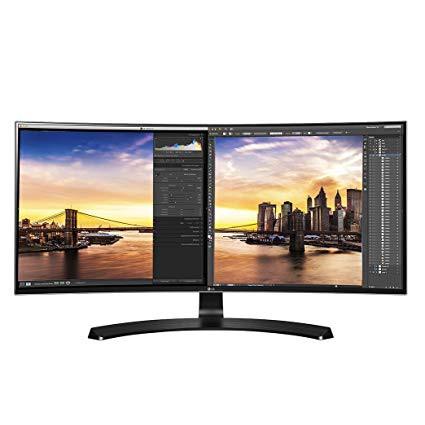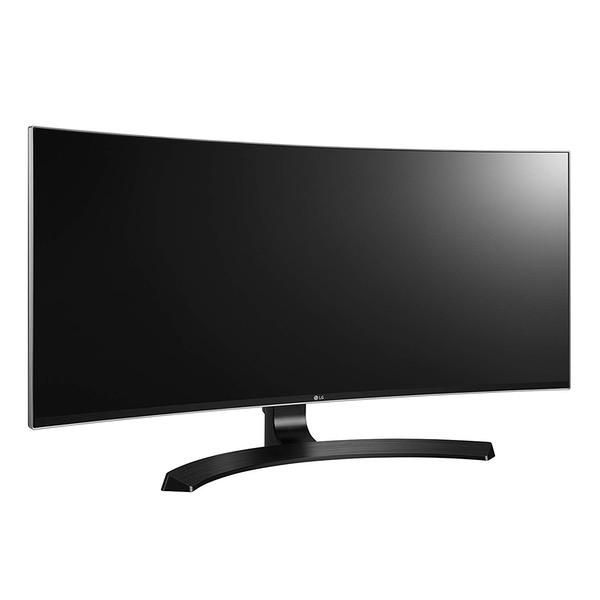
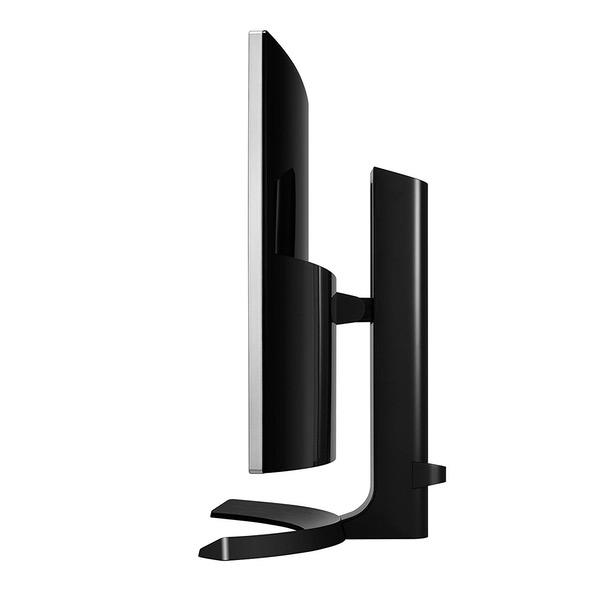
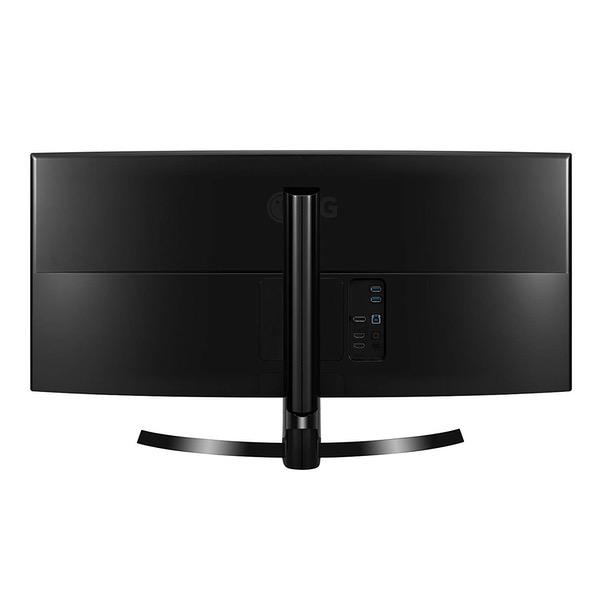
LG 34UC80-B 34-Inch 21:9 Curved UltraWide QHD IPS Monitor with USB Quick Charge
Write a review
$54900 $59900

LG 34UC80-B 34-Inch 21:9 Curved UltraWide QHD IPS Monitor with USB Quick Charge

Write a review
B074JKT894
+
Add to wish list
Target is a general merchandise retailer with stores in all 50 states and the District...

City: US, New York

Delivery
Pickup at your own expense
Tomorrow from 09:00 to 20:00, Store location
Free
Payment options
Apple Pay Google Pay Mastercard Visa
Cash, bank card, credit/installment payments, cashless payment for legal entities
Warranty and returns
Exchange/return of products of proper quality within 14 days Official manufacturer's warranty: 12 months
Features
Display Type
LED
Item Dimensions
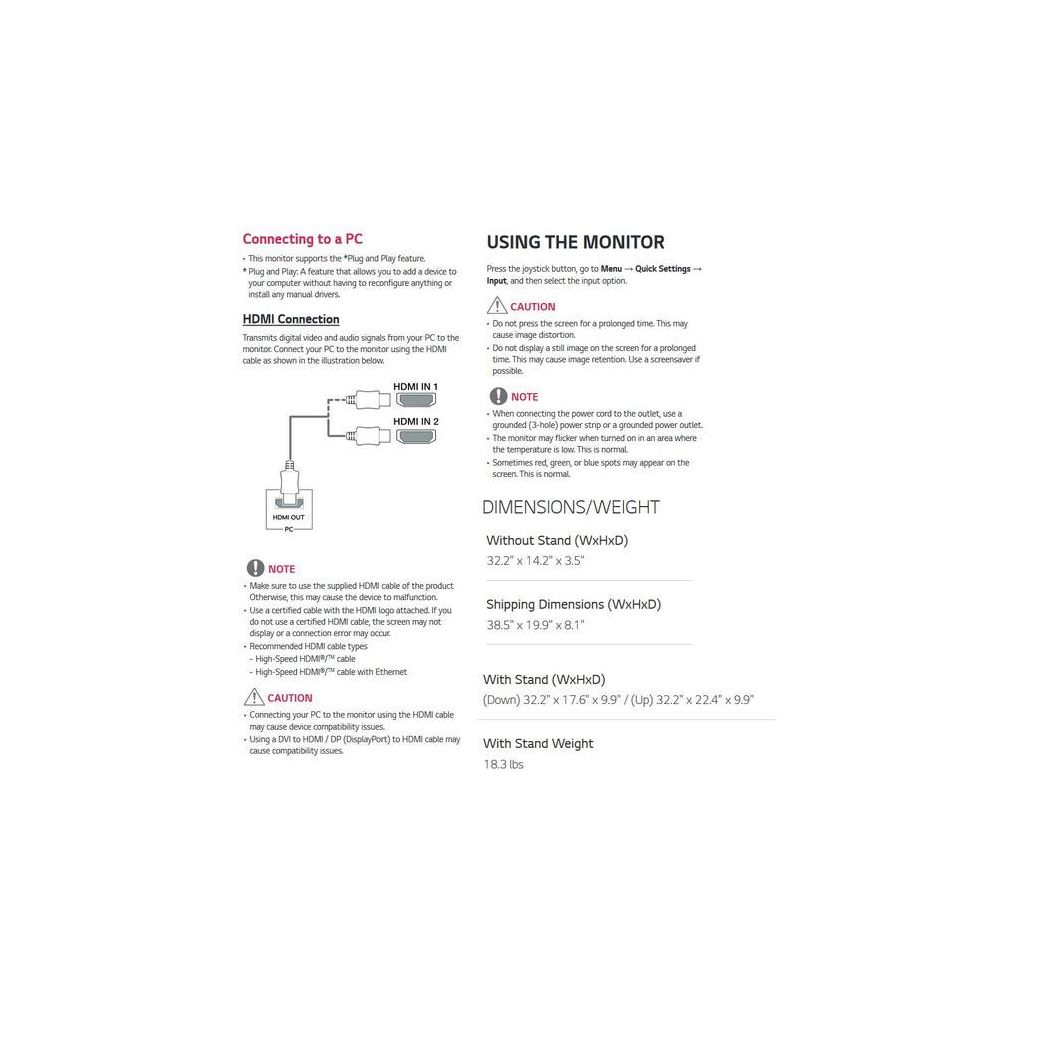
32.2 x 9.4 x 22.4 in
Item Weight
18.3 lbs
Mount Type
Wall Mount
Refresh Rate
60 hertz
Screen Size
34 in
Aspect Ratio
16:9
Description
This fits your .
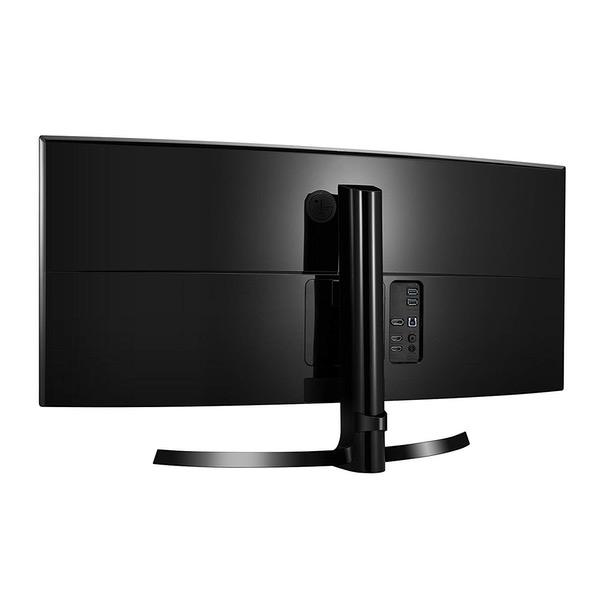
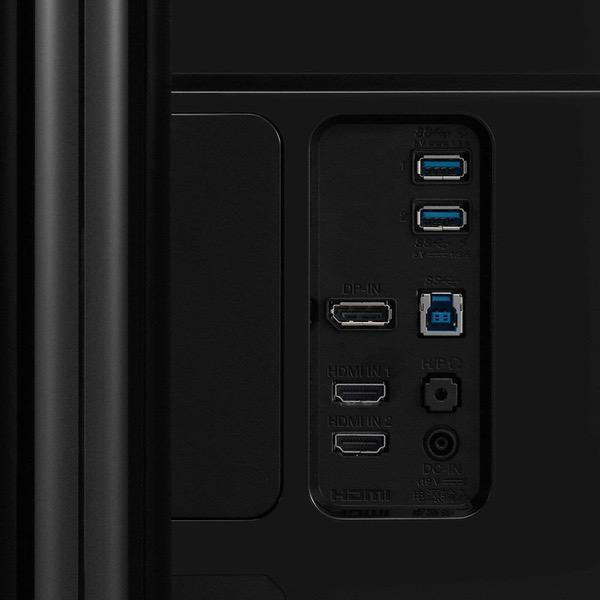
Make sure this fits by entering your model number. 21:9 UltraWide Curved QHD IPS Monitor sRGB over 99%/Color Calibrated USB 3.0 Quick Charge Height/Tilt Adjustable Stand. Screen Split 2.0 (PIP Mode) HDMI 2.0. Color Depth (Number of Colors)-10bits (8bit+FRC), 1.07B. Brightness (cd/m2)-300 cd/m2 Mounting type: VESA Size (mm) 100 x 100 Without Stand (WidthxHeightxDepth)32.2inches x 14.2inches x 3.5inches and With Stand (WidthxHeightxDepth)- (Down) 32.2inches x 17.6inches x 9.9inches
Reviews
4.5
Reviews: 20
5 stars
75%
4 stars
10%
3 stars
10%
2 stars
0%
1 star
5%
Kris
5
I have two of these (mounted on Amazon Basics monitor arms, so yes, they have VESA holes). These are great! I originally tried a single 34" of a different brand, but it had some weird proprietary mounting bracket. Then these went on sale for only $4 more than what I paid. Both are beautiful screens. I love the curve, and the image is very crisp. Viewing angles are extremely wide for anyone who cares about that. At almost 180 degrees, there is no color washout. (Theyre IPS screens.) I also like the thin bezels - especially since I have two of them side-by-side. These replaced an ugly 4-monitor setup with mismatching screens and thick bezels. Im sitting facing the "seam" where the two monitors meet, and it doesnt bother me nearly as much as it did with other screens. (Of course, just having a matching pair helps, too.) Id say the bezels are each half the width of the old (2012) Viewsonics I was using. Overall, great monitors for this price range. Neither screen has any dead pixels or hot/cold spots. If I look at them in the dark without a video signal, I can see a small amount of backlight bleeding at the edges, but I dont really care because its not visible at all when Im using them. I love that they have DisplayPort and two HDMI inputs. I have two computers connected to both of them, and still have an extra HDMI available. I have not tried the speakers (only have video connected), so I cant offer any input there.
Kelub
5
Id originally setup my work (and play) space with flat 34" ultrawide monitors from LG which all had a resolution of 2560x1080. Im still using two of those for my work space, but wanted to upgrade my personal PCs primary monitor to a curved display with improved resolution. I was a bit concerned Id have buyers remorse since I was upgrading from an ultrawide to another ultrawide. The difference is incredible. First the curved screen. While the flat monitors are IPS which helps with viewing the edge of the screen, having the curved screen makes seeing the edge windows and content so much easier. The curve is more subtle than Id expected it to be; I wouldnt mind a bit more pronounced curve, but its enough to make a difference. Gaming in particular is very immersive with a curved screen. Second, the resolution. This screen is *crisp*. Ive attached a photo of a screenshot of the monitor with a remote desktop session to another system thats 1920x1080. This shows just how much more real estate is available compared to a standard 16:9 widescreen monitor. Im powering the monitor with a GeForce 1070 8GB, and it can handle playing games at the native resolution fine. Ive also been able to successfully enable FreeSync with G-Sync at 75hz (using a DisplayPort cable). I suspect that here in the next 6mo or so Ill be encouraged to upgrade my video card, but Im not hurting by any means. From GTAV to The Division 2, Im able to easily hit and maintain ~75fps with most settings on medium to high. Overall I am highly impressed with this monitor, especially for the price. If youre considering one of the flat 34-inch monitors that typically cost about $200 less and are wondering if its worth spending extra for the higher resolution & curved screen, Id say yes. If youre considering this or the 144hz curved screen variant, eh... I personally think 75fps is great, and 3440x1440 is far better than 2560x1080 (which is the resolution of the 144hz monitor). Worth noting that the VESA mount spot is lower on this monitor than it is on the other LG ultrawide monitors, which raises the screen higher. I decided to roll with a higher mount point than to adjust my mount (which would have involved putting more holes in the wall). Solid purchase, highly recommended.
Ians
5
This is day 2 with the display, so its not going to be an in-depth review. This is one of the better monitors Ive work with. I am a graphic designer / web developer. This one accompany my iMac 27" (late 2013), using Thunderbolt to HDMI (didnt try TB to DisplayPort yet). The colors are accurate and theres minimal (barely noticeable if at all) bleed. Much less as some experienced (according to some reviews). One of the best things is actually an app that to me, is nothing less than revolutionary: OnScreen Control which let you control how windows are positioned (you can set it to be app specific). This is a huge timesaver and clutter saver. Its so convenient and Im surprised its not a feature in any OS (as far as I know). The curviness is really nice, its not for everybody I guess, but I like it a lot, its not as subtle as I thought it would be and this is good. Gaming is much better, and I think its because of the curviness. Overall, at this price, this monitor is a steal. Id get a 2nd one if I had a room on my desk.
Amazon Customer
5
I was a bit skeptical about buying a ultrawide curved monitor. The curve really does help the viewing experience allot. I wish I had brought this sooner. When I got this monitor it had zero dead pixel. There doesnt seem to be any back light bleeding or at least I didnt notice any. I brought a separate stand to mount this monitor but the stand it comes with is good enough. Some nitpicks about this monitor: 1. The controls to this monitor is just one joystick button at the bottom. I like using the joystick but my thoughts on this is, over time the joystick will wear out or break. 2. This monitor can be turned off with the joystick and back on by pressing the joystick. Its a little annoying but I leave the monitor on. The only problem is the white led blinking at the bottom when you do this. My previous monitor, a Samsung didnt have blinking led when I left it on when my computer is turned off. Other thoughts; I will probably upgrade to a bigger ultrawide 21:9, 144hz, IPS, in the future if they are cheap enough.
@youcantseeme
5
I found this monitor on amazon AFTER I had put in an order for a alienware 34inch ultrawide that was on sale. Even on sale it was $800 (and that was with a coupon for free delivery). The main benefit of the Alienware is the high refresh rate for gaming. But you do need a major video card to push that many pixels on a 34 inch monitor. I compared specs for both monitors. Oddly LG makes the screen for both. Given the price difference, I wanted to try the LG. The monitor is used for productivity as my ancient MacBook air can only drive one external monitor via mini-display port. Yah I could get a usb 3.0 to hdmi adapter, but ...on a mac it can be a massive headache. Even an ancient macbook can push the 34 inch with ease for productivity, and it basically like having two monitors side by side. I did get the Alienware but returned it. Note to self--always check if you are stuck for return shipping--return shipping for the alienware (not purchased on amazon BTW) was a huge PITA--I could have gotten the dang thing from amazon for a bit more money but would have had a much easier return at NO cost! I think the Alienware is also a great monitor but it was not worth the extra price for me--I did not need 120 refresh rate when the monitor is going to be working--not gaming-- most of the time. And Im curious why the more expensive alienware only had one display port input and a 1.4 HDMI port (this monitor has hdmi 2.0 x2 and one display port).
Product variations
Column filling
Sort by Price Sort by Availability Sort by CODE Sort by Screen Size
$54900 $59900
In stock
+
B074JKT894
Screen Size:
34 in
You may be interested
  • Bestsellers
  • Recently Viewed
 
Similar products
Show more
Fast and high quality delivery

Our company makes delivery all over the country

Quality assurance and service

We offer only those goods, in which quality we are sure

Returns within 30 days

You have 30 days to test your purchase