






























Ray W.
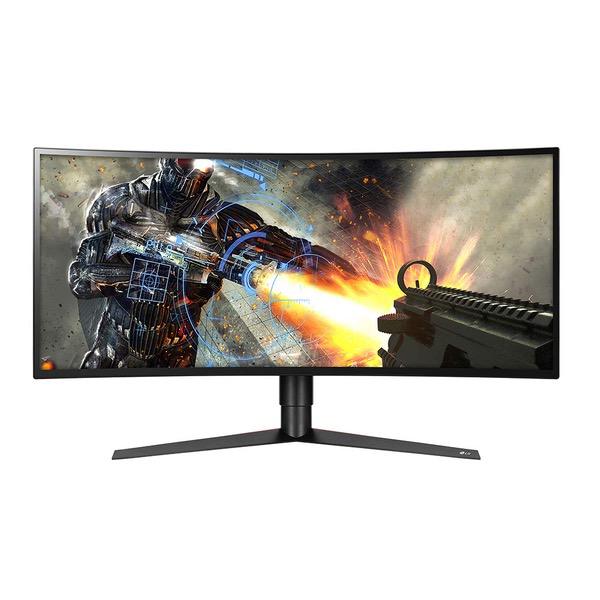
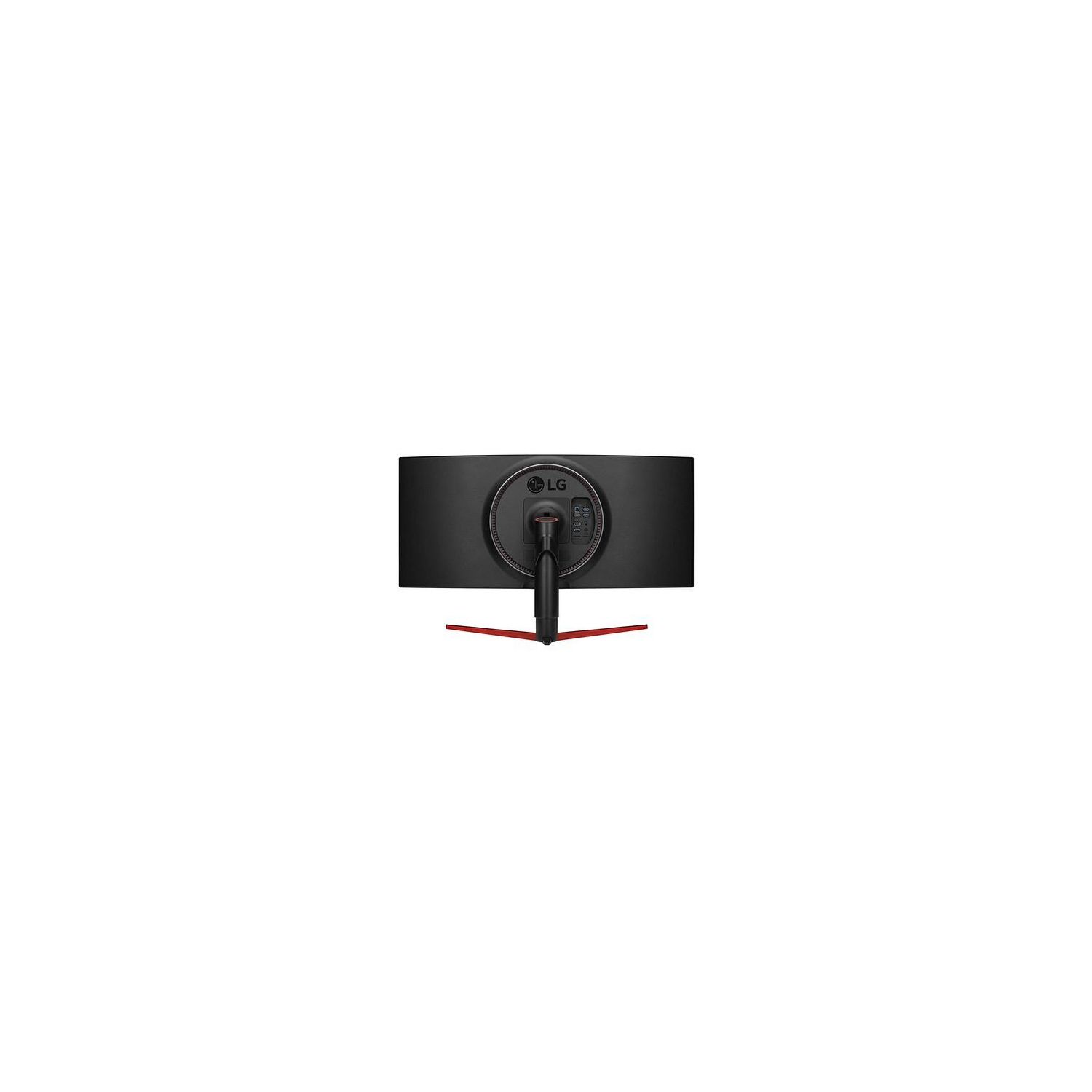
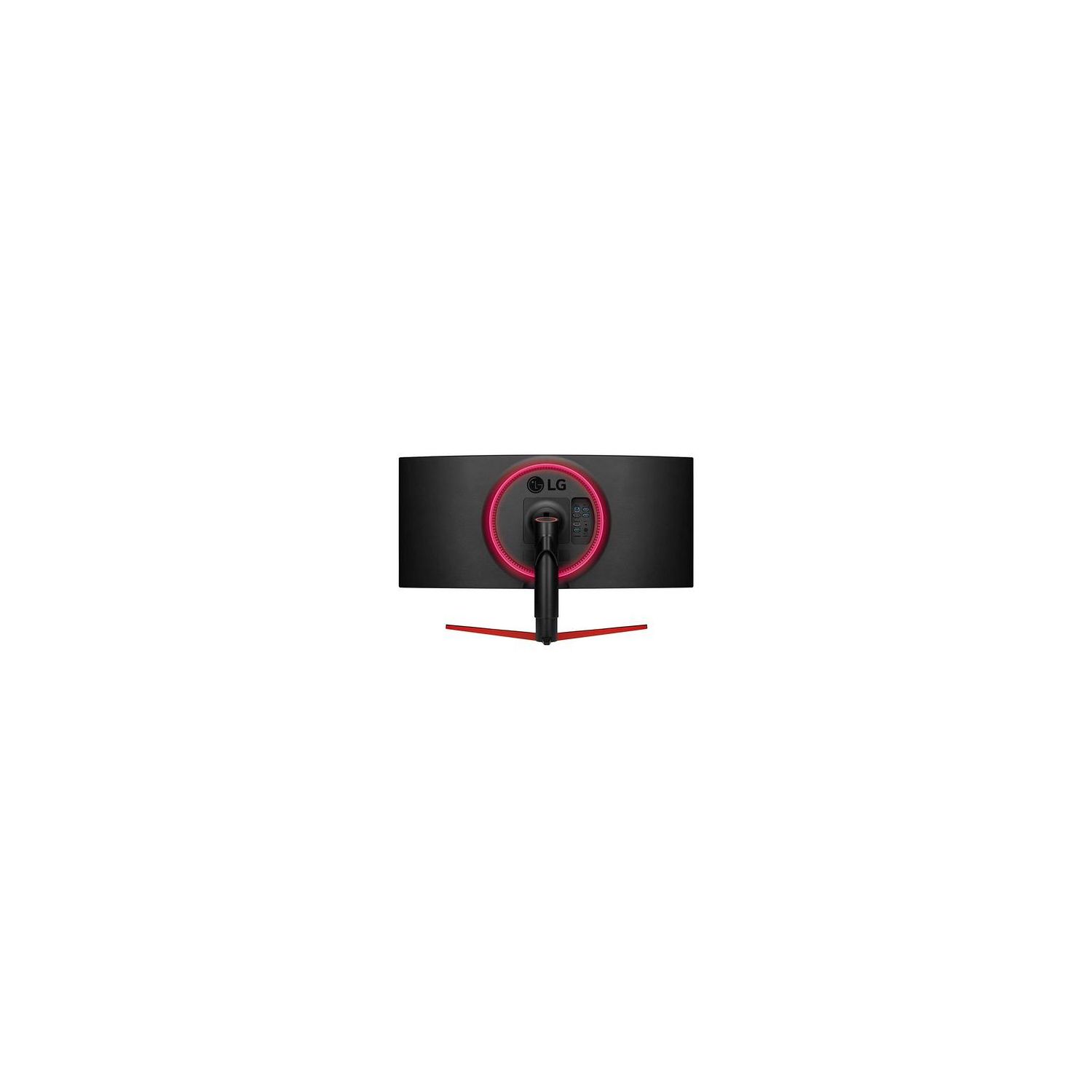
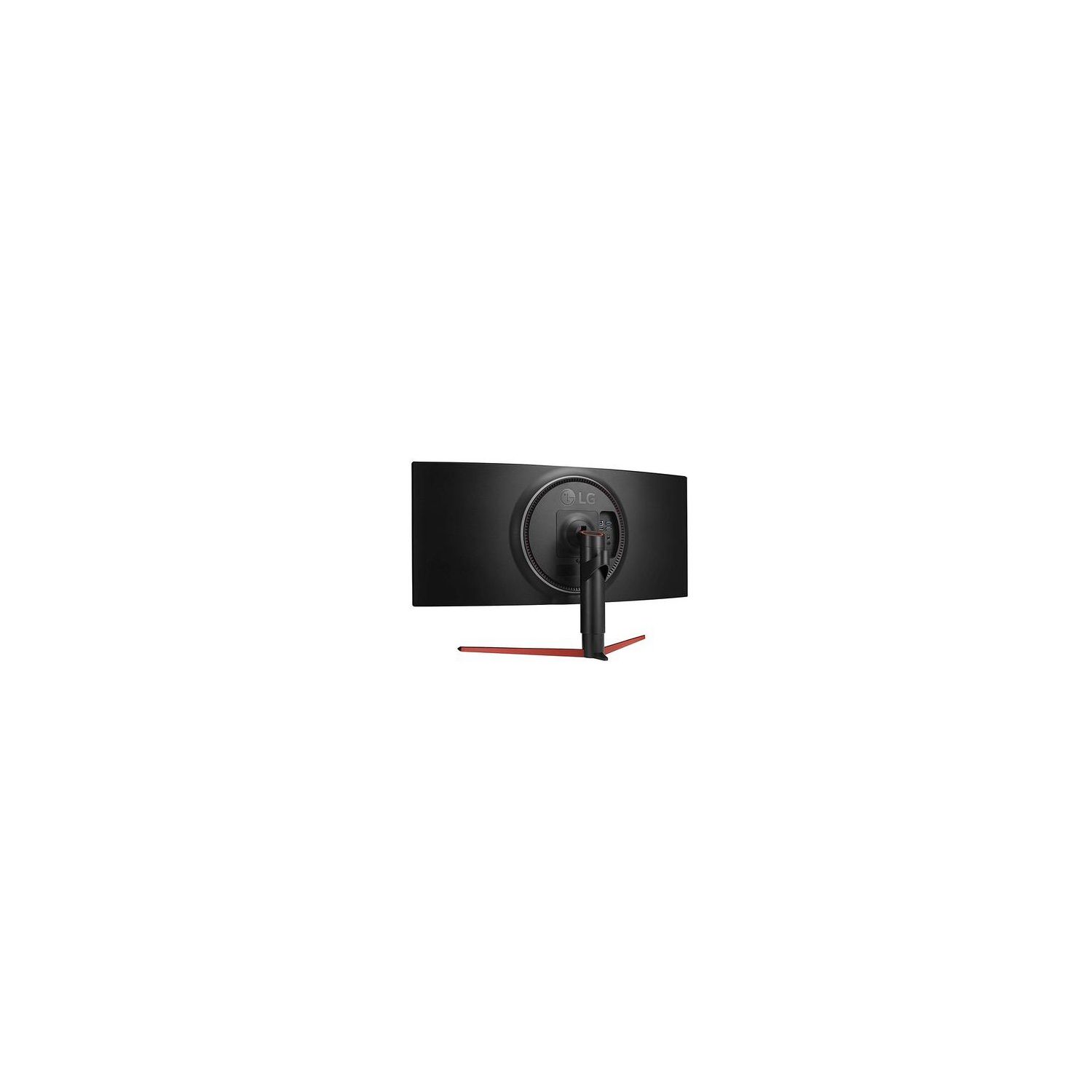
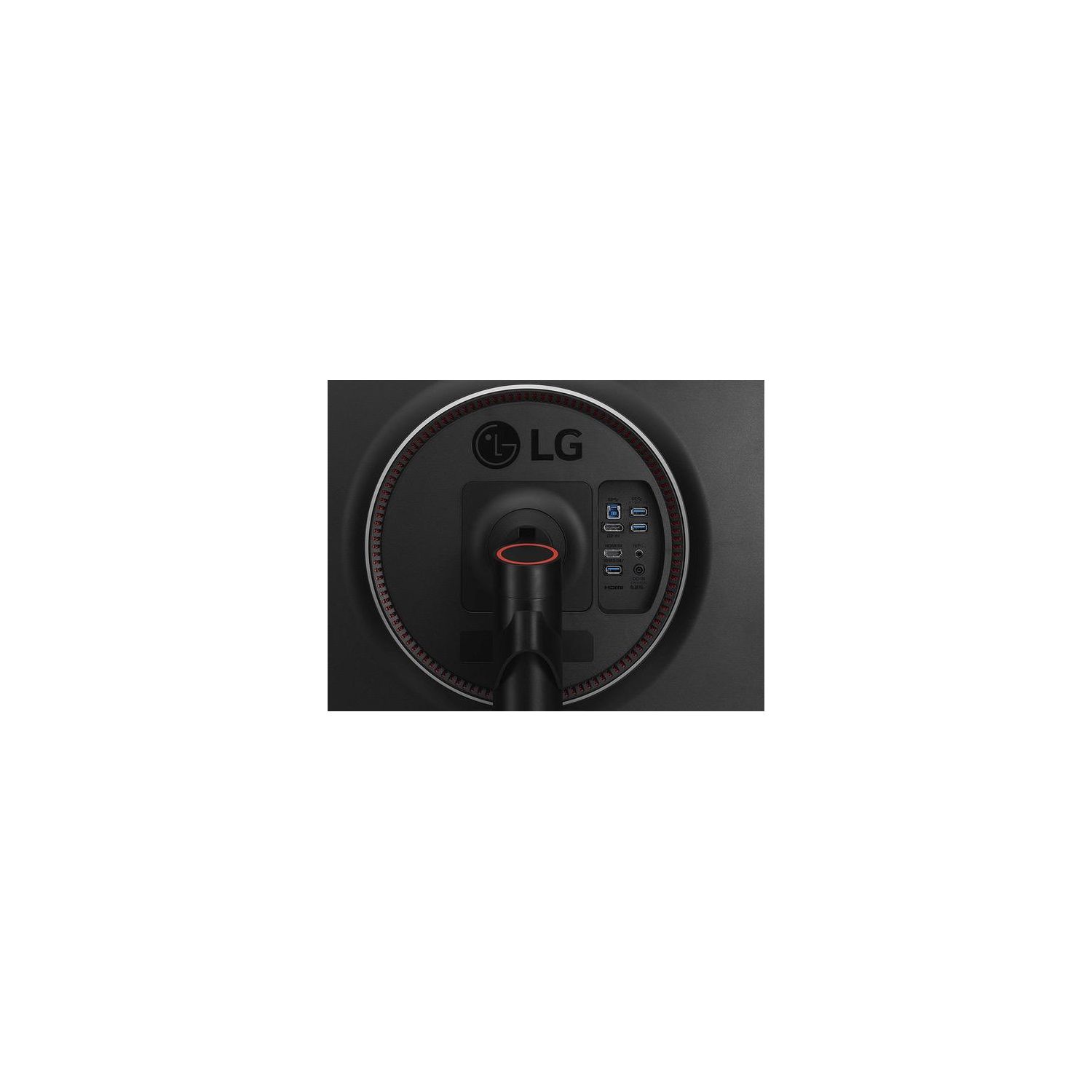
#EDIT3: TFTCentral re-tested this monitor on the new firmware and saw that the input delay is now on par with the "G" model, which is almost zero: https://www.twitter.com/TFTCentral/status/1097489924633313280 #EDIT2: Theres a firmware update available for this monitor! I finally managed to hook up the included USB cable (its way too short to reach my PC normally) and installed LGs "OnScreen Control" tool from their web site, and it told me theres a firmware update. The monitor came with v3.0.0, and after updating it went to 3.0.1. So far, the only thing I noticed was that the VRR range (Variable refresh rate range/FreeSync range) was changed from 55-144Hz to 48-144Hz. The second thing I noticed was when I forced a game to run at 90 fps, it was occasionally jittery before, but the new firmware seems to have fixed that. No change with white background imbalance unfortunately :( When updating the firmware, do NOT use an USB 3.0 extension cable: the update cuts out in the middle and fails, forcing you to unplug and replug the monitor. Only use a single cable to connect to it. The update also took a lot longer than I expected: took about 40-50 minutes to complete. #EDIT: I started noticing some screen uniformity issues, particularly with color imbalance: staring at the screen head-on, if I have a white background or two windows open with predominantly white content, I can clearly see that the left side of the display is more neutral white while the right side appears beige/yellow-ish. Attached two photos. Not sure whats going on here... Since NVIDIA has let the floodgate open (starting with 417.71 drivers), FreeSync displays are now "G-SYNC compatible" and works equally as good, with the benefit of being able to now use it with FreeSync on *ANY* branded GPU (AMD, NVIDIA, and maybe even Intel in 2020) I upgraded to this LG monitor from the well-known Acer Predator X34 G-SYNC monitor that capped out at up to 100 Hz. Yes, 60 Hz -> 100 Hz was night and day. And so is 100 Hz -> 144 Hz. Dont let anyone fool you otherwise! Im using it with a Founders Edition RTX 2080 Ti. The setup experience was very straight forward: install the stand, hook up Displayport, power cable, and turn it on. Then, go into the monitors OSD and enable "Faster" response times (overdrive), as well enable "FreeSync". Then, go into the NVIDIA Control Panel and enable "G-SYNC compatible" and "Enable settings for the selected display model". Now itll work 100% identical to a G-SYNC monitor with an expensive $300+ G-SYNC module, only without that extra cost and module. Remember to set your in-game FPS limiter to 142 to prevent the game from hitting 144 fps and causing input lag. The price premium for the *only* 144Hz 1440p Ultrawide on the market is obviously quite high, when you can get a 100 Hz one (with either FreeSync or G-SYNC) for about half the cost. But if you can stomach the cost, the experience is worth it. Will update the review if anything changes. But otherwise, I highly recommend it to anyone who wants an Ultrawide and have 1440p and 144 Hz AND universal Adaptive Sync! Bonus feature: You *CAN* use the HDR feature on this monitor WITH G-SYNC enabled. Even in games like Battlefield V. If you dont want to use HDR, you can still benefit from the panels wide color gamut: you can enable 10-bit color output in the NVIDIA control panel.